
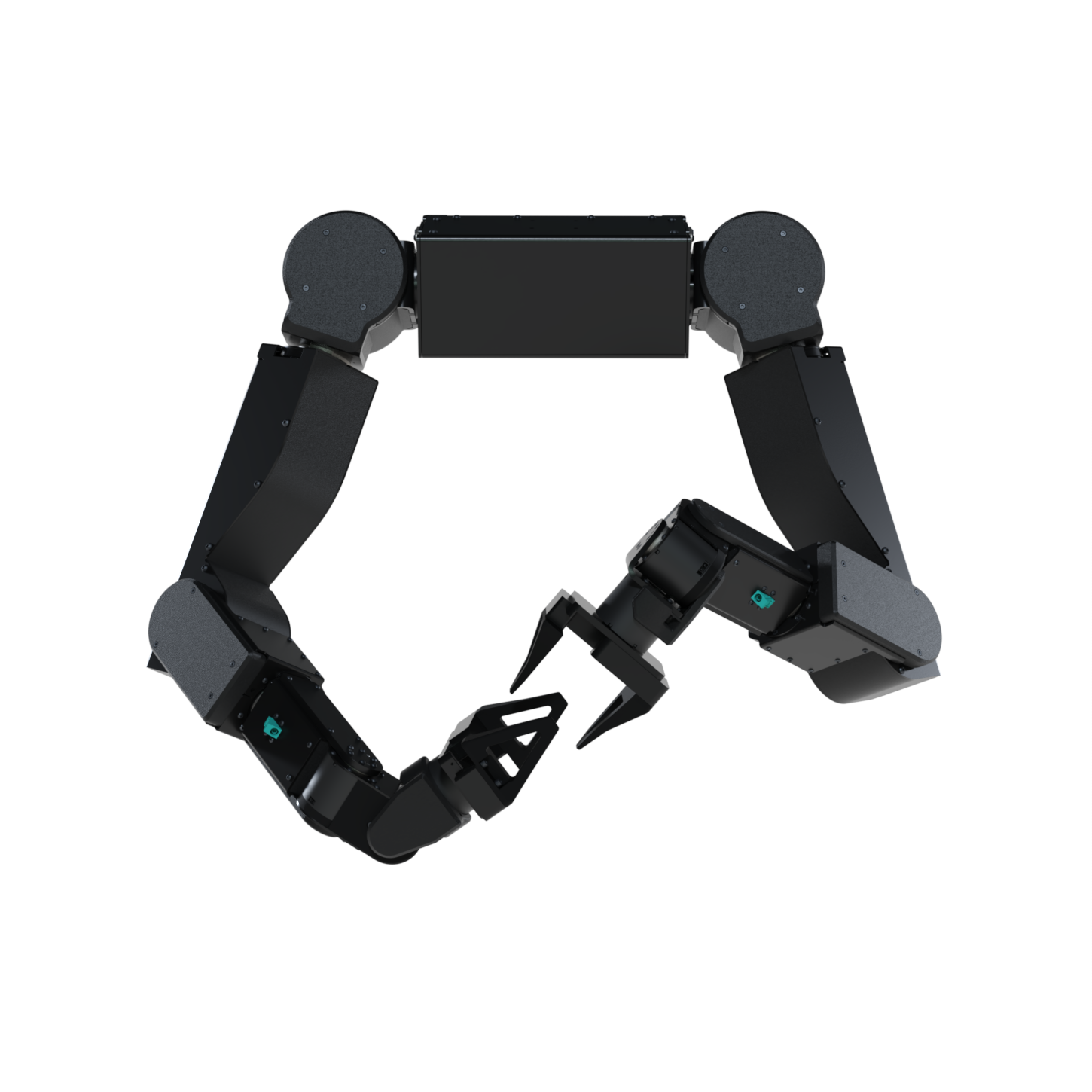
axol CLI in a terminal. Each operation page below shows both.
New here? Install in one command, then head to Teleoperation to drive the robot from a VR headset.
Operations
Each page covers the same task from the Control Panel and the CLI — pick the tab you prefer.Teleoperation
Drive the robot live from a VR headset (or in sim, no hardware).
Gravity Compensation
Hold the arms weightless so you can move them by hand.
Data Collection
Record teleoperation episodes to a LeRobot dataset.
Replay Dataset
Play a recorded dataset episode back onto the arms.
Run Policy
Run a trained policy autonomously — locally or on a remote server.
Explore
Installation
The one-command install that sets up the robot machine and the web control panel.
Remote Teleop
Drive the robot over the internet — sideload Tailscale on a Meta Quest.
Web Control Panel
Drive Axol from a browser with
axol serve — no terminal required.VR Interface
The in-repo WebXR app that streams Quest pose to the SDK.
CLI Reference
Every
axol command, flag, and example — one page per command.Python API
Axol, KinematicsSolver, VRTeleop, and the LeRobot wrappers.