

Overview
The ScrapeGraphAI app for Zapier connects any Zap to ScrapeGraph’s v2 API as native Zapier actions — fetch pages, extract structured JSON, run web searches, kick off multi-page crawls, and schedule monitors. Pair it with Zapier’s 7,000+ apps to wire scraping into Slack, Sheets, Notion, Airtable, HubSpot, or anything else.ScrapeGraphAI on Zapier
Install the app and start a Zap
ScrapeGraphAI Dashboard
Get your API key
Connect ScrapeGraphAI
- In any Zap, search for ScrapeGraphAI as an action and pick one — for example Scrape a URL.
- When prompted, click Sign in → paste your
SGAI-APIKEYfrom the dashboard. - Save the connection — Zapier reuses it across every ScrapeGraphAI step in every Zap.
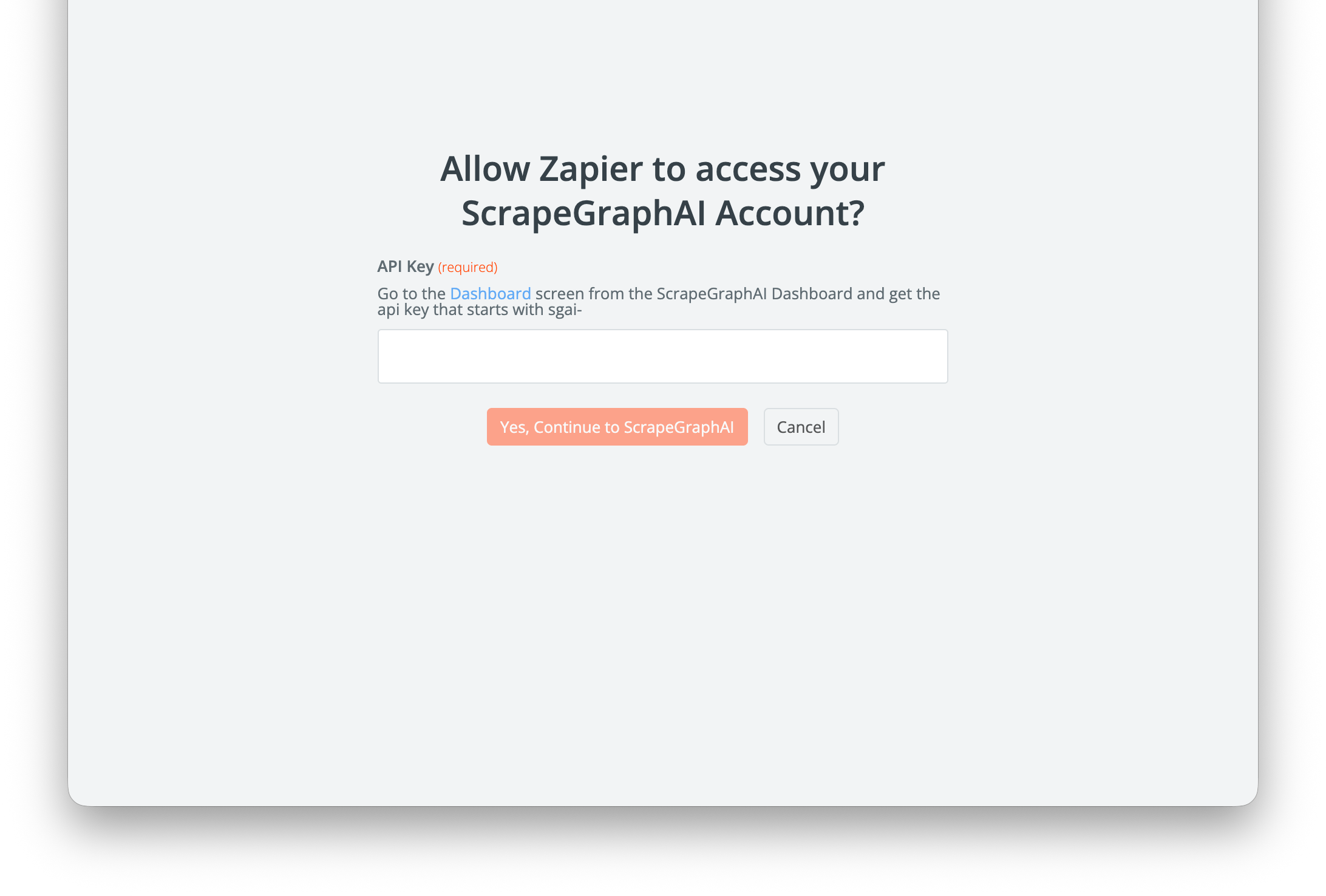
Your API key is stored on Zapier’s side and is sent in the
SGAI-APIKEY header on each call. Rotate it from the dashboard and update the connection if needed.What’s in the integration
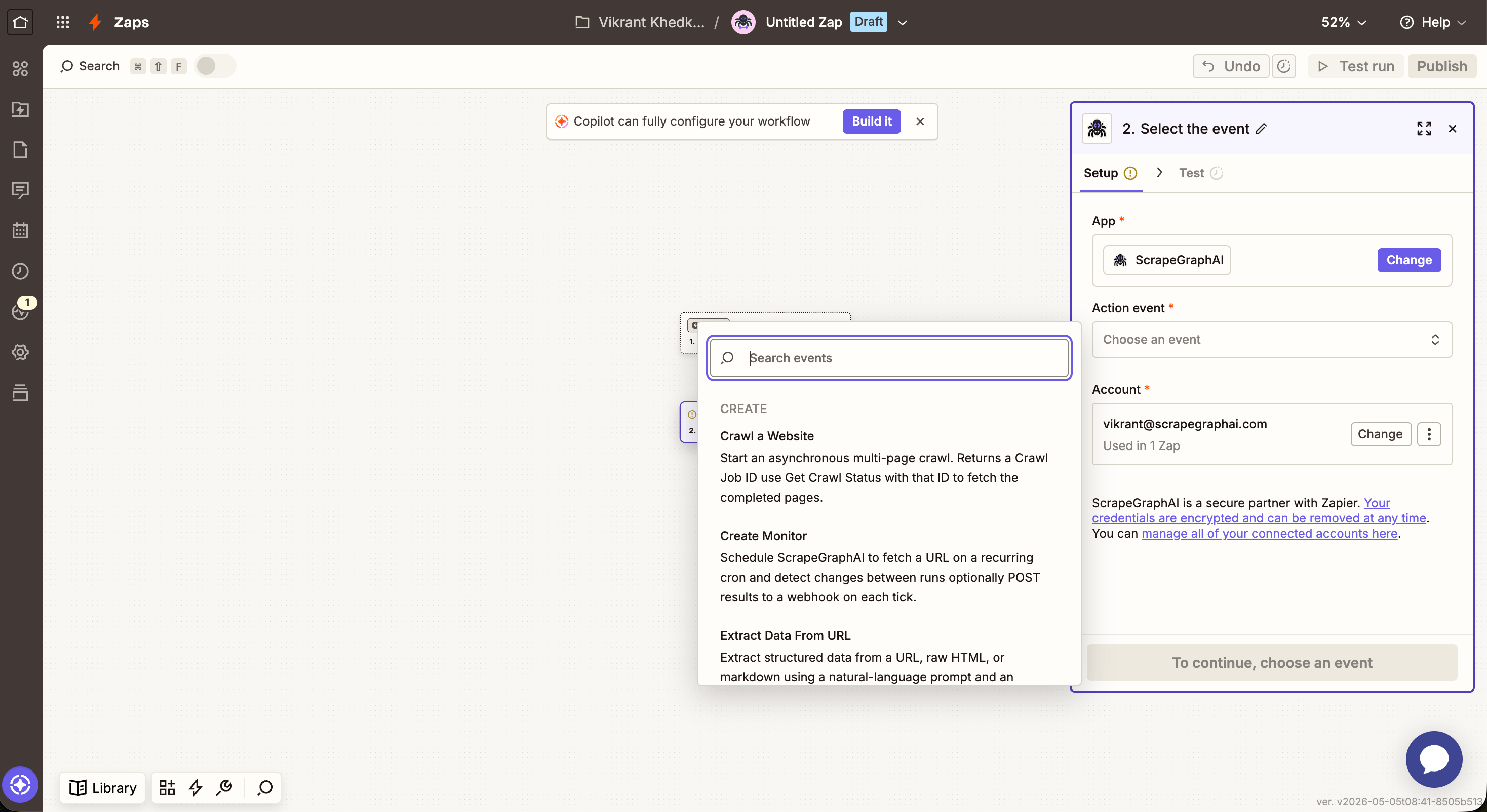
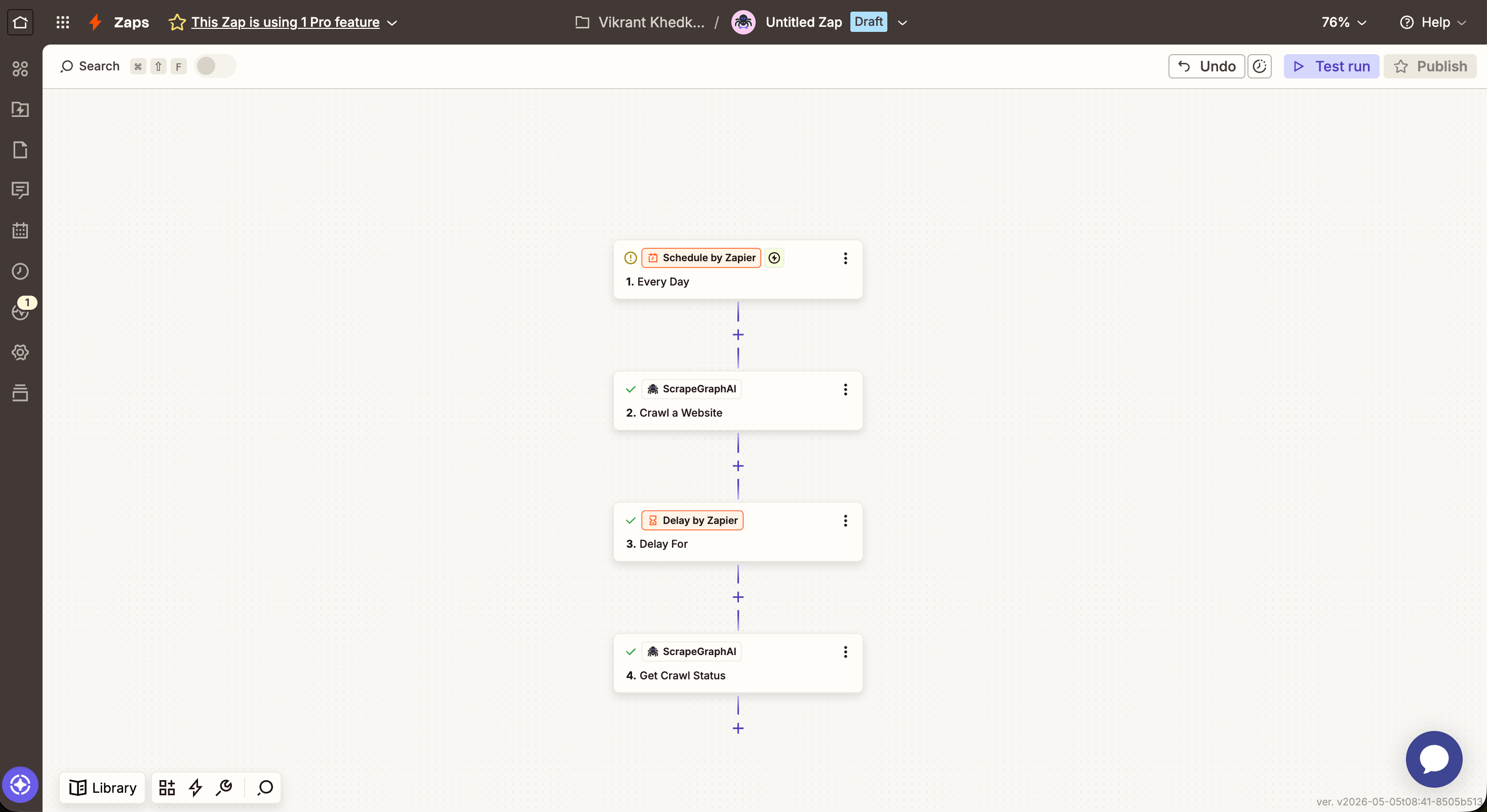
Zapier action timeouts cap individual steps at 30–60 seconds (depending on your plan). For larger crawls, use Crawl a Website to start the job, then a Delay + Get Crawl Status to poll — same async pattern as n8n.
Actions
Scrape a URL
Fetch a page and return its content in a chosen format.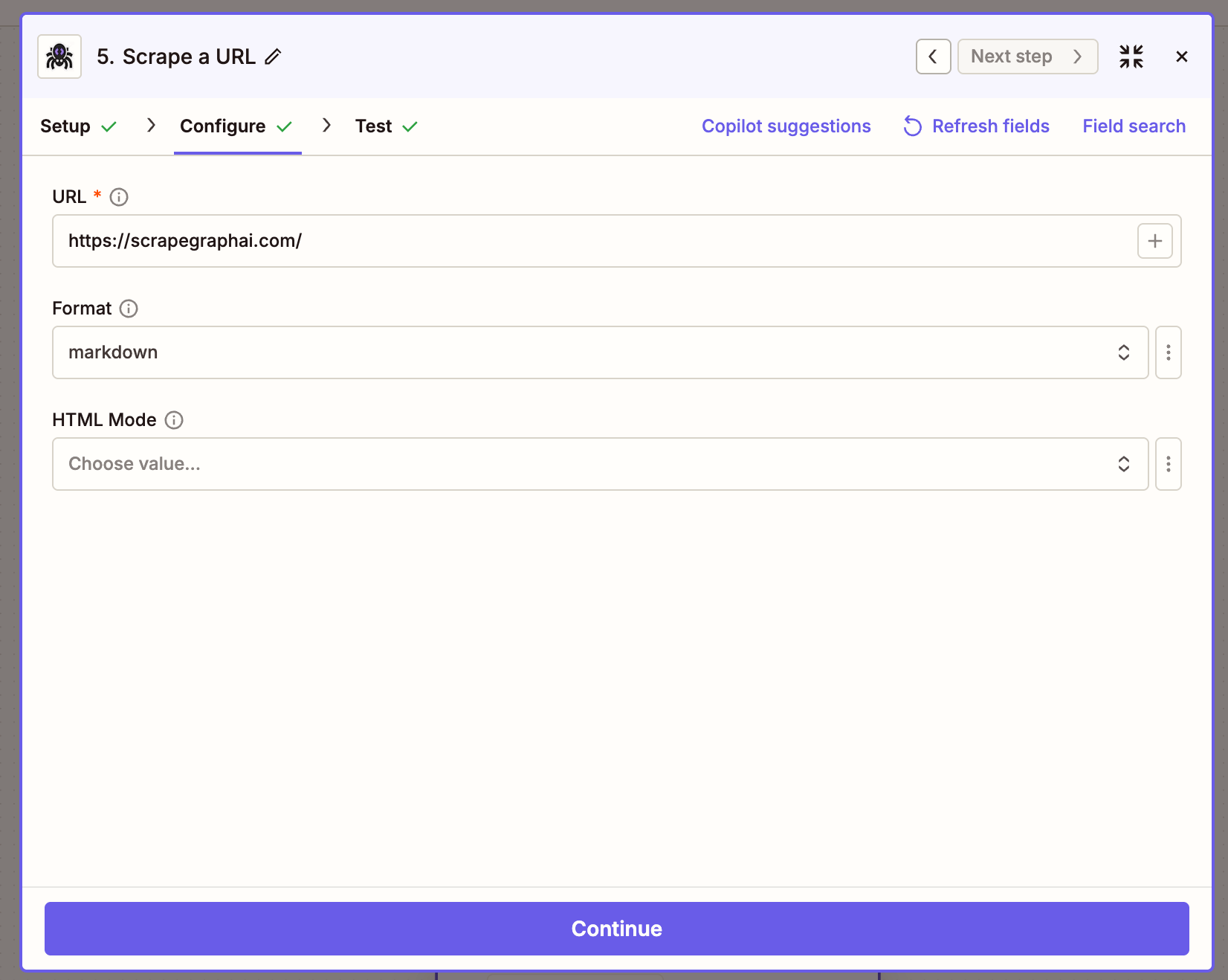
Extract Data From URL
Send a URL (or raw HTML / markdown) to ScrapeGraph and get back structured JSON, driven by a natural-language prompt.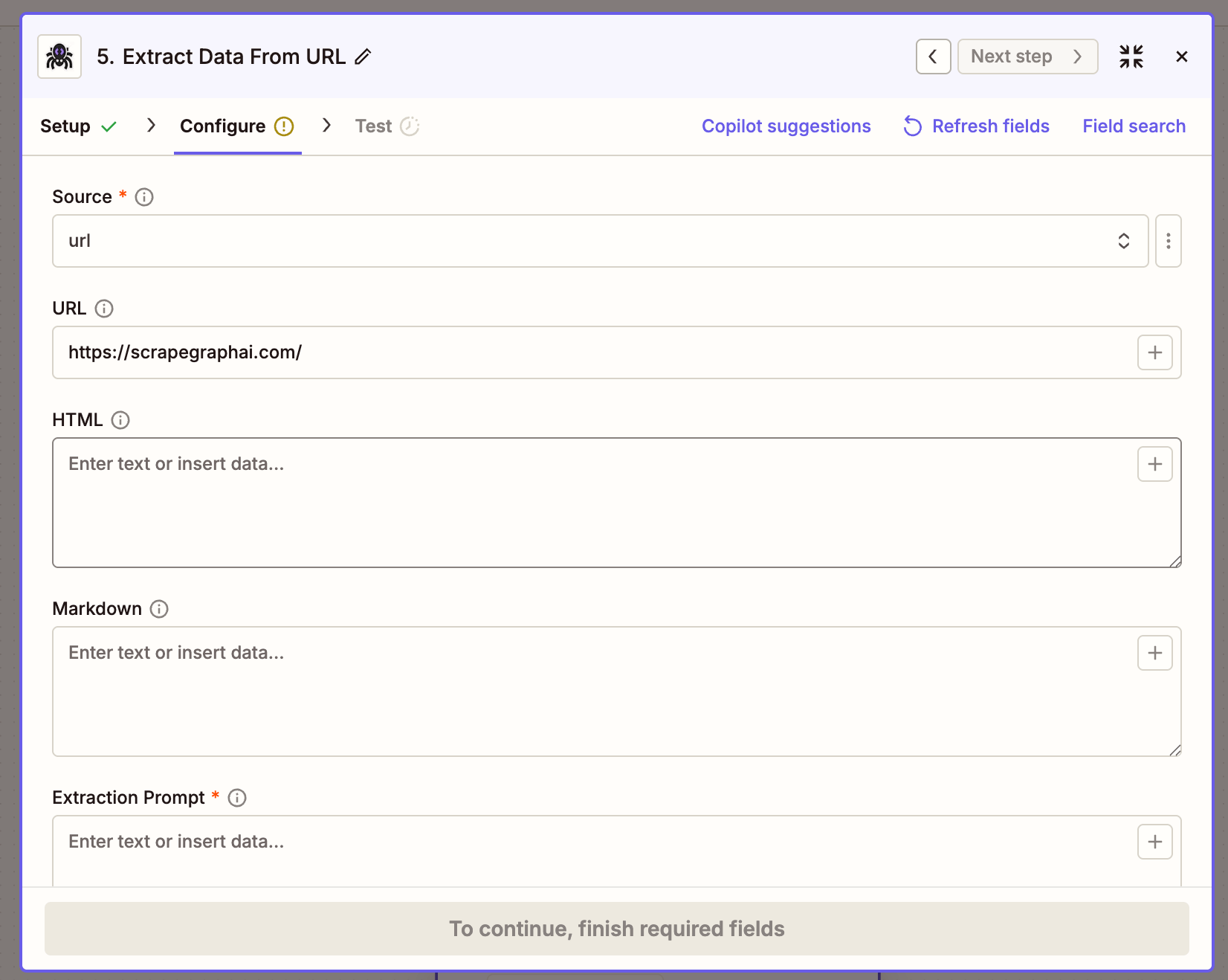
Search Web
Run a web search and get the top results back inline, optionally with AI extraction applied across them.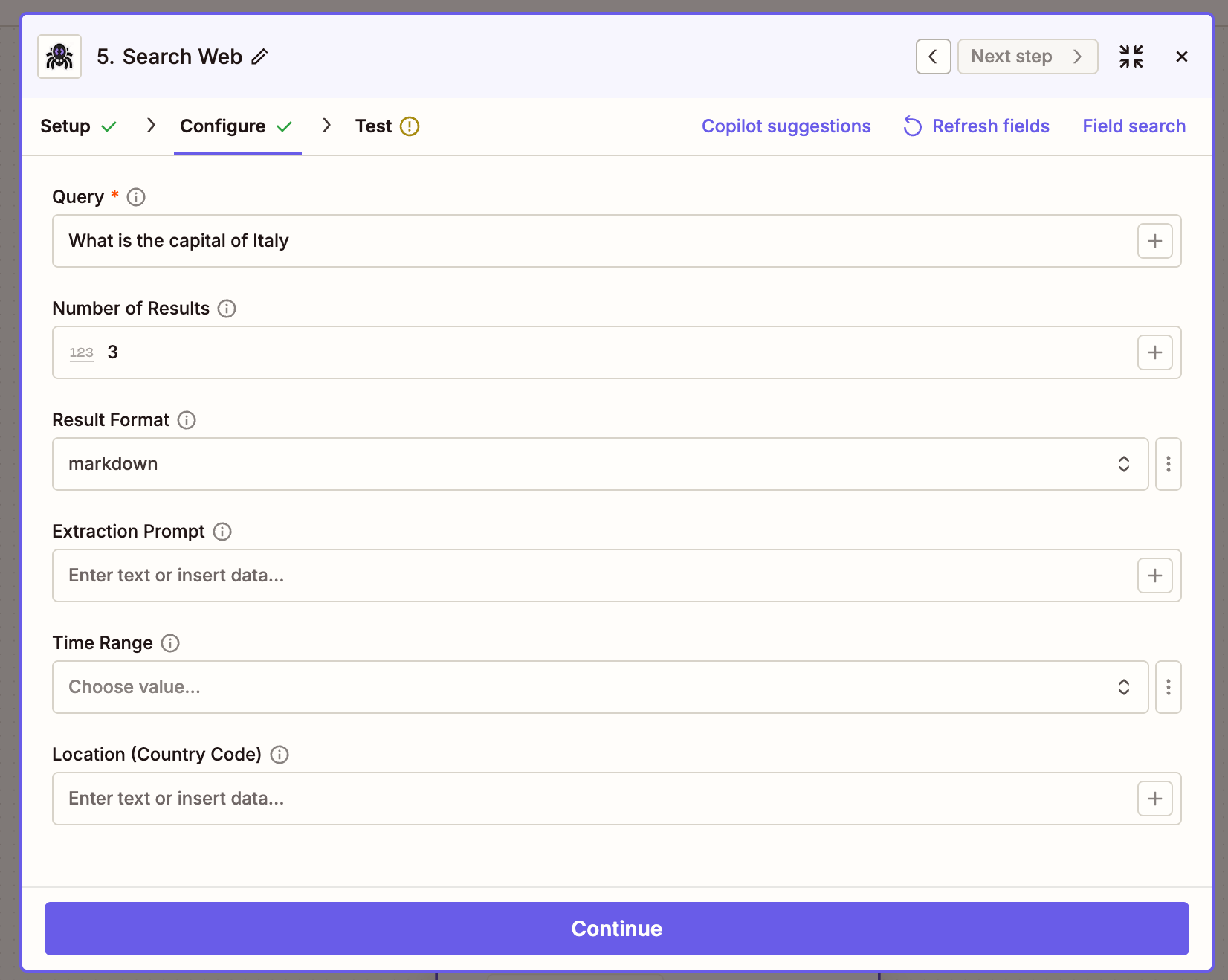
Crawl a Website
Start a multi-page crawl from an entry URL. Returns immediately with a job ID — pair with Get Crawl Status to retrieve the pages.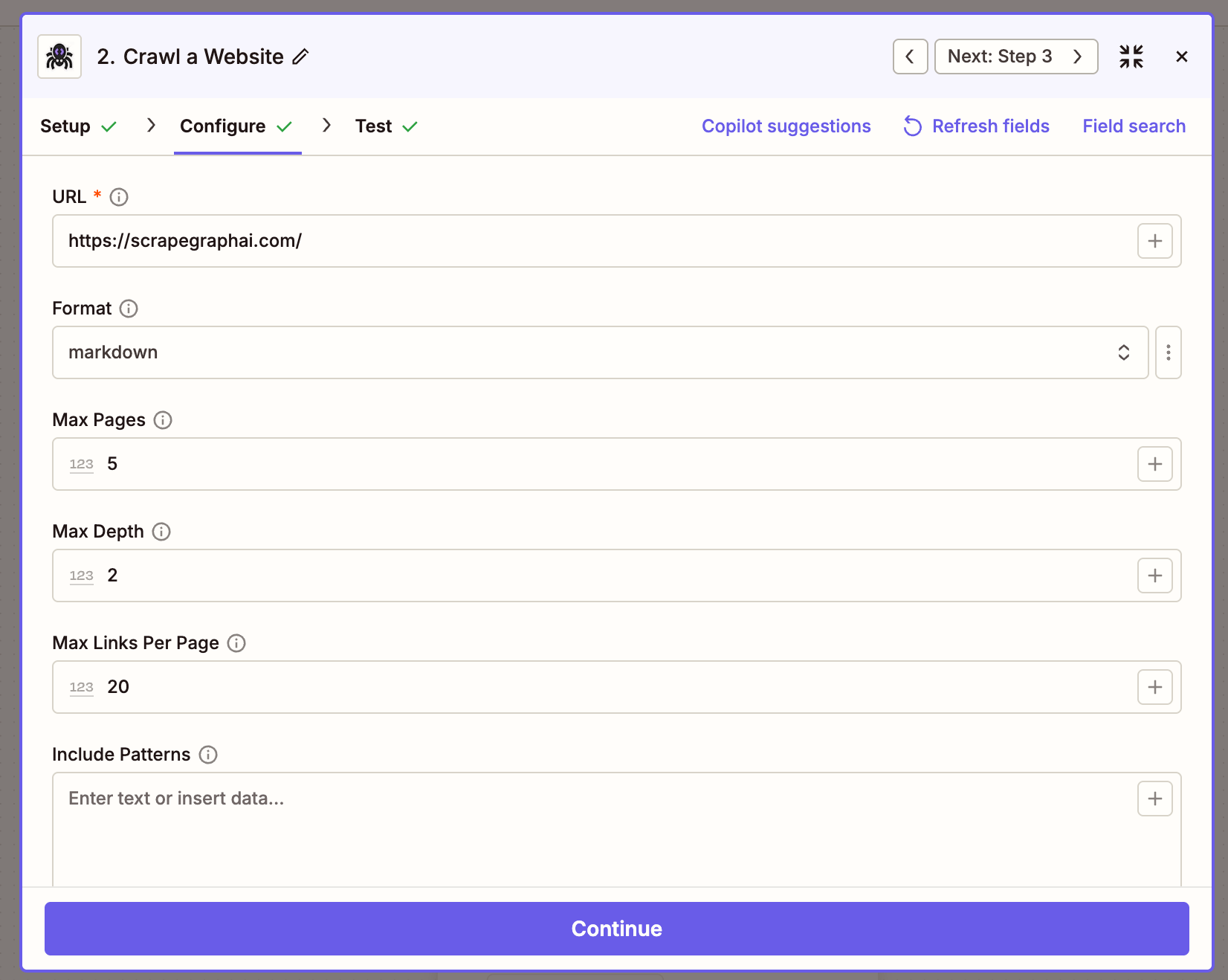
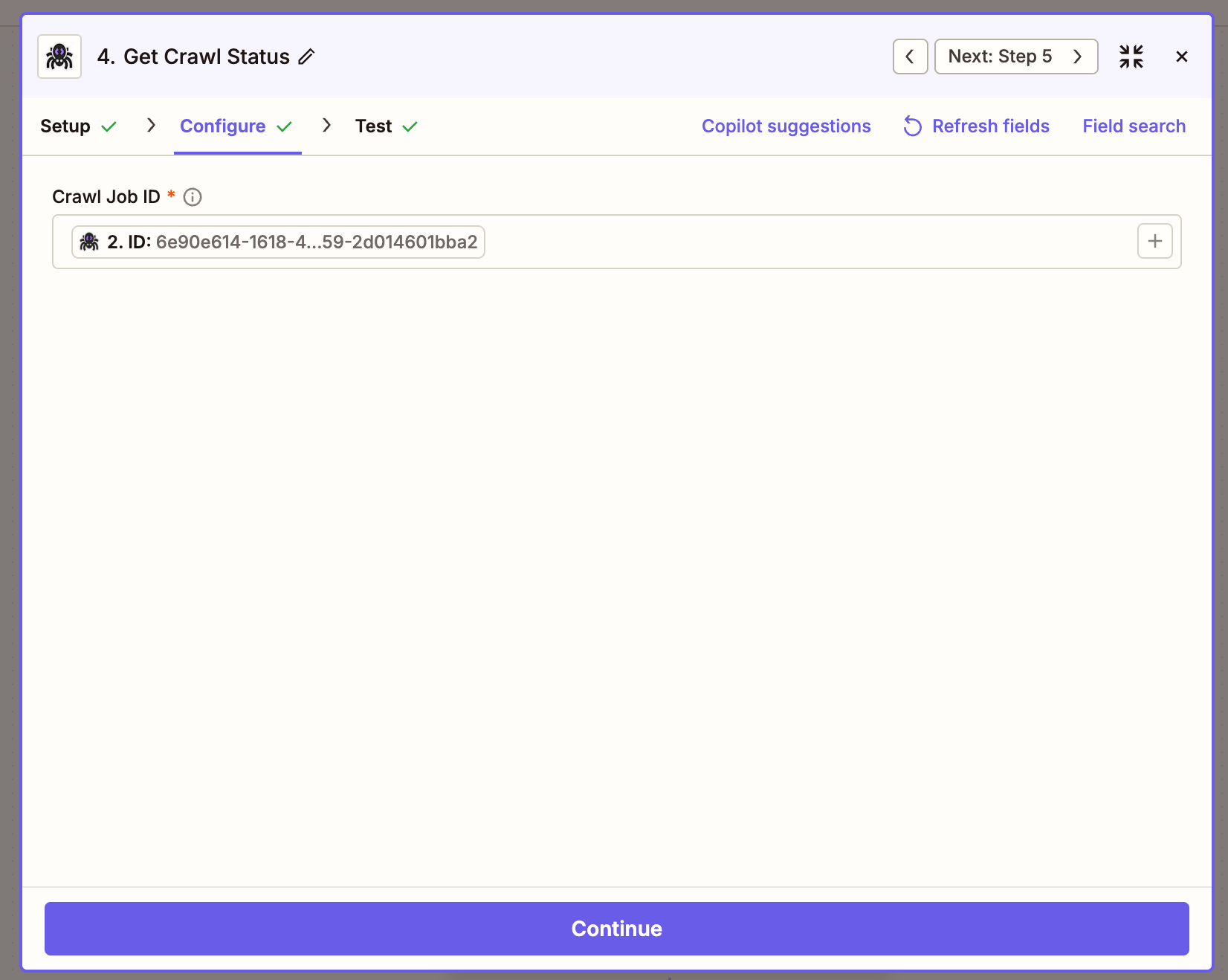
Get Crawl Status
Poll a crawl job until it completes. Whenstatus is completed, the response carries a pages array with a scrapeRefId per page that you can pass to Get a Past Result.
The async pattern looks like this on the canvas — kick off the crawl, wait, then poll:
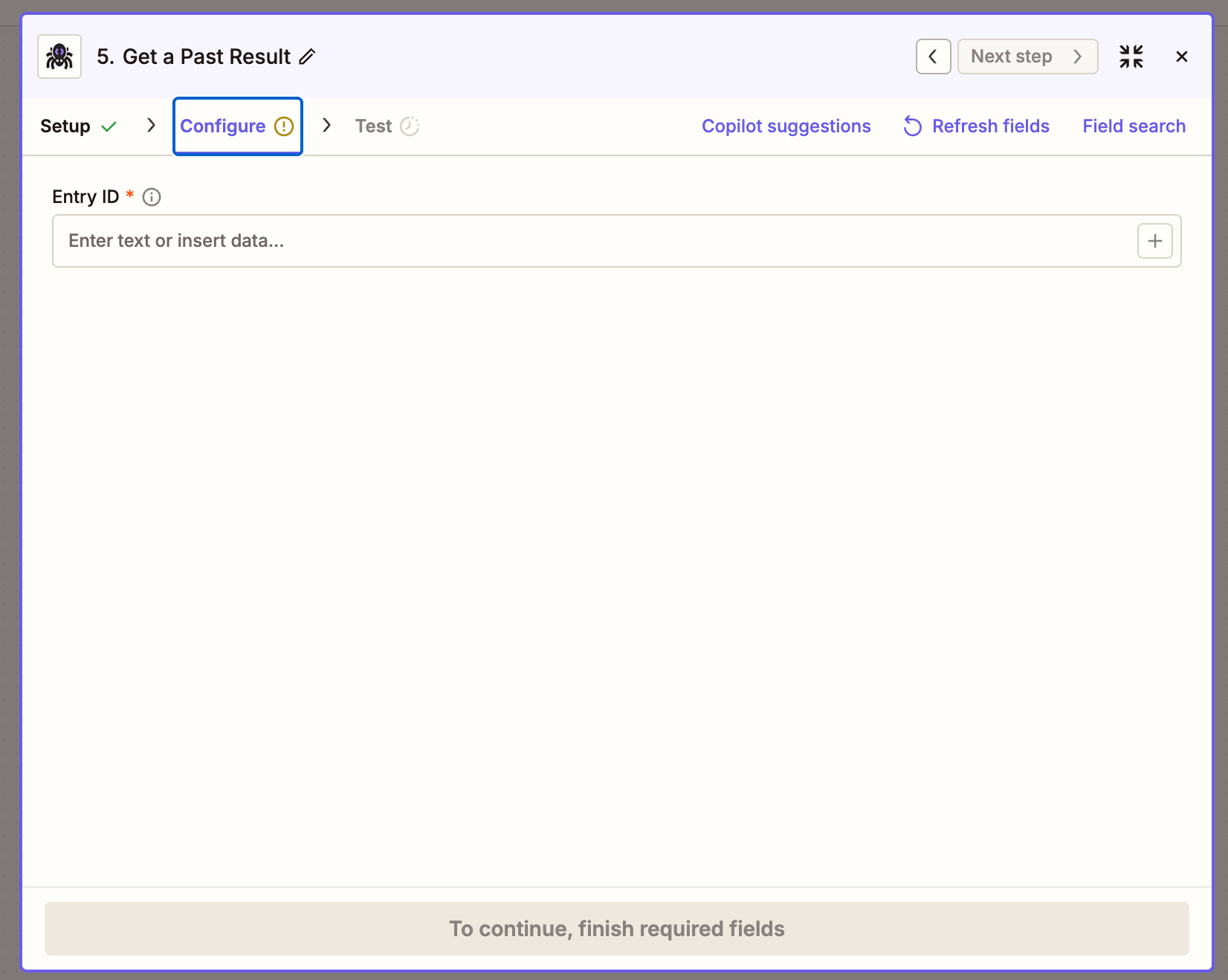
Get a Past Result
Fetch a stored job result by its ID. Most useful for retrieving the full content of a crawled page using thescrapeRefId from Get Crawl Status.
Create Monitor
Schedule ScrapeGraph to fetch a URL on a recurring cron and detect changes between runs.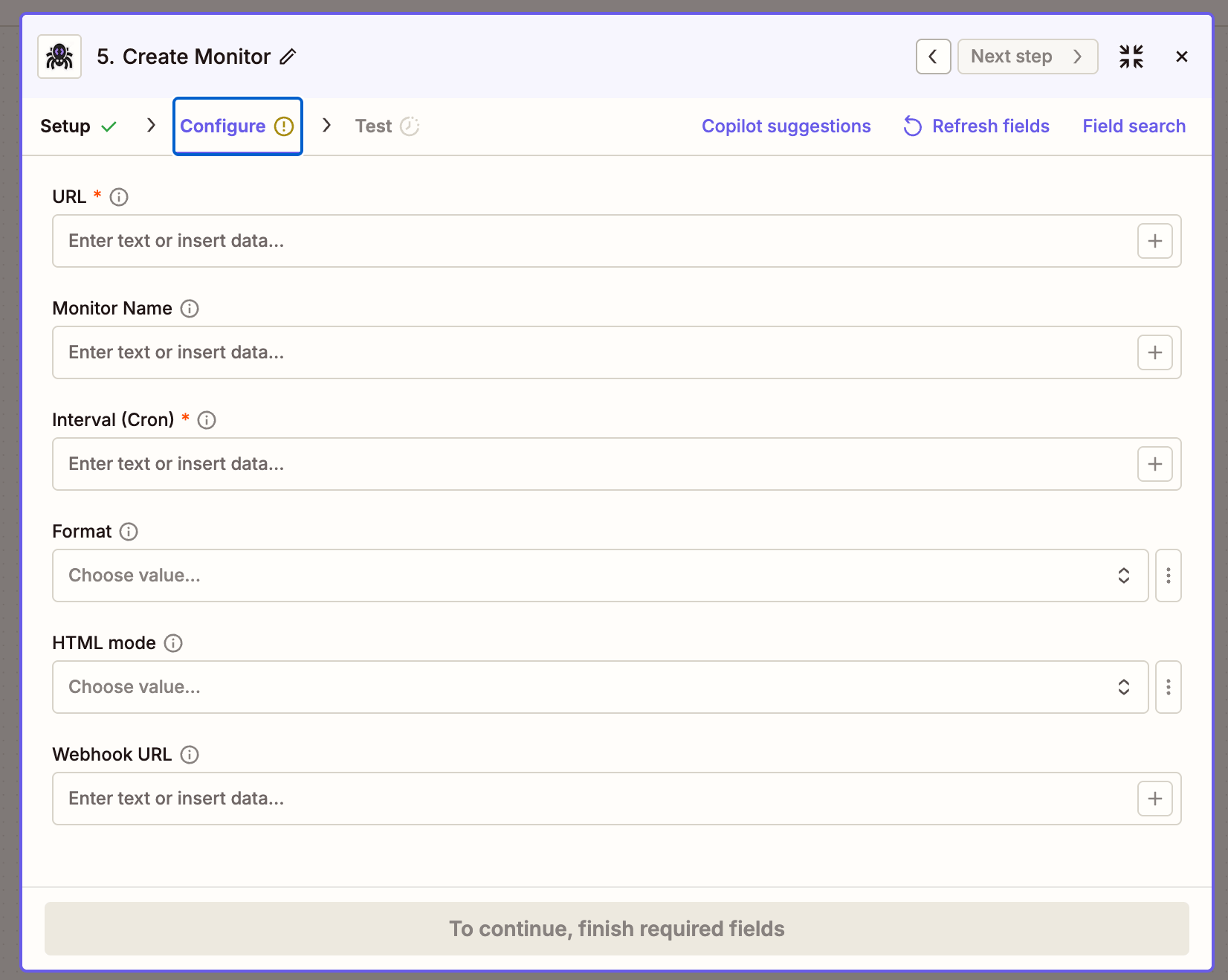
Common cron expressions
Get Monitor Activity
Fetch the latest activity ticks from an existing monitor.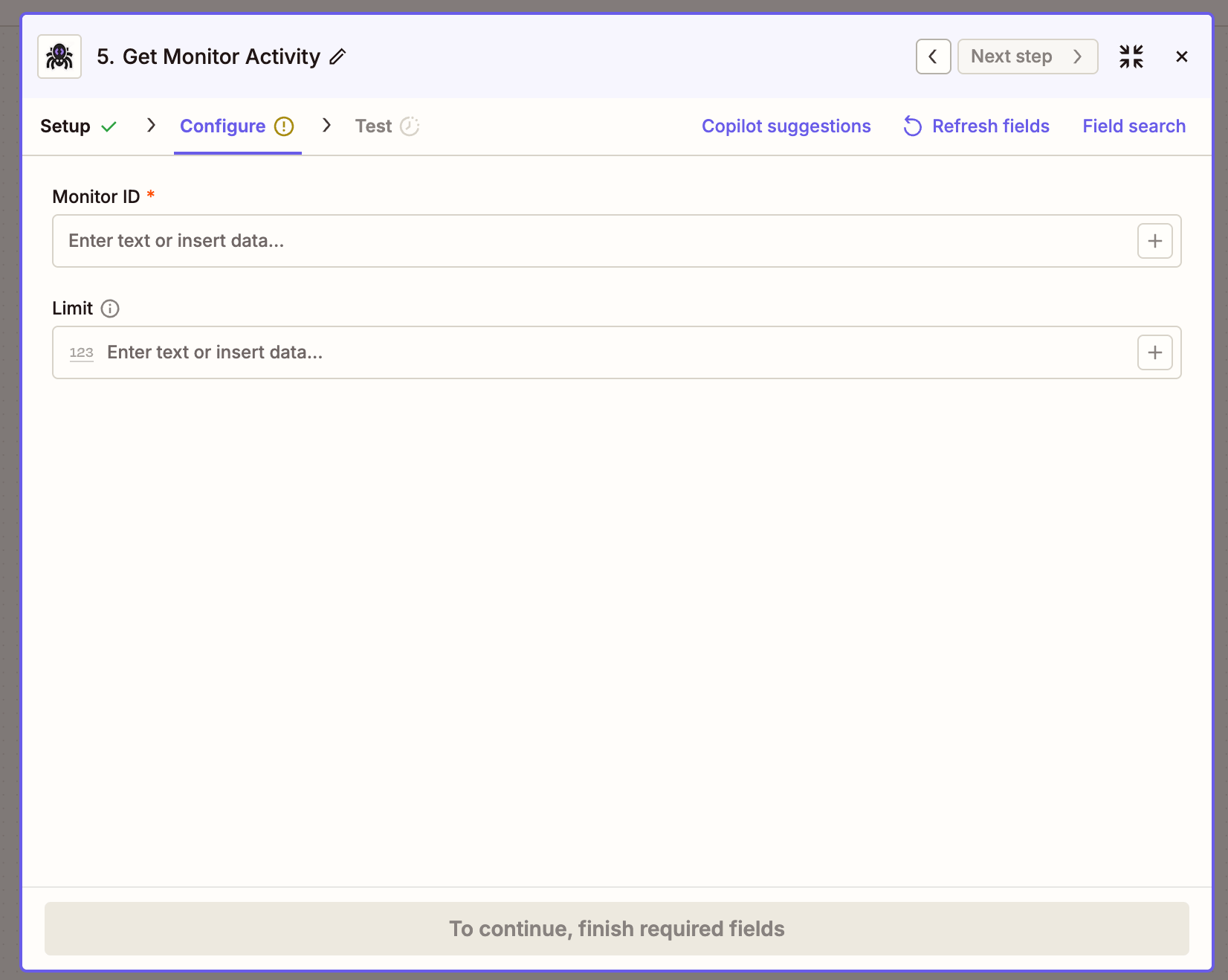
Returns a
ticks array where each entry has changed (boolean), diffs, status, and createdAt.
Example Zap: extract product data into Google Sheets
A daily Zap that pulls product data from a listing page and appends each product as a row in Google Sheets.- Trigger —
Schedule by Zapier→ Every day. - Action 1 —
ScrapeGraphAI → Extract Data From URL:- Source:
URL - URL: the product listing page
- Prompt:
Extract all products on the page with their name, price, rating, and number of reviews - Schema:
- Source:
- Action 2 —
Looping by Zapier → Loop From Line Items, fed from the previous step’sproductsarray. Zapier runs the next action once per item. - Action 3 —
Google Sheets → Create Spreadsheet Row:- Name →
{{loop.name}} - Price →
{{loop.price}} - Rating →
{{loop.rating}} - Reviews →
{{loop.reviews}}
- Name →
Patterns that carry over
Troubleshooting
- Action times out on Crawl a Website — large crawls run longer than Zapier’s per-action limit. Keep Crawl a Website as the start step, then add a Delay + Get Crawl Status to poll until
statusiscompleted. - Extract returns an empty
json— sharpen the prompt, or pin the shape with a JSON Schema. Pages that need rendering may needMode: JS. - Connection test fails — confirm the API key is from the v2 dashboard (
scrapegraphai.com/dashboard). v1 keys won’t validate against the v2 API. - Get Past Result returns stale data —
scrapeRefIdalways points to the latest stored result for that pointer. Trigger a fresh crawl to refresh.
Resources
ScrapeGraphAI on Zapier
Marketplace listing and Zap templates
API Reference
Full v2 endpoint reference — every parameter the actions send
Dashboard
Get an API key and check usage
Zapier docs
How Zaps, triggers, actions, and Looping work
