
中文 · 한국어 · 日本語 · Русский · Deutsch · Français · Español · Português · Türkçe · Tiếng Việt · العربية









Link to this sectionUltralytics YOLO Docs#
Ultralytics YOLO is a family of real-time computer vision models for object detection, instance segmentation, semantic segmentation, classification, pose estimation, oriented bounding boxes, and tracking, available through one Python package and CLI. YOLO26 is built on deep learning and computer vision advancements, featuring end-to-end NMS-free inference and optimized edge deployment. Its streamlined design makes it suitable for various applications and easily adaptable to different hardware platforms, from edge devices to cloud APIs. For stable production workloads, both YOLO26 and YOLO11 are recommended.
Explore the Ultralytics Docs, a comprehensive resource covering the YOLO package and CLI as well as the Ultralytics Platform, which adds data annotation, cloud training, and deployment on top of the same models. Whether you are a seasoned machine learning practitioner or new to the field, this hub aims to help you get the most out of YOLO in your projects.
Request an Enterprise License for commercial use at Ultralytics Licensing.
Train smaller YOLO models with guidance from a larger teacher model — no extra inference cost, just better accuracy.
Link to this sectionGet Started in Two Commands#
# Install the ultralytics package from PyPI
pip install ultralytics

# Detect objects in an image with a pretrained YOLO26 model
yolo predict model=yolo26n.pt source='https://github.com/ultralytics/assets/releases/download/v0.0.0/bus.jpg'
The model weights and the example image download automatically, and the annotated result is saved to runs/detect/predict.
See the Quickstart guide for the full installation and usage reference.
Link to this sectionWhat Do You Want to Do?#
Fine-tune a pretrained YOLO26 model on your own dataset, tuning augmentation and hyperparameters for multi-GPU training
Load a pretrained model and get bounding boxes, masks, or keypoints in a few lines of Python or a single CLI command
Track objects across video frames with a persistent ID using BoT-SORT or ByteTrack, built into YOLO26's predict pipeline
Ready-made vision apps for object counting, heatmaps, queue management, security alarms, and workouts, no training required
Export trained models to ONNX, TensorRT, or OpenVINO for fast inference on edge devices, mobile hardware, and cloud servers
Compare YOLO26, YOLO11, SAM 3, RT-DETR, and every other supported architecture by speed, accuracy, and use case
Look up classes, functions, and method signatures for the Python API, auto-generated from source on every new release
Ultralytics' newest model family delivers NMS-free, end-to-end inference with an improved accuracy-latency tradeoff over YOLO11
Link to this sectionHow These Docs Are Organized#
Most model workflow yolo commands follow one grammar, yolo [TASK] MODE ARGS, where Task is optional, and these docs are organized around the same three parts, plus one shortcut:
- Task answers what you want from an image: detection, instance segmentation, semantic segmentation, classification, pose estimation, or oriented boxes.
- Mode answers how you use a model: train, validate, predict, export, track, or benchmark.
- Args configures the command, from which model to run with
model=to hyperparameters likeepochsandimgsz. - Solutions is the shortcut: a finished application, like object counting or a security alarm, that skips Task and Mode entirely.
Everything else supports that grammar: Models lists every architecture you can pass to model= — YOLO26, YOLO11, SAM 3, RT-DETR, and more — Datasets supplies what each Task trains on, Guides is a broad collection of in-depth how-tos spanning hardware deployment, hyperparameter tuning, dataset conversion, and full project walkthroughs, Integrations connects the pipeline to the training and deployment tools you already use, and the Reference section documents every class and function in the Python API.
Beyond the Python package, two more surfaces run on the same models: the Ultralytics Platform for cloud annotation, training, and deployment, and Ultralytics Inference, a standalone Rust library and CLI for running exported models without a Python runtime.
Link to this sectionYOLO Licenses: How is Ultralytics YOLO licensed?#
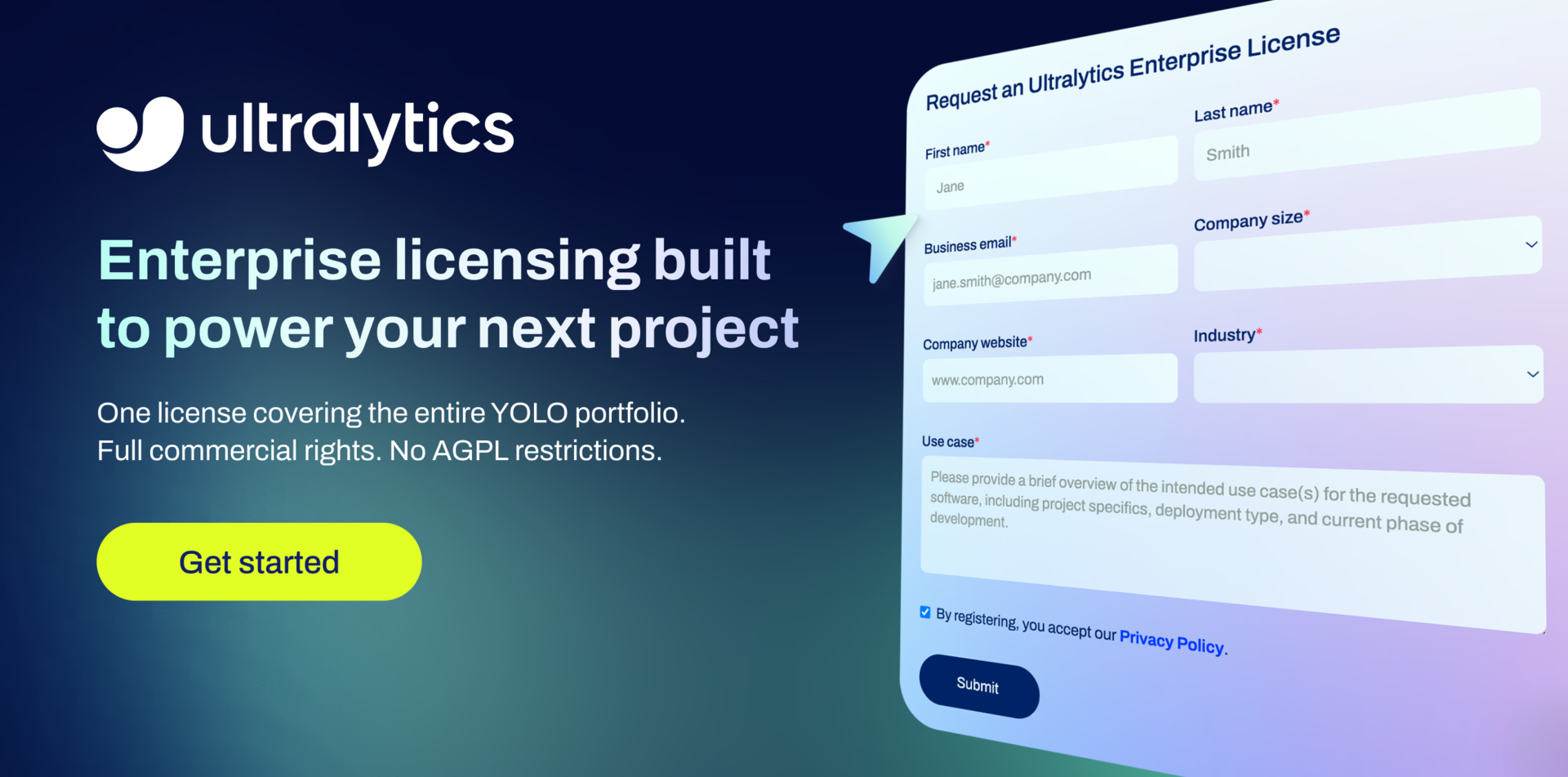
Ultralytics offers two licensing options to accommodate diverse use cases:
- AGPL-3.0 License: This OSI-approved open-source license is ideal for students and enthusiasts, promoting open collaboration and knowledge sharing. See the LICENSE file for more details.
- Enterprise License: For development and production use, this license enables seamless integration of Ultralytics software and AI models into business products and services, including internal tools, automated workflows, and production deployments, bypassing the open-source requirements of AGPL-3.0. To get started, please contact us via Ultralytics Licensing.
Our licensing strategy is designed to ensure that any improvements to our open-source projects are returned to the community. We believe in open source, and our mission is to ensure that our contributions can be used and expanded in ways that benefit everyone.
Link to this sectionFAQ#
Link to this sectionWhat is Ultralytics YOLO and how does it improve object detection?#
Ultralytics YOLO is the acclaimed YOLO (You Only Look Once) series for real-time object detection and image segmentation. The latest model, YOLO26, builds on previous versions by introducing end-to-end NMS-free inference and optimized edge deployment. YOLO supports various vision AI tasks such as detection, instance segmentation, semantic segmentation, pose estimation, tracking, and classification. Its efficient architecture ensures excellent speed and accuracy, making it suitable for diverse applications, including edge devices and cloud APIs.
Link to this sectionHow can I get started with YOLO installation and setup?#
Getting started with YOLO is quick and straightforward. Install the Ultralytics package from pip with pip install ultralytics, then run your first prediction with yolo predict model=yolo26n.pt — the model weights download automatically. For comprehensive instructions covering conda, Docker, and installation from source, visit the Quickstart page.
Link to this sectionHow can I train a custom YOLO model on my dataset?#
Training a custom YOLO model on your dataset involves a few detailed steps:
- Prepare your annotated dataset and describe it in a dataset YAML file.
- Load a pretrained model, for example
YOLO("yolo26n.pt")in Python. - Start training with
model.train(data="path/to/dataset.yaml", epochs=100, imgsz=640), or from the command line withyolo detect train data=path/to/dataset.yaml epochs=100 imgsz=640.
For a detailed walkthrough, check out our Train a Model guide, which includes examples and tips for optimizing your training process.
Link to this sectionWhat are the licensing options available for Ultralytics YOLO?#
Ultralytics offers two licensing options for YOLO:
- AGPL-3.0 License: This open-source license is ideal for educational and non-commercial use, promoting open collaboration.
- Enterprise License: For development and production use, including internal tools, automated workflows, and production deployments, bypassing the open-source requirements of AGPL-3.0.
For more details, visit our Licensing page.
Link to this sectionHow can Ultralytics YOLO be used for real-time object tracking?#
Ultralytics YOLO supports efficient and customizable multi-object tracking. Call YOLO("yolo26n.pt").track(source="path/to/video.mp4") in Python, or run yolo track source=path/to/video.mp4 from the command line — both work with video files, live streams, and webcam input. For a detailed guide on setting up and running object tracking, check our Track Mode documentation, which explains the configuration and practical applications in real-time scenarios.


