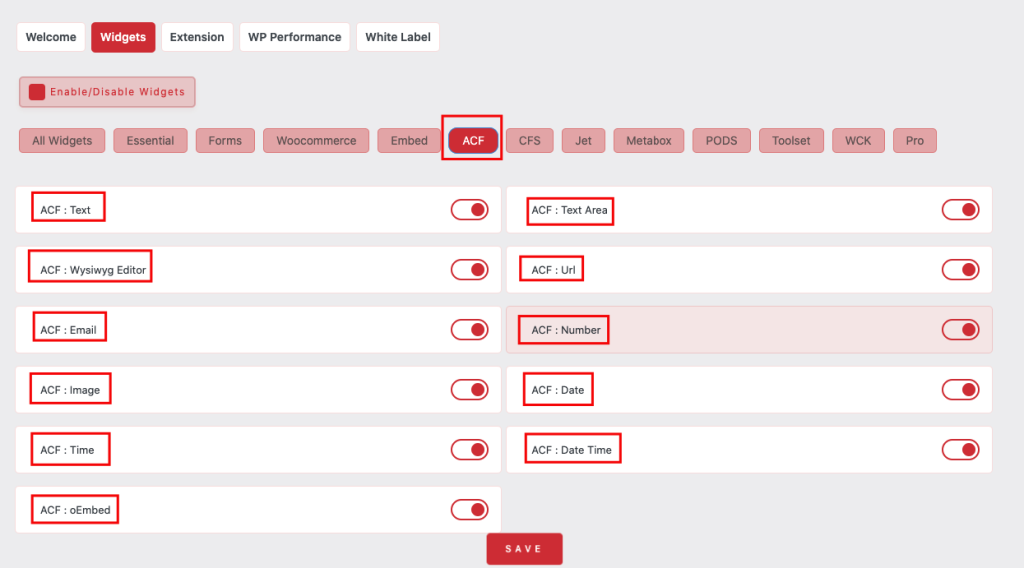
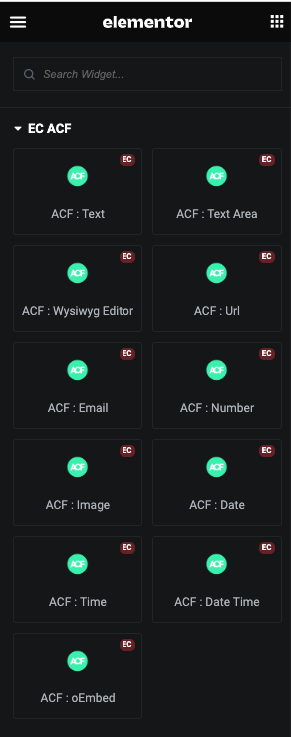
ACF Text
ACF Text Content
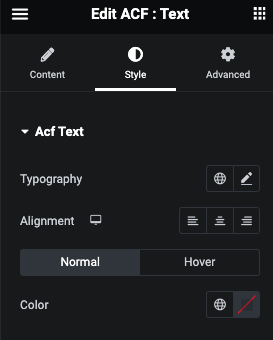
ACF Text Style Tab
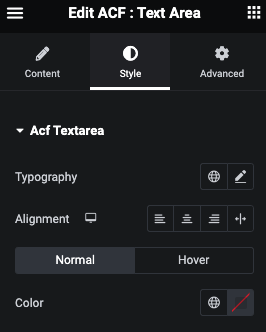
In this tab, You can manage Typography, Alignment and Normal/Hover Color.
ACF Textarea
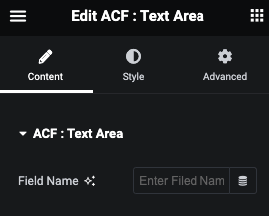
ACF Textarea Content
ACF Textarea Style Tab
ACF Wysiwyg Editor
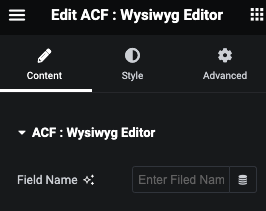
ACF Wysiwyg Editor Content
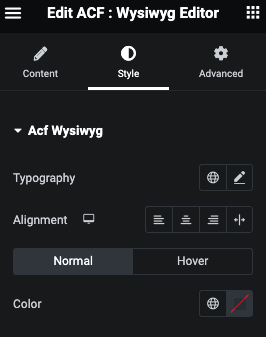
ACF Wysiwyg Editor Style Tab
ACF URL
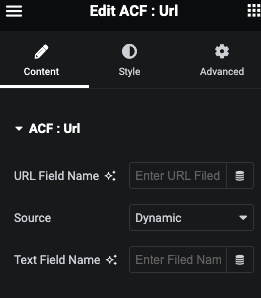
ACF URL Content
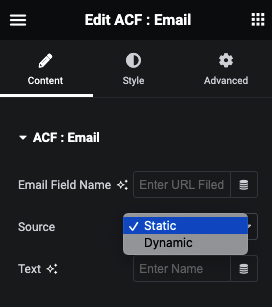
ACF URL Text Source
ACF URL Dynamic Text
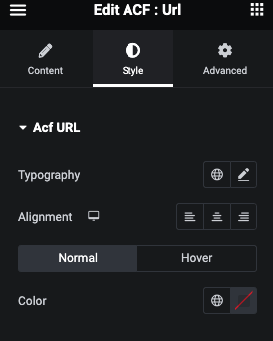
ACF URL Style Tab
ACF Email
ACF Email Content
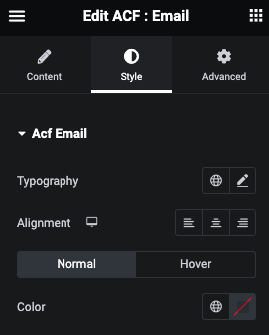
ACF Email Style Tab
ACF Number
ACF Number Content
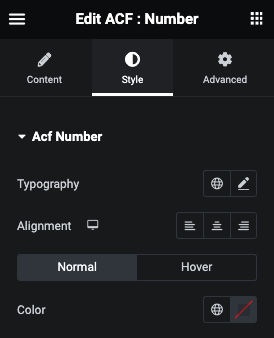
ACF Number Style Tab
ACF Image
ACF Image Content
In this, You can get Image by Id, URL or Array.
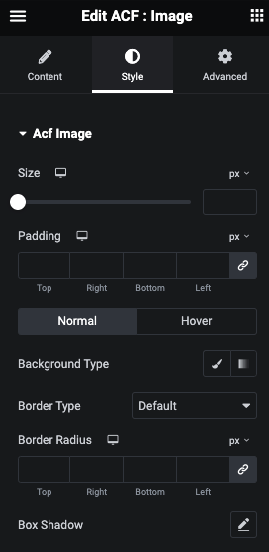
ACF Image Style Tab
In this tab, You can manage Size and Padding.
And for Normal and Hover, You can manage Background, Border and Box Shadow.
ACF Date
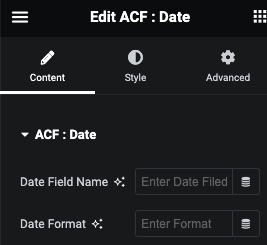
ACF Date Content
Here you can enter Date Field and and date formate.
ACF Date Style Tab
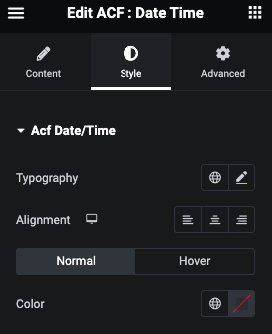
In this tab, You can manage Typography, Alignment.
And for Normal and Hover, You can manage Color.
ACF Time
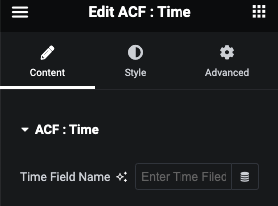
ACF Time Content
ACF Time Style Tab
In this tab, You can manage Typography and Alignment.
ACF Date Time
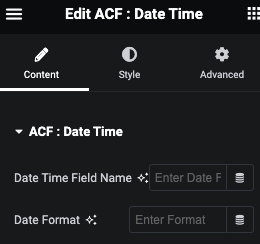
ACF Date Time Content
ACF Date Time Style Tab
ACF oEmbed
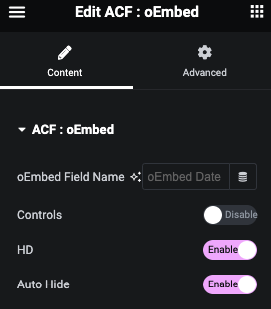
ACF oEmbed Content
Above using widgte, You can get any dynamic value on Page, Post and any Custom Pages.