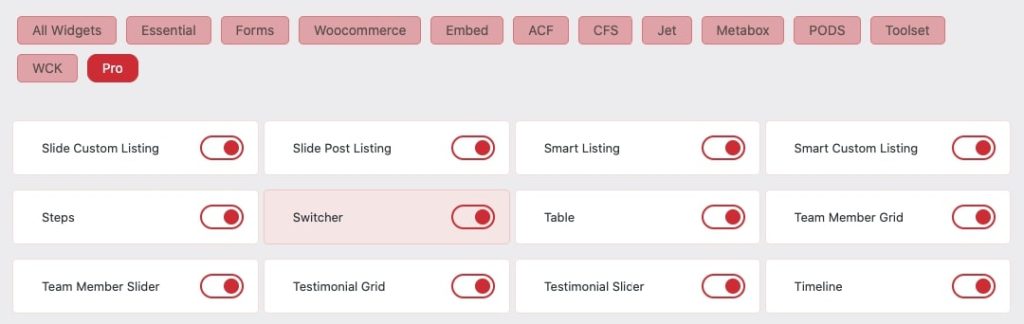
Essential Classy Tab from Dashboad -> Widgets then enable Switcher
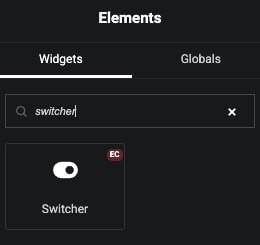
Now Drag and Drop Switcher widget
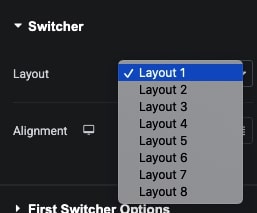
Switcher 8 Predefined Layout
8 Predefined Layout Sample
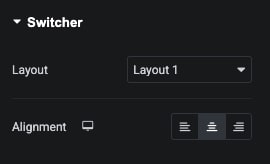
Manage Switcher Alignment
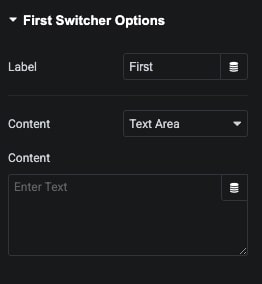
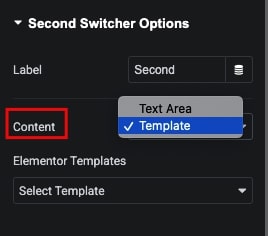
Switcher Options
In this tab, We have Label and Content options.
In Content, We have Text and Template options.
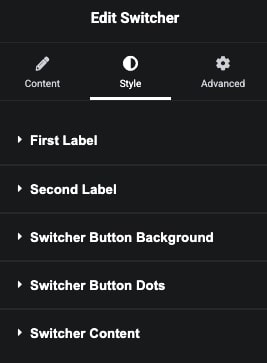
Switcher Style Tab
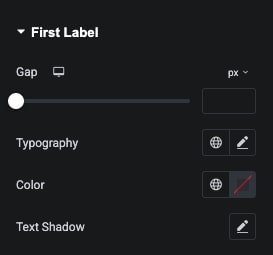
In First Label Style tab, We have Gap, Typography, Color and Shadow for Label.
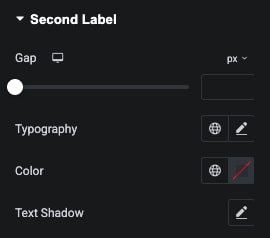
In Second Label Style tab, We have Gap, Typography, Color and Shadow for Label.
In Switcher Button Background Style tab, We have Margin, Width, Height, Background, Border and Shadow options.
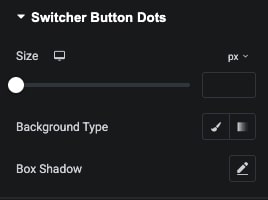
In Switcher Button Dots Style tab, We have Size, Background Color and Shadow options.
In Switcher Content Style tab, We have Margin, Padding, Alignment, Typography, Color, Background, Border and Shadow styling options.
Styling options depend on Layout.