
Tree
CommunityThis plugin creates model management page with heritage tree structure view for Filament Admin. It could be used to create menu, etc.
 Author:
Solution Forest
Author:
Solution Forest
Package health
BetaAutomated checks of this plugin's Composer package
13 checks
-
Passed:
Current Laravel version supported
—
Package dependencies resolve together with current Laravel
13.0. -
Passed:
Current PHP version supported
—
Constraint
^8.1supports current PHP8.5. - Skipped: Current Symfony version supported
- Passed: Abandoned or archived — No consulted source marks the package abandoned (packagist).
- Passed: Commit and release recency — Active: no commit date available; last release 86 days ago.
-
Passed:
composer.lock not committed by library
—
composer.lockis absent from the released dist archive. - Passed: Dist archive is lean
- Skipped: GitHub Actions pinned to SHA
- Passed: Open security advisories
- Passed: Dependabot PR responsiveness — No open Dependabot PRs.
- Skipped: Dependabot or Renovate configured
- Skipped: Dependency update cooldown configured
- Failed: Provides a security policy — View details on Plumb
filament/
namespace. Review the source and install at your own risk. Found
malware or an unresolved security issue the author won't
address?
Report it
.
Documentation
- Version Compatibility
- Installation
- Quick Start
- Implementation Options
- Tree Customization
- Advanced Features
- Configuration
- Best Practices
- Development
- Changelog
- Contributing
- Security Vulnerabilities
- Credits
- License
- About Solution Forest
[!IMPORTANT] Please note that we will only be updating to version 4.x, excluding any bug fixes.


Filament Tree is a plugin for Filament Admin that creates hierarchical tree management with drag-and-drop functionality. Perfect for building menus, categories, organizational structures, and any nested data relationships.
🎯 Key Features:
- Drag-and-drop tree interface with unlimited depth
- Support for Widgets, Pages, and Resources
- Customizable actions, icons, and styling
- Translation support with Spatie Translatable
- Built-in create, edit, delete, and view actions
- Toolbar actions for global operations
🚀 Demo: https://filament-cms-website-demo.solutionforest.net/admin
Credentials: demo@solutionforest.net / 12345678 (Auto-reset every hour)
#Version Compatibility
| Filament Version | Plugin Version |
|---|---|
| v3 | 2.x.x |
| v4 | 3.x.x |
| v5 | 4.x.x |
[!IMPORTANT] We only provide updates for versions 3.x, excluding bug fixes for older versions.
#Installation
-
Install the package:
composer require solution-forest/filament-tree -
Publish and register assets:
php artisan filament:assets -
Publish configuration (optional):
php artisan vendor:publish --tag="filament-tree-config" -
For custom themes: Add to your
tailwind.config.js:@import '<path-to-vendor>/solution-forest/filament-tree/resources/css/jquery.nestable.css'; @import '<path-to-vendor>/solution-forest/filament-tree/resources/css/button.css'; @import '<path-to-vendor>/solution-forest/filament-tree/resources/css/custom-nestable-item.css'; @source '<path-to-vendor>/solution-forest/filament-tree/resources/**/*.blade.php';
#Quick Start
#1. Database Setup
Create your migration with the required tree structure:
Schema::create('categories', function (Blueprint $table) {
    $table->id();
    $table->treeColumns(); // Adds parent_id, order, title columns
    $table->timestamps();
});

// Or manually:
Schema::create('categories', function (Blueprint $table) {
    $table->id();
    $table->integer('parent_id')->default(-1)->index(); // Must default to -1!
    $table->integer('order')->default(0);
    $table->string('title');
    $table->timestamps();
});
#2. Model Setup
Add the ModelTree trait to your Eloquent model:
<?php

namespace App\Models;

use Illuminate\Database\Eloquent\Model;
use SolutionForest\FilamentTree\Concern\ModelTree;

class Category extends Model
{
    use ModelTree;

    protected $fillable = ['parent_id', 'title', 'order'];

    protected $casts = [
        'parent_id' => 'integer'
    ];
}
#3. Generate Tree Components
Choose your implementation:
# For a standalone tree widget
php artisan make:filament-tree-widget CategoryWidget --model=Category

# For a tree page
php artisan make:filament-tree-page CategoryTree --model=Category

# For a resource tree page
php artisan make:filament-tree-page CategoryTree --resource=Category
#Implementation Options
#Tree Widgets
Perfect for embedding trees within existing resource pages or dashboard.
1. Generate the widget:
php artisan make:filament-tree-widget CategoryWidget --model=Category
2. Configure the widget:
<?php

namespace App\Filament\Widgets;

use App\Models\Category;
use Filament\Forms\Components\TextInput;
use SolutionForest\FilamentTree\Widgets\Tree as BaseWidget;

class CategoryWidget extends BaseWidget
{
    protected static string $model = Category::class;
    protected static int $maxDepth = 3;
    protected ?string $treeTitle = 'Categories';
    protected bool $enableTreeTitle = true;

    protected function getFormSchema(): array
    {
        return [
            TextInput::make('title')->required(),
            // Add more form fields as needed
        ];
    }
}
3. Display in resource pages:
// In your resource's ListRecords page
protected function getHeaderWidgets(): array
{
    return [CategoryWidget::class];
}
#Tree Pages
Standalone pages dedicated to tree management.
1. Generate the page:
php artisan make:filament-tree-page CategoryTree --model=Category
2. Register the page:
// In your PanelProvider
public function panel(Panel $panel): Panel
{
    return $panel
        ->pages([
            CategoryTree::class,
        ]);
}
#Resource Tree Pages
Integrated tree pages within Filament resources.
1. Generate for resource:
php artisan make:filament-tree-page CategoryTree --resource=Category
2. Register in resource:
// In your CategoryResource
public static function getPages(): array
{
    return [
        'index' => Pages\ListCategories::route('/'),
        'create' => Pages\CreateCategory::route('/create'),
        'edit' => Pages\EditCategory::route('/{record}/edit'),
        'tree' => Pages\CategoryTree::route('/tree'), // Add this line
    ];
}
#Tree Customization
#Record Display
Customize how records appear in the tree:
Custom record titles:
public function getTreeRecordTitle(?\Illuminate\Database\Eloquent\Model $record = null): string
{
    if (!$record) return '';

    return "[{$record->id}] {$record->title}";
}
Record icons:
public function getTreeRecordIcon(?\Illuminate\Database\Eloquent\Model $record = null): ?string
{
    if ($record->parent_id != -1) {
        return null; // No icon for child records
    }

    return match ($record->title) {
        'Categories' => 'heroicon-o-tag',
        'Products' => 'heroicon-o-shopping-bag',
        'Settings' => 'heroicon-o-cog',
        default => 'heroicon-o-folder',
    };
}
#Tree Actions
Configure actions that appear for each tree record:
Quick setup with boolean methods:
protected function hasDeleteAction(): bool { return true; }
protected function hasEditAction(): bool { return true; }
protected function hasViewAction(): bool { return false; }
Advanced action configuration:
protected function configureEditAction(EditAction $action): EditAction
{
    return $action
        ->slideOver()
        ->modalHeading('Edit Category')
        ->modalSubmitActionLabel('Save Changes');
}

protected function configureDeleteAction(DeleteAction $action): DeleteAction
{
    return $action
        ->requiresConfirmation()
        ->modalDescription('This will permanently delete the category and all subcategories.');
}

protected function configureViewAction(ViewAction $action): ViewAction
{
    return $action
        ->slideOver()
        ->modalWidth('2xl');
}
#Toolbar Actions
Add global actions displayed above the tree (v3.1.0+):
protected function getTreeToolbarActions(): array
{
    return [
        \SolutionForest\FilamentTree\Actions\CreateAction::make()
            ->label('Add Category')
            ->icon('heroicon-o-plus'),
        \Filament\Actions\ExportAction::make()
            ->label('Export Tree'),
        \Filament\Actions\ImportAction::make()
            ->label('Import Categories'),
    ];
}
Note: Toolbar actions are only supported in version 3.1.0 and later.
#Icons and Styling
Tree depth control:
protected static int $maxDepth = 4; // Limit nesting depth
Node collapsed state:
public function getNodeCollapsedState(?\Illuminate\Database\Eloquent\Model $record = null): bool
{
    return true; // Start with all nodes collapsed
}
#Form Schemas
Define forms for different operations:
// Used for all operations (fallback)
protected function getFormSchema(): array
{
    return [
        TextInput::make('title')->required(),
        Textarea::make('description'),
    ];
}

// Specific schemas for different actions
protected function getCreateFormSchema(): array { /* ... */ }
protected function getEditFormSchema(): array { /* ... */ }
protected function getViewFormSchema(): array { /* ... */ }
#Advanced Features
#Translation Support
-
Follow the instruction from Translatable Plugin.
-
Setup your model:
use SolutionForest\FilamentTree\Concern\ModelTree;
use Spatie\Translatable\HasTranslations;

class Category extends Model
{
    use HasTranslations, ModelTree;

    protected $translatable = ['title'];
}
- Configure your tree page:
use LaraZeus\SpatieTranslatable\Actions\LocaleSwitcher;
use SolutionForest\FilamentTree\Concern\TreeRecords\Translatable;

class CategoryTree extends TreePage
{
    use Translatable;

    public function getTranslatableLocales(): array
    {
        return ['en', 'fr', 'es'];
    }

    protected function getActions(): array
    {
        return [LocaleSwitcher::make()];
    }
}
#Customizing Data Display in Tree Widgets
For advanced use cases, you may want to limit or customize the data displayed in your tree widget: for example, showing only items matching specific criteria or related to a parent resource.
You can achieve this by overriding the getTreeQuery method in your widget, allowing full control over the Eloquent query used to fetch records.
use App\Models\Menuitem;
use Illuminate\Database\Eloquent\Builder;
class MenuItemsWidget extends Tree
{
    // Accessing the current record in the widget
    public ?Model $record = null;

    protected function getTreeQuery(): Builder
    {
        return MenuItem::query()
            ->where('menu_id', $this->record?->id); // Filter by the current menu ID
    }
#Custom Column Names
Override default column names if your table structure differs:
class Category extends Model
{
    use ModelTree;

    public function determineOrderColumnName(): string
    {
        return 'sort_order'; // Instead of 'order'
    }

    public function determineParentColumnName(): string
    {
        return 'parent_category_id'; // Instead of 'parent_id'
    }

    public function determineTitleColumnName(): string
    {
        return 'name'; // Instead of 'title'
    }

    public static function defaultParentKey(): int
    {
        return 0; // Instead of -1
    }
}
#Node State Management
Performance optimization for large trees:
// Pre-collapse deep nodes to improve initial load
public function getNodeCollapsedState(?\Illuminate\Database\Eloquent\Model $record = null): bool
{
    return $record && $record->getDepth() > 2;
}

// Custom tree depth per implementation
protected static int $maxDepth = 5;
Conditional record display:
public function getTreeRecordTitle(?\Illuminate\Database\Eloquent\Model $record = null): string
{
    if (!$record) return '';

    $title = $record->title;

    // Add indicators
    if ($record->children()->count() > 0) {
        $title .= " ({$record->children()->count()})";
    }

    if (!$record->is_active) {
        $title = "🚫 " . $title;
    }

    return $title;
}
#Configuration
The configuration file config/filament-tree.php allows you to customize default behavior:
<?php

return [
    /**
     * Default column names for tree structure
     */
    'column_name' => [
        'order' => 'order',
        'parent' => 'parent_id',
        'title' => 'title',
    ],

    /**
     * Default parent ID for root nodes
     */
    'default_parent_id' => -1,

    /**
     * Default children relationship key
     */
    'default_children_key_name' => 'children',
];
Publish additional resources:
# Publish views for customization
php artisan vendor:publish --tag="filament-tree-views"

# Publish translations
php artisan vendor:publish --tag="filament-tree-translations"
#Best Practices
#Database Design
- Always use
-1as default forparent_id- required for proper tree functionality - Index the
parent_idandordercolumns for better performance - Consider adding
is_activeorstatuscolumns for soft filtering
#Performance
- Limit tree depth with
$maxDepthfor better user experience - Use eager loading when accessing tree relationships in custom code
- Consider starting with collapsed nodes for large trees
#User Experience
- Provide clear icons to distinguish node types
- Use descriptive action labels and confirmation dialogs
- Group related toolbar actions logically
#Development
- Use the Artisan generators for consistent code structure
- Extend configuration methods rather than overriding entire actions
- Test with deeply nested data to ensure performance
#Development
#Frontend Build Process
# Development with watch mode
npm run dev

# Production build
npm run build

# CSS only
npm run build:styles

# JavaScript only
npm run build:scripts
#Testing
# Run all tests
composer test

# Code analysis
composer analyse

# Code formatting
composer lint
#Contributing
See CONTRIBUTING for development guidelines.
#Changelog
See the CHANGELOG for more information on what has changed recently.
#Contributing
See CONTRIBUTING for details.
#Security Vulnerabilities
If you discover any security related issues, please email info+package@solutionforest.net instead of using the issue tracker.
#Credits
- [Carly]
- All Contributors
#License
Filament Tree is open-sourced software licensed under the MIT license.

#About Solution Forest
Solution Forest Web development agency based in Hong Kong. We help customers to solve their problems. We Love Open Soruces.
We have built a collection of best-in-class products:
- VantagoAds: A self manage Ads Server, Simplify Your Advertising Strategy.
- GatherPro.events: A Event Photos management tools, Streamline Your Event Photos.
- Website CMS Management: Website CMS Management - Filament CMS Plugin
- Filaletter: Filaletter - Filament Newsletter Plugin
The author
From the same author
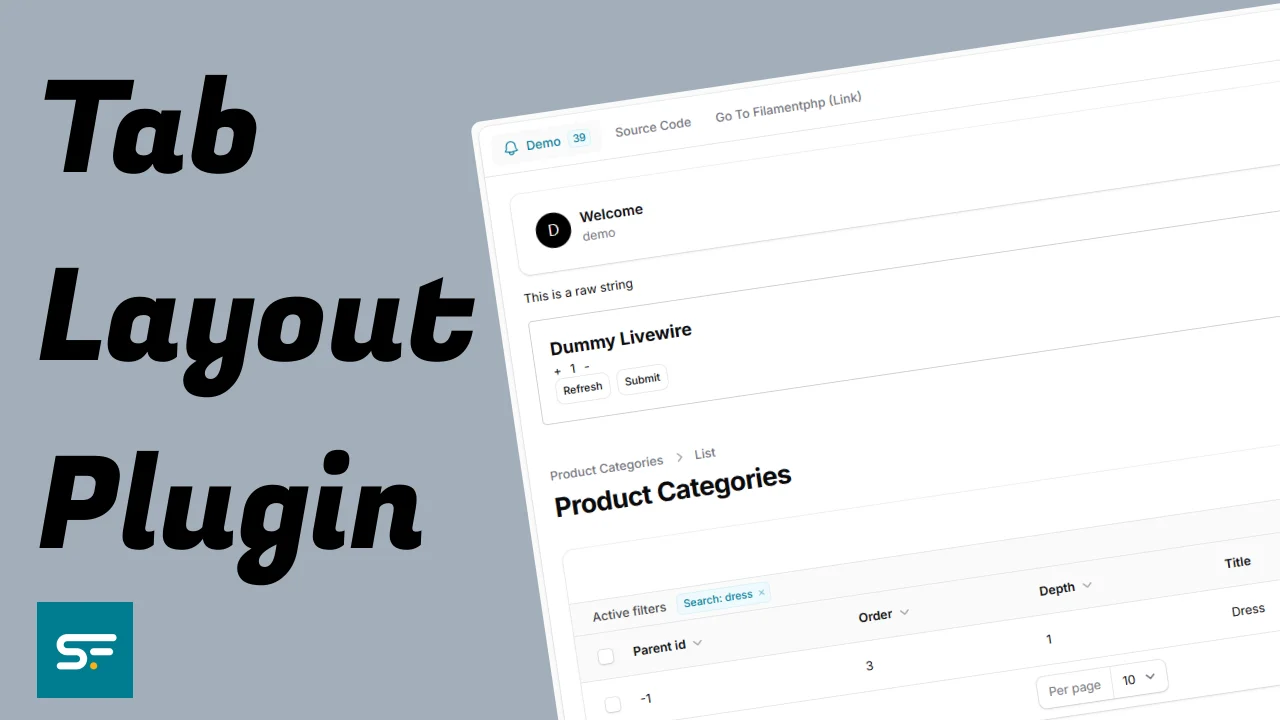
Tab Layout Plugin
This plugin provides a flexible tab layout system for Filament Admin panels, enabling you to organize content into clean, navigable tabbed interfaces.
Author:
Solution Forest

Translate Field
Filament Translate Field is a library for Filament CMS that simplifies managing multiple translatable fields in different languages.
Author:
Solution Forest

Inspire CMS
InspireCMS is a flexible, un-opinionated content engine for Laravel, built on Filament.
Author:
Solution Forest
Simple Lightbox
A simple and lightweight solution for implementing a lightbox feature in your Filament admin panel
Author:
Solution Forest
Featured Plugins
A selection of plugins curated by the Filament team

Custom Dashboards
Let your users build and share their own dashboards with a drag-and-drop interface. Define your data sources in PHP and let them do the rest.
 Filament
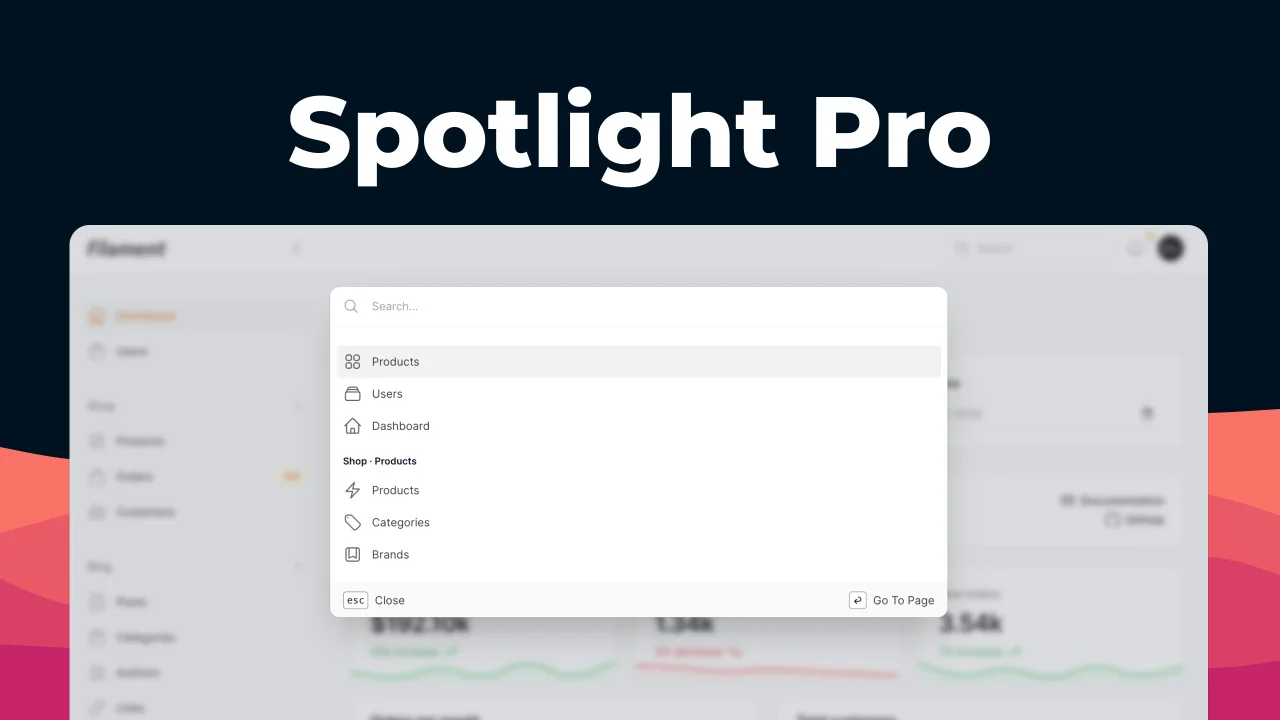
Spotlight Pro
Browse your Filament Panel with ease. Filament Spotlight Pro adds a Spotlight/Raycast like Command Palette to your Filament Panel.
 Dennis Koch

Blueprint
Filament Blueprint is a premium Laravel Boost extension that helps AI agents produce accurate, detailed implementation plans and security reports for Filament apps.
Filament


