In this article, I am going to show you how to open the Google Chrome settings page in a few different methods.
Table of Contents
- Method 1: Opening Google Chrome Settings from the Navigation Bar 1
- Method 2: Opening Google Chrome Settings from the Menu. 1
- Searching for Specific Google Chrome Settings
- Opening the Google Chrome Flags/Experimental Settings Page
- Conclusion
Method 1: Opening Google Chrome Settings from the Navigation Bar
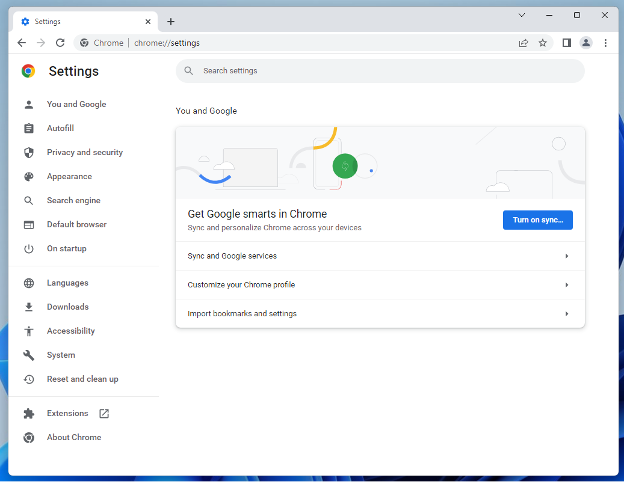
One way of opening the Google Chrome settings page is by visiting chrome://settings Chrome URL from Google Chrome.
So, open the Google Chrome web browser, type in chrome://settings in the URL/search bar, and press <Enter>.

The Google Chrome settings page should be displayed.
Method 2: Opening Google Chrome Settings from the Menu
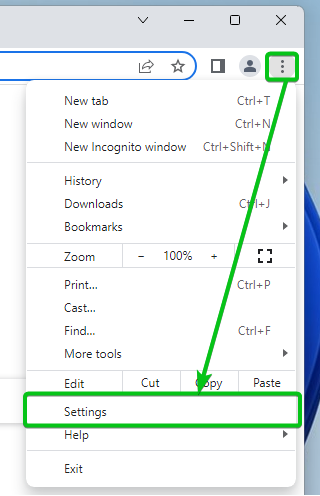
Another way of opening the Google Chrome settings page is from the menu bar. This is the most common method of opening the Google Chrome settings page.
First, open the Google Chrome web browser and click on > Settings from the top-right corner of Google Chrome.
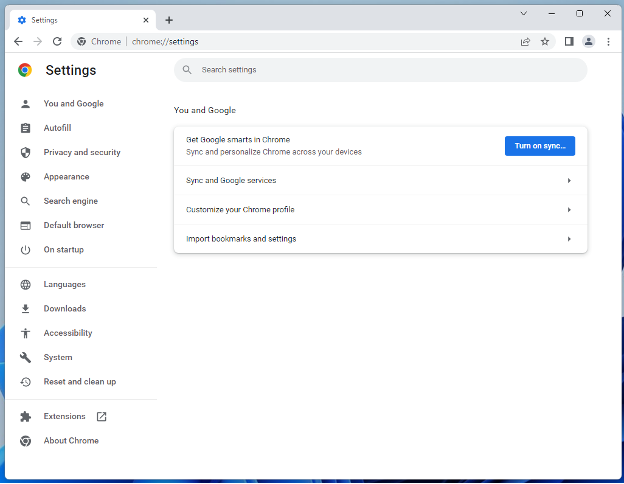
The Google Chrome settings page should be displayed.
Searching for Specific Google Chrome Settings
From the Google Chrome settings page, you can search for specific settings using the Search settings bar and configure Google Chrome.
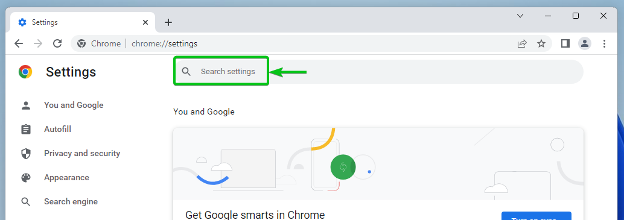
For example, if you want to configure JavaScript on Google Chrome. Search for javascript and Google Chrome should show you a marker that tells you where you need to go to configure JavaScript on Google Chrome.
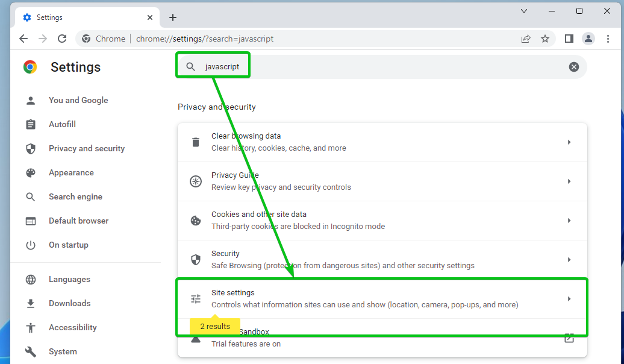
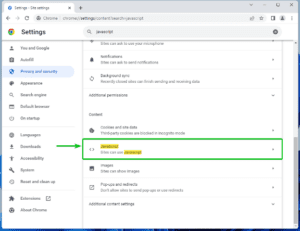
Once you click on the marked section, you should find the JavaScript settings of Google Chrome.
In the same way, you can find your desired Google Chrome settings.
Opening the Google Chrome Flags/Experimental Settings Page
Google Chrome has some experimental features that you can enable using different flags and try them out.
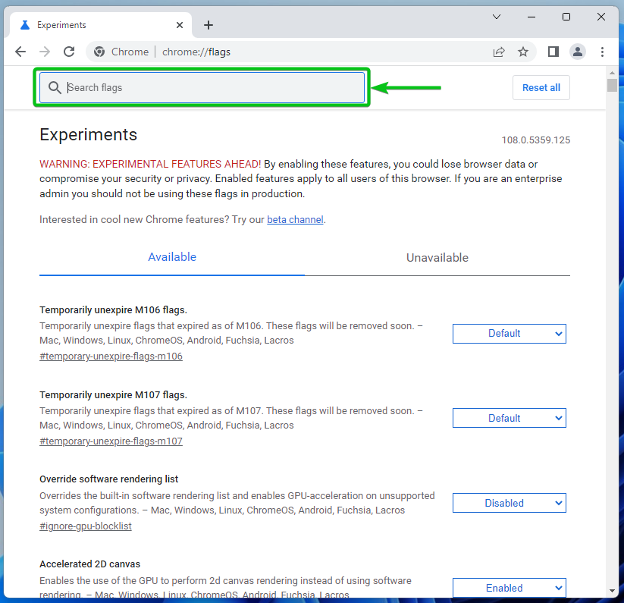
To find out what Google Chrome flags are available and enable the ones you want, open Google Chrome and visit chrome://flags.

Google Chrome flags settings page should be displayed.
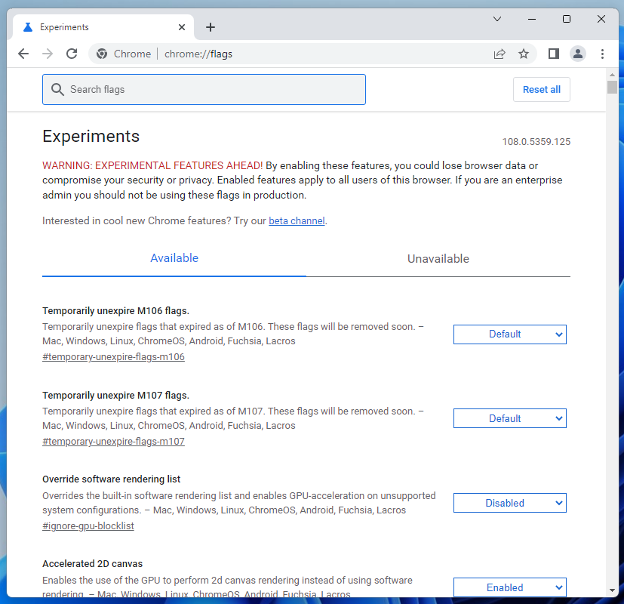
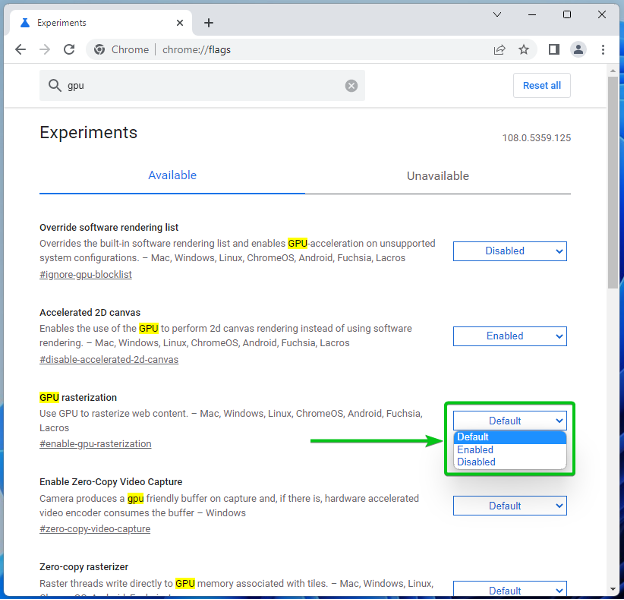
You can type in keywords in the Search flags section to find the available Google Chrome flags.
Once you do find your desired Google Chrome flags, you can use the dropdown menu on the right to configure it.
Conclusion
I have shown you two methods of opening the Settings page on Google Chrome. I have also shown you how to open the flags settings page of Google Chrome.

