Open Eney.
Stay in the flow.
Get work done.
At MacPaw, we believe in one purpose: "We befriend people with technology."
Eney brings that purpose into the AI era by understanding your work, connecting your apps, and helping you move tasks forward.
The start of something new
Oleksandr Kosovan, MacPaw CEO, shares where our journey has lead to a new idea. And why it might change how we see software.



Practical skills
built around you


Knows what you mean
No commands, no scripts. Eney understands what you say.
Solves complex tasks
Breaks actions into small steps and handles them automatically.
Handles the busywork
App switching, setting toggles, and small tasks? Done for you.

Keeps you one step ahead
Suggests next actions. You stay in control.
The everyday, made effortless
Eney keeps your Mac in shape and learns new skills every day to be even more helpful.
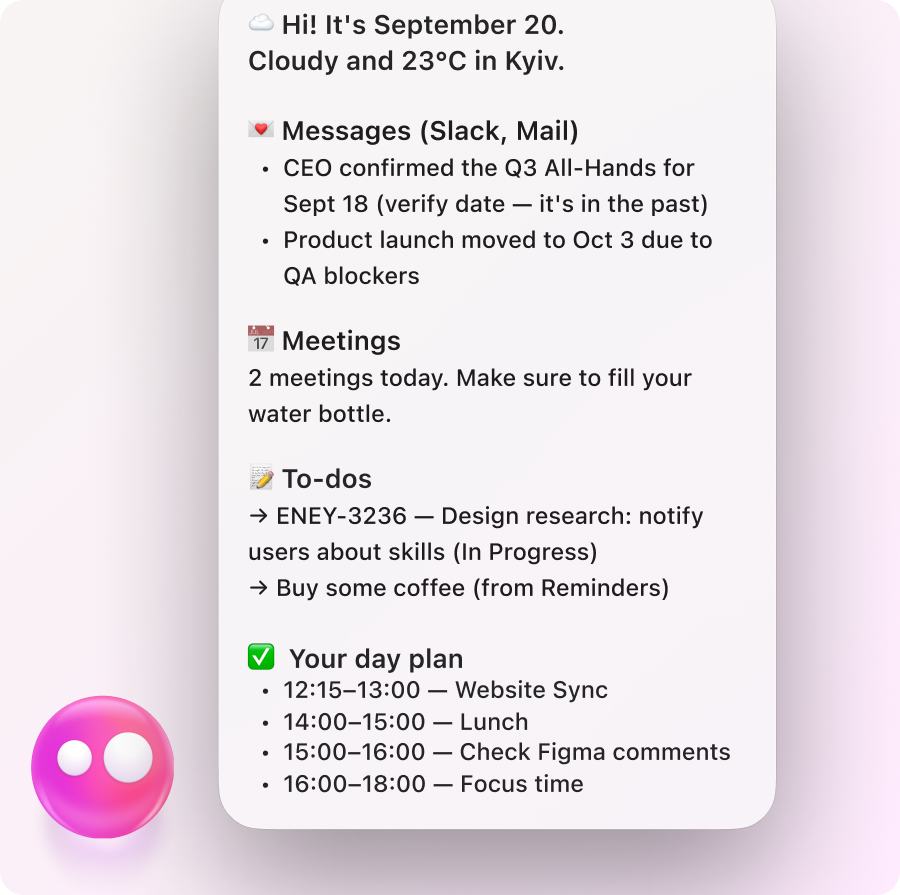
Keeps an eye on your work, surfaces what needs attention, and suggests what to do next — so you stay one step ahead.
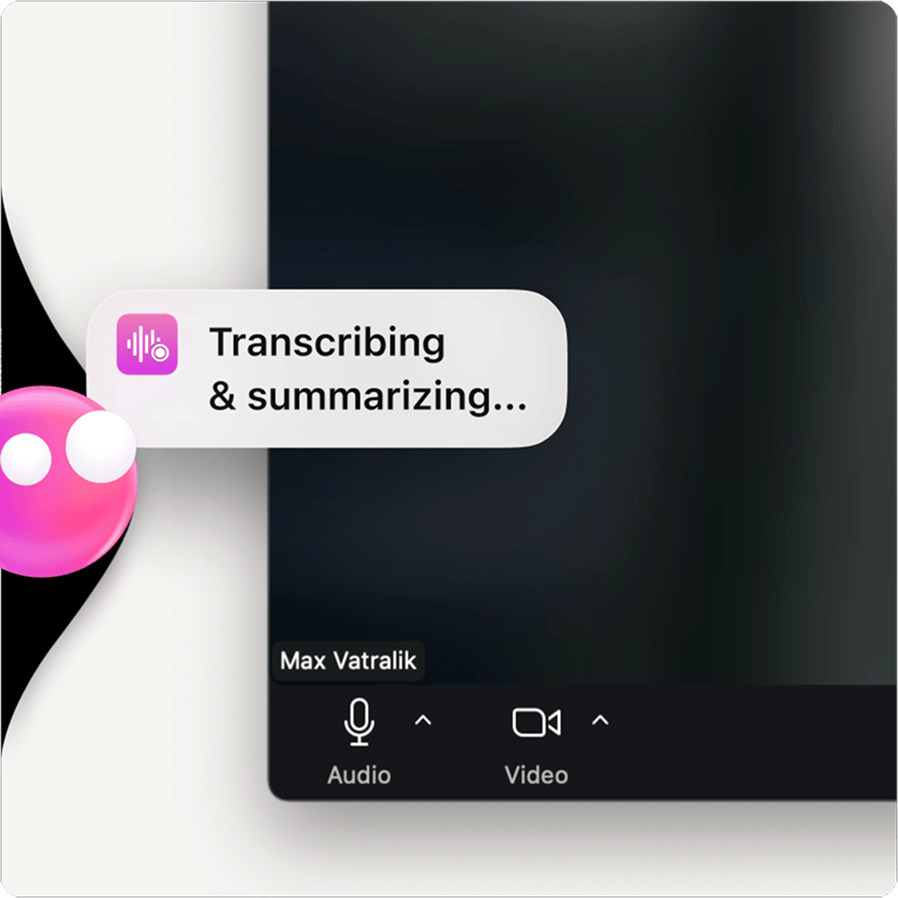
Joins your calls, takes notes, sends you a clean summary — so nothing slips between meetings.
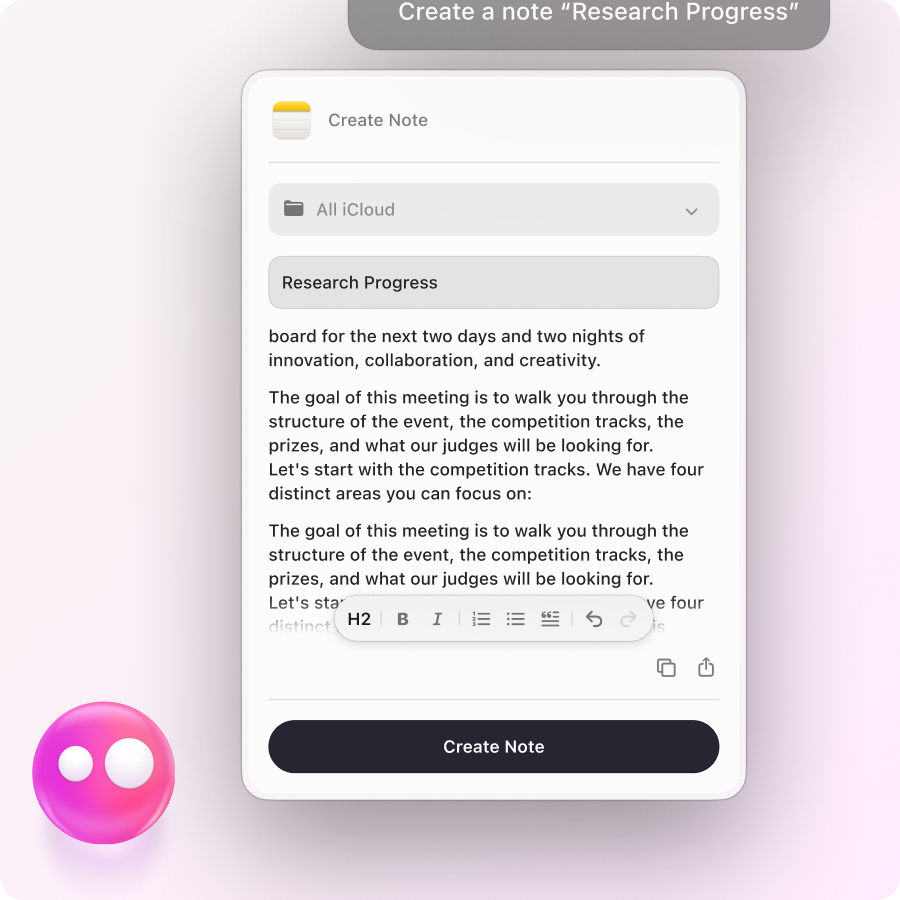
Drafts emails, captures notes, pulls up unread messages, and sends the quick replies — so your inbox stops ruining your morning.
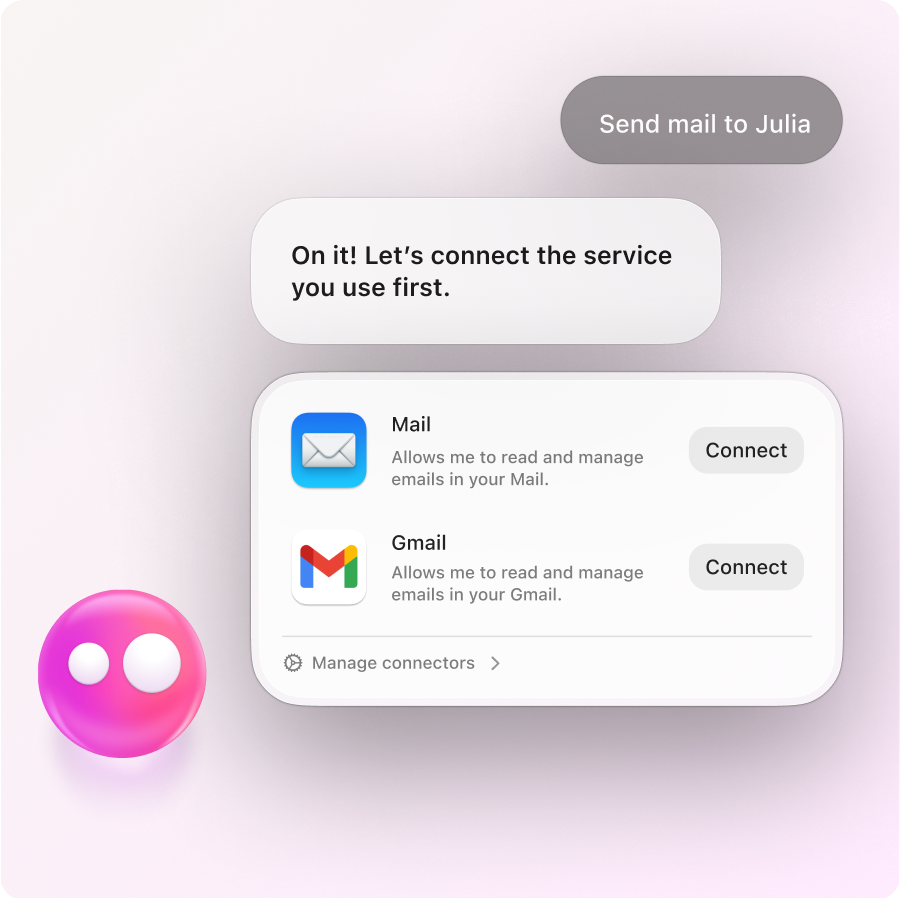
Find what you need in Notion, Linear, and Google Docs, update it, create new tasks, and keep everything current — without switching tabs and breaking flow.
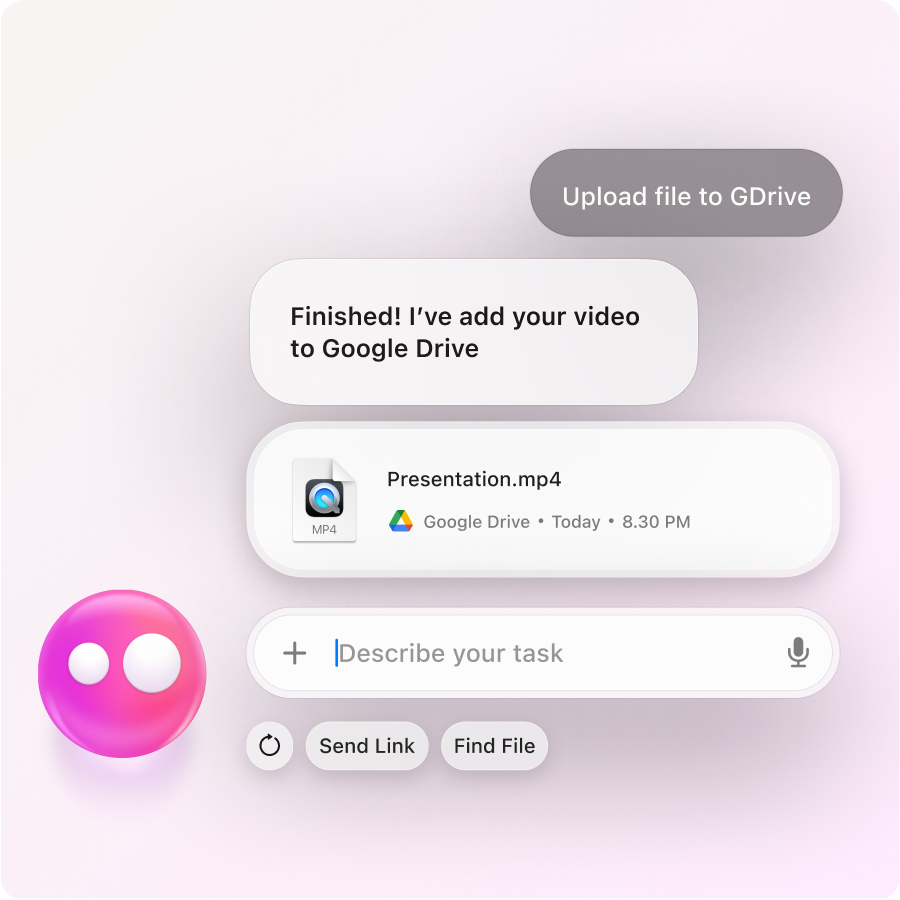
Finds files in Google Drive, creates and edits Docs, splits PDFs, and converts Word to PDF — so file work stops slowing you down

Crops, flips, optimizes, annotates images, trims videos, and handles QR codes — without opening another app.
There’s a lot Eney can already take off your plate — and it keeps growing.