Despite the fact that Amazon is one of the most used and most trusted e-commerce sites in North America, shopping on Amazon doesn’t make you immune to scams and fraud. In 2025, the FBI reported total losses to account takeover and fraud on Amazon of more than $262 million.
In fact, due to the platform’s popularity, scammers are engineering more specific schemes to target Amazon shoppers, tricking them out of money or personal information. Keep reading to learn more about how scammers are taking advantage of the Amazon brand name and how you can keep yourself safe while shopping online.

Instant cybersecurity feedback at your fingertips
How do Amazon scams work?
Amazon scams are incredibly common. From 2020 to 2021 alone, Amazon scams spiked over 500%. In most cases, scammers contact victims and pretend to be Amazon representatives. They request money, personal information, or login credentials. They also use other techniques to trick victims, such as luring them in with fake ads. The goal is always the same: fraud of some sort.
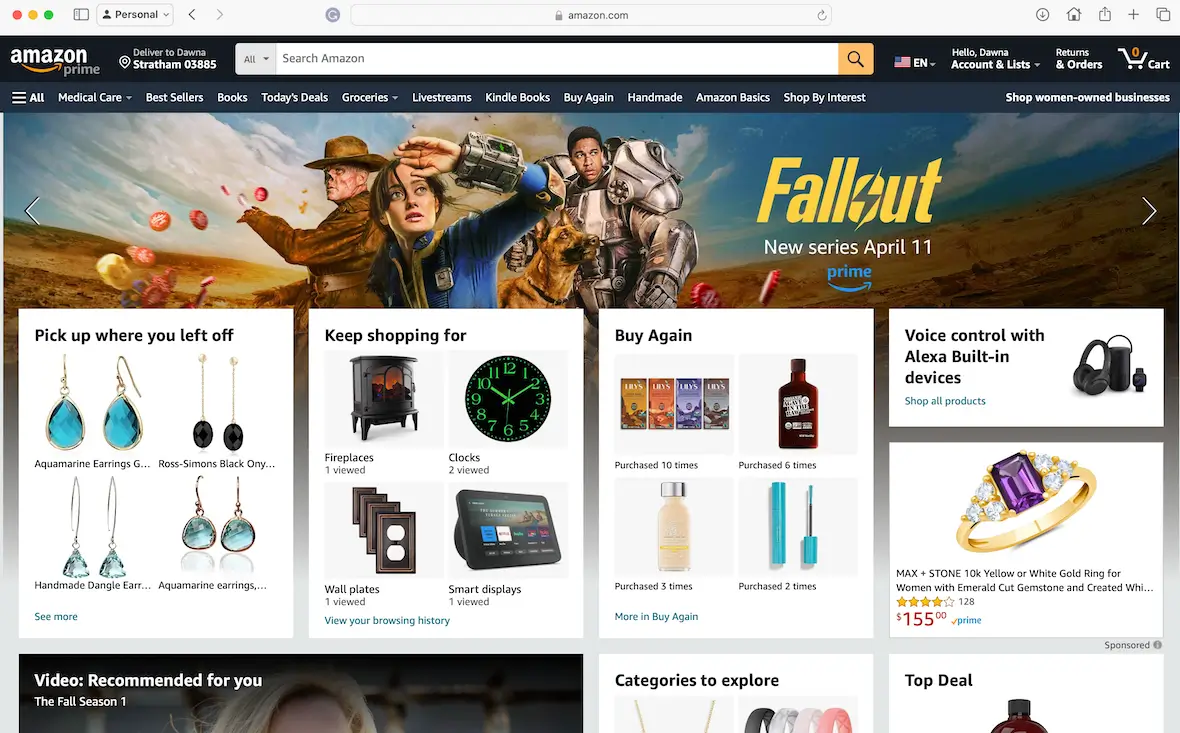
The most common Amazon scams
If you search online, you may find dozens of varieties of Amazon scams. The following are some of the most common.
Amazon phishing email
Amazon phishing emails or texts are some of the most common Amazon scams out there. Scammers impersonate Amazon by stealing the company’s logo and using a similar domain to send you a phishing email. They typically warn you of an “account problem” or a “payment issue” and urge you to click on a link that’s likely to install malware or lead you to a spoofed site.
Some red flags to look out for are spelling and grammar errors, incorrect sender domains, a generic greeting, or undue urgency in the language used. Sometimes, scammers will recycle email domains they’ve already used for scams, so you might receive an email claiming to be from Amazon when the sender’s address says Temu.
Amazon text scam
Amazon text scams or smishing scams involve a scammer sending fake SMS messages about delivery problems or an account suspension. Similar to scam emails, they’ll pressure you to click a link to “reschedule” or “verify your identity.”
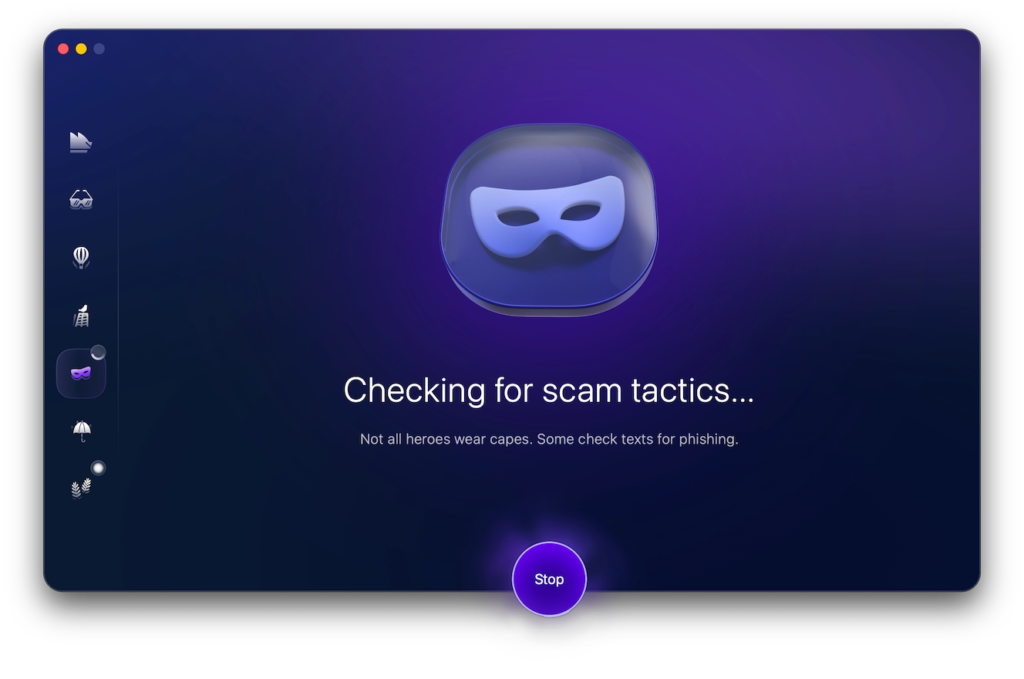
Fortunately, you can use Moonlock’s built-in Scam Detector to flag this type of scam. The Scam Detector analyzes questionable messages for red flags, including inconsistencies in links and incorrect addresses, and gives you the probability that the message is associated with a scam, along with recommendations on how to proceed. Start with a 7-day free trial to try it out for yourself.
Amazon scam calls
You may also receive an Amazon scam call from someone pretending to be from Amazon tech support. Again, they will start by claiming that something is wrong with your account. They’ll insist that they are calling to fix the problem, but you have to give them some information first. Don’t do it.
Amazon brushing scam
One particularly heinous scam involves disreputable Amazon sellers with bad reviews and poor-quality items finding your name and address online, creating fake orders for you, and sending them out. You may receive their junk for free, at which point they will take control of your Amazon account and create fake rave reviews of their products.
“Amazon got hacked” messages
One of the most common ways scammers get you is by playing on your preexisting cybersecurity fears. A scammer may contact you and claim that your account has been hacked. Naturally, you panic and click the links or call the nefarious phone numbers provided without thinking.
Amazon Prime scam
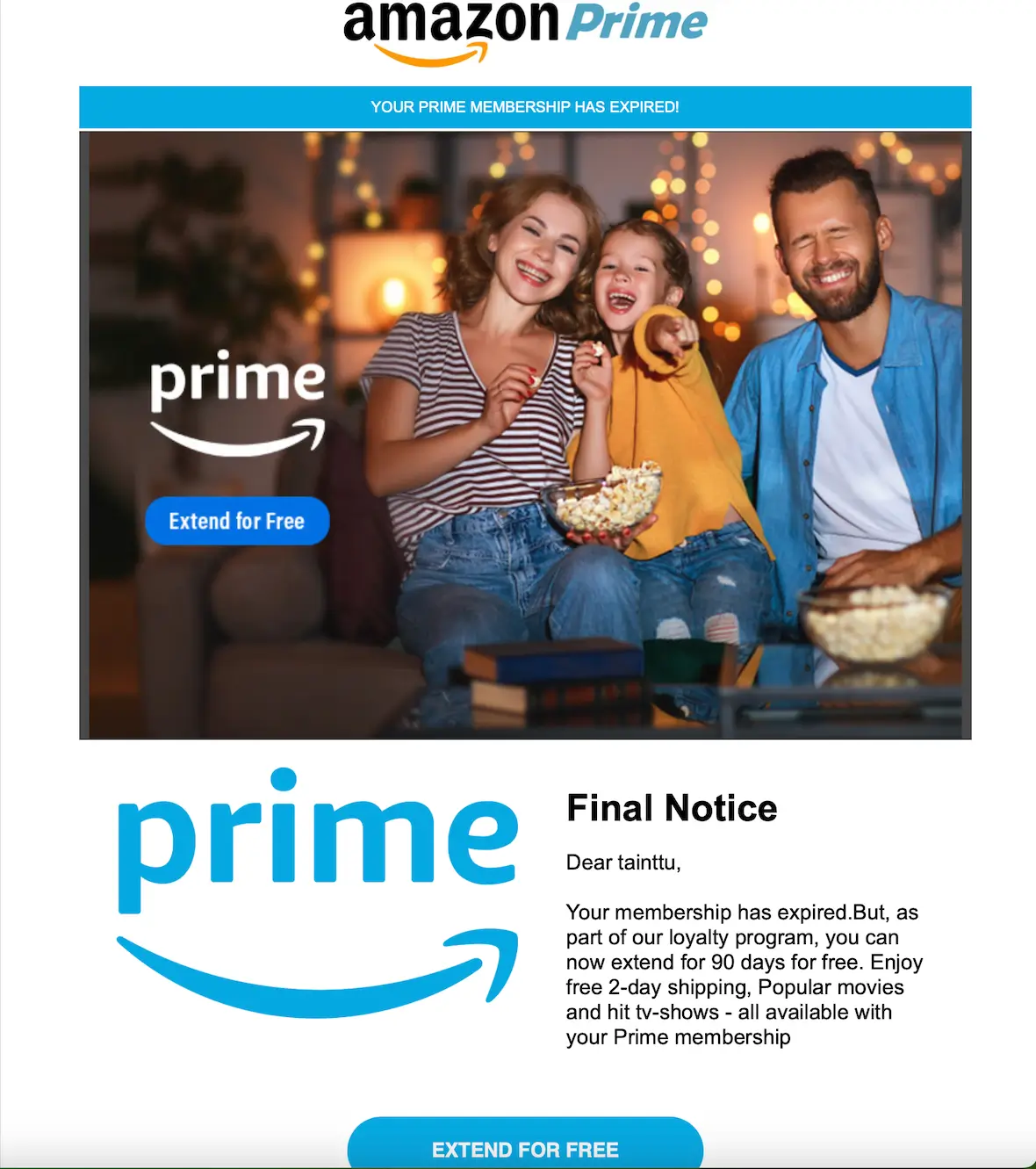
Amazon Prime offers dozens of great rewards for an annual fee. Scammers use this popular service to incite victims by calling or emailing them to say that there is a problem with their Amazon Prime renewal. They’ll insist that the customer must make a payment immediately or lose access to the service. But if the victim follows the payment link provided, they’ll be taken to a fake site.
Gift card scam
Another troubling scenario is the Amazon gift card email scam. Fraudsters use various techniques to get you to buy Amazon gift cards and then coerce you into exposing the numbers to them. They can then use the gift card balance before you do.
Amazon refund scam
Not all Amazon scams originate from the platform. Fraudsters often pose as Amazon sellers, issue a refund for a product that wasn’t delivered, and then claim that they accidentally overpaid. They’ll then ask you to wire back “the difference.” It’s important not to send them anything, as the original payment and refund never existed in the first place.
Failed delivery scam
The failed delivery scam targets Amazon sellers. Fake buyers will claim that they ordered a product but never received it. They will then demand a refund or post a horrible review. Sellers, worried about their reputation, may send the refund without realizing that, in reality, the person received their order without issue.
Amazon fake job scam
Scammers may pretend to be recruiters working for Amazon, posting fake remote jobs with high pay. The offers will often come unsolicited via email, LinkedIn, or Instagram DMs, although you can sometimes find them on sketchy job board sites.
These “recruiters” request that you pay an upfront “equipment fee” during onboarding, then vanish as soon as the payment is made.
Off-platform payment scam
All legitimate payments must be made through the Amazon platform. A fake seller or buyer may pressure you to complete a transaction via an alternate method, like Zelle, Venmo, a wire transfer, or gift cards, which are typically irreversible payment methods.
Once you pay, there are no resources for help, and none of Amazon’s built-in buyer protections apply. The scammers might also try to move to another platform altogether, like Etsy, when you initially found their product on Amazon.
How to identify Amazon fraud
Amazon scams work the same as any others. If you know what to look for, you can spot the telltale signs and avoid getting hurt. Some common red flags to watch out for are:
- Poor grammar, spelling, and bad English
- A sense of urgency for you to do something quickly
- Suspicious links or strange email sender addresses, where the sender’s address is anything other than @amazon.com
- Links that contain IP addresses (for example, http://203.0.113.45/login), which are always fraudulent
- Requests for payment, gift cards, or other odd demands
- Anyone contacting you out of the blue from Amazon to help you fix your account (they don’t do that)
Additionally, watch out for any Amazon emails that don’t show up in your Message Center under “Your Account.” If a message is not there, the message is a fake. Amazon support will not contact you through social media DMs on Twitter (X) or Instagram. A real Amazon customer support agent would never ask you for a one-time code, request payments in gift cards or wire transfers, or ask for remote access to your device. Also, keep in mind that real Amazon text messages with updates on your package come from shortcodes. If the sender has a “long” or international number, it’s a fake.
Finally, use Moonlock to scan text messages and emails. With built-in tools to detect social engineering tactics such as unusual urgency, suspicious requests, and mismatched details, the Scam Detector is like a second look by a trusted cybersecurity expert.
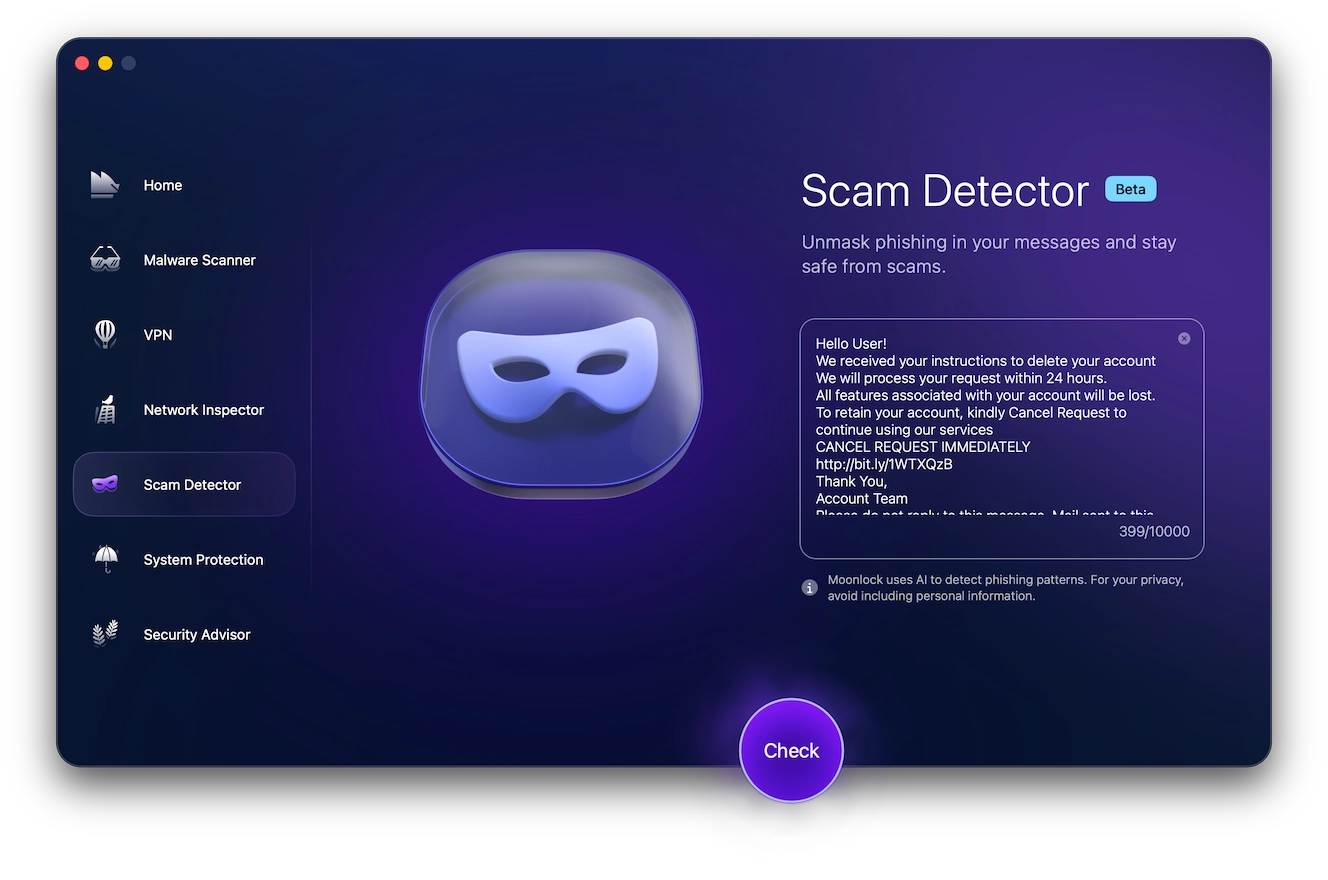
To detect Amazon scam text or email:
- Sign up for a free trial now
- Open the app and go to the Scam Detector.
- Copy and paste the suspicious message.
- Press “Check” and let Moonlock identify the red flags.
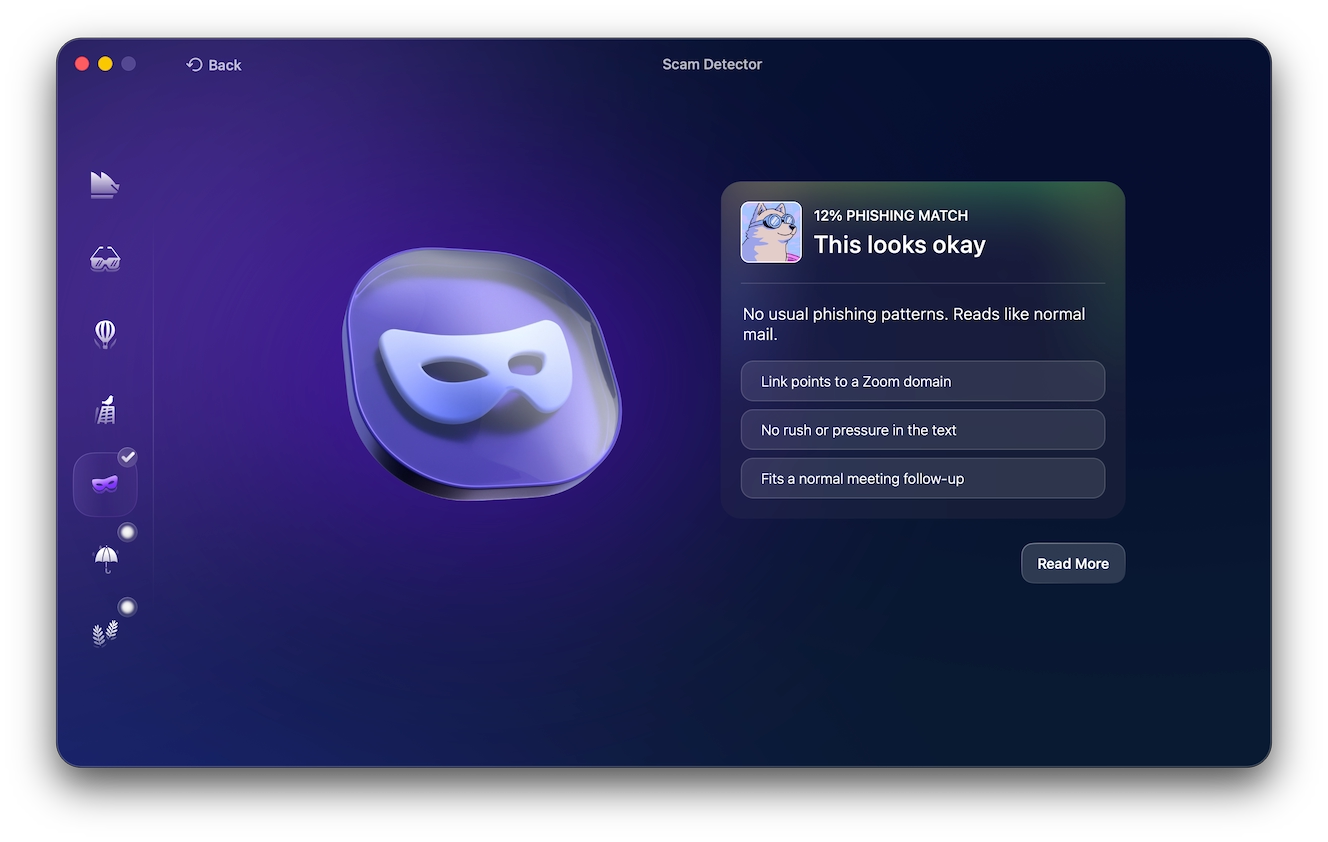
Unlike a quick gut check, the Scam Detector cross-references your message against known scam patterns and gives you a clear verdict. No guesswork, no second-guessing yourself.
How to report an Amazon scam
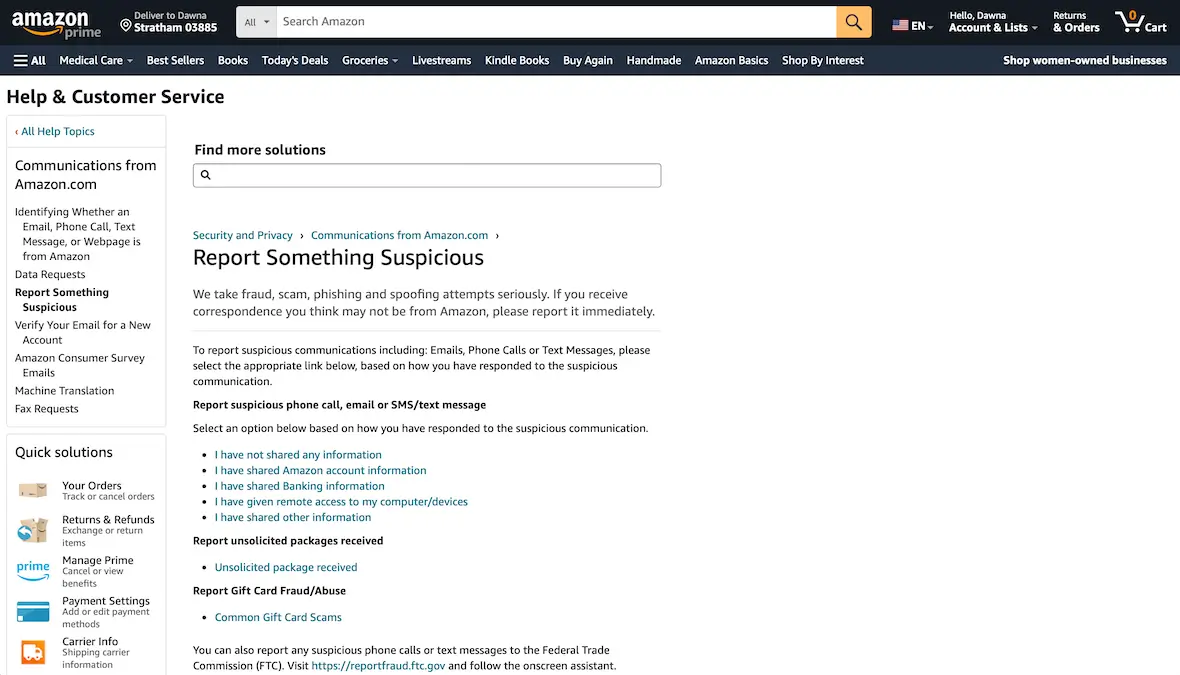
To report an Amazon scam to the company, follow the steps below:
- Log in to your Amazon account.
- Visit this support page.
- Click on the appropriate link to report the type of fraud.
- Follow the prompts to complete the process.
What to do if you fall for an Amazon scam
If you’ve been hit with an Amazon scam, you might still be able to minimize the damage if you act fast. Here’s what you should do:
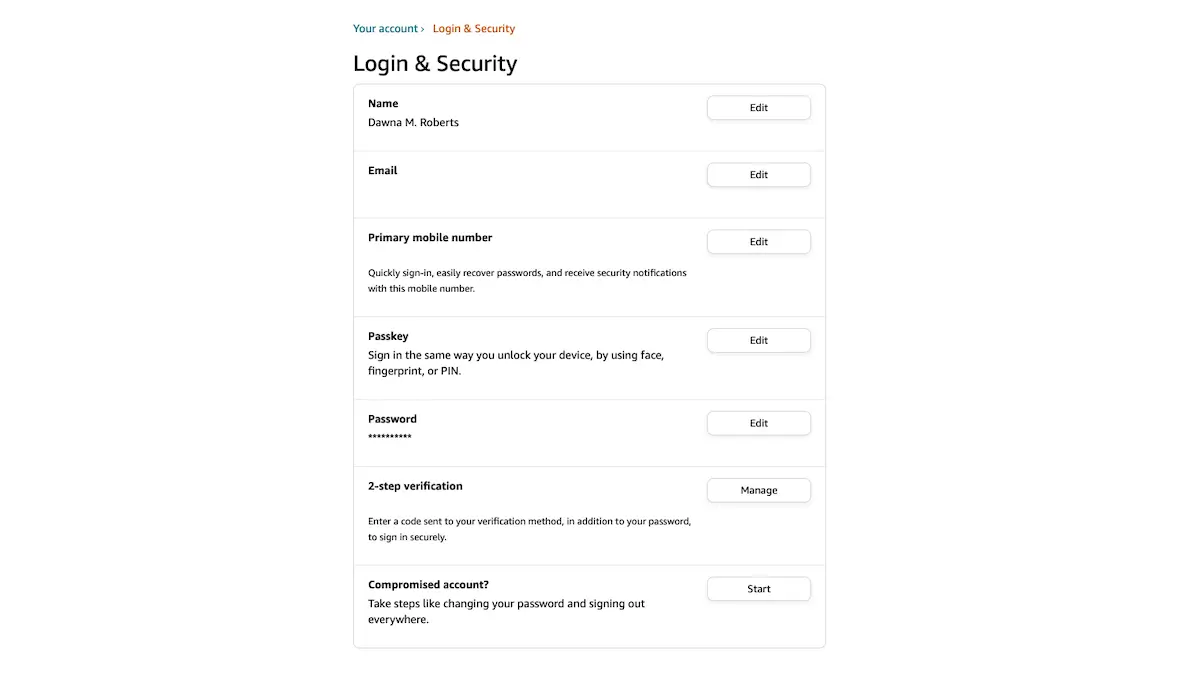
- Change your Amazon password: Immediately log out on all devices from Account Settings, change your password, and enable 2FA.
- Contact your bank: If you paid with a credit or debit card, you might be able to dispute the charge and have it reversed.
- Report it to Amazon: Report the scam to Amazon through the site’s customer support.
- File a report with the FTC: Report the fraud to the FTC following the instructions on the site.
- Run a malware scan: If you clicked a link, scanned a QR code, or downloaded an email attachment in the process, you should run a malware scan to make sure your Mac isn’t infected.
How not to fall for an Amazon scam
The only way not to lose money or information to scammers is to be aware that it’s a scam and to avoid falling for it in the first place. The following are some tips to help you stay safe.
Always be wary
Always treat unsolicited emails, texts, and phone calls with a healthy measure of caution. Read them over carefully, with the understanding that they could be potential scams, and then decide what to do.
Never give money to a stranger
If someone requests or demands money from you, do not give it. Take some time to investigate the situation first. If someone insists that you pay for something with gift cards, that is a big red flag.
Protect your information
Always protect your login credentials and other personally identifiable information (PII). Do not give it out to anyone who requests it online.
Turn on 2FA
Finally, turn on 2-factor authentication on your Amazon account and lock it with a long, strong password.
Now, you are armed with everything you need to know to avoid Amazon scams and fraud perpetrators. Share this information with anyone you care about so they, too, can avoid losing money or sensitive information.
This is an independent publication, and it has not been authorized, sponsored, or otherwise approved by Amazon.com, Inc. Amazon and Amazon Prime are trademarks of Amazon.com, Inc.