
Linear
Connect your Linear workspace to Plain to track feature requests and bugs reported by customers. Link a Linear issue to any thread and get automatically prompted to follow up when the issue is completed or cancelled.
Setup
Go to Settings → Linear
Connect your Linear workspace
Linking threads to Linear issues
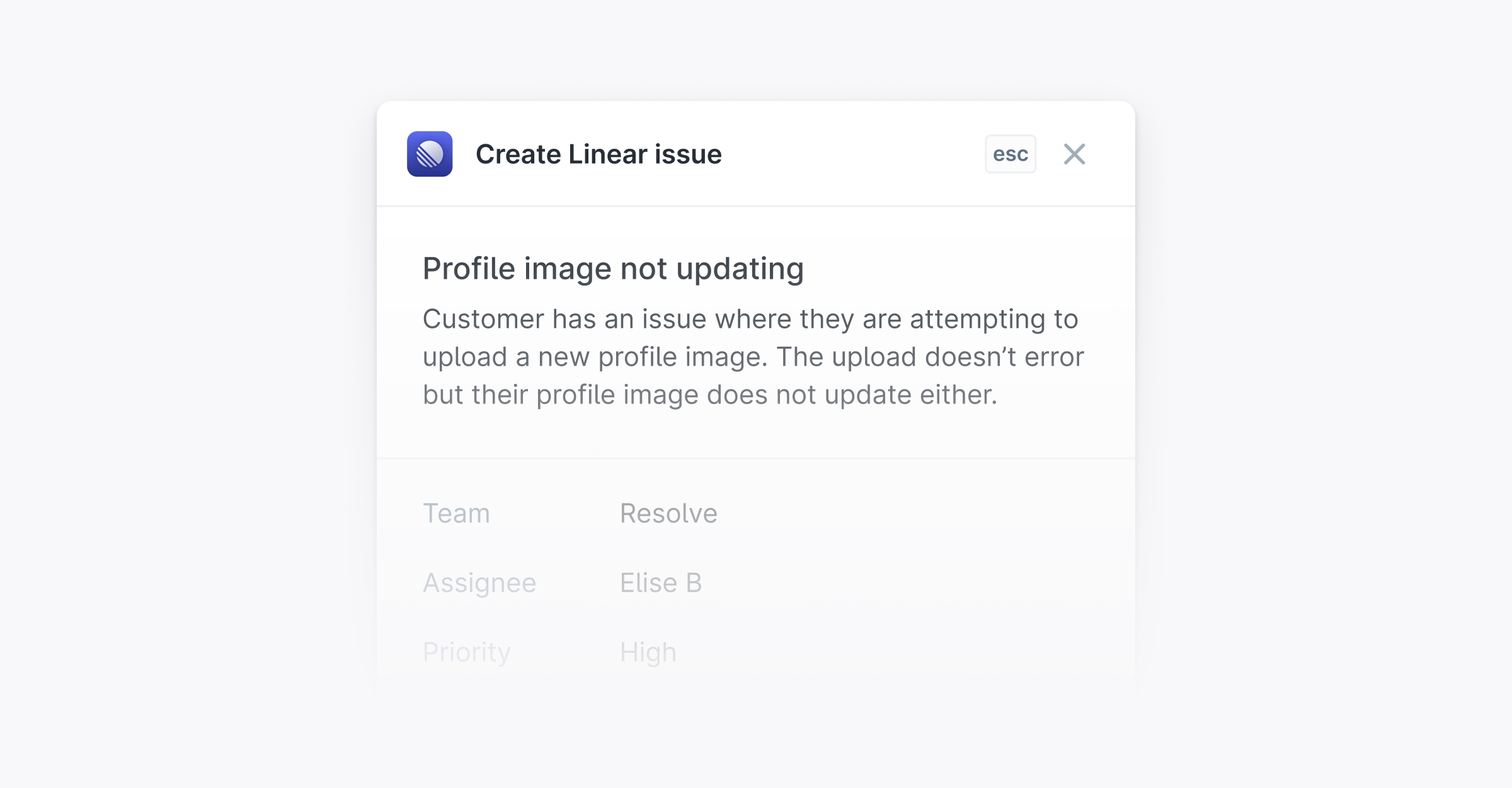
Once connected, open any thread and use the Thread links panel in the sidebar or press i to create a new Linear issue or link an existing one.
When the Linear issue is completed or cancelled, the thread automatically moves to Close the Loop.
Linking Linear issues to threads via the API
You can also link a Linear issue to a Plain thread using the createThreadLink mutation — including from a machine-user API key. This is useful for automation workflows that open Linear issues and want to surface them inside Plain without any manual steps.
For this to work, the Linear integration must be connected in Settings → Linear before you can link issues via the API. See the Linear integration guide for setup steps.
Also, your machine-user API key needs:
threadLink:createthreadLink:read
Linear templates
If you've created issue templates in Linear, you can choose which template to use each time you create a new issue from Plain.
Customer requests
If your Linear workspace supports Customer Requests, Plain will create a Customer and a Customer Request when linking a thread to a Linear issue.
