Log inSign up
Chrome DevTools
3,331 posts
user avatar
Chrome DevTools
@ChromeDevTools
Official account. Follow for latest news, features, tips and more. Shape the future of DevTools, participate: goo.gle/devtools-ux-re…
Google Chrome
devtools.chrome.com
Joined November 2014
98
Following
116.6K
Followers
RepliesRepliesMediaMedia

New to X?

Sign up now to get your own personalized timeline!

Create account

By signing up, you agree to the Terms of Service and Privacy Policy, including Cookie Use.

Terms·Privacy·Cookies·Accessibility·Ads Info·© 2026 X Corp.
Don't miss what's happening
People on X are the first to know.
Log inSign up
  • user avatar
    Chrome DevTools
    @ChromeDevTools
    Sep 12, 2019
    Congratulations @FirefoxDevTools. Great feature.
    user avatar
    Firefox DevTools
    @FirefoxDevTools
    Sep 11, 2019
    🌅 Now in Beta: Inactive CSS! We show you which CSS properties aren’t affecting the selected element and why. (Has this saved you time already? We love hearing from you and seeing screenshots!) —@violasong mozilla.org/en-US/firefox/…
    Image
  • user avatar
    Chrome DevTools
    @ChromeDevTools
    Nov 7, 2019
    Rerunning code that declare let-variables no longer cause failures in DevTools console. We hope this makes trying out code more convenient!
    Image
    GIF
  • user avatar
    Chrome DevTools
    @ChromeDevTools
    Mar 15, 2018
    Tip: Run copy(obj) in the Console to copy an object to your clipboard.
    Image
    GIF
  • user avatar
    Chrome DevTools
    @ChromeDevTools
    Aug 16, 2017
    Introducing Puppeteer: A modern Node.js API for headless Chrome. Built with ❤️ by the Chrome team. github.com/GoogleChrome/p…
    Image
  • user avatar
    Chrome DevTools
    @ChromeDevTools
    Apr 29, 2020
    It's almost here: CSS grid tooling! 🤘 Over the last couple of months, we teamed up with @EdgeDevTools to work on this highly-requested feature. Here is a sneak preview. We have many more ideas on how to make grids easier and more accessible in the future – stay tuned!
    Image
    00:00
  • user avatar
    Chrome DevTools
    @ChromeDevTools
    Mar 19, 2018
    Tip: Type $_ in the Console to return the value of the last evaluated expression.
    Image
  • user avatar
    Chrome DevTools
    @ChromeDevTools
    Aug 29, 2017
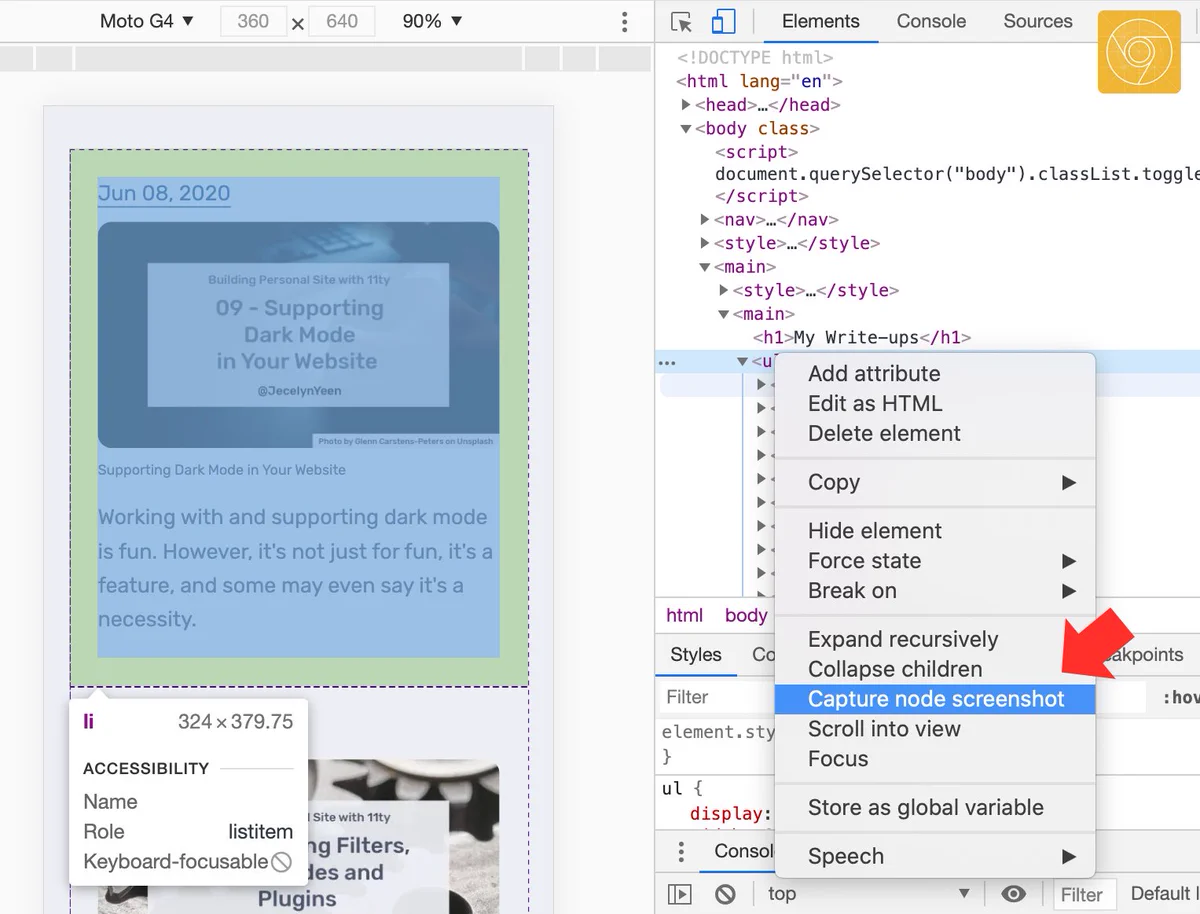
    Now in Canary: Capture screenshots of specific HTML nodes
    Image
    GIF
  • user avatar
    Chrome DevTools
    @ChromeDevTools
    Jul 2, 2020
    Now you can right click on a node in Elements panel and capture the node screenshot! 📸 Like it? Freshly landed on Chrome Canary. Update and give it a try! 🔥
    Image
  • user avatar
    Chrome DevTools
    @ChromeDevTools
    Jul 30, 2018
    Tip: Format your console.log statements by prepending your text with "%c" and passing a second argument that contains the CSS styles.
    Image
  • user avatar
    Chrome DevTools
    @ChromeDevTools
    Jan 24, 2019
    New feature in Chrome 73: Logpoints. Log messages to the Console without cluttering up your code with console.log() calls. developers.google.com/web/updates/20…
    user avatar
    Netanel Basal
    @NetanelBasal
    Jan 24, 2019
    ⭐️ 🚀 @googlechrome 73: Logpoints 🔥🚀👯
    Image
    GIF
  • user avatar
    Chrome DevTools
    @ChromeDevTools
    Jan 29, 2018
    Coming 🔜in Chrome 65: Contrast ratio in the Color Picker. That white line divides high contrast versus low contrast.
    Image
  • user avatar
    Chrome DevTools
    @ChromeDevTools
    Apr 20, 2018
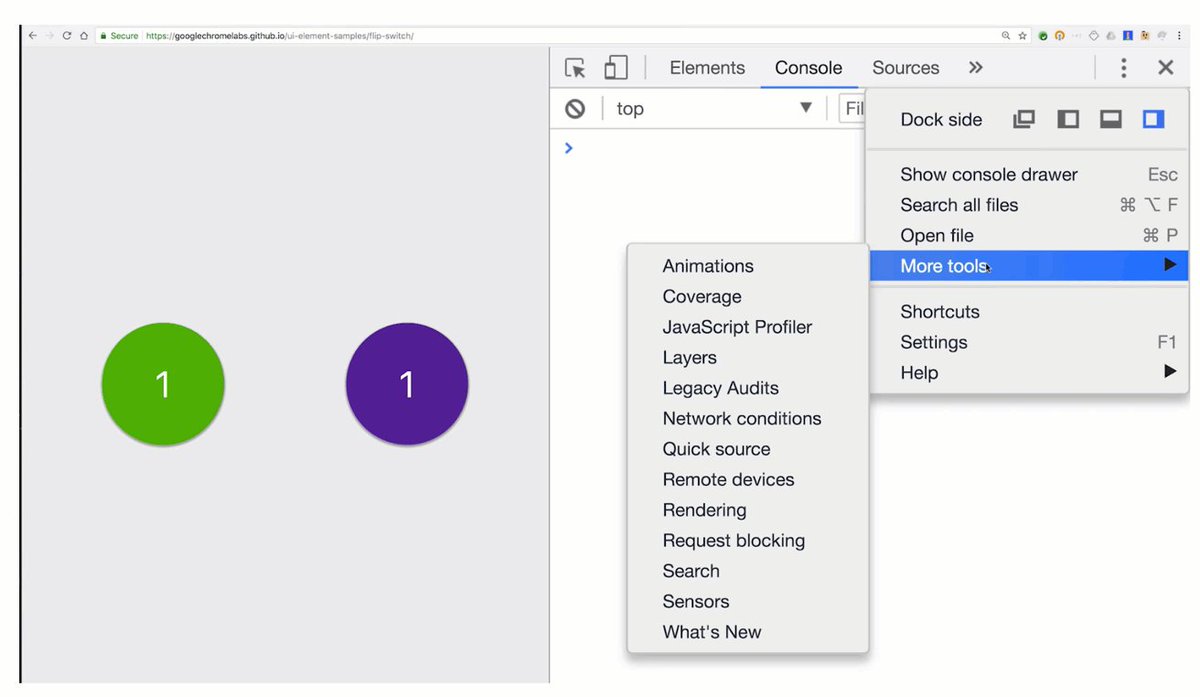
    Tip: Use the Animation Inspector + Layers panel to visually understand how all those amazing animations you see across the web are created. youtu.be/6je49J67TQk
    Image
    GIF
  • user avatar
    Chrome DevTools
    @ChromeDevTools
    Feb 3, 2016
    CSS @ keyframes now viewable and editable right within Styles. Try it in Canary.
    Image
    00:00
  • user avatar
    Chrome DevTools
    @ChromeDevTools
    Apr 19, 2019
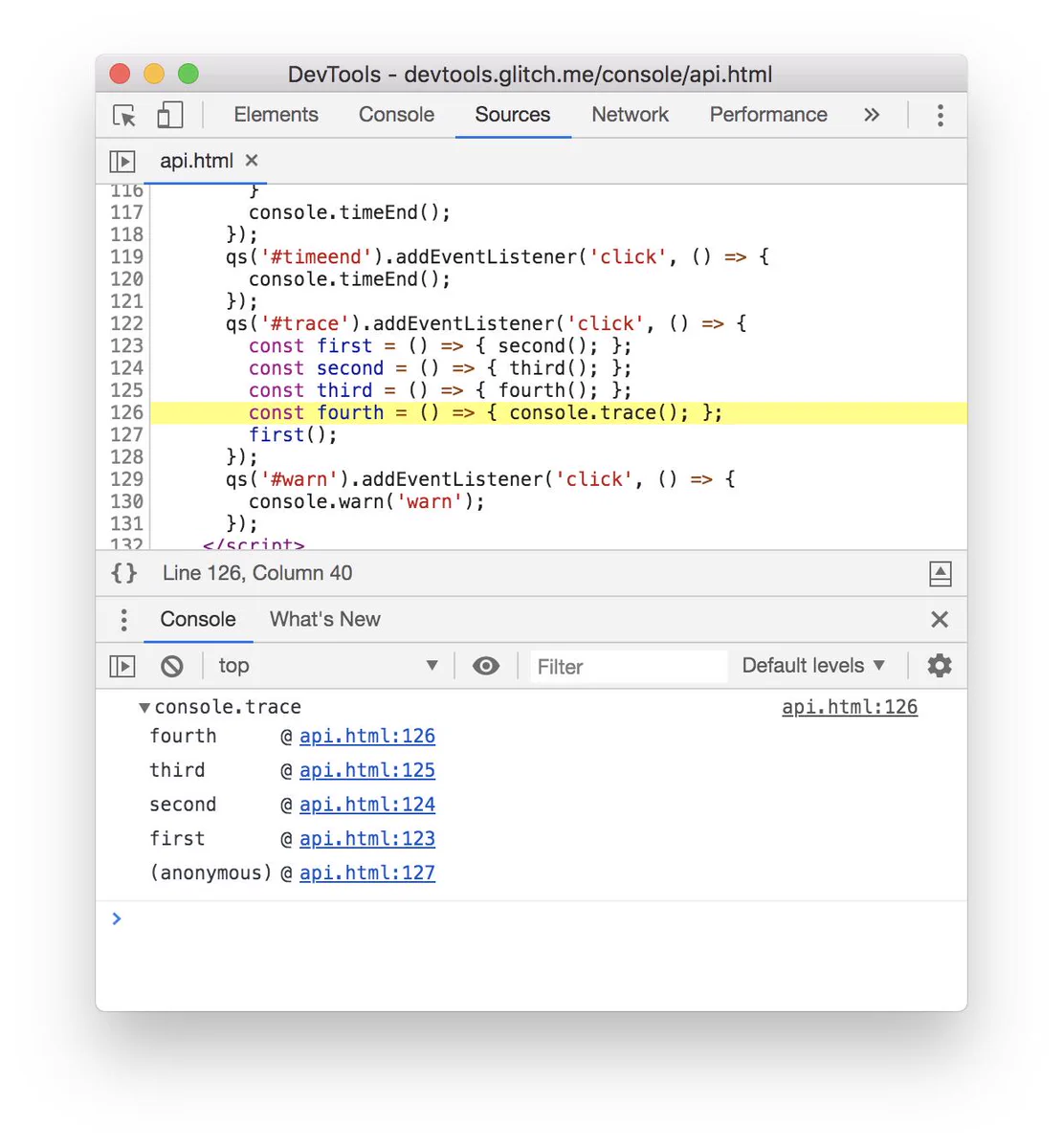
    Tip: Call console.trace() anywhere in your code to print out a stack trace of the calls leading up to that moment.
    Image
Advertisement
Advertisement