What’s New in UXPin
The latest updates, features, and fixes - all in one place.
July 09, 2026
June 2026 Update
Forge now supports design system presets, streams code as it generates, and connects results directly to Wire.
Design system presets
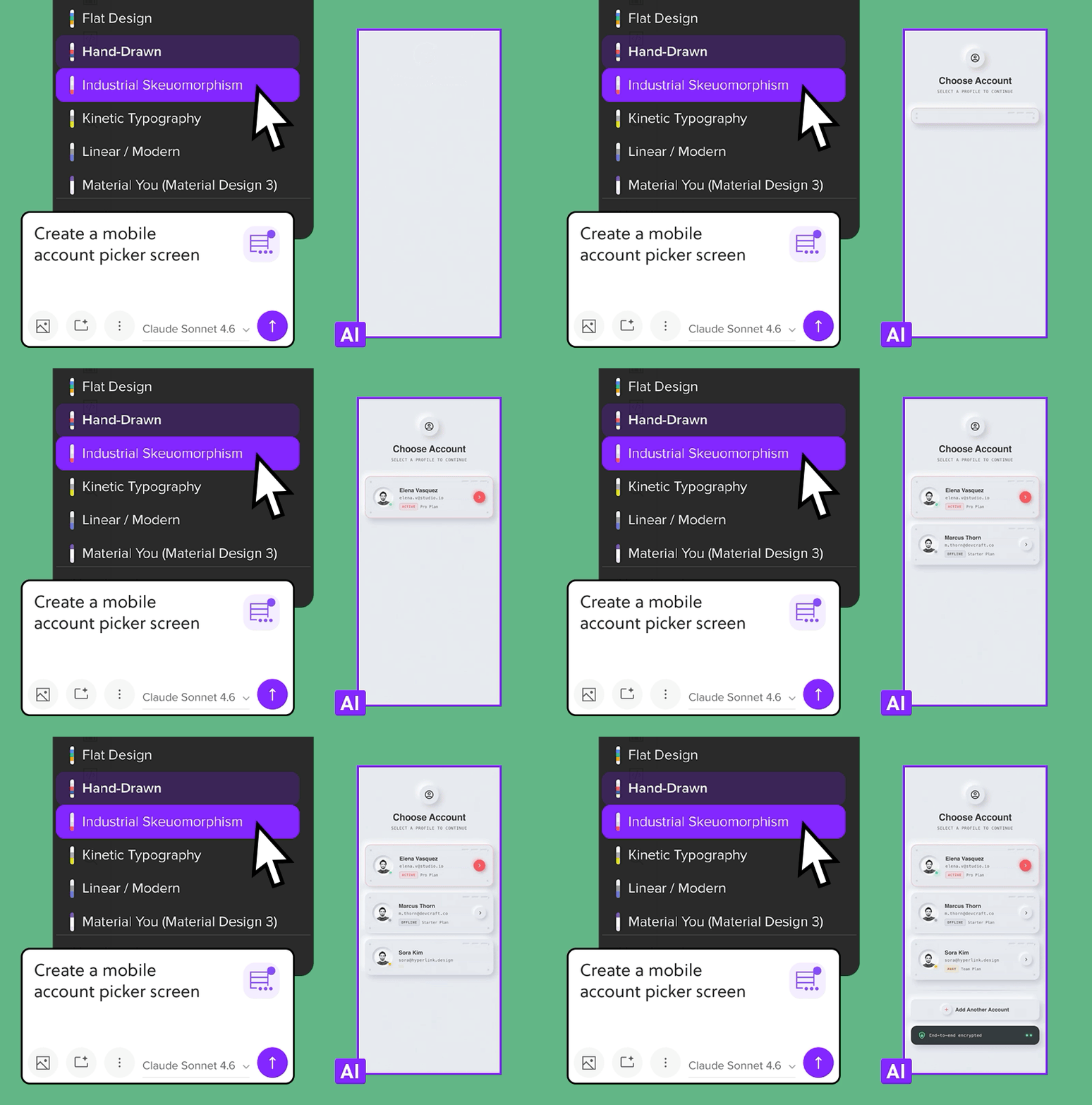
Pick a design system preset and Forge will follow its guidelines when generating UI. Choose from curated styles like Retro / 90s Nostalgia, Serif, Terminal CLI, or Vaporwave, or pick from brand presets including Airbnb, Apple, Claude and more. Every component Forge generates matches the visual rules of the selected system.
AI-generated UIs and live code previews
Generate components in chat and act on them right away.
- Any generated component or multi-screen plan can be opened directly in Wire. UXPin creates a Wire project automatically and saves the link so you can return to it from the chat.
- While Forge writes or edits files, the code streams live in the chat. A short "preparing" state gives you visual feedback on changes as they happen.
- Third-party models are now available via OpenRouter, including Qwen 3.6 Plus. Add your OpenRouter API key in settings.
- Canceled messages stop streaming immediately, and failed changes show clear error indicators. Credits are not charged for failed requests.
Improvements
- When exporting a canvas with multiple screens to Wire, Wire detects the export and offers to connect the screens into a single working app.
- Design system guidance can now be set per document. You can add library-level instructions the AI will follow, and the editor checks generated component code for syntax errors so Forge can target fixes automatically.
Bug Fixes
- Fixed an issue where long editing sessions caused the Interactions & Animation panel to slow down, freeze, or crash.
June 26, 2026
Introducing UXPin Wire
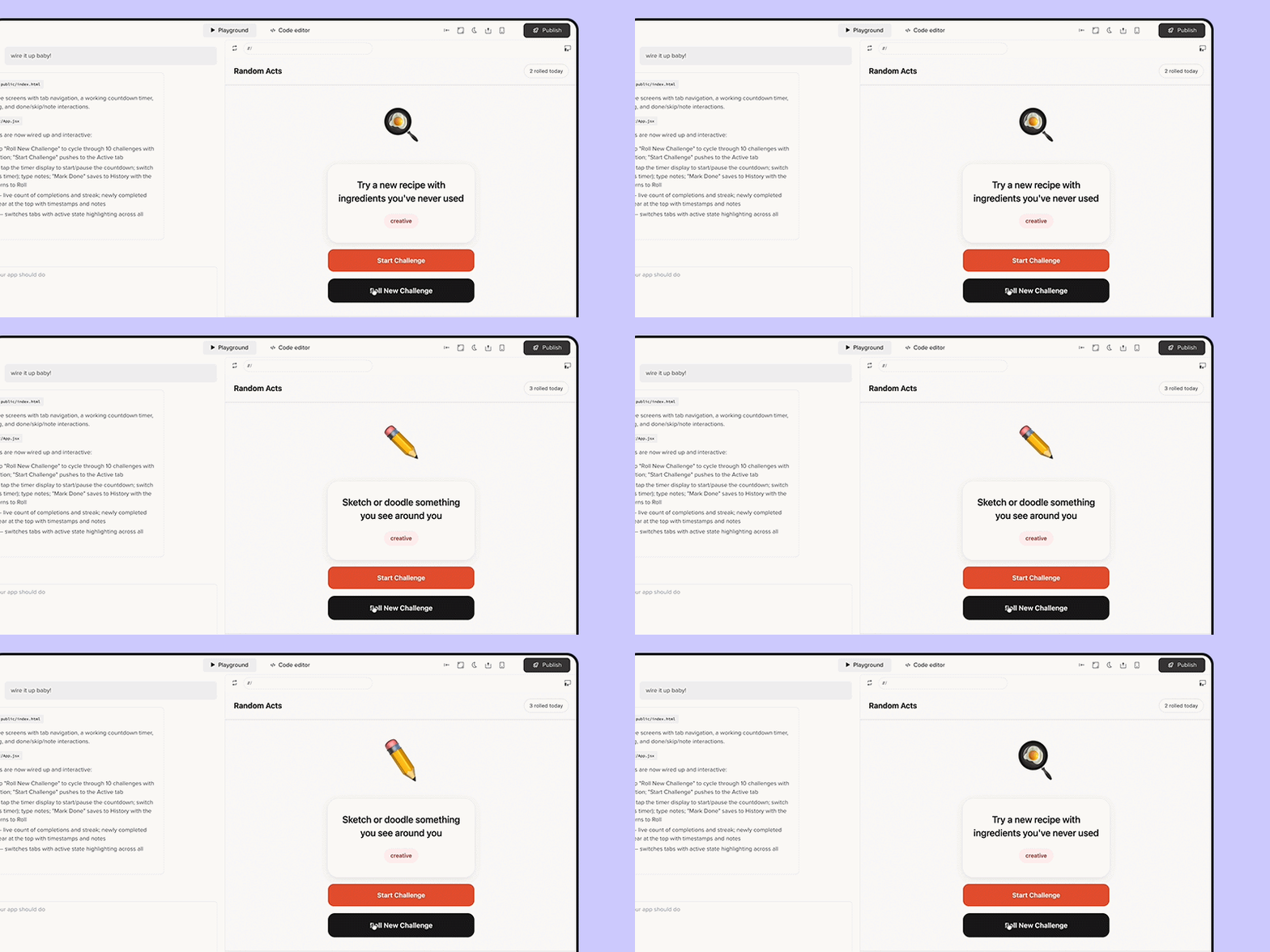
Wire turns your UXPin designs into real, working product flows. Connect screens, add logic, navigation, and form behavior - then share the result as a hosted link or export it as a React app developers can build on from day one.
- Connect multiple screens into a live flow with real navigation, form validation, and state management.
- Publish as a hosted link anyone can open in a browser
- Export a working Vite + React codebase ready for developers to run locally.
- Use Forge to describe what you want and iterate until the flow feels right.
June 26, 2026
May 2026 Update
Fetch live web content in Forge
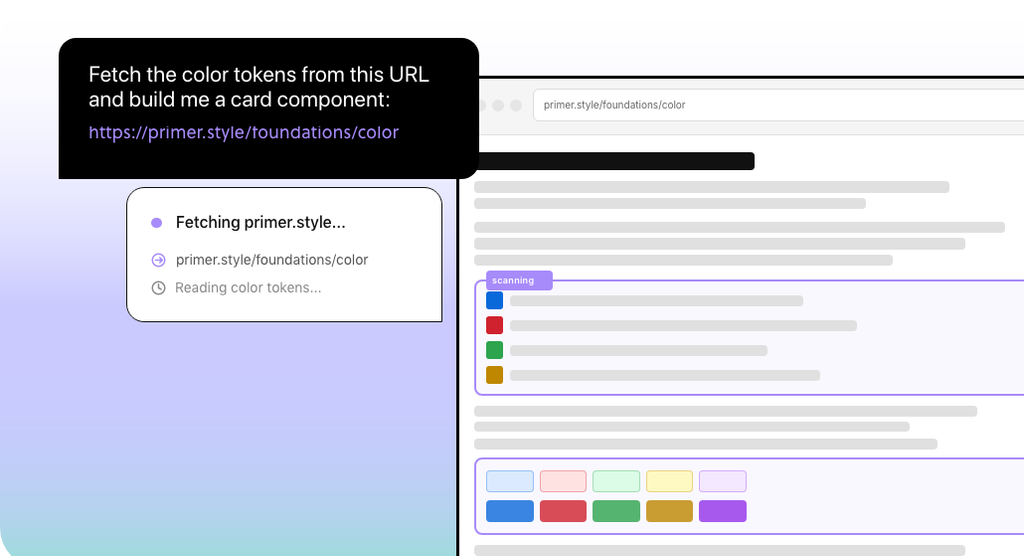
Forge can now pull live facts and content directly from any URL, without leaving the Editor. Paste a link in the chat and Forge fetches the page, extracts what you need, and brings it back into the conversation.
Results stay in context, so everything Forge finds is tied to what you're building.
Generate and analyze images on demand
Ask Forge to generate or analyze images and designs directly in the chat. Generated assets appear as downloadable thumbnails and can be used directly in your design.
Improvements
- Forge responses arrive faster, with shorter streaming delays and a buffer that makes results feel smoother.
- Common mistakes like mismatched quotes, unit tokens, and hex colors are fixed automatically where possible. Syntax issues are flagged with a retry option.
- Canceled or failed turns are now marked, so partial results don't mislead you.
- Your selected design library stays selected when you open a new AI chat, and the library control is easier to click and read.
Bug Fixes
- Parked accounts can now remove projects from groups again.
- Header icons, labels, and the Templates bar in the desktop app are now aligned with consistent spacing.
May 05, 2026
Generate complete flows from a single prompt with Forge
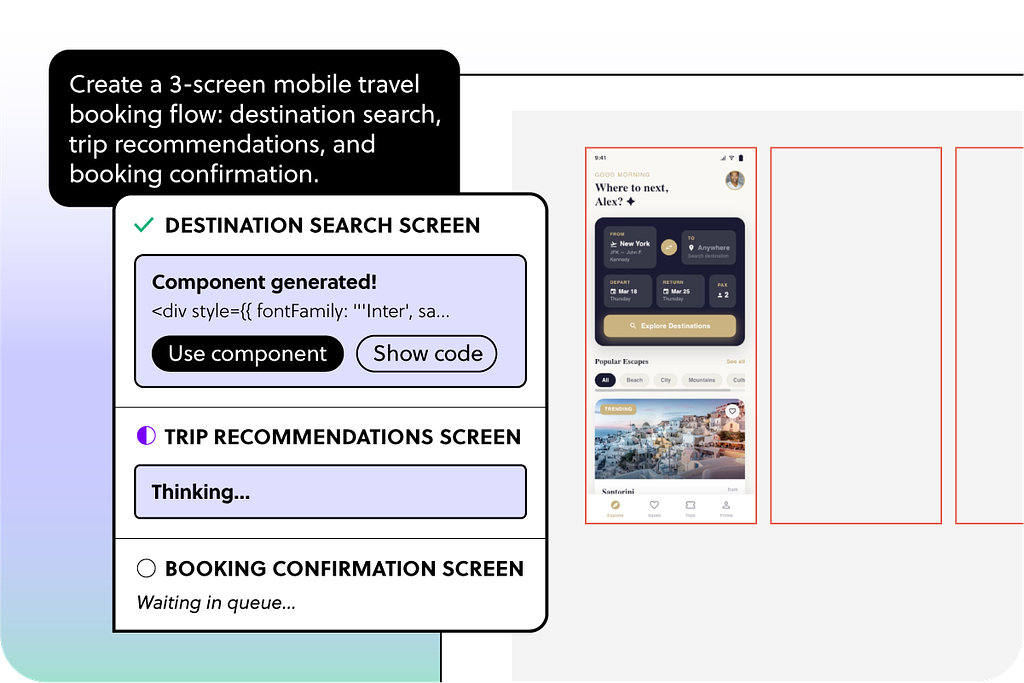
A live task list show exactly what's being generated and what's already done, so you always know where things stand.
May 04, 2026
April 2026 Update
- AI-generated JSX will now respect your custom library instructions, ensuring that requests for specific code formats such as "don’t use generic HTML" are properly implemented. This change minimizes the risk of outputting incompatible or incorrect code based on your specifications.
- The system will no longer mistakenly interpret code or JSX snippets as web links, preventing unwanted visual captures during screenshots.
