
Screenshots
App details
- Version
- 2.0.0
- Updated
- May 2, 2025
- Requires
- iOS 16.4
- Language
- English
- License
- Free
- Developer
- Active Network LLC
- Category
- iPhone OS
About Active Experience
Track Events & Fitness with Active Experience
Overview
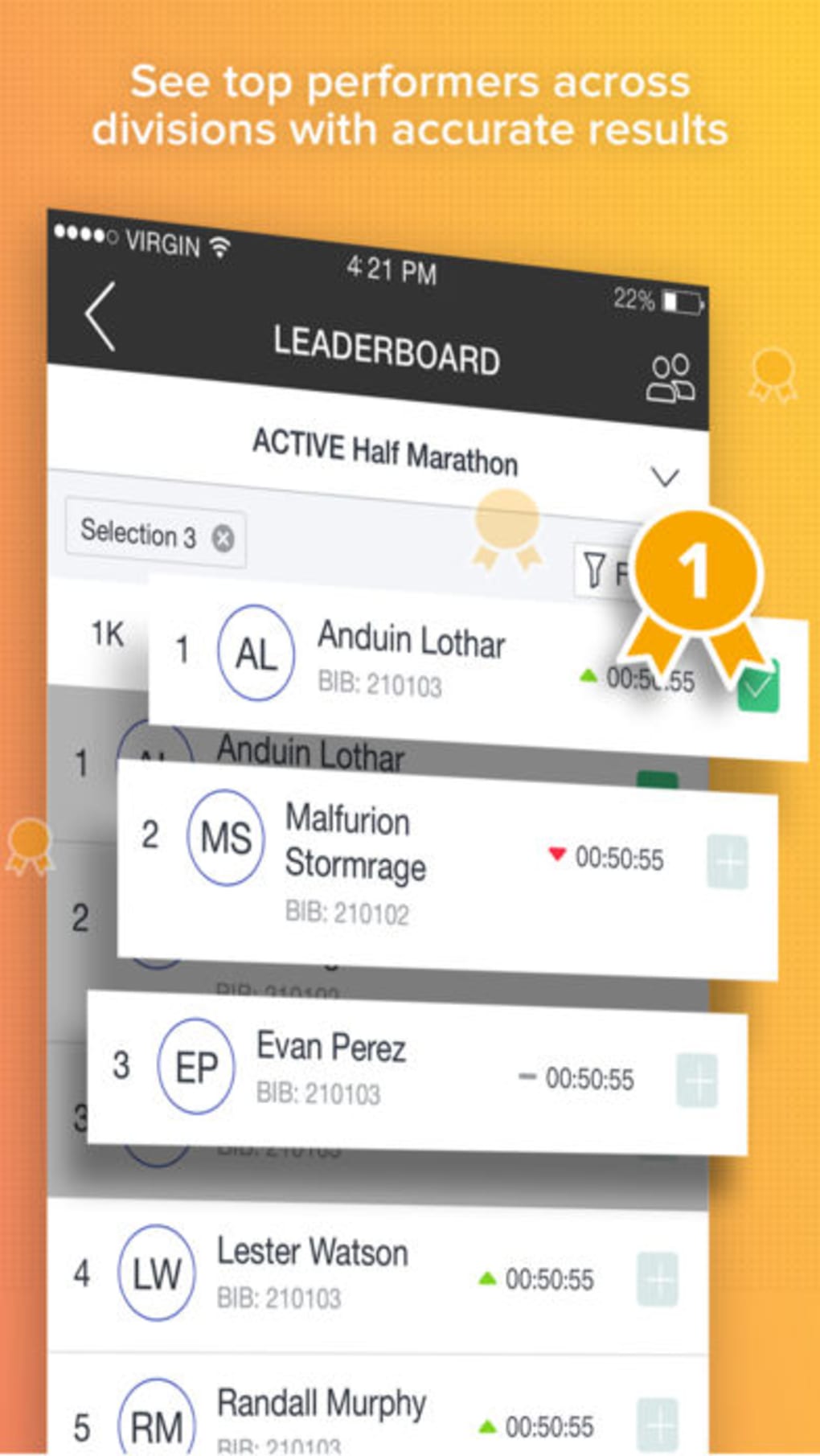
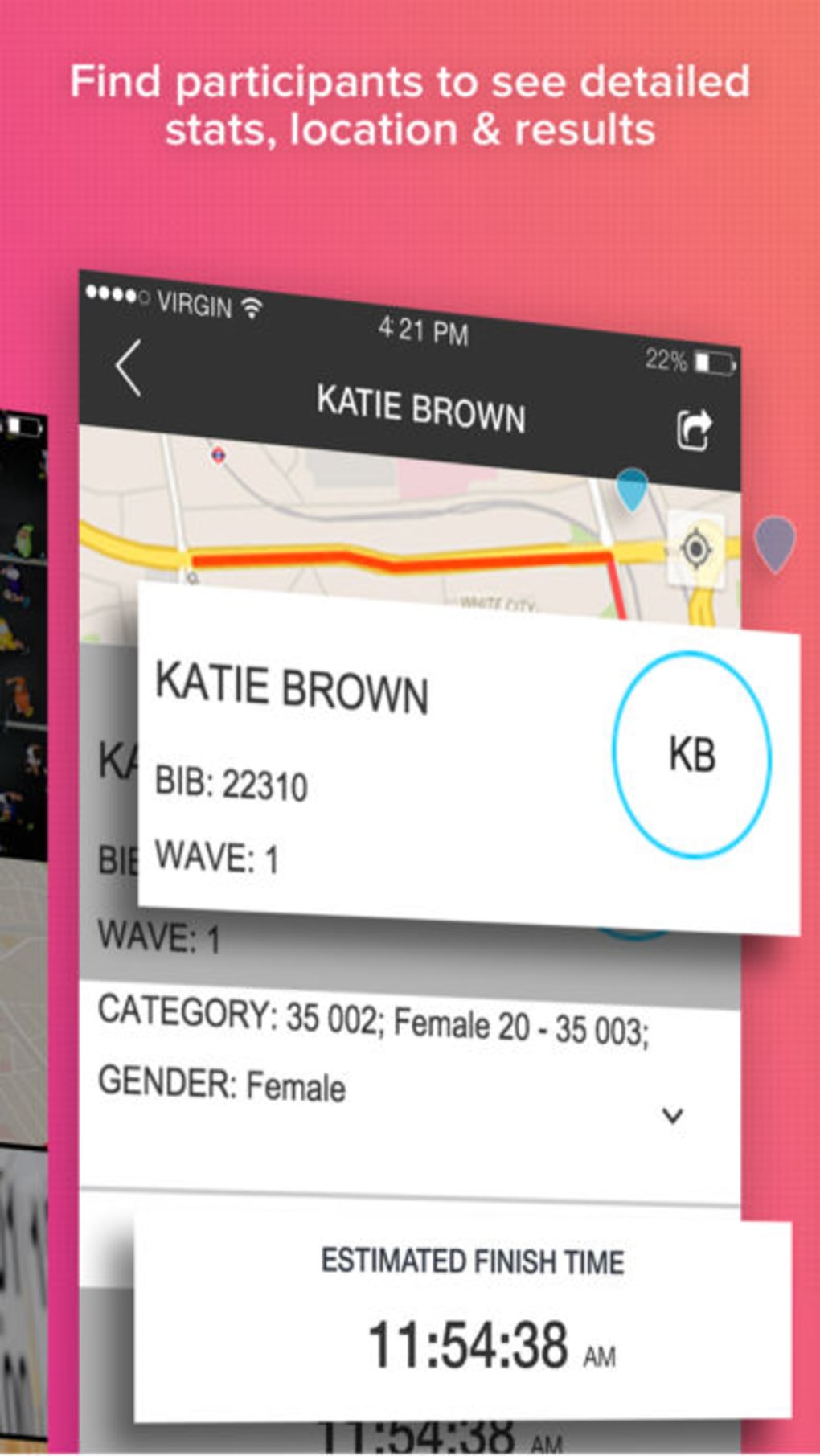
Active Experience is a lifestyle-focused application developed by Active Network LLC, designed to help users monitor their participation in athletic events such as marathons, 5Ks, 10Ks, and triathlons. The app serves as a comprehensive tool for tracking personal progress, accessing event details, and engaging with the broader community of participants and spectators. It enables users to view and share race results, explore course maps to locate landmarks, and follow fellow runners in real time using GPS tracking. A notable capability is its integration with Apple’s HealthKit, which allows the app to collect and store heart rate and exercise data post-run. This data is preserved for later review, offering users valuable insights into their performance and physical condition. The app is available for iPhone and includes a companion Watch app, enhancing accessibility during physical activity. It is intended for sports enthusiasts, amateur athletes, and event participants who value real-time tracking and event engagement. While the app is free to download and use, background GPS usage may significantly impact battery life, a consideration for extended sessions.
Key Features & Capabilities
- Event Tracking: Monitor participation in marathons, 5Ks, 10Ks, and triathlons with real-time updates and post-event summaries.
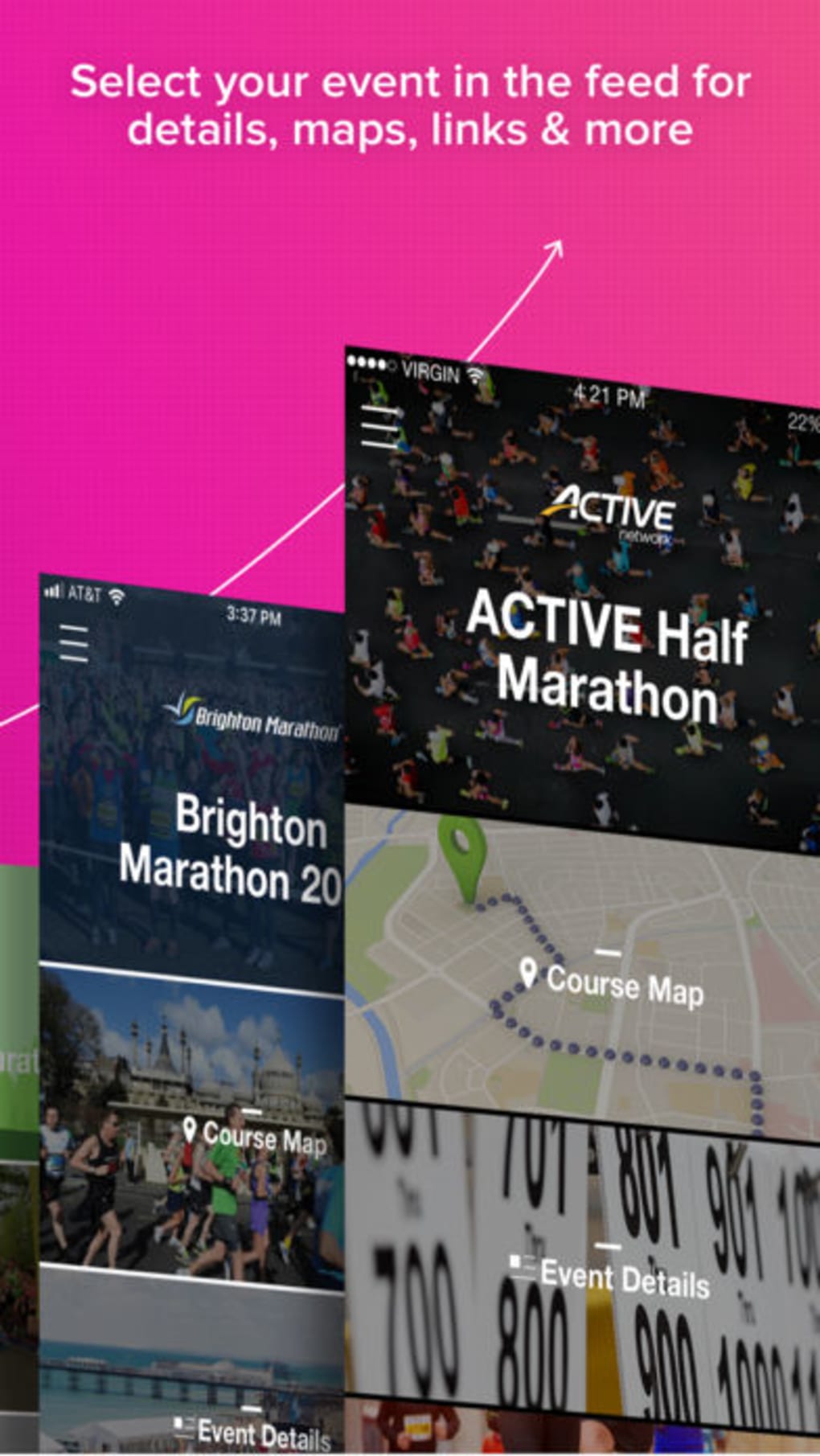
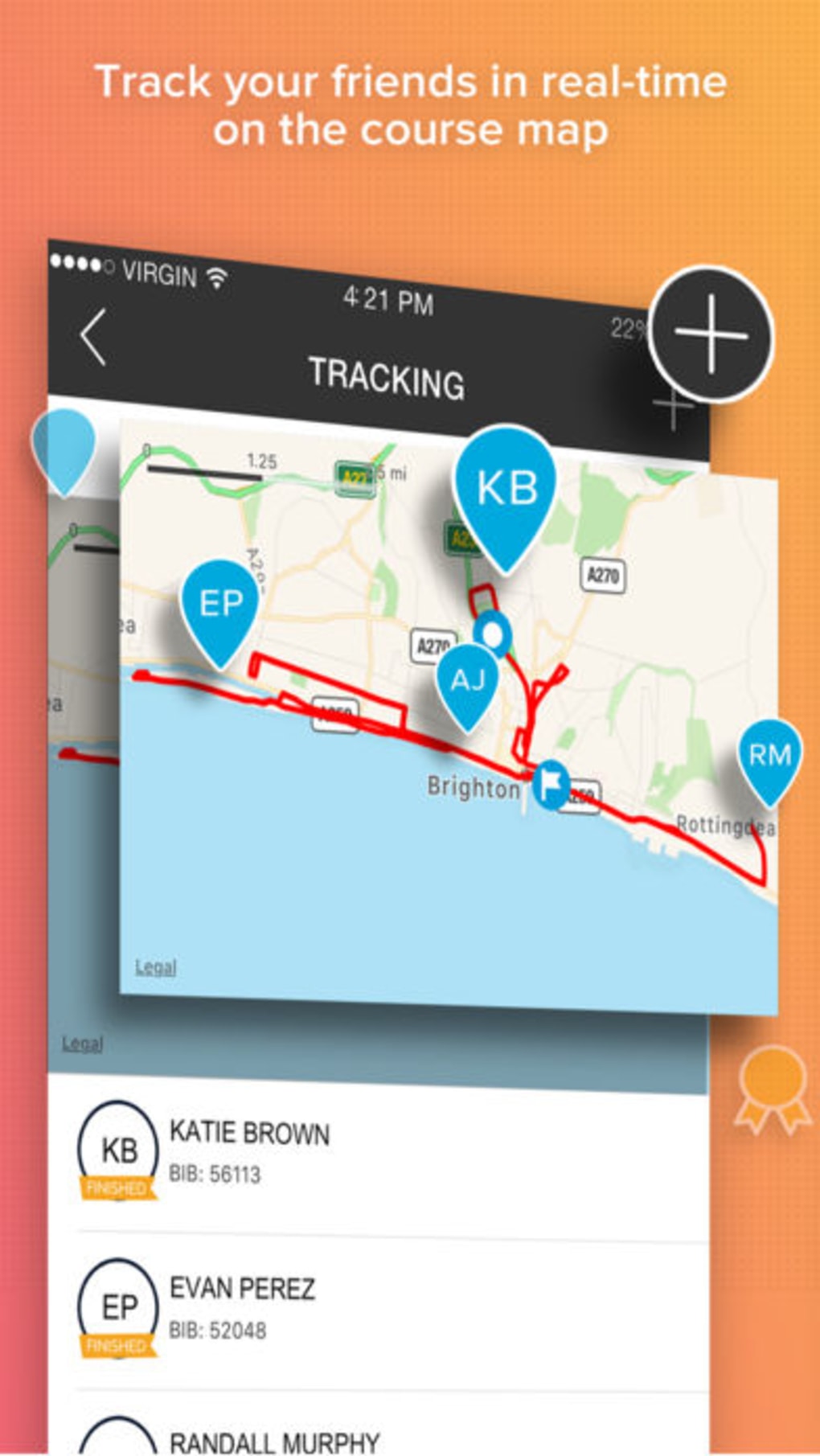
- Course Mapping: Access detailed course maps to identify landmarks and navigate race routes effectively.
- GPS Participant Tracking: Follow the movement of participants during events using real-time GPS data.
- Push Notifications: Receive timely alerts for followed runners, ensuring you never miss a milestone.
- Photo Sharing: Capture and share event photos with other spectators and participants directly through the app.
- HealthKit Integration: Automatically sync heart rate and exercise data from Apple’s HealthKit, saving it at the end of a run for future analysis.
These features collectively support a seamless event experience, especially for users who want to stay connected with friends or competitors during races. The integration with HealthKit allows athletes to maintain a personal fitness history without switching between apps. The ability to share photos fosters community engagement, turning individual runs into shared moments. GPS tracking enables spectators to locate runners on course, enhancing event participation. While the app does not specify advanced analytics or training plans, its focus on real-time event interaction and data preservation makes it a practical tool for event-based fitness tracking. Users can leverage these capabilities to improve awareness of their performance and maintain motivation through social connectivity.
User Interface, Workflow & Performance
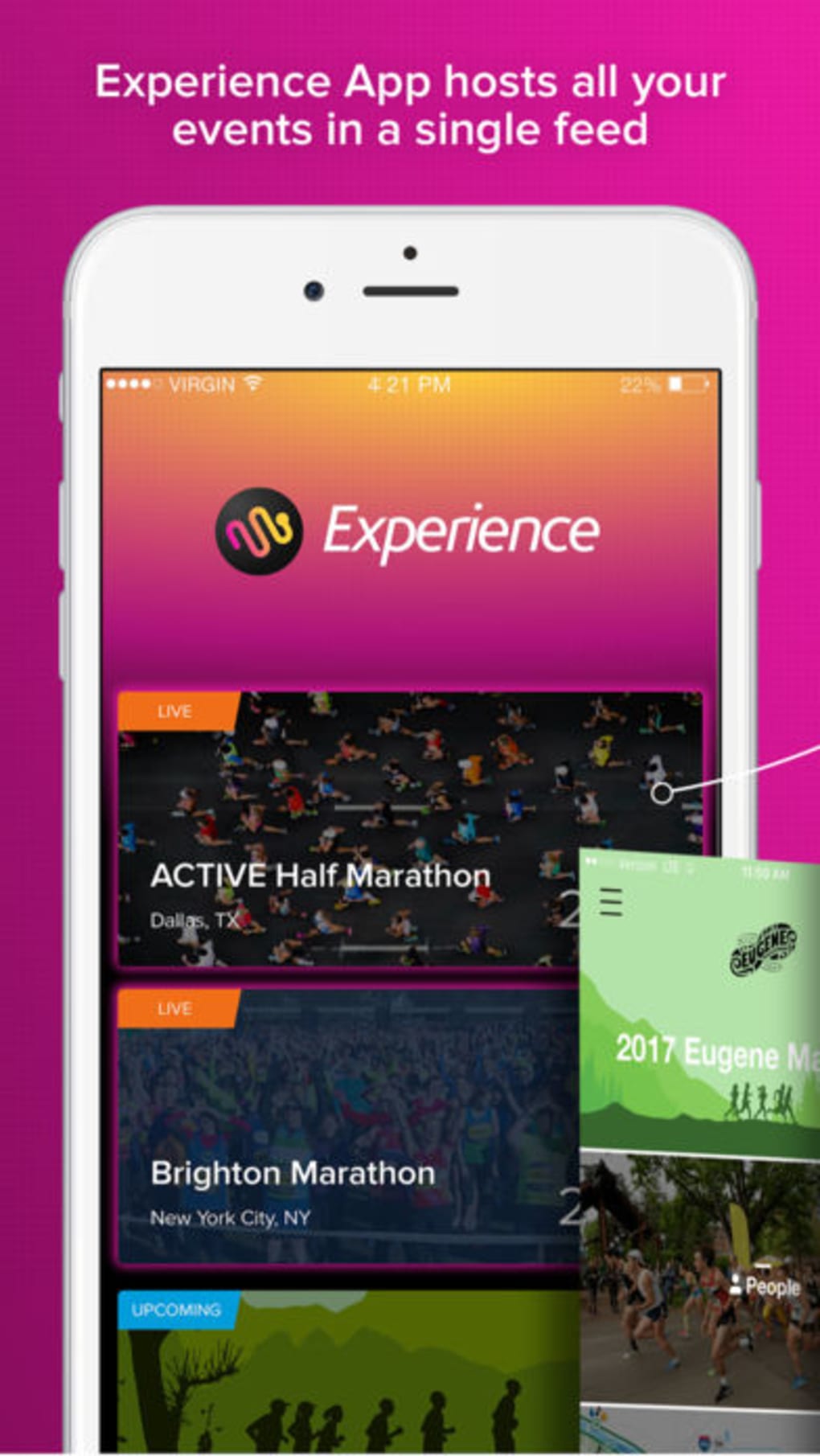
The user interface of Active Experience is designed for clarity and ease of navigation, aligning with Apple’s design standards for iOS applications. The layout prioritizes event timelines, real-time tracking, and access to shared content such as photos and results. Navigation is intuitive, with a bottom tab bar providing quick access to core functions: Events, Map, Friends, and Photos. The workflow supports a logical progression from event discovery to participation tracking and post-event sharing. Users can quickly locate their favorite races, follow participants, and view collected data without unnecessary steps. The app integrates smoothly with the Apple Watch, allowing for on-the-go access to key metrics and notifications. Performance is expected to be stable on supported devices, though the developer did not specify resource usage details. Background GPS operations may affect battery performance, as noted in the app’s documentation. No reported issues with crashes or freezes were mentioned. General performance observations are based on typical behavior of event-tracking apps with similar functionality. The app maintains responsiveness during active use, though prolonged GPS use may introduce minor delays in data updates.
Compatibility & System Requirements
Active Experience is compatible with iOS devices and includes a dedicated Apple Watch app, ensuring cross-device functionality. The app is available for iPhone and supports the Apple Watch for real-time tracking and notifications. The software version is 2.5.1, with an installation size of 124.2 MB. The developer did not provide additional system requirements, including minimum iOS version or hardware specifications. Compatibility information was partially provided, leaving details about device compatibility and performance on older models unspecified. Users are advised to ensure their device meets Apple’s standard requirements for running health and location-based applications. No information was provided about support for iPad or Mac platforms. The app’s reliance on GPS and HealthKit suggests it requires devices with built-in GPS, heart rate sensors, and HealthKit support. For optimal performance, users should have a recent iPhone model with updated iOS.
Pros and Cons
Pros
- Free to download and use with no in-app purchases required
- Seamless integration with Apple HealthKit for fitness data tracking
- Real-time GPS tracking of participants during events
- Companion Apple Watch app for on-the-go access
- Photo sharing feature enhances event community engagement
- Course maps help users navigate race routes and locate landmarks
Cons
- Background GPS usage may significantly reduce battery life
- No detailed performance analytics or training insights provided
- Limited to iOS and Apple Watch platforms
- Developer did not specify minimum system requirements
- App size is relatively large at 124.2 MB
FAQ Section
Is Active Experience available for Android devices?
Active Experience is currently only available for iOS and Apple Watch. There is no official Android version released.
Does the app require a subscription to use all features?
No, Active Experience is free to download and use. All core features, including event tracking, GPS follow, and photo sharing, are available without a subscription.
Can I use Active Experience offline?
Basic event information and previously downloaded course maps may be accessible offline. However, real-time GPS tracking and live notifications require an active internet connection.
How does the app use Apple HealthKit?
Active Experience integrates with Apple’s HealthKit to collect and store heart rate and exercise data from the user’s device at the end of a run. This data is preserved for personal review and can be accessed through the Health app.
Is the app safe to use with personal health data?
Yes, the app follows Apple’s privacy guidelines. It only accesses HealthKit data with user permission and does not share personal health information without explicit consent.
Final Thoughts
Active Experience delivers a focused and functional solution for athletes and event participants who want to track their progress and stay connected during races. Its integration with Apple HealthKit, real-time GPS tracking, and photo-sharing capabilities create a dynamic event experience. The companion Apple Watch app enhances usability during physical activity, making it a practical tool for runners and triathletes. While the app does not offer in-depth training analytics or cross-platform support, its strengths lie in community engagement and event tracking. The free model removes financial barriers, making it accessible to a broad audience. Users should be mindful of battery consumption when using GPS in the background. For those invested in running events and seeking a reliable, integrated tool for tracking and sharing, Active Experience stands out as a strong choice. Download Active Experience now.
Guides & Tutorials
How to install Active Experience
- Click the Download button above.
- Once redirected, accept the terms and click Install.
- Wait for the Active Experience download to finish on your device.
How to use Active Experience
This software is primarily used for its core features described above. Open the app after installation to explore its capabilities.
User Reviews
No reviews yet. Be the first to share your experience.
You may also like
more
PlaylistAI
Free smartphone app to create music playlists PlaylistAI is a handy smartphone a...

Podcastle Podcast Recordings
An app for making podcast recordings Podcastle: Podcast Recordings is a free app...

harpy chat
Immersive role-play with AI characters harpy.chat is a free AI chat platform whe...

Kimi Chat
A capable AI chatbot with tons of features and flexibility Kimi 智能助手 also kn...

Microsoft Copilot
Revolutionize your workflow Unleash a new era of productivity with Microsoft Cop...

Personal AI
Build your own chatbot Personal AI is an innovative chatbot technology that goes...
