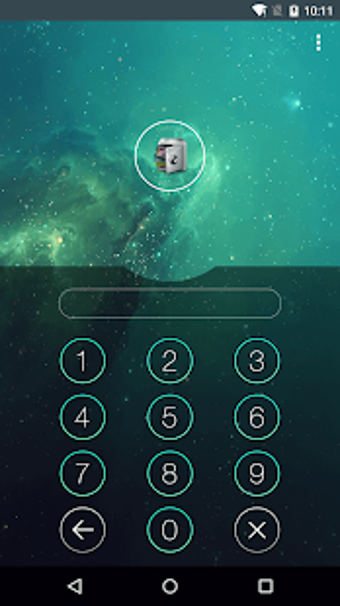
AppLock is a privacy tool from DoMobile that adds an extra lock to selected apps, settings, and personal media. It supports PIN, pattern, and fingerprint authentication, making it useful for shared phones or devices that other people handle. The app also includes privacy extras such as a photo and video vault, intruder selfie alerts, icon disguise, and a fake crash screen.
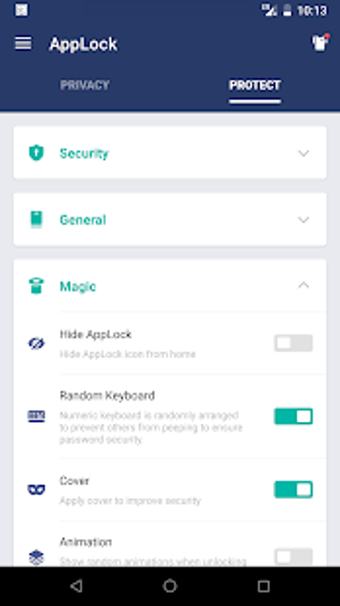
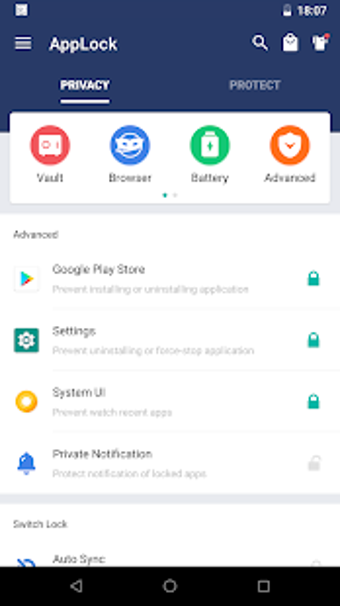
AppLock lets users protect individual messaging, social, gallery, and system apps instead of locking the entire device again. It can also restrict actions such as app installation, uninstallation, and settings access. A random keyboard helps reduce PIN guessing from finger movement, while Advanced Protection adds another barrier against unauthorized removal.
Your gallery gets a private back room
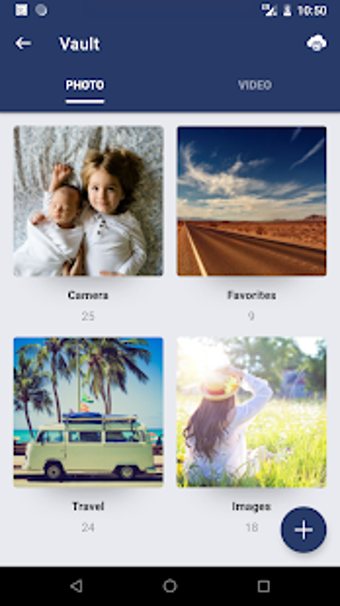
The photo and video vault helps move selected media away from the public gallery and into a password-protected area. Intruder selfie support can capture failed unlock attempts, while the fake crash screen hides the lock behind a misleading error message. The icon disguise also makes the app less obvious on shared devices, adding another layer of privacy through concealment.
Useful protection, with setup strings attached
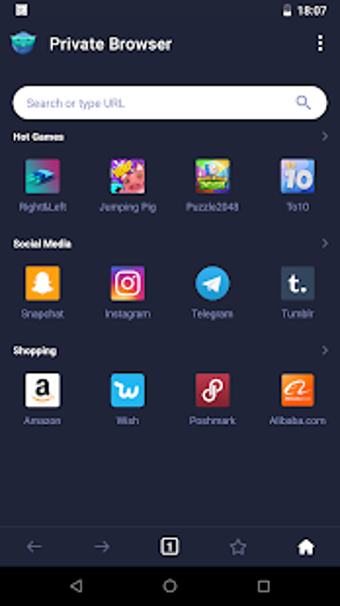
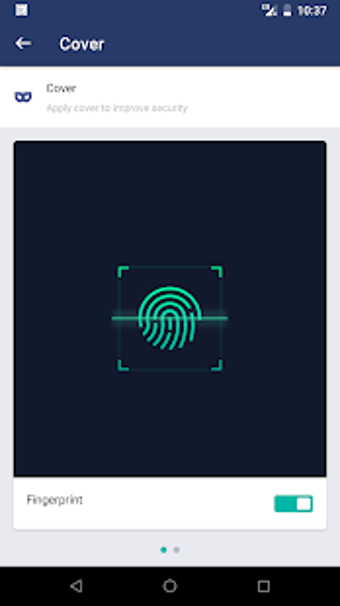
AppLock is designed for everyday privacy protection, but several features depend on permissions, device compatibility, and proper setup. Fingerprint unlocking requires supported hardware, and password recovery depends on configured security options. The app also includes an incognito browser for private browsing, while the free edition displays advertisements during use.
A solid guard for shared-device privacy
AppLock is a practical option for users who want selective privacy controls without locking down an entire device. Its app locks, vault, intruder selfie, and disguise tools fit shared-device situations well. The trade-offs are clear: ads appear in the free edition, some features need extra permissions, and recovery options require careful setup before problems happen.
Dinkar Kamat
Dinkar has more than 10 years of experience in content creation, including technical articles, travel writing, and product strategy. His expertise spans SEO, digital marketing, and structured editorial work. He focuses on producing content that is both accurate and accessible for diverse audiences.
Pros
Locks individual apps with PIN, pattern, or fingerprint
Photo and video vault hides private media
Intruder selfie and fake crash tools help deter unauthorized access
Can restrict system actions such as app installation and uninstallation
Cons
Free edition includes advertisements
Some features require extra permissions and setup
Fingerprint support depends on compatible hardware
Laws concerning the use of this software vary from country to country. We do not encourage or condone the use of this program if it is in violation of these laws. Softonic may receive a referral fee if you click or buy any of the products featured here.







.png)
.png)
.png)
.png)
.png)
.png)
.png)