django-chat-app
Django Chat Application (Devnoms)

🚀 Welcome to Devnoms Chat App, a modern, feature-rich real-time chat platform! Designed to empower seamless communication, Devnoms Chat App allows users to connect with friends, manage profiles, and engage in real-time conversations with an intuitive interface and cutting-edge features.
🌐 Live Preview
Experience the power of Devnoms Chat App right now:

🌟 About Devnoms Chat App
Devnoms Chat App is a secure and scalable platform that simplifies how you connect with friends and manage your social interactions. Whether you’re sending friend requests, chatting in real-time, or managing your profile, Devnoms has everything you need to stay connected.
🎯 Why Choose Devnoms Chat App?
✨ Devnoms Chat App delivers:
- Seamless Communication: Real-time chat functionality to keep you connected.
- User-Centric Features: A clean, intuitive interface for effortless navigation.
- Secure Interactions: Robust authentication and privacy-focused design.
- Customization: Manage your profile, find friends, and control your experience.
🚀 Key Features
- Secure User Authentication: Login and signup with confidence.
- Profile Management: Update your name, image, and other details effortlessly.
- Friend Management: Send, accept, or decline friend requests.
- Real-Time Chat: Engage in dynamic conversations using API-powered updates.
- Search and Connect: Find and connect with users quickly.
🛠️ Technology Stack
- Backend: Django (Python)
- Frontend: HTML, CSS, JavaScript
- Database: PostgreSQL
- Real-Time Communication: WebSockets (for real-time communication)
📝 User Flow
- Sign Up or Log In: Create your account or log in securely.
- Dashboard Access:
- Edit your profile and manage settings.
- Search and add friends effortlessly.
- Friend Requests: Send, accept, or decline friend requests.
- Start Chatting: Engage in seamless, real-time conversations.
🌟 Project Goals
- Build a secure, scalable, and user-friendly platform.
- Enable seamless friend management and communication.
- Ensure high performance with intuitive design.
🌍 Future Enhancements
Here’s what’s coming next to Devnoms Chat App:
- Real-Time Notifications: Alerts for new messages and friend requests.
- Multimedia Sharing: Send images, videos, and documents in chats.
- Group Chat: Create and manage group conversations.
- Profile Customization: Add profile pictures and enhanced details.
🖥️ Getting Started
Clone the Devnoms Chat App repository and set up locally:
-
Clone the Repository
git clone https://github.com/devnamdev2003/django-chat-app.git cd django-chat-app -
Install Dependencies
python -m venv venv source venv/bin/activate # On Windows: venv\Scripts\activate pip install -r requirements.txt -
Set Up the Database
python manage.py migrate -
Run the Server
daphne devnoms.asgi:application -
Open your browser and navigate to:
http://localhost:8000/.
💻 Contributions
We welcome contributions to Devnoms Chat App!
- Fork the repository.
- Create a feature branch (
git checkout -b feature-name). - Commit your changes (
git commit -m "Add feature"). - Push to your branch (
git push origin feature-name). - Open a pull request.
📷 Screenshots
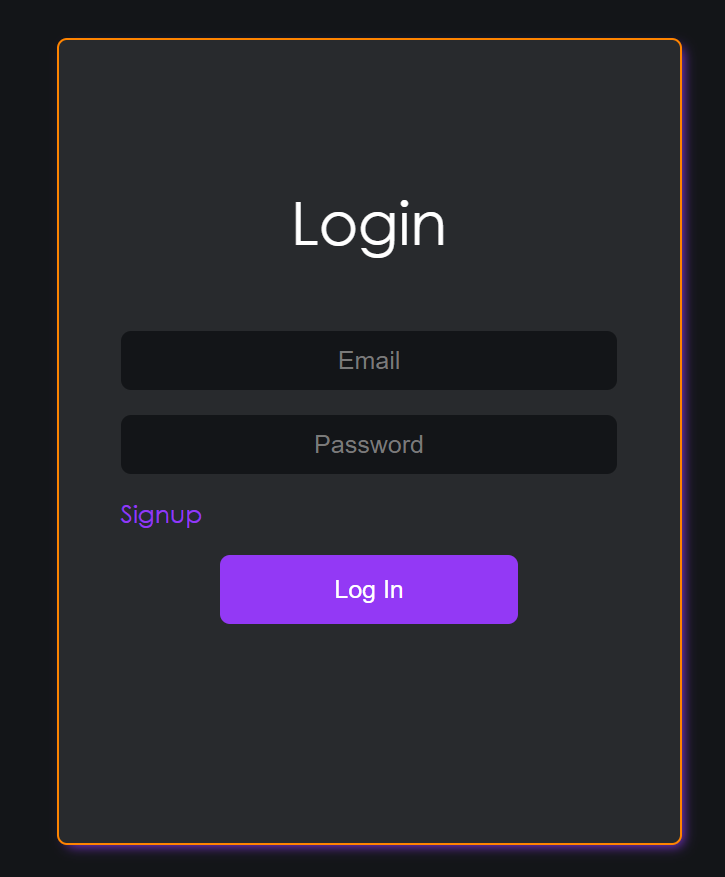
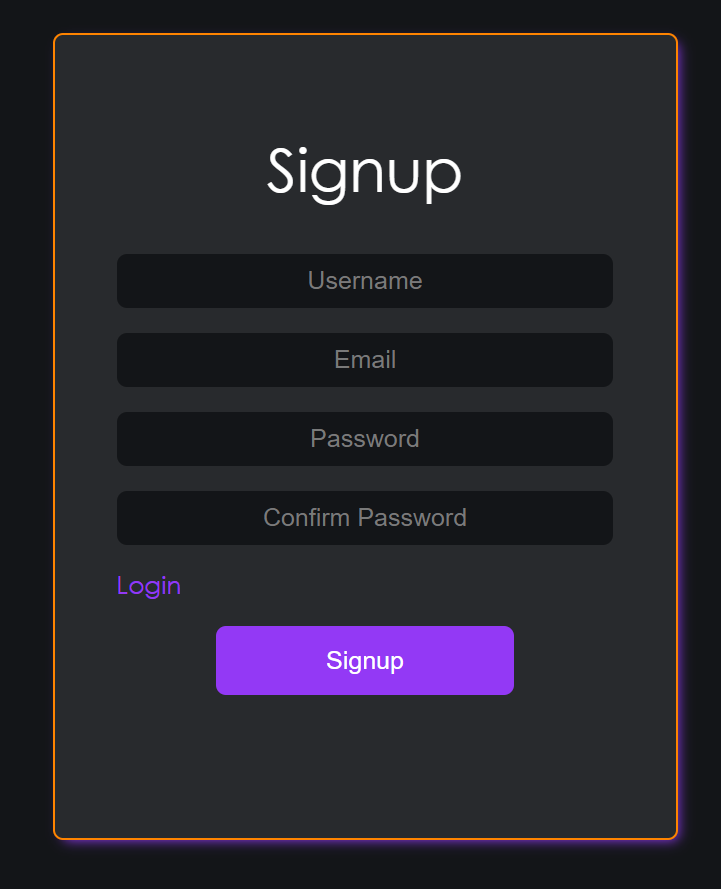
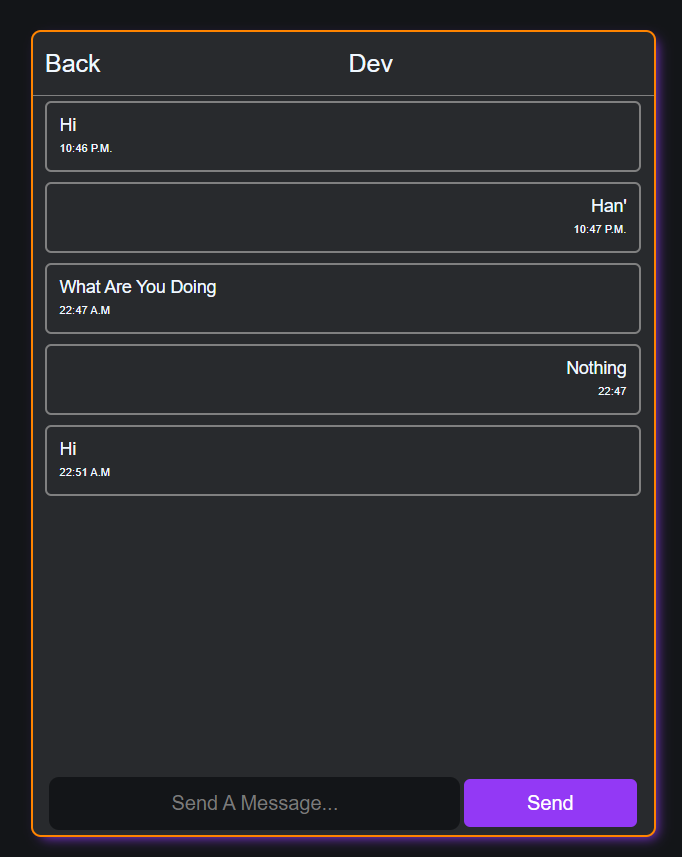
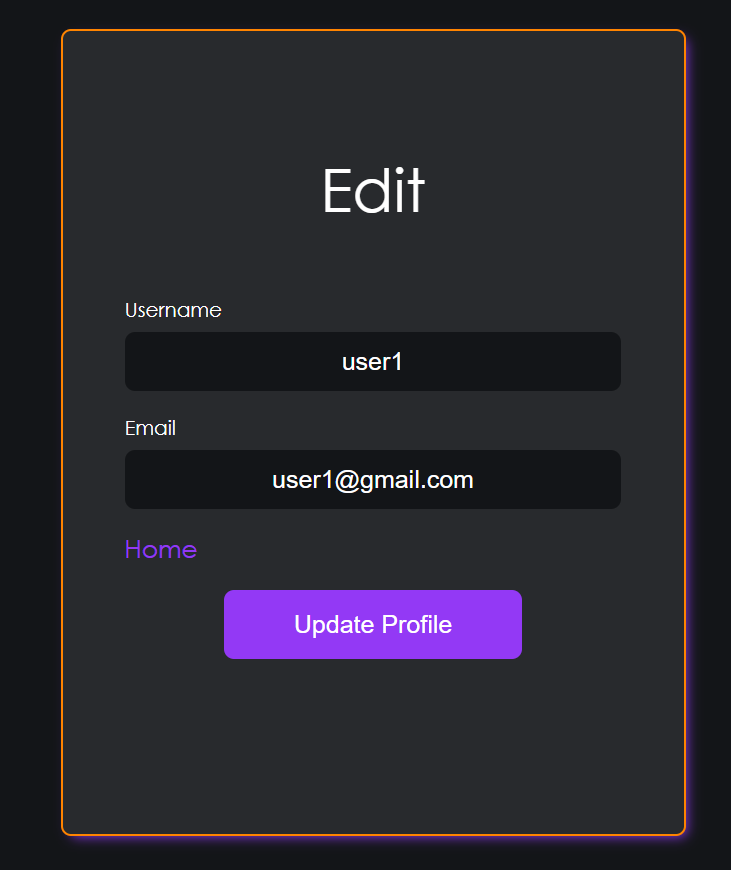
Here’s a preview of the Devnoms Chat App:
Login Page
Signup Page
Chat Interface
Profile Management
📜 License
The Devnoms Chat App is released under the MIT License.
💬 Join Devnoms Today!
Don’t miss out on seamless communication with Devnoms Chat App! Start chatting now and experience a whole new level of connectivity.
