
 Apple Music Profile
 YouTube Channel
 RSS Feed
 Play Play
 Murph
Murph Yer Stack
 Block Party Weekend
 Elevendy
 Dupin v4.0.0
 Join Together
 M3Unify
 30 Most Recent RSS Feed
Popular Now

downloaded <1m
Super Remove Dead Tracks v4.10
For iTunes Remove iTunes tracks disassociated from files
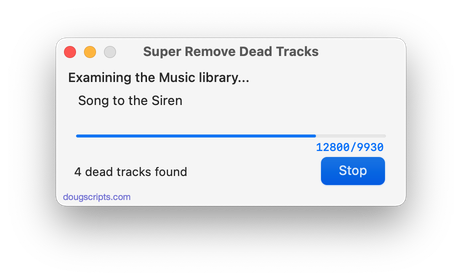
downloaded <1m
For Music/TV Remove Music/TV tracks disassociated from files
downloaded 2h 23m 18s ago
For Music Exports and then re-imports selected tracks' artwork
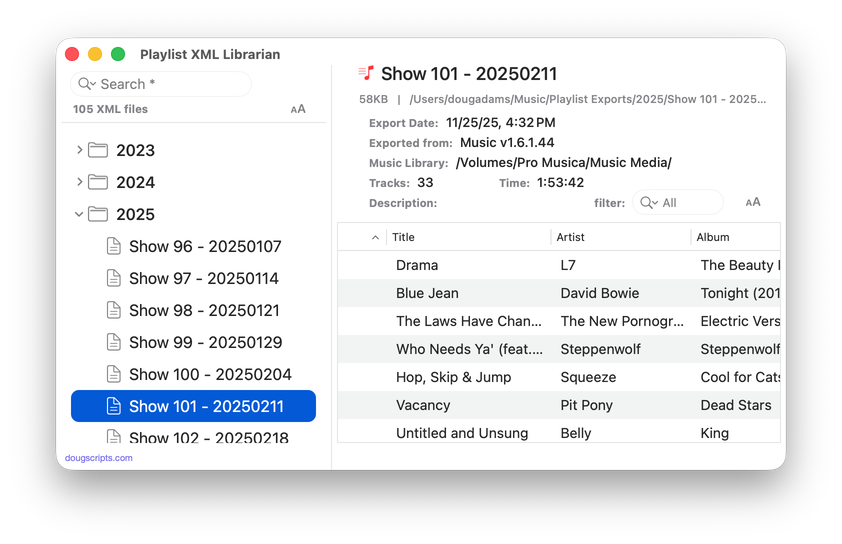
downloaded 3h 47m 5s ago
For Music Manage a folder of exported Playlist XML files
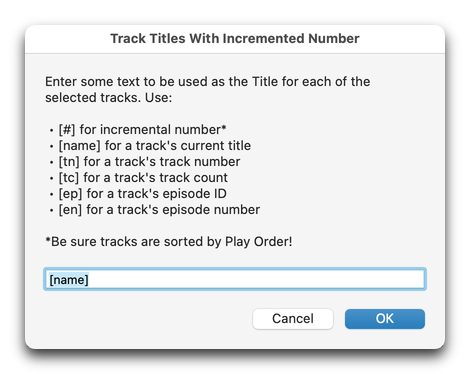
downloaded 4h 1m 4s ago
Track Titles With Incremented Number v2.0
For Music/TV Set tracks' titles using combination of play order, current title, track number/count, episode ID and episode number
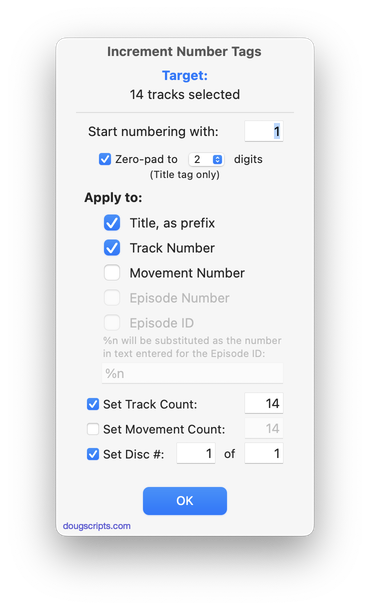
downloaded 4h 3m 16s ago
For Music Set choice of various number tags of selected tracks incrementally
Welcome!
Download hundreds of AppleScripts for Apple's Media Apps that will help make managing your digital music and video collection easier and more fun!
What's AppleScript?
AppleScript is a simple Macintosh-only programming language that can control and automate actions on your Mac. AppleScript is already available on your computer as part of the macOS and many popular applications can be automated using AppleScript scripts. Scripts written for Apple's Music, TV and iTunes apps can manage files and track information, create playlists, interact with other applications, perform innovative tasks, and handle many kinds of chores with accuracy and precision which otherwise would be repetitive, laborious, and/or time-consuming.
Cool! Where Do I Start?
Start browsing the site by using the scripts ↓ Menu link above. AppleScripts are gathered into these general Categories:
Or use the search box at the top of every page to try and find something specific.
Not sure how to install AppleScripts? Here's a Download/Installation FAQ.
Check back often or subscribe to my RSS blog feed and Most Recent Scripts RSS feed to stay notified about new and updated scripts and info.
Latest:
RSS ROOLZ! SUBSCRIBE!
UPDATED: Playlist XML Librarian v2.0
I've suspected for years that there would come a time when I'd want one of my AppleScript dinguses to grow up into an Xcode app. You can only do so much with a single thread. I've been using Playlist XML Librarian pretty regularly and the AppleScript incarnation just wasn't able to gimme what I need.
Playlist XML Librarian v2.0 will list the exported Playlist XML files collected in a specified folder with options to view, edit and send (import) them to the Music app. Makes it easy to maintain an organized stockpile of exported Playlist XMLs to reduce the number of onboard Music playlists.
Also see Playlist XML Viewer which can display and play a single selected local Playlist XML file drag-and-dropped or chosen.
Latest version:
- Outgrew AppleScript, is now a full-fledged Xcode app
- Overall speed boost
- Checks each XML file for appearance in the Music app as status
- Sort playlist XML list by name, date, track count, playlist kind and status
- Additional Settings to configure status indexing and display
- Description overspill appears in popover
- Toggle playlist info visible
More information for Playlist XML Librarian v2.0 and download link is here.
UPDATED: Remove From Other Playlists v3.0
A Correspondent recently divulged to me that his Music library contains over 5K Smart playlists. I just had to tell somebody.
It reminds me of an old Punch cartoon showing a rather ragged gentleman with a face full of bandaids and a very shabby looking growth of beard sitting at a table writing a letter: "Dear Sirs: I have used the same razor blade daily for seven months. Is this some kind of record?"
Anyway. It's good to keep yer library nice 'n' neat in my opinion. You can start with this:
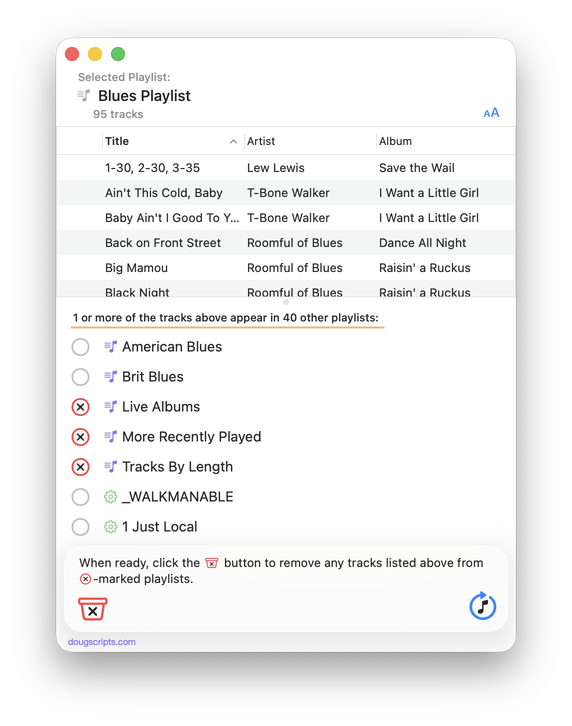
Remove From Other Playlists will load, list and examine a selection of tracks from a selected playlist in the Music app and then display the other playlists that also contain them. The tracks can then be batch-removed from any one or more of these other playlists.
Latest version:
- Initial re-release
More information for Remove From Other Playlists v3.0 and download link is here.
UPDATED: Show Me the Track Info v1.1
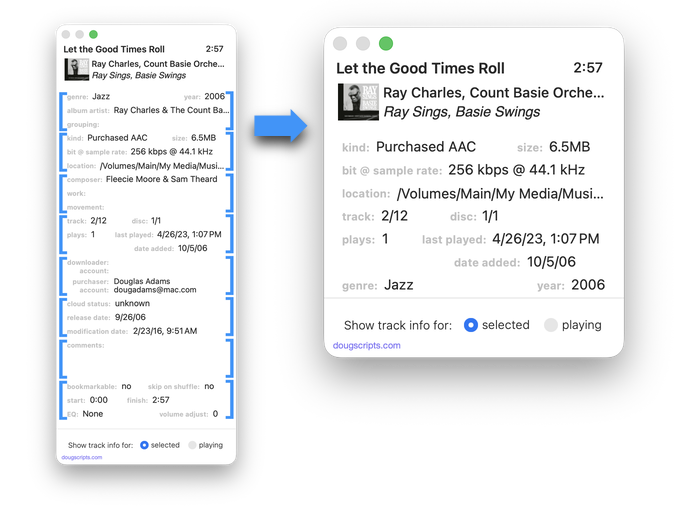
This script will display track info from the playing or selected track in a floating window that can be configured to show the information in a user-configured order. Eight sections within the window can be drag-arranged into their order of importance. The window can then re-sized to only display as much of the information as is necessary. Handy for quickly surveying tracks without having to click-click-click for the Music app's "Info Window".
Latest version:
- Adds guides to sections
- Minor UI adjustments
- Improved info gathering
- Setting to enable/disable clickable section to reveal file
More information for Show Me the Track Info v1.1 and download link is here.
Thanks, macOS 26.5
They fixed the thing whereby you try to click to select text on either side of a colon ("openThisFile:sender") and it selects the whole thing rather than the bit you wanted. Life is fresh and wonderous again.
UPDATED: Yer Stack v1.1
My Stack Alt is looking a little pale there at 5:12, but there's plenty of sides for the rest of the afternoon. In Hemiphonic Mode, of course.
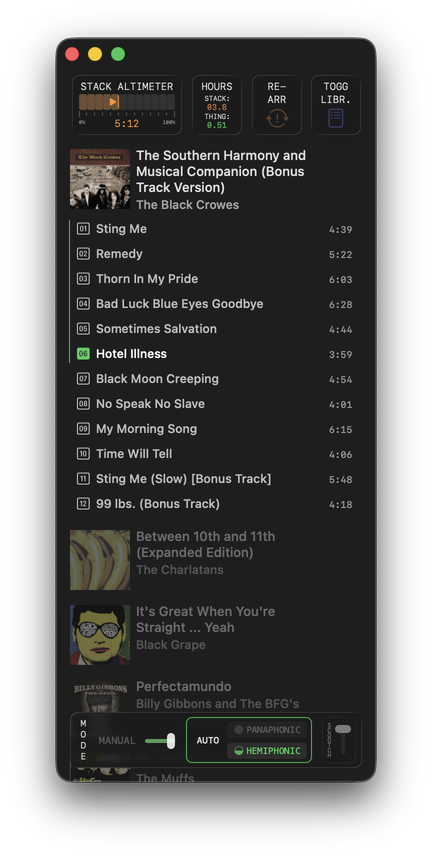
Yer Stack v1.1 and also the others.
UPDATED: Tracks Without Embedded Artwork v3.3
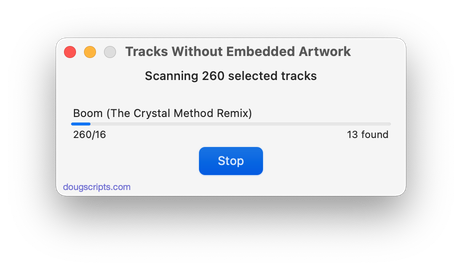
Universal, for macOS 11 and later only. MP3, AAC and ALAC audio files have the capability to store artwork image data internally as metadata, thus allowing artwork to "travel" with a file. This applet will examine the files of the selected tracks (or tracks in the selected playlist) for artwork metadata. Eligible audio tracks whose files are capable of embedding image data but do not contain artwork metadata will be copied to a new discrete Results playlist.
Latest version:
- Re-oriented scan settings
- Accomodations for macOS 26 Tahoe
More information for Tracks Without Embedded Artwork v3.3 and download link is here.
My App Was Nabbed by the Rosetta 2 Police
Apple has begun showing notifications at you if you run pre-Universal apps at your house. The notification advises you that the app depends on Rosetta 2 in order to run on your Apple silicon Mac and Apple will be phasing Rosetta 2 into oblivion next year. So now you know that app may not work in a year or so.
Got a notification on one of my own internal production scripts which made me laugh. I've been trying to get the notification again, but thank goodness it doesn't show everytime I use the app.
You might see this notification if you run old (5 years plus) versions of scripts from this site. Most all have been updated to Universal, so you should find out if there's an update. If not, let me know.
UPDATED: Coverscope v2.8
Universal, for macOS 11 and later only. This applet will show both the assigned track artwork and the local file's metadata artwork (if any exists) for the selected track. The Track entry artwork well supports copy, paste and drags. Pasting or dragging image data immediately applies the image to the selected track's artwork and attempts to embed it. Additional tools can Embed or Apply artwork between track and file.
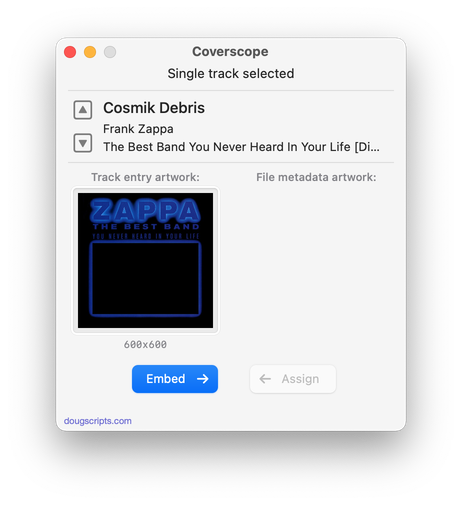
Latest version:
- Accommodations and adjustments for macOS 26 Tahoe
More information for Coverscope v2.8 and download link is here.
UPDATED: Dupin v4.0.0
Gave the venerable Dupin a dose of updatium.
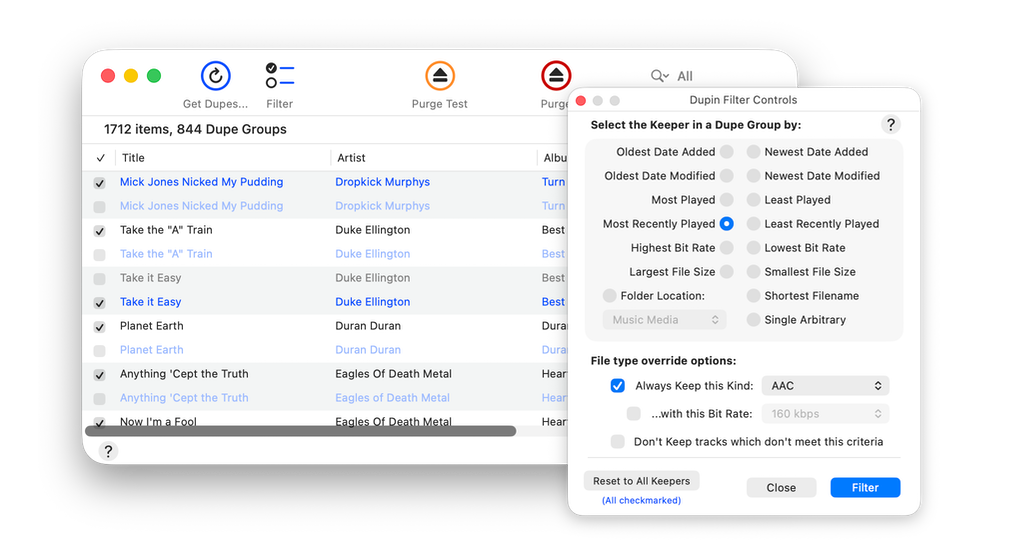
Mostly UI updatium. I also cleared out some older routines that were obsolete for this reason or that.
Dupin can examine your desktop music library to help you handle duplicate tracks. Mostly by helping you pick the ones to trash. But also by giving you an overall picture beyond what the "Show Duplicates" feature in the Music app gives you. Surely you know someone who's used Dupin over the years. They'll tell you.
Dupin v4.0.0 is a free update for registered users, $15.00 for new users, and $5.00 if your current registration is five or more years old.
NEW: Elevendy
The manic episode I've been experiencing lately whereby I am compelled to build tinker-toy audio players has not yet subsided. My story is that once I figured out how simple it is to incorporate the AVAudioPlayer framework into an AppleScript app, I can't stop making music boxes. I just threw another one on to the pile.
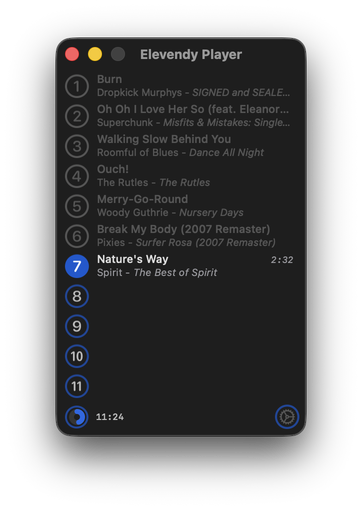
Elevendy plays 11 random songs in a row that are between the lengths of 1:30 and 2:40. Then, if you want, it will do it again with a different (maybe) random 11 tracks. And so on.
Because why not, that's why.

