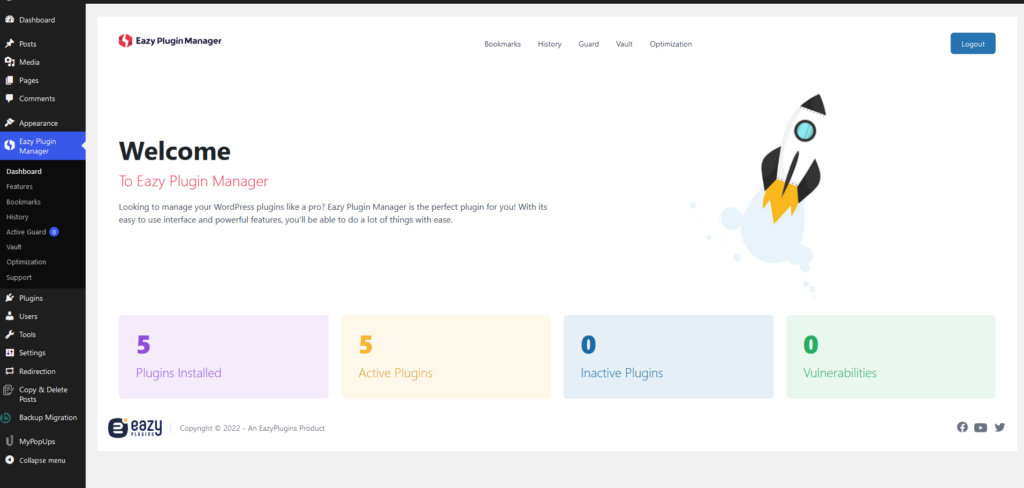


When you install Eazy Plugin Manager you will see an icon with Eazy Plugin Manager name on it. Click on it to see the dashboard.
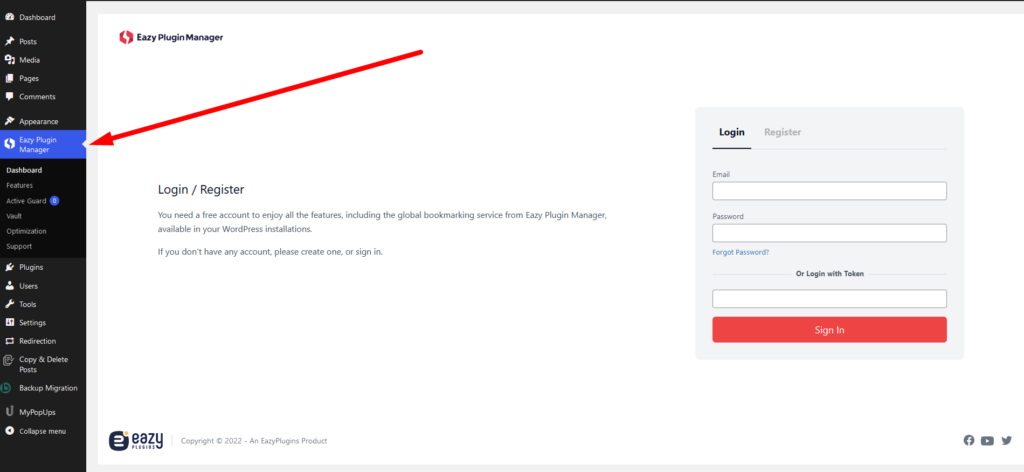
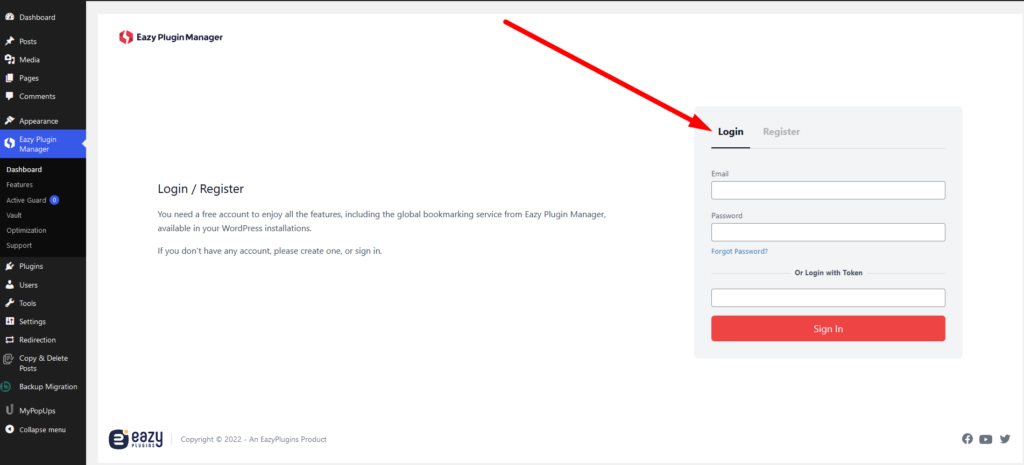
Clicking the Login tab will let you login to existing user.
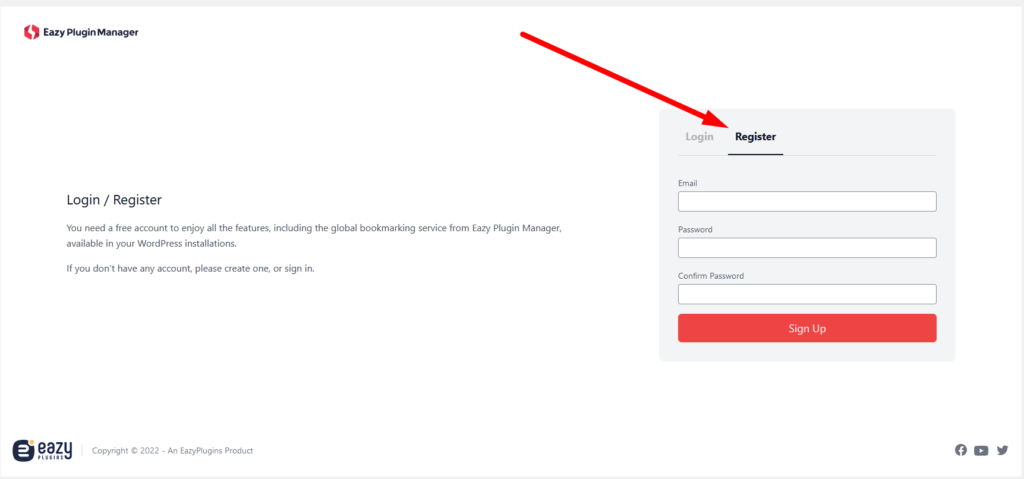
Similarly, clicking on the register tab will let you register a new account. Here you need to confirm password.
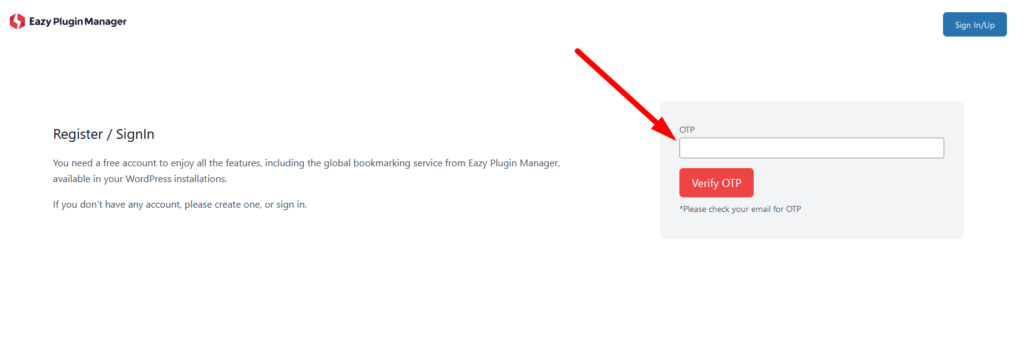
After you enter your email and password you will see an OTP prompt. The OTP will be given to you via email. Copy the OTP from email to the OTP box and click “Verify OTP”.
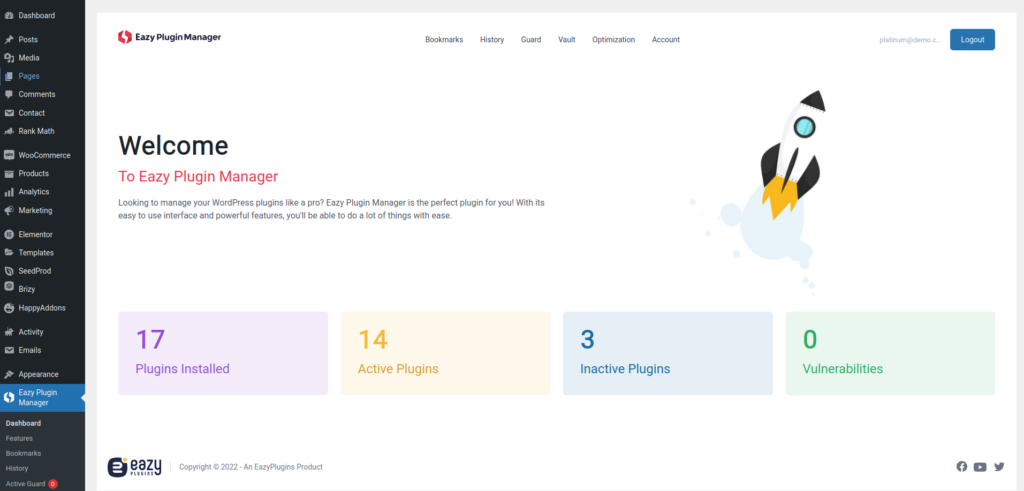
Now we are logged in
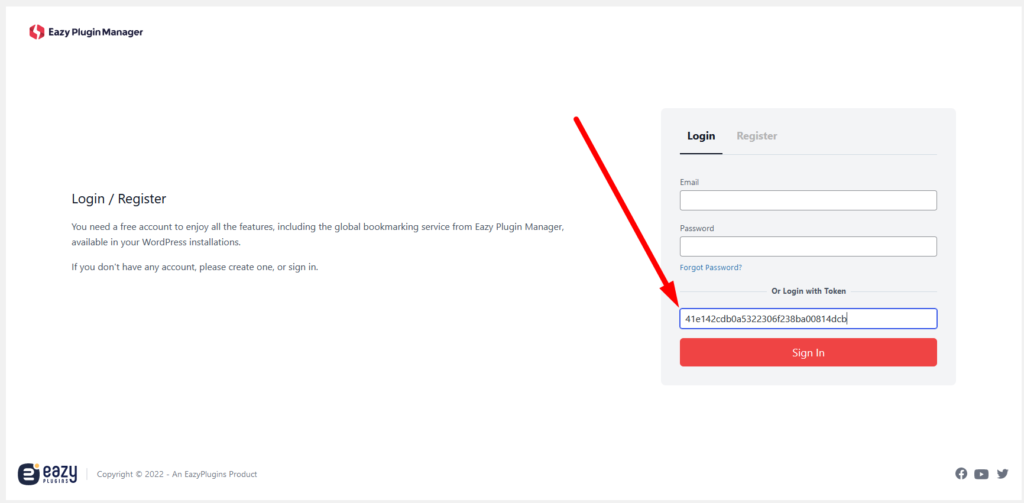
Login with Token
Eazy Plugin Manager pro users can generate login token to share their plan with clients. If you have a generated token for your site you can login with token.
Login to the website admin panel and in the Eazy Plugin Manager login window paste the copied token into the Login with Token box and press Sign In.
Now you are logged in to the new site with isolated, site specific Eazy Plugin Manager feature