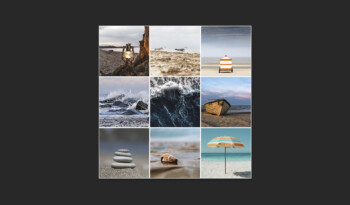
In this blog I will show you how to automatically create a photo collage in Adobe Photoshop.
Read moreAutomatic photo collage in Photoshop

Photoshop and Lightroom editing blogs
In this blog I will show you how to automatically create a photo collage in Adobe Photoshop.
Read more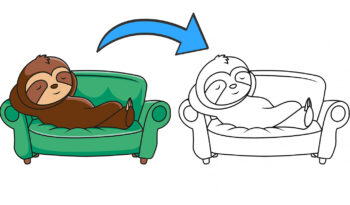
In this article I will show you how to convert an illustration to outlines only in Adobe Photoshop.
Read more
Learn how to add a ripped paper effect to your photo with Generative Fill in Adobe Photoshop.
Read more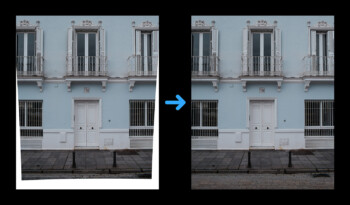
In this blog I will show you how to straighten a photo without cropping it in Camera Raw.
Read more
In this blog I will show you how to fade out your subject with a gradient mask in Adobe Photoshop.
Read more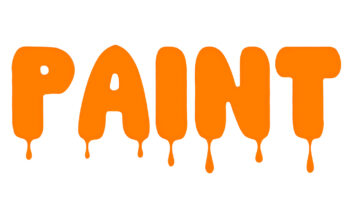
Learn how to add a dripping paint effect to your text using Generative Fill in Adobe Photoshop.
Read more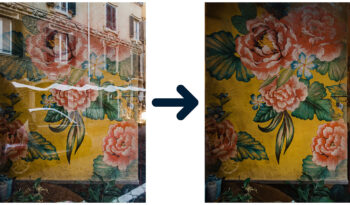
Remove reflections with the AI-powered Reflection Removal tool (Camera Raw) in Adobe Photoshop.
Read more
In this blog I will show you a super fast method to create a text reflection in Adobe Photoshop.
Read more
Learn how to create this transparent text with an outer glow effect in Adobe Photoshop.
Read more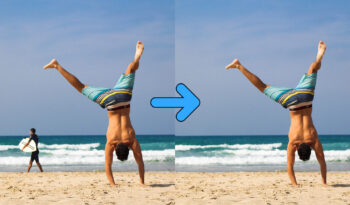
Use Generative AI to remove unwanted objects or people from a photo in Adobe Lightroom!
Read more
Use this simple method to distort a photo to create a fisheye lens effect in Adobe Lightroom!
Read more
In this article I will show you a simple and fast method to create a 3D text effect in Adobe Photoshop!
Read more
In this article I’ll show you how to add a (vertical) grain effect to your text in Adobe Photoshop!
Read more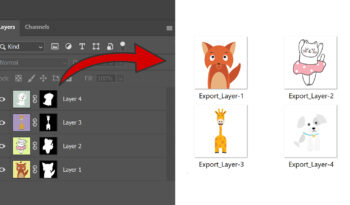
I will show you a fast and simple method to export layers to files in Adobe Photoshop.
Read more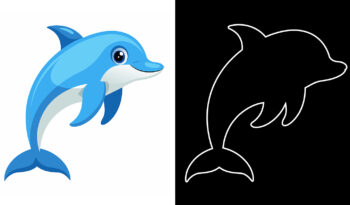
Use this simple and fast method to convert an image to outlines only in Adobe Photoshop!
Read more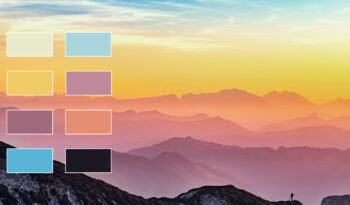
Learn how to take swatches from a photo to create a color palette in Adobe Photoshop!
Read more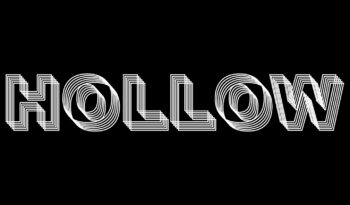
In this article I will show you how to create a transparent 3D text in Adobe Photoshop!
Read more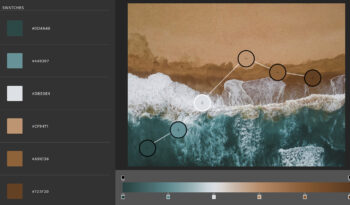
I’ll show you how to take color swatches from a photo to create a gradient in Adobe Photoshop!
Read more