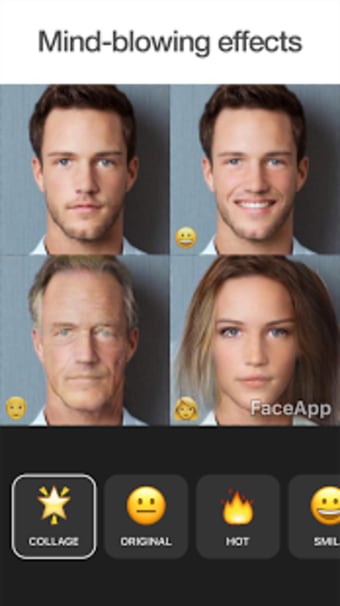
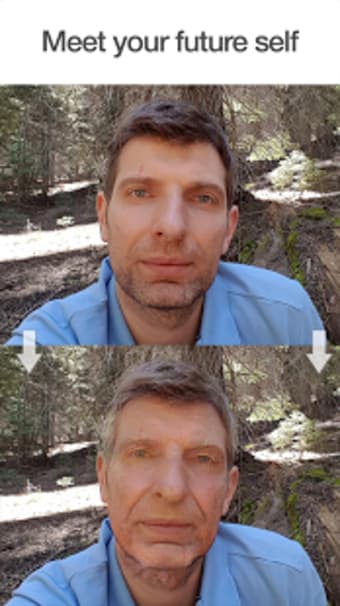
FaceApp: Perfect Face Editor is a free photography application from developer FaceApp Technology Ltd. It is an image-editing tool designed specifically to help users edit their portrait photos in just a few taps. It does this using AI to apply extensive and elaborate changes with minimal effort and tinkering.
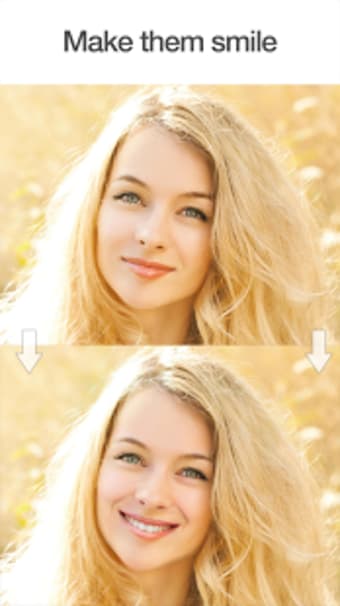
FaceApp: Perfect Face Editor lets you edit your selfie using extensive tools. Adjust image parameters or apply various color lenses for a more dramatic look. Ladies can try different makeup filters, hair colors, or hairstyles. For guys, there’s an option to add a beard or mustache for a rugged look.
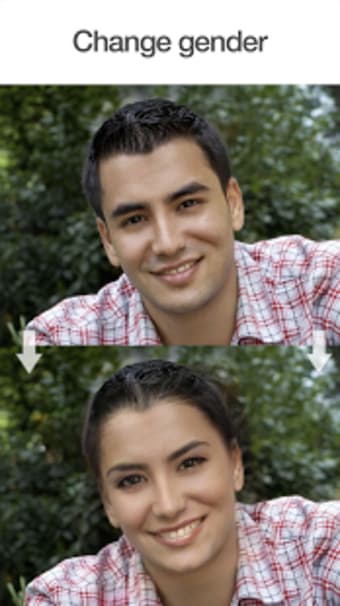
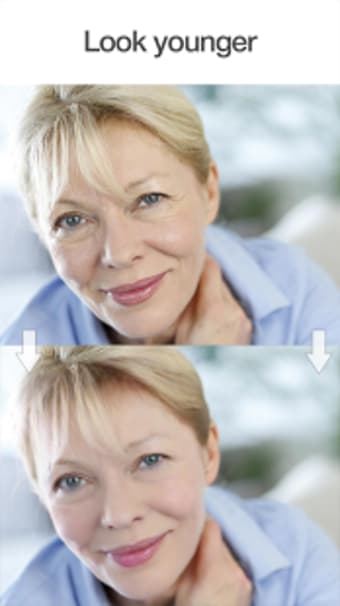
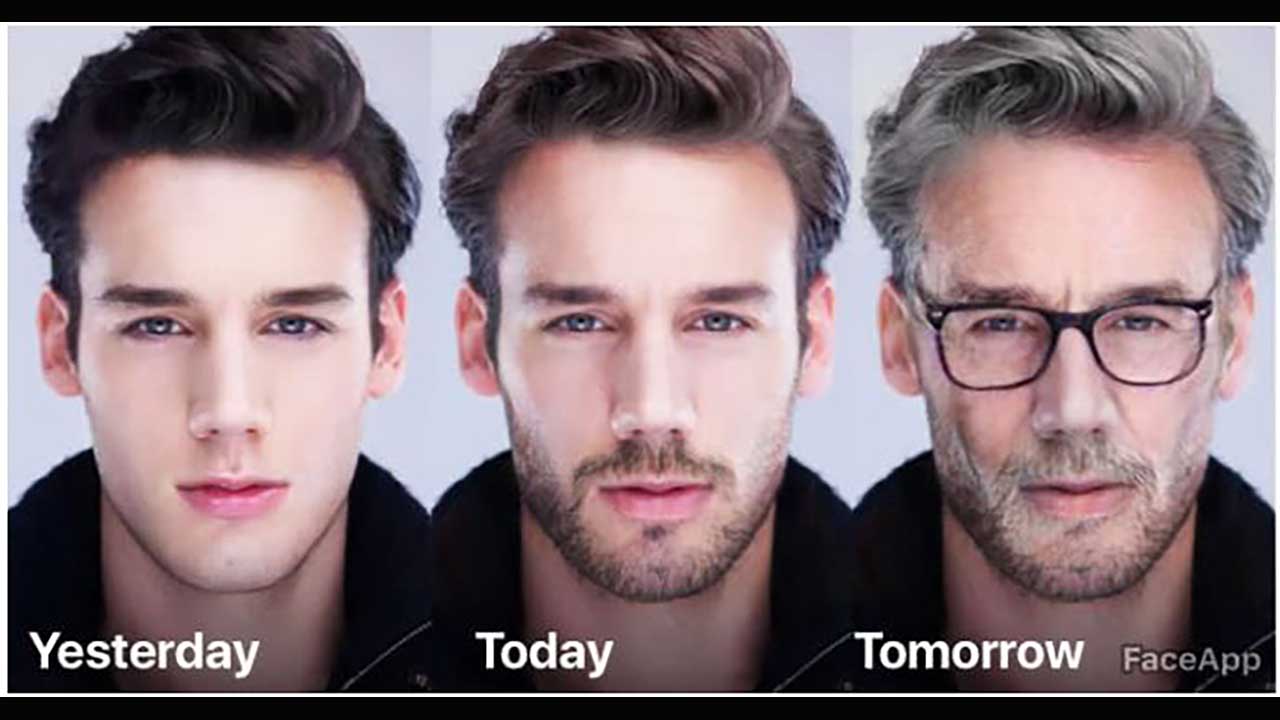
Other features include gender swap, aging tools, and weight filters. You can even upload a photo as a style reference and incorporate it like your own. Unfortunately, the free version is quite limited in features. You can opt for the pro version through a subscription, which unlocks the full experience.
Could be more giving
All in all, FaceApp: Perfect Face Editor is an app worth considering if you take selfies often and are looking for a way to edit them. It’s intuitive to use, and you can pretty much change everything about your shot to your liking using its extensive editing tools.
Mireia Fernández has over a decade of experience as an editor, with a focus on software reviews, tutorials, and gaming guides. Her background in technology and long-standing passion for video games shape her clear and practical style when analyzing tools and trends.
Before downloading, you can take a quick look at the permissions this app may request on your device. App permissions allow certain features to work properly, such as accessing your camera to take photos, your location for maps, or your storage to save files.
In this section, you’ll find a clear and simple overview of the types of permissions the app uses, grouped by their level of sensitivity, along with a visual breakdown to help you understand them at a glance. This way, you can see how the app interacts with your device and decide to download with confidence.
Permissions types
Standard
45%
Sensitive
55%
Permissions distribution
Privacy
27%
Data collected
45%
Data shared
27%
Data safety info
Privacy
3 permissions
Permissions that allow the app to access personal or sensitive information stored on your device, such as location, contacts, camera, or microphone.
android.permission.WAKE_LOCK
Standard
android.permission.RECEIVE_BOOT_COMPLETED
Standard
android.permission.FOREGROUND_SERVICE
Standard
Data collected
5 permissions
Information the app may gather from your device or usage activity to enable features, personalize content, and improve overall performance.
Information that may be shared with trusted third parties to provide services, support app functionality, or deliver relevant content.
android.permission.INTERNET
Standard
android.permission.POST_NOTIFICATIONS
Sensitive
android.permission.WRITE_EXTERNAL_STORAGE
Sensitive
This report summarises the permissions declared by the app at the time of scanning and groups them into Privacy, Data collected and Data shared. A declared permission shows what the app can access, it does not necessarily mean personal data is collected or transmitted. For full details check the app’s privacy policy and the developer’s clarifications shown below. Softonic generates this report automatically from the package metadata; it is informational and not a substitute for a full security or privacy audit.
Laws concerning the use of this software vary from country to country. We do not encourage or condone the use of this program if it is in violation of these laws. Softonic may receive a referral fee if you click or buy any of the products featured here.


.png)