Enhance Your Load Performance
Is your site or API ready for traffic surges?
Identify Load Bottlenecks
Solutions for Optimal Load Handling
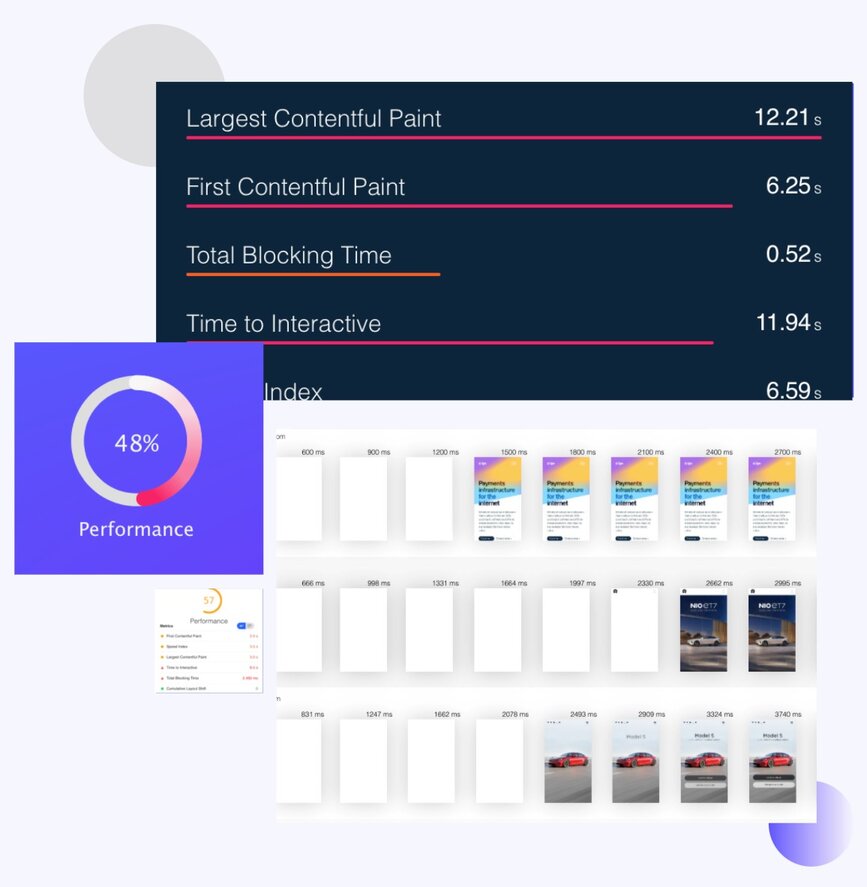
The Advantages of Load Testing Insights
Why prioritize load testing?
Custom-Tailored Load Recommendations
Benefits Beyond Load Capacity
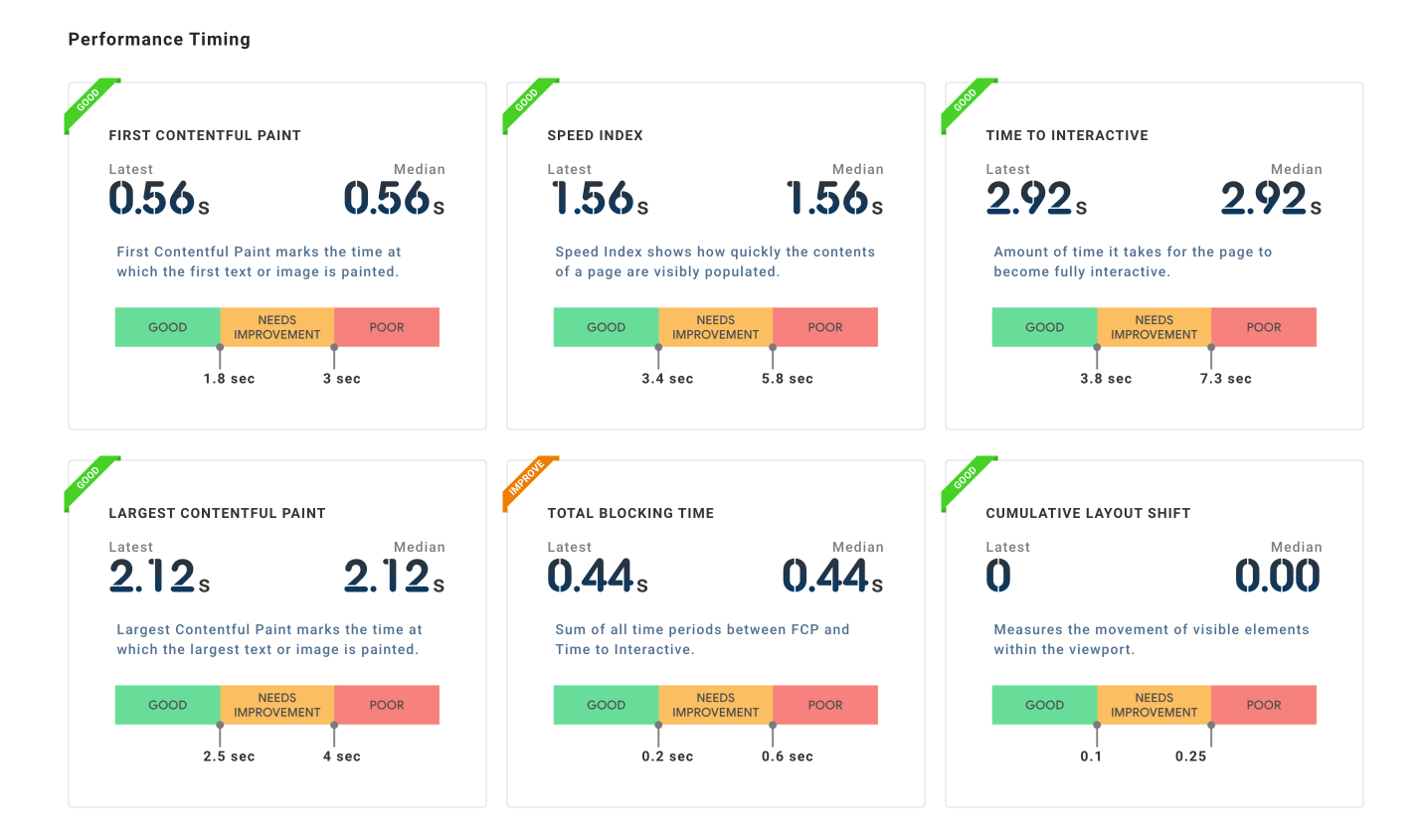
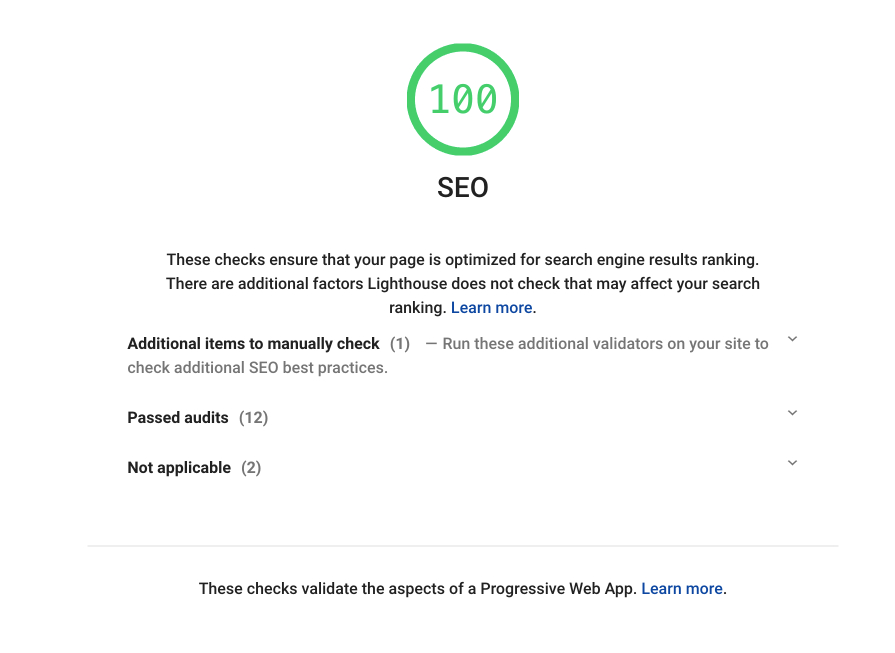
Master Load Testing for Scalability
The key to handling more users?
The Core of Load Testing
Measure & Master with Precision
Choose LoadFocus for Accurate Load Tests 🚀
Desire clear and precise load performance insights?
Detailed Metrics
User-Friendly Interface
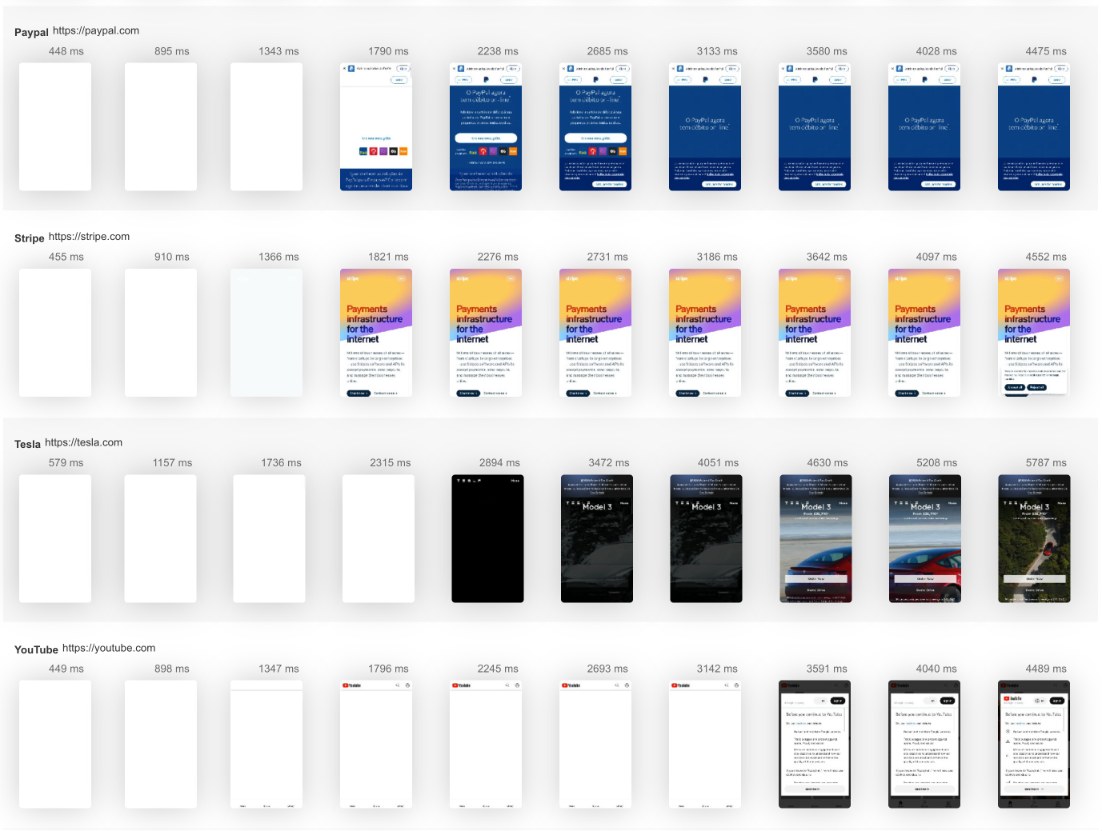

Gain Global Performance Insights 🌍
Curious about global load performance?
Diverse Global Test Locations
Optimize for a Global Audience
LoadFocus vs k6 Cloud, BlazeMeter, Octoperf, Apache JMeter — Honest Comparison
Five popular load testing tools compared on the things that matter when you actually run a test: setup speed, free tier, geo locations, JMeter compatibility, reporting, and CI/CD.
| Capability | LoadFocus | k6 Cloud | BlazeMeter | Octoperf | Apache JMeter |
|---|---|---|---|---|---|
| Browser-based test setup (no install) | Yes — 60-second config | JavaScript code only | GUI + scripting | Web GUI | Desktop app required |
| Free tier (anonymous) | Yes — 25 VUs / 60s | Trial (50 VUs limited) | 10 concurrent users | 30-day trial | Free OSS (self-host) |
| Cloud test locations | 26+ AWS regions | ~20 regions | 56+ regions | ~14 regions | Self-managed |
| Run JMeter (.jmx) scripts | Yes — drag-and-drop upload | No (JS only) | Yes | Yes | Native |
| Real-time graphs + shareable reports | Yes — live + persistent URL | Yes (cloud only) | Yes | Yes | Local only (.jtl) |
| CI/CD integration (GitHub, GitLab, Jenkins) | Yes — REST API + webhooks | Yes (CLI) | Yes | Yes | Self-built |
The 4 Load Testing Metrics That Actually Matter
Skip the vanity metrics. These four numbers tell you whether your system survives traffic — and where it breaks.
Virtual Users (VUs)
Concurrent simulated users hitting your endpoint. A useful target is 1.5–2× peak production traffic — that headroom is what keeps Black Friday traffic from taking you down.
Requests per Second (RPS)
Throughput your system actually sustains. RPS is the headline number for capacity planning. If your peak load is 800 RPS but your test plateaus at 450, you have a real problem before launch day.
Response Time (p95 / p99)
Time the slowest 5% (p95) or 1% (p99) of requests take. Averages hide outliers; percentiles expose them. A p95 above 1 second on a checkout flow means real users are abandoning.
Error Rate
Share of requests that fail (5xx, timeouts, application errors) as load climbs. The single best signal that you've crossed your capacity ceiling — pair it with continuous API monitoring after launch.
Free Load Testing — Frequently Asked Questions
How many virtual users do I need to test with?
Match your peak production traffic, then add headroom. If you serve 10,000 daily users with 500 concurrent at peak, test at 750–1,000 VUs (1.5–2× peak). That's where you find your breaking point before traffic does.
What's the difference between load testing and stress testing?
Load testing validates expected traffic — does the system meet its SLOs at planned demand. Stress testing pushes deliberately past breaking point to learn how it fails (graceful degradation vs cascading collapse). Run both before any major launch.
Can I run a load test on a production site?
Yes, but in low-traffic windows and ideally with a feature flag that bypasses paywalls, payment processors, and email sends. Better practice: clone production to a staging environment with anonymised data and test there freely.
Does LoadFocus support JMeter (.jmx) and k6 scripts?
Yes — upload existing .jmx files, or write JavaScript for k6-compatible tests. Both run on the same global cloud infrastructure with the same reporting. No rewriting your existing test suite.
What's a good response time target?
Under 200 ms for API calls; under 1 second p95 for full web page loads. For interactive web pages, INP under 200 ms is the Core Web Vitals threshold Google uses for ranking.
How is LoadFocus pricing structured?
Pay per virtual-user-hour. The free tier covers 25 VUs × 60 seconds — enough to validate a script. Paid plans scale to 1M+ VUs per test, with annual subscriptions cutting the per-VU rate by ~40%.
