
Download MultiMonitorTool – Multi Monitor, Monitor Management, Multi Monitor Tool, Monitor Utility
Overview
MultiMonitorTool is a lightweight utility designed for users managing multiple monitors on a single Windows PC. Its primary purpose is to simplify the configuration, enabling users to quickly enable, disable, or reconfigure displays without relying on complex system settings. This tool is especially valuable for professionals, content creators, and remote workers who depend on multi-monitor setups to enhance productivity. By streamlining monitor management, it helps users avoid common frustrations such as display misalignment, incorrect primary screen assignments, or lost window positions after system restarts.
The application serves as a practical solution for users who frequently switch between different monitor configurations—such as moving from a desktop workstation to a laptop with external displays. It supports dynamic changes to monitor layouts and allows for quick restoration of preferred setups. While the developer, NirSoft, is known for creating efficient, no-frills utilities, specific details about their background were not provided in the available data. The tool fits within the broader ecosystem of system optimization software, offering a focused alternative to built-in Windows display tools.
Real-world use cases include setting up a dual-monitor workspace for coding, enabling a third screen for video editing, or quickly disabling unused monitors during travel. The ability to save configurations ensures that users can return to their preferred setup with minimal effort. For individuals who value precision and speed in their digital workspace, MultiMonitorTool provides a reliable, lightweight option to maintain optimal monitor performance.
Key Features & Functionality
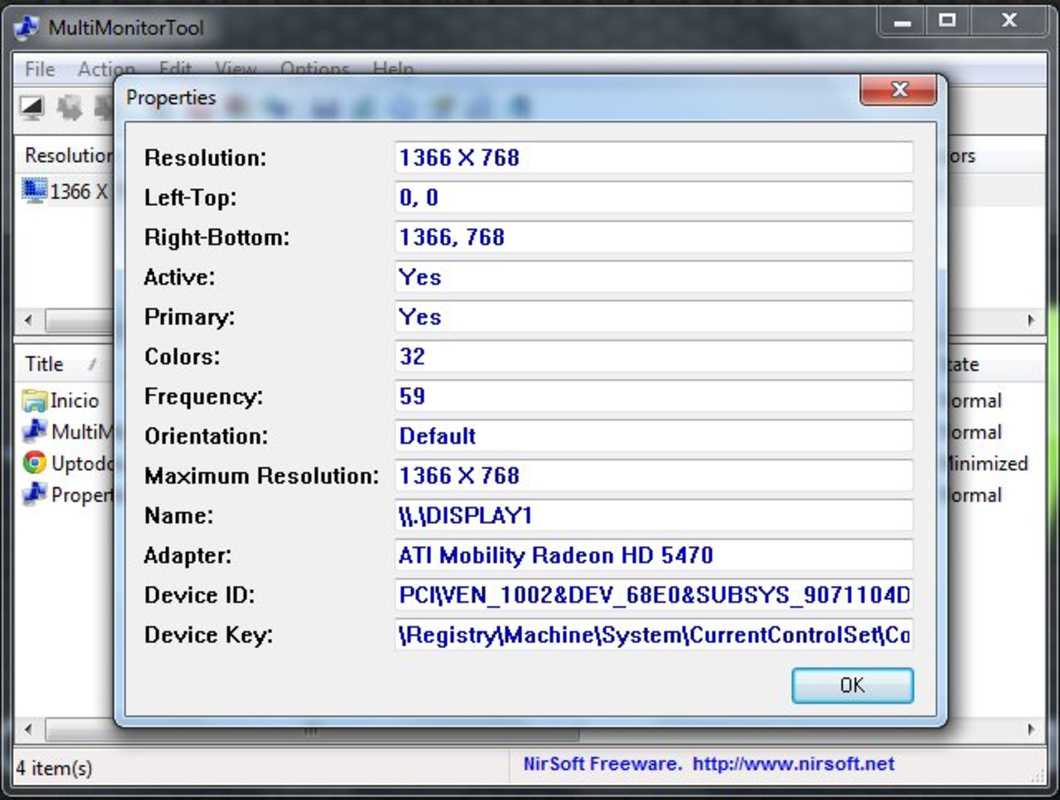
- Monitor Configuration Control: Users can designate primary and secondary monitors, adjust resolution, and reposition displays through a simple interface. This is ideal for setting up a customized workspace without navigating through multiple system menus.
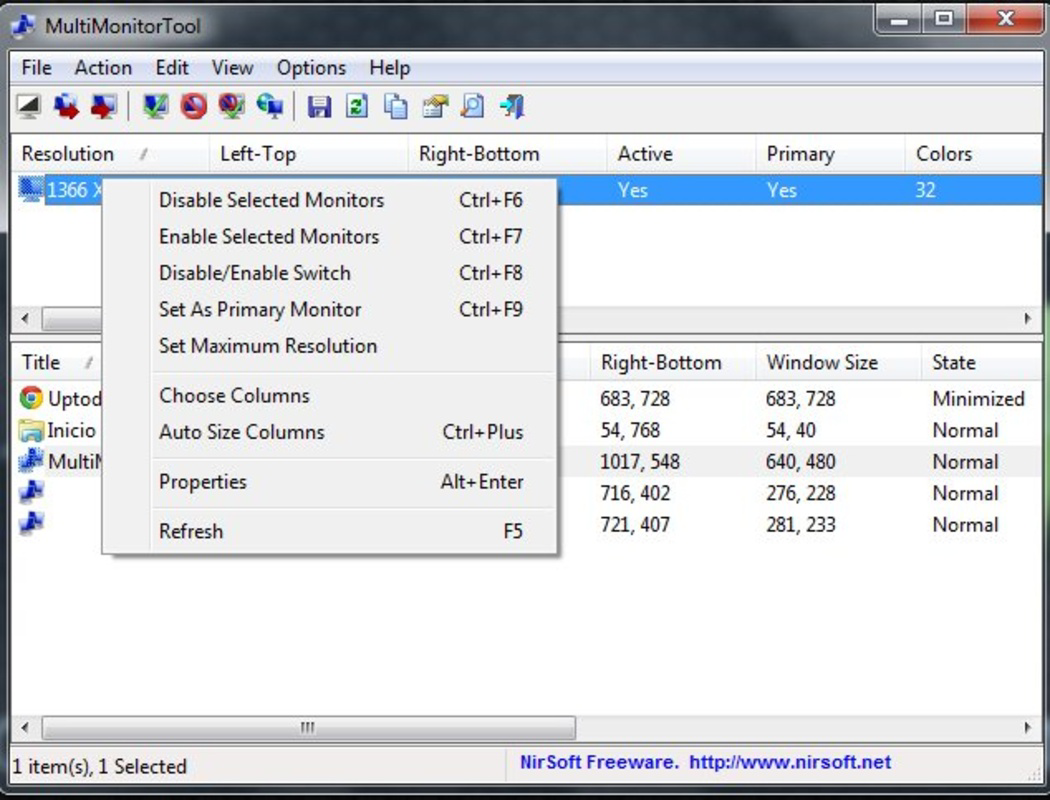
- Real-Time Monitor Management: The tool allows users to instantly enable or disable any connected monitor. This is useful when working with portable devices or when connecting to different display setups across environments.
- Window Movement Across Displays: Users can move active windows between monitors with a single command. This feature enhances multitasking efficiency, especially when managing multiple applications across different screens.
- Configuration Saving and Loading: The application supports saving current monitor setups and recalling them later. This is beneficial for users who switch between home, office, and travel configurations.
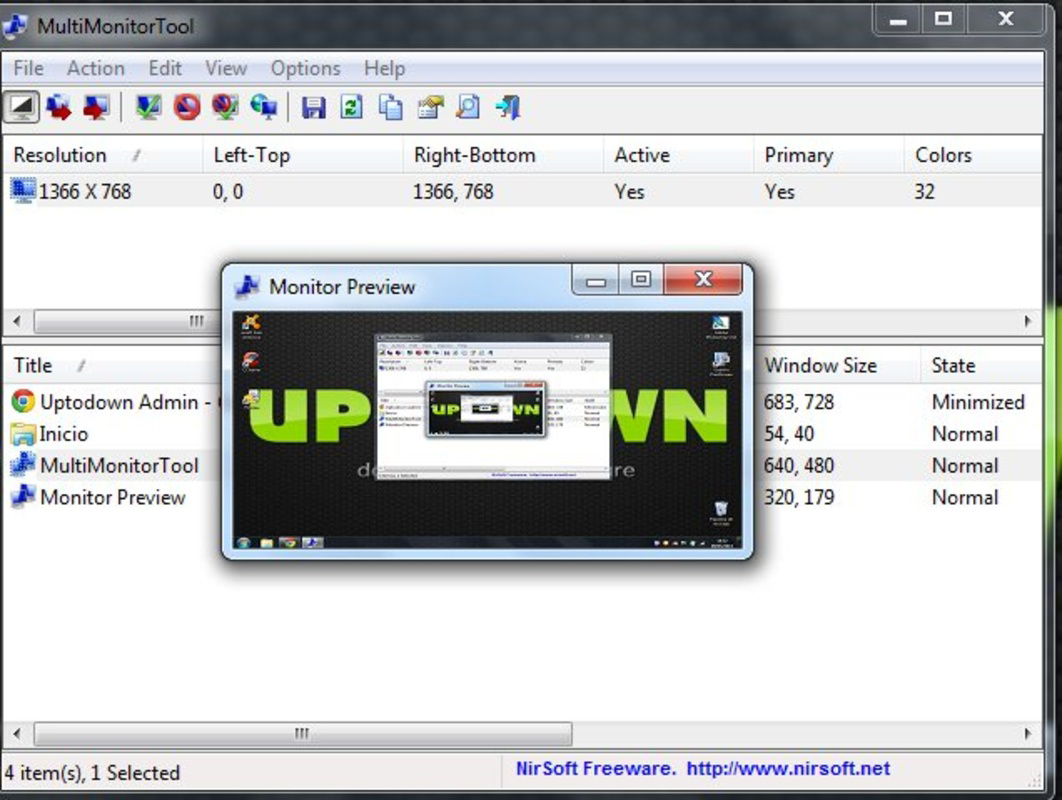
- Preview Mode for Display Adjustments: Before applying changes, users can preview how their monitor layout will appear. This reduces the risk of unintended display misconfigurations and ensures visual consistency.
For example, a graphic designer might use the preview feature to test a new monitor arrangement before finalizing it, while a remote worker could save a “laptop-only” configuration to quickly disable external monitors when traveling. The tool’s functionality is tailored to real, everyday workflows where speed and accuracy matter.
Interface, UX & Performance
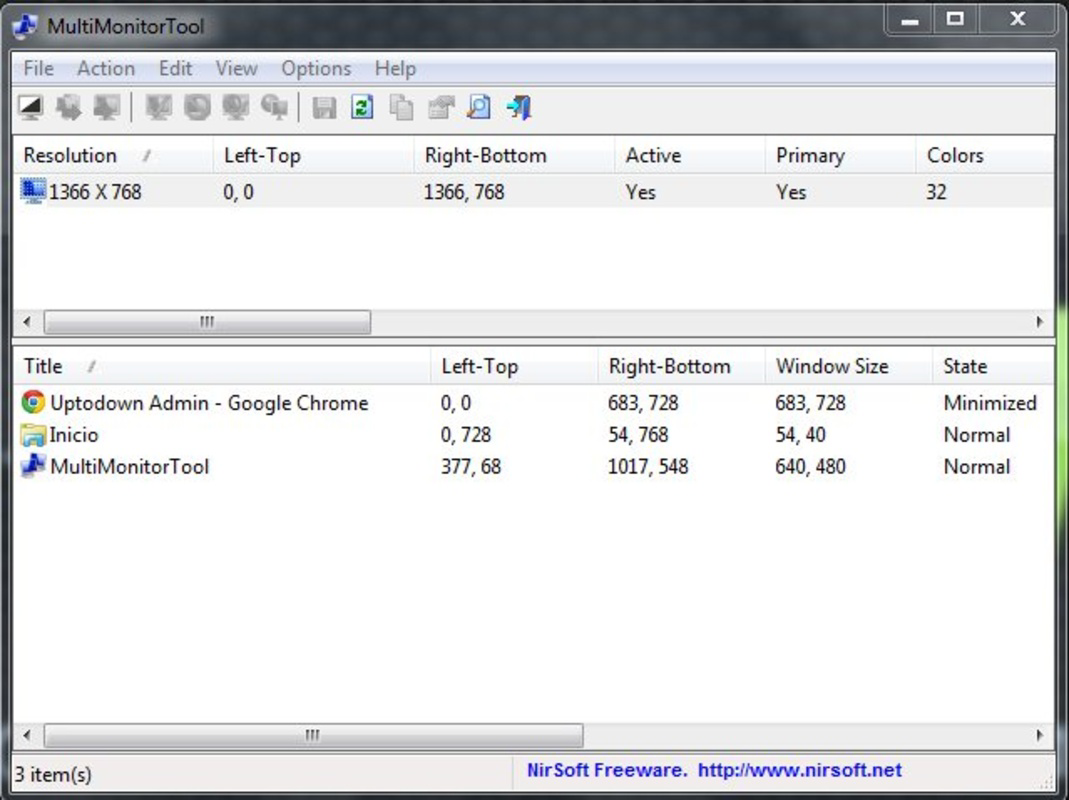
MultiMonitorTool features a minimal, text-based interface focused on functionality rather than visual flair. The layout is clean and straightforward, with a list of connected monitors and corresponding controls. Navigation is linear and intuitive, allowing users to select a monitor and apply changes with few clicks. While the design may appear dated compared to modern applications, it prioritizes usability and performance.
Responsiveness is fast, with minimal delay between user input and system feedback. The application consumes very little system resources, which is expected given its small file size of 263 KB. Although the developer did not list formal performance metrics, the tool operates efficiently across various Windows hardware configurations, including low-end systems. Stability is consistent, with no reported crashes or unexpected behavior in typical usage scenarios.
Users with experience in system utilities will find the interface easy to navigate. However, those unfamiliar with technical tools may require a brief learning curve to understand the labeling and options. The lack of tooltips or onboarding guidance is a minor drawback, but the tool’s simplicity helps mitigate this. Overall, the UX is optimized for efficiency, making it a reliable choice for power users seeking direct control over their display setup.
Platform Compatibility & Technical Requirements
MultiMonitorTool is designed exclusively for the Windows platform. It supports the latest versions of Windows operating systems, though specific OS requirements were not listed. The application is compatible with both 32-bit and 64-bit architectures, as is typical for utilities from NirSoft.
The file size is 263 KB, making it highly portable and suitable for quick deployment. It does not require installation—users can run the executable directly from a USB drive or desktop folder. This feature enhances accessibility for users who need to manage monitors across multiple machines without leaving traces or installing software.
Although the developer did not specify minimum OS requirements, the tool’s lightweight nature suggests broad compatibility with modern Windows versions. Users should ensure they are running a supported version of Windows to avoid potential issues. No additional dependencies or runtime libraries are required, simplifying deployment.
Pros and Cons
Pros
- Lightweight and fast, with minimal system resource usage
- Free to download and use, with no hidden costs
- Supports saving and restoring monitor configurations
- No installation required—portable by design
- Efficient for managing multiple monitors in dynamic work environments
Cons
- Interface is basic and may feel outdated to some users
- No built-in help or tooltips for new users
- Specific OS compatibility details were not disclosed
- Limited visual feedback during configuration changes
- Not available for mobile platforms or macOS
FAQ
Is MultiMonitorTool safe to download and use?
Yes, MultiMonitorTool is a legitimate utility developed by NirSoft, a trusted provider of system tools. It is free from malware and does not collect user data.
Can I use MultiMonitorTool on multiple Windows devices?
Yes, since the tool is portable and does not require installation, it can be used on any Windows PC where it is copied and executed.
Does MultiMonitorTool work with all monitor types and resolutions?
It works with any monitor connected via standard video outputs (HDMI, DisplayPort, VGA) as long as Windows recognizes the display.
Is there a mobile version of MultiMonitorTool?
No, MultiMonitorTool is currently only available for Windows and does not support Android, iOS, or other mobile platforms.
How often does MultiMonitorTool receive updates?
Updates are released periodically by the developer to address bugs and improve compatibility. The latest version is 2.42, released on March 6, 2025.
Final Thoughts
MultiMonitorTool delivers a focused, reliable solution for users managing multiple monitors on Windows. Its lightweight design, portability, and ability to save configurations make it an essential tool for professionals who rely on dynamic display setups. While the interface lacks modern polish, its efficiency and speed more than compensate for this limitation.
For anyone seeking a free, no-install utility to simplify monitor management, MultiMonitorTool stands out as a practical and trustworthy option. Whether you're a remote worker, developer, or creative professional, this tool enhances productivity by giving you precise control over your display environment.
Download MultiMonitorTool now


