Node Video is a free video application developed by Shallway Studio for mobile devices. It's a video editing app that features robust tools and options that allow users to make complex and refined adjustments to their videos, as well as effects to change their look and presentation.
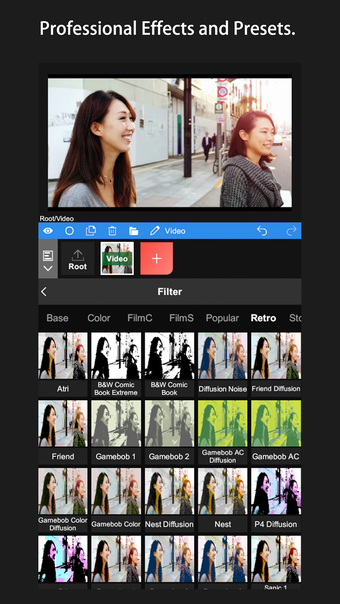
Similar to Quik or VN Video Editor, Node Video makes it easy for anyone to edit videos on the fly on their mobile devices while on the go. What makes it stand out is the number of functions it offers, such as layered editing, some handy AI processing, and professional-level presets.
How do I use it?
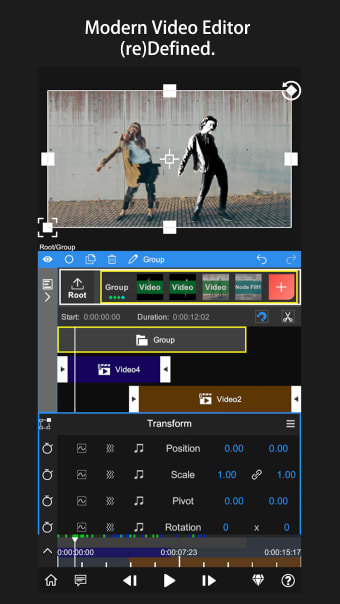
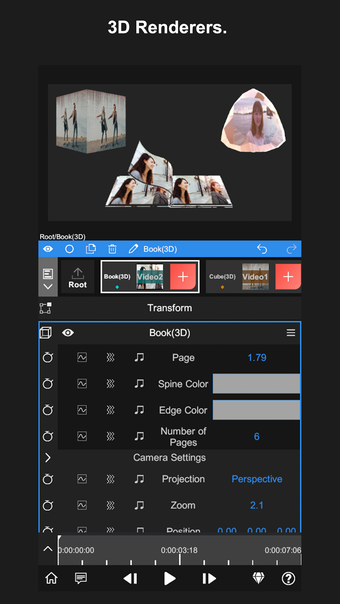
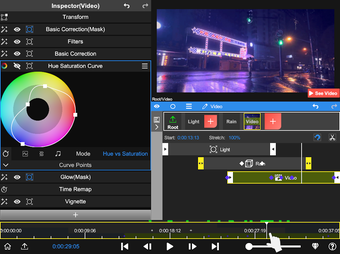
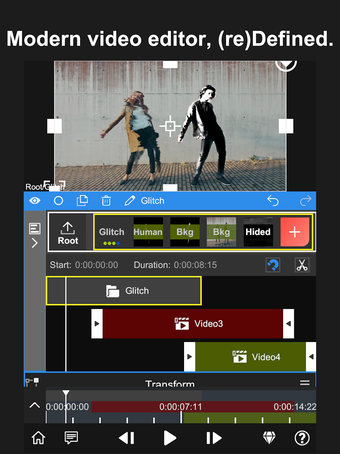
It's no stretch to say that Node Video is one of the most powerful and comprehensive mobile video editing apps that you will ever come across today. The sheer amount of options and adjustment sliders it offers will be quite overwhelming when you first use it. The UI is divided into three sections: the preview window is up top, contextual menus in the middle, and a timeline at the bottom.
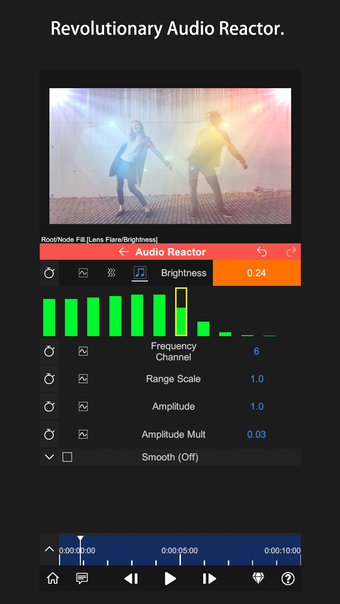
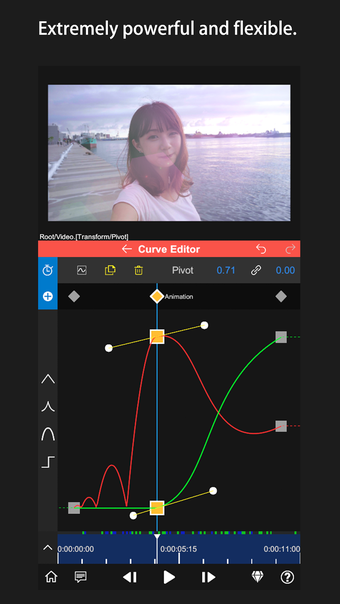
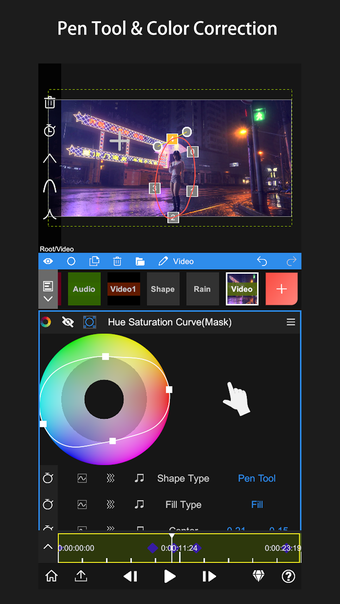
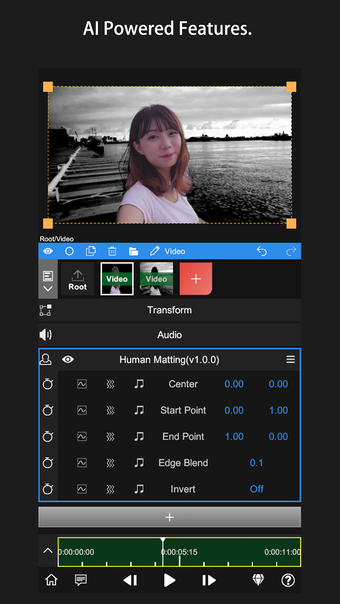
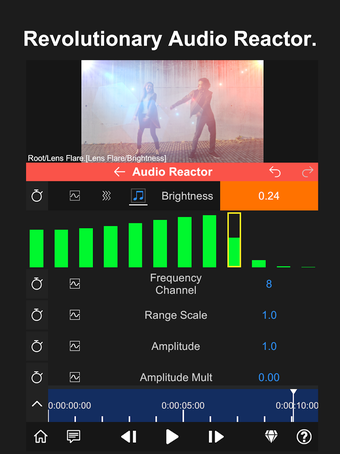
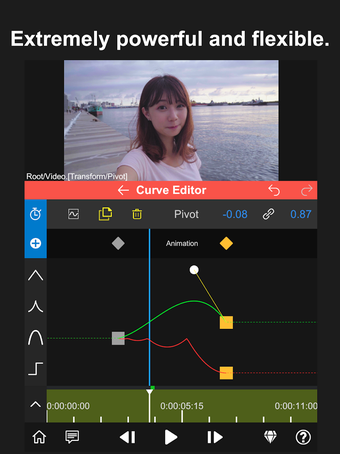
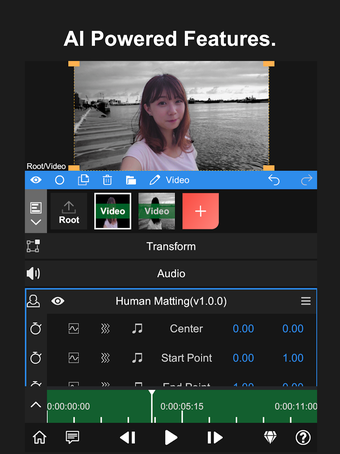
Click on the red "+" button to add a new layer and import your media over. Once added, you'll have various options available to you for editing through what's called Property in the Transform tab. This lets you change things like video parameters, use effects and filters, or add custom audio to your clips. You can even use AI features to separate foreground and background layers or do professional-level color grading.
As you do all of your edits, you can refer to and scrub your timeline at the bottom to check if changes are getting applied properly—a feature that is usually reserved for more advanced desktop-class video editors. One important thing to take note of here is that this app comes with a steep learning curve, which is understandable given its extensive feature set.
A unique and powerful mobile video editor
There is no shortage of video editor apps that cater to various needs and requirements, be it quick and simple edits to more complex and delicate adjustments. Node Video positions itself on the higher spectrum of the latter, serving as a near-complete package that is too good not to consider. Highly recommended.
Before downloading, you can take a quick look at the permissions this app may request on your device. App permissions allow certain features to work properly, such as accessing your camera to take photos, your location for maps, or your storage to save files.
In this section, you’ll find a clear and simple overview of the types of permissions the app uses, grouped by their level of sensitivity, along with a visual breakdown to help you understand them at a glance. This way, you can see how the app interacts with your device and decide to download with confidence.
Permissions types
Standard
33%
Non-standard
11%
Sensitive
56%
Permissions distribution
Privacy
11%
Data collected
56%
Data shared
33%
Data safety info
Privacy
1 permissions
Permissions that allow the app to access personal or sensitive information stored on your device, such as location, contacts, camera, or microphone.
android.permission.FOREGROUND_SERVICE
Standard
Data collected
5 permissions
Information the app may gather from your device or usage activity to enable features, personalize content, and improve overall performance.
android.permission.READ_EXTERNAL_STORAGE
Sensitive
android.permission.READ_MEDIA_IMAGES
Sensitive
android.permission.READ_MEDIA_VIDEO
Sensitive
android.permission.READ_MEDIA_AUDIO
Sensitive
android.permission.ACCESS_NETWORK_STATE
Standard
Data shared
3 permissions
Information that may be shared with trusted third parties to provide services, support app functionality, or deliver relevant content.
android.permission.WRITE_EXTERNAL_STORAGE
Sensitive
android.permission.INTERNET
Standard
android.permission.FOREGROUND_SERVICE_DATA_SYNC
Non-standard
This report summarises the permissions declared by the app at the time of scanning and groups them into Privacy, Data collected and Data shared. A declared permission shows what the app can access, it does not necessarily mean personal data is collected or transmitted. For full details check the app’s privacy policy and the developer’s clarifications shown below. Softonic generates this report automatically from the package metadata; it is informational and not a substitute for a full security or privacy audit.
Laws concerning the use of this software vary from country to country. We do not encourage or condone the use of this program if it is in violation of these laws. Softonic may receive a referral fee if you click or buy any of the products featured here.















.png)