PHP Cookies (2026 Helpful Guide): Complete Tutorial with Examples, Security & Best Practices
Core PHPMay 01, 2015
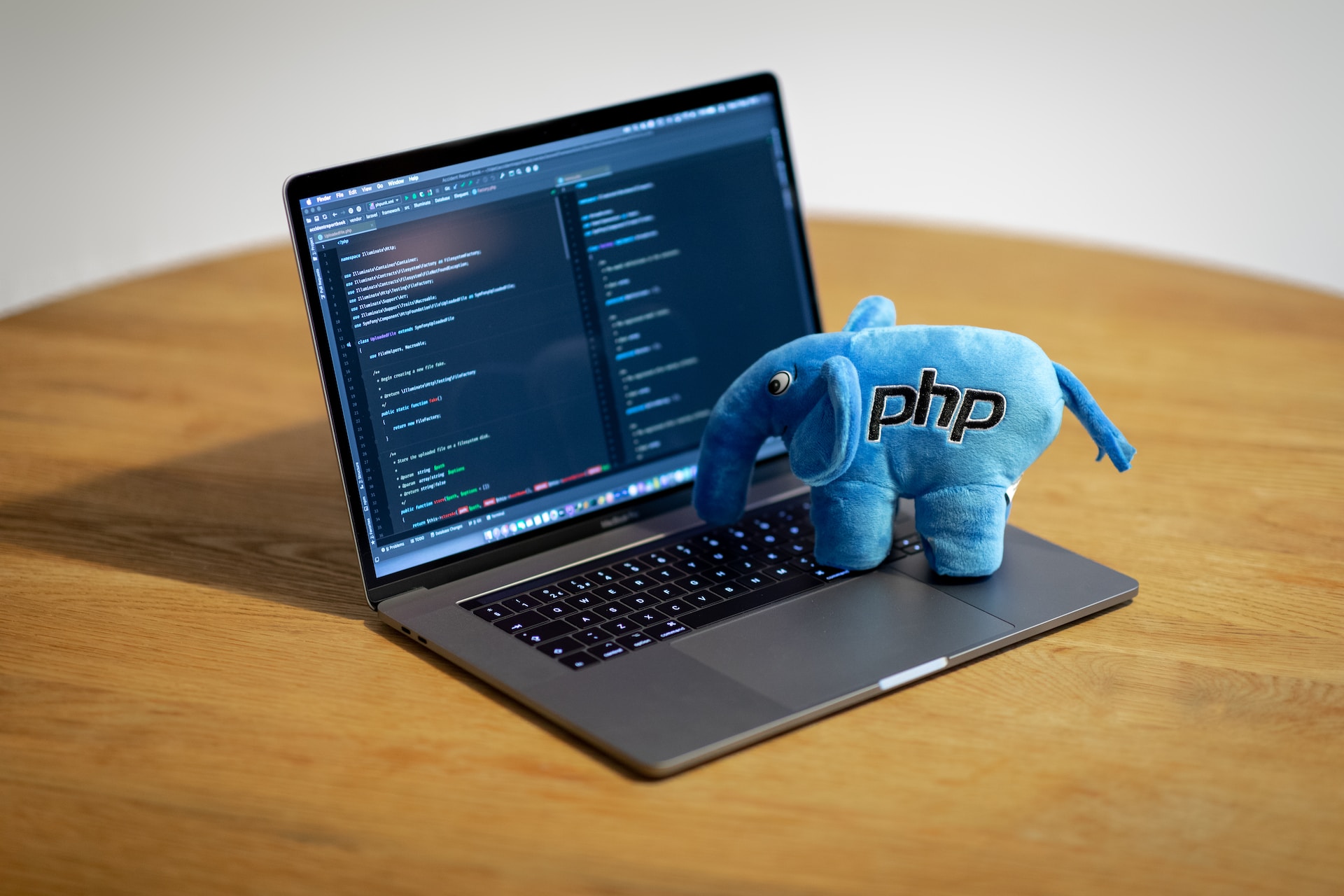
In this article, we’ll learn about PHP Cookies.
Table of Contents
In today’s interconnected digital world, creating delightful and personalized user experiences is key to captivating visitors on your website.
One magical ingredient that empowers web developers in achieving this is PHP cookies.
These tiny treats hold the power to remember user preferences, track sessions, and make browsing seamless.
We’ll explore their functionality, learn how to implement them, and discover best practices to create a friendlier online experience. Get ready to savor the sweetness!
What are PHP Cookies?
Cookies are small text files that are stored on a user’s computer by a website in order to remember certain information about the user.
In PHP, cookies are a simple way to store data on the client side and can be used to persist information across pages or even across visits to a website.
Each time the same computer requests a page with a browser, the cookie is sent back to the server too.
PHP Cookies are used to store information about users, visited pages, poll results and etc.
The main purpose of cookies is to identify users and possibly prepare customized Web pages for them.
PHP Cookies are used only to store small amounts of data.
Websites can read the values from the cookies and use the information as desired.
In addition to the information, it stores, each cookie has a set of attributes that helps ensure the browser sends the correct cookie when a request to a server is made.
Even though PHP cookies are not harmful some people do not permit cookies due to concerns about their privacy. In this case, you have to use Sessions.
From preferences and login status to browsing history, PHP cookies empower developers to offer tailored experiences that cater to individual users’ needs.
How PHP Cookies Work
- User visits a website
- Server sends a cookie via HTTP headers
- Browser stores the cookie
- On next request, browser sends cookie back to server
How To Create Cookies?
To create a cookie in PHP, you can use the setcookie() function. The function takes the following parameters:
- The name of the cookie
- The value of the cookie
- The expiration time of the cookie (in seconds)
- The path on the server in which the cookie will be available
- The domain that the cookie is available to
- A flag indicating whether the cookie should be sent over a secure connection (HTTPS)
In the example below, we will create a cookie named “myCookie” and assign the value “PHP Tutorial” to it.
We also specify that the cookie should expire after one hour and that the cookie is available for all pages within a Tutorials directory.
<?php
setcookie("myCookie", "PHP Tutorial", time()+3600, "/tutorials");
?>
There’s one important item to mention about using cookies. Because of the way cookies work within HTTP, it’s important that you send all cookies before any output from your script.
This requires that you place calls to this function before any output, including tags as well as any whitespace. If you don’t, PHP will give you a warning and your cookies will not be sent.
How to Retrieve a Cookie?
Now the cookie is set and we need to retrieve the information.
As mentioned above the name of each cookie sent by your server accessed with the superglobal array $_COOKIE.
In the example below we retrieve the value of the cookie and print out its value on the screen.
<?php
echo "The cookie value is ".$_COOKIE['myCookie'];
?>
This would show up on the page as: “myCookie value is PHP Tutorial”.
How to Delete a Cookie?
By default, the cookies are set to be deleted when the browser is closed.
We can override that default by setting a time for the cookie’s expiration but there may be occasions when you need to delete a cookie before the user closes his browser and before its expiration time arrives.
To do so, you should assure that the expiration date is in the past. The example below demonstrates how to do it (setting expiration time 1 minute ago):
<?php
setcookie("myCookie", "", time()-60);
?>
Advanced Cookie Options (2026 Best Practice)
Modern browsers now support enhanced cookie security options.
Secure Cookie Example:
<?php
setcookie("user", "Umang", [
    'expires' => time() + 3600,
    'path' => '/',
    'secure' => true,       // Only HTTPS
    'httponly' => true,     // No JS access
    'samesite' => 'Strict'  // CSRF protection
]);
?>
Explanation:
- Secure: Sends cookie only over HTTPS
- HttpOnly: Prevents JavaScript access (protects from XSS)
- SameSite: Prevents CSRF attacks
Types of Cookies
1. Session Cookies
- Deleted when browser closes
- Used for temporary sessions
2. Persistent Cookies
- Stored for a specific duration
- Used for “Remember Me”
3. Secure Cookies
- Sent only over HTTPS
4. HttpOnly Cookies
- Not accessible via JavaScript
Cookies vs Sessions
| Feature | Cookies | Sessions |
|---|---|---|
| Storage | Client-side | Server-side |
| Security | Less secure | More secure |
| Data Size | Small (~4KB) | Larger |
| Use Case | Preferences | Sensitive data |
Best Practice:
Use sessions for sensitive data and cookies for lightweight data.
Security Considerations (2026)
Cookies are powerful but come with risks.
Risks:
- Cross-Site Scripting (XSS)
- Cross-Site Request Forgery (CSRF)
- Cookie tampering
Best Practices:
- Never store:
- Passwords
- Credit card details
- Always use:
httponly = truesecure = truesamesite = Strict or Lax
- Encrypt sensitive cookie data if needed
- Validate cookie values on the server
GDPR & Privacy Compliance (Important in 2026)
With stricter privacy laws:
- Show cookie consent banners
- Allow users to accept/reject cookies
- Clearly explain cookie usage in privacy policy
Real-World Example: Remember User Theme
<?php
if(isset($_POST['theme'])) {
    setcookie("theme", $_POST['theme'], time() + (86400 * 30), "/");
}

$theme = $_COOKIE['theme'] ?? 'light';
?>

<body class="<?php echo $theme; ?>">
Advantages of PHP Cookies
- Easy to implement
- Improves user experience
- Enables personalization
- Works across multiple pages
Disadvantages
- Limited storage size
- Security vulnerabilities
- Can be disabled by users
References
- Official PHP Documentation: https://www.php.net/manual/en/function.setcookie.php
- MDN Web Docs (Cookies): https://developer.mozilla.org/en-US/docs/Web/HTTP/Cookies
- OWASP Security Guide: https://owasp.org/www-community/controls/SecureCookieAttribute
- GDPR Overview: https://gdpr.eu/cookies/
Conclusion