Is Procreate any good?
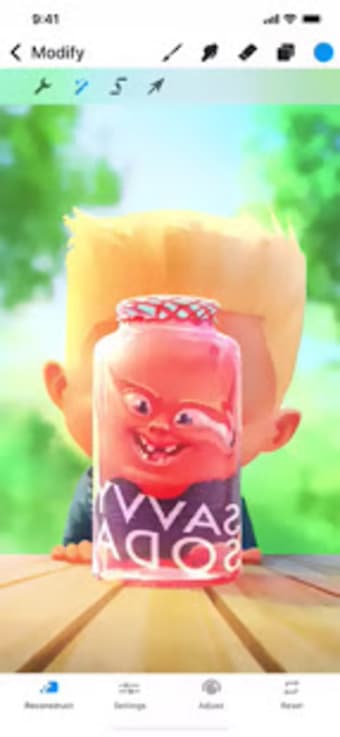
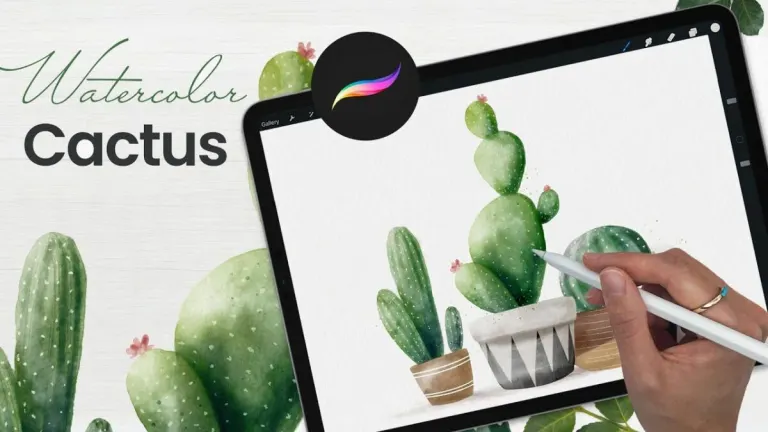
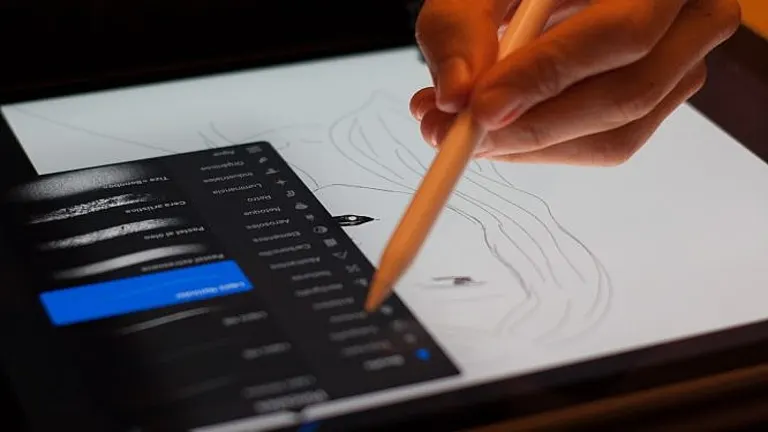
When it comes to design apps, users often look to Photoshop or Illustrator. It is still a better option for complex illustrations and everything that requires grid structure. However, if you are looking for simple sketching, flat illustrations, and everything you can create on the go, Procreate is a good option. Instead of a blank canvas, it gives you access to brushes you can try for various types of creative design.
As noted, it comes with hundreds of brushes, and most of them are cool. Not only that, but each brush category comes with options. You can use different textures and play with different parameters to create a unique brush. What's even better is that you can download ones made by other users. Moreover, you can import your Photoshop brushes. With this, if you have a particular set on your computer, you can continue working with them in Procreate.
Procreate also offers a smoother workflow. You can zoom in and out and even rotate your canvas without lagging. Additionally, it comes with a time-lapse recording, so you can record your workflow and analyze it afterward. The design tool also works with various formats. However, the app still lacks some photo editing features. There are no vectors, and you cannot adjust layer settings. Moreover, the masks are still basic, which means you cannot invert them or detach them from the layer.
Major brush library expansion in Procreate 5.4
Procreate received a major update to version 5.4, introducing a significant overhaul of its brush system. This update adds brush libraries, enabling users to store, import, organize, and sync entire collections using iPadOS’s Files app. It also includes over 150 new brushes created with in-house developer Kyle T. Webster, spanning styles from watercolor and oils to street art and lettering. These additions greatly expand creative possibilities for sketching and painting within the app.
Enhanced brush search and customization tools
Alongside the expanded brush selection, Procreate now lets you search for brushes directly in the brush panel, making it faster to find the perfect tool. The update also adds advanced settings in Brush Studio—including spacing jitter, roundness controls, and real-time previews—allowing artists to fine-tune brush behavior and tailor tools to their workflow.
Updated interface styling for iPadOS 26
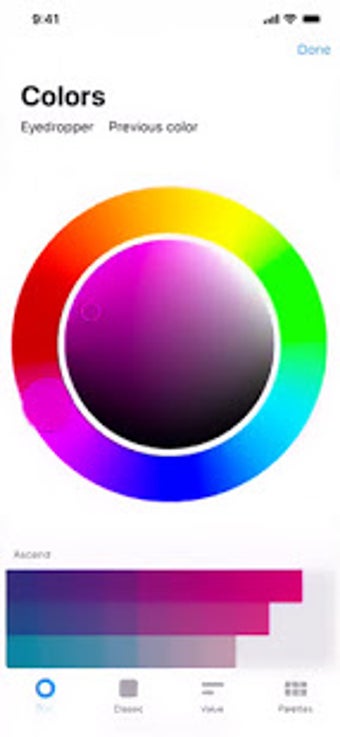
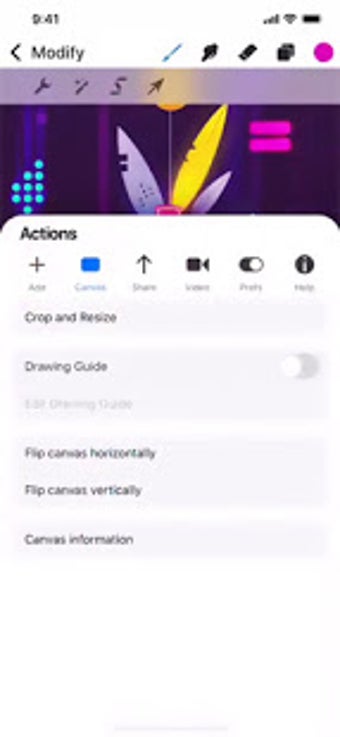
Procreate’s interface has been refreshed in its 5.4.5 update to fit better with Apple’s latest iPadOS design language. The look and feel were refined so that the app feels more at home on modern iPads, combining its trademark simplicity with updated visual polish. This design modernization helps make navigation and tool access even more intuitive for daily use.
Procreate’s commitment to traditional artistic control
Procreate has publicly rejected integrating generative AI into its creative engine, reinforcing its focus on pure, manual artistry rather than automated content generation. This commitment ensures that every brushstroke, sketch, and design decision remains entirely human-driven—a philosophy that resonates with many artists who prefer hands-on creative control.
Conclusion
Overall, Procreate is a handy application for artists. It comes with a decent selection of sketch and painting tools that you can use to visualize your ideas. Also, it is intuitive as compared to professional tools. But as with every new software, you need some time to adapt to it and learn some shortcuts. It also does not offer many advanced editing features for complex illustrations. For simple sketching and doodling, however, this app is worth a try.