
Real-Time Temperature Monitoring
Is Temperature App available for Android?
The developer did not specify Android compatibility.
Can I use Temperature App offline?
The app requires an active internet connection to fetch real-time temperature data.
How often does the app update the temperature?
The app updates the current temperature every hour.
Does the app support multiple locations?
Exact location support details were not provided.
Is the app free to download and use?
Yes, Temperature App is available at no cost.
Overview
Temperature App, developed by Piet Jonas, is a lightweight, location-based utility designed to deliver real-time outdoor temperature readings directly to iOS users. The app serves as a personal weather station, offering a minimalist approach to temperature monitoring. By leveraging device location services, it automatically detects the user’s current position and displays the prevailing outdoor temperature. This functionality is particularly useful for individuals who want to stay informed about current weather conditions without navigating through complex weather platforms. The app is ideal for commuters, outdoor enthusiasts, and users who prioritize quick access to temperature data. Its seamless integration with iPhone, iPad, and Apple Watch expands its usability across multiple devices, enabling users to check the temperature on the go. The app also supports dynamic background color changes based on temperature ranges, providing an intuitive visual cue for quick interpretation. The developer did not provide additional system requirements or details about data sources used for temperature readings. However, the app’s design emphasizes simplicity, speed, and accessibility.
Key Features & Capabilities
- Automatic Location Detection – The app uses device location services to determine the user’s current position and fetches the corresponding outdoor temperature, eliminating the need for manual input.
- Hourly Temperature Updates – Current temperature data is refreshed every hour, ensuring users receive up-to-date information without constant manual refreshes.
- Unit Toggle (Fahrenheit/Celsius) – Users can switch between Fahrenheit and Celsius with a single tap, accommodating international users and personal preferences.
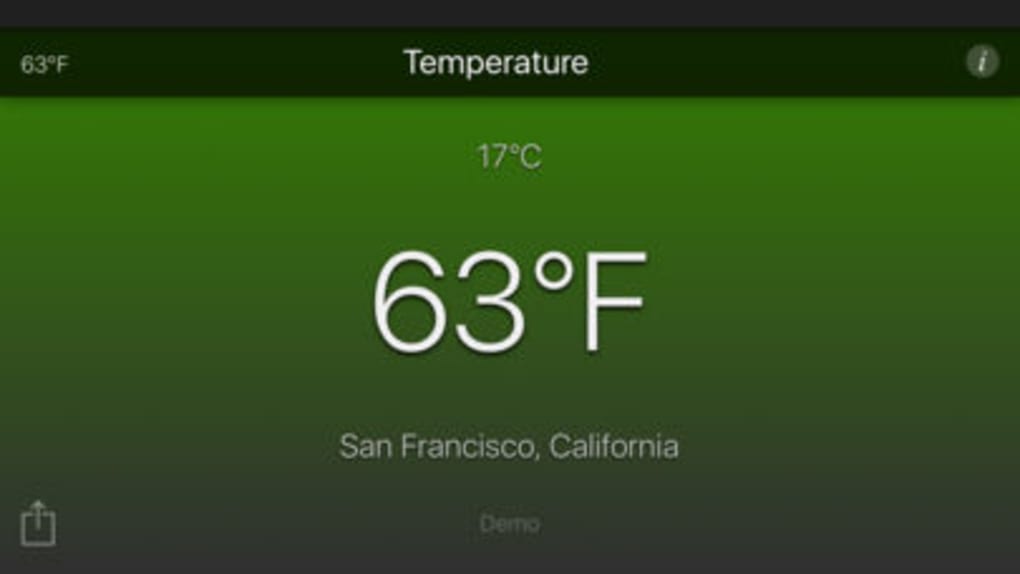
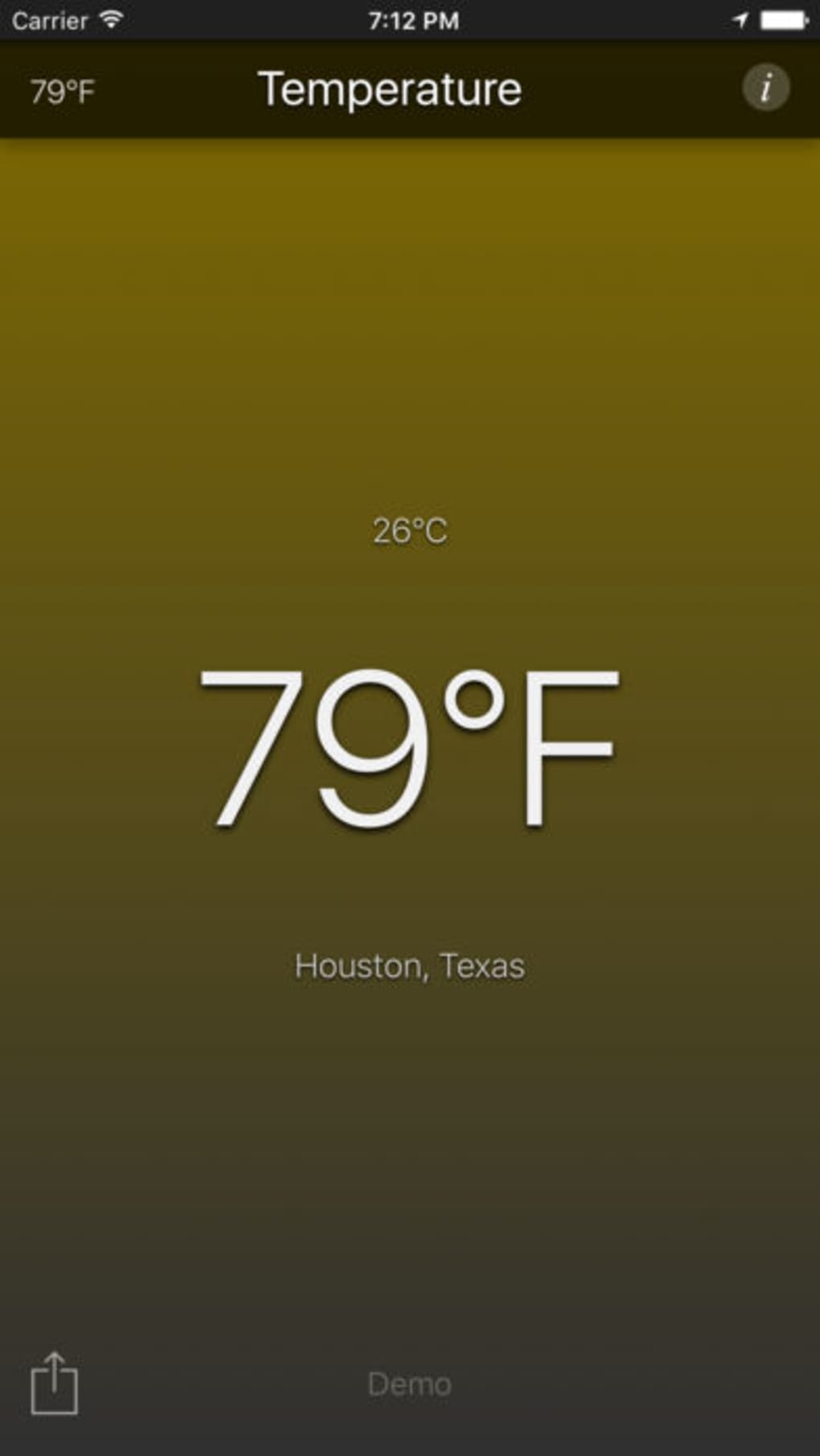
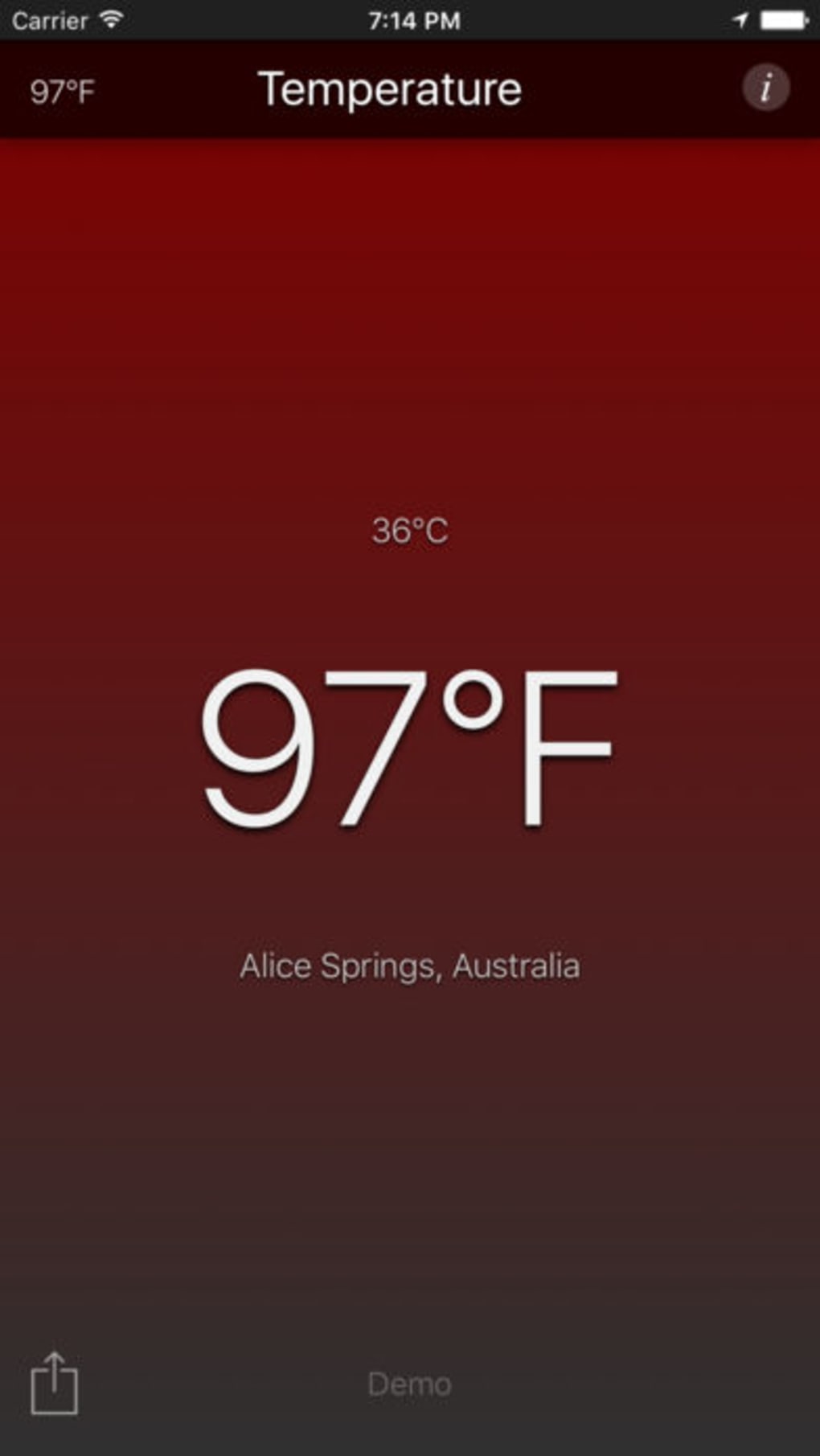
- Dynamic Background Color – The app changes its background color based on the current temperature, offering a visual indication of whether it is cold, mild, or hot.
- Multi-Device Support – The app is available on iPhone, iPad, and Apple Watch, with a dedicated watch app and glance interface for rapid temperature checks.
- Location Update on Movement – When users travel more than 5 miles (10 km), the app automatically updates the location and temperature to reflect the new area.
- Temperature Sharing – Users can easily share the current local temperature with friends and family via standard sharing methods.
User Interface, Workflow & Performance
The user interface of Temperature App is clean and minimal, focusing on a single core function: displaying the current temperature. The layout is centered around a large, readable temperature display, with the background color shifting dynamically based on the current value. Navigation is straightforward, with no complex menus or settings required. The workflow is optimized for speed, allowing users to access the temperature in under a second. The app runs on iOS devices and is designed to integrate smoothly with Apple’s ecosystem. The developer did not specify resource usage details, so performance behavior in terms of CPU or RAM consumption remains unknown. Stability and background operation are not explicitly documented. However, the app’s lightweight size of 13.5 MB suggests efficient design and minimal storage impact. The app is expected to function reliably during normal usage, though no formal testing or benchmark data was provided.
Compatibility & System Requirements
Temperature App is designed for iOS devices and supports iPhone 7.0 and higher, as well as iPad with multitasking capabilities. The app is compatible with Apple Watch, including the watch app and glance interface. The installation size is 13.5 MB, indicating a compact footprint. The developer did not specify exact system requirements beyond the iOS version. Compatibility with newer or older iOS versions was not confirmed. No hardware-specific requirements were listed. Users should ensure their devices meet the minimum iOS 7.0 requirement to install and run the app. Platform compatibility information is limited to iOS and Apple Watch.
Pros and Cons
Pros
- Simple, intuitive interface focused on core functionality
- Automatic location detection and updates
- Dynamic visual feedback through color-changing backgrounds
- Supports both Fahrenheit and Celsius units
- Available on iPhone, iPad, and Apple Watch
- Free to download and use
- Regular hourly updates without user intervention
Cons
- Exact location support details were not provided
- App requires internet access for real-time data
- No indication of how temperature data is sourced
- Limited to iOS and Apple Watch platforms
- Developer did not specify background performance or resource usage
Final Thoughts + CTA
Temperature App delivers a focused, efficient solution for users seeking instant access to outdoor temperature readings. Its minimalist design, automatic location tracking, and visual feedback make it a standout choice among weather utilities. The app’s availability across iPhone, iPad, and Apple Watch enhances its versatility, while the free pricing model makes it accessible to a broad audience. While some details about data sources, offline functionality, and system impact remain unspecified, the app performs its intended function reliably. For those who value simplicity and speed in weather monitoring, this app offers a compelling, no-frills experience. Download Temperature App now.








