

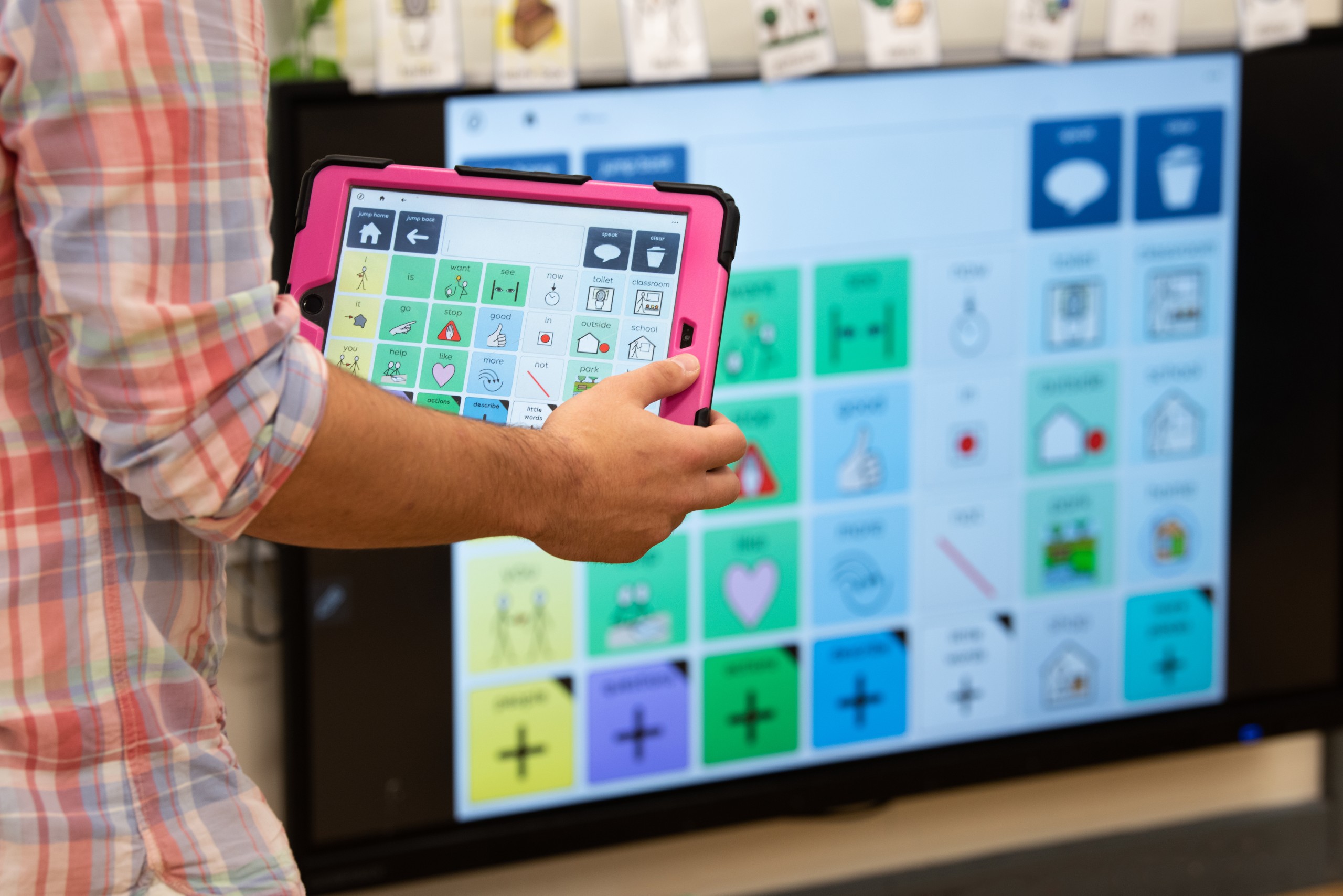
For people who need symbols to support their communication, Grid includes a range of vocabularies, for people of all ages.

For people who want to use text, Grid offers powerful tools with prediction, for faster communication. Now with new AI tools.

Access email, social media and more in Grid. You’ll also find Grid sets for Environment and Computer Control.

Including French, Spanish, German, Norwegian, Dutch, Danish, Swedish, Italian, Ukrainian, Portuguese, Polish, Croatian, Finnish, US English, Arabic, Czech and many more.
All our devices come with Grid – the complete software solution for communication and independence. Fully customisable to suit your communication and access needs.

Computer Control and Environment Control can be used with any access method to control your Windows computer and technology around your home. Take control of your your TV, lights, kitchen appliances and more with Grid.
With Grid, you can speak in a voice that truly feels like you. Whether you’re using a personalised AI voice, uploading a unique recording, or choosing from a wide range of voices for children and adults.
You can change and personalise your voice in Grid, by browsing the ready to use voices in settings, filter by language, listen to a voice sample, and download your preferred voice to get started. Adjust the pitch and speed to make it personal to you, or use the pronunciation tool to sound out uncommon words correctly.
When your voice feels right, communication becomes more natural, comfortable, and uniquely yours.
Who uses Grid?
Grid supports children and adults with a wide range of disabilities which affects their natural speech. Learn more about the people who use Grid to communicate and participate around the world.
Meet Milly
Meet the Oasis Academy
Meet Claire
Available on Windows and iPad

Grid on Windows is our flagship software to use alternative access methods. Use to control your environment, computer, and a range of accessible apps. Try Grid with a 60-day free trial on any Windows device, or get in touch to try Grid Pad.

Grid software on iOS gives you instant access to a range of text and symbol based communication and apps for touch access. Download from the App Store with a free 30-day trial or get in touch to purchase a licence.
Use any access method with Grid
Grid works intuitively with all access options, for the most complex needs. From eye gaze and pointing devices to keyguard touch access and switches, Grid has innovative features that make alternative access simple. The settings in Grid are integrated and simple to adjust as your needs change.

Eye Gaze
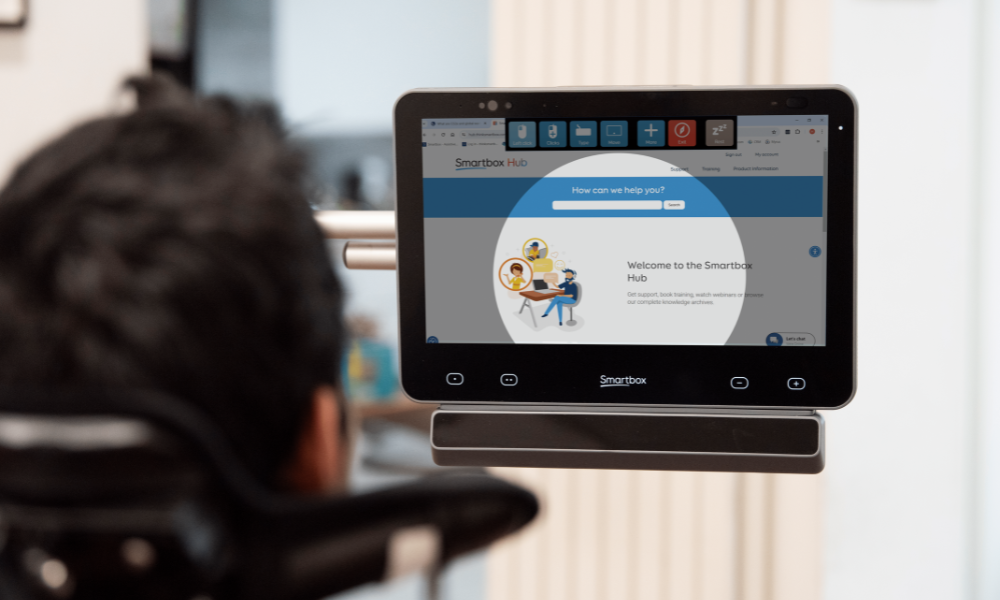
Grid puts eye gaze users in control to access your device by tracking your eye movement. Use Grid to adjust eye gaze speed, time, and calibrate. Choose from Lumin-i or Vida by Smartbox, or use Grid with other eye gaze cameras.

Touch and Keyguards
Grid can be used with a touchscreen or keyguard, to select words, letters, symbols and apps. Additional settings help with selection, such as the built-in Virtual Keyguard. You can also choose whether your first touch or when you lift off the screen makes a selection in Grid.

Switch
Use any switch, or multiple switches in Grid, from simple buttons to devices controlled by facial expression or muscle movement. Switch scanning in Grid includes features like the Scan Progress Indicator – to help you anticipate when the item you want will be highlighted.

Pointer
Grid can be used with any mouse or joystick to move around the screen and activate cells in Grid. You can choose how cells are highlighted, with options for magnifying a cell and changing the colour of the border or background.

Voice activation
Control Grid with your voice using the ‘Hey Grid 3’ voice activation feature. This is particularly useful for users who have speech but use assistive technology to control their environment.

Audio feedback
Whatever the access method, Grid can play a sound or give an audio description before a selection is made. This can be particularly helpful for people with visual difficulties.

Efficient and authentic conversation
AI-powered features in Grid make typing and talking easier. SwiftKey technology provides smart word prediction, while the Fix tool corrects spelling and grammar, expands abbreviations, and fills in missing letters or spaces—helping you communicate faster and more accurately.
Helping you communicate in the moment, by minimising errors, reducing effort, and making text input faster.
You’re in control with Grid
Access your entire computer using eye gaze, pointing devices or switches. Grid sets enable you to control every application you need for home, school or work, as well as control smart technology with Environment Control settings.
Your Grid journey

Book tailored training for your school or organisation to get the most out of Grid.
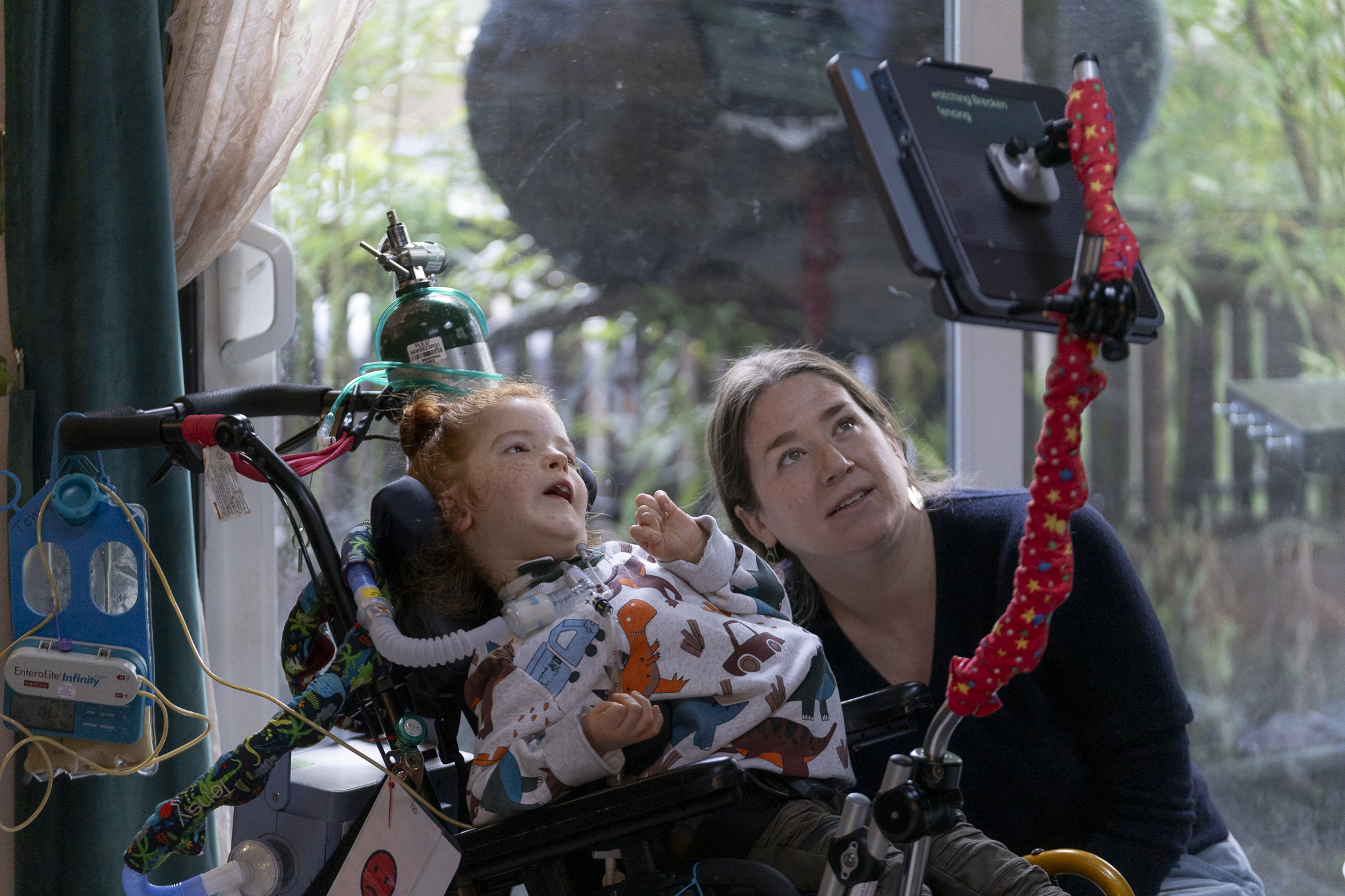
Our friendly Support team are here to help. Contact them by phone, email or online chat.

Book a free new device Welcome Session with our support team to get familiar with Grid.
Get started with a 60-day trial with Grid 3, or a 30-day trial with Grid for iPad.


Find everything you need to get started with Grid, including what systems it’s compatible with, on the Smartbox Hub. Explore support articles, manuals and tutorial videos.
