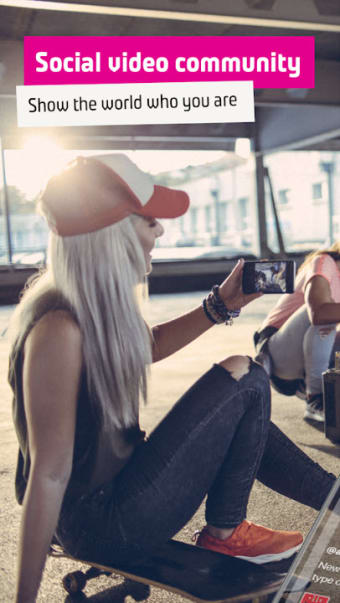
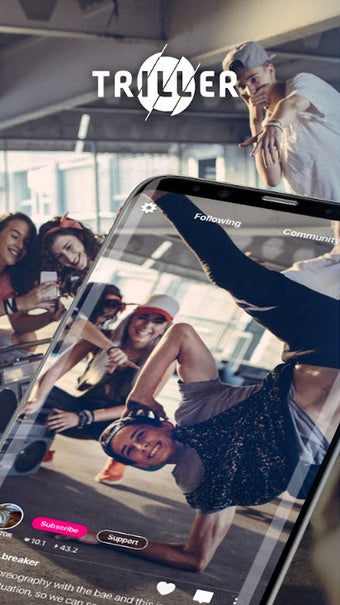
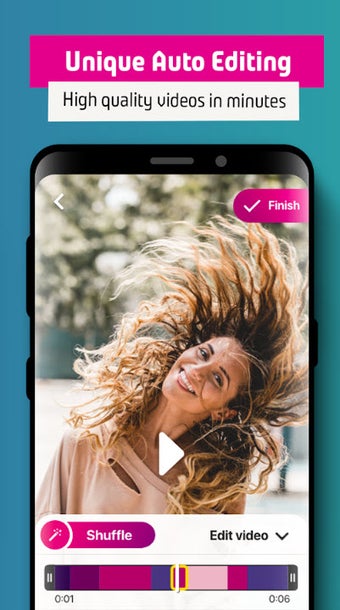
Triller is a free mobile app that lets you record and create music videos. This multimedia app lets you select a song from your music library, film multiple takes, and then automatically edit them together to create a video. With a little practice, you can create MVs that are meet your preferences. You can also follow other users, like their content and more. It's a fun way for all users to pass the time.
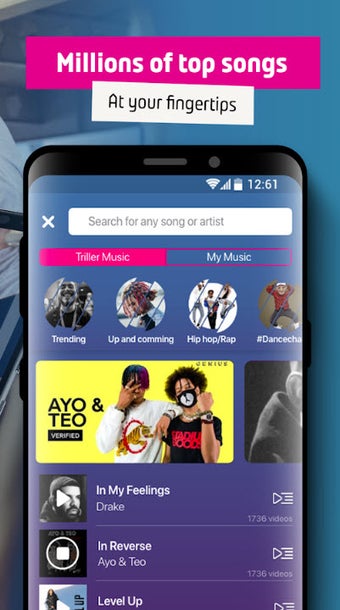
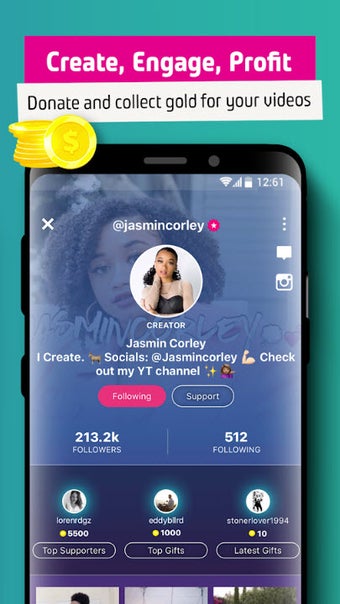
Using Triller is simple. Begin by choosing a song from your device's music folder, or from among the songs bundled with the program. Select a short clip from the song, which will form the background music of your video. When you activate the record function, the sound bite plays as the camera films. This allows you lip-sync to the music or film a scene with the audio in the background Create more dynamic videos by shooting several scenes. It will automatically edit them together to create a composite music video. You can choose from a number of different filters to vary the appearance of your shots. Take note that you have limited control over what shots the app chooses to use in its final edit. Once your video is complete, you can share it with other users using its social features. You can set up a Triller account as either a user or creator. Both users can create and share their videos as well as browse through other profiles to see what other people have created. The only difference is that the creators are given access to crowdfunding features. As the creator, your goal is to raise money for a specific cause. It may be for a charity or your personal use.
A fun and robust video creator
While Triller is one of manyvideo-sharing platforms available today, it stands out by being more transparent with its users. You get to choose what kind of account you want so other people will know what they’ll get from your videos. At the same time, everyone - regardless of account - can enjoy each other’s videos through the social networking feature. Follow other creators to see the trendiest crazes and hear the latest tunes.
Before downloading, you can take a quick look at the permissions this app may request on your device. App permissions allow certain features to work properly, such as accessing your camera to take photos, your location for maps, or your storage to save files.
In this section, you’ll find a clear and simple overview of the types of permissions the app uses, grouped by their level of sensitivity, along with a visual breakdown to help you understand them at a glance. This way, you can see how the app interacts with your device and decide to download with confidence.
Permissions types
Standard
35%
Sensitive
65%
Permissions distribution
Privacy
20%
Data collected
65%
Data shared
15%
Data safety info
Privacy
4 permissions
Permissions that allow the app to access personal or sensitive information stored on your device, such as location, contacts, camera, or microphone.
android.permission.WAKE_LOCK
Standard
android.permission.VIBRATE
Standard
android.permission.RECEIVE_BOOT_COMPLETED
Standard
android.permission.FOREGROUND_SERVICE
Standard
Data collected
13 permissions
Information the app may gather from your device or usage activity to enable features, personalize content, and improve overall performance.
Information that may be shared with trusted third parties to provide services, support app functionality, or deliver relevant content.
android.permission.INTERNET
Standard
android.permission.POST_NOTIFICATIONS
Sensitive
android.permission.WRITE_EXTERNAL_STORAGE
Sensitive
This report summarises the permissions declared by the app at the time of scanning and groups them into Privacy, Data collected and Data shared. A declared permission shows what the app can access, it does not necessarily mean personal data is collected or transmitted. For full details check the app’s privacy policy and the developer’s clarifications shown below. Softonic generates this report automatically from the package metadata; it is informational and not a substitute for a full security or privacy audit.
Laws concerning the use of this software vary from country to country. We do not encourage or condone the use of this program if it is in violation of these laws. Softonic may receive a referral fee if you click or buy any of the products featured here.