
Download WinZip – Secure File Compression, Zip & Unzip Tool for Windows, Mac, Android & iOS
Overview of WinZip
WinZip remains one of the most recognizable names in file compression, offering a simple yet powerful solution for users who need to zip, unzip, and protect digital assets across multiple platforms. Developed by Corel Corporation and originally created by WinZip Computing, the application delivers a clean, Finder‑like interface on macOS while retaining a familiar Windows‑style layout for PC users. Whether you are managing a handful of documents, sending large attachments via email, or backing up media to the cloud, WinZip streamlines the process with one‑click actions, drag‑and‑drop convenience, and built‑in encryption. The software supports over a dozen archive formats—including Zip, Zipx, 7Z, RAR, JAR, LHA, and WAR—so you rarely need a secondary utility. Its trialware model provides a fully functional 21‑day trial without requiring credit‑card details, after which a one‑time purchase unlocks the full feature set without recurring subscriptions. Security‑focused users will appreciate 128‑bit and 256‑bit AES encryption options, while professionals benefit from seamless integration with popular cloud services such as Dropbox, Google Drive, OneDrive, iCloud, and WinZip’s own ZipShare. In short, WinZip combines the reliability of a legacy compression tool with modern cloud connectivity and strong security, making it a versatile choice for both home and business environments.
Key Features & Benefits
- Broad Format Support: Handles Zip, Zipx, 7Z, RAR, TAR, GZIP, BZIP2, LZMA2, JAR, LHA, WAR and many more, ensuring you can open virtually any archive you encounter.
- High‑Performance Compression: The ZSTD algorithm and Zipx format deliver the smallest possible file sizes, speeding up uploads and downloads.
- AES Encryption: Protect archives with 128‑bit or 256‑bit AES encryption and password protection to keep sensitive data safe.
- Cloud Integration: Directly access, compress, and share files from Dropbox, Google Drive, OneDrive, iCloud, and ZipShare without leaving the app.
- One‑Click Email & Social Sharing: Send zipped files via your default email client or share instantly to Facebook, Twitter, and other platforms.
- Batch Processing & Automation: Create, extract, or convert multiple archives in a single operation, saving time on repetitive tasks.
- Cross‑Platform Availability: Native applications for Windows, macOS, Android, and iOS let you work on any device.
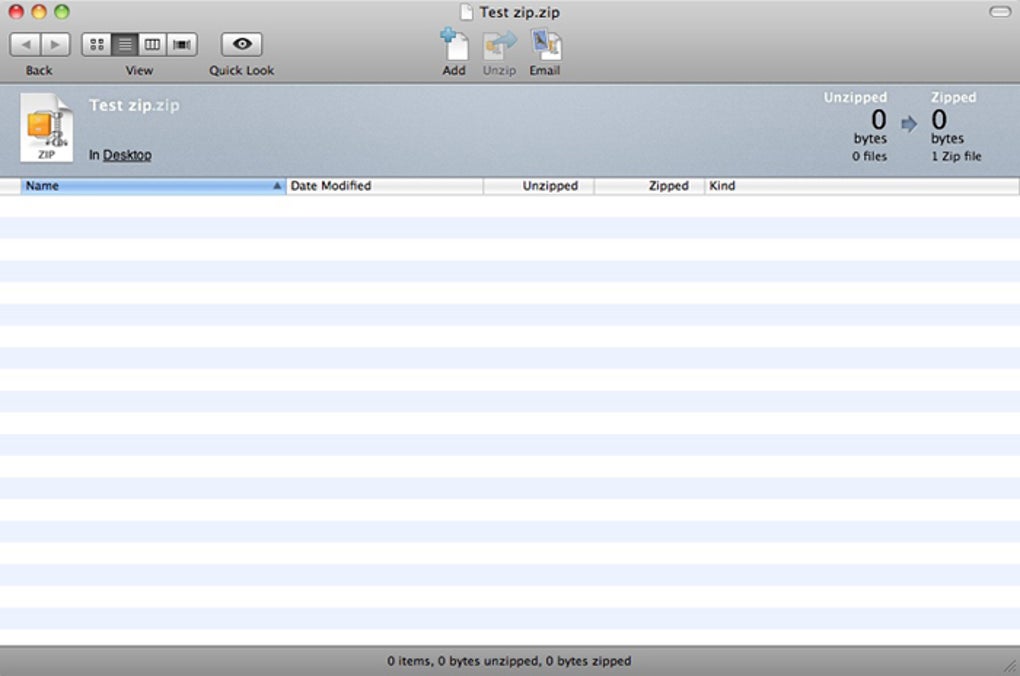
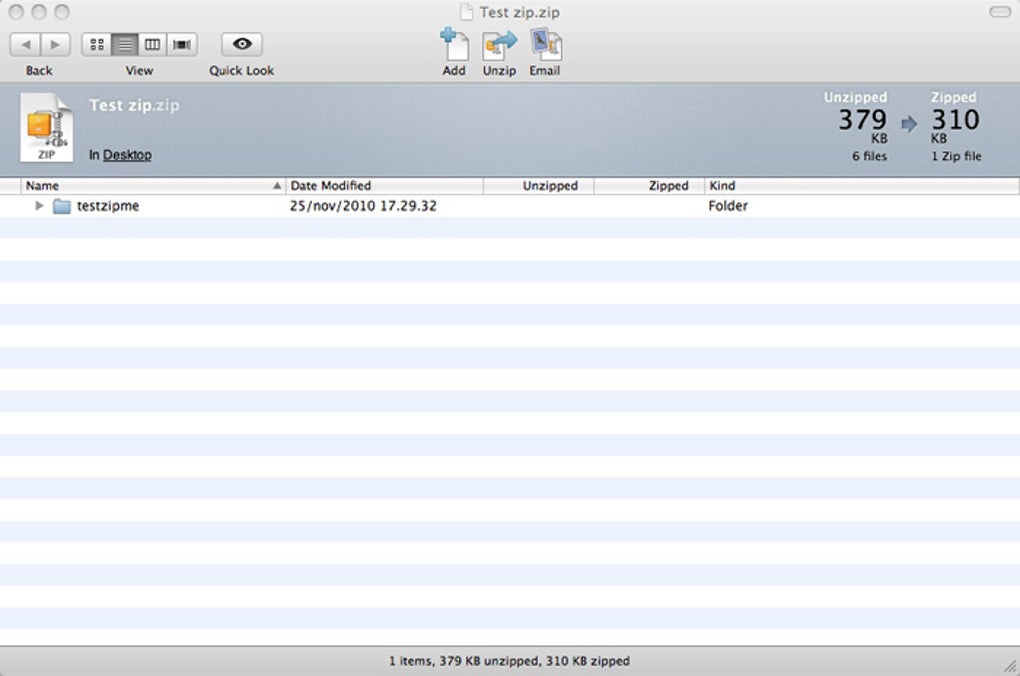
- Intuitive UI: Three‑pane layout with drag‑and‑drop, light/dark mode, and Quick Look preview on macOS for instant file inspection.
- Burn to Disc: Archive files can be written directly to CDs or DVDs for offline storage or distribution.
- Regular Updates: Automatic updates keep the software compatible with the latest OS releases and add new features.
Installation, Usage & Compatibility
How to Install WinZip on Different Platforms
Installing WinZip is straightforward on all supported operating systems. On Windows, download the .exe installer from the official WinZip website, run it, and follow the guided wizard—accept the license agreement, choose the destination folder, and click “Install.” macOS users receive a .dmg file; double‑click to mount the disk image, drag the WinZip icon to the Applications folder, and confirm any Gatekeeper prompts. Android and iOS installations are handled through Google Play Store and Apple App Store respectively; simply search for “WinZip,” tap “Install,” and grant the necessary permissions for file access and cloud integration.
Everyday Workflow
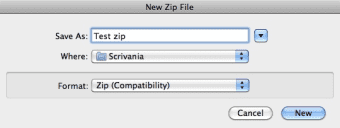
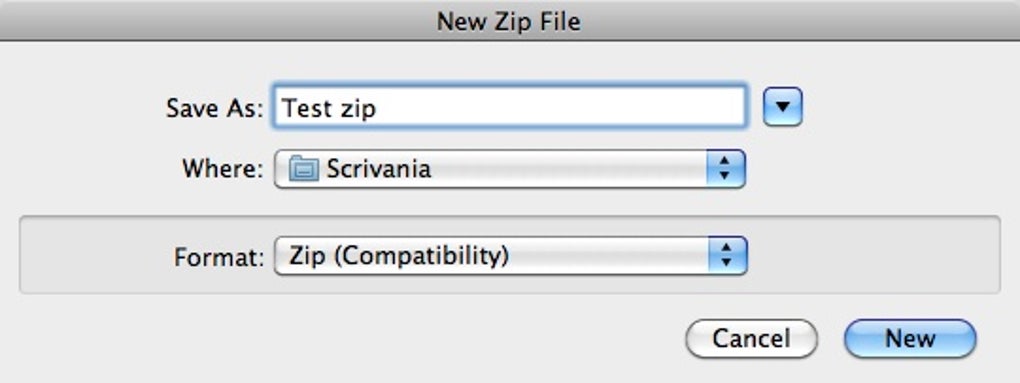
Once installed, the workflow is designed for speed. Drag a file or folder onto the WinZip window, click the “Add” button, and choose the desired archive format. For extraction, select an archive, click “Unzip,” and designate a destination folder. The progress bar provides real‑time feedback, and you can cancel at any point. Advanced users can right‑click any file inside an archive to preview its contents using Quick Look (macOS) or the built‑in preview pane (Windows). The “Actions” menu offers conversion to PDF, image resizing, or direct upload to cloud services. To protect an archive, enable AES encryption from the security tab, set a password, and optionally add a recovery key.
System Requirements (itemprop="operatingSystem")
- Windows 10, 11, or Windows Server 2016+ (64‑bit)
- macOS 10.14 (Mojave) or later (Intel & Apple Silicon)
- Android 6.0+ (ARM & x86)
- iOS 12.0+ (iPhone, iPad, iPod touch)
Pros and Cons
- Pros:
- Extensive format support eliminates the need for multiple utilities.
- User‑friendly interface reduces the learning curve for beginners.
- Strong AES encryption keeps confidential data safe.
- Seamless cloud integration streamlines collaboration.
- One‑time purchase model avoids recurring fees.
- Cons:
- Full feature set is only available after the trial period; the free version is limited.
- Compression ratio is slightly lower than 7‑Zip for certain file types.
- Desktop version can feel resource‑heavy on older machines.
- Advanced command‑line features are absent compared to open‑source alternatives.
Overall Rating: 4 out of 5 stars – WinZip delivers reliable compression, a polished UI, and robust security, making it a solid choice for most users despite a modest price tag.
Frequently Asked Questions & Conclusion
Is there a completely free version of WinZip?
WinZip offers a 21‑day free trial that includes all premium features. After the trial, you need to purchase a license; there is no permanently free edition, but the trial does not require a credit‑card.
Can WinZip encrypt my archives?
Yes. WinZip supports 128‑bit and 256‑bit AES encryption. You can set a password when creating an archive, and the software will encrypt the entire file set, protecting it from unauthorized access.
Does WinZip work with cloud storage services?
Absolutely. WinZip integrates with Dropbox, Google Drive, OneDrive, iCloud, and its own ZipShare. You can add, compress, and share files directly from the cloud without leaving the application.
Is WinZip safe to download?
Yes. WinZip is a reputable product from Corel Corporation. The installer is digitally signed, and the program contains no adware or malware. macOS may display a standard “downloaded from the internet” warning, which you can dismiss in System Preferences.
How does WinZip compare to 7‑Zip?
7‑Zip is free and often achieves higher compression ratios, especially with the 7Z format. However, WinZip offers a polished graphical UI, built‑in cloud integration, and stronger cross‑platform support (including official macOS and mobile apps). If you prefer a user‑friendly experience and need cloud connectivity, WinZip is the better choice; if you need maximum compression and zero cost, 7‑Zip may suit you.
Conclusion & Call to Action
WinZip continues to stand out in a crowded compression market by combining broad format compatibility, strong encryption, and seamless cloud workflow in a single, easy‑to‑use package. Whether you are a casual user looking to zip a few photos or a business professional needing secure file sharing, the trial gives you ample time to explore every feature before committing to a one‑time purchase. Ready to streamline your file management and protect your data? Download WinZip today and experience the convenience of a modern compression tool that works across Windows, macOS, Android, and iOS.








