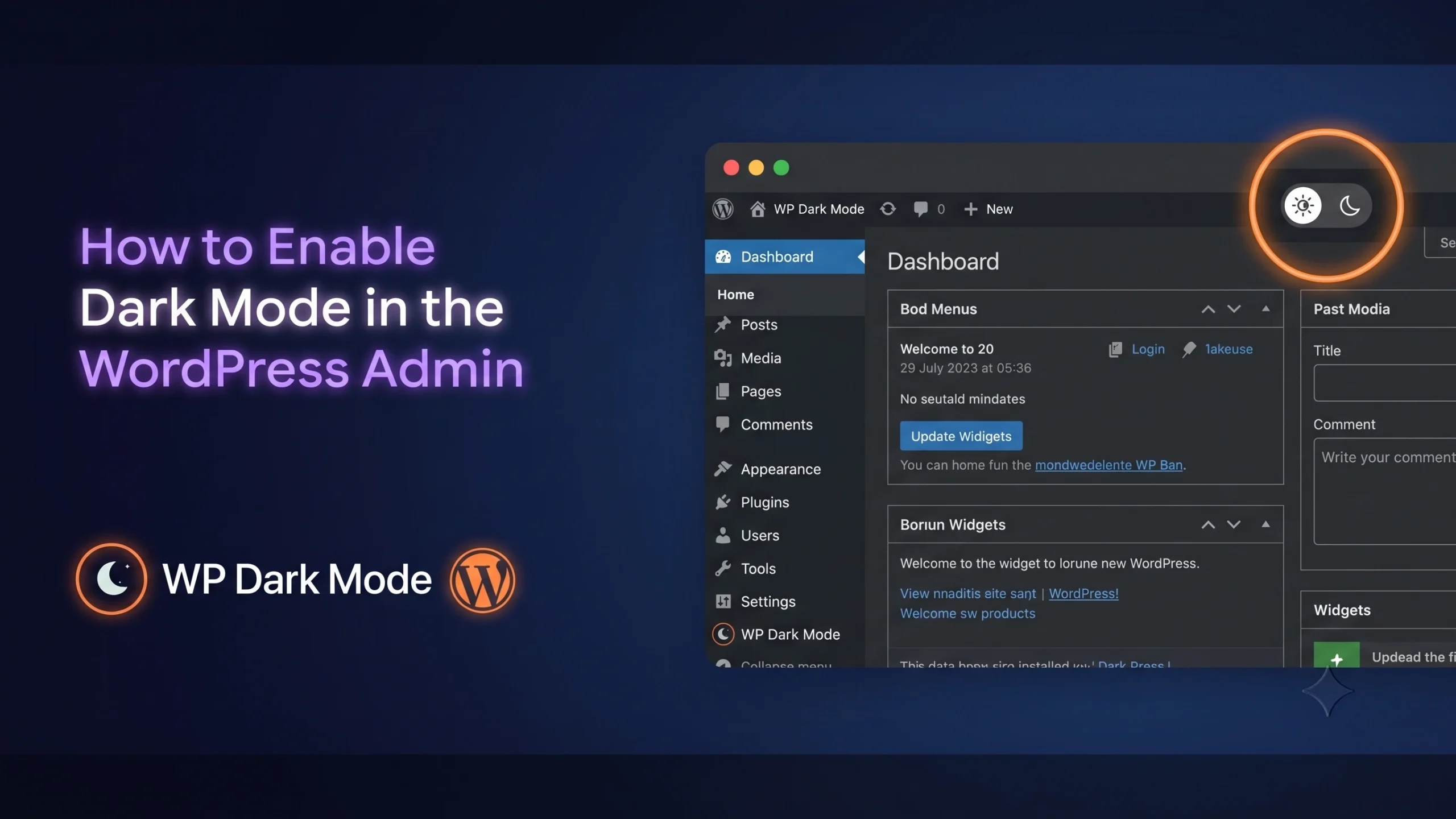
How to Enable Dark Mode in the WordPress Admin Panel (5 Easy Steps)

How to enable dark mode on WordPress Admin Dashboard

If you spend more than an hour a day inside wp-admin, you've probably wished it came in black. The default dashboard is bright white, the contrast is harsh under office lighting, and by the third hour of editing posts, your eyes are doing more work than they should. The fastest way to enable dark mode in the WordPress admin panel is by using WP Dark Mode. In a few clicks, you can turn your dashboard dark without changing your theme...

Read More
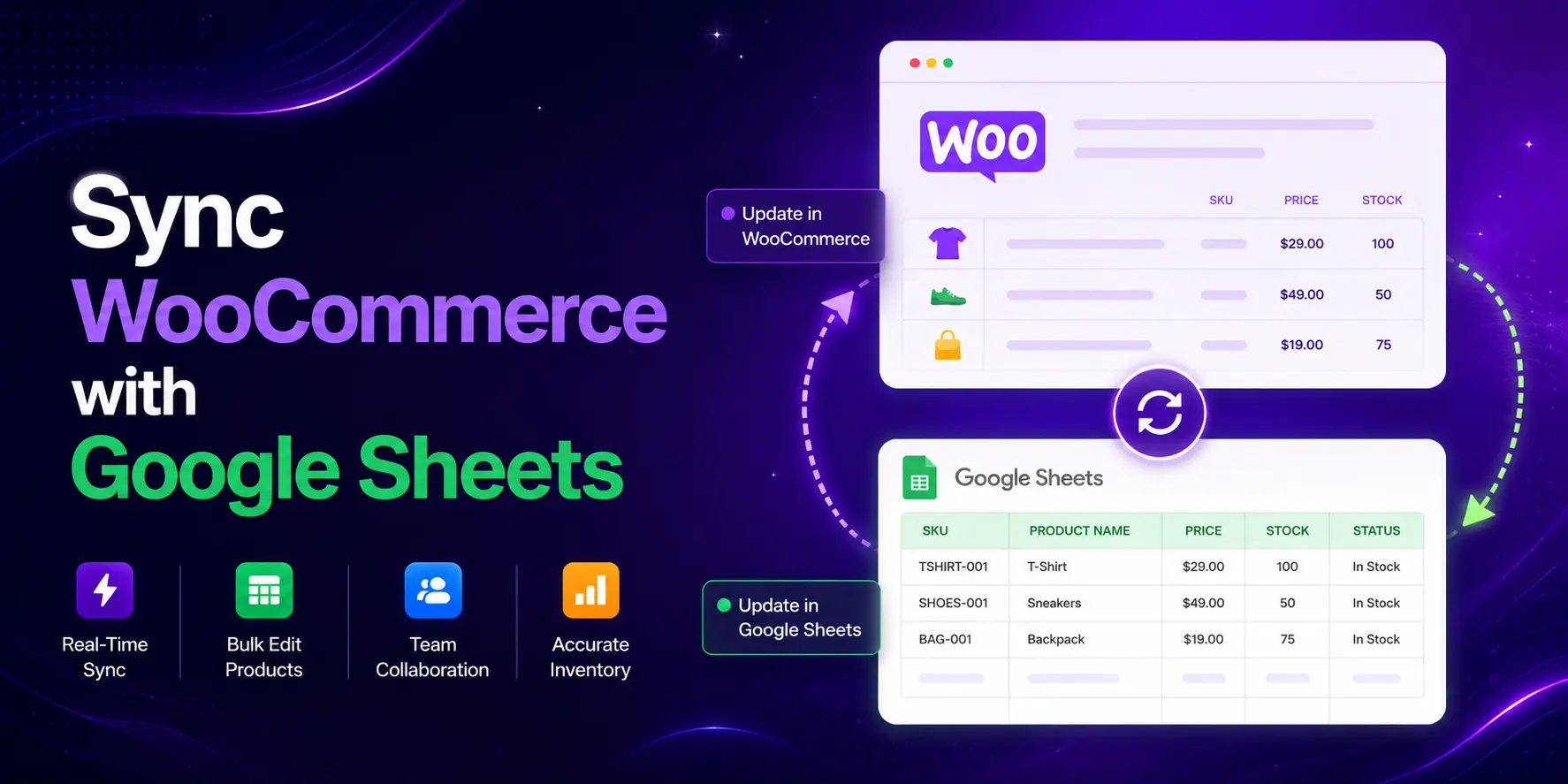
How to Sync WooCommerce with Google Sheets (Step-by-Step Guide)

How to Sync WooCommerce with Google Sheets

Managing a WooCommerce store means keeping track of stock levels, prices, SKUs, and product details every single day. For most store owners, that means logging into the dashboard repeatedly, updating products one by one, and hoping nothing slips through the cracks. According to a study, poor inventory management costs businesses up to 11% of their annual revenue, mostly from stockouts and overstocking. There is a better way to solve this. You can sync WooCommerce with Google Sheets and manage your...

Read More

How to Increase WordPress Site Speed by Eliminating Unused CSS and JavaScript 

How to Increase WordPress Site Speed Remove Unused CSSJS

WordPress does not load assets intelligently by default. Your contact form plugin loads JavaScript on every page, not just the one with the form. Your slider plugin enqueues CSS site-wide. Your theme ships an entire CSS framework when most pages use 10% of it. This is not a bug; it is how WordPress works.  The fastest way to increase WordPress site speed is to stop loading what each page does not need. Here is how to audit unused CSS and...

Read More

The Hidden Cost of Keeping Completed Orders in Your Live WooCommerce Database

Archive WooCommerce Old Order

You didn't notice it at first. Maybe your checkout page started loading a second slower. Maybe your team mentioned the orders dashboard felt laggy. Maybe your biggest sale of the year turned into a scramble because the backend was crawling. The store looks fine from the outside. But behind the scenes, something's weighing it down. Old orders. Thousands of them. Still sitting in your live database, even though those customers received their packages months ago. This is one of the...

Read More

When WooCommerce Order Management Stops Scaling: Problems, Causes, and Better Workflows

Infographic illustration of a two-way synchronization process: a chaotic WooCommerce product dashboard transferring data via sync arrows to a clean, organized spreadsheet workspace labeled 'Google Sheets'. This process resolves 'Dashboard Chaos' as shown in the blog header

Imagine this: It’s a busy morning. You’re trapped in a loop of opening tabs, waiting for pages to load, and manually clicking "Update" just to change a single status. While you’re fighting the interface, shipping labels are stalling and support tickets are piling up. What started as a productive day has quickly turned into dashboard chaos. Most WooCommerce stores don’t slow down because of traffic. They slow down because of operations. Studies of growing WooCommerce stores show that manual order...

Read More

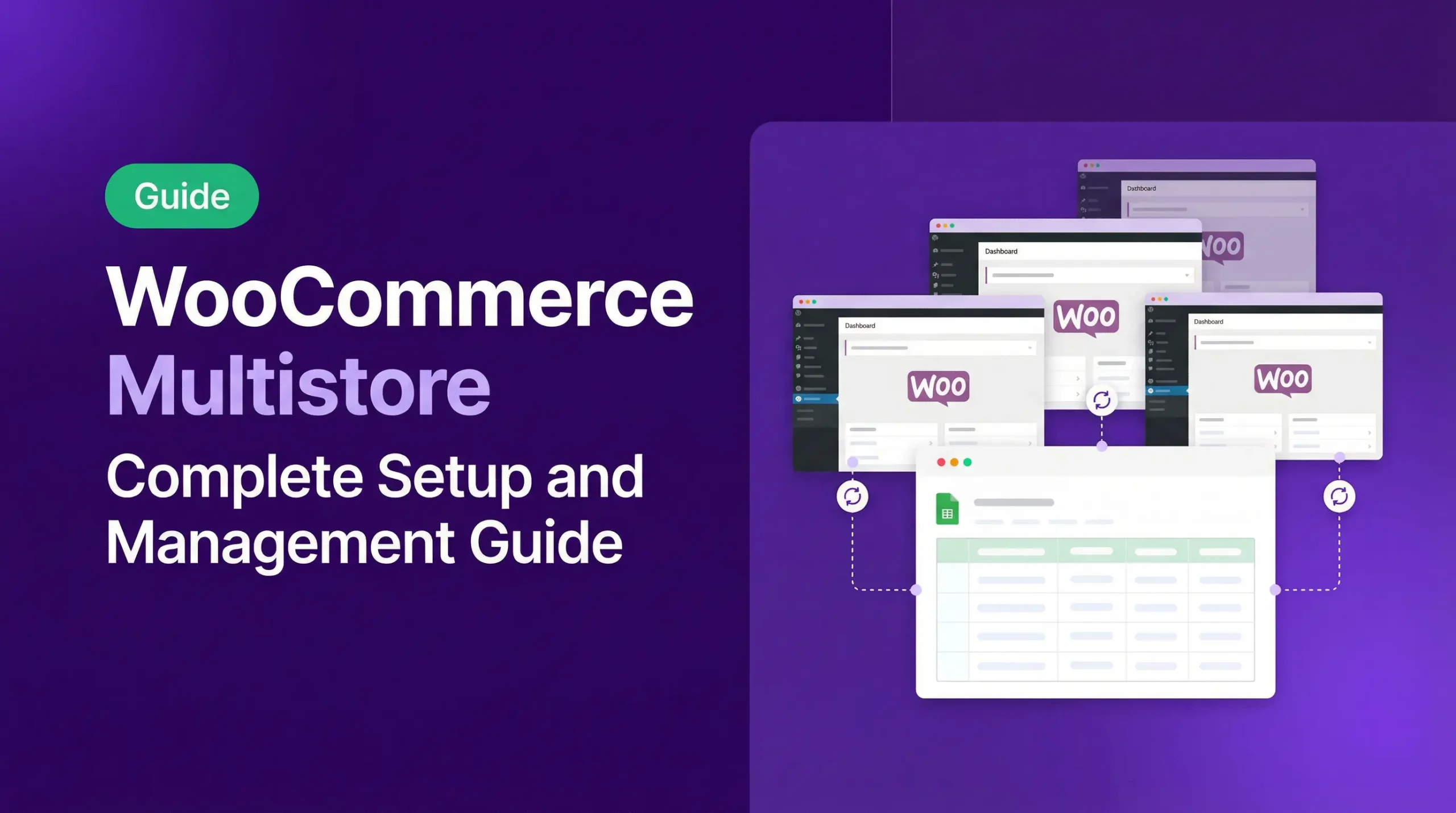
6 Best WooCommerce Multistore Plugins to Sync and Manage Multiple Stores (2026)

Best WooCommerce Multistore Plugins to Sync and Manage Multiple Stores

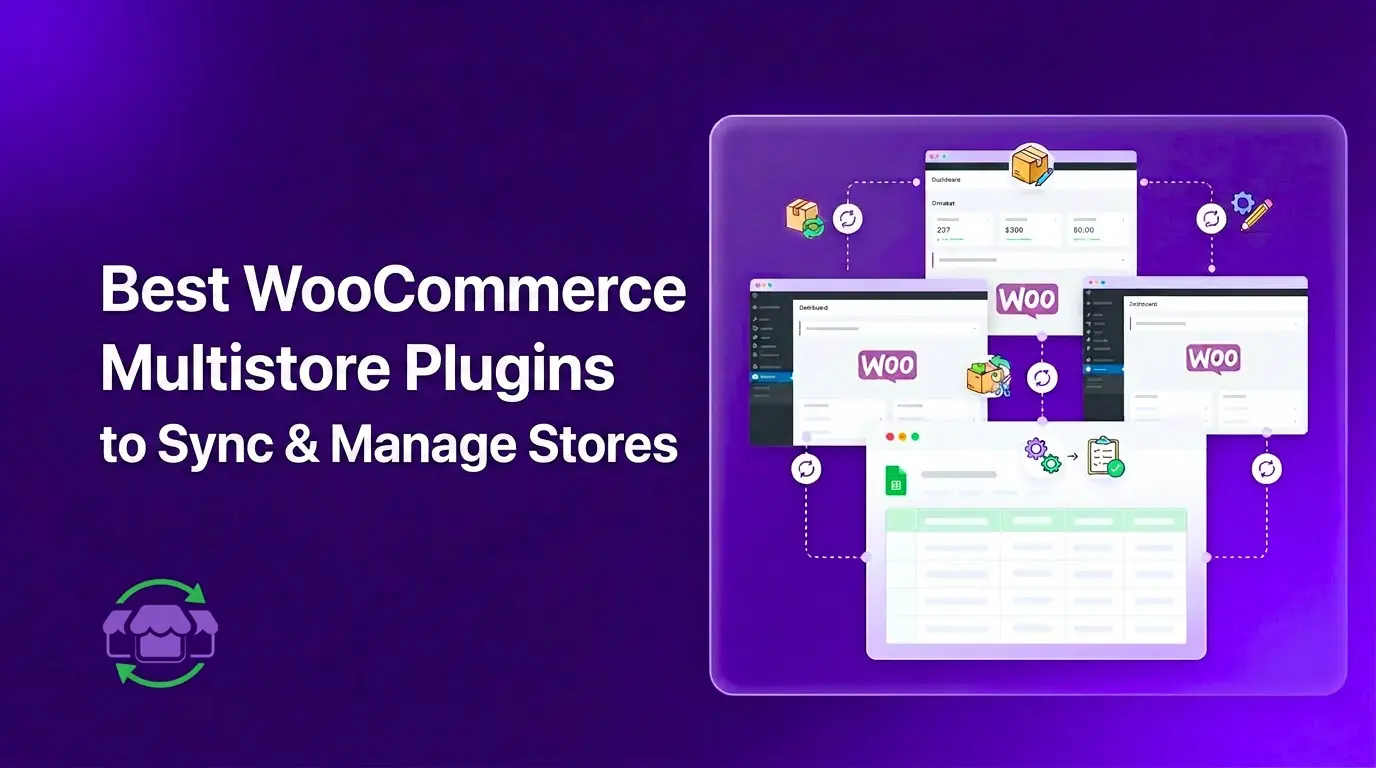
Running multiple WooCommerce stores is manageable. But keeping them in sync is where things break. Stock goes out of date. Prices drift between stores. You update a product in one store and forget the other two even exist until a customer emails you about it. Add more stores and the problem scales with them. Inventory distortion costs retailers nearly $1.8 trillion a year worldwide, which shows how expensive poor stock synchronization can become. That is where a WooCommerce multistore plugin...

Read More

WooCommerce Multistore: Multisite vs Separate Stores + Best Setup Options (2026)

woocommerce multistore

Running more than one WooCommerce store is more common than ever. Businesses sell in different countries, operate separate brands, or split B2B and B2C operations into different storefronts. But most guides jump straight to setup steps without answering a more important question first: which type of multi-store setup actually fits your business? This guide clears that up. You will learn what WooCommerce multistore really means, the three ways to run it, and how to handle the part most store owners...

Read More

FlexStock v3.15.1 – Easier, Faster, and Smarter for Your Daily Workflow

Flexstock dedicated blog

FlexStock v3.15.1 is officially here! This release focuses on one goal: making your day-to-day product management smoother, faster, and more intuitive - especially for multi-vendor and high-volume stores. Whether you manage dozens of vendors, handle frequent product updates, or rely heavily on Google Sheets syncing, v3.15.1 brings improvements you’ll notice immediately. From enhanced visibility and navigation to a completely reworked filtering experience, this update strengthens every part of your workflow. New Features Shop/Vendor Name Display Managing multiple vendors just got...

Read More

WPPOOL Year in Review – 2025

WPPOOL Year in review 2025

As if in the blink of an eye, 2025 has come to a close. Looking back, this year wasn’t just about releases, numbers, or milestones; it was an adventure. One filled with learning curves, thoughtful risks, a few tough decisions, and many moments that reminded us why we do what we do at WPPOOL.  Like any meaningful journey, 2025 had its challenges. There were obstacles, moments of hesitation, and days when progress felt slower than expected. But through it all,...

Read More

Subscribe to get product updates

Get exclusive updates on discounts, product updates, WordPress news & tips

WPPOOL Subscription form