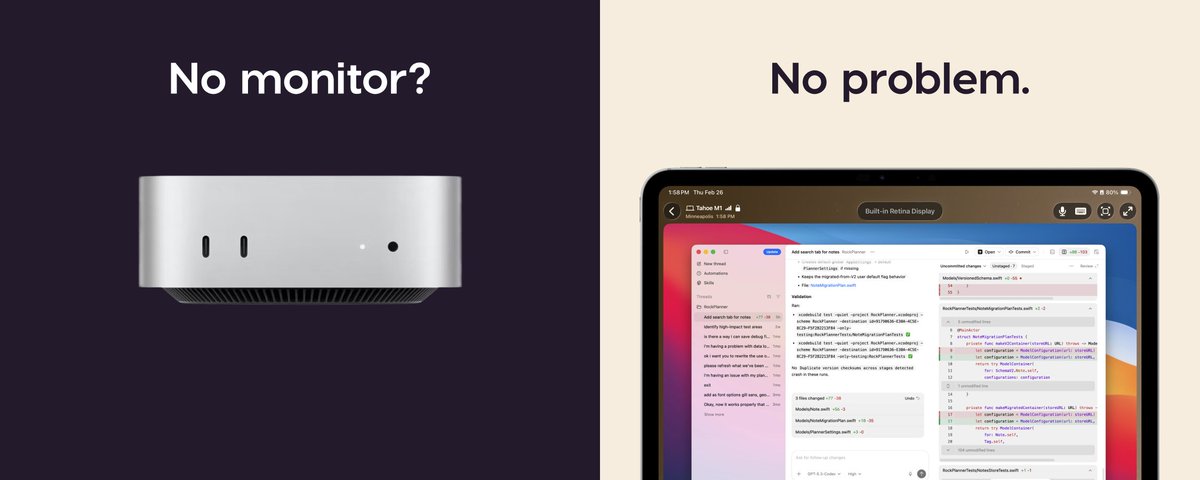
The iPad is my favorite way to remote into a Mac.
• Magic Keyboard just works
• Unified display matches the iPad screen
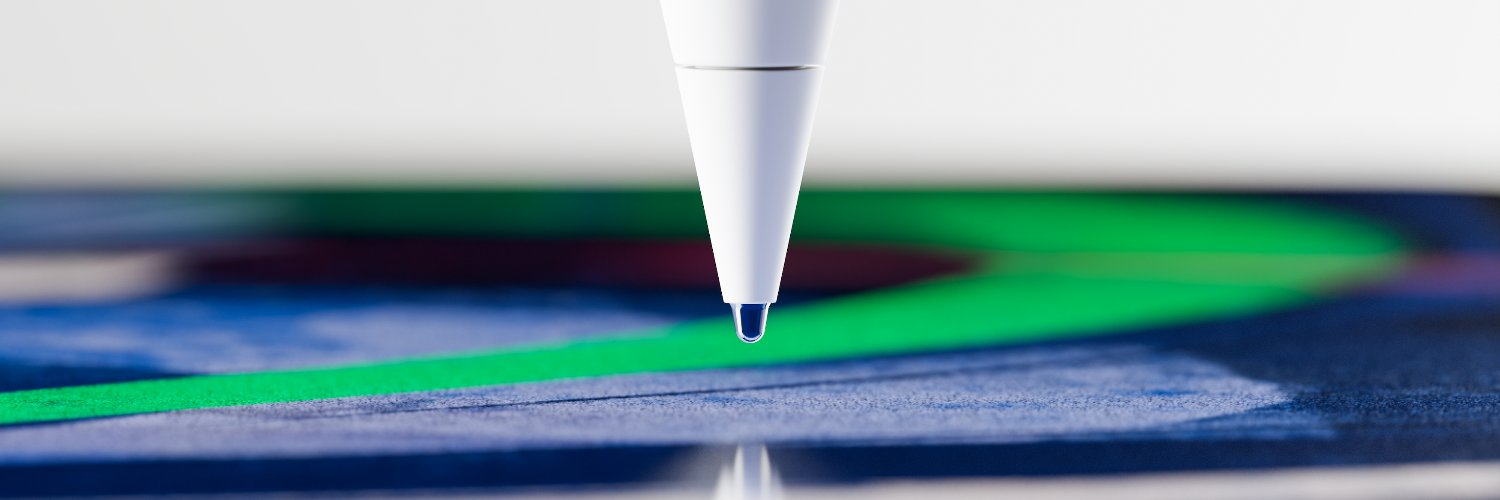
• Apple Pencil for precise clicks and Pencil-native drawing
Cramped VNC viewer this is not. Here's a short demo:
I've been running my Mac mini headless as an always-on AI agent host for months.
Here's my full setup video (3min) covering:
• FileVault + auto-login
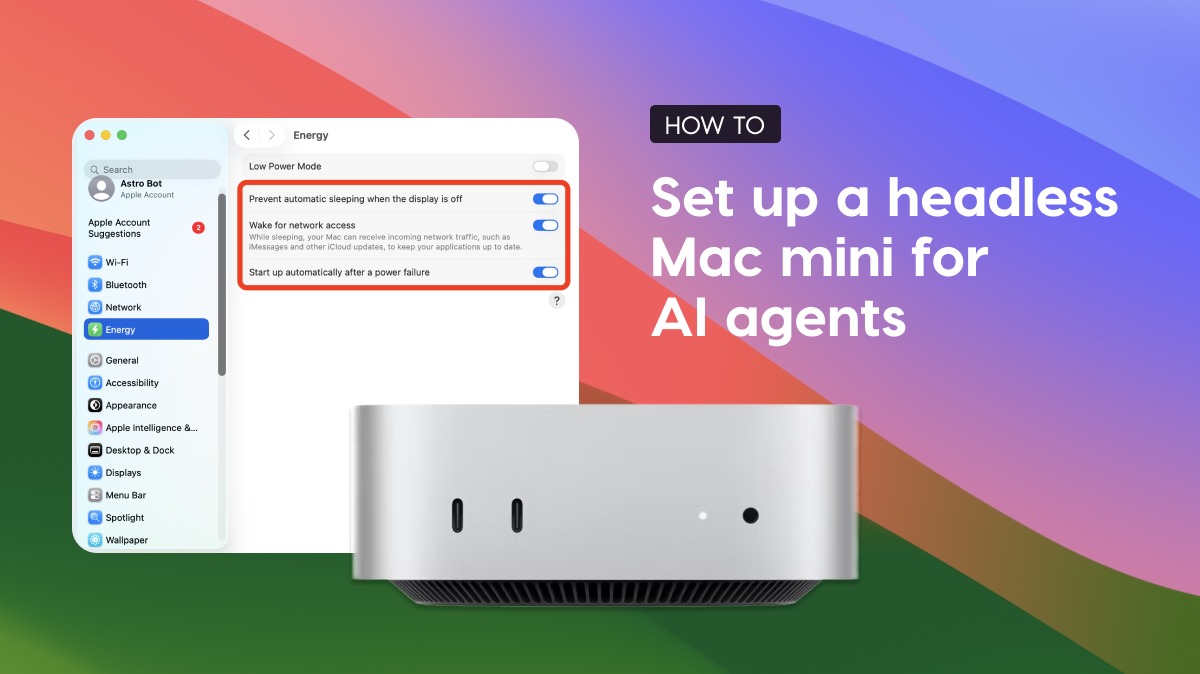
• Sleep settings
• Remote access
• Reaching it from anywhere (yes, even from your phone)
Running a Mac mini for AI agents? Our setup guide covers:
System settings for a truly headless setup (FileVault, sleep, auto-login); Quirks to watch out for (spoiler: dummy plugs are mostly a thing of the past); and how to connect over remote desktop apps, SSH, VPNs, and more.
Workbench 1.2 just shipped - Remote desktop for your headless Mac from iPhone or iPad.
New stuff:
- Full Screen Unified Display on Mac
- Speech-to-text for non-English languages
- App stays connected in the background
- Improved zooming on iPad/iPhone
- Improved Intel
The iPad's external display support is underrated.
I connected my iPad to a Studio Display and ran Workbench. Now my headless Mac mini (back in Minneapolis) is running full-screen on a 27" display in Ohio.
Remote Mac on a Studio Display through an iPad. Pretty wild. 🤯
Workbench is live on @ProductHunt today! 🚀
Remote desktop for the AI era. Not IT support.
Built by ex-Apple engineers for devs running agents on headless Macs.
Xcode on my iPad.
Yes, really.
Headless Mac mini running Xcode in the corner. The AI writes code, I check the simulator from my iPad through Workbench whenever I want.
Demo 👇