
ReadMe
2,464 posts

ReadMe
@readme
Turn documentation into adoption. Build interactive docs that onboard users, scale with your product, and work for AI agents.
 We redesigned ReadMe from the ground up. Here's what's new: 1. Simpler admin interface that's easier to navigate 2. AI-native editor with Markdown + MDX that keeps you in the loop 3. AI Writer that watches your GitHub commits and creates docs from them 4. CLI tool for working
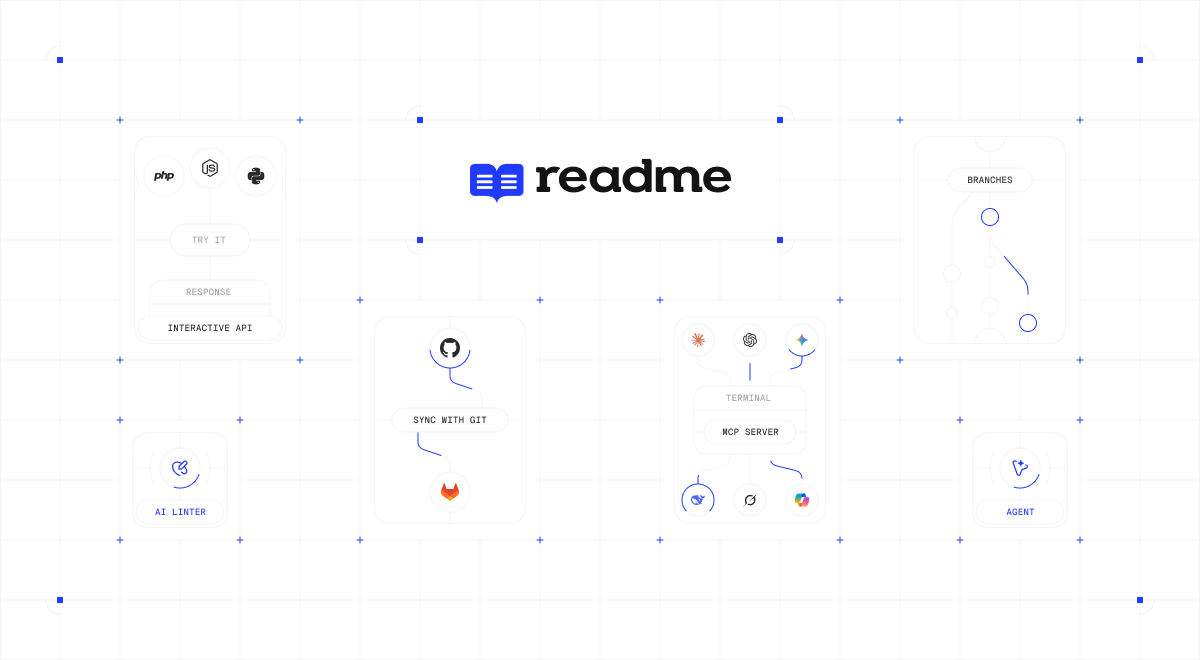 Replying to @readmeAI Writer — When your team pushes code changes to GitHub, ReadMe creates a branch with suggested doc updates for you to review and merge. Docs stay current with product development without the manual chase. Connect your repo to get started: readme.com/blog/ai-writer
 ReadMe CLI — Write and lint docs from your terminal. Catches broken links, duplicate slugs, invalid frontmatter, and broken MDX. Auto-fixes most issues, and works with Claude or Codex for the rest. Write from ReadMe's editor, your IDE, or the CLI. Your customers just see great
 GIF
GIF- You're all still repping last year's swag and we love it 💙 Great seeing everyone at @writethedocs. This year's batch is coming off the printer hot!

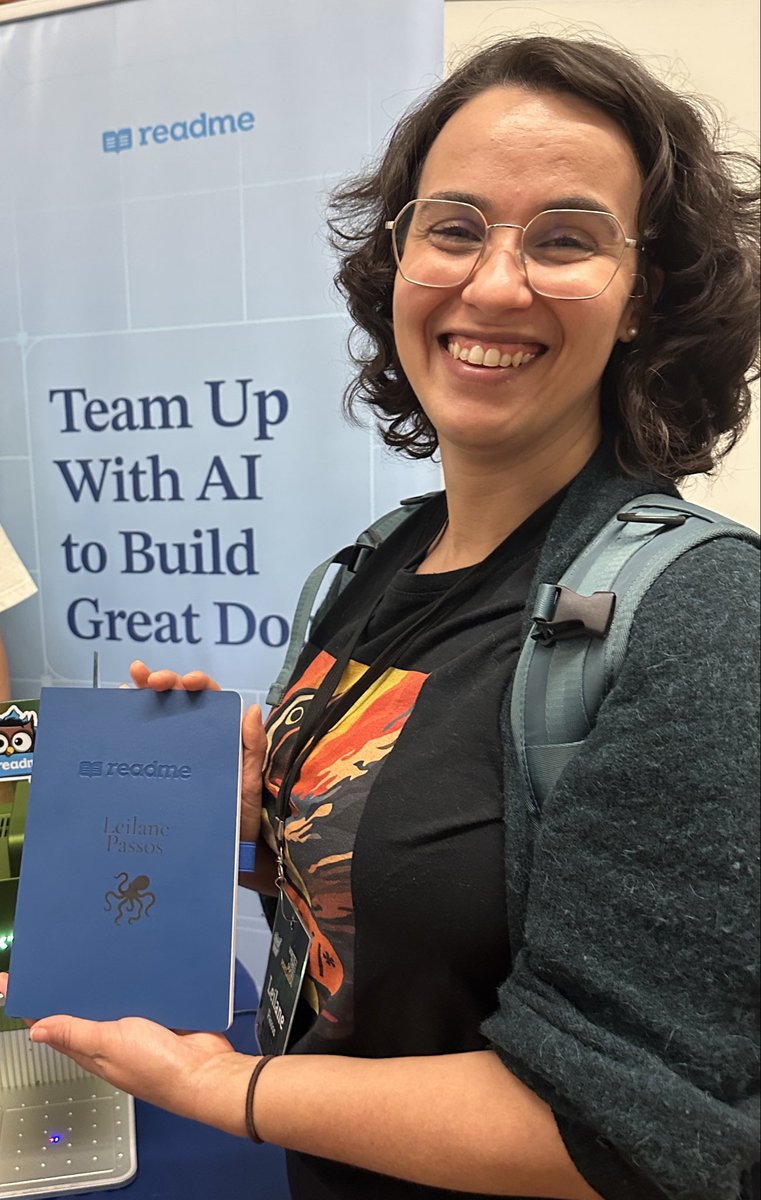
- We’re at @writethedocs in Portland this week so swing by to say hi, grab a custom engraved notebook, collect a few pins and a tote bag! 🦉

- ReadMe's Agent just got a major upgrade. Agent multi-page edits is now live. Instead of editing one page at a time, the agent can now make changes across your entire docs at once. Try it with one of these prompts: - Replace all instances of 'whitelist' and 'blacklist' with
 00:00
00:00 - Not every doc update starts with a code change. Sometimes you just need to edit a description, add a note, or update a detail. The ReadMe MCP server lets you do this right from your IDE. A few prompts to try in your docs: 🔍 Update our docs to say the Agent uses Opus 4.6" 📝
 00:00
00:00 - What if your docs site generated and hosted an MCP server
- Developers are building in Cursor, Claude, and VS Code. Is your API connected and accessible? Generate an MCP server from your @readme docs in 3 steps so AI agents can search and execute your API directly inside their workflow. Check out the walkthrough in the comments below.
 Read the full blog post: readme.com/blog/api-docum… Learn how to generate your own MCP server: docs.readme.com/main/docs/gene…


