Clarity Score
Ad Corrector evaluates readability, contrast, and message visibility using a 0–100 scale. This shows where clarity is strong and where it may fall short.

Before your ad goes live
Upload your billboard or outdoor ad design. Check clarity, contrast, and layout before it goes live.
Test Your Ad NowRule-based scoring. Same input, same result.
Review contrast, visual density, and the separation of your main message.
Choose the billboard format, traffic speed, and viewing distance for your test.
Review your grade, supporting measurements, and downloadable report.
Questions about your results, report options, or an ad you've launched?
Thank you. Your message has been saved for review.
Analysis
Copy Length
Review word count.
Heatmap
See visual detail.
Speed View
Motion blur preview.
Grade (A–F)
Your visibility grade.
Outputs
Improvements
Prioritized next steps.
Report Download
One-page summary.
Persuasion Engine
Message interpretation.
Message Focus
Directional insights.
Ad Corrector focuses on how easily drivers can understand your message at driving speeds, not on campaign performance. Each test looks at clarity signals and provides practical recommendations.
Ad Corrector evaluates readability, contrast, and message visibility using a 0–100 scale. This shows where clarity is strong and where it may fall short.
A speed preview shows how your design reads at driving speeds and which elements stay legible or fade when viewed in motion.
Each test ends with practical suggestions to improve clarity or visibility, so you leave with directional next steps instead of a vague score.
Billboard Testing Knowledge Base
Billboard pre-flight testing reviews outdoor advertising creative before production or launch. Ad Corrector checks copy length, text contrast and layout using uploaded artwork, entered copy and selected viewing conditions. These guides explain the tools and methods behind that review.
Learn what billboard testing tools assess, where they fit in an OOH campaign workflow, and how to use their findings before an ad goes live.
Read the definition Methods and their limitsExplore ways to review outdoor ads before production, the questions each method addresses, and the limits to consider when interpreting results.
Explore the methodsChoose your campaign goal and viewing conditions.
Review your headline, CTA and supporting copy, then select Confirm Text & Analyze.
Explore your results and download your report.
Professional billboard visibility analysis
Drag and drop or click to upload (JPG, PNG, max 10MB)
Secure & confidential - your design stays private
Choose how this creative is intended to work before reviewing the copy.
Choose a starting point, then adjust speed and distance to match the actual media plan.
Directional OOH visibility review based on uploaded artwork, selected viewing conditions, and copy entered by the user.
Adjust viewing conditions, preview the speed view instantly, then re-run the score when the scenario changes.
Run analysis to reveal issue markers.
Motion blur preview
65 mph • 600 ft
An illustrative effect, not a prediction of what a driver will see.
Colors compare local light-dark variation. They are a detail guide, not a design grade; this view does not change the score.
Illustrative washout preview.
Actual lighting and display performance depend on the placement. This preview does not change the score.
No call to action was entered. This result treats the creative as a Call to Action campaign. If the ad is intended for awareness only, switch to Brand Awareness and re-run the score.
Viewing conditions have changed. The grade and evidence still describe the completed test. Re-run Score to update them.
Directional estimates only. Verify final artwork against applicable accessibility, brand, production, and media-owner requirements.
Save the current analysis as Version A or B, then compare creative revisions side by side.
Save Version A and Version B to compare score movement.
Save up to five analyses, including artwork and entered copy, on this device. Nothing is sent to Ad Corrector®; remove saved tests anytime.
No tests saved on this device yet.
Ad Corrector® results are directional estimates based on OOH visibility principles, uploaded artwork, and user-entered copy. This is not legal, accessibility, production, media-owner, or performance certification.
A message-focused interpretation of the completed Ad Corrector® technical review.
The five signals share Step 1 findings; they are related views of the same analysis.
The technical findings translated into practical message decisions.
Waiting for Step 1 analysis to complete.
—
People don't stand around studying outdoor ads. They glance. They move. They're gone.
Review your artwork, copy and layout under selected viewing conditions. Ad Corrector provides directional findings and practical next steps before production or launch.
Analyze your outdoor adSomething is off if reviewing one ad takes meetings, decks, or weeks to explain whether your OOH ad is readable. Ad Corrector exists because clear creative should not be complicated.
Latest OOH perspective
A practical review of final artwork, copy, and viewing conditions before an outdoor campaign launches.
Read the article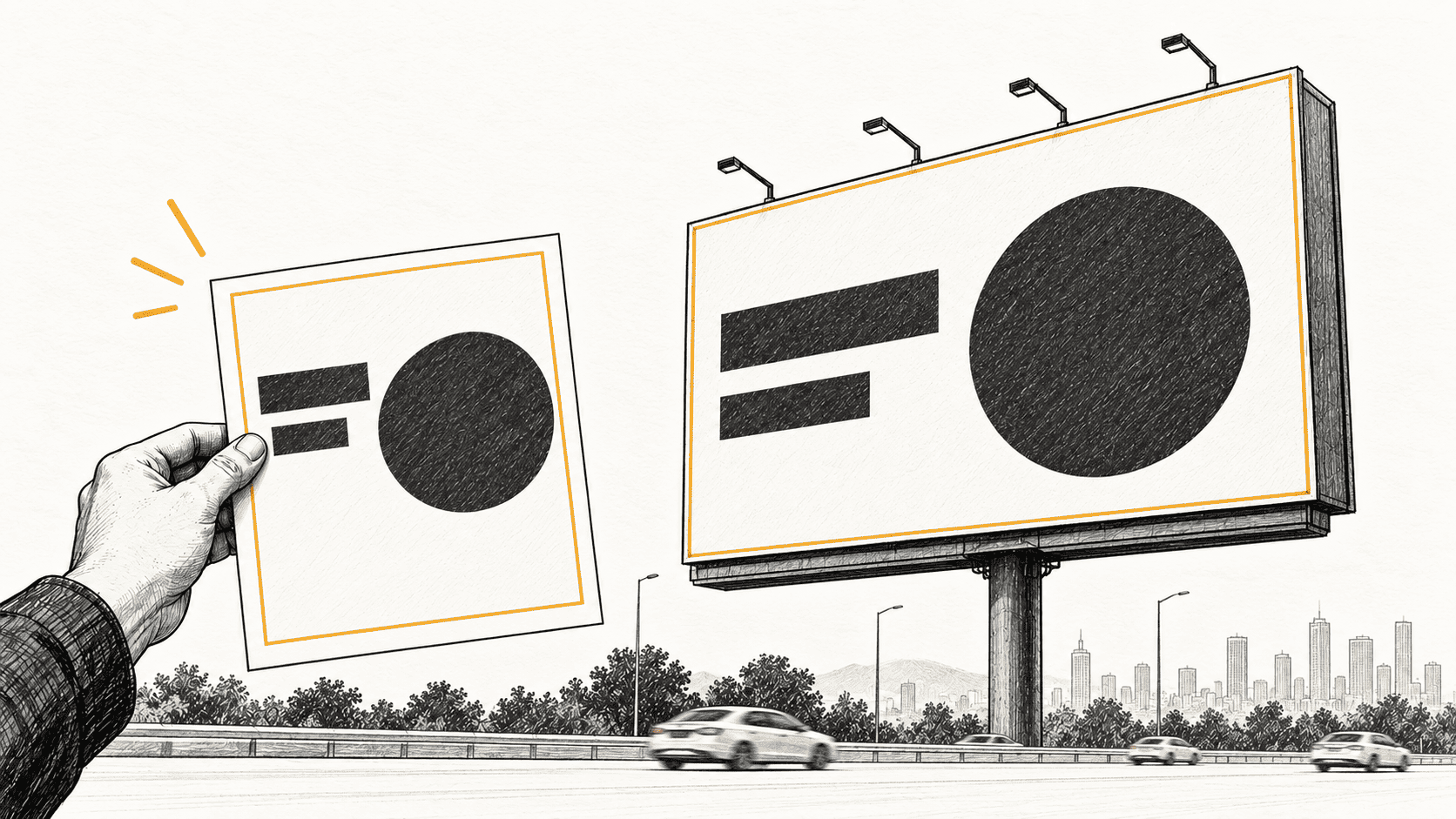
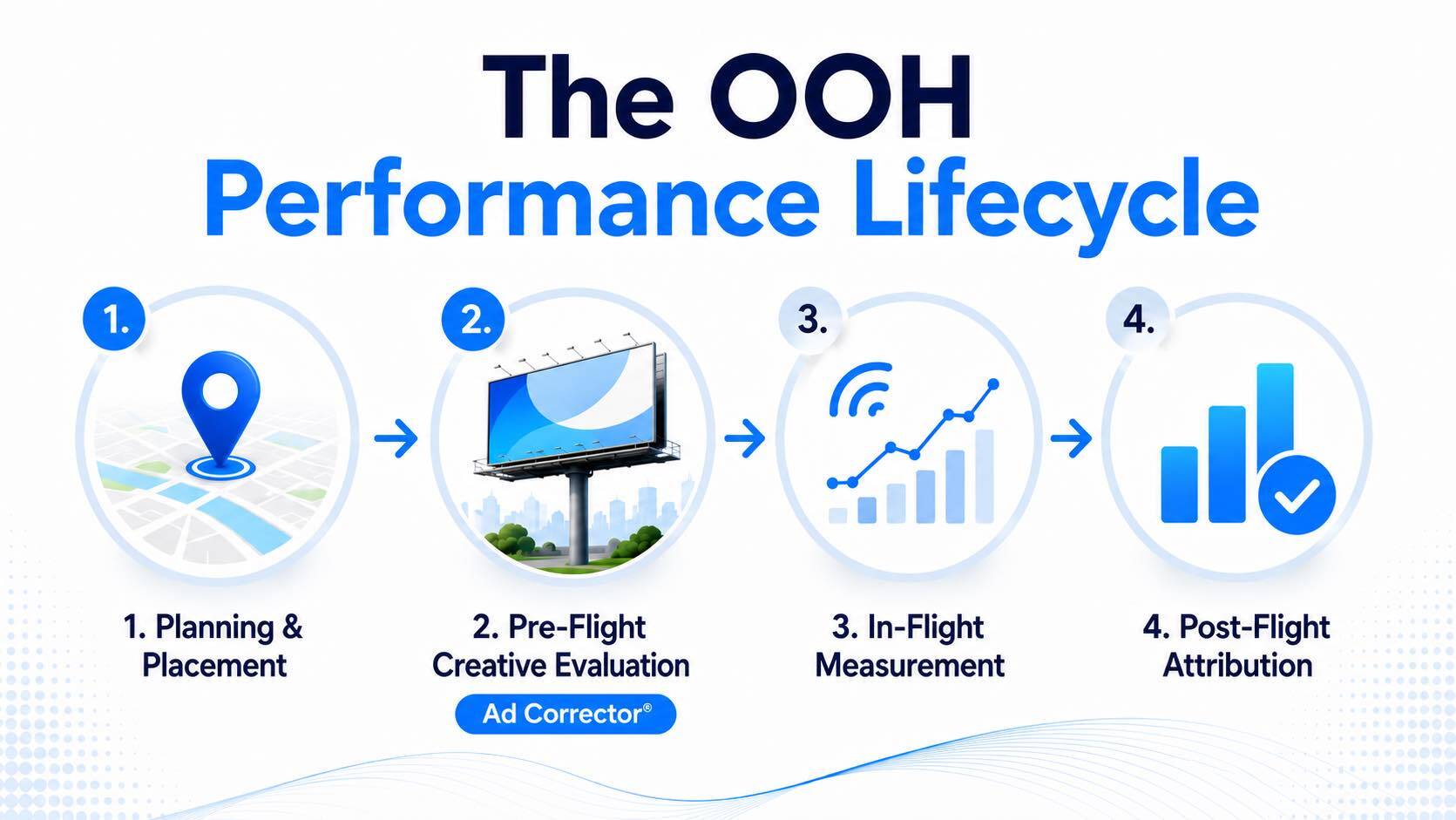
OOH framework
How planning, creative evaluation, measurement, and attribution fit together.
Explore the framework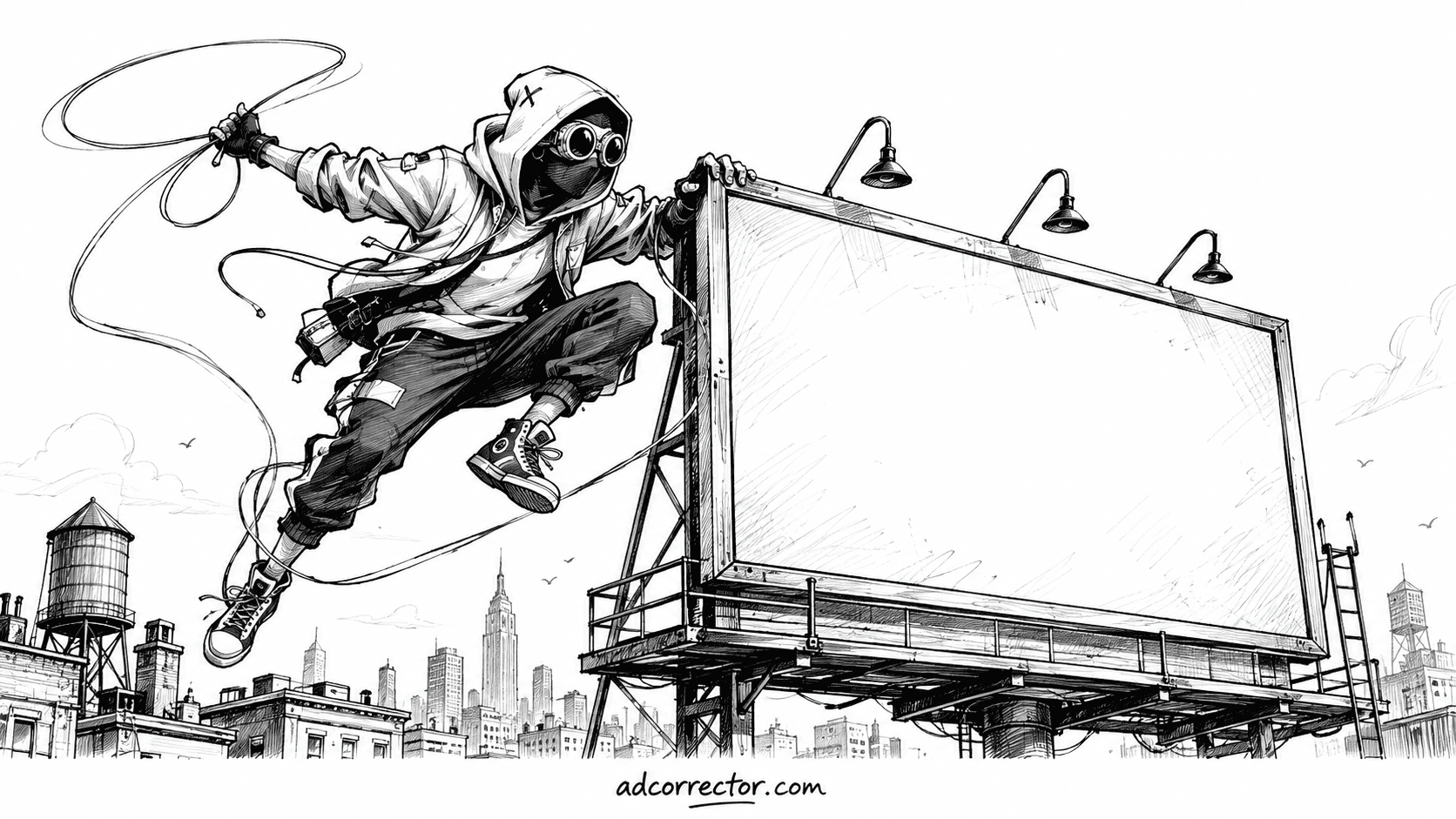
OOH analysis
What familiar imagery reveals about recognition, clarity, and smaller advertisers.
Read the analysisA reference to keep
A practical reference for reviewing outdoor advertising creative before launch. Check message clarity, legibility and layout alongside the intended viewing conditions.
OOH education
Explore the limits of a hallway readability check and what to consider when reviewing artwork for its intended outdoor placement.
OOH creative reviews
Explore billboard case studies and outdoor advertising examples reviewed with Ad Corrector. See how copy, contrast and layout shape the findings, with illustrative viewing previews and practical observations.
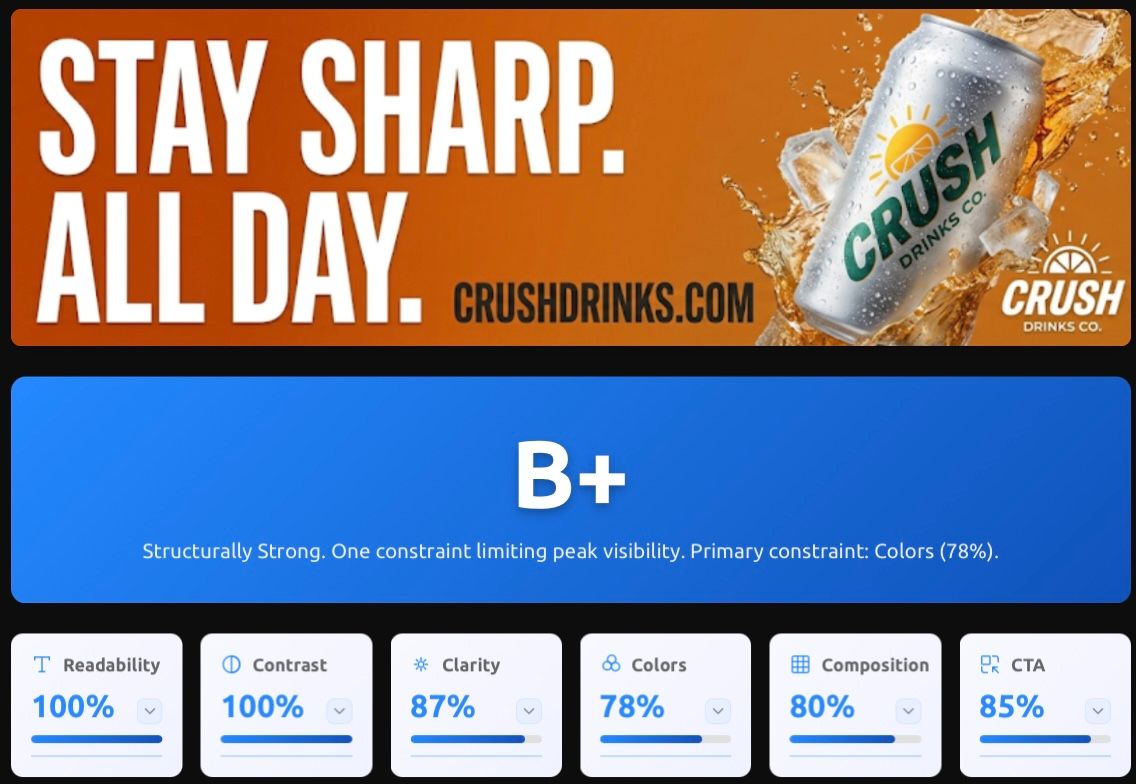
Published:
An illustrative multi-round OOH test showing how revisions to clutter and visual density changed the modeled CTA score from 68% to 85%.
Read the case study
Published:
A closer look at distance, speed, hierarchy and contrast, with examples of how these checks inform outdoor creative review.
Read the analysis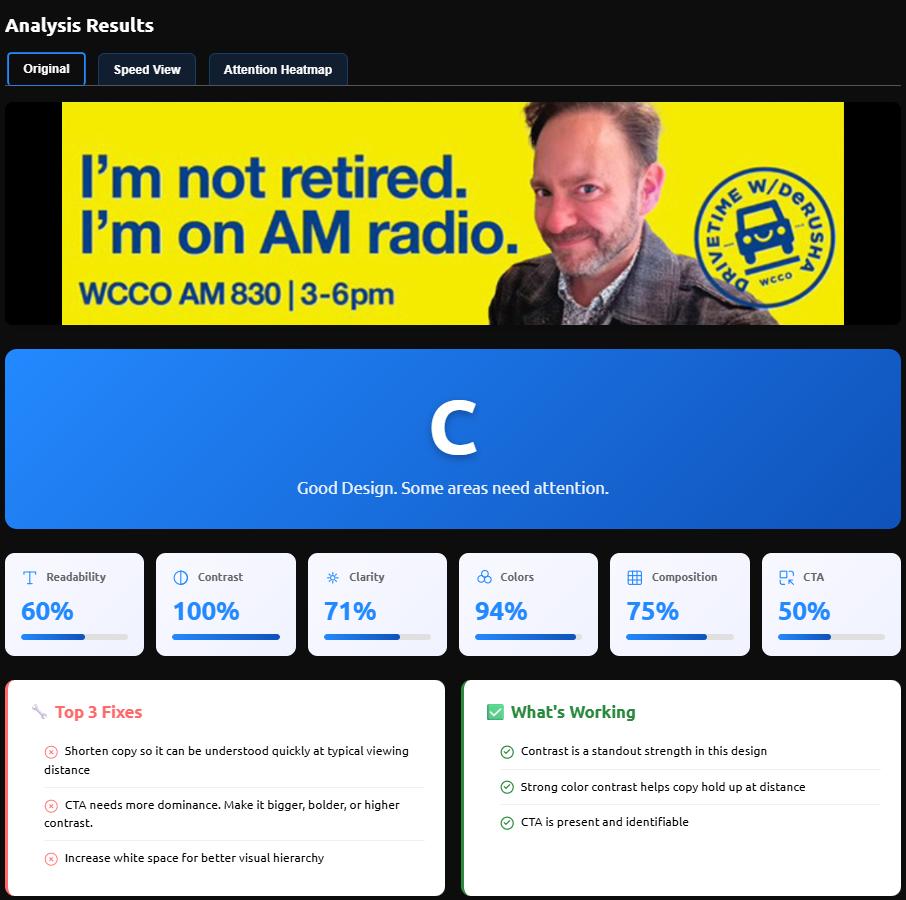
Published:
Five publicly visible billboards reviewed with Ad Corrector, including scores, heatmap and Speed View previews, strengths and suggested fixes.
View the examples
Tested on:
A review of the Absolut Juice billboard featured by AiDigital, exploring the artwork through Ad Corrector checks and illustrative viewing previews.
View full breakdown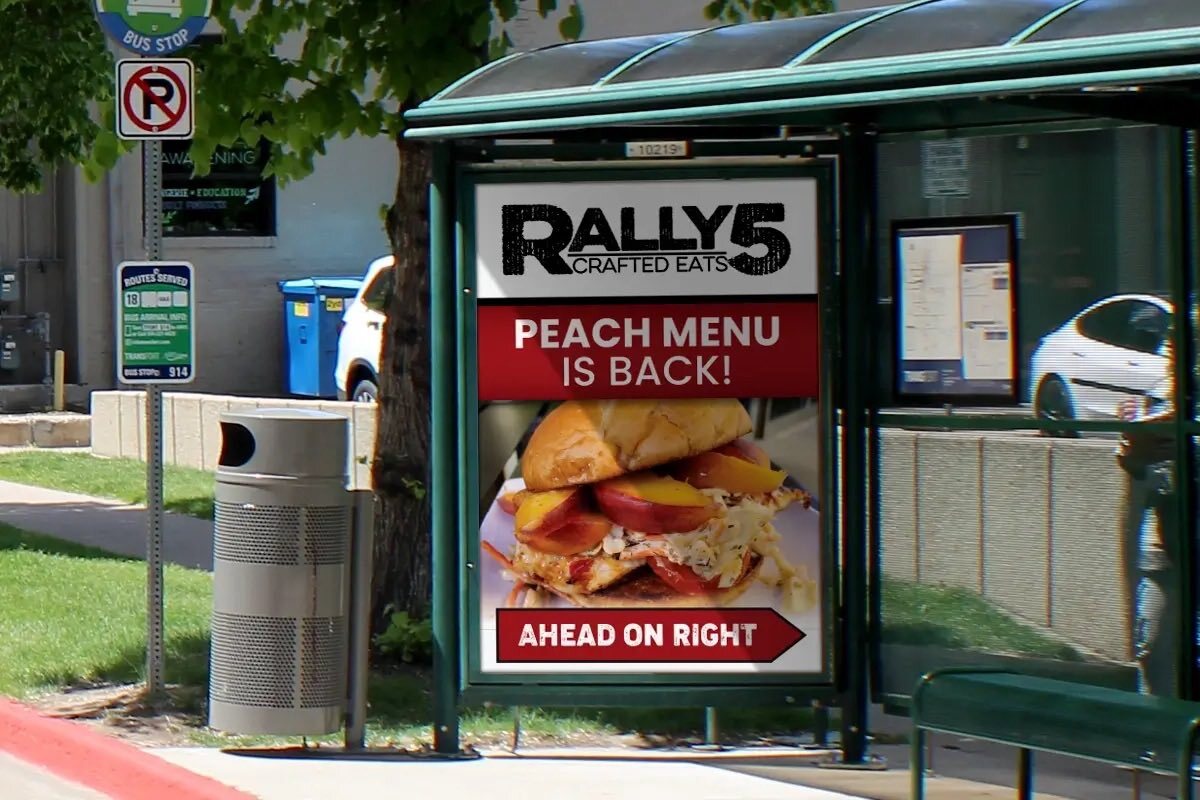
Published:
A transit shelter case study exploring the relationship between an ad being present and its message being easy to notice and read.
Read the analysisEach example reflects the artwork, settings and Ad Corrector version tested. Scores are directional checks, not measured campaign outcomes.
A pre-flight review gives you a chance to address copy length, text contrast and layout before production or launch. Use Ad Corrector to check your outdoor ad under selected viewing conditions and identify practical next steps.