Extradock has enjoyed, and will continue to enjoy, my rave support. When it comes to creating multiple docks, there is no other app that not only does this but also adds a massive amount of functionality. If your aim is countless docks, there are options. If your aim is countless docks with incredible customisation and placement anywhere on screen, there is only Extradock that has created this functionality and continues to lead the way. I fully endorse this app.
Use Cases
What You Can Do with ExtraDock
macOS Dock Replacement
Replace the limits of Apple's Dock, not the Dock itself. Add unlimited custom docks on any screen, running right alongside the native Dock.
Read the guide →
Show Dock on All Screens
macOS limits the Dock to one display. Mirror it to every screen dynamically, or give each monitor its own dock.
Read the guide →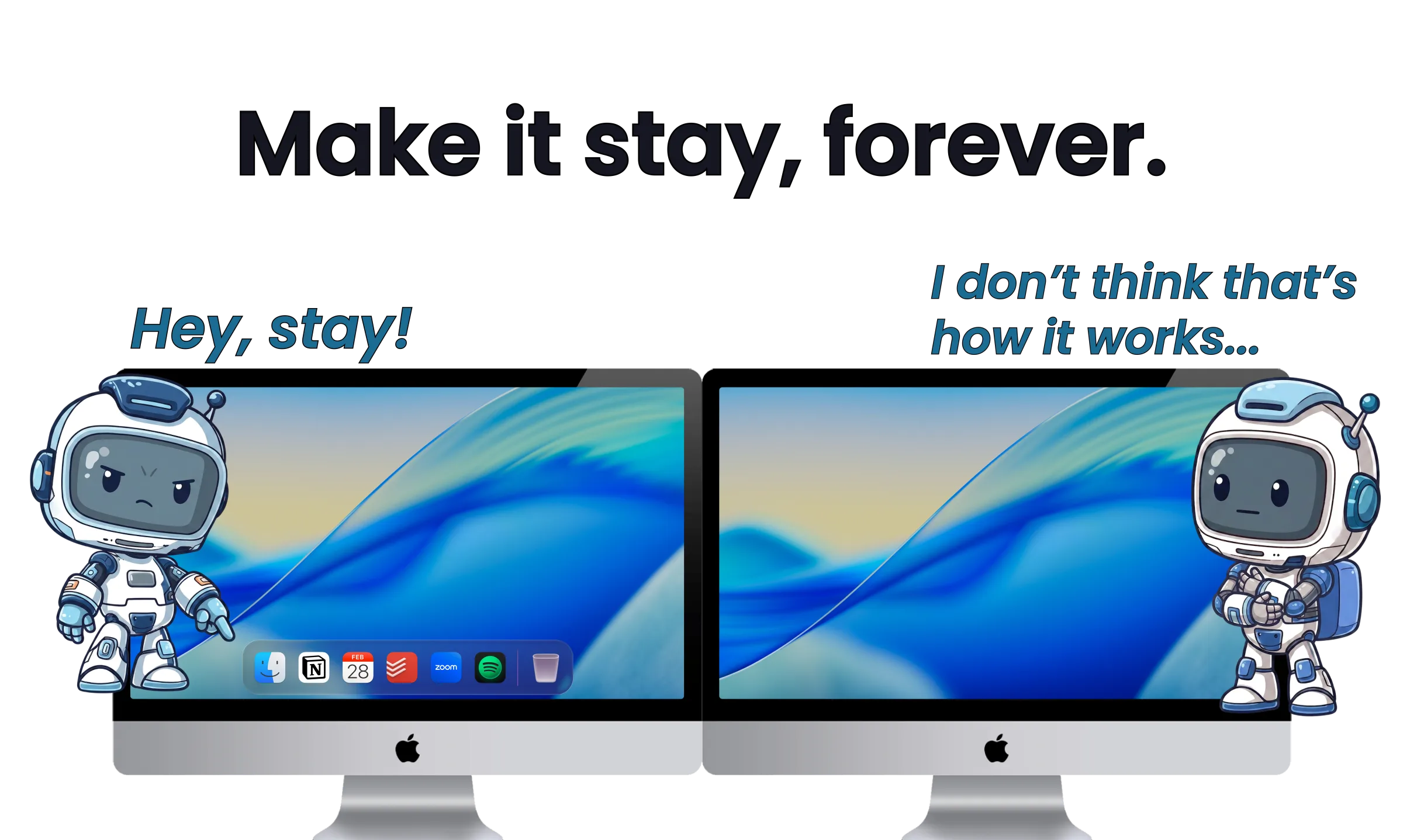
Move the Dock to Another Screen
The native way to move the Mac Dock to a second monitor, why it won't stay put, and how to pin a dock to each display.
Read the guide →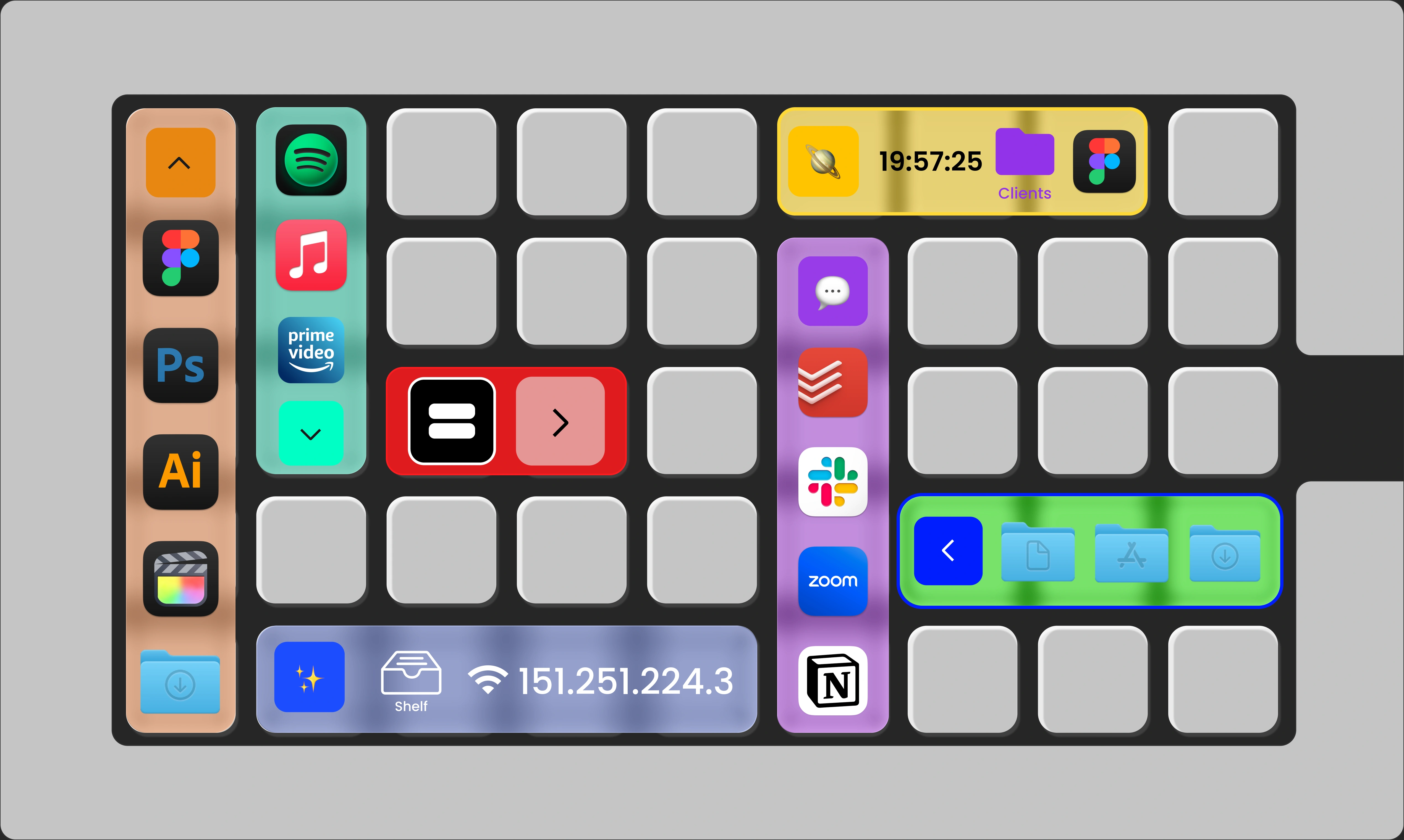
Customize the Mac Dock
What Apple lets you change, and five ways ExtraDock goes beyond the default.
Read the guide →
Move Files on Mac
A better alternative to dragging across Finder windows: drop files straight into folders, hold them on the shelf, and reach folders from a single icon.
Read the guide →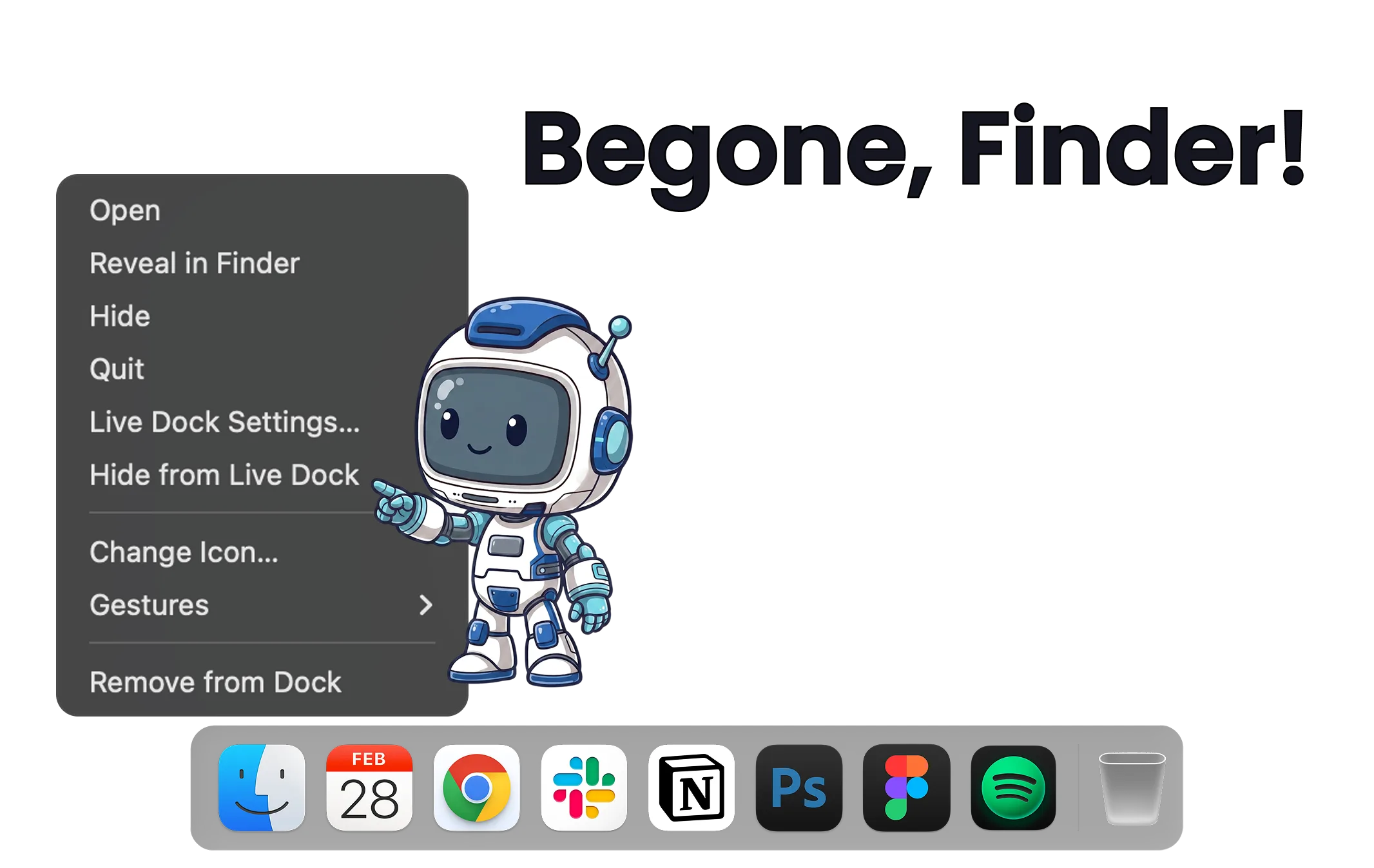
Remove Apps from the Dock
The native way to remove apps from the Mac Dock, and how to hide the icons macOS won't let go: Finder, Trash, and running apps.
Read the guide →
Customize Dock Icons
Set any image as an app's icon, per app and per dock, without touching the apps themselves.
Read the guide →
Widgets for Mac
Every widget you can put in a dock: clock, metronome, shelf, TamaDocky, and more. Always visible, in every app, on every screen.
Read the guide →
84%
27%
CPU
78%
RAM
58%
GPU
Mac System Monitoring
Keep CPU, memory, GPU, and battery readings visible in a dock while you work, on any screen.
Read the guide →Wall of Love
Don't take our word for it… Take theirs
Pricing
One Year License
$14.99
Tax might apply
-
 One year access for 1 Mac
-
One year of updates
-
14-day money-back guarantee
Lifetime Access
$27.90
Tax might apply
$27.90 per device,
 Save $18.60
-
Lifetime access for 1
Macs
-
One year of updates
-
14-day money-back guarantee
Forever Edition
$116.50
$69.90
Tax might apply
-
Forever access up to 5 Macs
-
Forever Updates
-
All future app versions
-
14-day money-back guarantee
Standard Lifetime licenses include one year of updates and keep working forever.
Renewal is optional at $9.99 per year. Forever Edition includes all future updates for life.
Ready for a dock you control?
Don't hesitate, we have a 14-day money-back guarantee.