 (2).png)
Launchers are beacons, icons or buttons you place in your app outside of a flow. When a user clicks or hovers over one, it can show a tooltip or run an action, such as starting a flow or opening a page. Use them to point out features, explain a field, or let users restart a flow.
How do I create a launcher?
Go to Launchers in the sidebar.
Click Create launcher.
Give it a name and click Create launcher.
Publish a launcher the same way as a flow. See Setting up environments and versions.
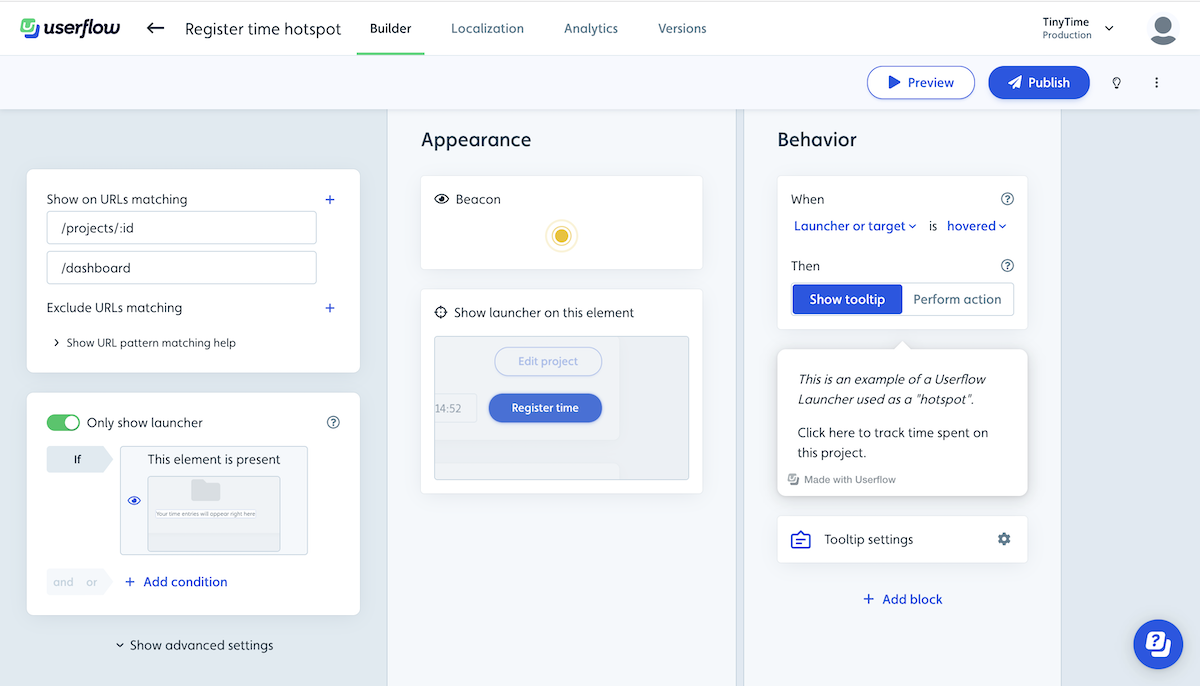
Configure the following when setting up a launcher:
Show on URLs matching - Determines the URLs (pages) it should show in the application. You can also add Only show if conditions. See URL pattern matching.
Appearance - Should it show as a beacon, button, icon, or be hidden, and which target UI element should it be attached to in the UI?
Behavior
Should it activate when the launcher or target UI element is clicked or hovered?
Should it show a tooltip on activation or should it execute an action (e.g. start a flow, navigate to a page, run JavaScript).
Tooltip settings - if the launcher shows a tooltip on activation you can change the tooltip settings including the position, and whether it should dismiss the launcher after first activation in the tooltip settings.
Use cases for Launchers
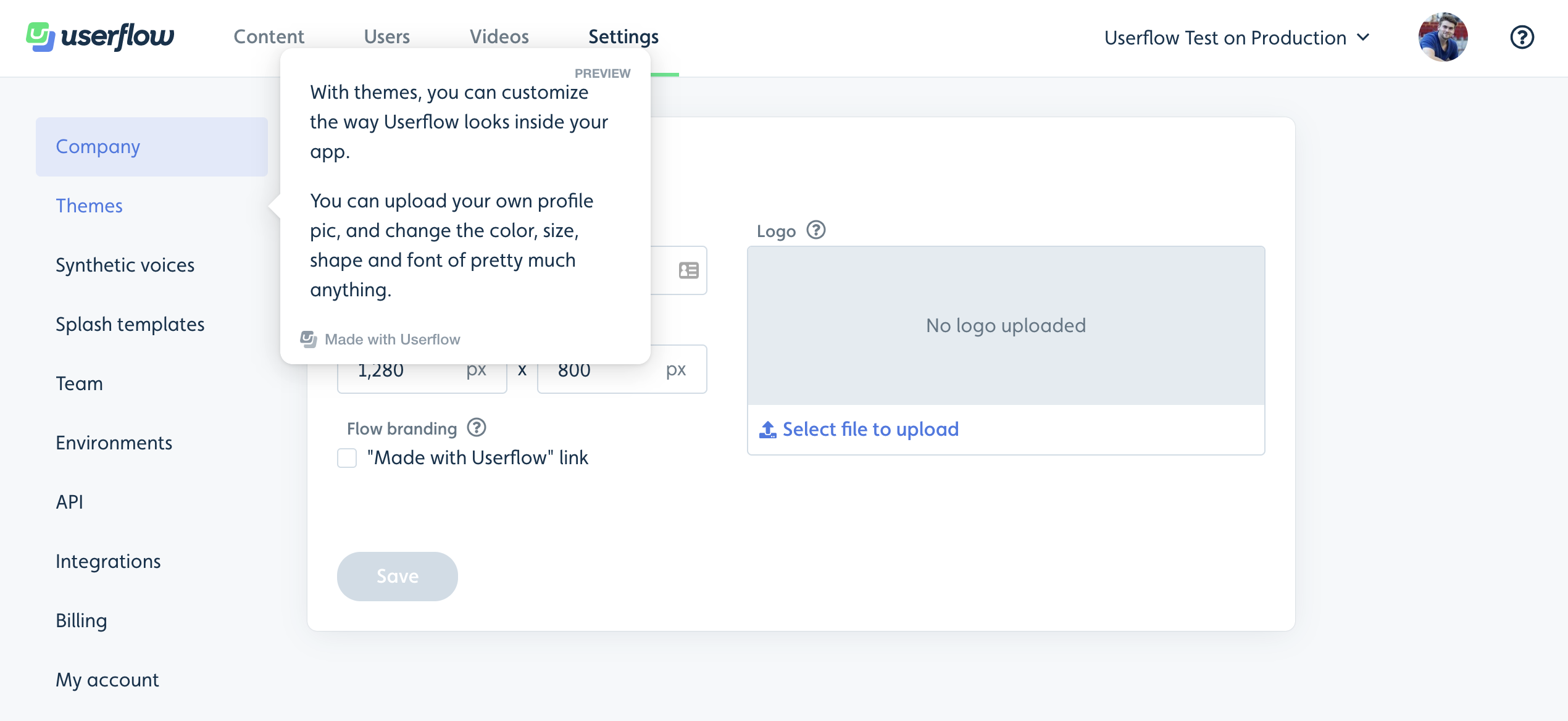
Hotspots
Draw users’ attention to interesting elements in your app. When the user hovers over the hotspot, you can display a tooltip with information about it and possibly a button that initiates a flow.
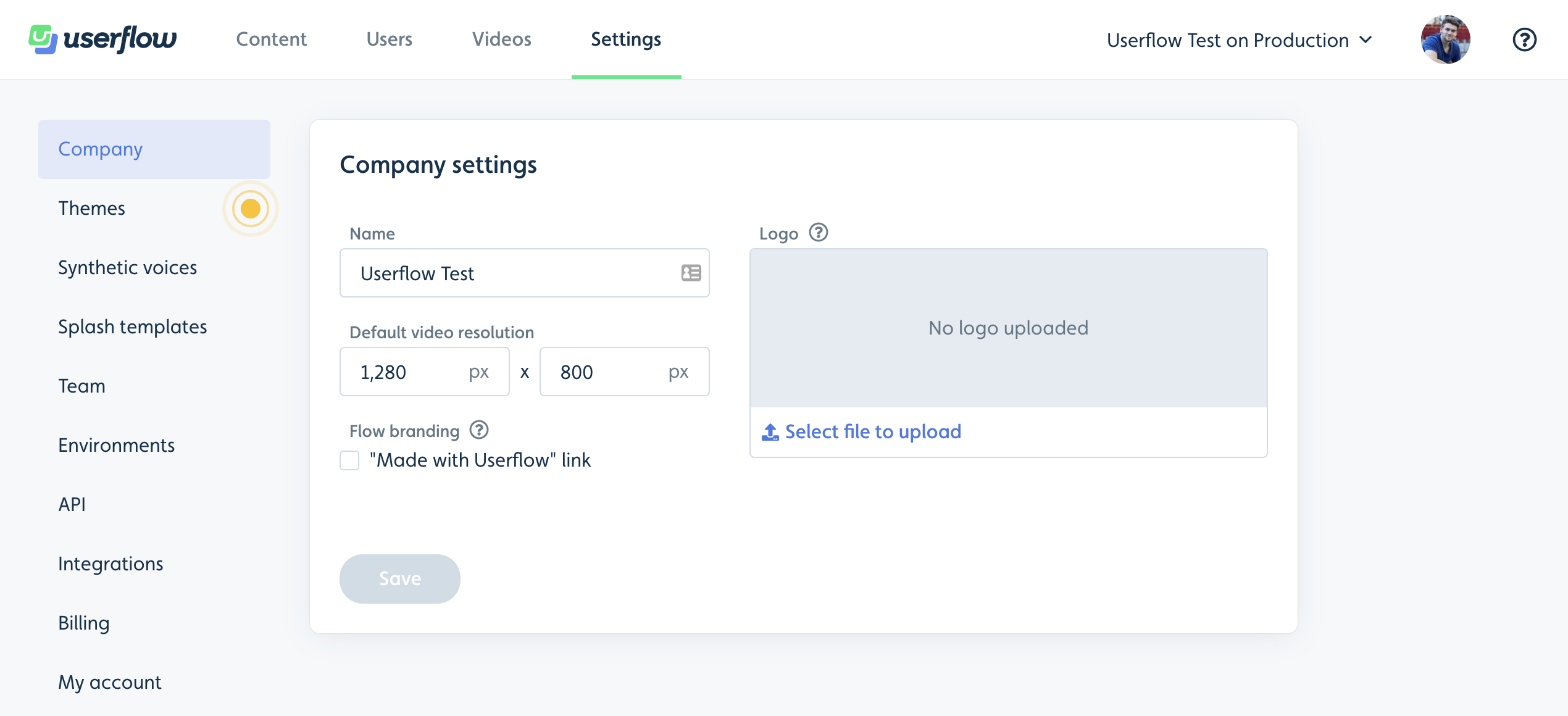
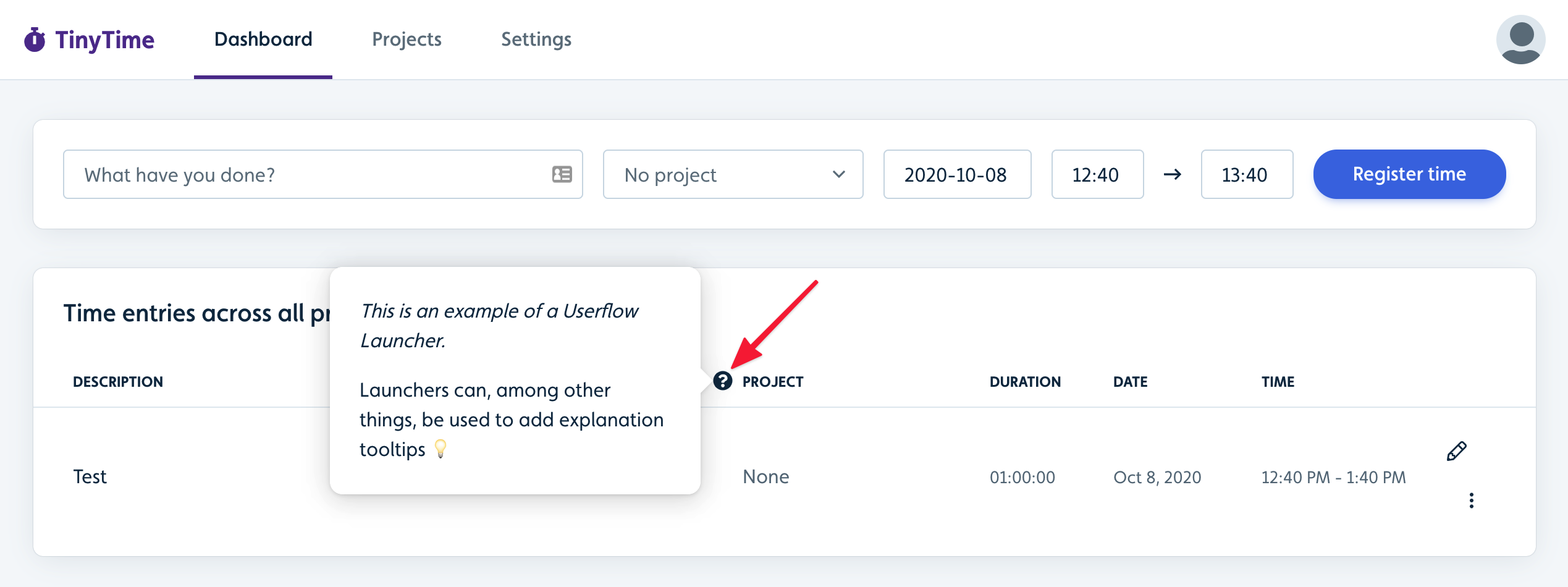
Explanation tooltips
Add icon launchers next to elements in your app that may require additional explanation beyond what your UI currently provides.
Buttons to restart flows
Add a button on a page that lets users (re)start a flow/checklist they may or may not have already seen. For other ways to start a flow, see How to start flows or checklists.
Customize and troubleshoot launchers
How do I change how launchers look?
You can customize the look of your launcher beacons/icons/buttons under Settings → Themes as usual. See Customizing Themes.
Which image formats can I use for a launcher icon?
You can upload a file or point to an image URL. The launcher icon uploader accepts PNG, JPG, and SVG, at a minimum of 60x60 pixels.
GIF, WebP, and WebM are not supported here. WebM in particular is a video format and easy to confuse with WebP. Launcher icons are static images.
Note that this is a narrower list than the one for images you embed inside flow content, so don't assume a format that works in a flow will work for a launcher icon.
Why is my launcher showing on top of a menu?
If a beacon, icon or button stays on top of a menu, dropdown or sidebar when it opens, lower the launcher's z-index so it sits underneath:
Find the z-index of the menu that should cover it. Your developers can tell you, or you can check in your browser's developer tools.
Open the launcher, click Advanced settings, and set z-index a few points lower than the menu's.
Publish the launcher and check the page again.
If a launcher doesn't appear at all, see Launcher/Banner not showing.
