
Building software is getting easier. Getting people to use it is not.





Onboard new users, drive feature adoption, and fix friction—without waiting on engineering.
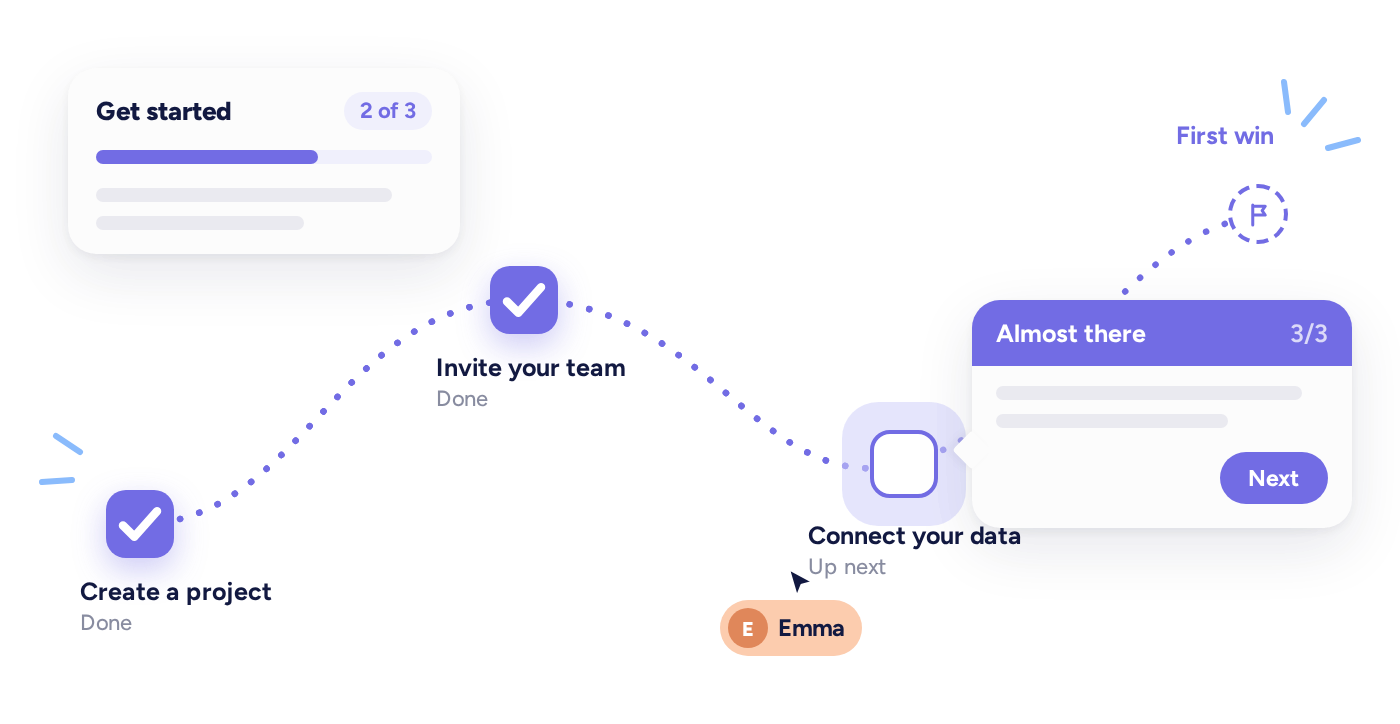
Get every new user to their first win.
Personalized tours, checklists, and tooltips walk each user through setup based on their role, plan, or what they've already done.
Get people actually using what you ship.
Announcements, banners, and triggered guides put new features in front of the right users when they're relevant, so what you ship turns into usage and revenue.

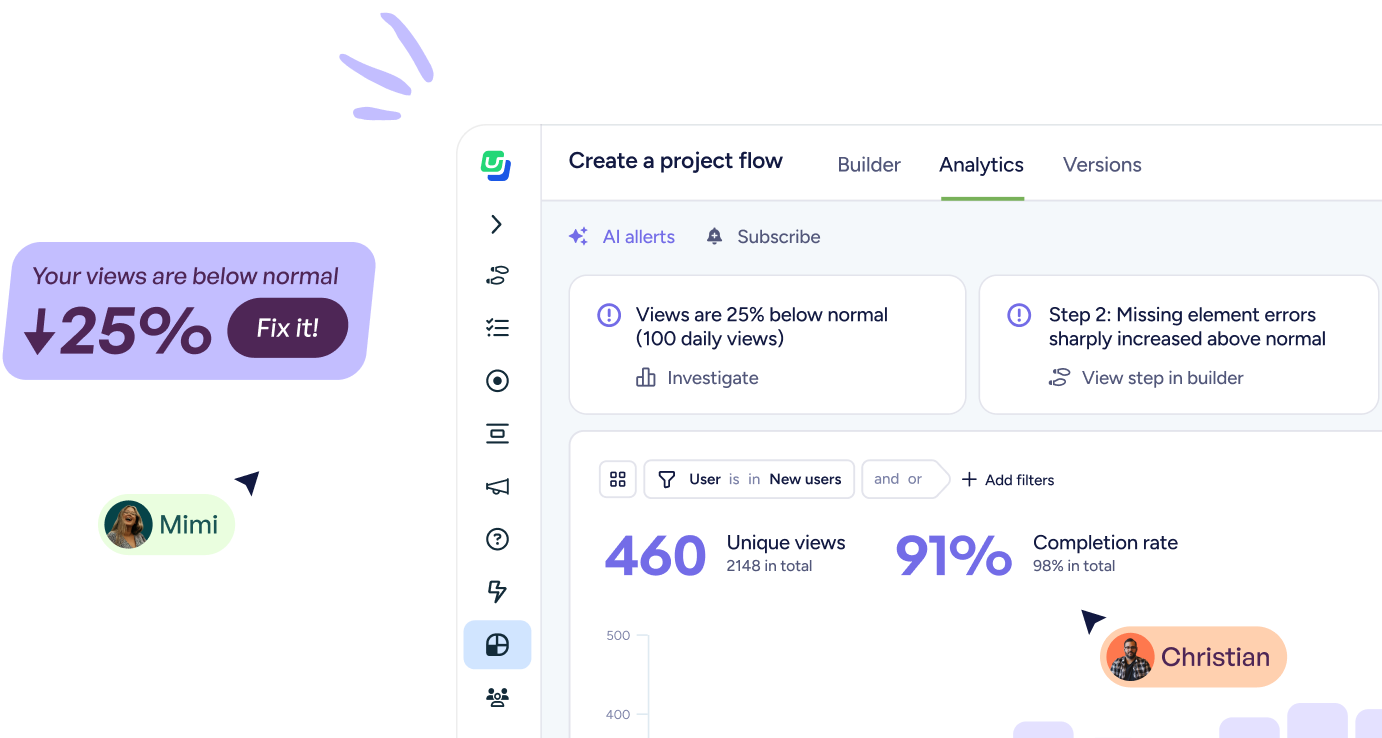
Catch friction before it turns into churn.
FlowAI Signals flags drop-offs and confusing steps across your flows and Agent conversations, then recommends the in-app fix.
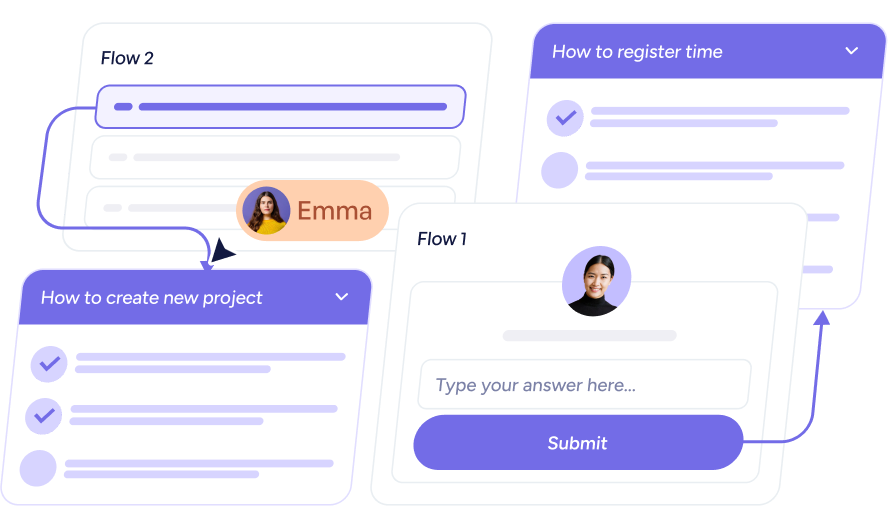
Ship new guidance the same week you think of it.
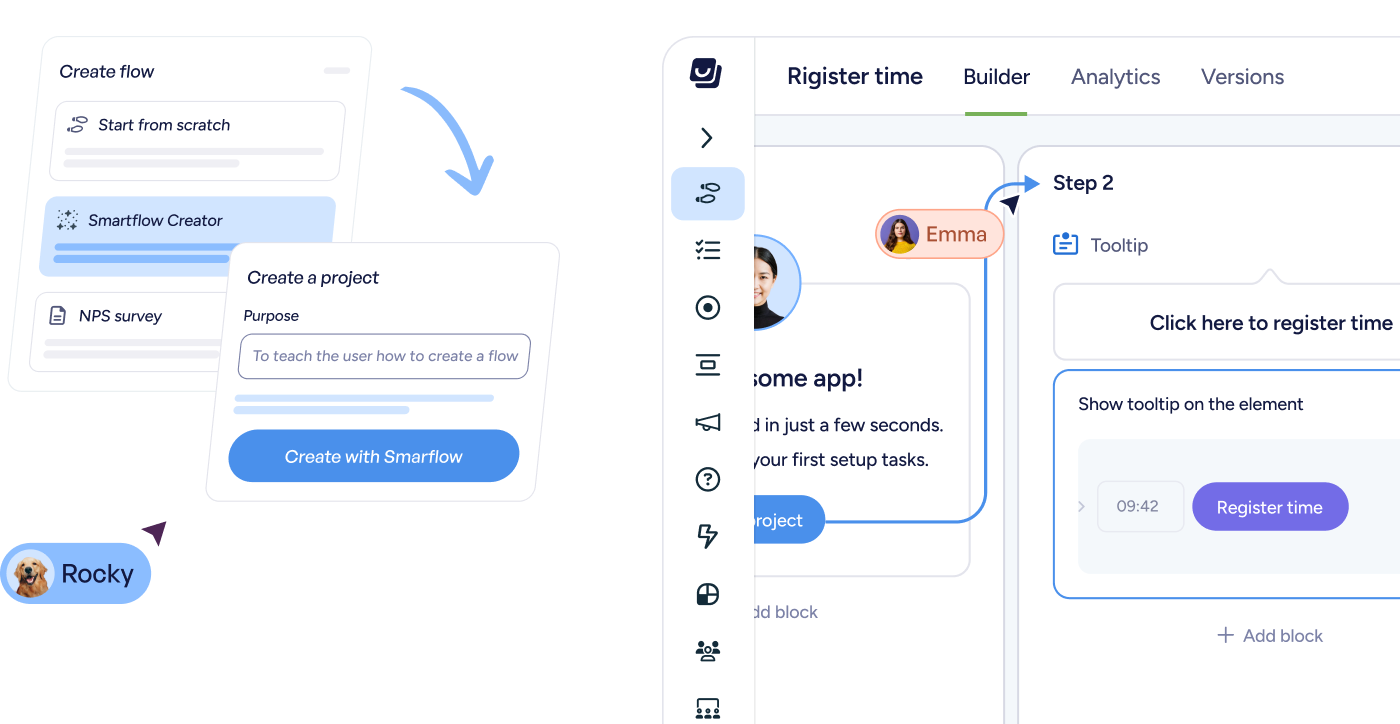
Product, growth, and CS teams build and target guidance in a no-code editor, or generate a first draft with FlowAI Builder.
Userflow in Claude, ChatGPT, or any AI tool
Draft flows, create segments, and check performance without leaving the AI tool you already work in.
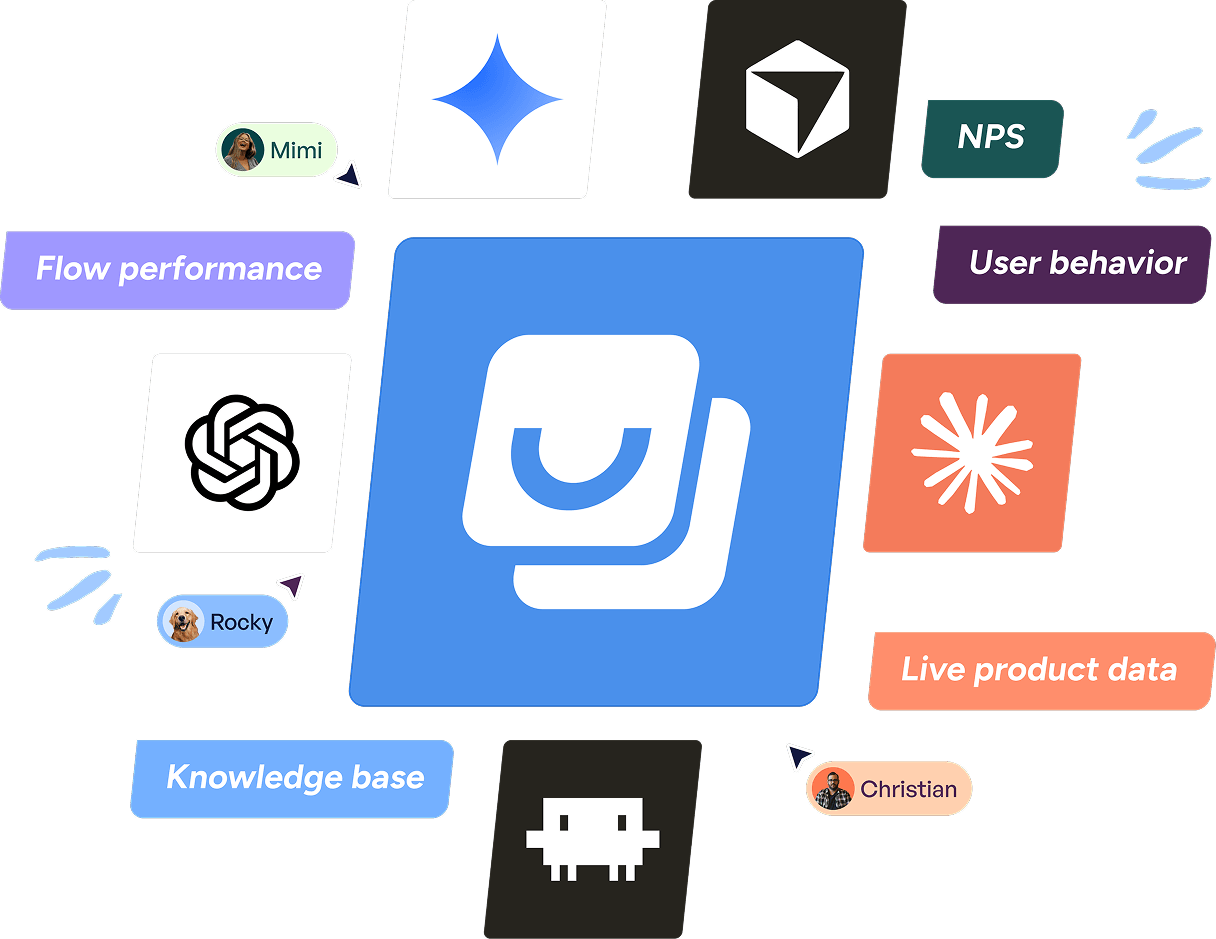
AI that builds the flow, spots the drop-off, and recommends the fix.
FlowAI works across Userflow, from matching your brand and translating copy to answering users' questions the moment they ask.


Build experiences in minutes, not sprints.
FlowAI Builder removes the blank canvas. Generate complete flows by clicking through your product, match your brand instantly, and refine or localize copy on the fly.


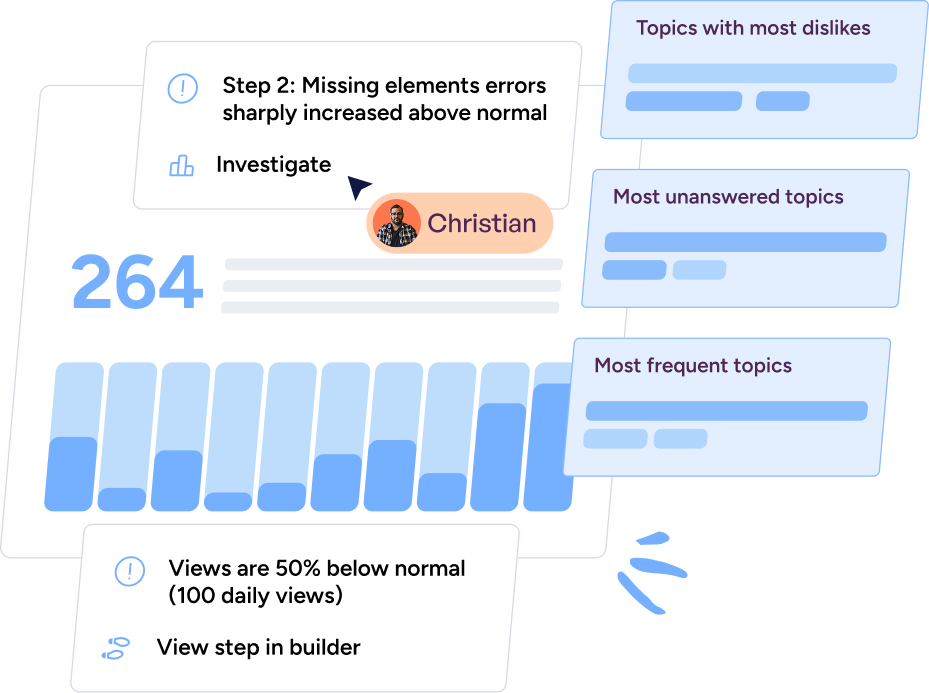
See what's happening. Know where to act.
FlowAI Signals continuously analyzes your in-app experiences and AI conversations to surface friction, drop-offs, and opportunities—automatically.


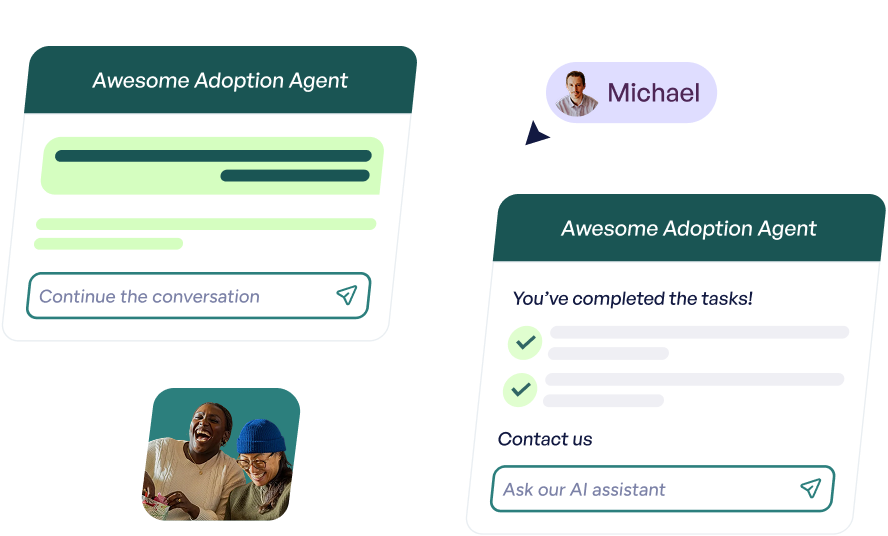
From answers to action.
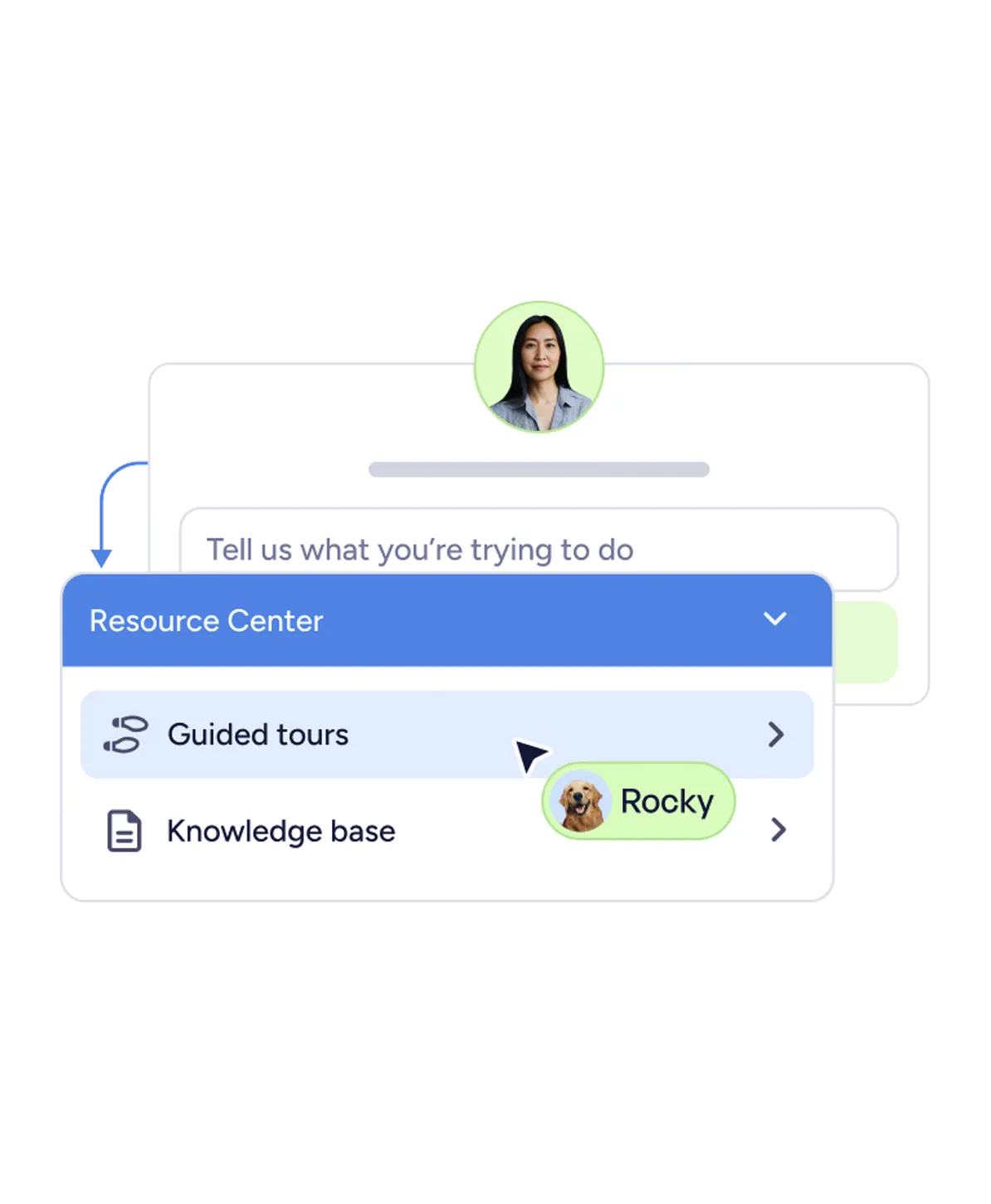
The Adoption Agent doesn't just answer questions—it guides users forward. It responds in context, surfaces relevant walkthroughs, and launches flows directly from the conversation.


Turn insight into intervention.
Signals shouldn't sit in a report. Action Flows recommend and launch the right in-app response—based on real behavior, not guesswork.


Why tell them what to do when you can do it for them?
Adoption Agent shows users what to do—or completes multi-step tasks for them—the moment they ask.
Built for customer - obsessed PLG teams
Product & Growth
Improve activation and adoption — with no-code onboarding, in-app experiences, and now, task completion.

.svg)
.svg)
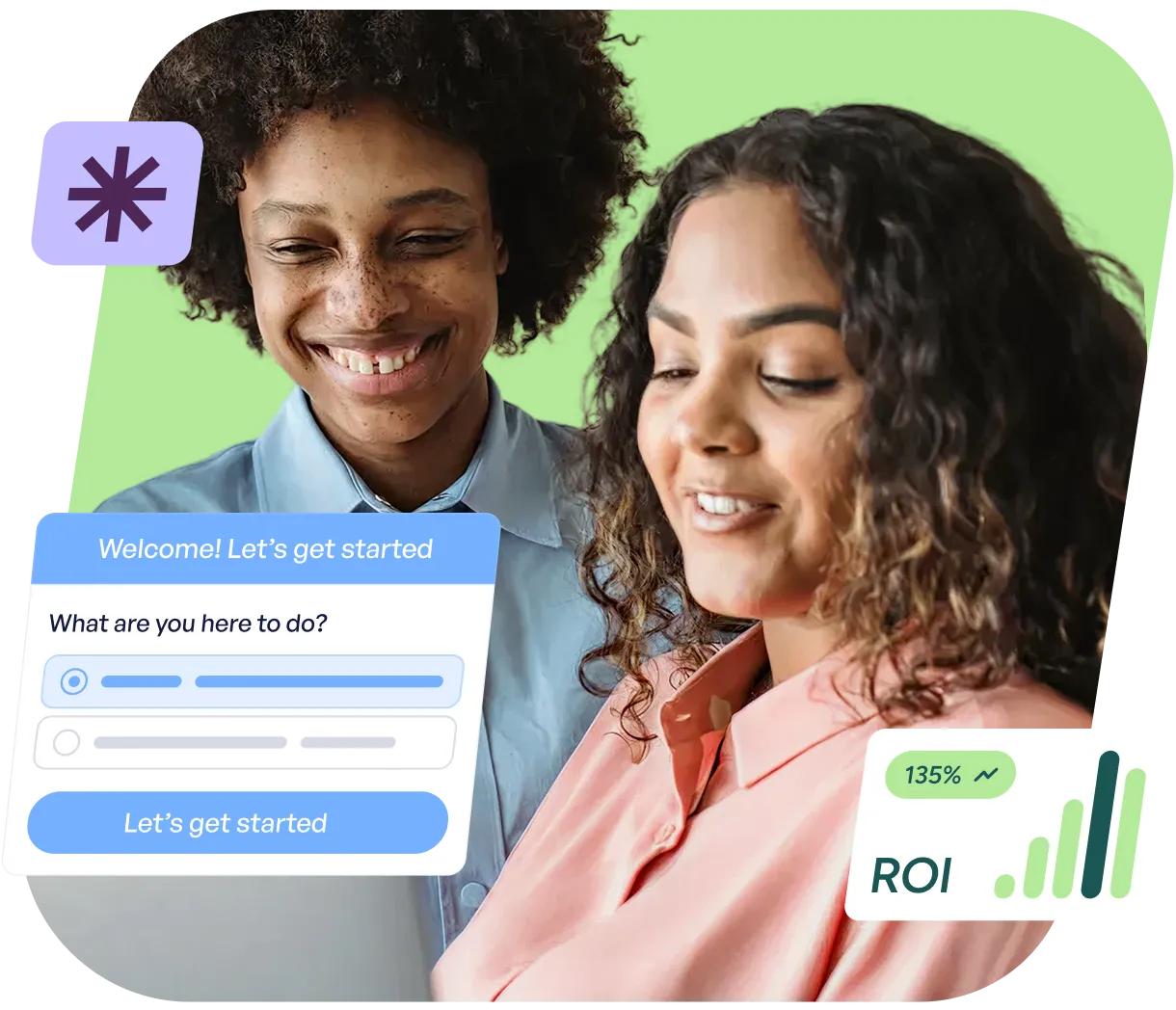
Customer Success
Adoption Agent walks users through to completion—or completes it for them—with in-app flows, not just documentation.


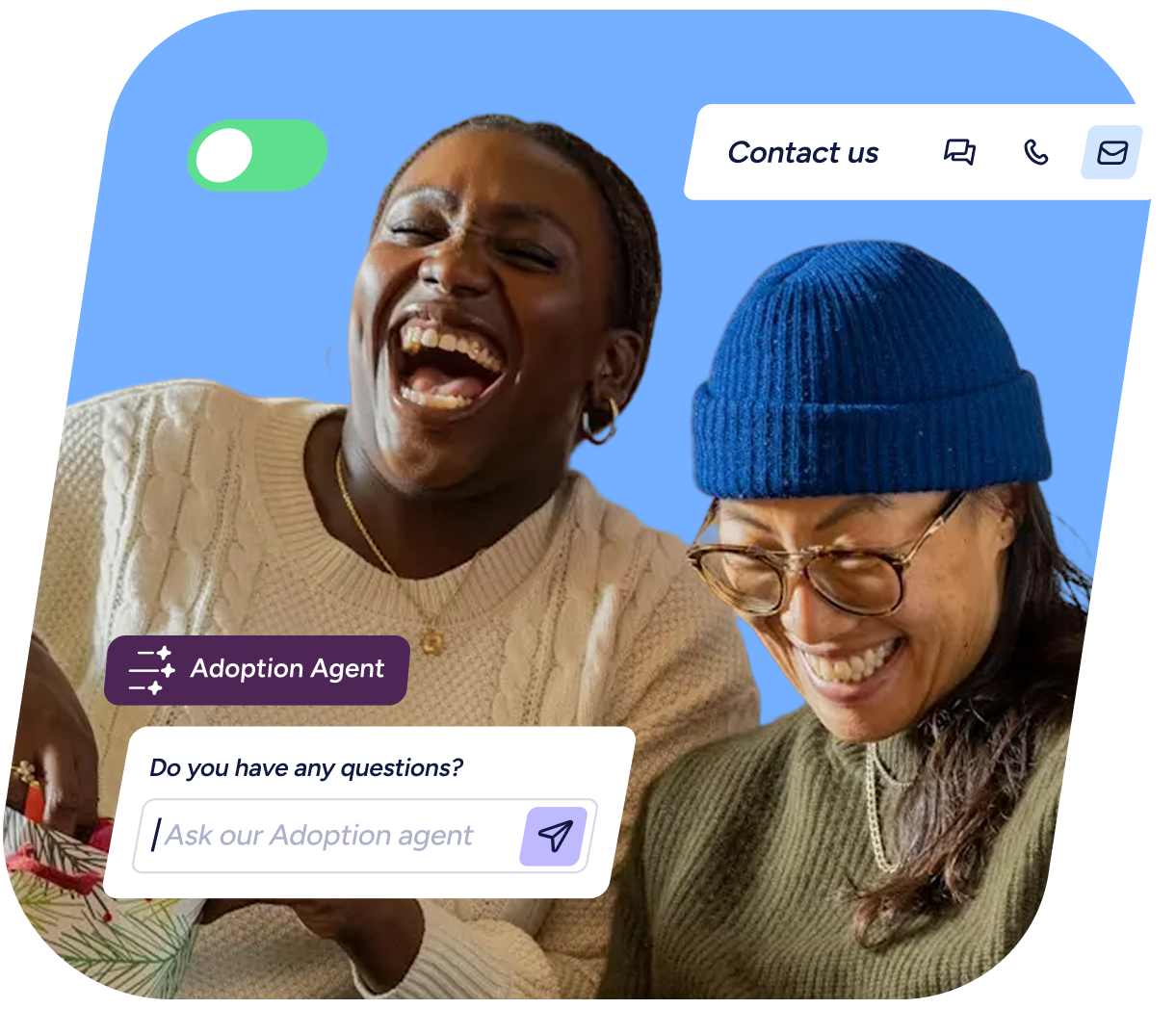
Customer Marketing
Drive onboarding, engagement, and adoption - inside the product.


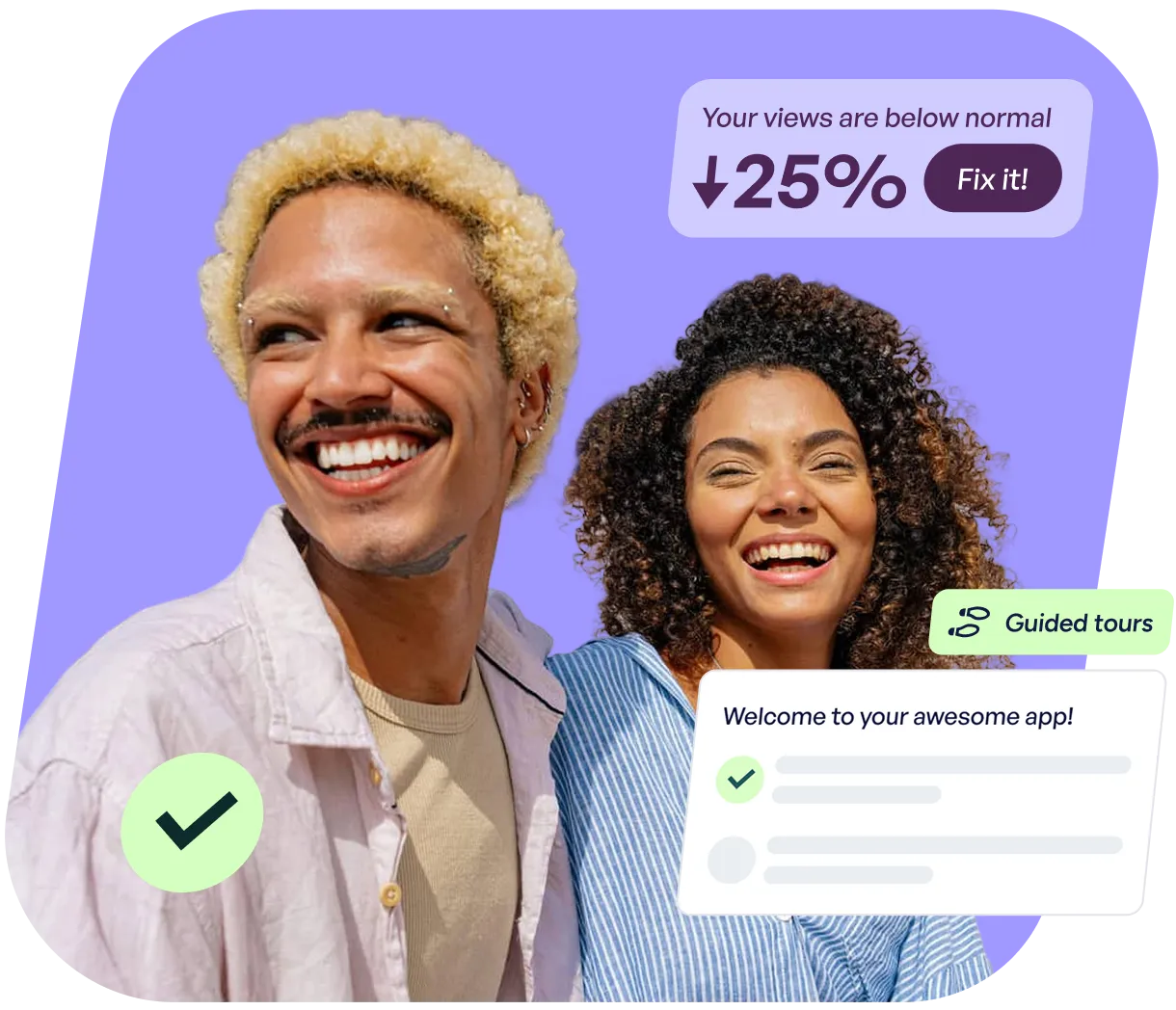


“Userflow has transformed how we support our customers. It’s been a game-changer in empowering our users and reducing friction in their journey.”
.svg)







Works with your existing stack.
No heavy setup.
No brittle integrations.
Just data that stays connected.
FAQs
Clear answers to common questions
Built for continuous product adoption, not one-off tours—Userflow uses real product signals to guide users and help teams improve over time.
No. Product, Growth, Marketing, and CS teams can build and launch in-app experiences without engineering help.
AI is built into every part of Userflow. FlowAI Builder drafts flows and matches your brand styles. FlowAI Signals flags friction and drop-offs. FlowAI Actions recommends the right in-app fix. Adoption Agent (formerly the AI Assistant) answers user questions and guides them through the right flow, or completes the task for them with Action Flows.
Yes. The Userflow MCP connects your workspace to Claude, ChatGPT, and any MCP-compatible AI tool. From there you can draft and update flows, create segments, and ask how your flows are performing, all in plain language. Read/Write MCP access is included with all plans.
FlowAI is the intelligence layer behind the platform — it helps teams build experiences faster, surface friction and patterns automatically, and respond with the right in-app guidance when users need it. Adoption Agent, formerly referred to as the AI Assistant, answers user questions in real time inside your product. When a question matches a Flow, it guides the user through the task — not just replies. The Userflow MCP connects your data to Claude, ChatGPT, and other AI tools so you can ask questions about flow performance and user behavior in plain language.
Userflow is built for customer-obsessed B2B PLG SaaS teams—Product, Growth, Customer Success, and Marketing—responsible for onboarding and product adoption.
Userflow works best for self-serve, PLG (product-led growth) products on the web, with multiple user paths and frequent releases.
Userflow offers tiered pricing designed to support growing teams and enterprise organizations alike:
- Essentials:$300/mo, or $240/mo billed annually
- Studio:$500/mo, or $400/mo billed annually. Includes the Adoption Agent.
- Enterprise:custom pricing for larger teams
Essentials and Studio each include 1,000 monthly active users (MAUs), and pricing scales as your MAUs grow. Start a free trial of either plan, or talk to our team about Enterprise.
Still have questions?
Our team is happy to help, whether you’re
just exploring or ready to get started.
