



Game Resources, Tutorials & Assets
How to Participate
A detailed guide on how to participate in the gm(48)


What is a Game Jam?
Are you curious about game jams? Discover how they foster innovation, creativity, and community among game developers.
Why Join a Game Jam
Looking for a new challenge as a game developer? Consider participating in a game jam!
Win a license to GameMaker
Want to win a license to GameMaker Studio 2? Read more about how you may do that with this one simple trick!
How to Upload HTML5
Follow the precise instructions on how to prepare your HTML5 build for upload
How to Use gm48.net Shortcodes (Cheat Sheet)
This cheat sheet provides a quick overview of the Shortcode syntax elements
How to Install gm48.net Leaderboards
The most difficult part is setting up the YoYo Compiler, and that only needs to be done once!
Submit your post-jam game to GXC
Upload directly from GameMaker Studio 2 to GXC and receive special recognition for participating in the game jam.
What is a Game Jam Ambassador
They do not have to be Mark Overmars.
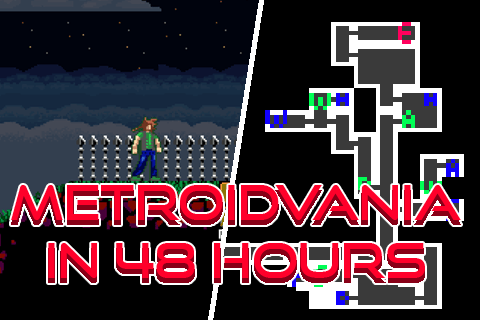
how to make a Metroidvania in 48-hours!
A guide on how I made some competent full feeling Metroidvania's in only 48 hours!

How to make better games (99.9% success rate)
Guide to making better games. Works just about as well as most hand sanitizers.


Presenting your game: Icon + Description
Aim to stand out from the crowd with a great icon and description

Make your game better in 5 seconds
Seriously, do this 🙏🙏🙏

How to survive your first Jam - Mentally & Physically
A Game Jam, like any competition, takes some level of mental and physical preparation. These are my tips to prepare for a jam.


BGM48 | Music for gm48 entries
72 pieces of background music for use in your gm48 entries


Tweens - Everybody Loves 'Em, How Do I Use 'Em?
Use the power of the tween to add some juice to the way things move around in your game!


State Machines, the struct-based approach
There's many ways to make a state machine. This approach lets you use structs to manage your states.
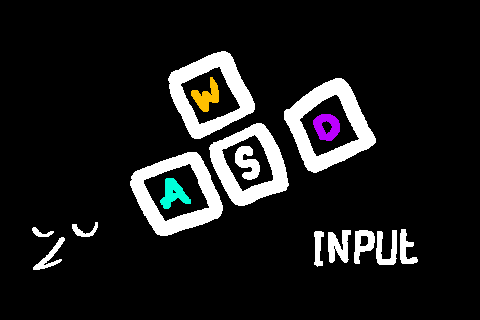
Input System - binding, input buffering, and controller support
Take control of your game in a comprehensive, automated way.
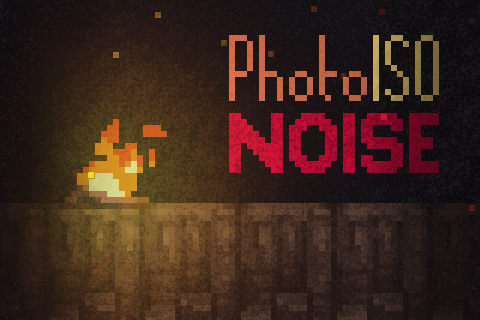
Photographic Noise Shader
This shader is intended to approximate the effect of noise in low light photography with a high ISO.

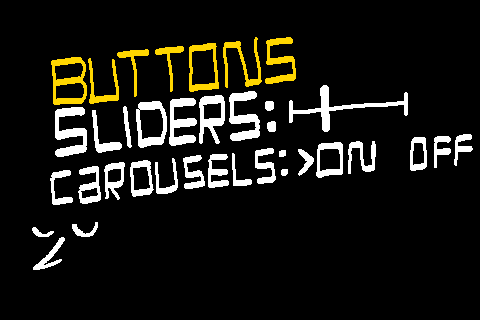
Menus - buttons, sliders, and carousels
A struct based menu system with support for various element types.

Sine Waves make your game prettier
Spice up the visuals in your game using sine wave motion.
Super Easy Screen Shake
A little screen-shake effect can make all the difference, here's a super easy way to add one to your game!
The great Jammening of 2022
A variety of assets made by me, Petra! For gm48 2022 this includes music, and Tiles!


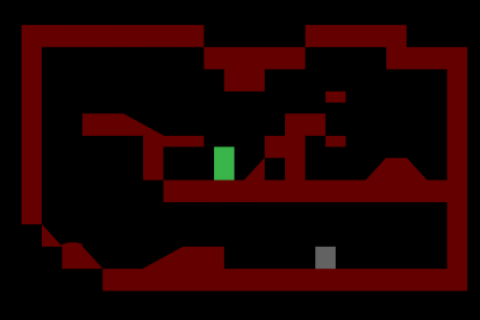
Expandable Collision System (with slopes)
Create a robust collision system for your platformer (or other types of games).

Very Simple Particle Effects
Create a very simple particle effect that you can call from just one script!
My tower defense EnamyFactory constructer function
With this script you will be able to easily create new enemy types for tower defense games using just one calling object.


Using Input to support Controllers & Rebinding
Input is a library to support handling inputs in your game. It has automatic support for controllers & hotswapping.

GameMaker Guides
GameMaker is a powerful game development platform that lets you create games across many genres—2D, 3D, platformers, and more. Use the drag-and-drop interface, code editor, and asset library to build games quickly.
GameMaker Tutorials
Learn the ins and outs of GameMaker. Whether you're starting out or have experience, these tutorials cover coding, asset creation, and game design fundamentals.
Getting Started with GameMaker
Step-by-step guides to help you get started. Learn the basics—the drag-and-drop interface, objects, and collision code.
Collision Code in GameMaker
Master collision detection and response. Explore sprite collision, tile collision, and custom collision systems for your games.
Tile Collision
Build realistic, engaging environments using tile collision code. Learn techniques for jumping, sliding, and object-to-tile interactions.
Screen Shake Techniques
Add impact to your games with screen shake. Learn how to apply this technique during key moments—explosions, hits, and critical events—to enhance immersion.
Game Jams
Game jams challenge you to create under time pressure, showcase your skills, and connect with other developers. Get tips on scoping projects, managing time, and making the most of the experience.
Find tutorials, examples, and guides for GameMaker at every skill level. Browse to discover how to build the games you envision.


