
Tutorials
Quick, bite-sized video tutorials on the various sensors and components in the Forward EDU hardware ecosystem.
skip filtering-
Product:
-
Search:
-

PIR (Motion) Sensor
How to connect and code with the PIR motion sensor using the breakout board and micro:bit V2. -

LCD Screen
How to connect and code with the LCD screen using the breakout board and micro:bit V2. -

Temperature Probe
How to connect and code with the Temperature Probe using the breakout board and micro:bit V2 -

Color Sensor
How to connect and code with the Color sensor using the breakout board and micro:bit V2 -

Smart Solar Energy Kit Unboxing & Assembly
Unbox and assemble the Smart Solar Energy kit to power devices using a real solar panel. -
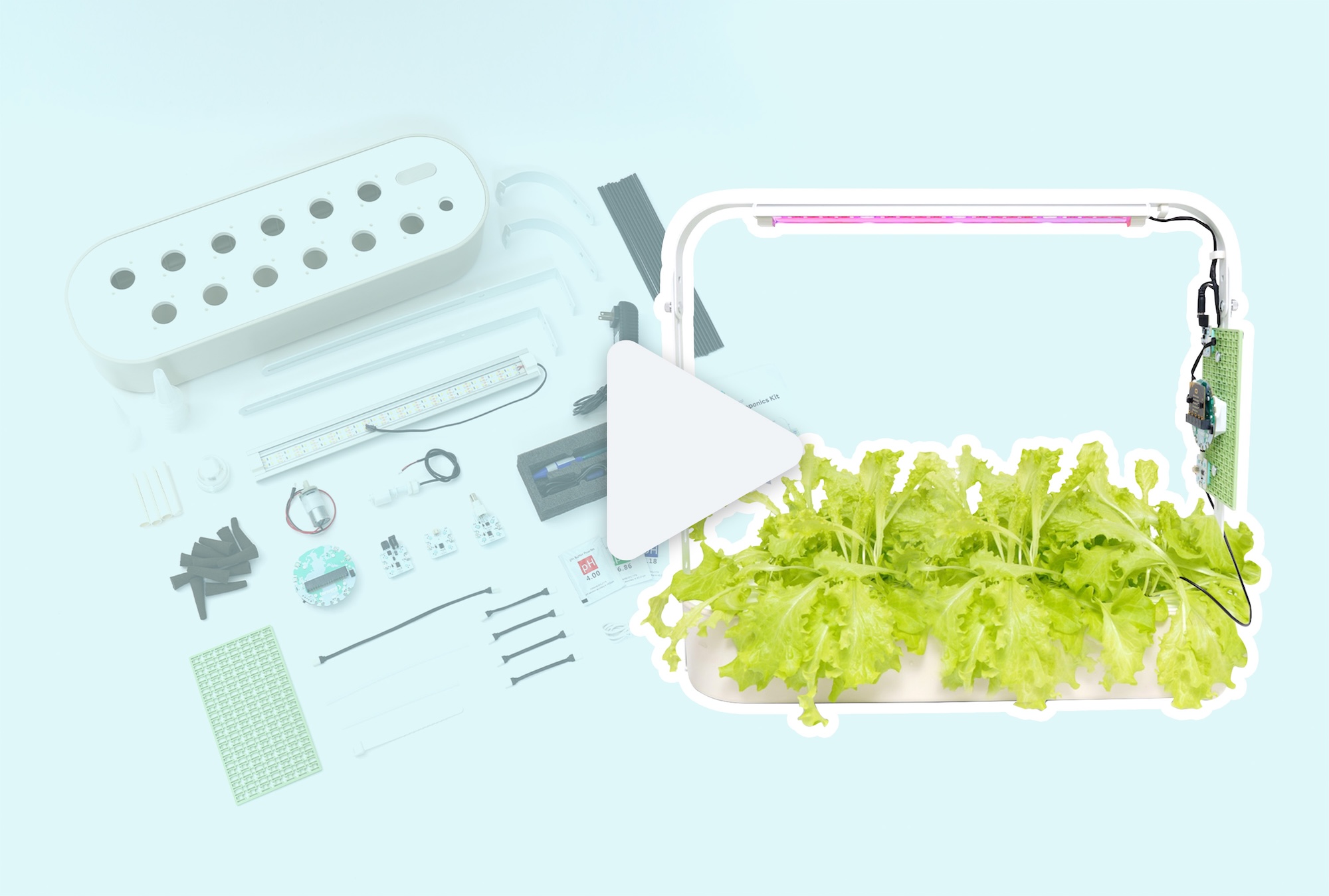
Smart Hydroponics Kit Unboxing & Setup
Unbox and assemble the Smart Hydroponics Kit to start growing real plants using the breakout board and micro:bit V2. -
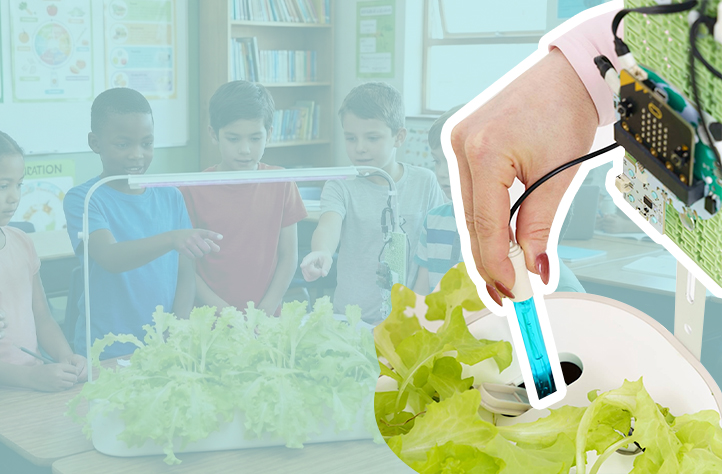
pH Probe
How to connect and code with the pH probe using the breakout board and micro:bit V2. -
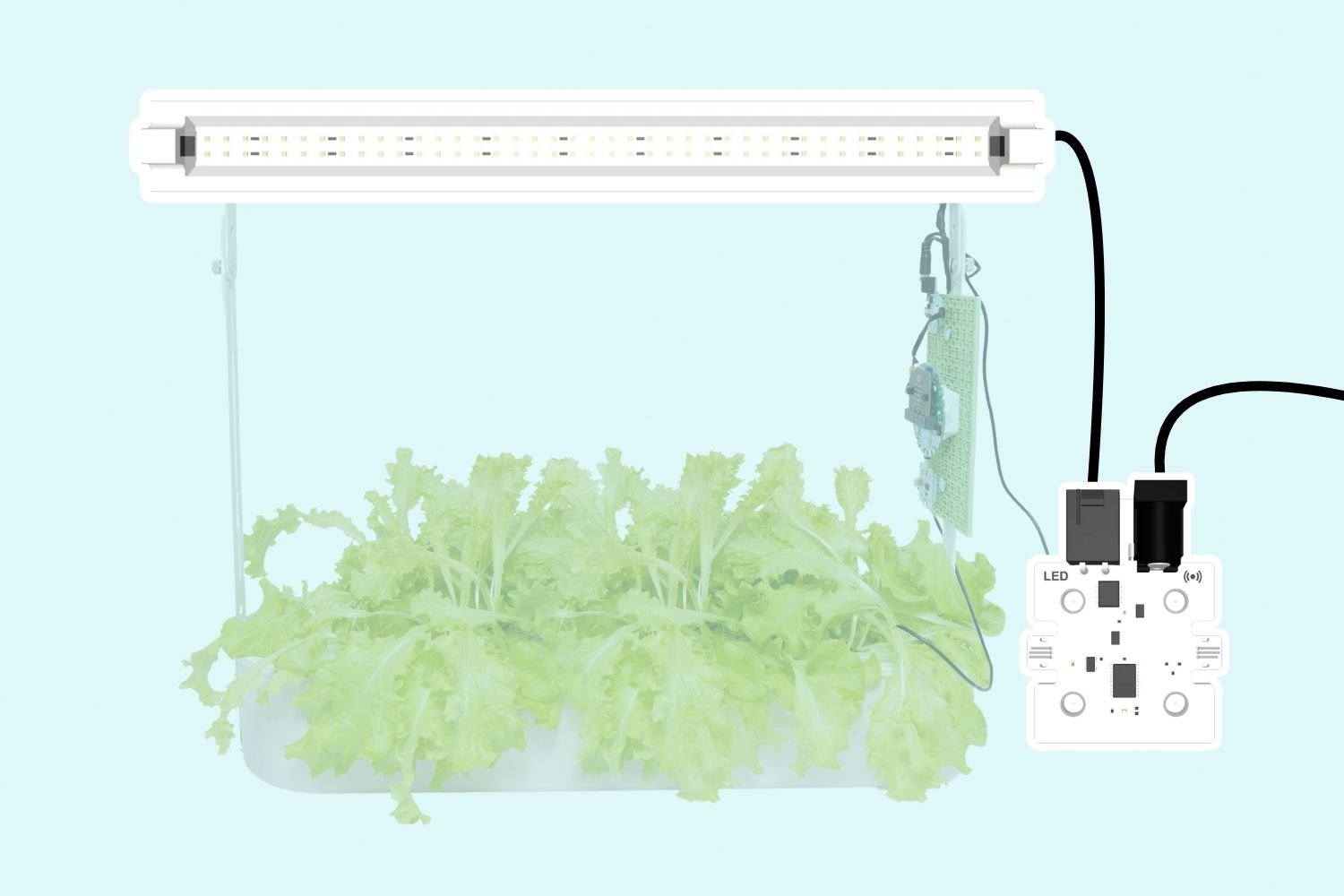
LED Lights
How to connect and code with the LED Lights using the breakout board and micro:bit V2. -
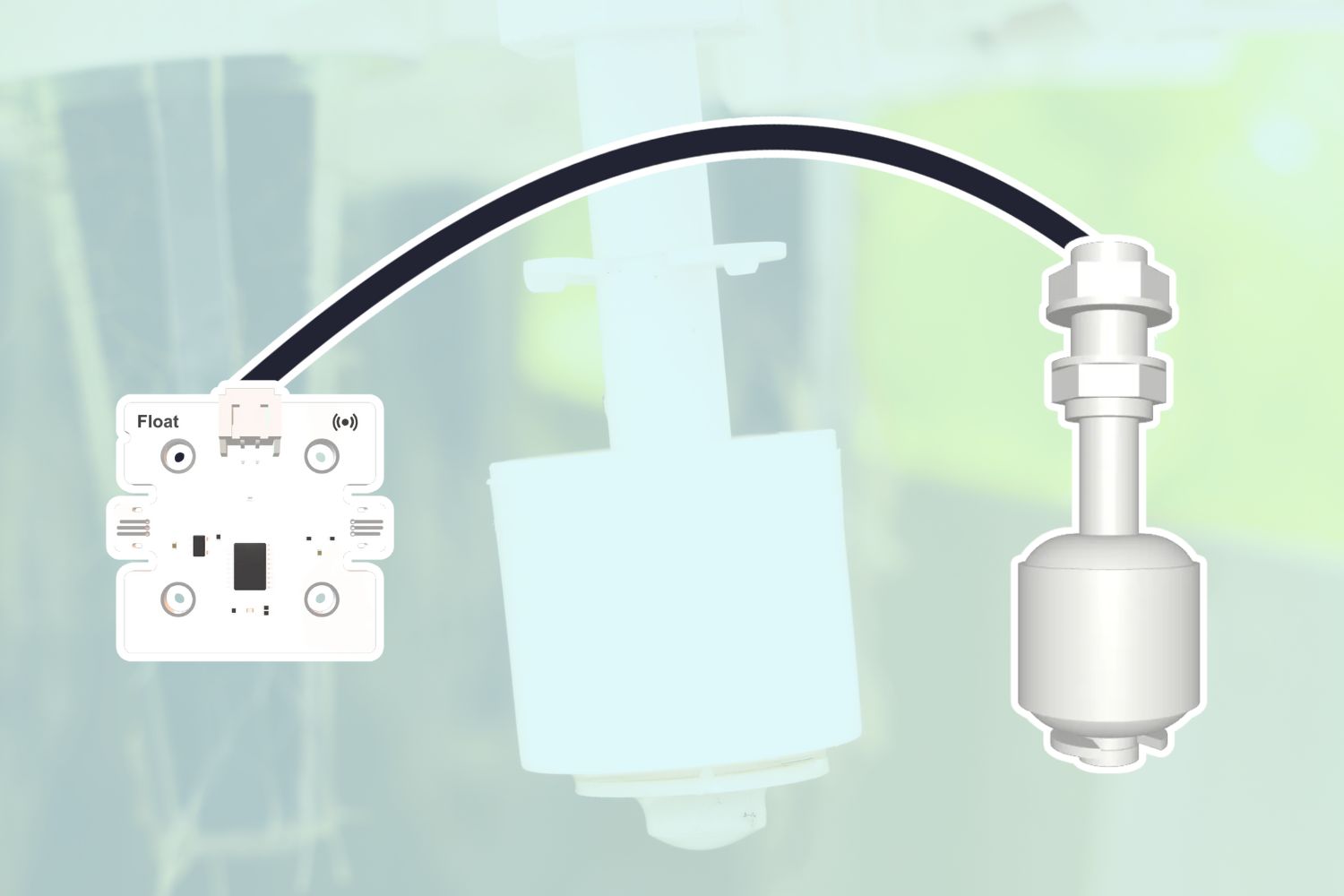
Float Sensor
How to connect and code with the Float Sensor using the breakout board and micro:bit V2. -
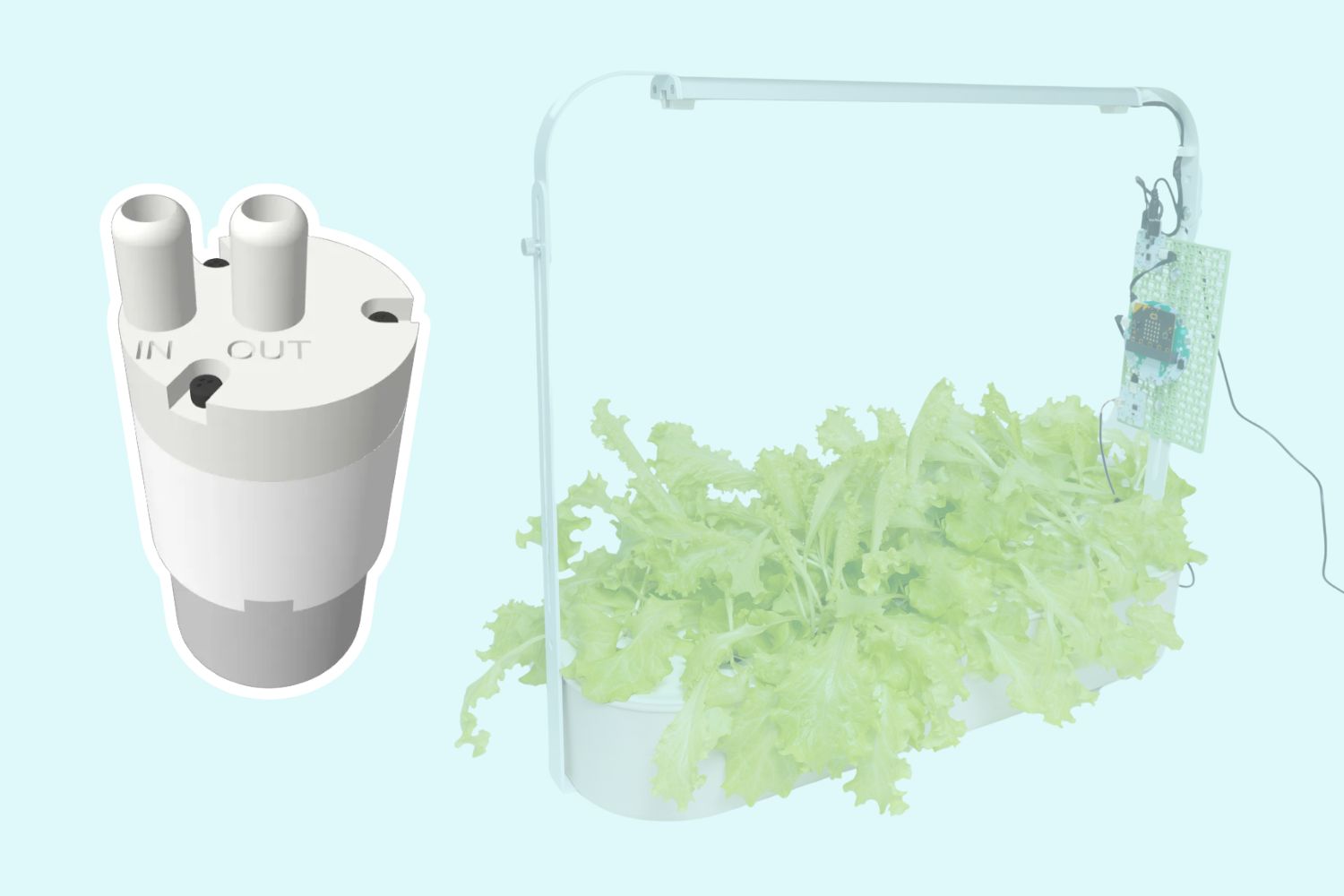
Peristaltic Water Pump
How to connect and code with the Peristaltic Water Pump using the breakout board and micro:bit V2. -
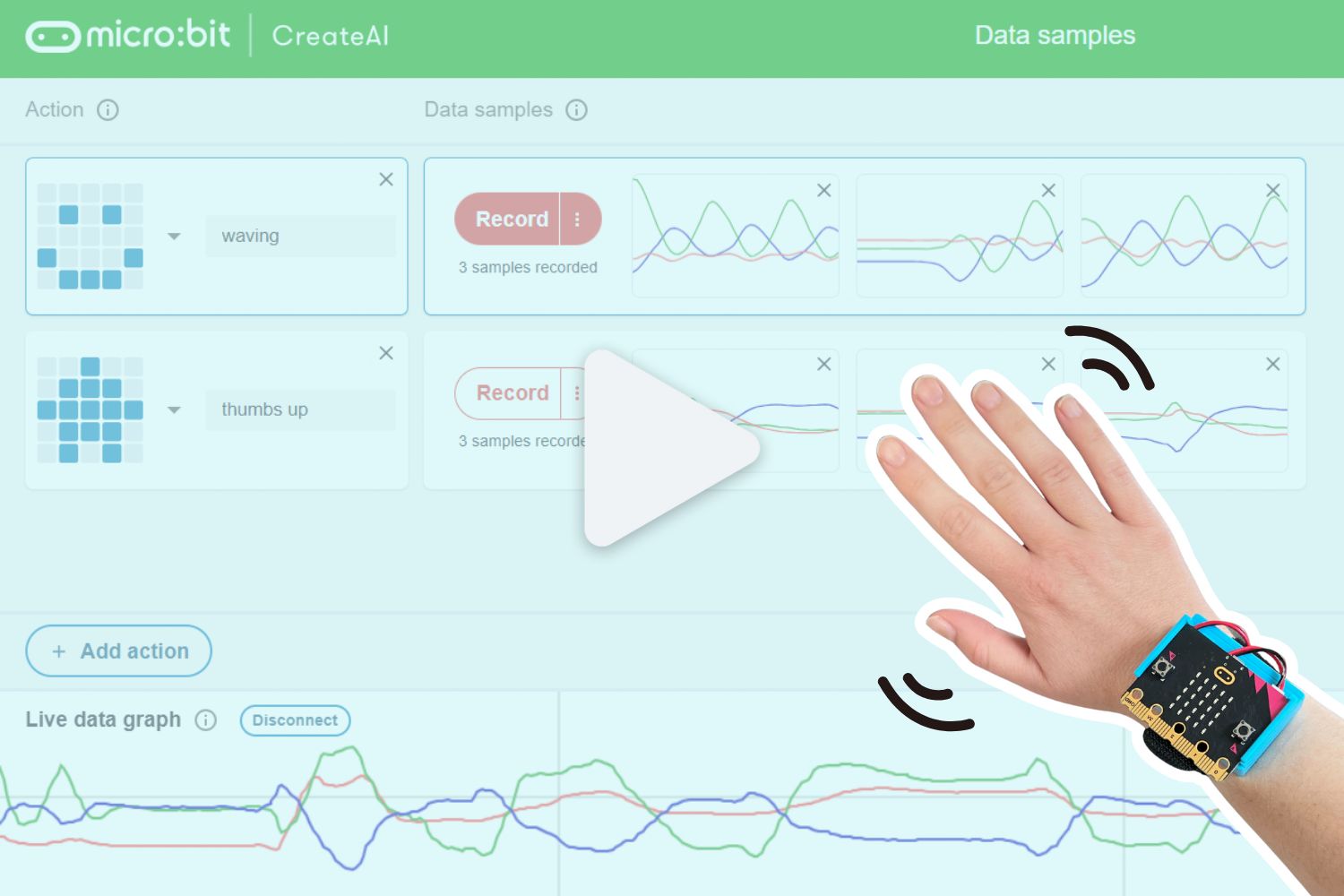
Training a Machine Learning Model with CreateAI
Use CreateAI to train your micro:bit to recognize different actions like waving and or jazz hands. -
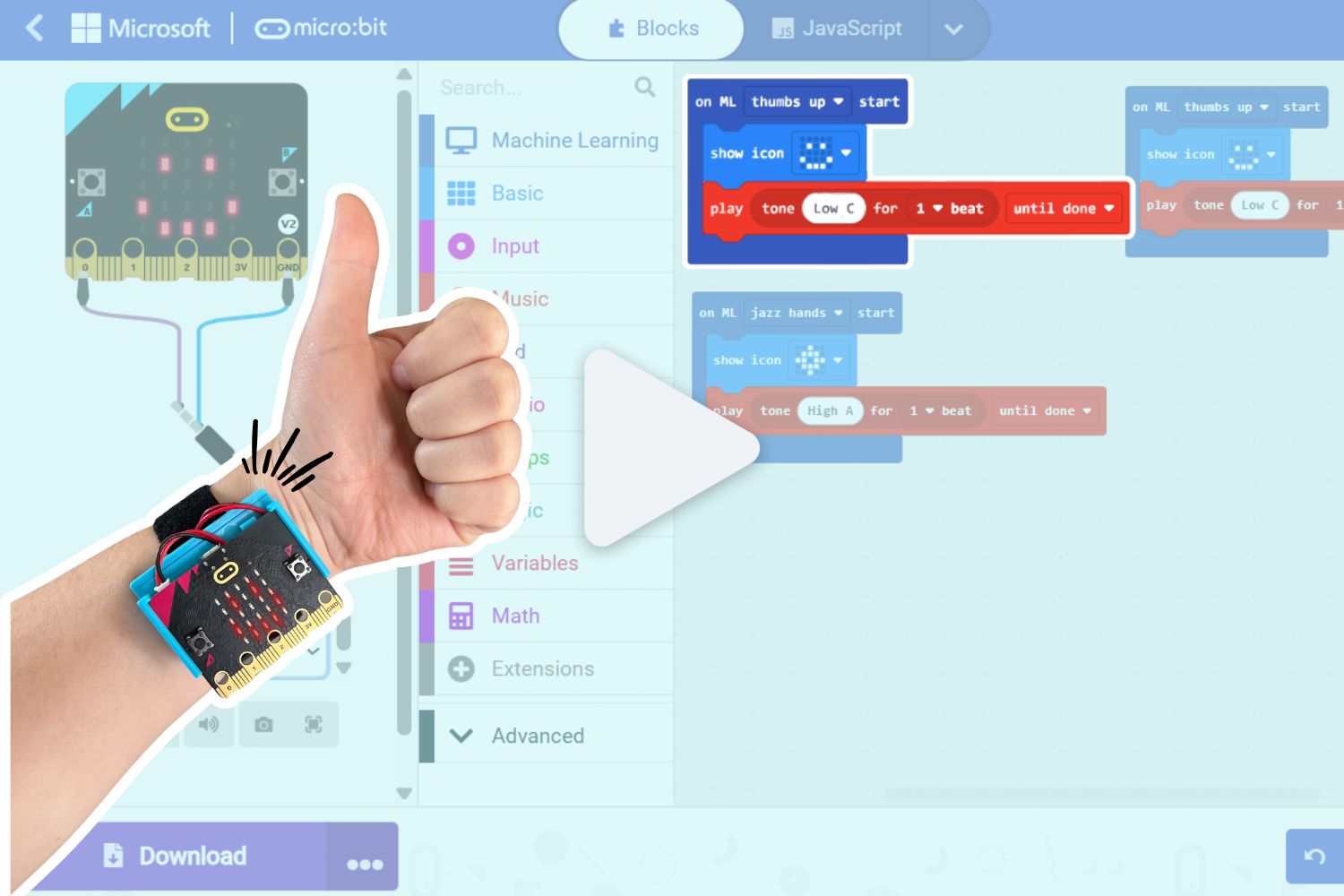
Using a CreateAI Model in MakeCode
Use CreateAI and MakeCode to control your micro:bit's behaviour with simple hand gestures. -
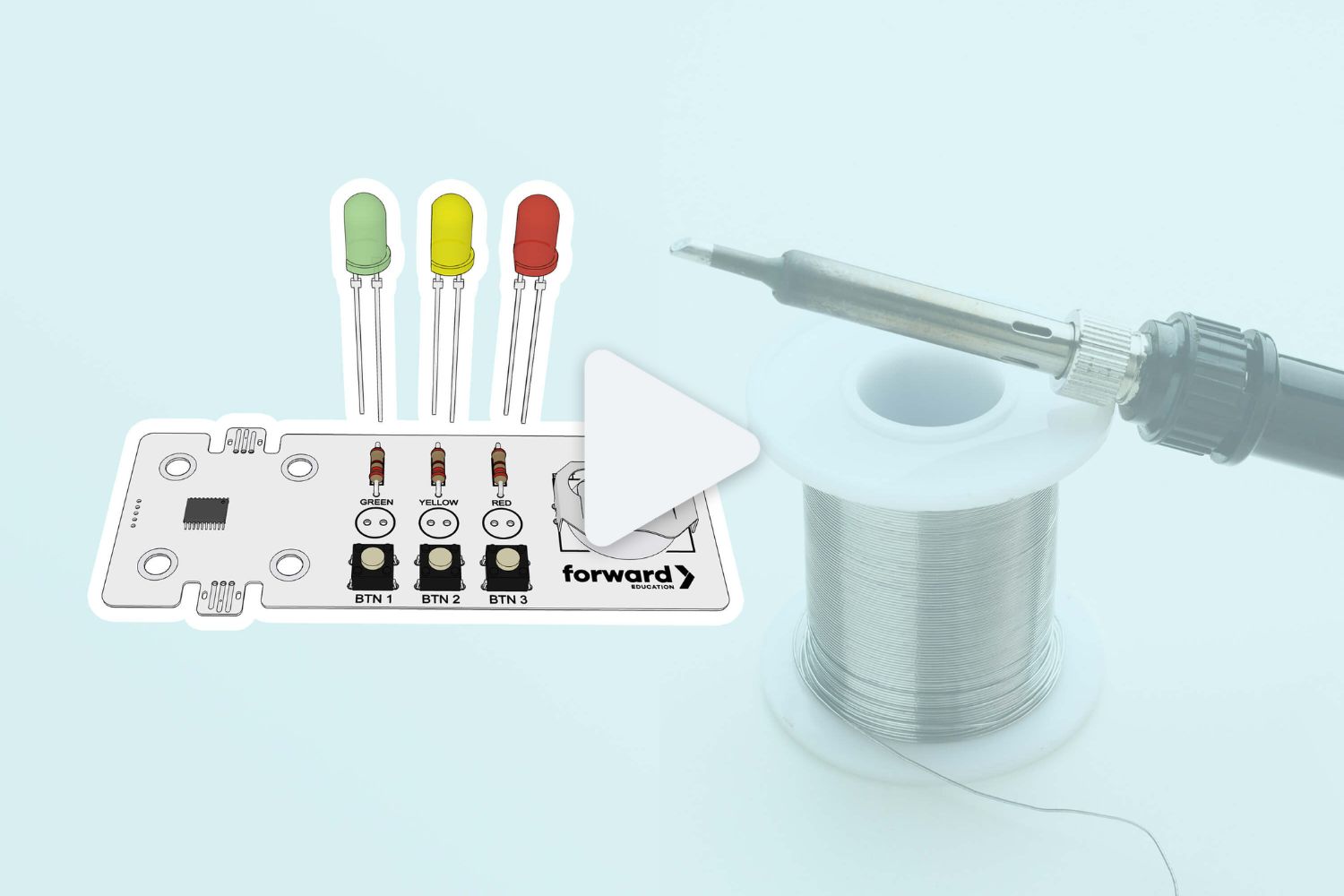
Soldering the Smart Solder Component
How to assemble and solder the Smart Soldering Kit with a coin-cell battery. -
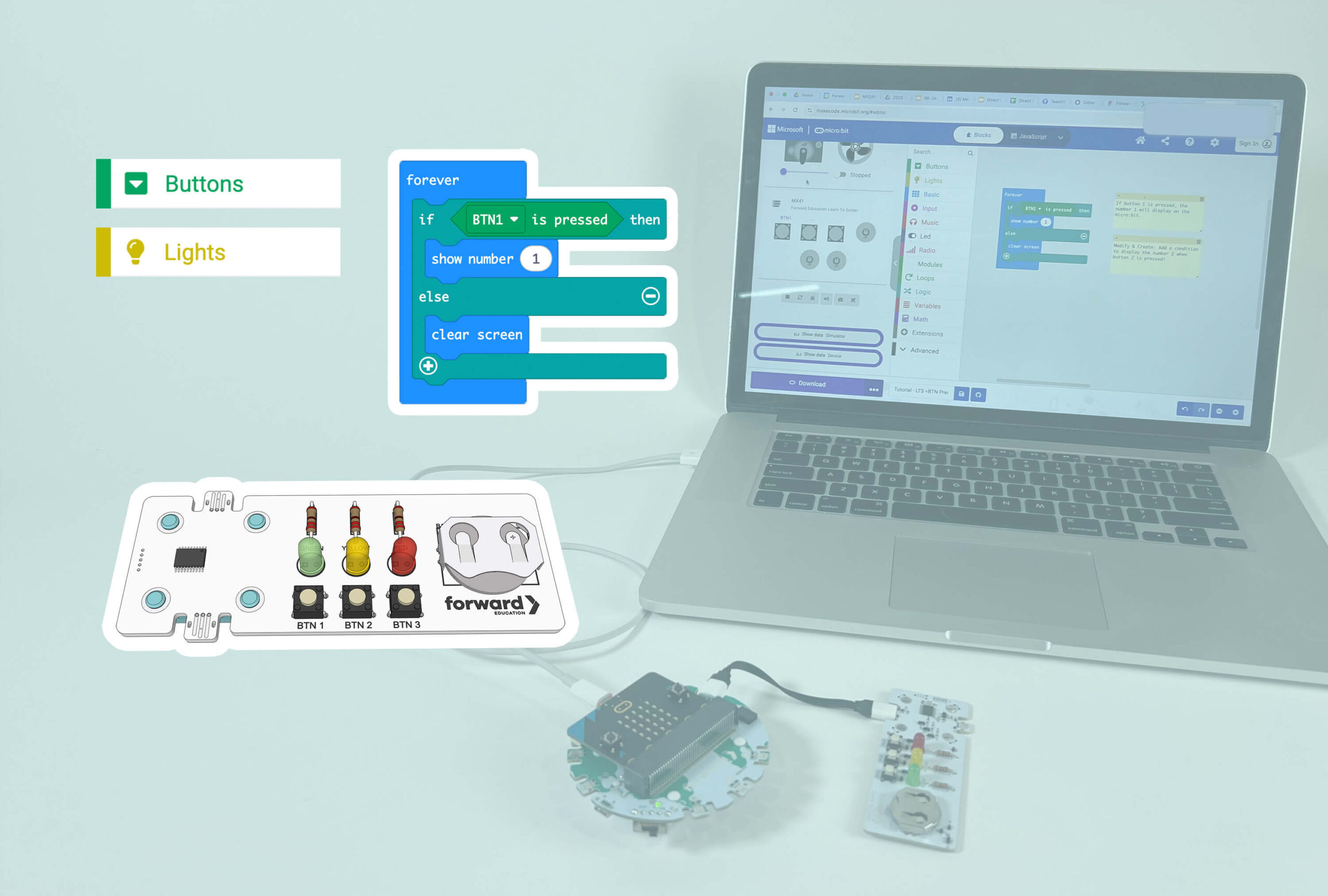
Coding the Smart Solder Component
How to connect and code with the smart solder component using the breakout board and micro:bit V2. -
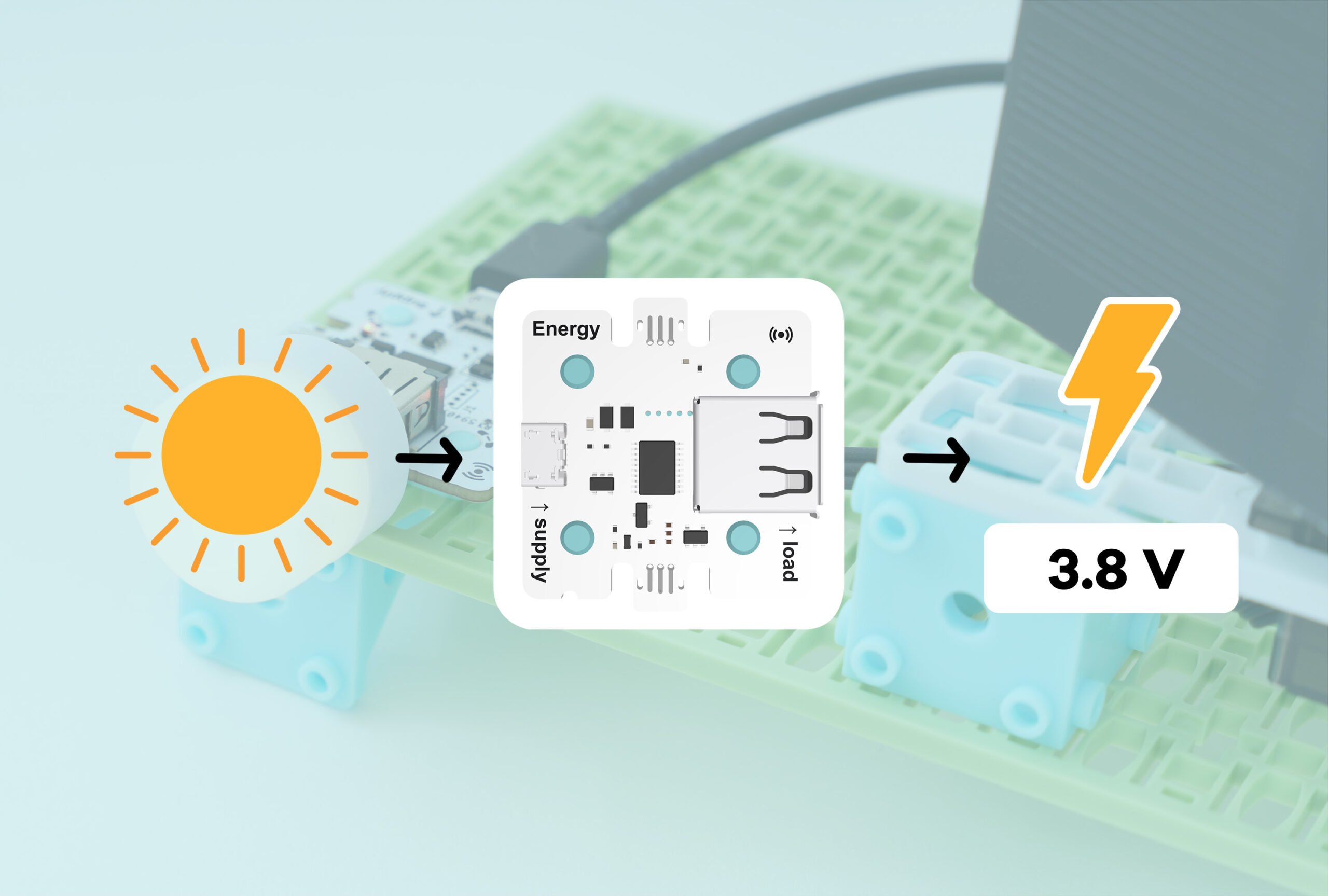
Energy Sensor
How to connect and code with the Energy Sensor using the breakout board and micro:bit V2. -
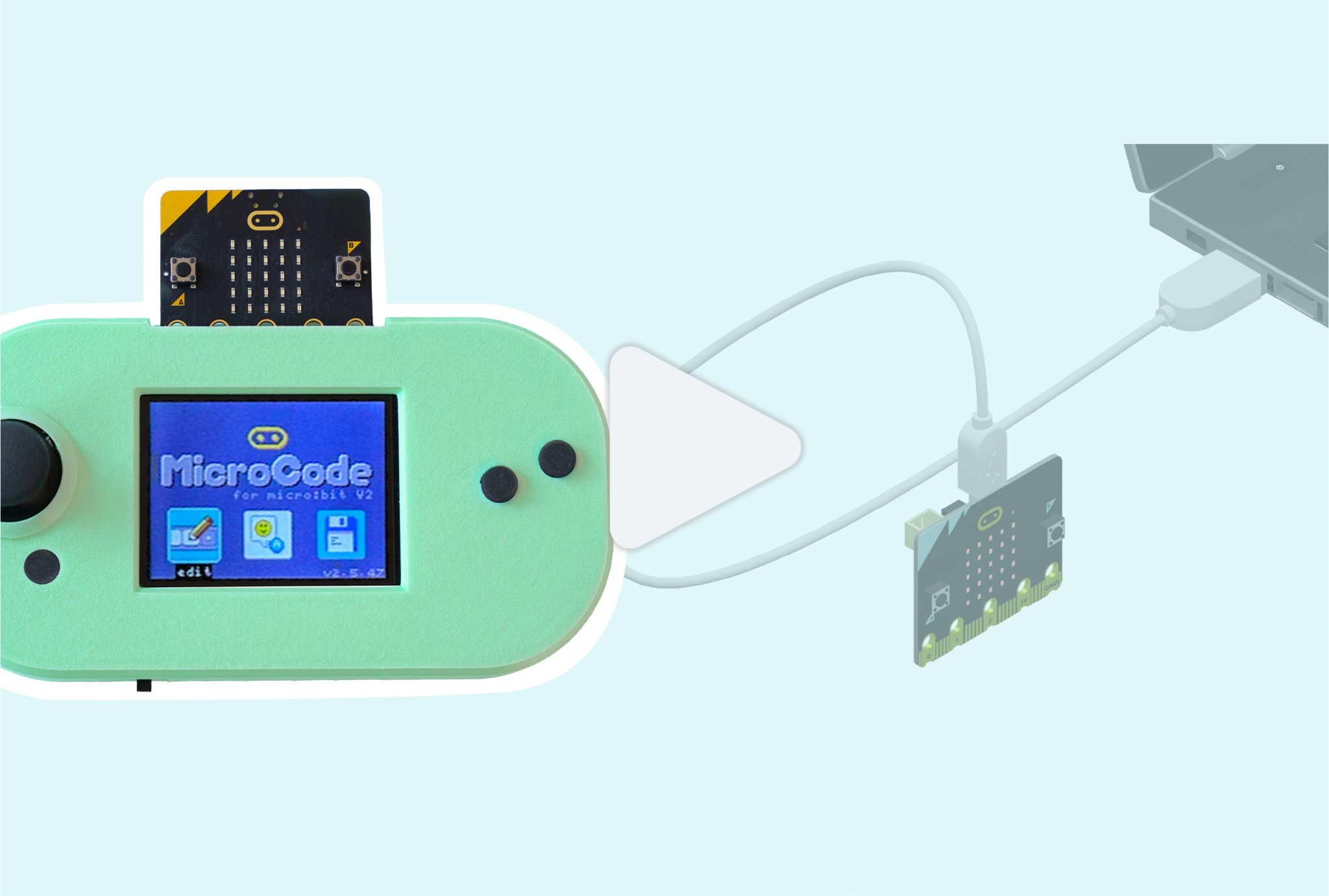
Downloading MicroCode to your micro:bit
Download MicroCode to your micro:bit to enable graphical programming! -
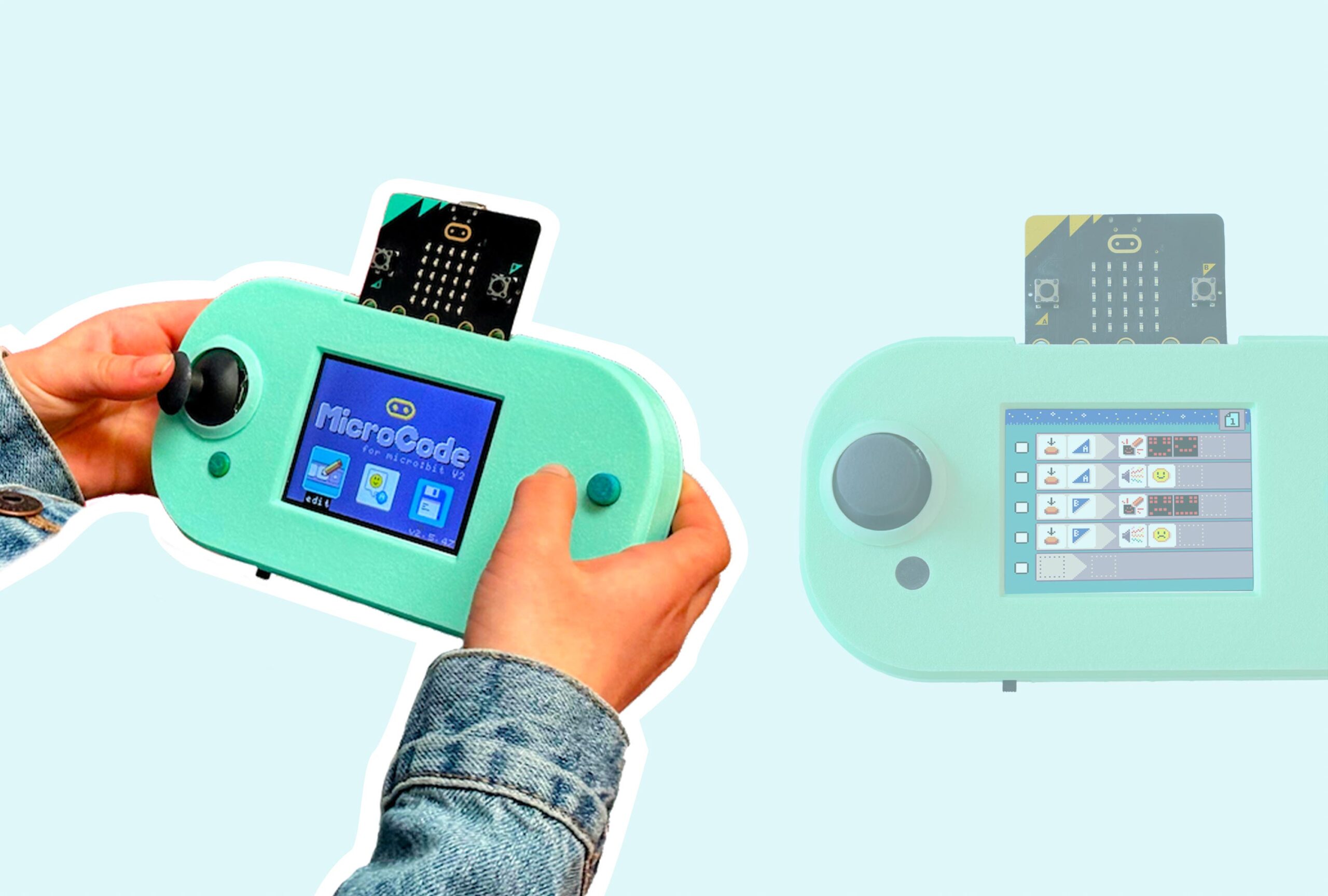
Introduction to MicroCode
Learn about the MicroCode programming language and its editor! -

Writing When-Do Rules in MicroCode
Write your first When-Do rule in MicroCode to create a simple readout of the light sensor! -
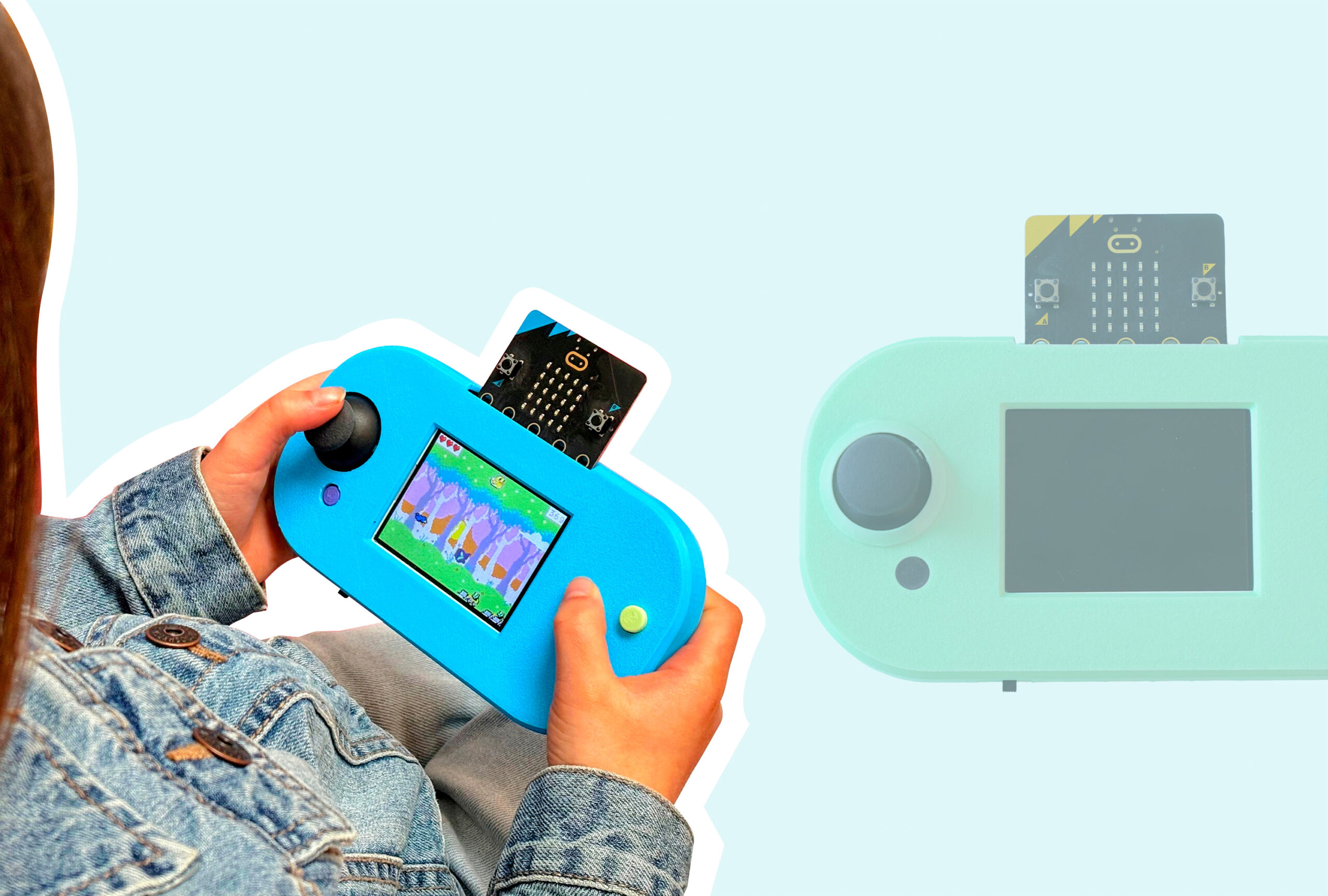
Playing MakeCode Arcade Games on CodeCTRL
How to download and play games from MakeCode Arcade on CodeCTRL! -
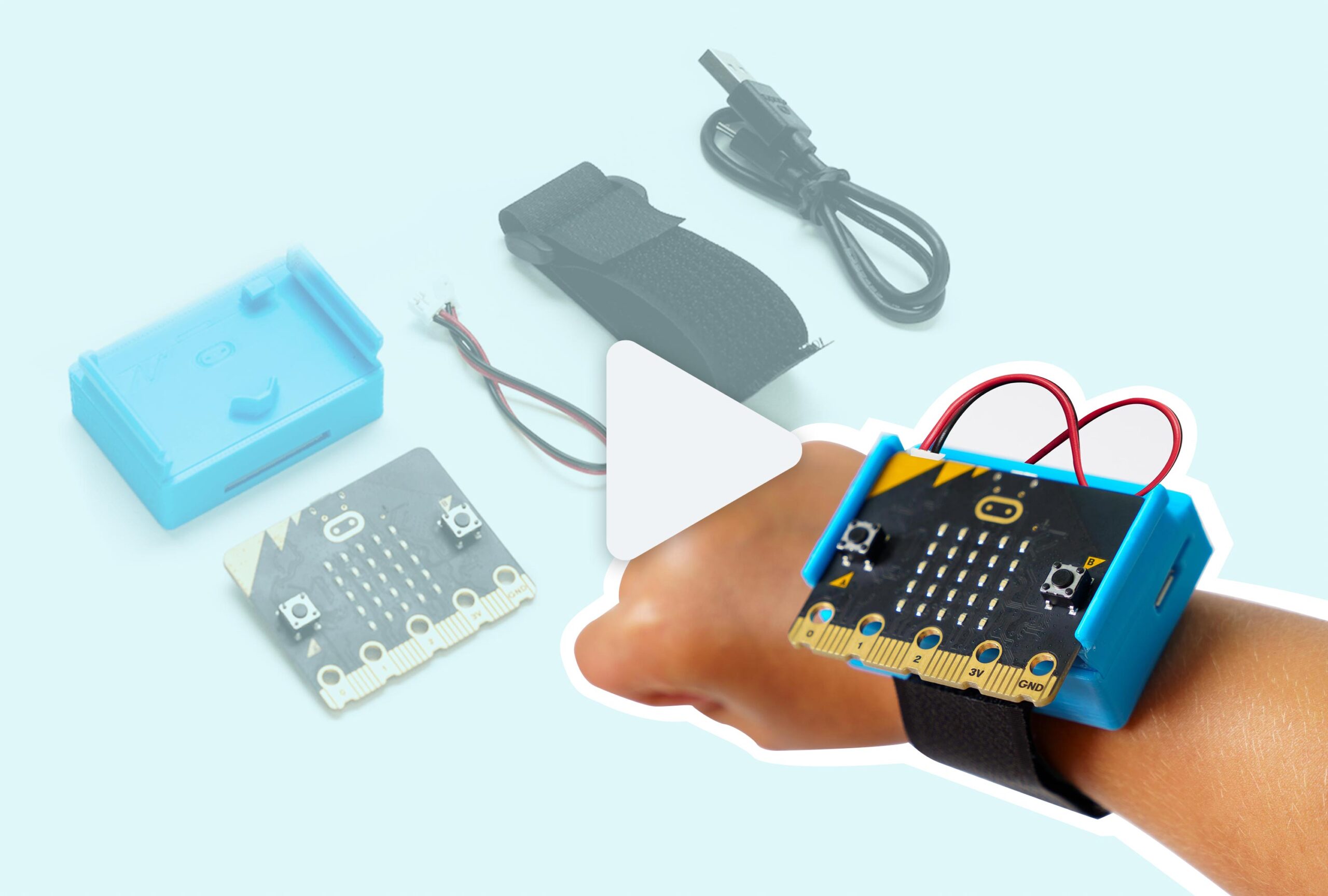
CHARGE for micro:bit Assembly & Removal Guide
Step-by-step guide on how to connect or remove your micro:bit from the CHARGE battery pack. -
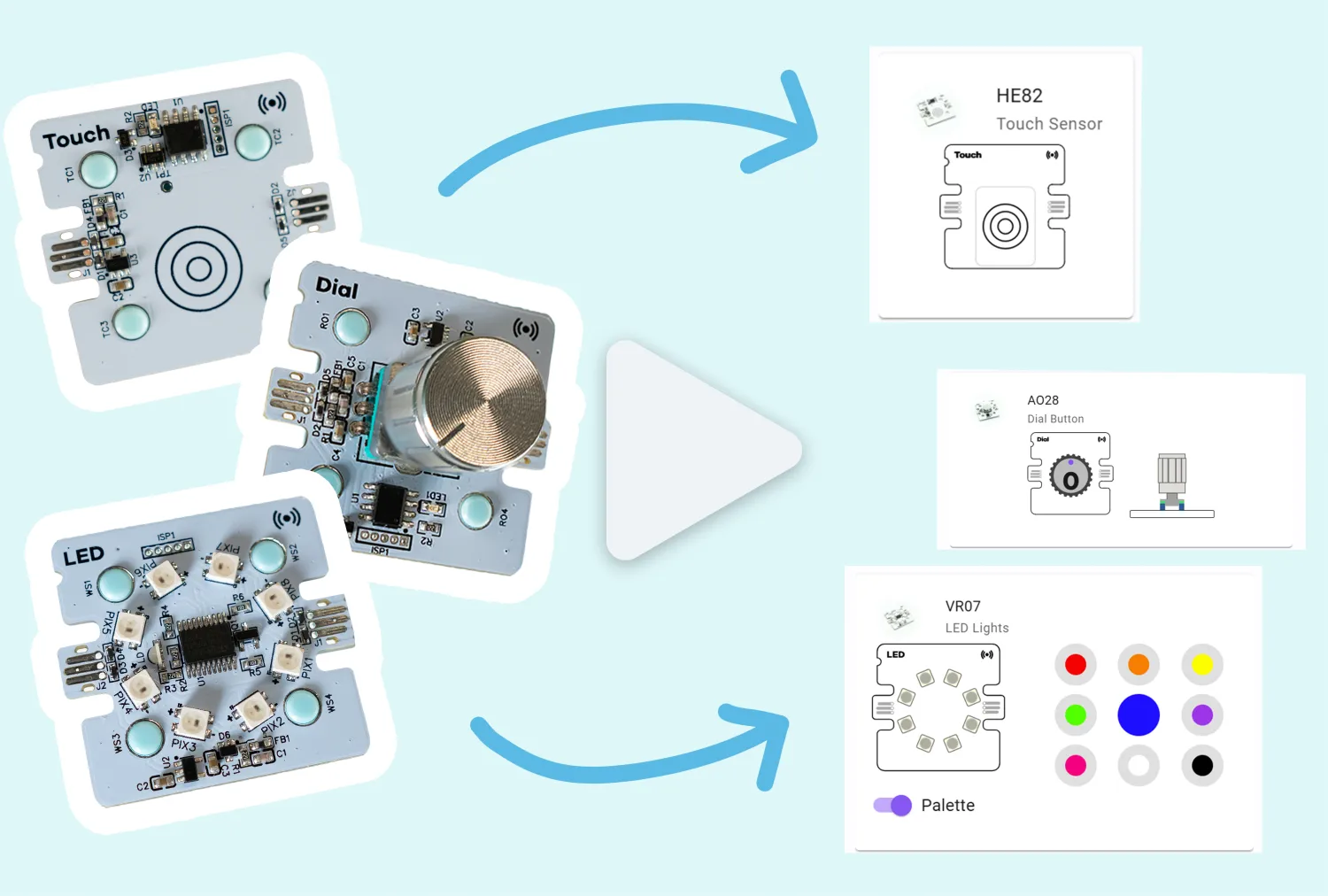
MakeCode Simulators Overview
How to view and use real-time simulators with Forward Education's sensors and components -
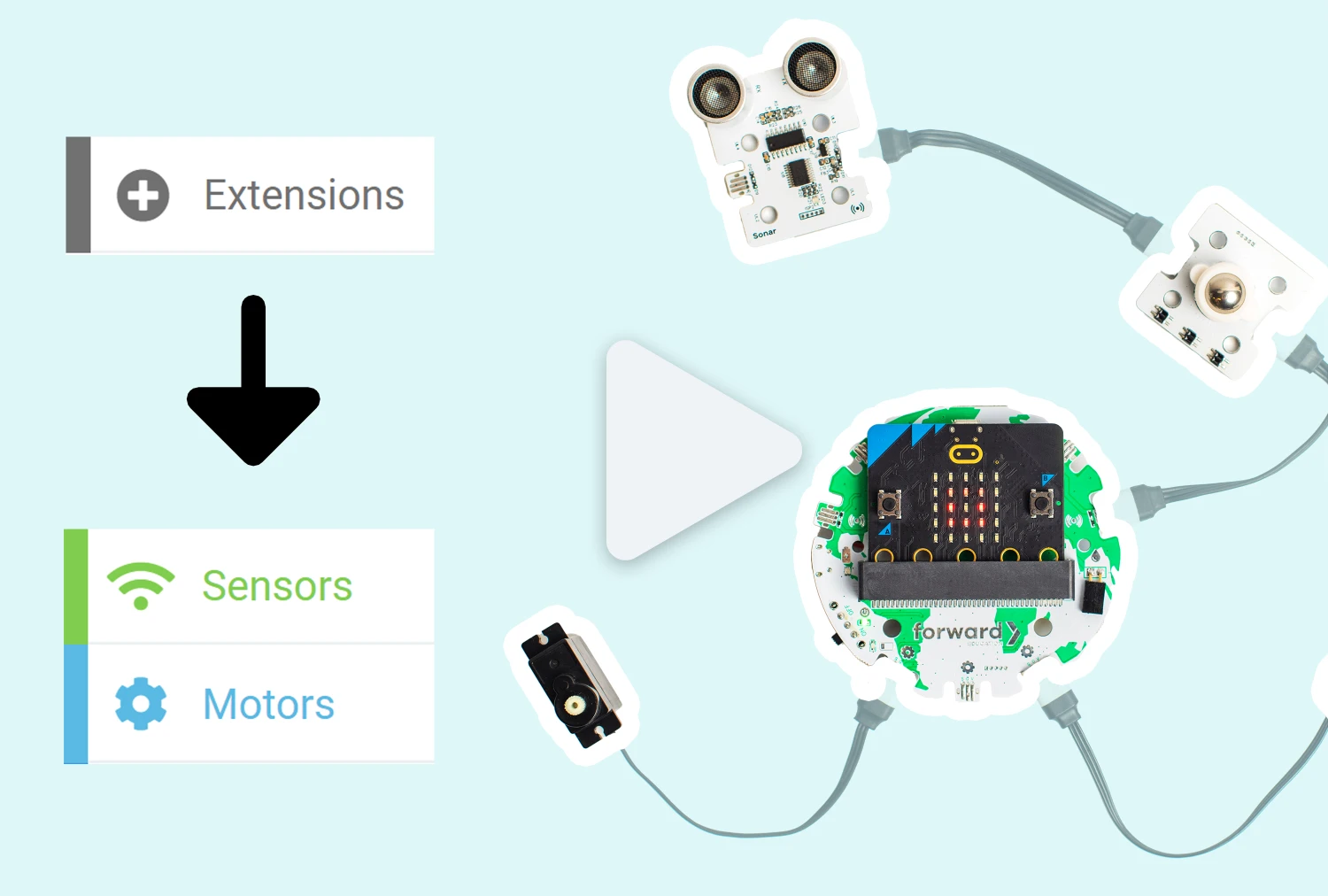
Adding Forward Education Extensions for Open-Ended Coding
How to add Forward Education code blocks in MakeCode. -
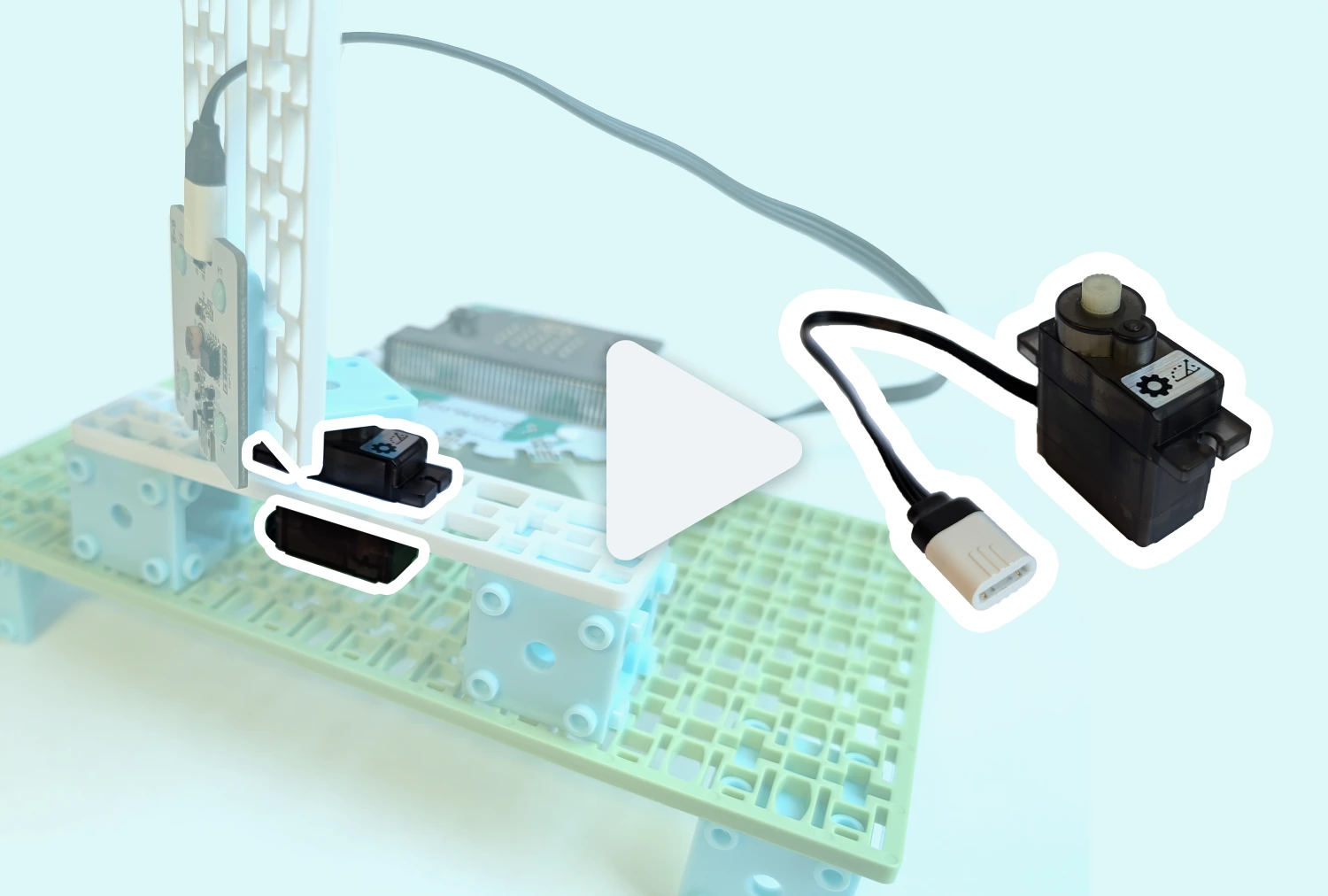
Positional Servo
How to connect and code the Positional Servo using the micro:bit V2 and Forward Education Breakout Board. -
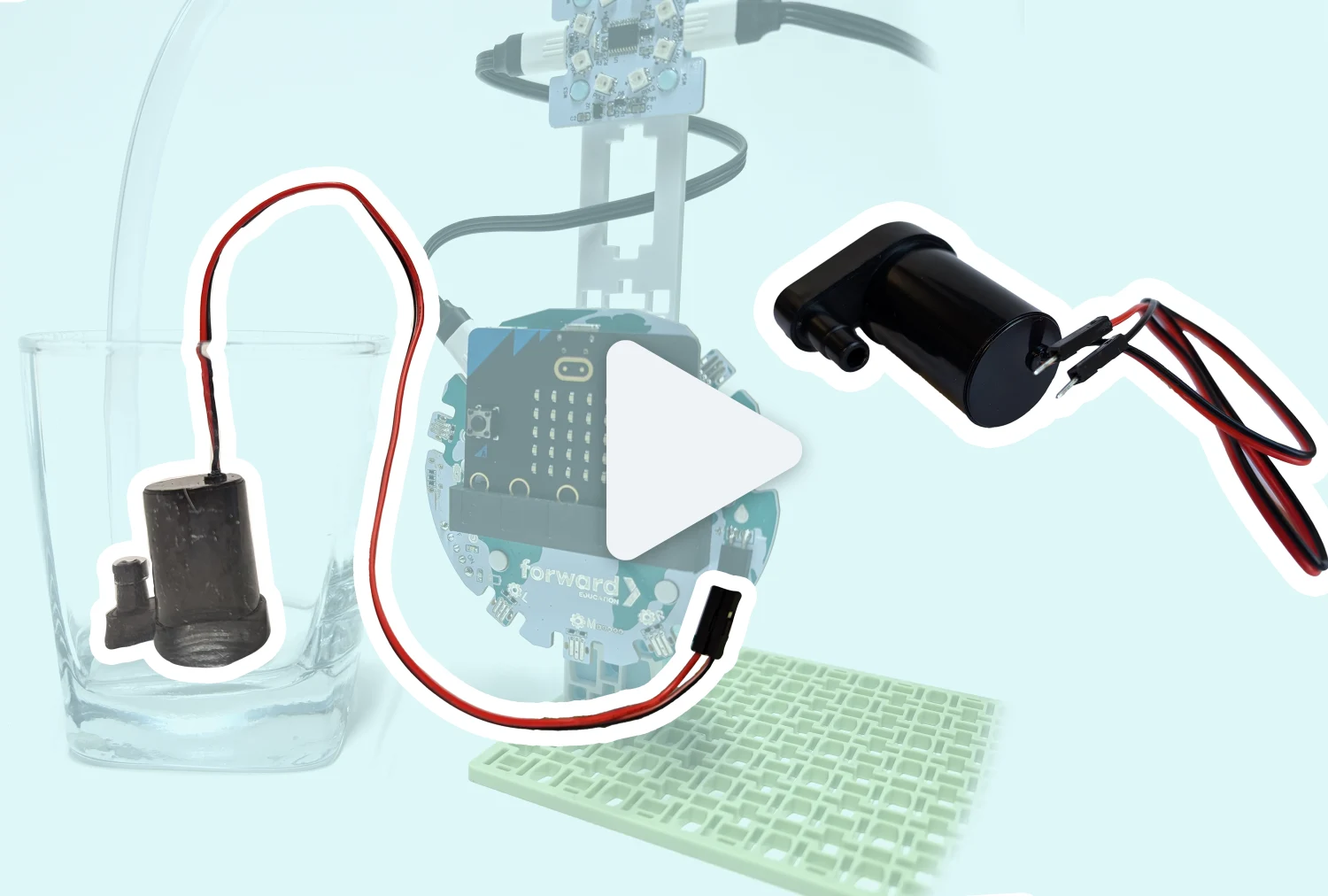
Submersible Water Pump
Learn about how to use the Water Pump in the Climate Action Kit. -
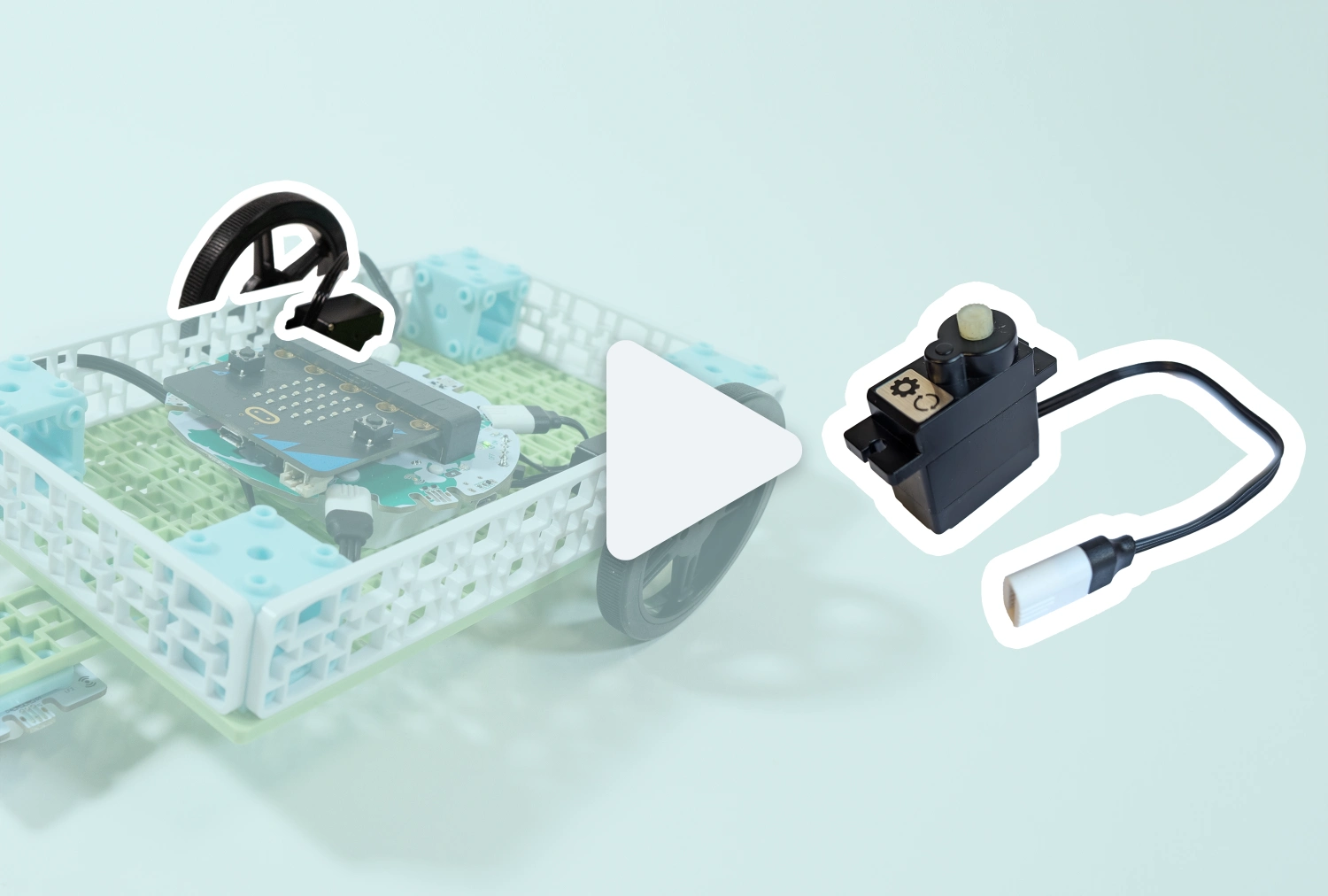
Continuous Servo
How to connect and code with the Continuous Servo using the breakout board and micro:bit V2. -
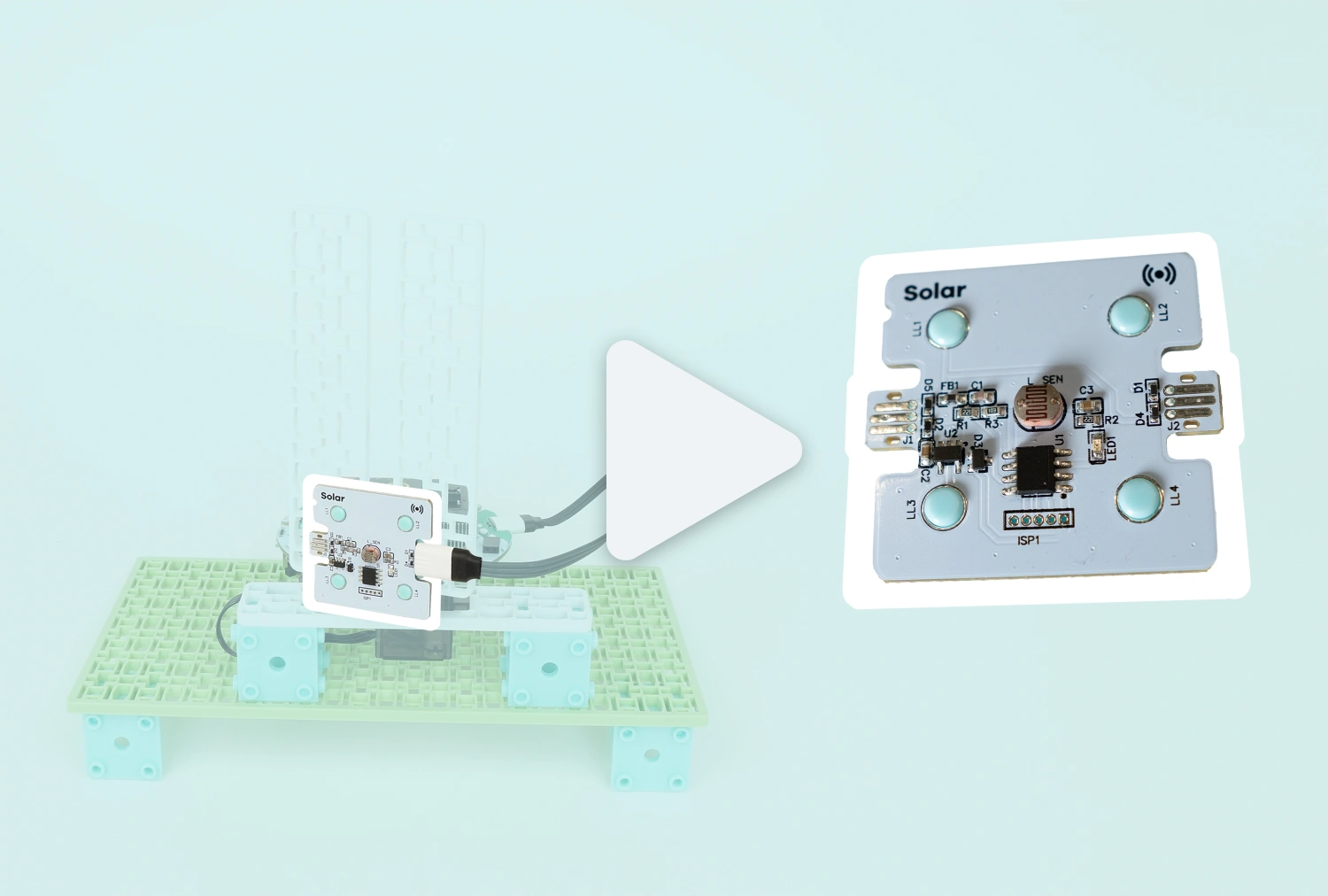
Solar Sensor
How to connect and code with the Solar Sensor using the breakout board and micro:bit V2. -
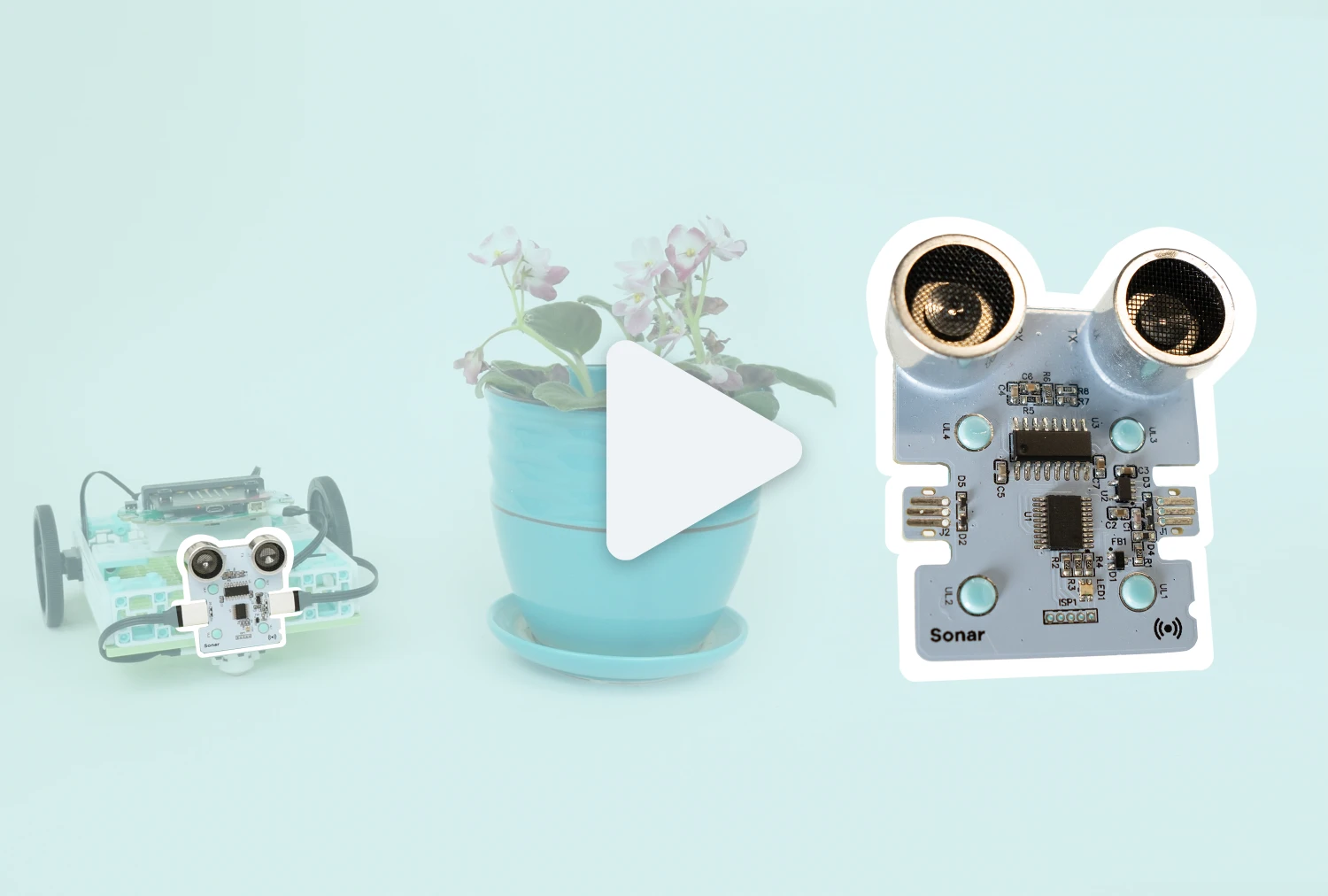
Sonar Sensor
How to connect and code with the Sonar Sensor using the breakout board and micro:bit V2. -
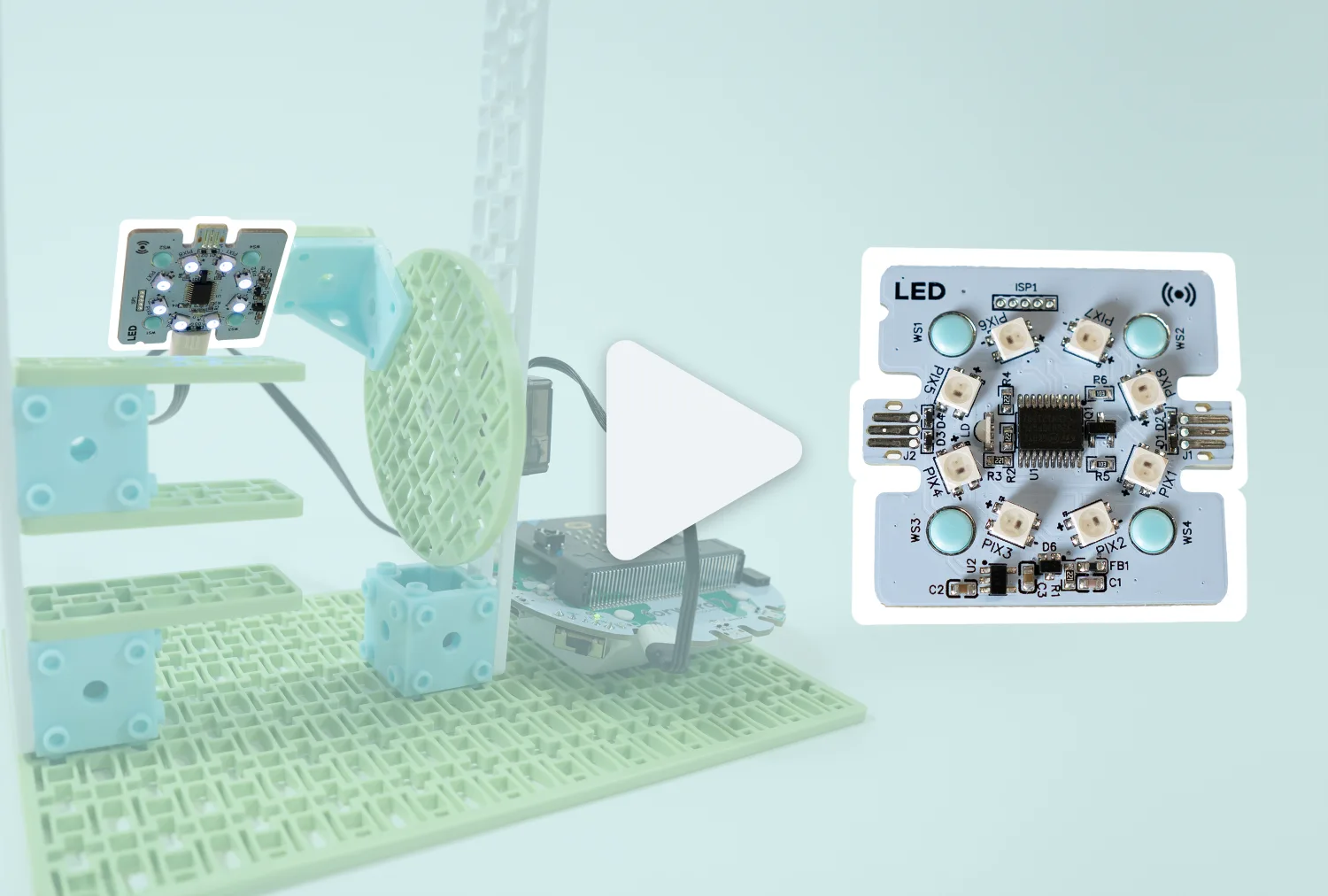
LED Ring
How to connect and code with the LED Ring using the breakout board and micro:bit V2. -
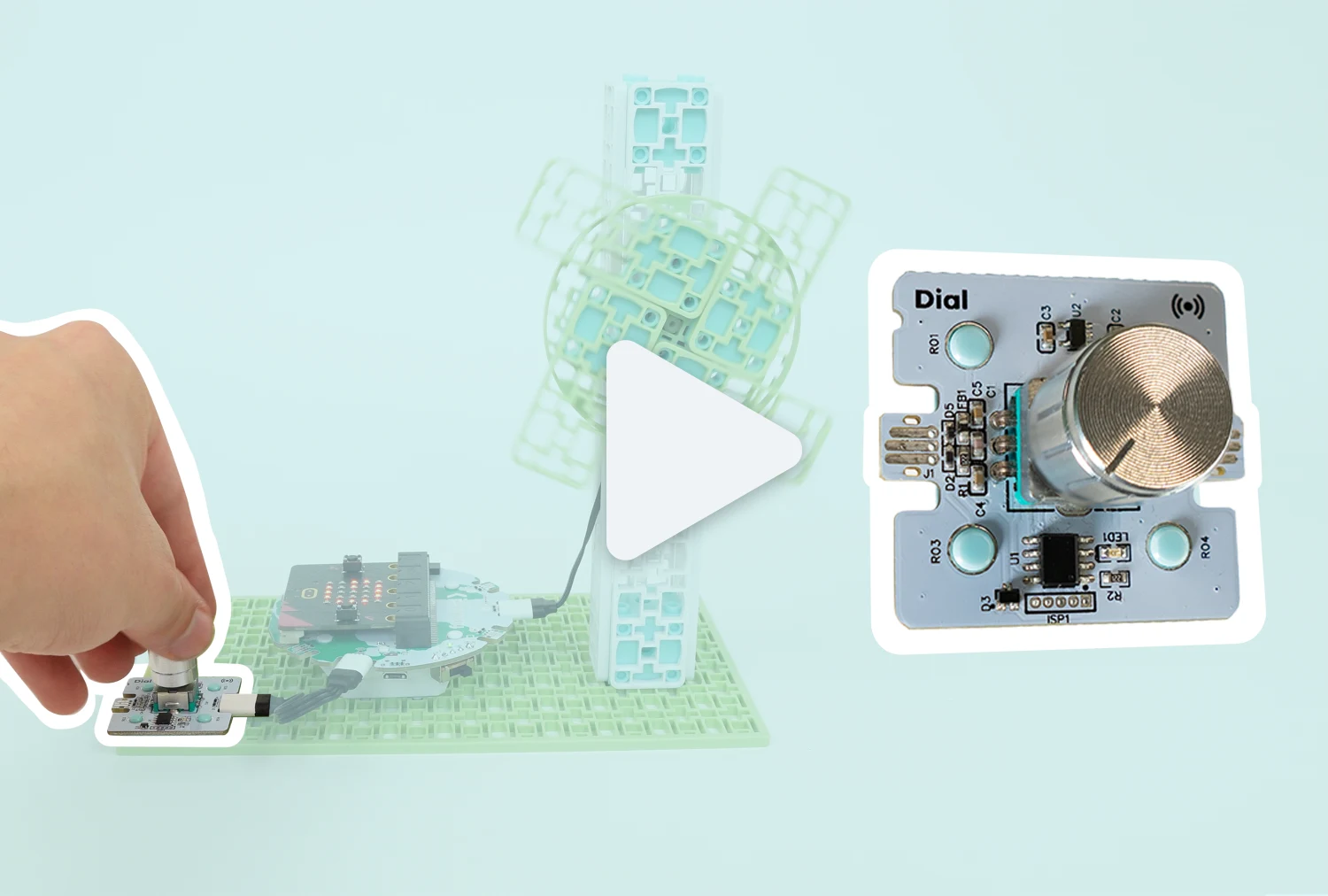
Rotary Dial
How to connect and code with the Rotary Dial using the breakout board and micro:bit V2. -
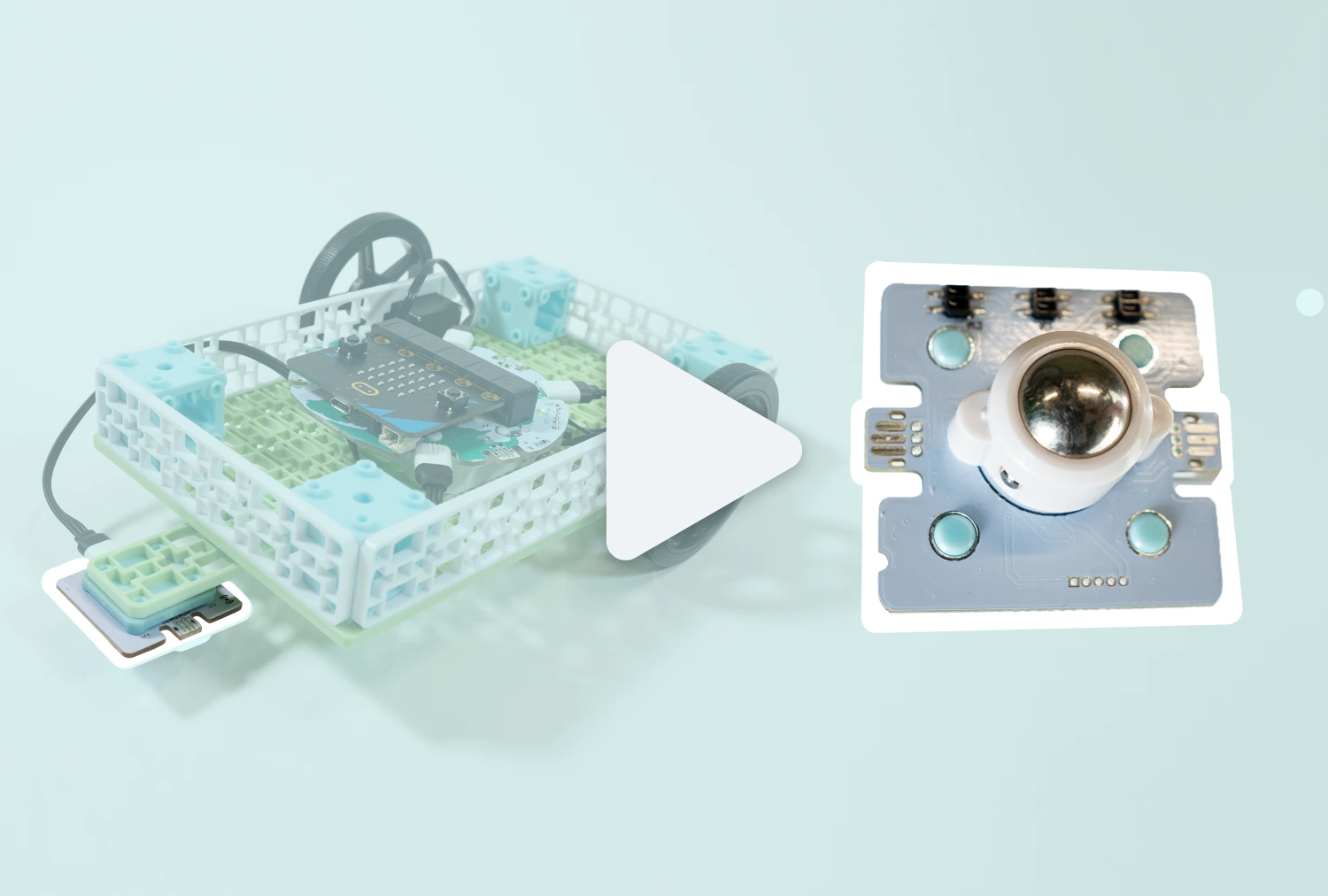
Line Sensor
How to connect and code with the Line Sensor using the breakout board and micro:bit V2. -

Moisture Sensor
How to connect and code with the Moisture Sensor using the breakout board and micro:bit V2. -
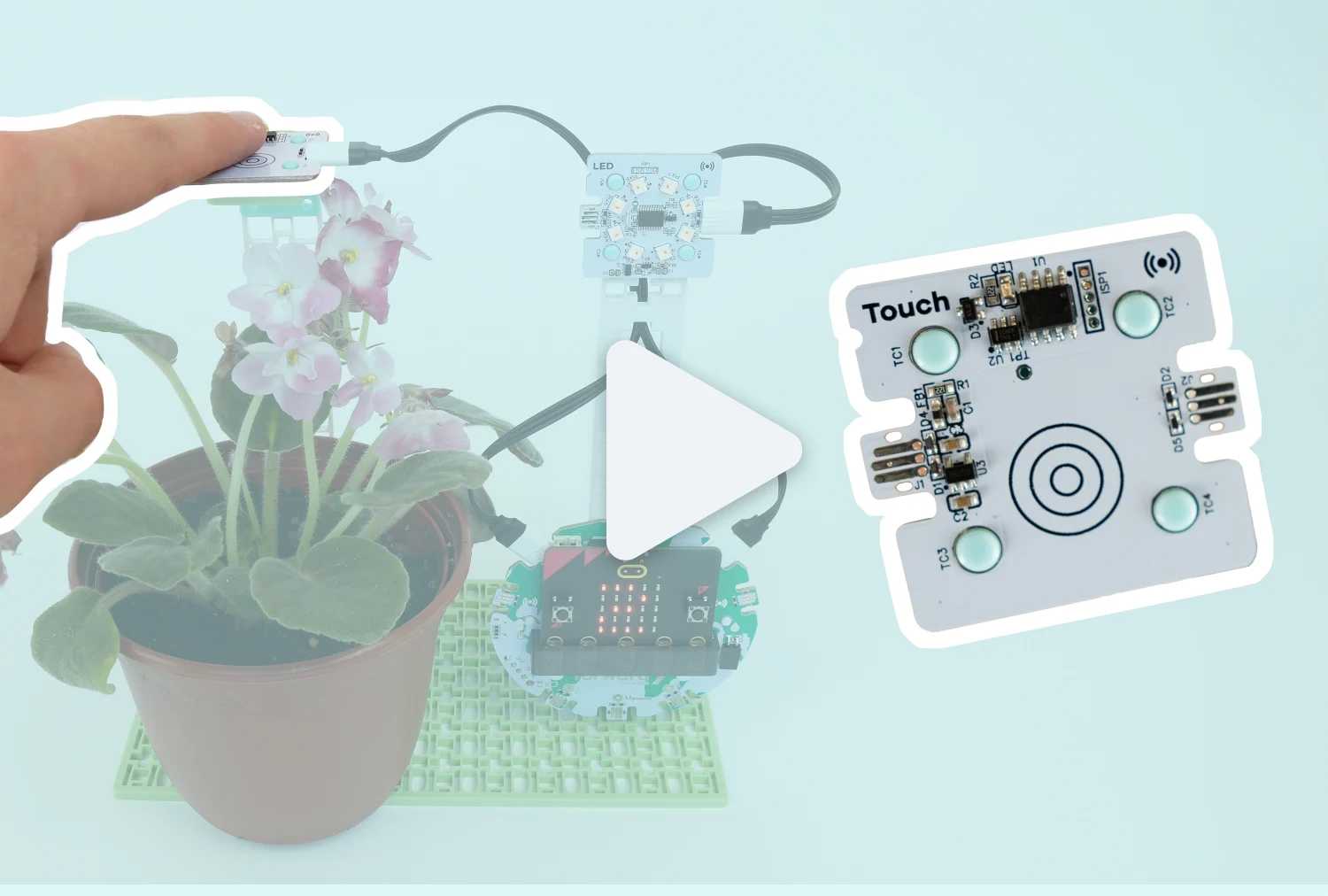
Touch Sensor
How to connect and code with the Touch Sensor using the breakout board and micro:bit V2.
