You haven't signed in yet, you can have a better experience after signing in
Aomei Easy Backup System Data Backup Tool Software
Activity Rules
1、Activity time:{{ info.groupon.start_at }} ~ {{ info.groupon.end_at }}。
1、Activity time:cease when sold out。
2、Validity period of the Group Buying:{{ info.groupon.expire_days * 24 }} hours。
3、Number of Group Buying:{{ info.groupon.need_count }}x。
Please Pay Attention
1、Teamwork process: Join/initiate a Group Buying and make a successful payment - Within the validity period, the number of team members meets the activity requirements - Group Buying succeeded!
2、If the number of participants cannot be met within the valid period, the group will fail, and the paid amount will be refunded in the original way.
3、The number of people required and the time of the event may vary among different products. Please pay attention to the rules of the event.
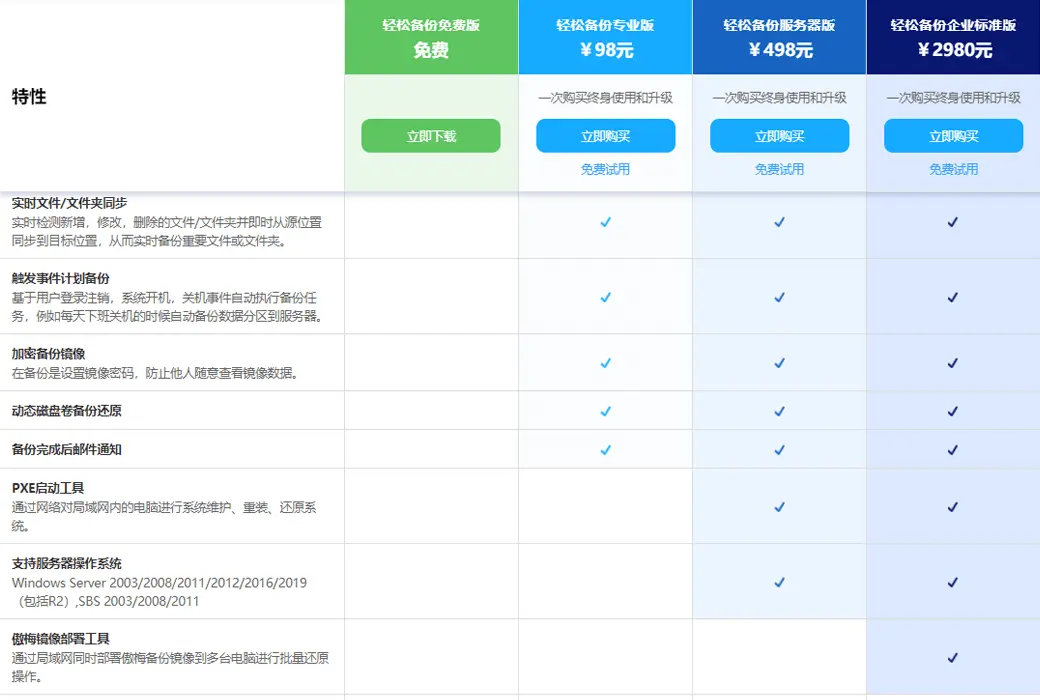
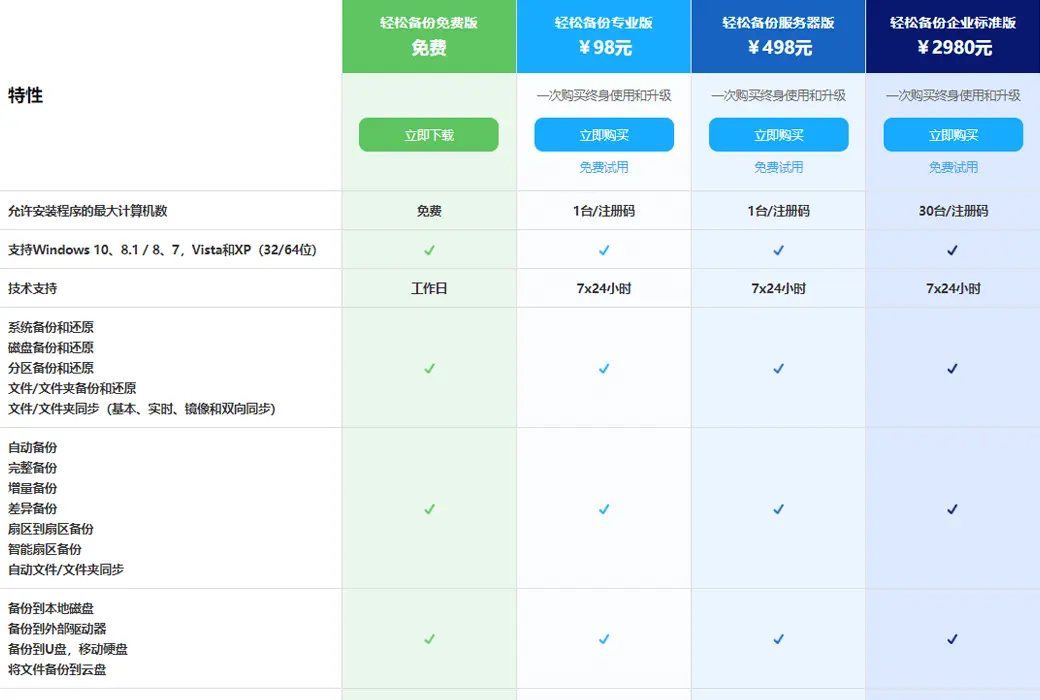
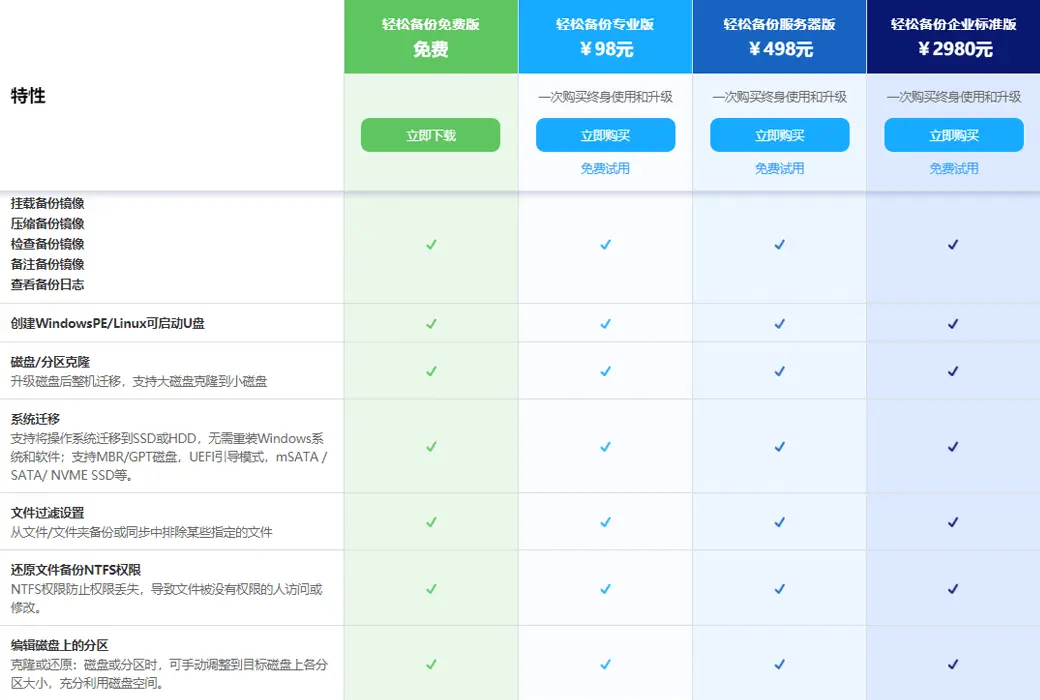
Easy Backup Professional Edition ensures easy protection of your computer data
Is important data lost and cannot be recovered? The computer system has been used for a long time. too laggy? Is the computer system unable to start? Solving these problems is the specialty of Easy Backup Professional Edition.
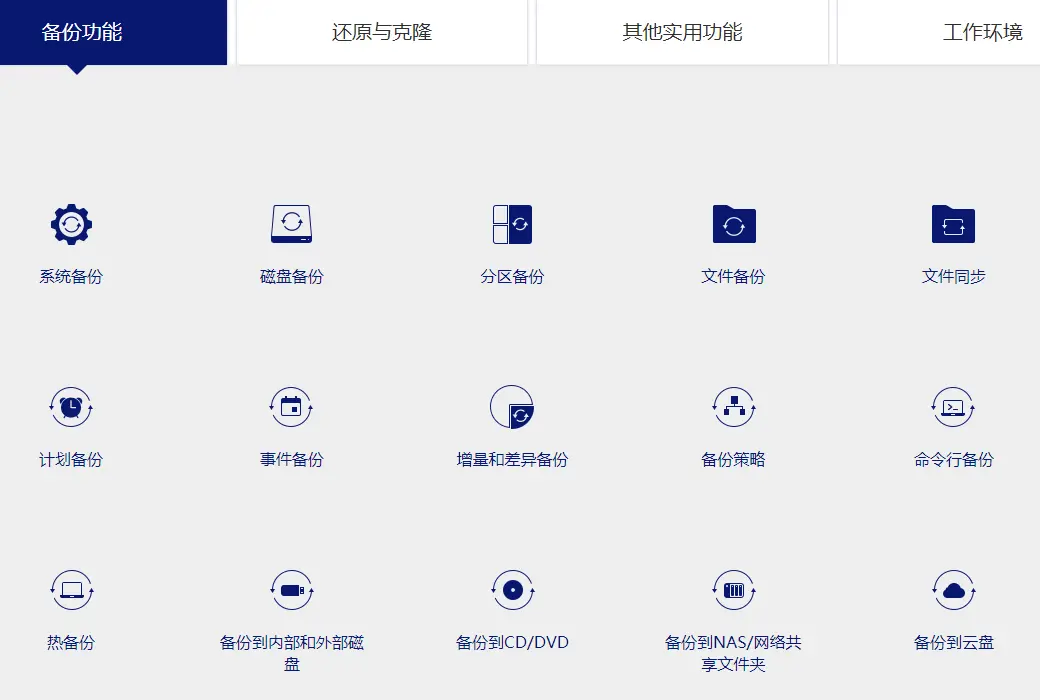
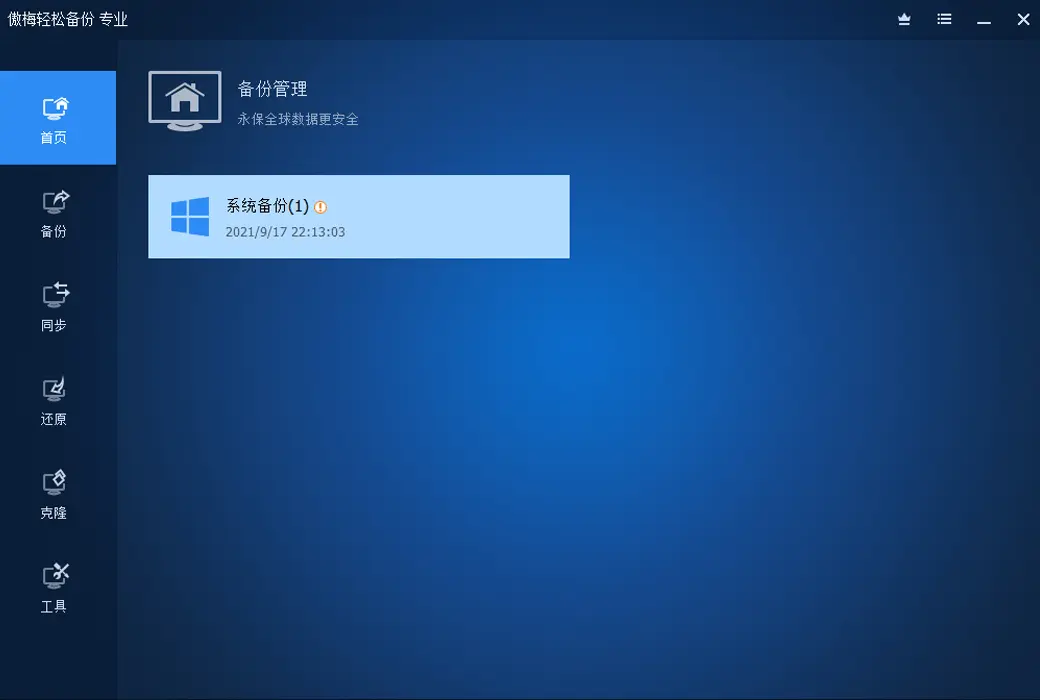
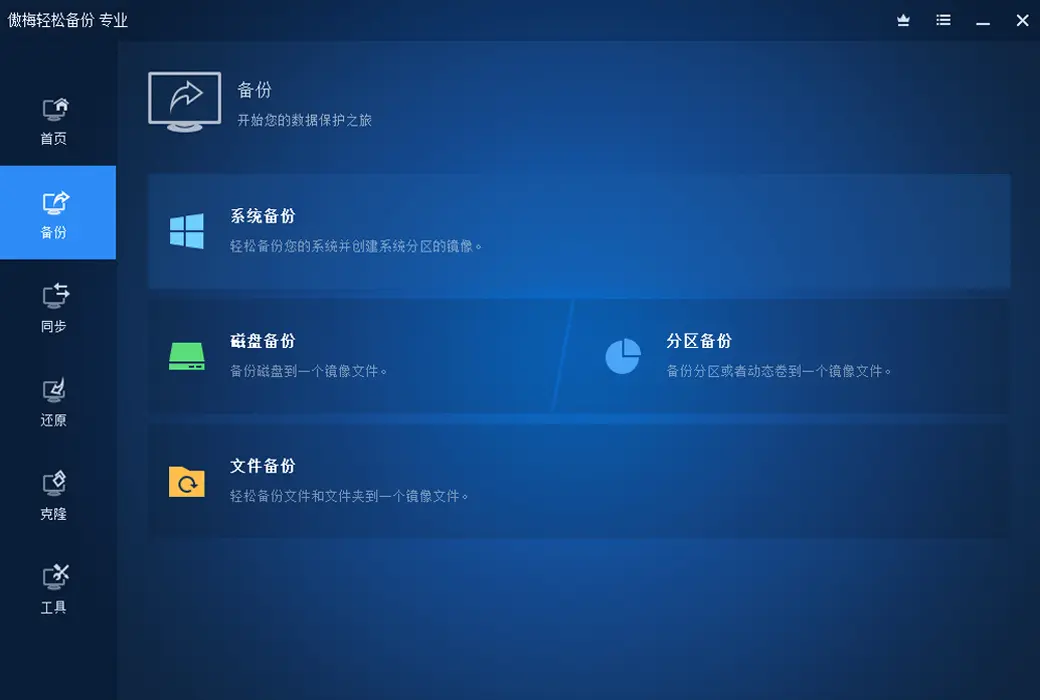
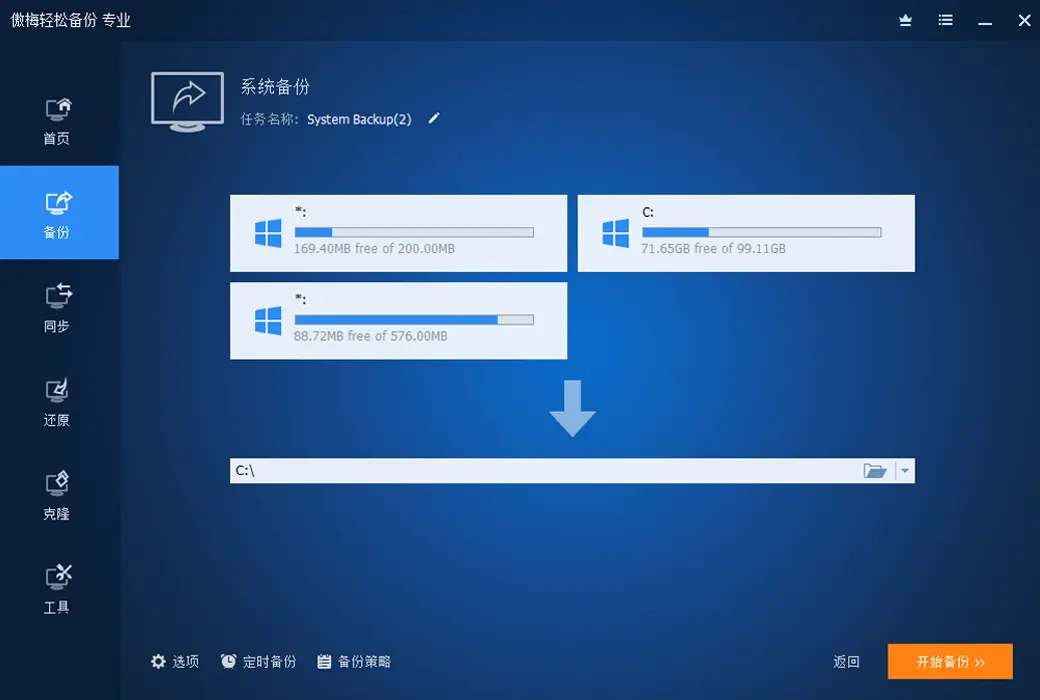
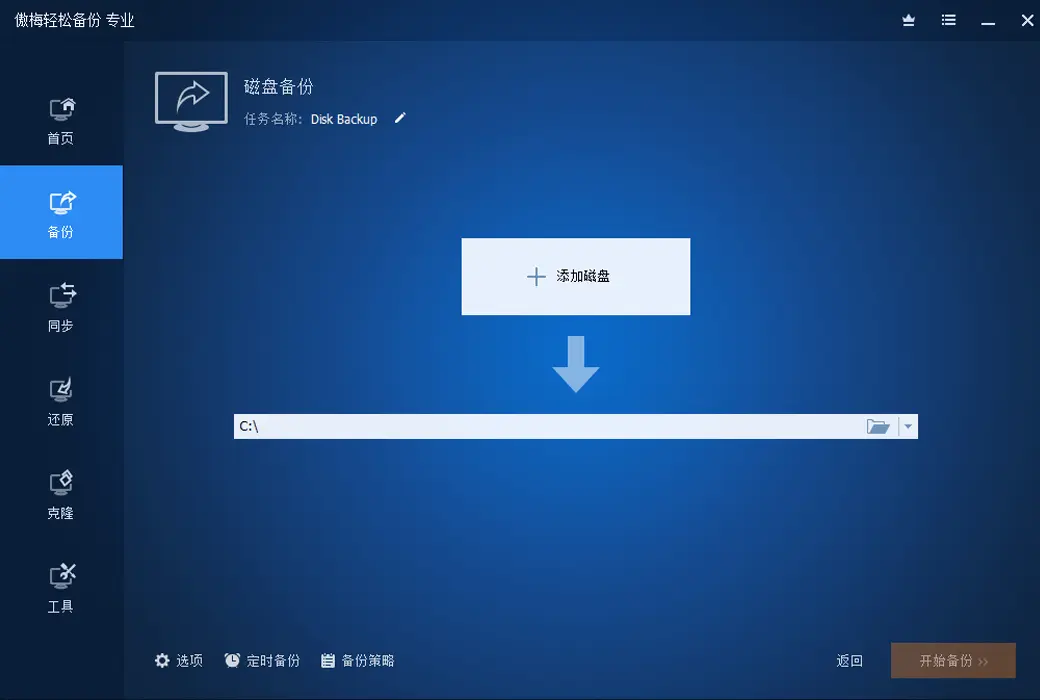
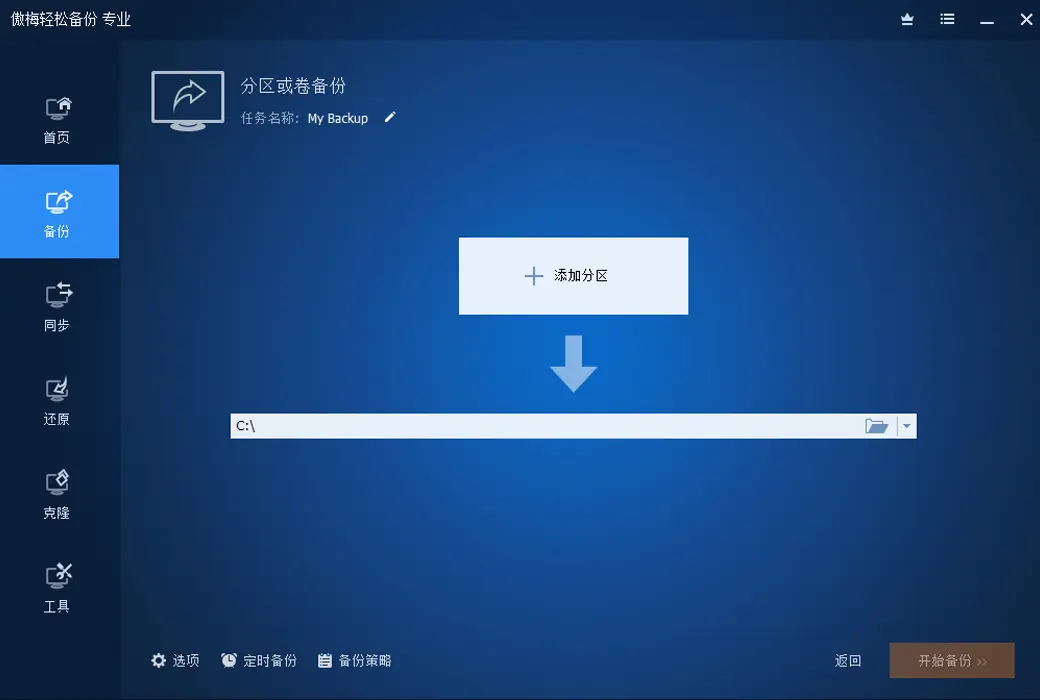
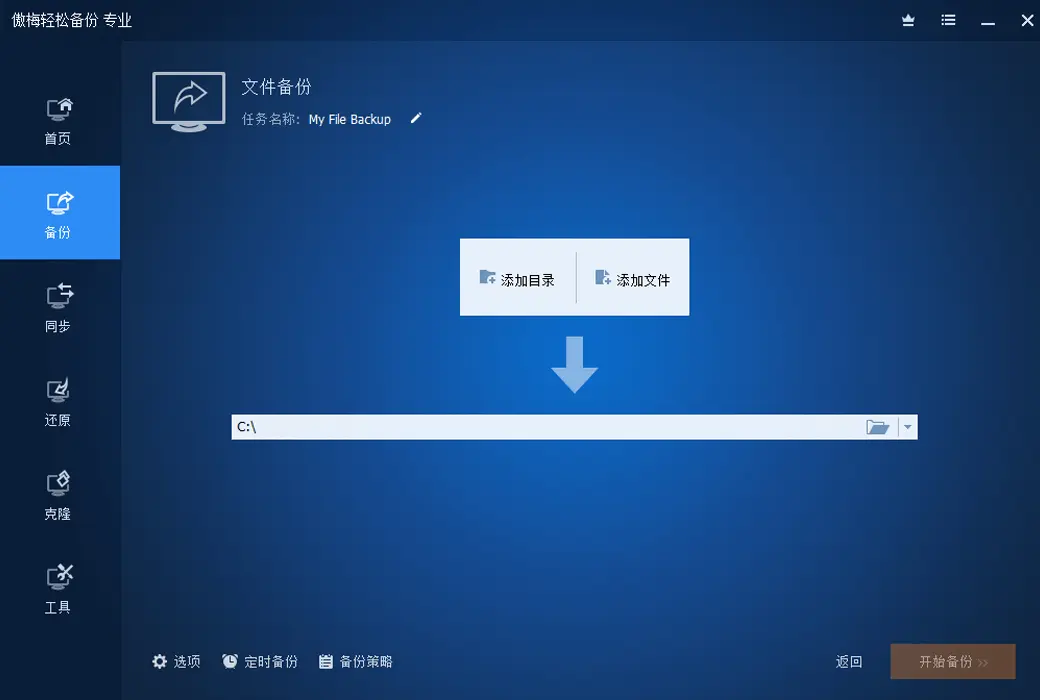
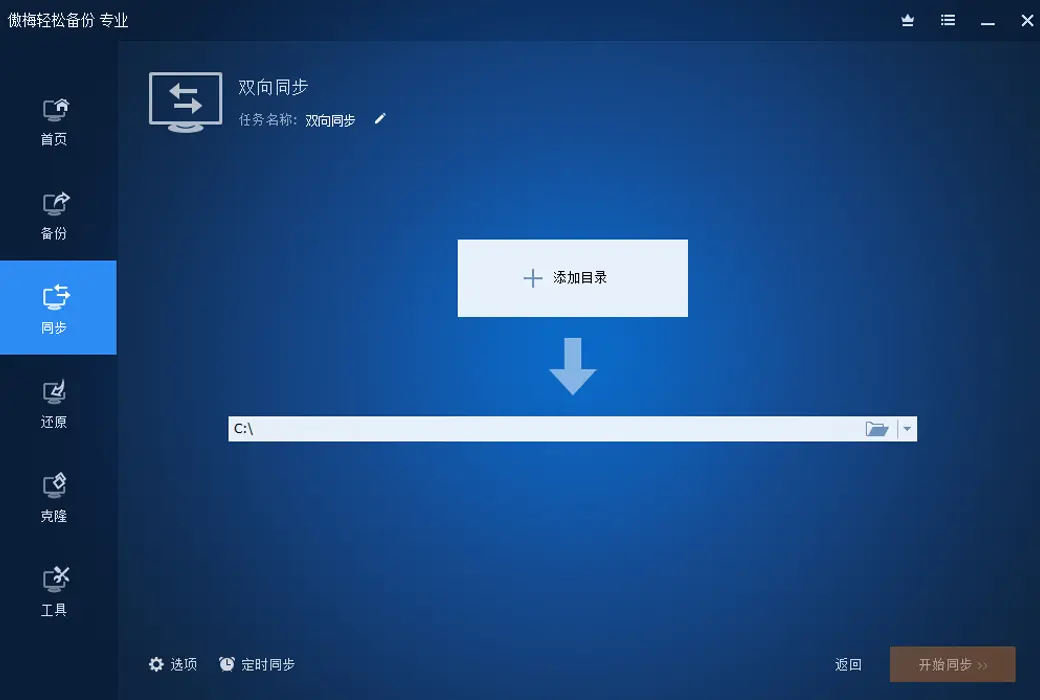
Backup function
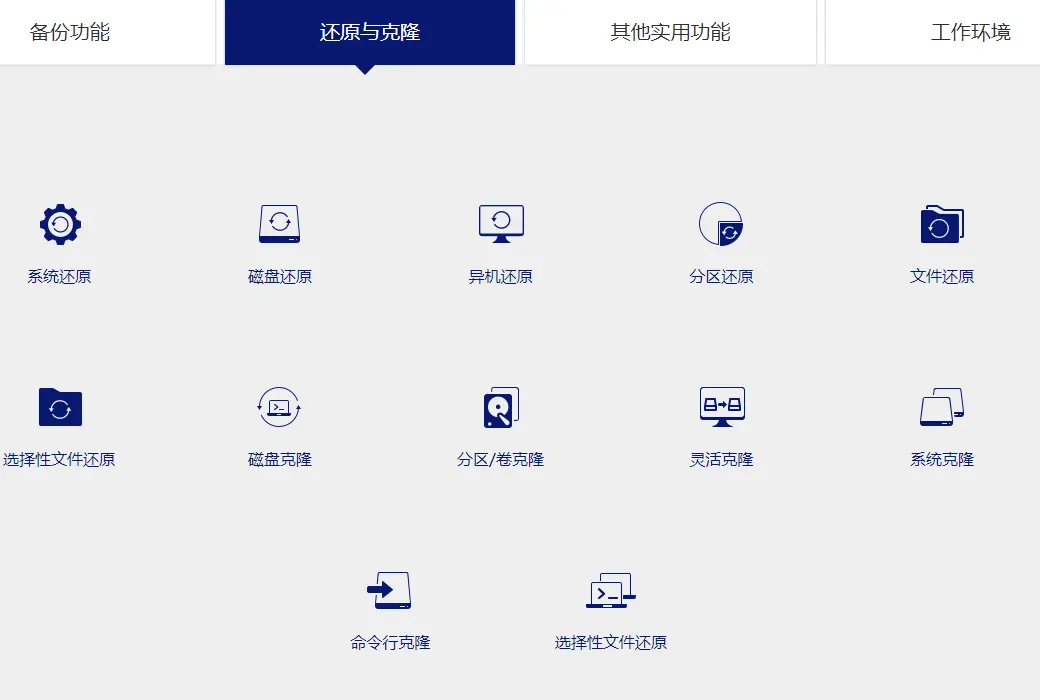
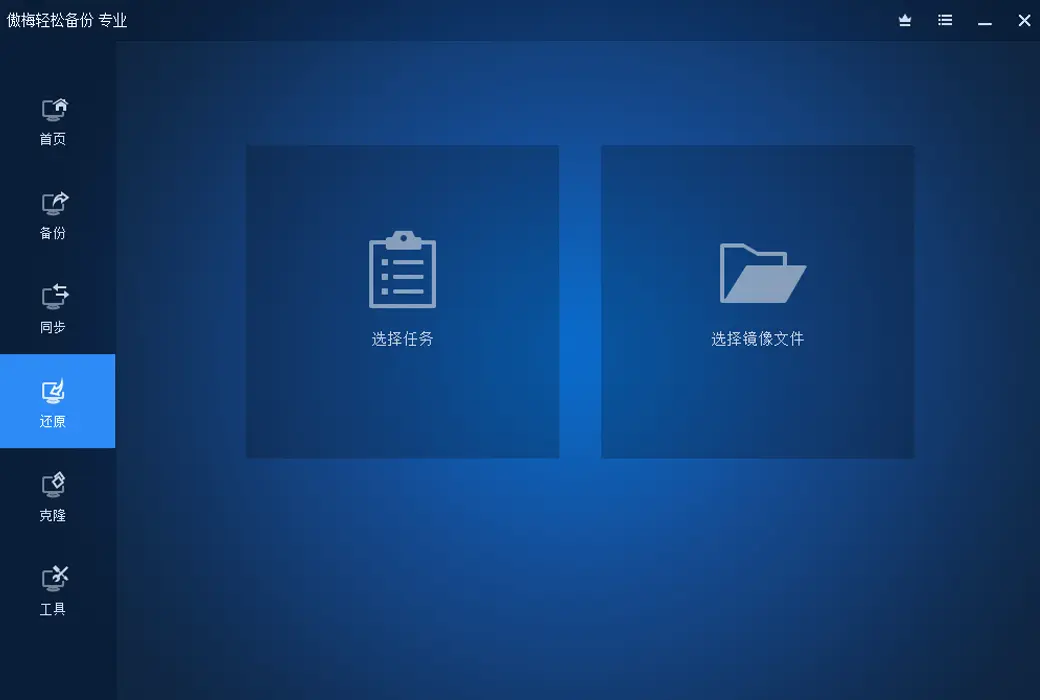
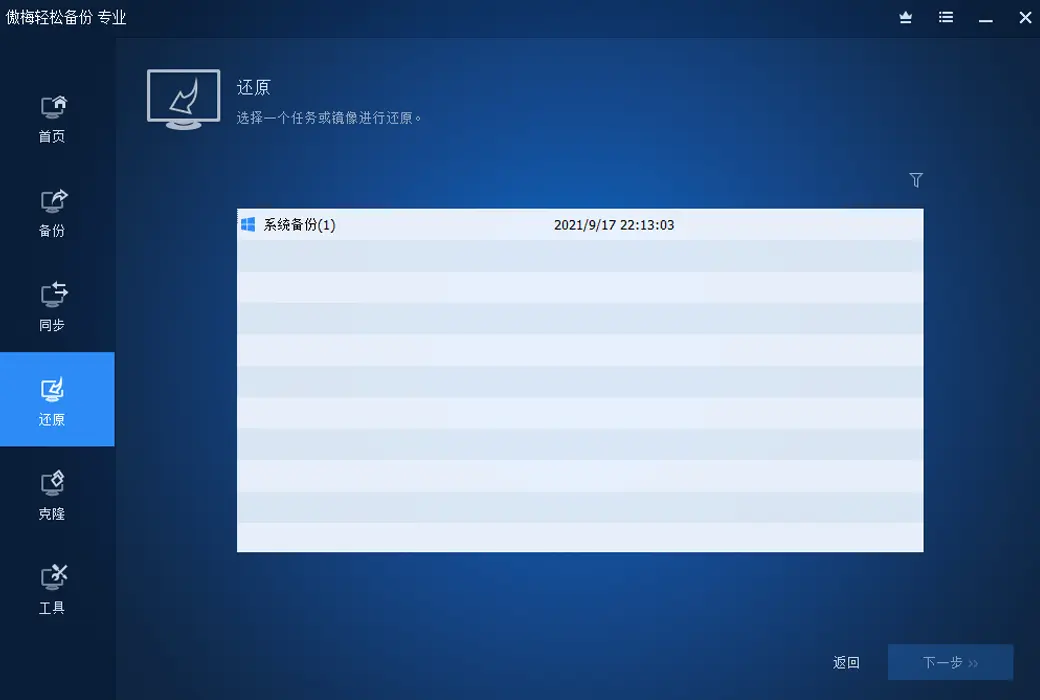
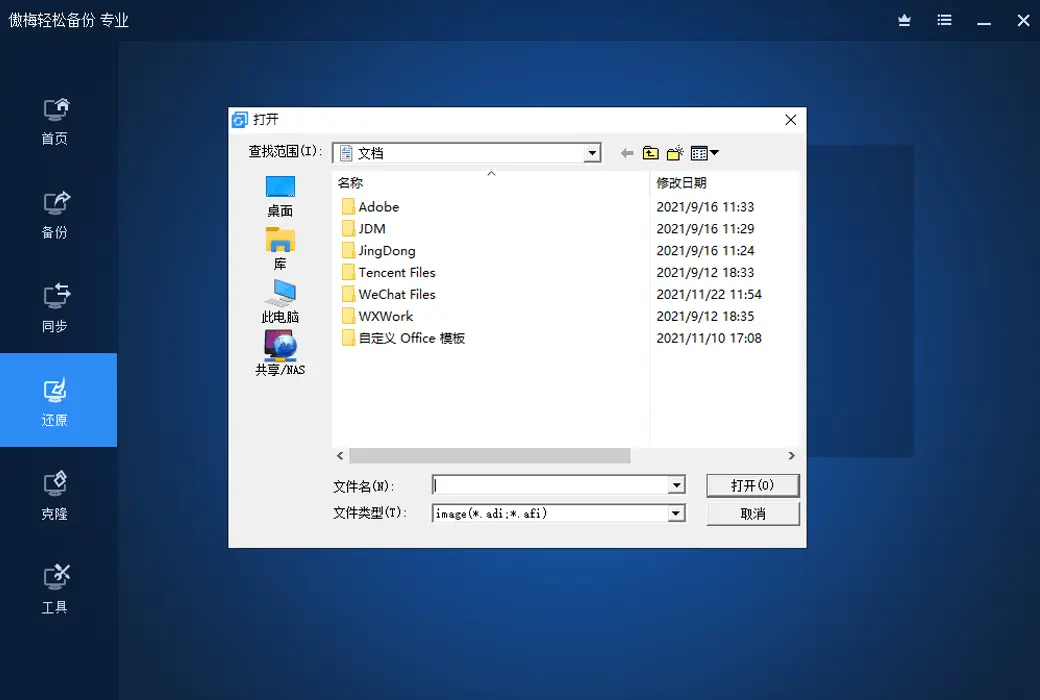
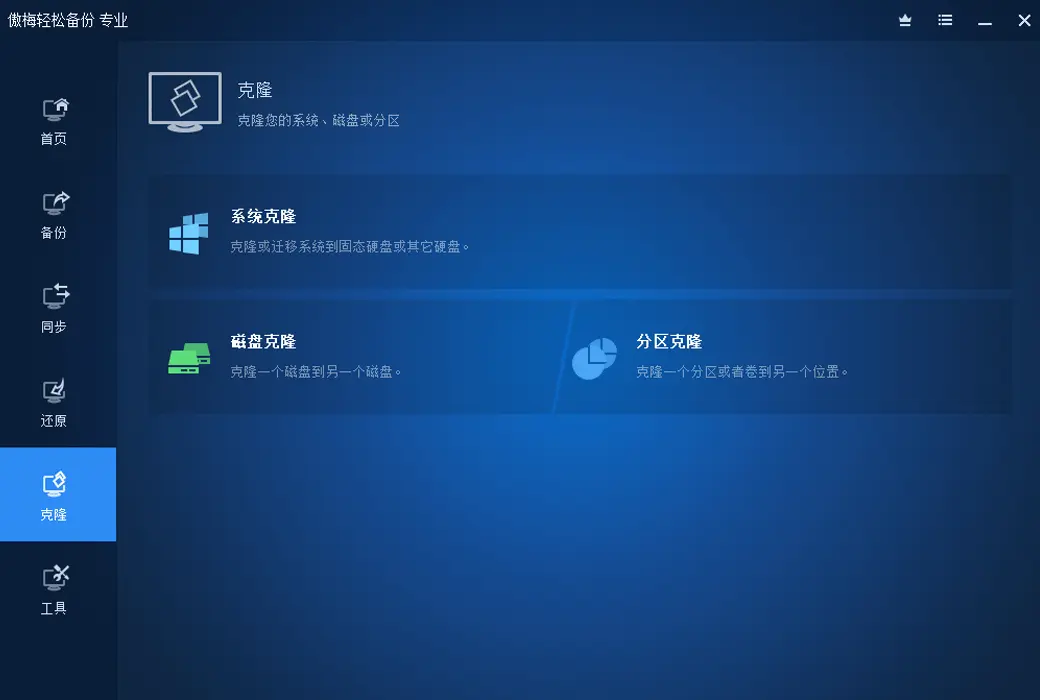
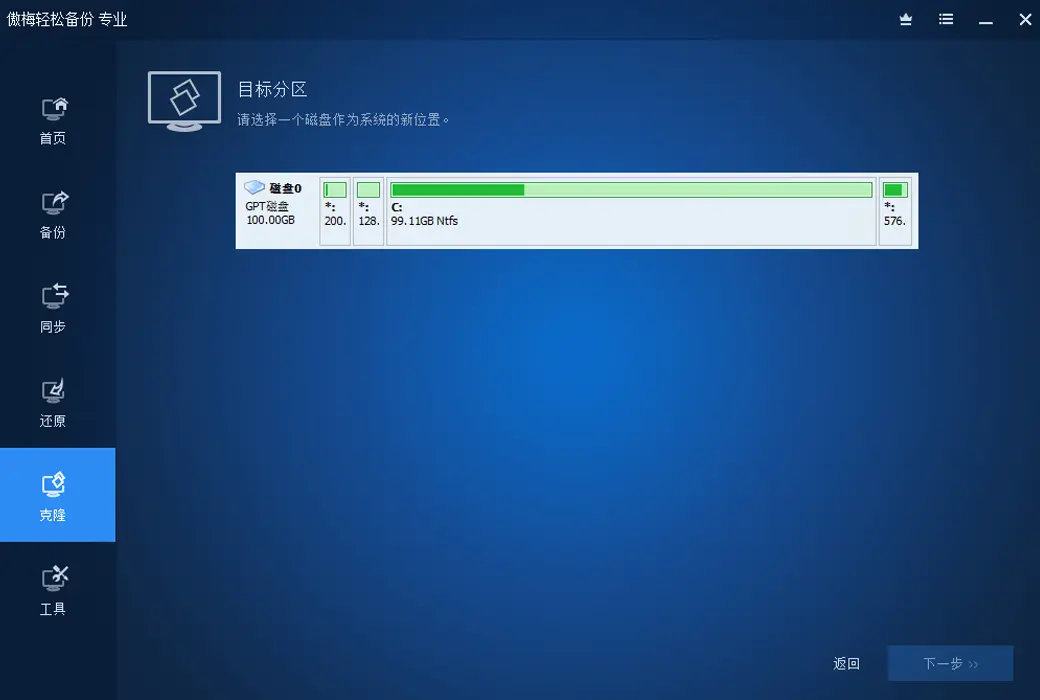
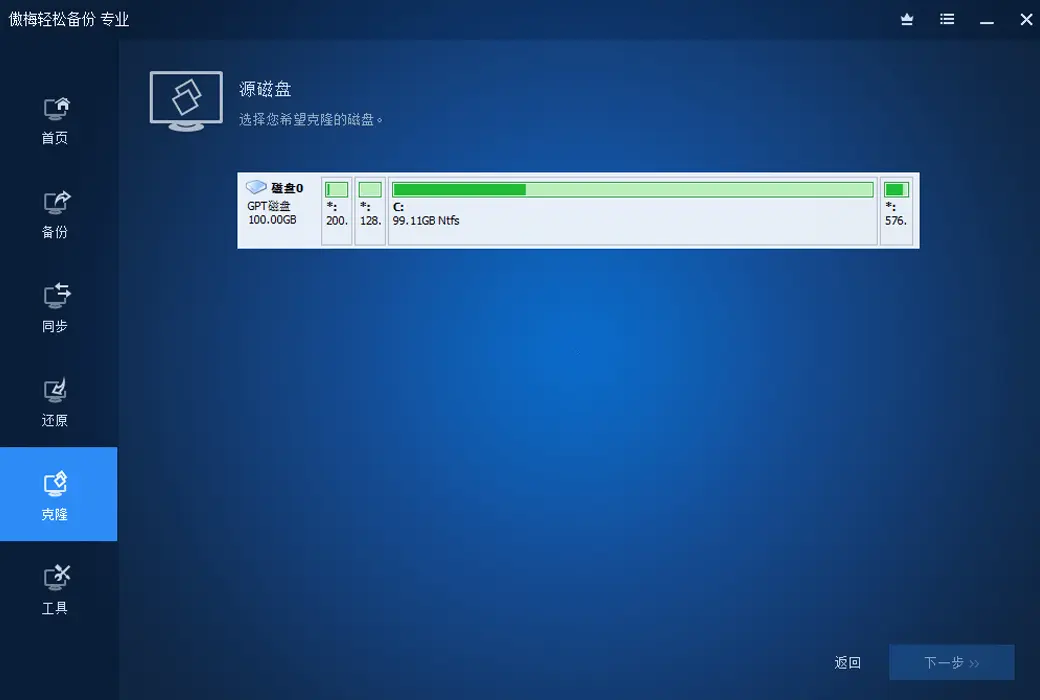
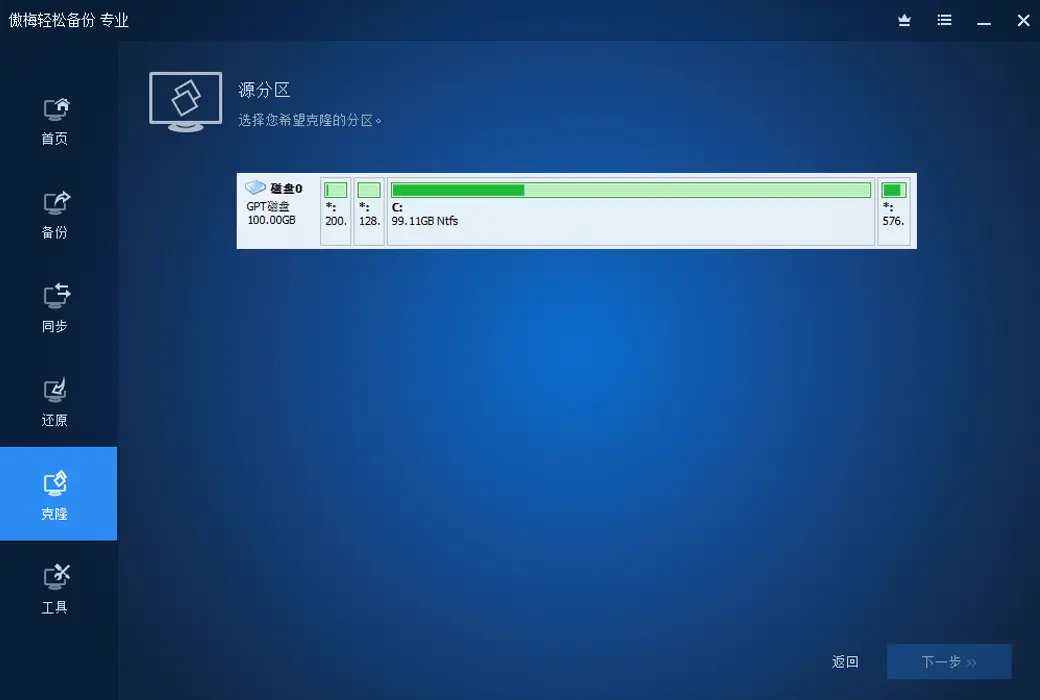
Restore and Clone
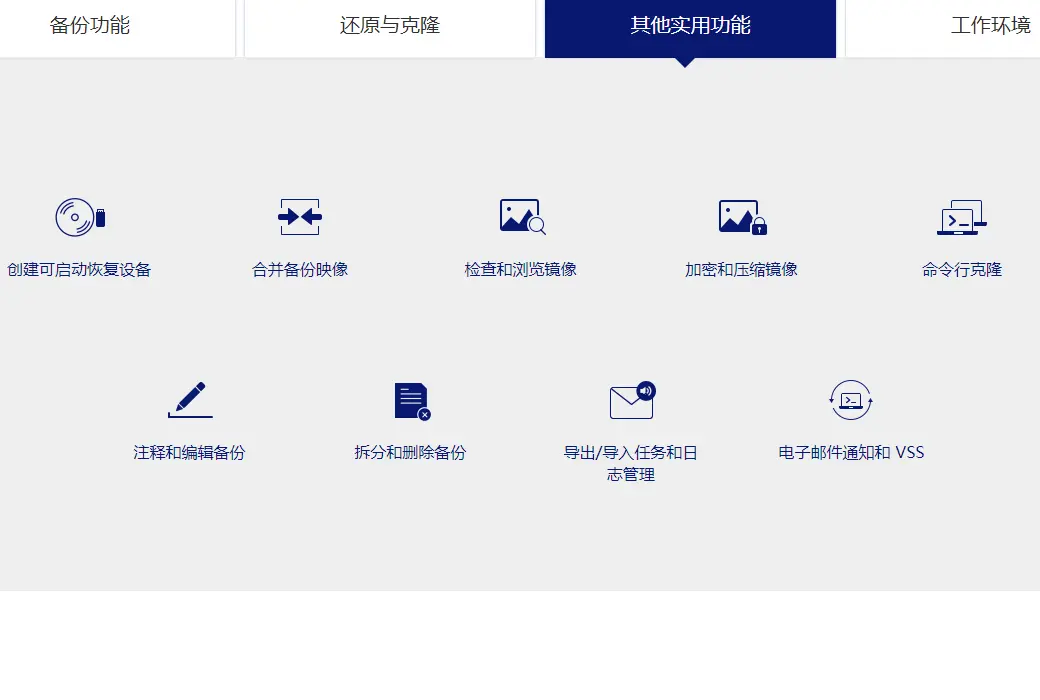
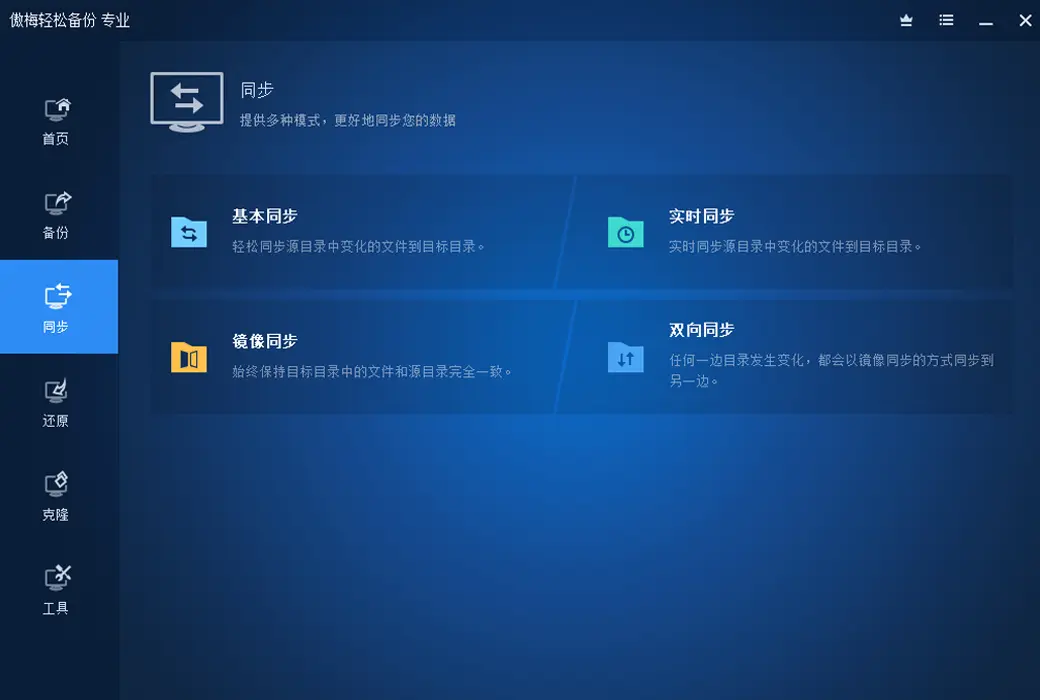
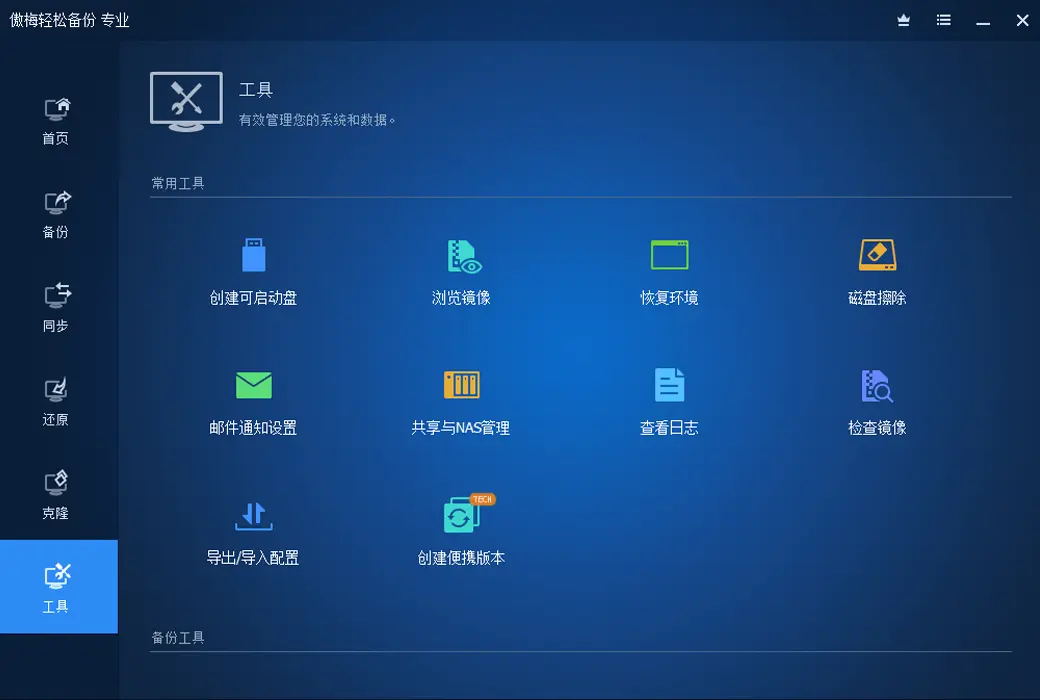
Other practical functions

Official website:https://www.abackup.com/easy-backup-personal.html
Download Center:https://aomei-backupper.apsgo.cn
Backup Download:N/A
Delivery time:24-hour automatic shipping
Operating Platform:Windows
Interface language:Support Chinese interface display.
Update Description:The software manufacturer promises permanent use and free updates.

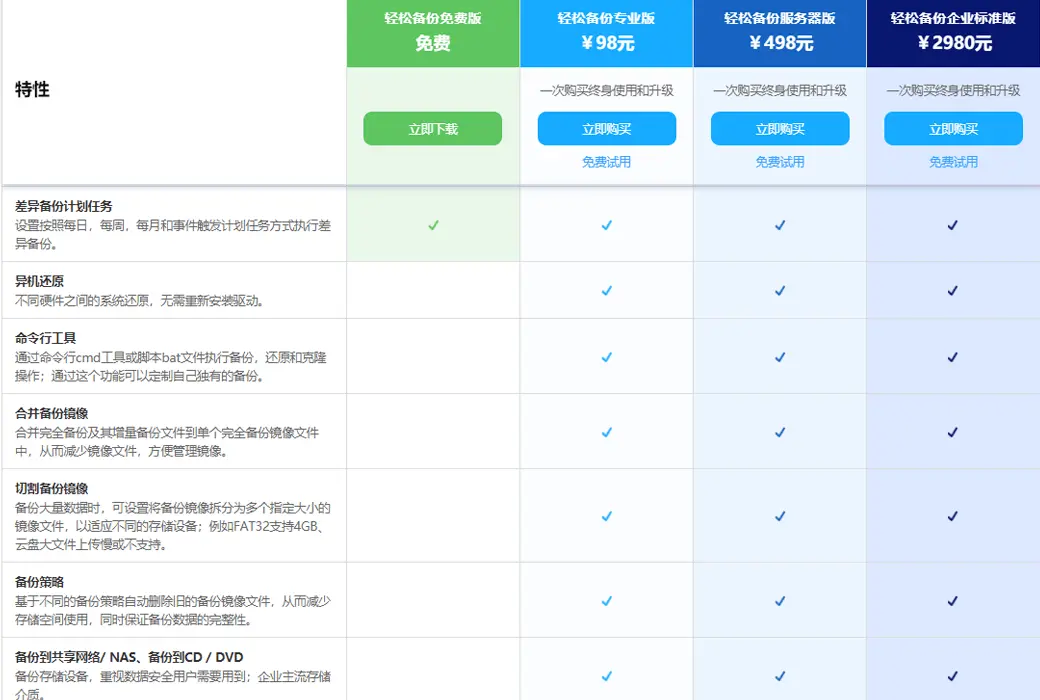
Trial before purchase:Free version with limited functionality before purchase.
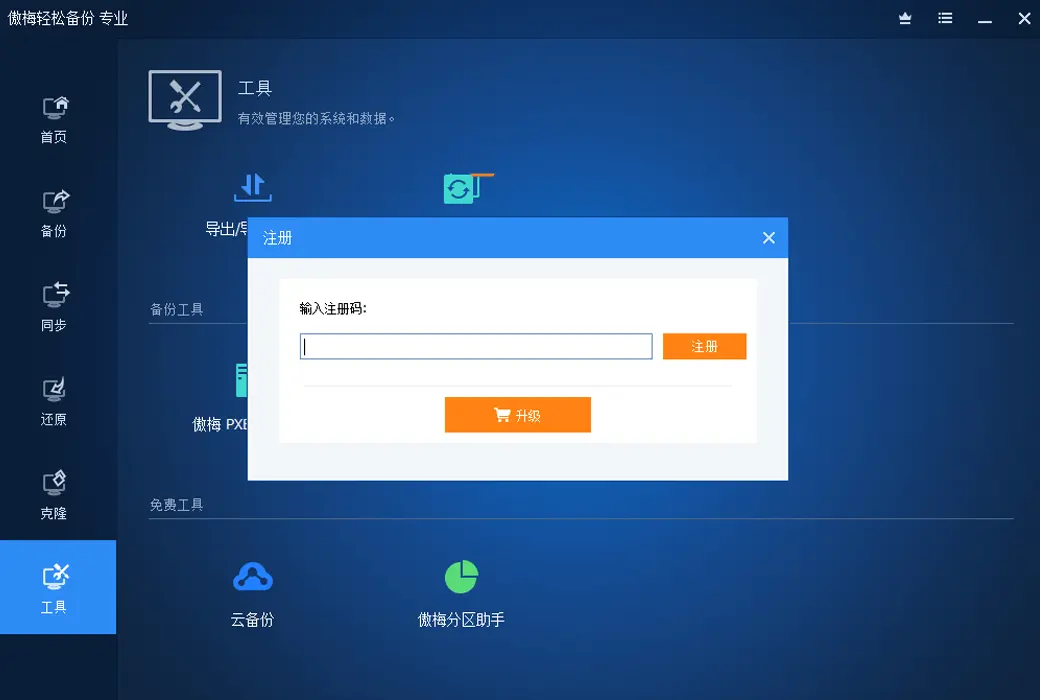
How to receive goods:After purchase, the activation information will be sent to the email address at the time of placing the order, and the corresponding product activation code can be viewed in the personal center, My Orders.
Number of devices:The personal lifetime version supports activating 4 computers.
Replace computer:Deactivate the account and then log in to the new device to activate the software.
Activation guidance:To be added.
Special note:To be added.
reference material:https://www.abackup.com/edition-comparison.html
Any question