
Blackbaud Website Package Modules
A "Module" is a functional element that can be easily placed on a page using our drag-and-drop page builder. Every module can be customized and styled to fit your needs.
All
- All
- Content
- Creative
- Forms
- Lead Generation
- Media
- Navigation
- Other
- Posts
- Social
Accordion
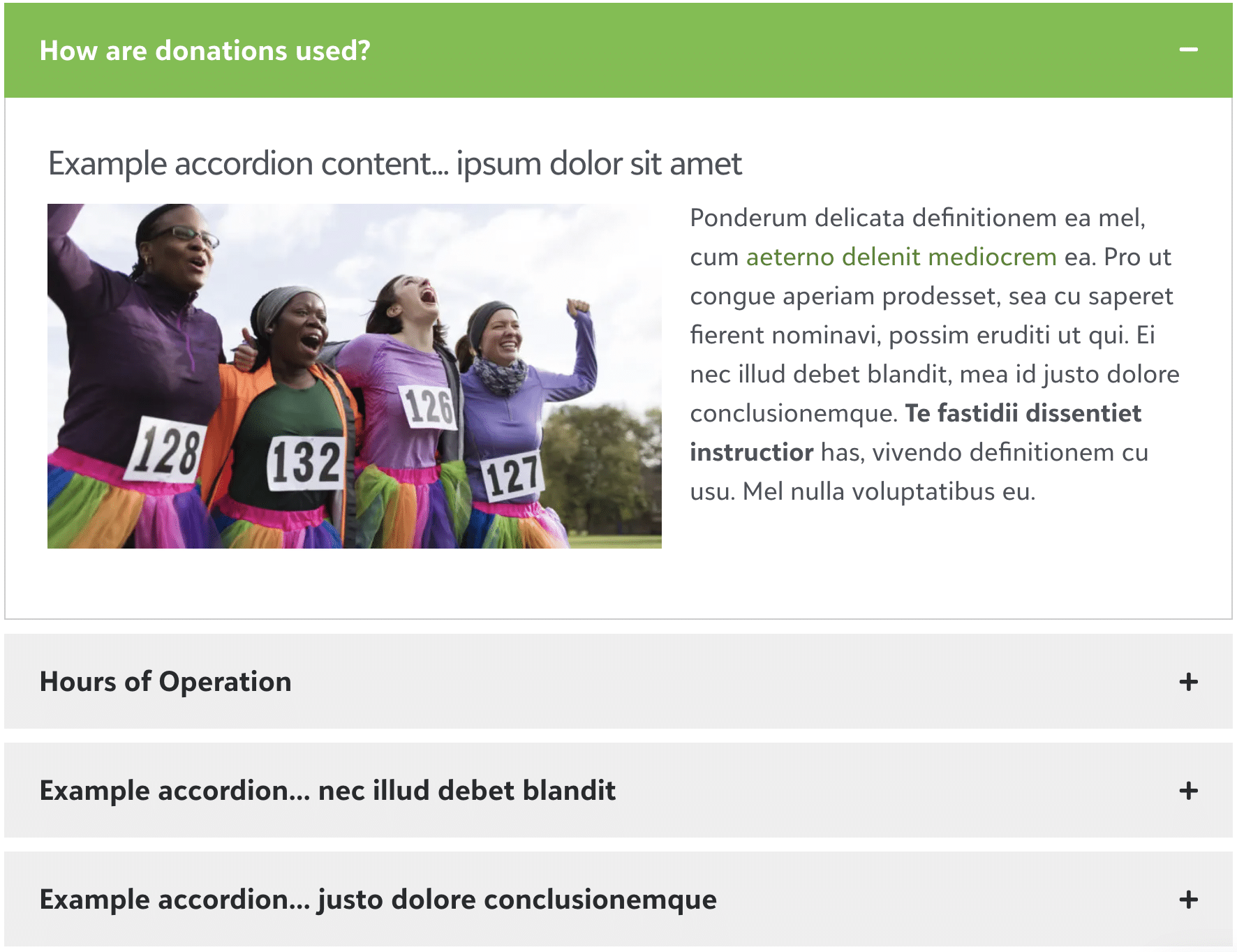
The Accordion module provides a vertical list, and each item in the list can be expanded to display more detail.

Advanced Video
Allows you to integrate a video on your web pages with multiple styling options.

Album
Create impressive & attractive albums for showcasing your portfolios/pictures on your website.
Alert Box
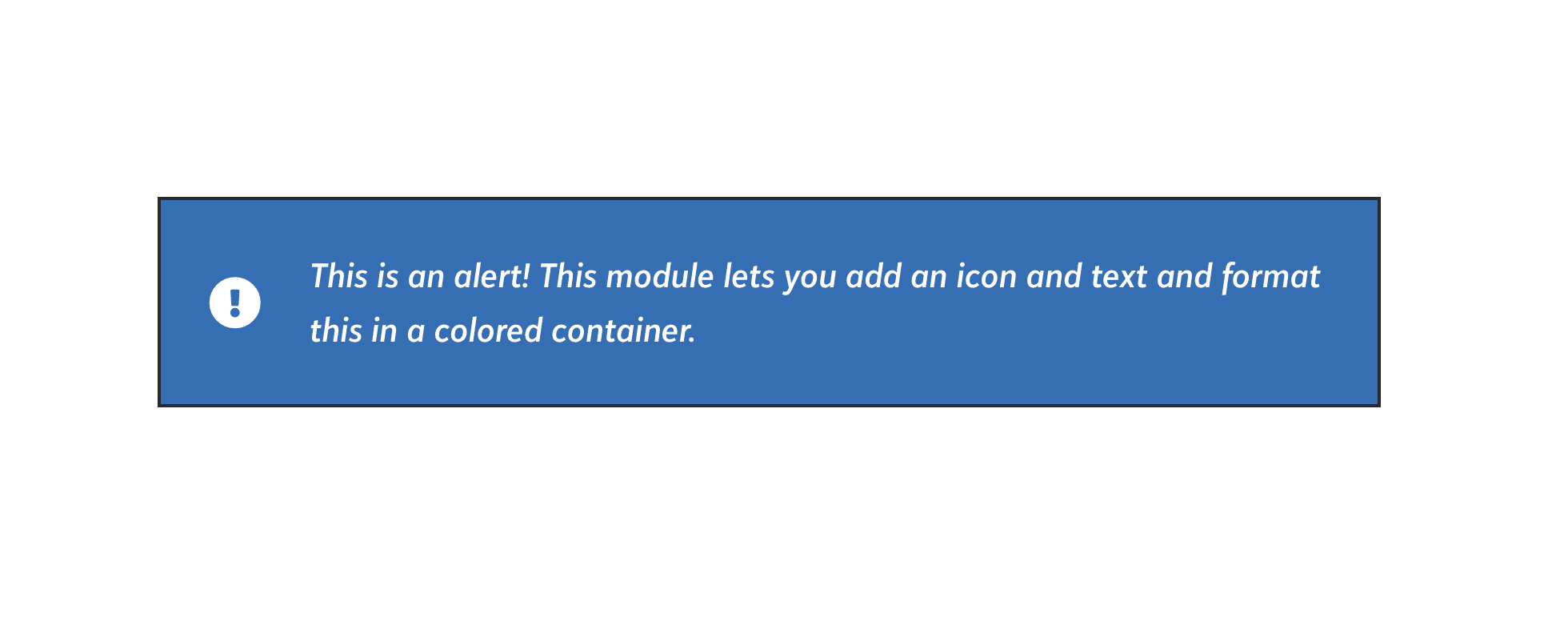
The Alert module creates a basic alert box that can be placed anywhere on your page. These alerts can be styled as needed to match your specific brand requirements.
Announcement Bar
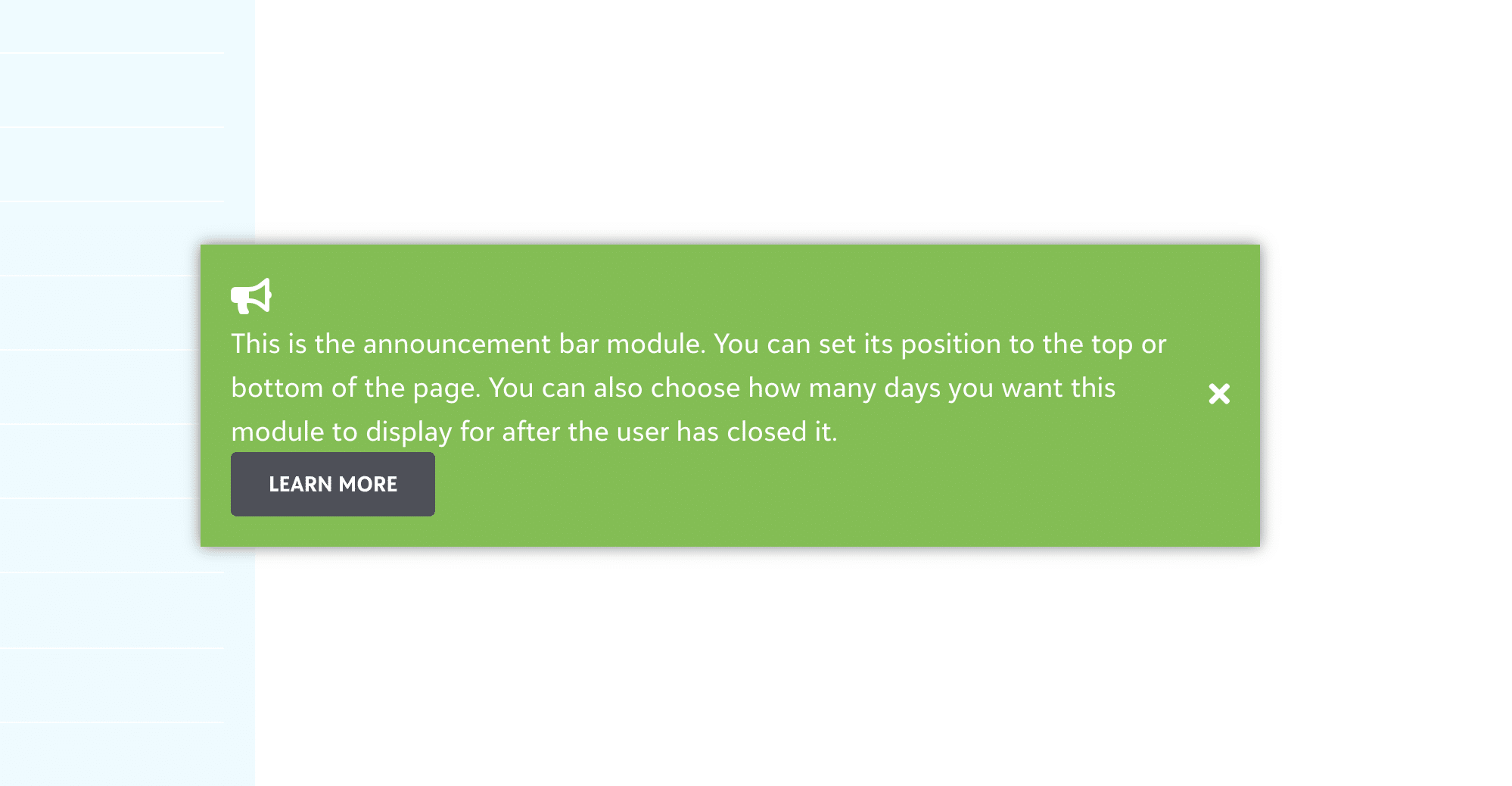
The Announcement Bar module allows you to create a site-wide announcement that appears either at the top of bottom of the page with options to dismiss it once viewed. This dismiss functionality utilizes cookies that can be set to a pre-determined length of time before the announcement bar will display again for that user.
Audio
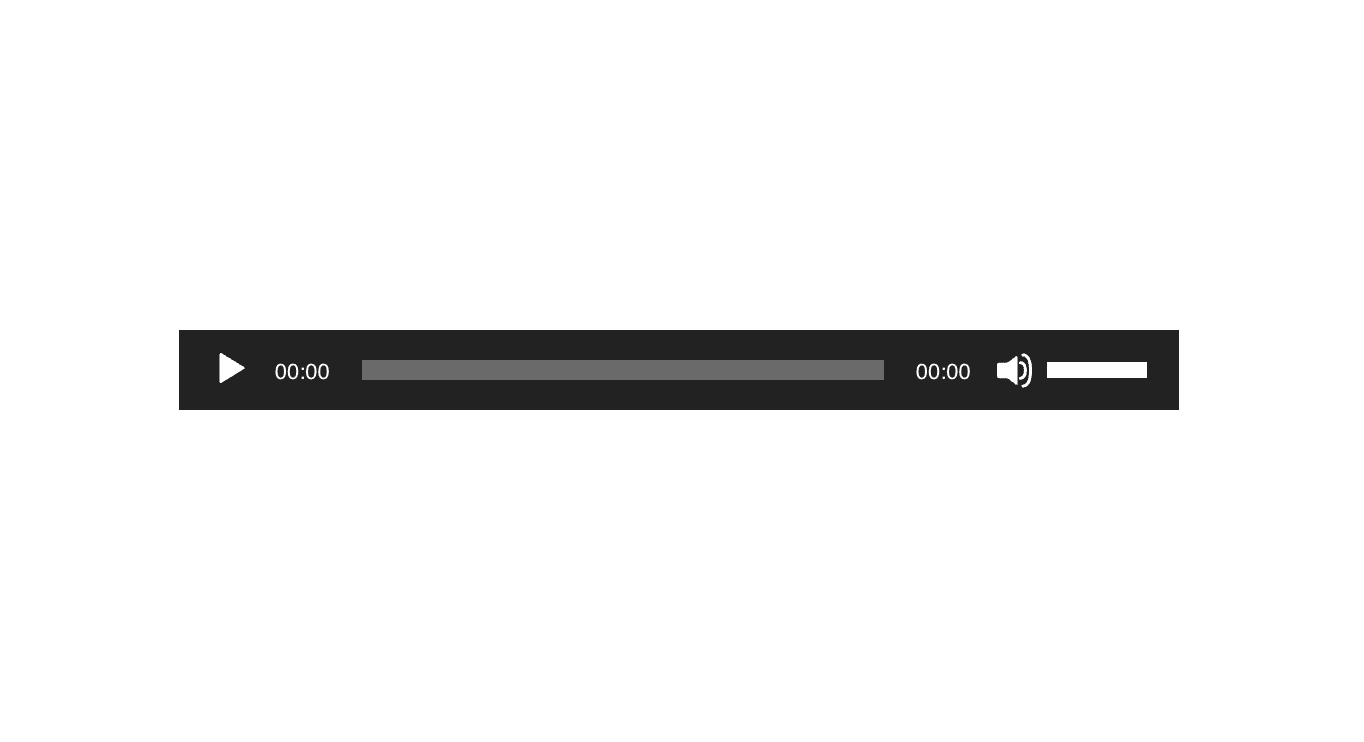
Using the Audio module, you can insert one or more audio files from the Media Library or a single audio file from an external source, plus choose some playback options.
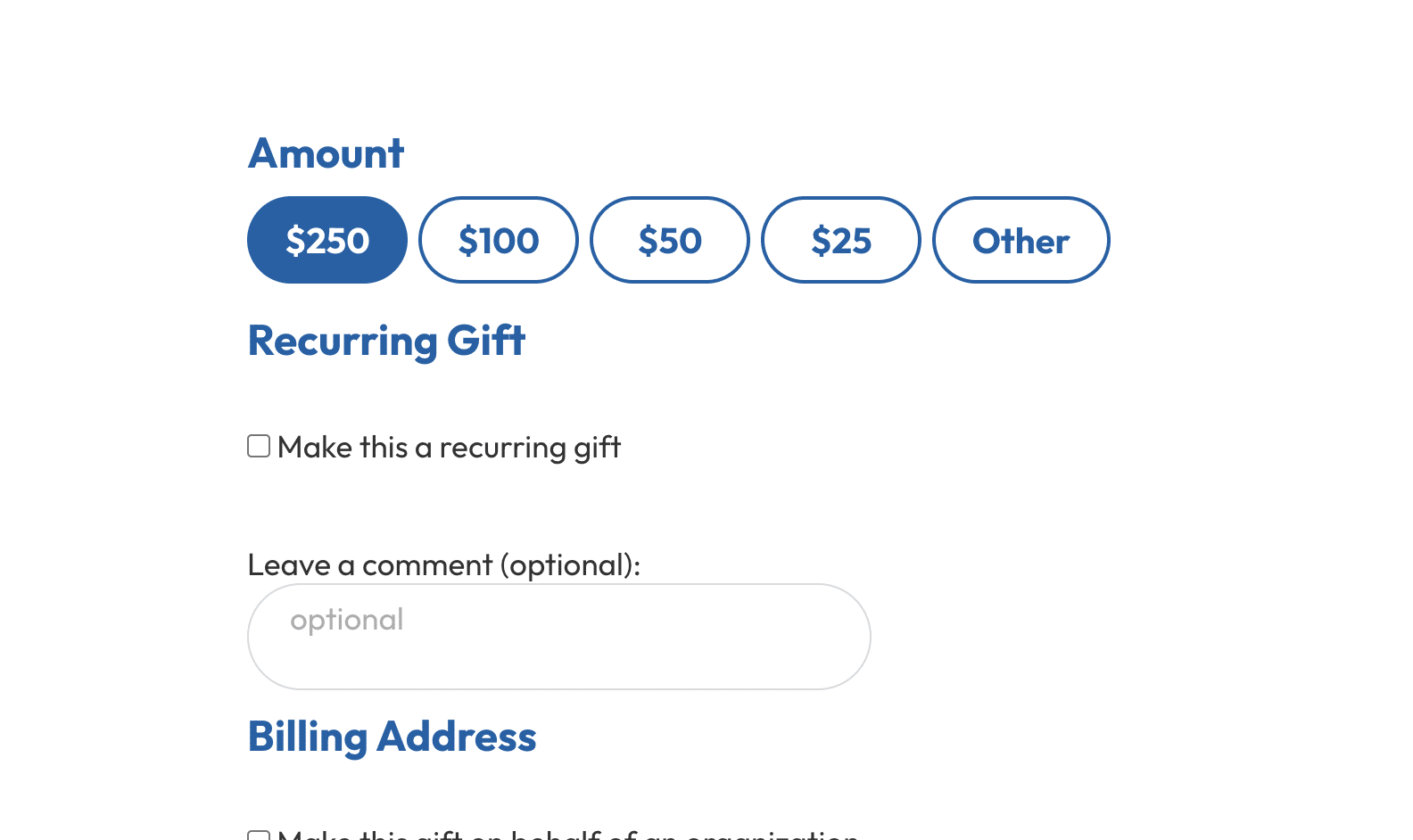
Blackbaud Embedded Form
The Blackbaud Embedded Forms module allows you to easily inject the various Blackbaud Form snippets provided by Blackbaud Online Express, Blackbaud Luminate Online, and Blackbaud eTapestry. Each of these products utilize an iFrame or JavaScript snippet to load in their respective forms.
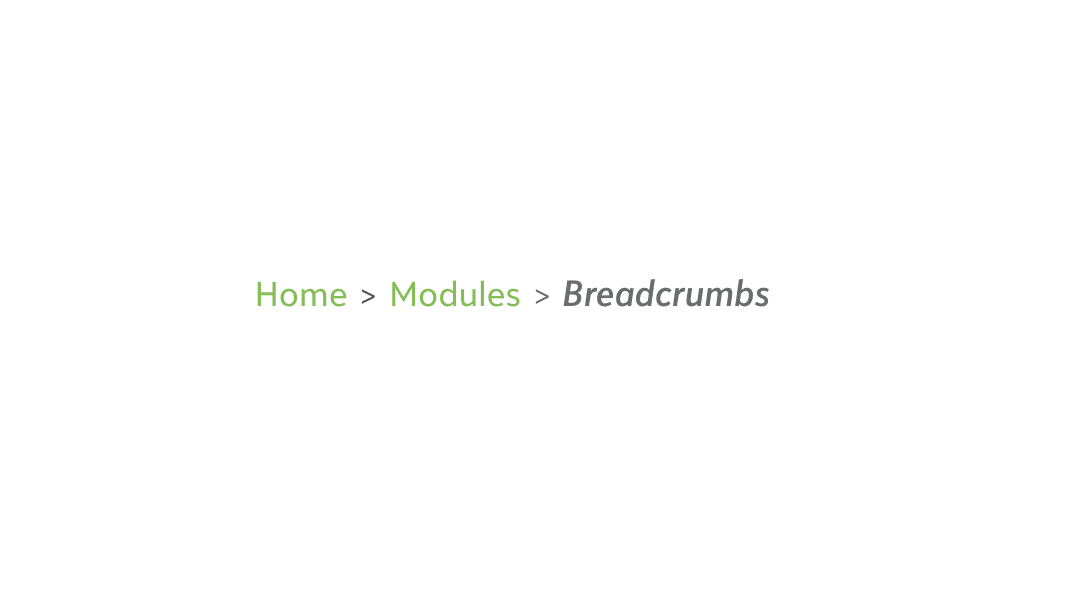
Breadcrumbs
This module enables breadcrumbs on each page which adds additional navigation option for your users and also benefits your site SEO rankings.
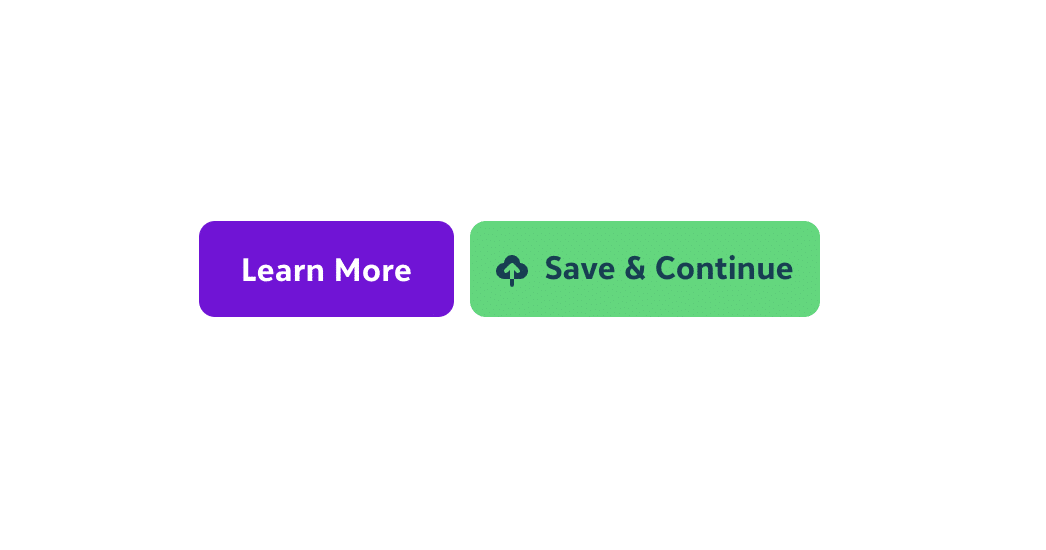
Button
The Button module is a button that you insert into your layout to lead visitors elsewhere within your site or to an external link. In addition, the Button has an extra capability: instead of following a link, clicking the button can open a lightbox that displays the video or any other content that you can insert with shortcut or HTML.
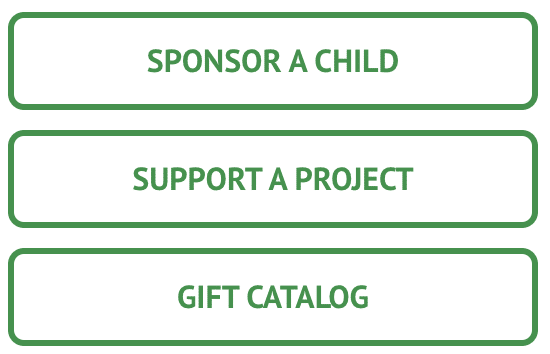
Button Group
Allow multiple buttons to be created using a single module.

Column Separator
This module allows for stylistic separators to be created within the columns of your site. These separators are designed to match your organizational brand and can only delivered as part of a custom visual design included in the Essentials or Pro packages.
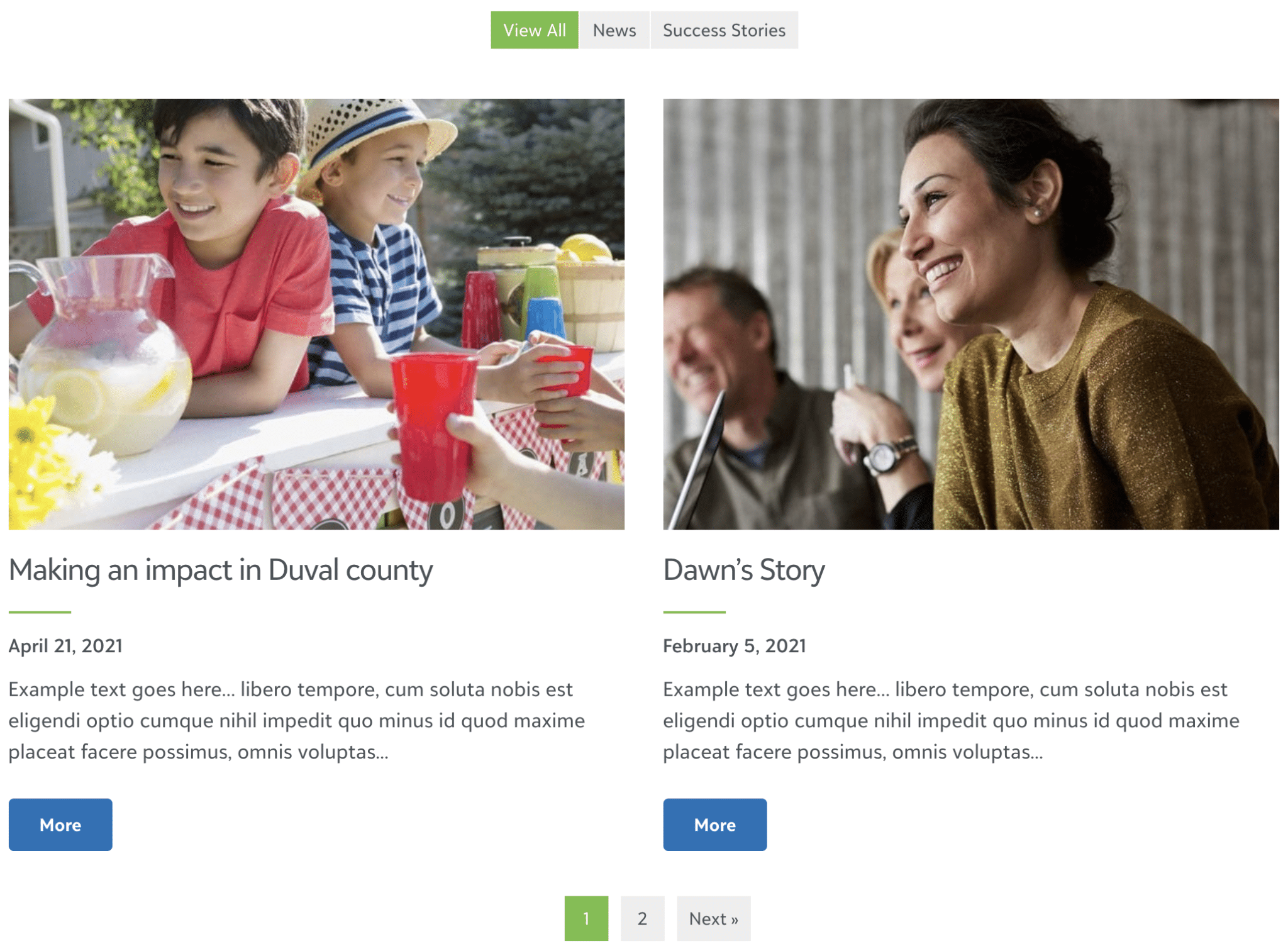
Content Grid
The Content Grid is a powerful module that allows for content to be loaded in and filtered by category, tag or other taxonomies. This is useful for providing a snapshot view of articles in your blog, news, stories, and more.

Content Slider
Content sliders are typically used on landing pages with long narrow images. Often used for primary calls to action or as a mission statement/story slider, they can be utilized in the position of a traditional slideshow, or utilized for smaller calls to action throughout the page.
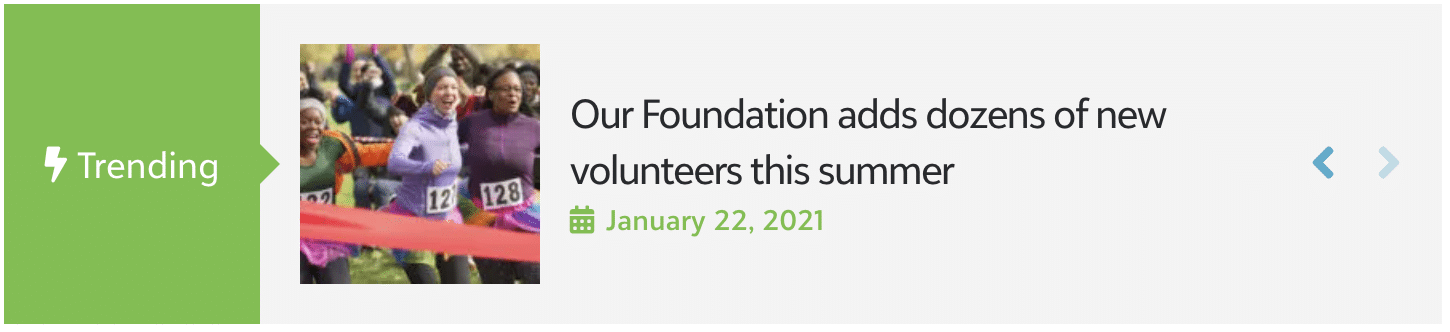
Content Ticker
Create beautiful custom tickers to display Trending News, Special Offers, or any popular content on your website.

Content Tiles
This module allows you to create complex content in one of four different “tiled” designs built into the module. Both static content and posts can be loaded into these tiles.
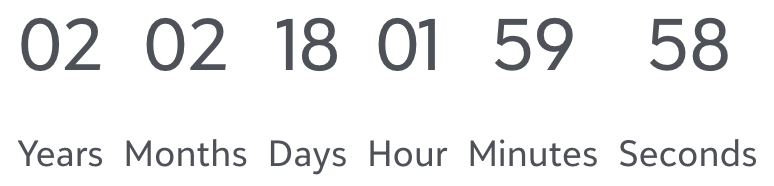
Countdown Timer
The Countdown Timer module is a timer that counts down to zero from a date and time that you specify. You can specify the exact date and time, including choosing the timezone that should be used. There are a number of styling settings for customizing the look of the countdown timer, including the choice of numbers or numbers plus circles.

Divider
The Divider module adds a stylistic separator to your page content, which is especially useful in pages with multiple sections or with a substantial amount of content.
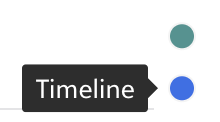
Dot/One page Navigation
The Dot/One Page Navigation module is designed for site that incorporate multiple stylistic sections within one large page on the site, whether that be on purely the homepage or across the site. The Dot/One Page Navigation creates a set of “dots” on the left or right side of the page which float as you navigate down the page and allow you to quickly jump to each section on the page.

FAQ
Create, Organize & Display your FAQs with Schema Markup

Filterable Gallery
Create a beautiful gallery with filters and overlay effects.

Font Resizer
The Font Resizer module adds a set of controls to easily increase or decrease the font size of the content of your page. This is especially useful if you are developing a site focused on on a demographic that would benefit from larger font sizes, or are building a site as ADA-friendly as possible.
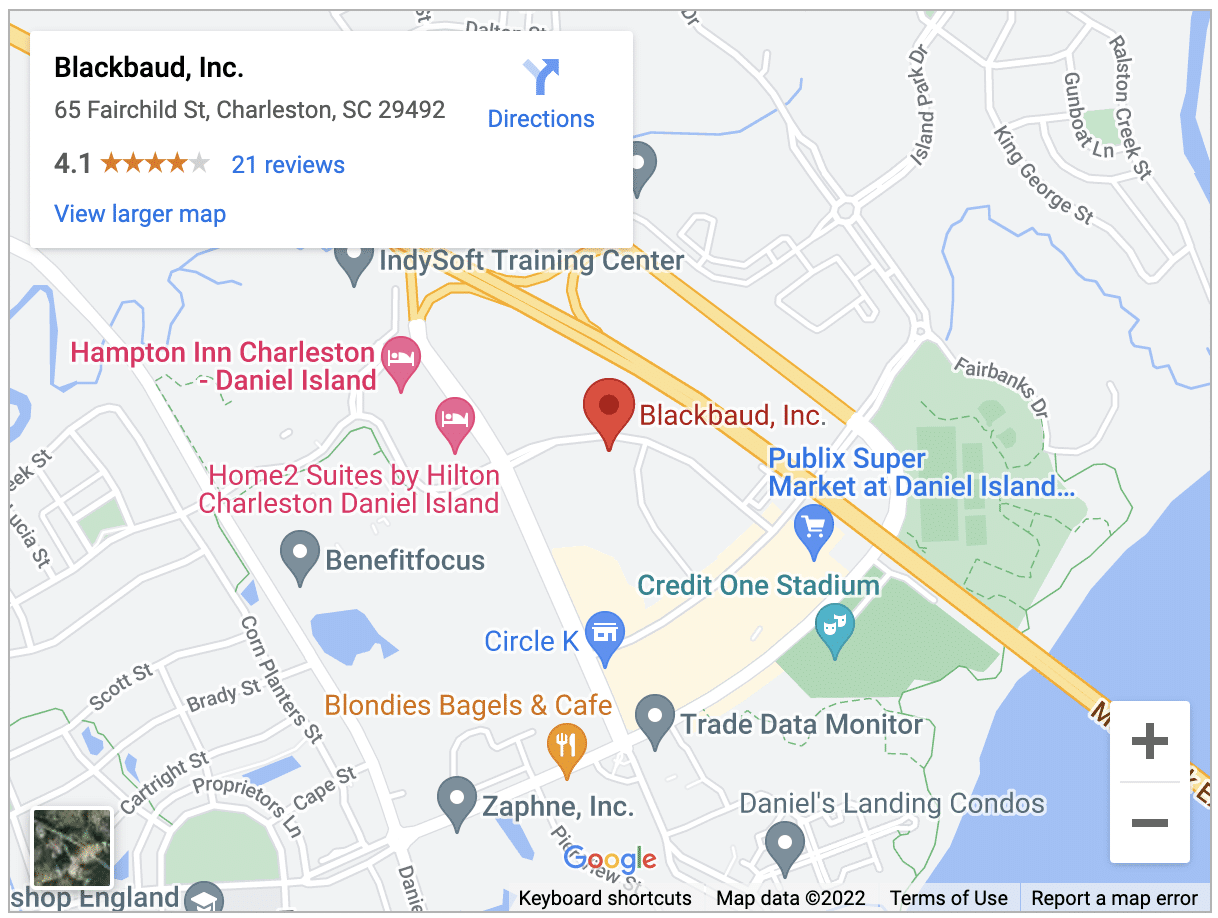
Google Map
Integrate & style Google maps on your BBWP website with multiple custom markers & more features.
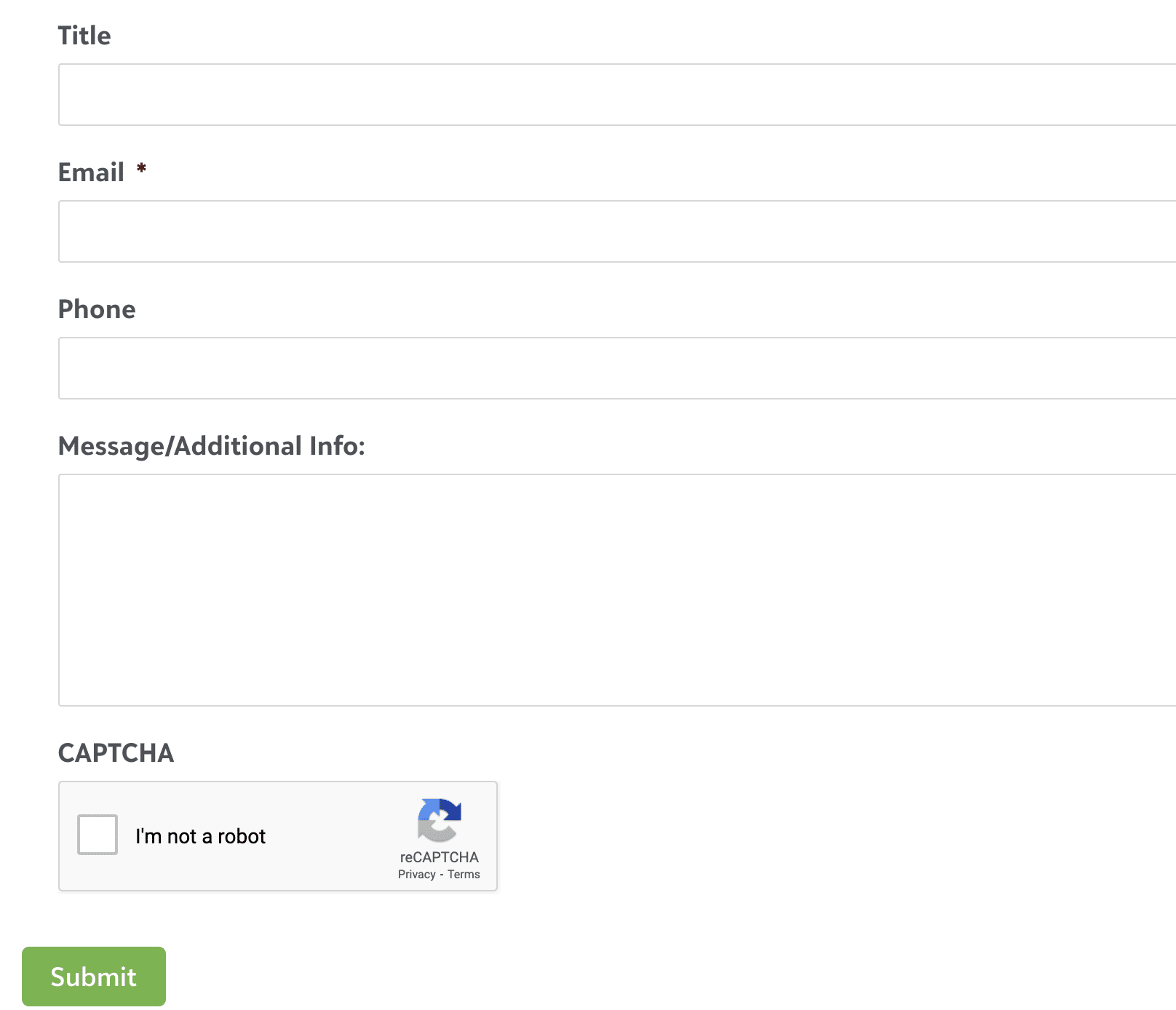
Gravity Forms
The Blackbaud Website Package built on WordPress utilizes Gravity Forms as its primary method of serving up web forms of various types. This module allows these forms to be easily loaded into a page via a module rather than the standard method of using short codes.

Headings
The Heading module inserts a heading or title with descriptive text into your row within the Page Builder.
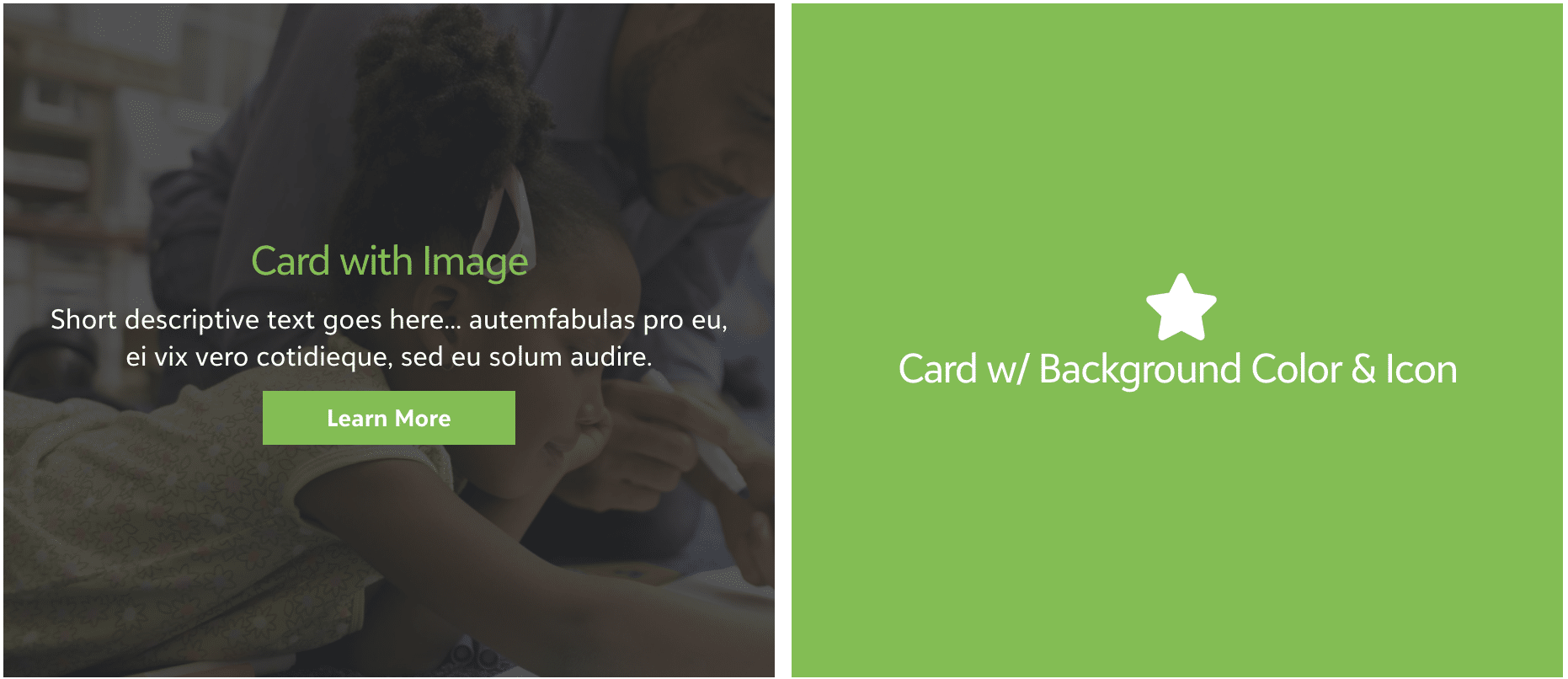
Hover Cards
The Hover Cards module allows for calls to action to be created that have a hover effect, revealing additional information, or buttons and other elements to drive engagement.
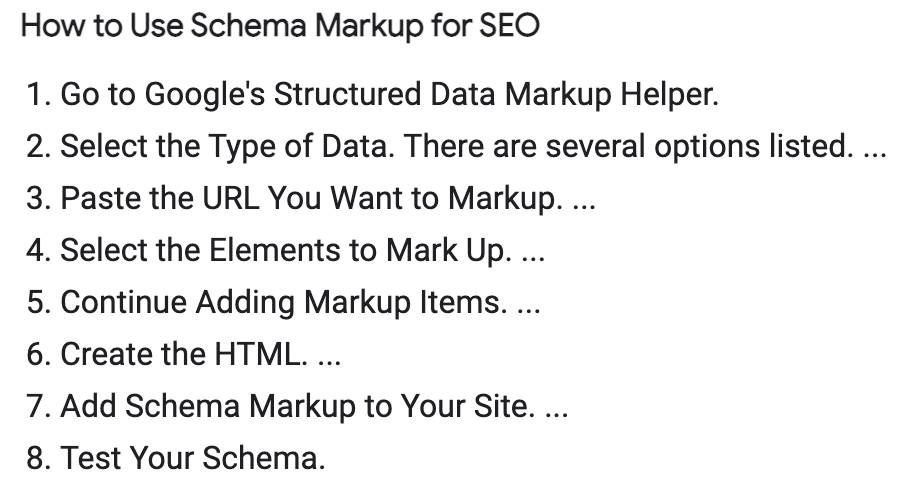
How-To Schema Markup
Create & Display How-to Guides, Tutorials, and walk-throughs. These can then be displayed as steps in Google Search results and help boost your SEO ranking.

Icon Module
The Icon Module lets you insert icons from Font Awesome, Foundation, or WordPress into your layouts.
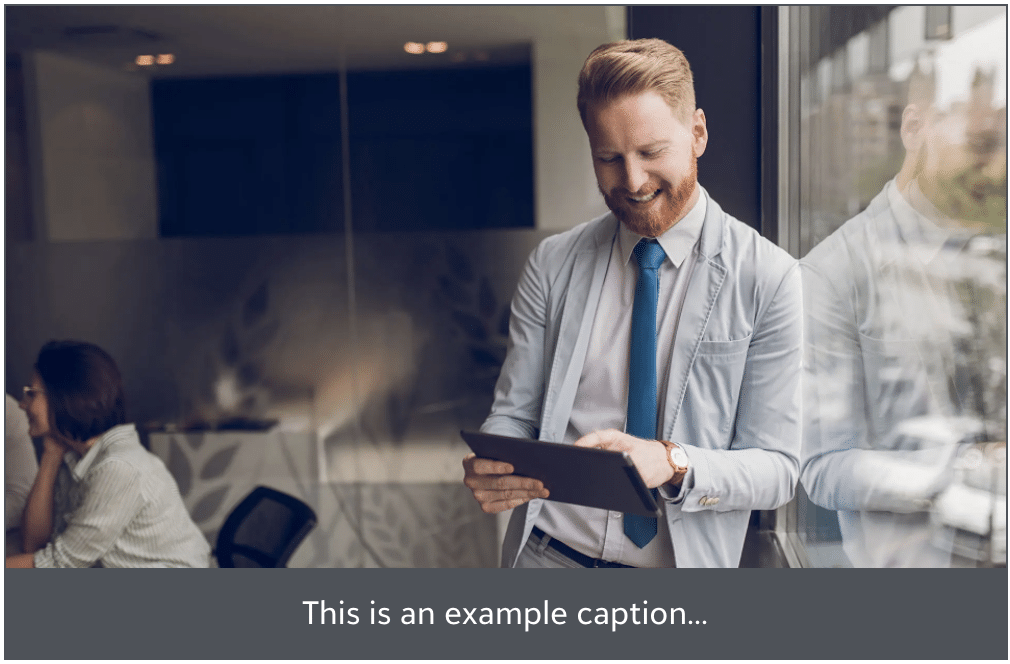
Image
The Image module lets you insert an individual photo from your Media Library or a custom URL.

Image Carousel
The Image Carousel module allows you to easily create a horizontally-scrolling slider of various images from your Media Library.
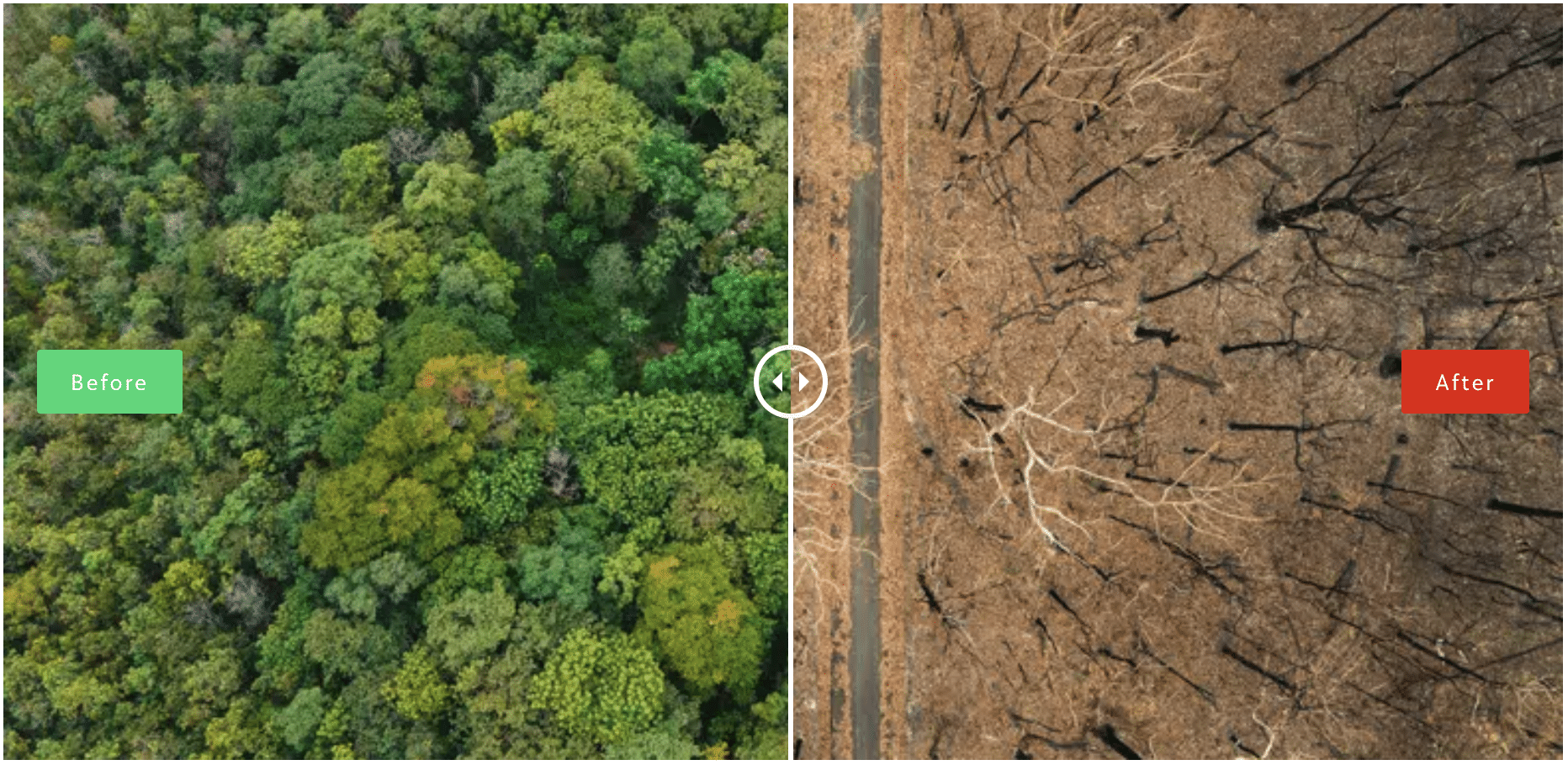
Image Comparison
Image Comparison module allows you to create horizontal or vertical before/after image sliders. These layout options help you easily display and compare portrait and landscape images.
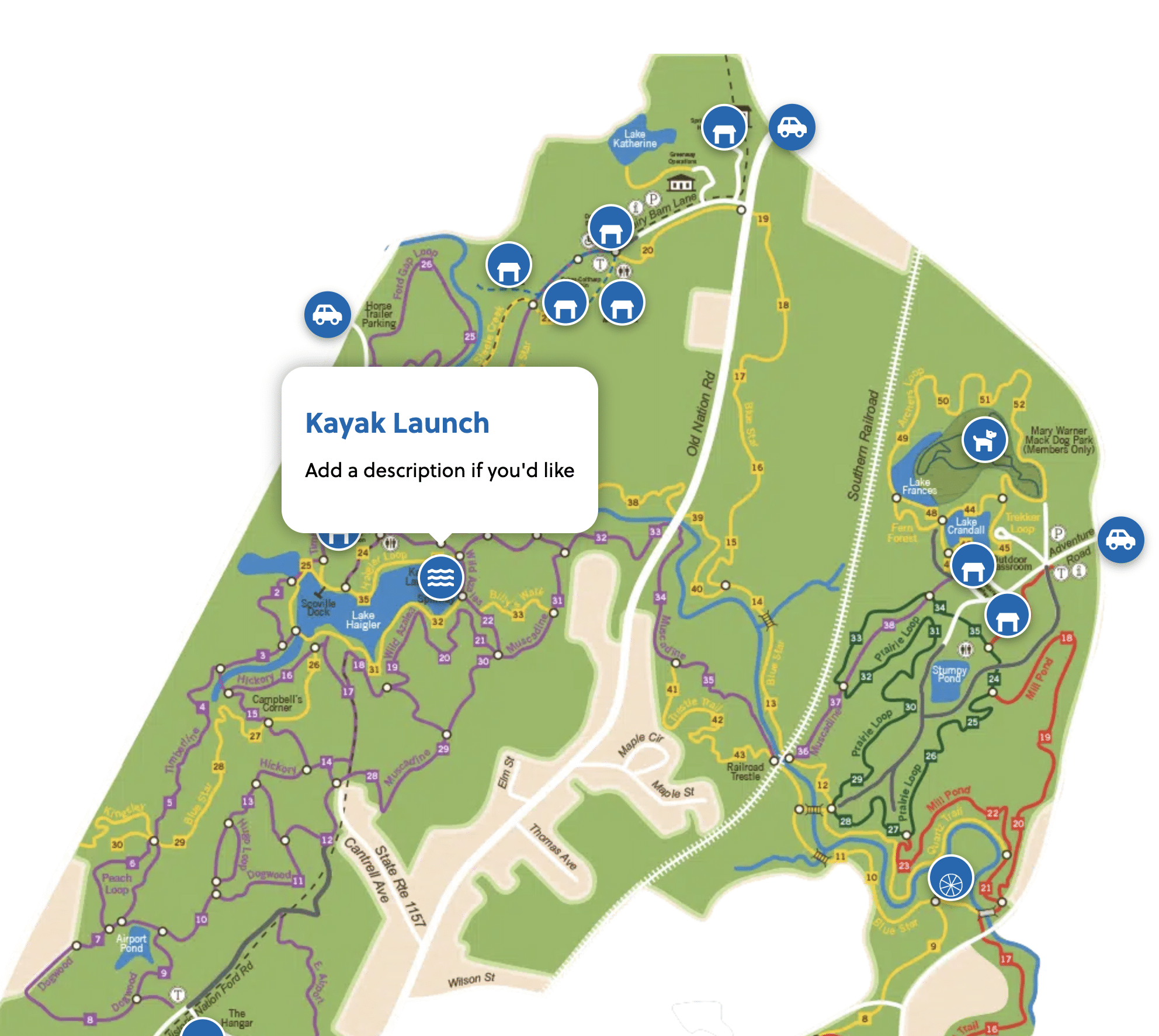
Image Hotspot
With Image Hotspot module you can showcase product features, create virtual tours, display information, and more.

Image Scroll
Image Scroll module gives you a creative way to display Images on your website. Get complete control of the scroll behavior with several settings like overlay icon, scroll speed, on click and auto scroll trigger methods.
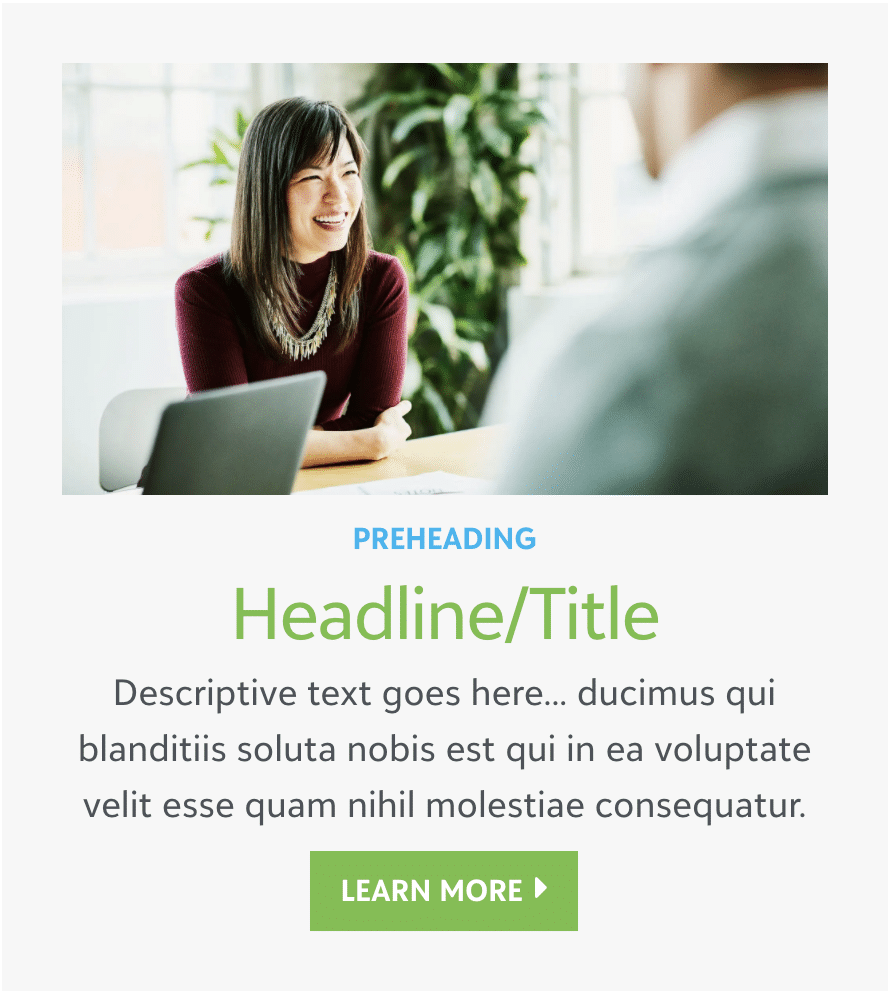
Info Box
The Info Box module offers a method of displaying a heading, text, images and buttons formatted to drive a user to take a particular action.

Instagram Feed
The Instagram feed module provides several display options for your Instagram Feed.

JustGiving Modules
Feature information from your Blackbaud Peer-to-Peer campaigns and Events powered by JustGiving.

Logo Grid & Carousel
The Logo Carousel is used for content like Sponsor logos in which you want to create a list of icons/logos that can be navigated in a carousel format and setup in a responsive grid.

Map
The Map module inserts a Google Map with a marker pointing to an address you specify. The map automatically adjusts in size to fit in the column, and you can specify map height.
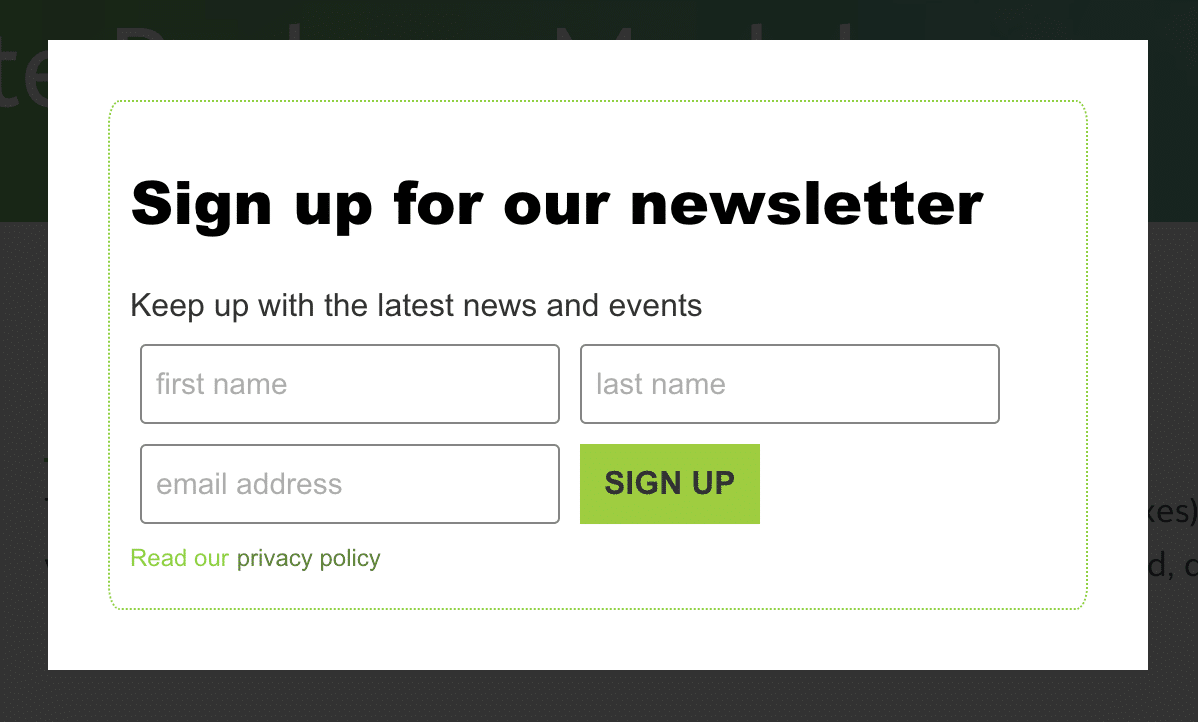
Modal Box
The Modal Box module allows for the creation of modal boxes (light boxes) that can contain a variety of content such as images, videos and forms. The modal box can also be set to display when clicked, display on page load and on exit intent.

Number Counter
The Number Counter module displays a number in an animated fashion, with the counter going from zero to the number or percent you specify.

Photo Gallery
The Gallery Module is used to display a gallery of images from your Media Library. Choose the Collage layout to display images in a mosaic. Choose Thumbs to display thumbnails of the images in a grid.
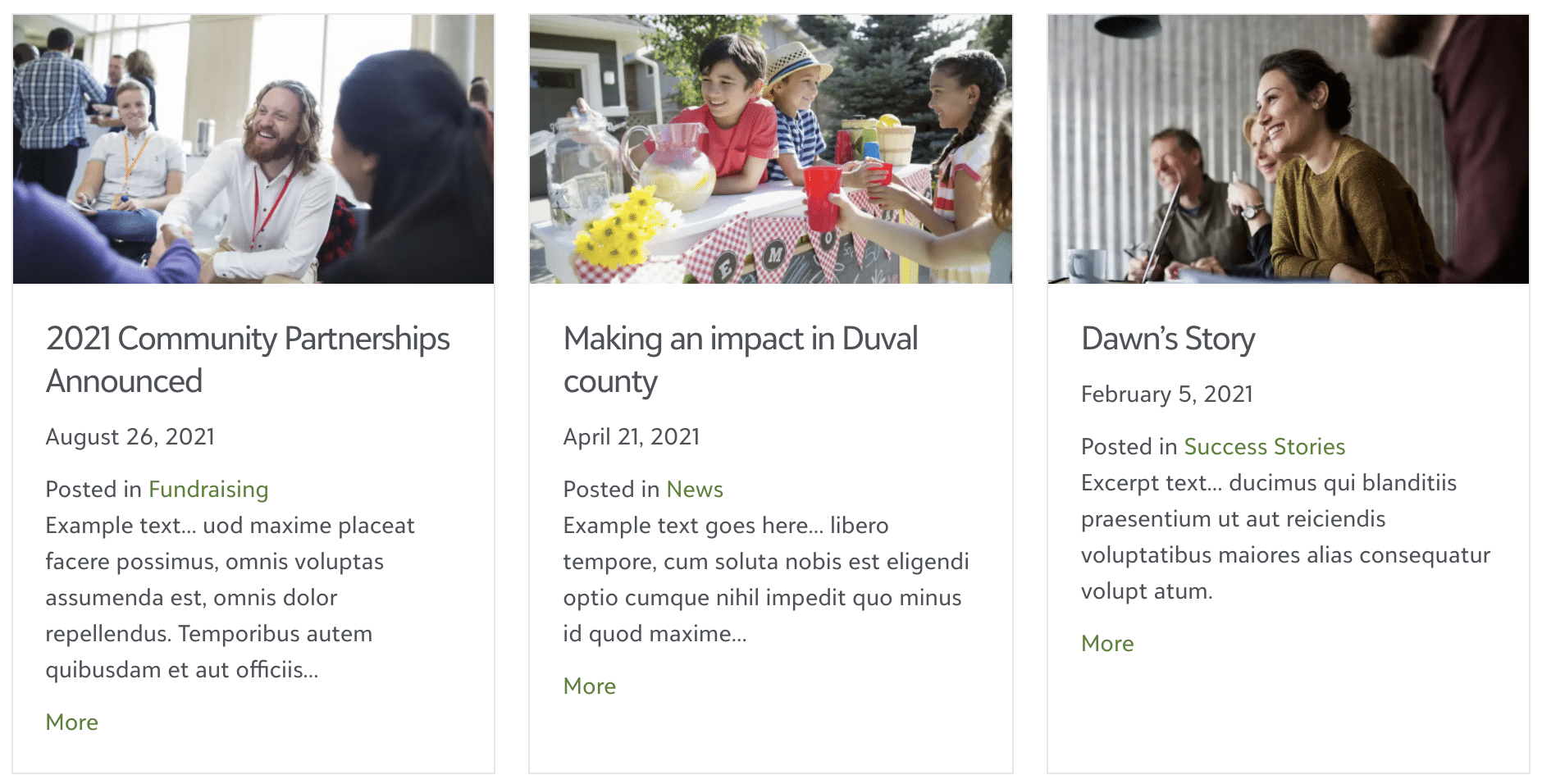
Posts
The Posts module allows you to load your posts into a page in a variety of different layouts. Included layouts are: Columns, Masonry, Gallery and List.
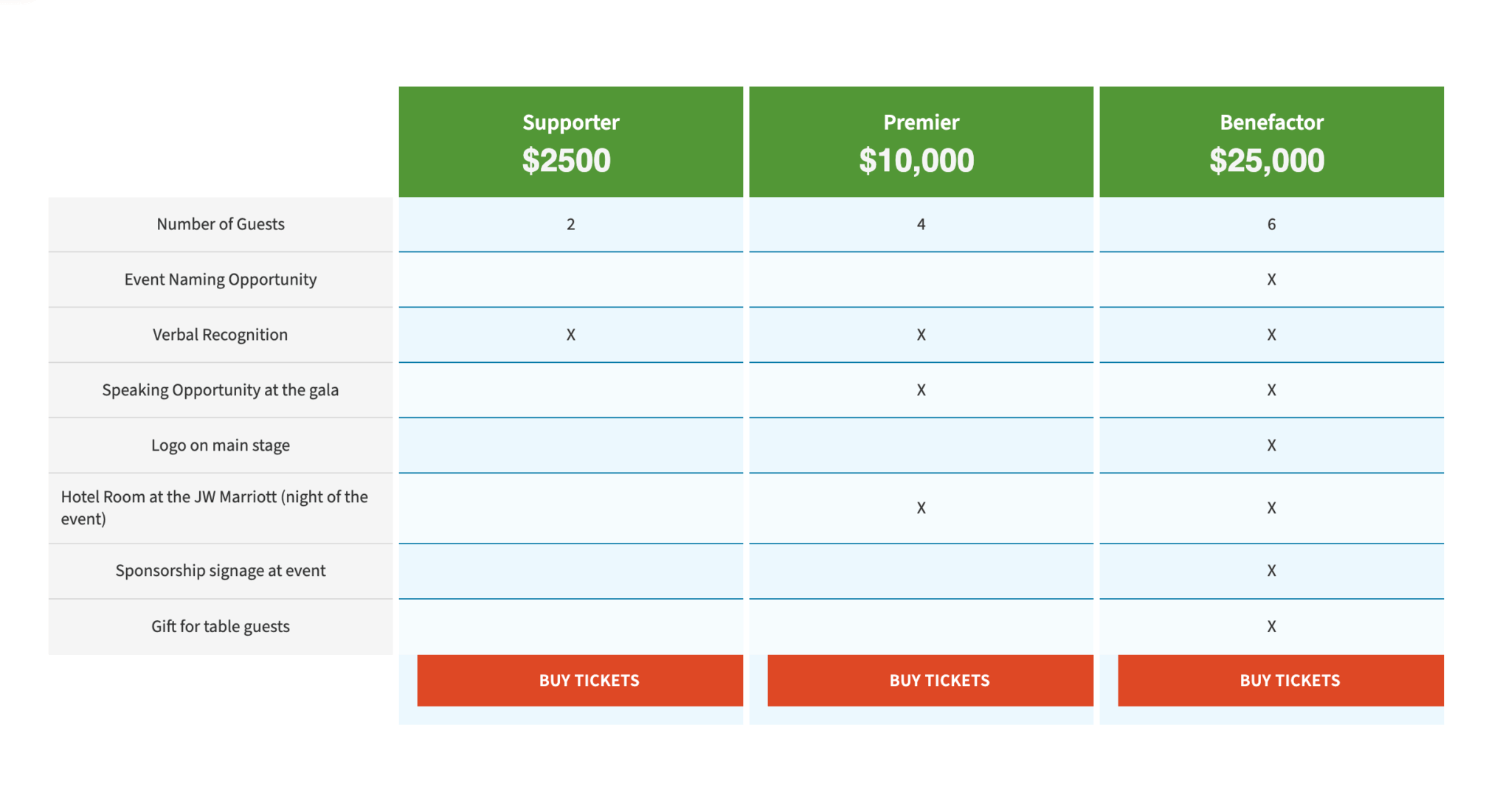
Pricing Table
The Pricing Table module lets you insert a pricing table with as many columns as you like. You can configure options such as column color, title, price, frequency for recurring costs, a feature list, and a button. This module is especially useful for showing membership levels and benefits of each level.
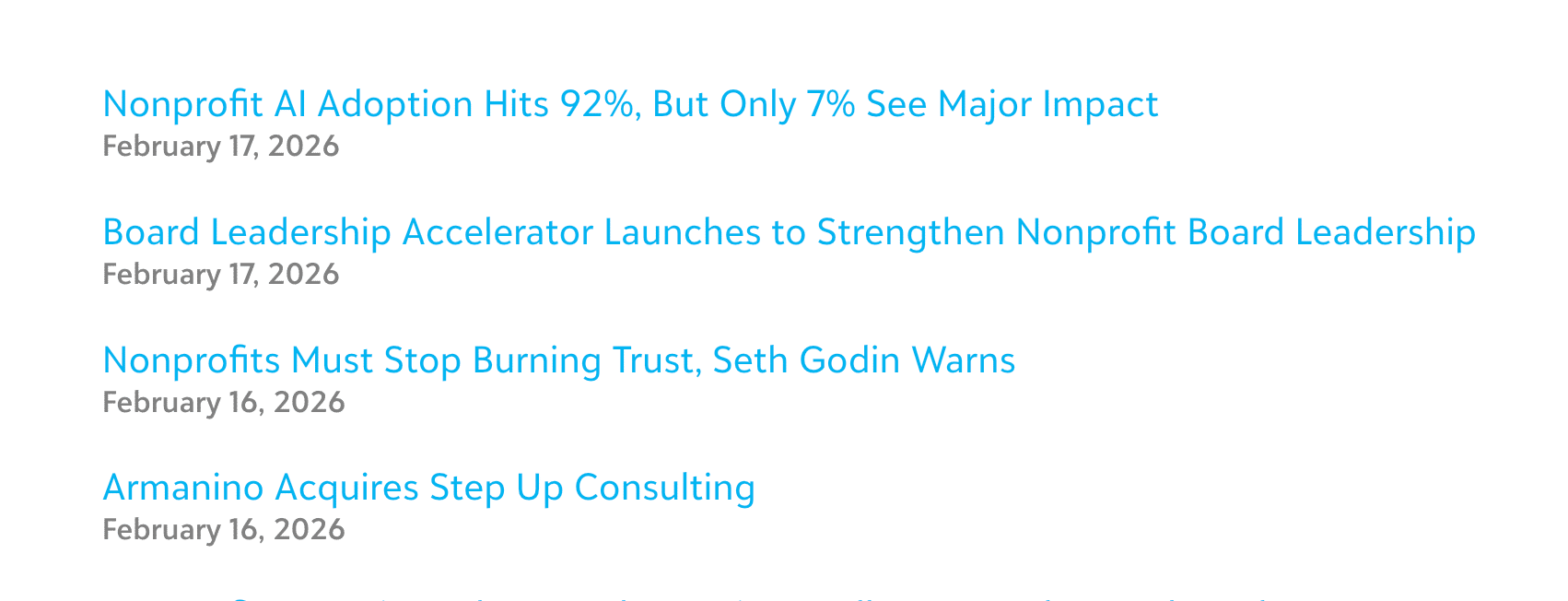
RSS Feed
The RSS feed module allows you to display a single feed by adding the RSS feed URL.
Safe Exit
The Safe Exit or Quick Escape button is a tool that closes the web page you are on and opens 2 new generic pages of your choice.

Search Form
The Search Form module offers three different layouts presets to create beautiful search forms on your site. Choose from Classic, Minimal and Full Screen styles.

Share Icons
The Share Icons module enables AddThis-powered share icons to your site, allows users to quickly share the content of your site on their social network platforms. This module must be implemented at the layout-level of the site by your Blackbaud Developer.

Subscribe Form
Add beautiful optin / subscribe forms that work with all popular mailing services like Mailchimp, Constant Contact and many more.
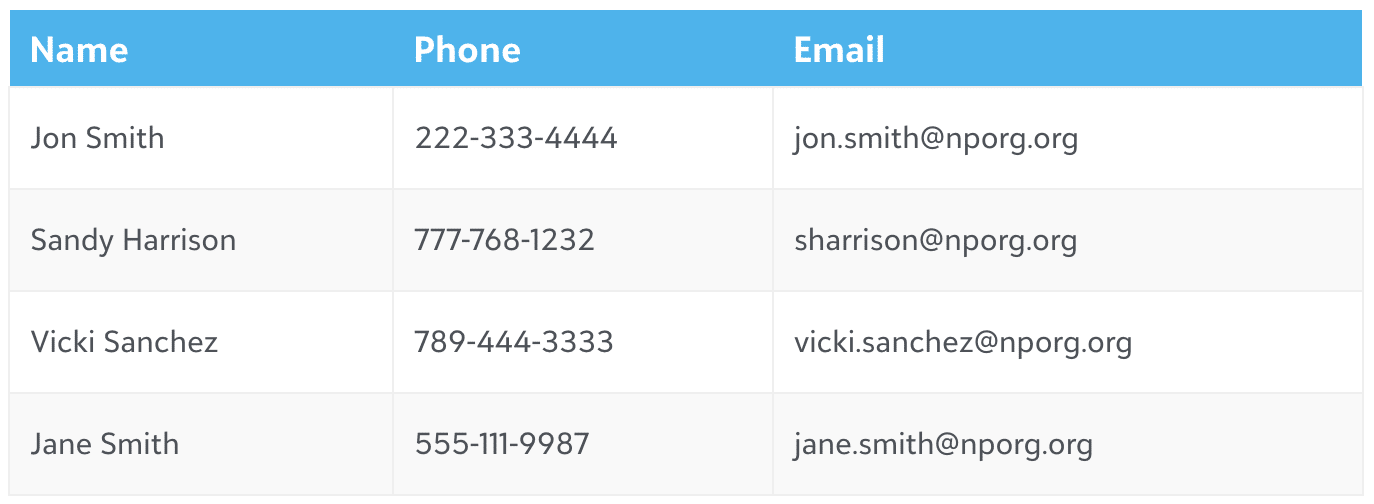
Table
The Table module can be used to create tabular content for listings, directories, etc. The Table has responsive features built in that allow it to reformat itself for small screens.
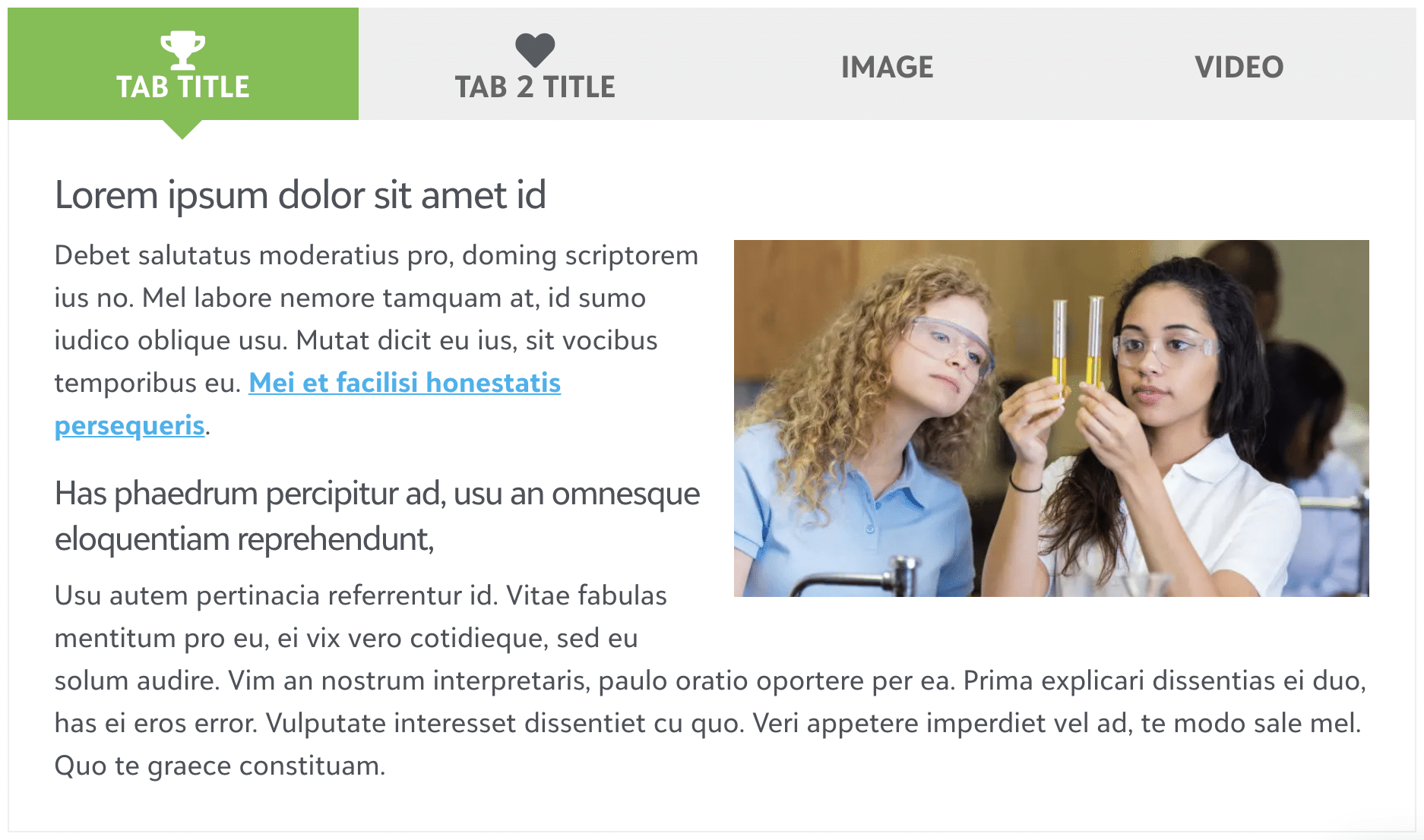
Tabs
Use the Tabs module to insert tabbed text content into your layouts. This is a great tool for inserting large amounts of text into a small space.
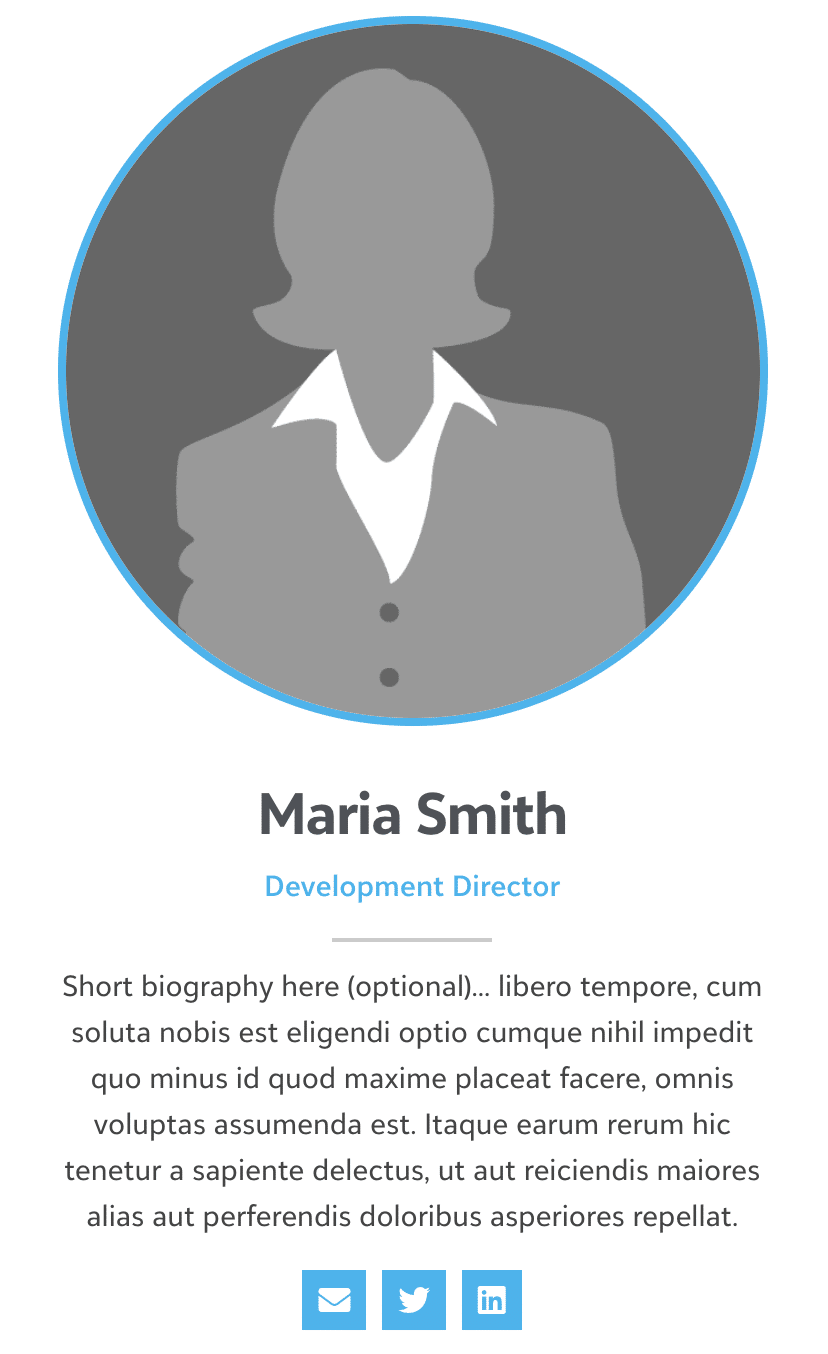
Team
The Team module is built specifically for creating profile -examples includeL: featured members, board members, staff members, etc. The module supports a photo along with name and biographical information and links to Facebook and LinkedIn if desired.
Testimonials
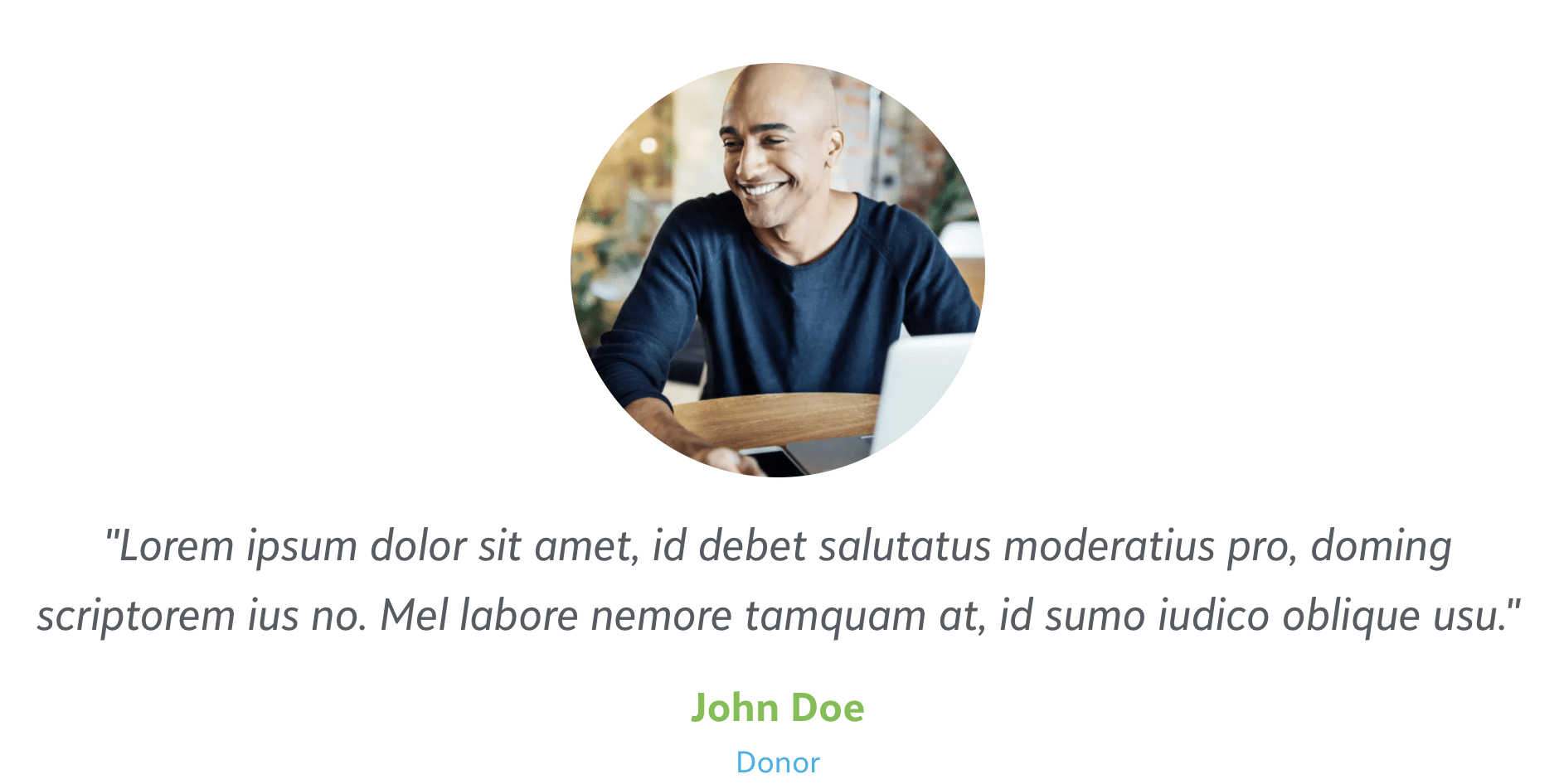
Use the Testimonials module to add a basic slider with testimonials to your layouts, or any other set of text and images that you want to display one by one with either autoplay or navigation.
Text Editor
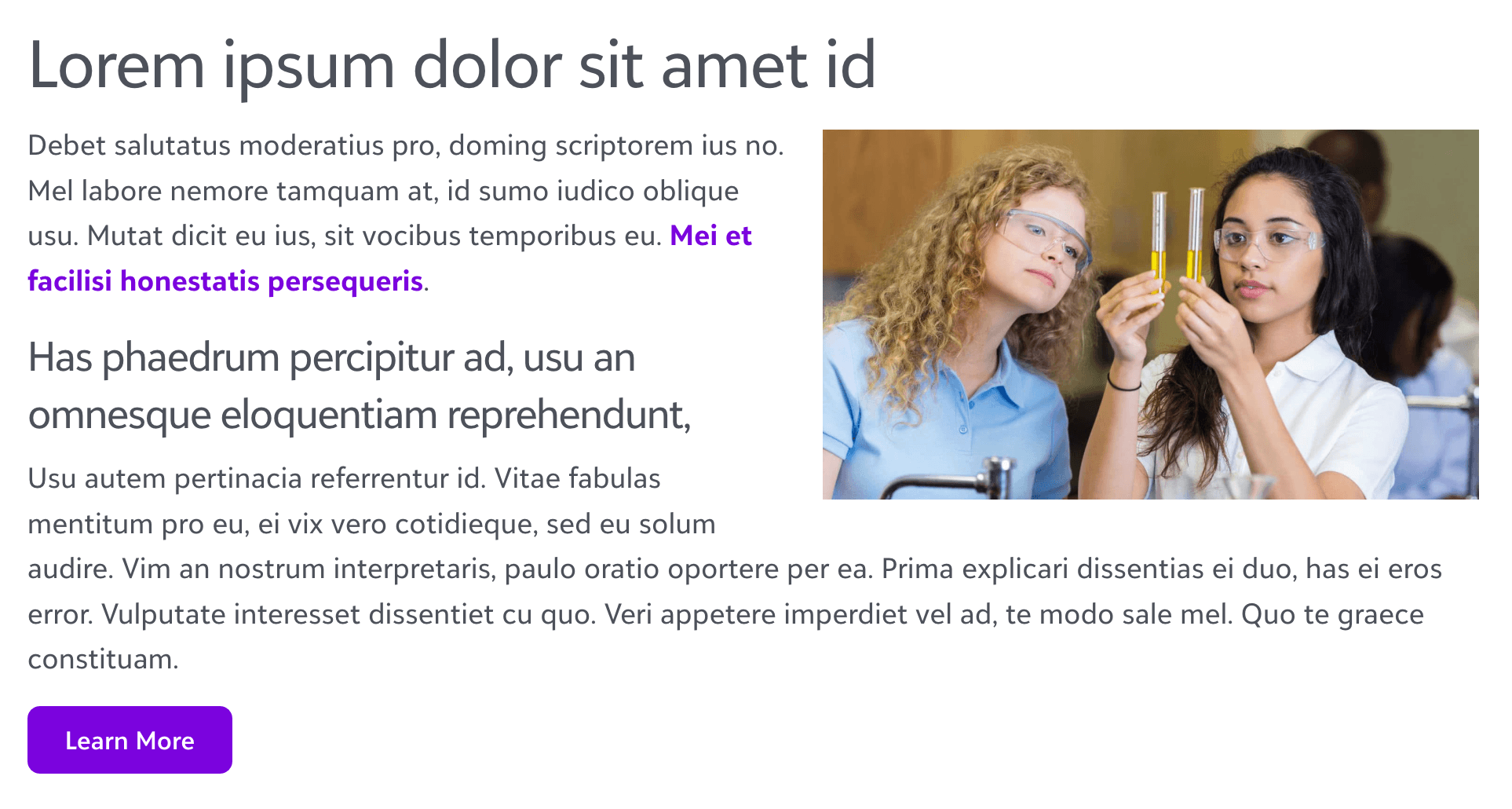
Use the Text Editor module to add a block of text. The Text Editor module uses an instance of the standard WordPress editor. The difference is that you have more control in positioning the text on the page.
Timeline
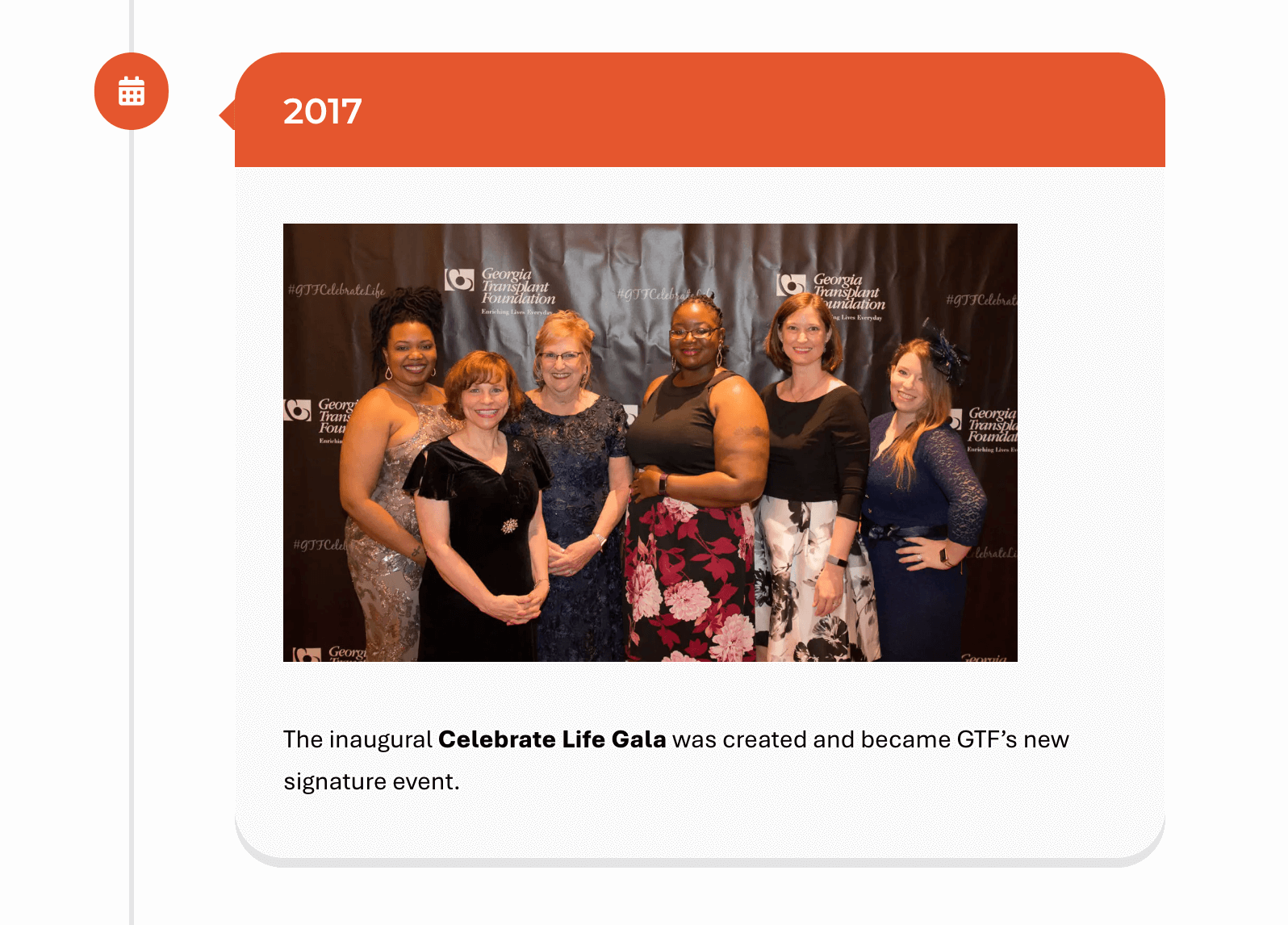
The Timeline module allows content to be displayed in a timeline format vertically on your page. This differs from the horizontal “Posts Timeline” in that it is designed to load in static content rather than posts. Likewise with he Post Timeline, this module is ideal for showing milestones in the life of your organization or key dates in a campaign.
Video
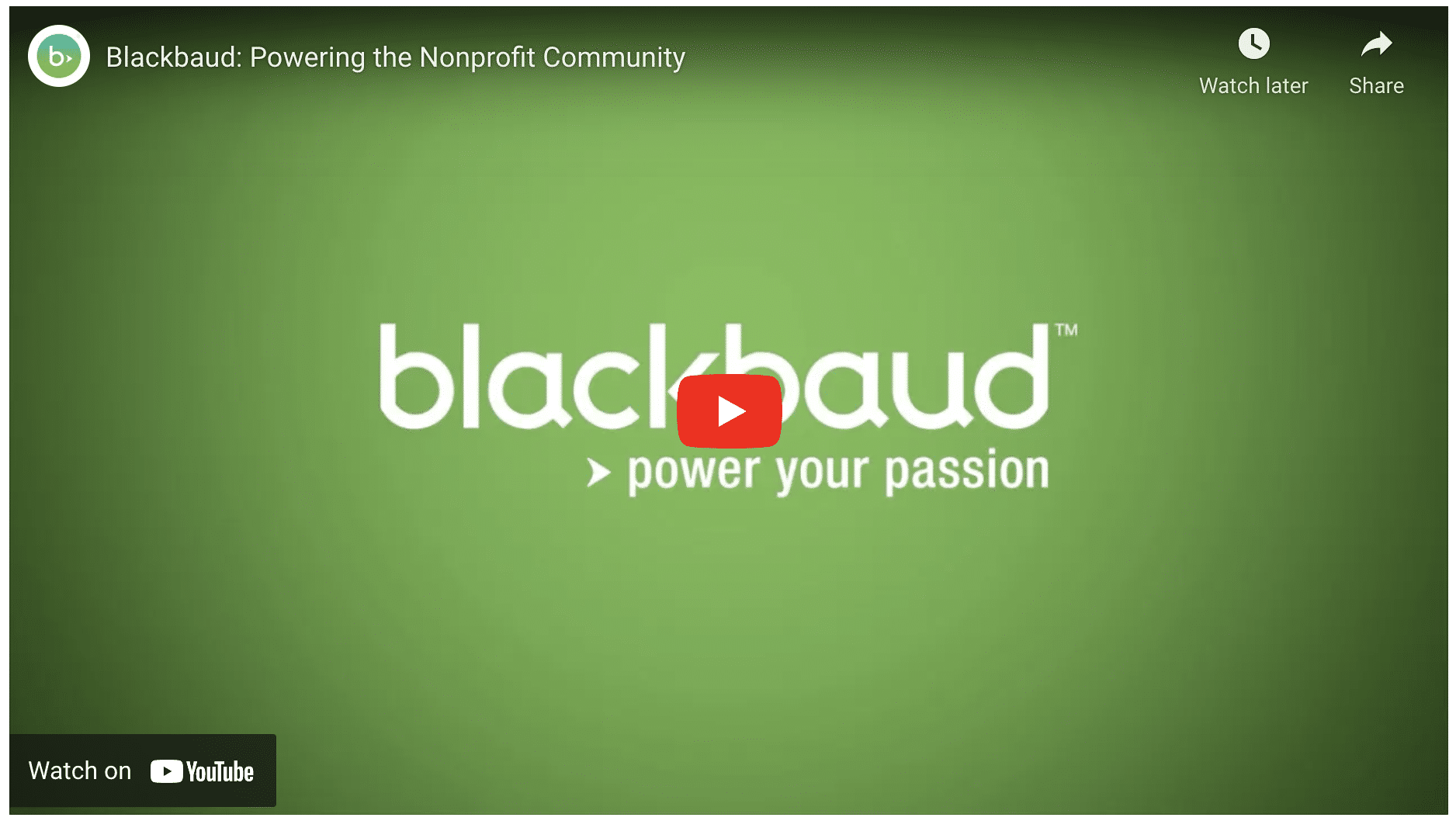
Use the Video module to embed code provided by a third party such as Vimeo or YouTube.
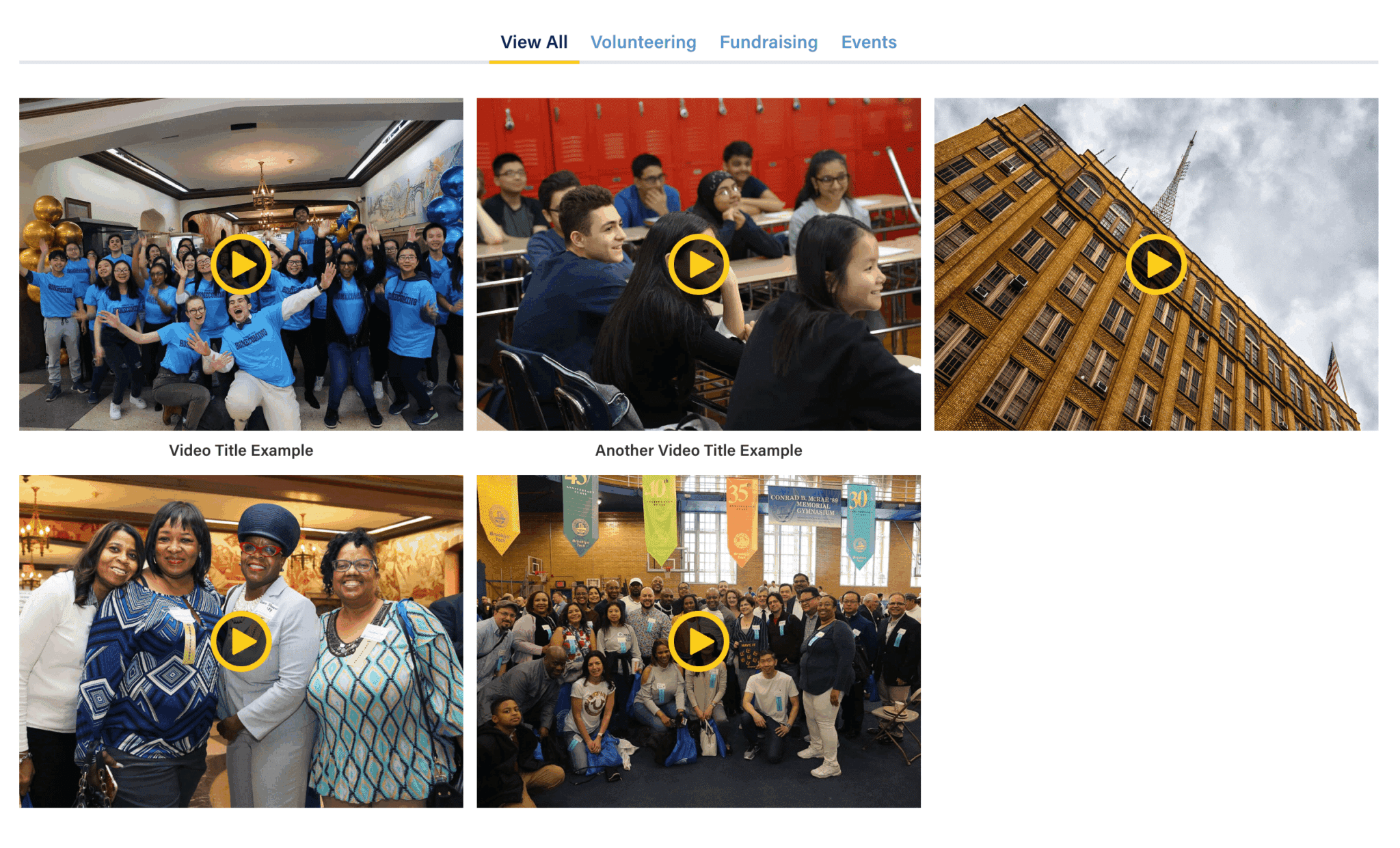
Video Gallery
Create beautiful galleries and different categories for showcasing videos.
Weather Info
Display a small widget with local weather information.
