Show the folder path a file is in, in title of the window#66746
Show the folder path a file is in, in title of the window#66746bpasero merged 8 commits intomicrosoft:masterfrom
Conversation


…ipen/feature-66660
…en/feature-66660


There was a problem hiding this comment.
@vedipen I am not a big fan of the logic in titlebarPart.ts to get the labels for short, medium and long folder. You implicitly assume that the label you get from the input is already a path, but that might not be true. A better solution imho would be to get the resource from the input and then do what the fileEditorInput does, e.g. here https://github.com/Microsoft/vscode/blob/cfd5d35/src/vs/workbench/parts/files/common/editors/fileEditorInput.ts#L171

|
@bpasero Thanks for the feedback. Updated the logic. |
There was a problem hiding this comment.
@vedipen I think we can still improve this a bit, specifically I think we do not need to check for file scheme but can try to support this for any resource. This would help in cases where the user opens remote resources which are not local.
As such I suggest:
- continue to use the
toResource(editor, { supportSideBySide: true })but remove the check forfilescheme - use
resources.dirname()instead ofpaths.dirname()which takes care of resources - pass that into
this.labelService.getUriLabelas before - use
resources.basenameinstead ofpaths.basenamefor the short label

|
@bpasero Is this ideal or should we add a function for getting these paths (or maybe use |

|
Thanks I think its fine. I will push small tweaks after to clean up a bit. |


* Add active folder feature

* use urilabel instead

* use resource instead of path

* show empty instead for activeFolderShort

2 participants


Closes #66660
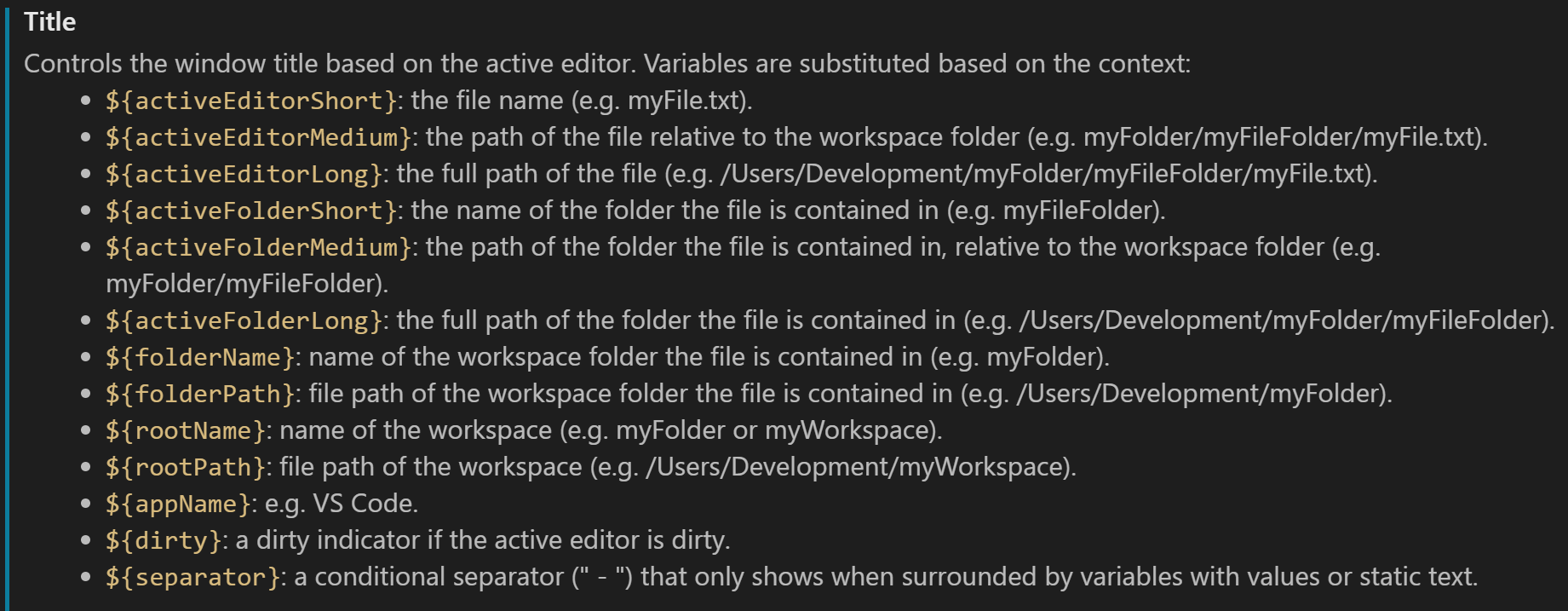
Added variables -
${activeFolderShort}: the name of the folder the file is contained in${activeFolderMedium}: the path of the folder the file is contained in, relative to the workspace folder${activeFolderLong}: the full path of the folder the file is contained inResulting view