Easily transfer data from your iPhone to your Android
MobileTrans is a powerful file transfer utility software that allows you to transfer your files from an iOS device to an Android device. Another stellar product from Wondershare Technology, creator of popular video editor programs and phone toolkits, MobileTrans is a strong competitor when it comes to file-transferring programs. Its main job is letting you do cross-transfers of data between devices of two different operating systems. MobileTrans was made to cater to both iOS and Android phones and allows you to do iOS-to-Android and Android-to-iOS data transferrals—this version being the iOS-to-Android one. If you need such a service and find other software or other methods a bit tedious and complicated, this is a recommended program to try from Wondershare.
Different OS is not a problem
MobileTrans’ main appeal is being a “phone switch” software. Such types of applications let you easily transfer any data you have on an old phone to a new one. Most of the time, this process is easy enough. If you own a computer, you just need to back up your files there and move them to your new device. Even with differing operating systems, file formats are more or less the same for most files, so it’s easy to transfer them. You can even use some file converters if you have to. However, this is all assuming that you have a computer or laptop you can use to bridge the gap. If you don’t, or you can’t use it at the moment, you will have to resort to using a special phone cable. Or you can use programs that allow you to move your files without using a third-party device. Here enters MobileTrans’ other appeal. The software allows wireless transfers, so you don’t have to go out of your way to get cables and manually connect your phones.
Wires are optional
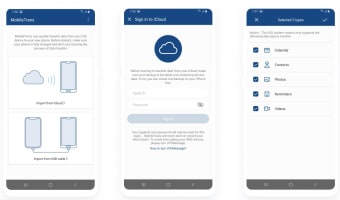
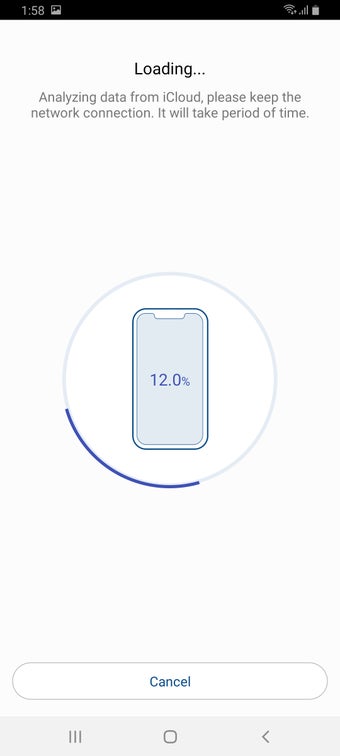
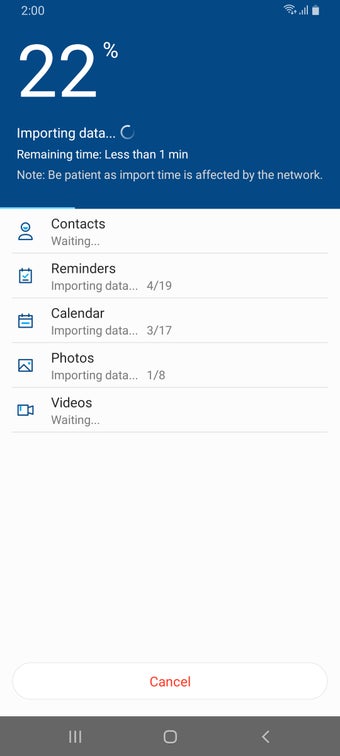
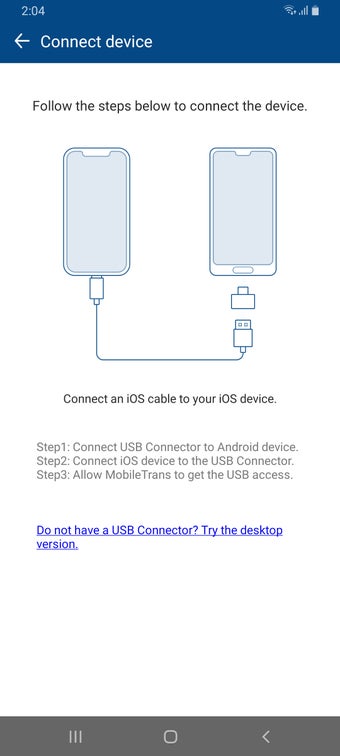
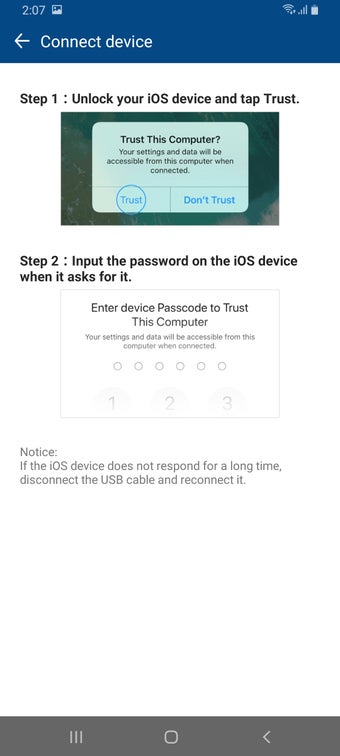
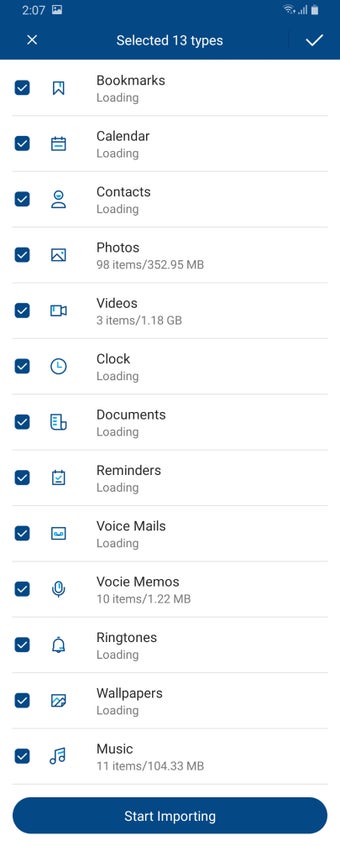
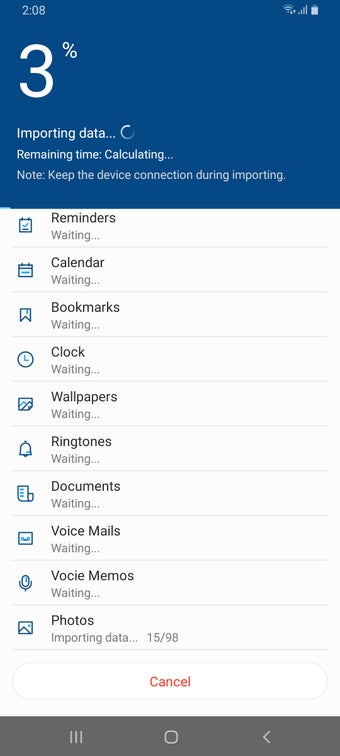
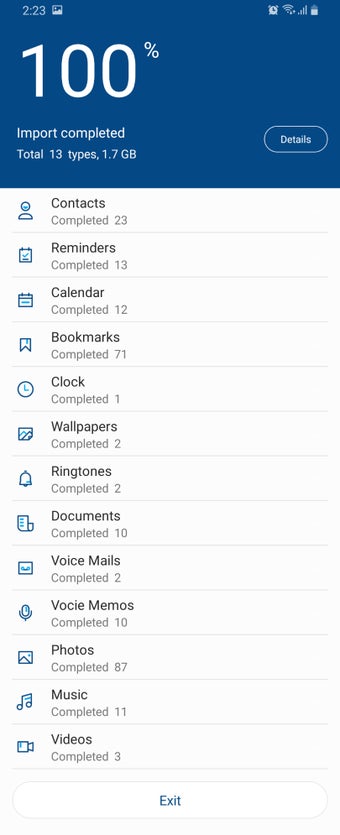
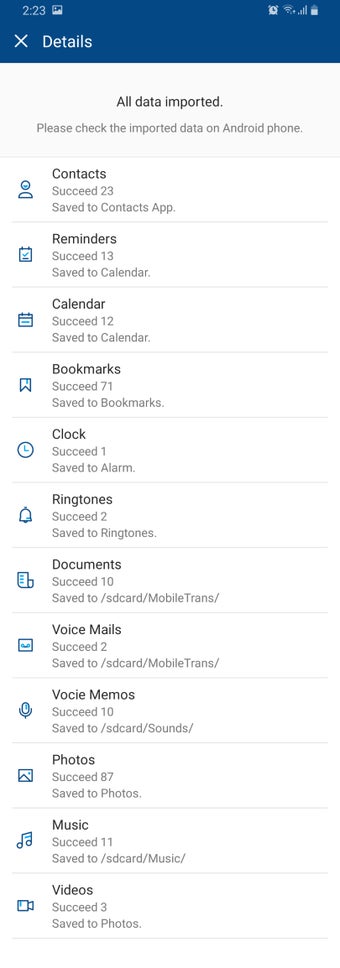
MobileTrans is easy to use. Its first method of transferring files is by using the ever-convenient iCloud in order to transfer your iOS data to your Android phone. The iCloud is a cloud storage and cloud computing service from Apple. It’s available for use in every Apple device, letting you both extend your storage capacity beyond what your device is usually capable of and easily retrieve your files when you’re online. Using iCloud, you can easily transfer lots of data on your iOS phone, such as your contacts, calendars, reminders, documents, photos, music, videos, and many more file types on your phone. Just launch MobileTrans on your Android phone, tap “Import from iCloud,” enter your Apple ID and password to sign in, and the program will import your files from your iCloud backup data. Alternatively, you can also use MobileTrans with a USB OTG (On-The-Go) cable to physically connect your two devices.
A great tool
MobileTrans is definitely a convenient program to have if you need a reliable phone data switcher. Not only can this software do data transfer from iOs to Android and vice-versa, but it also works extremely fast with its transfers. It also supports most file types and formats available and even has a free version you can try. You can also transfer mobile apps using this software, but only between compatible devices and MobileTrans can easily figure that out on its own. There’s even a PC version of it. All in all, it is a pretty neat tool, especially if you had an iPhone and have decided to use an Android phone like Samsung this time.

.png)