In the sea of tutorials called “How to draw X” where X can be very specific thing such as “gems” or “produce”, it’s nice to see the other end of the spectrum where you go as bold as explaining how to draw “anything”.
What is great about Saultoons’ tutorial How To Draw Anything… is that it highlights an important point: you don’t need a specific tutorial to figure out how to draw something. If you know your basic elements of art (line, shape, form, space) and the fundamentals deriving from them (perspective, anatomy), you can indeed draw anything, especially with a reference to know the subject’s 3D shape and materials.
(Also, don’t get me wrong, Saint11 and Slynyrd have done plenty of tutorials explaining fundamentals and overarching concepts, so it took them a while before they came down to the nitty-gritty of individual subjects. Plus, it’s nice to see how they apply their techniques to specific examples. It’s nice to have the whole range covered.)
I wanted to write about The Captain for about … 3 years now? So long that by now it’s not even sure whether the game is still in development or not. The last signs of life on Sysiac Games’ social feeds were in July last year, so I’m not even going to go into the details of the point-and-click + RPG + strategy mechanics of the game. Instead I just wanted to share the atmospheric art that has an alternative take on the sci-fi setting. It’s lovely to see something in reds and oranges instead of the default blue-and-purple cyberpunk aesthetic (although that’s also present, especially in more pinkish variations).
Peter Hedin—the art and music half of Sysiac—shared his process of doing concept art for the game as efficient as possible to suit the small indie operation. You’ll find some tips for overall conceptualization, as well as techniques in Photoshop such as editing with the lasso tool and applying layer effects. Check it out and follow the studio on Twitter or Facebook to find out the fate of the project when the Swedish duo gets back to posting again.
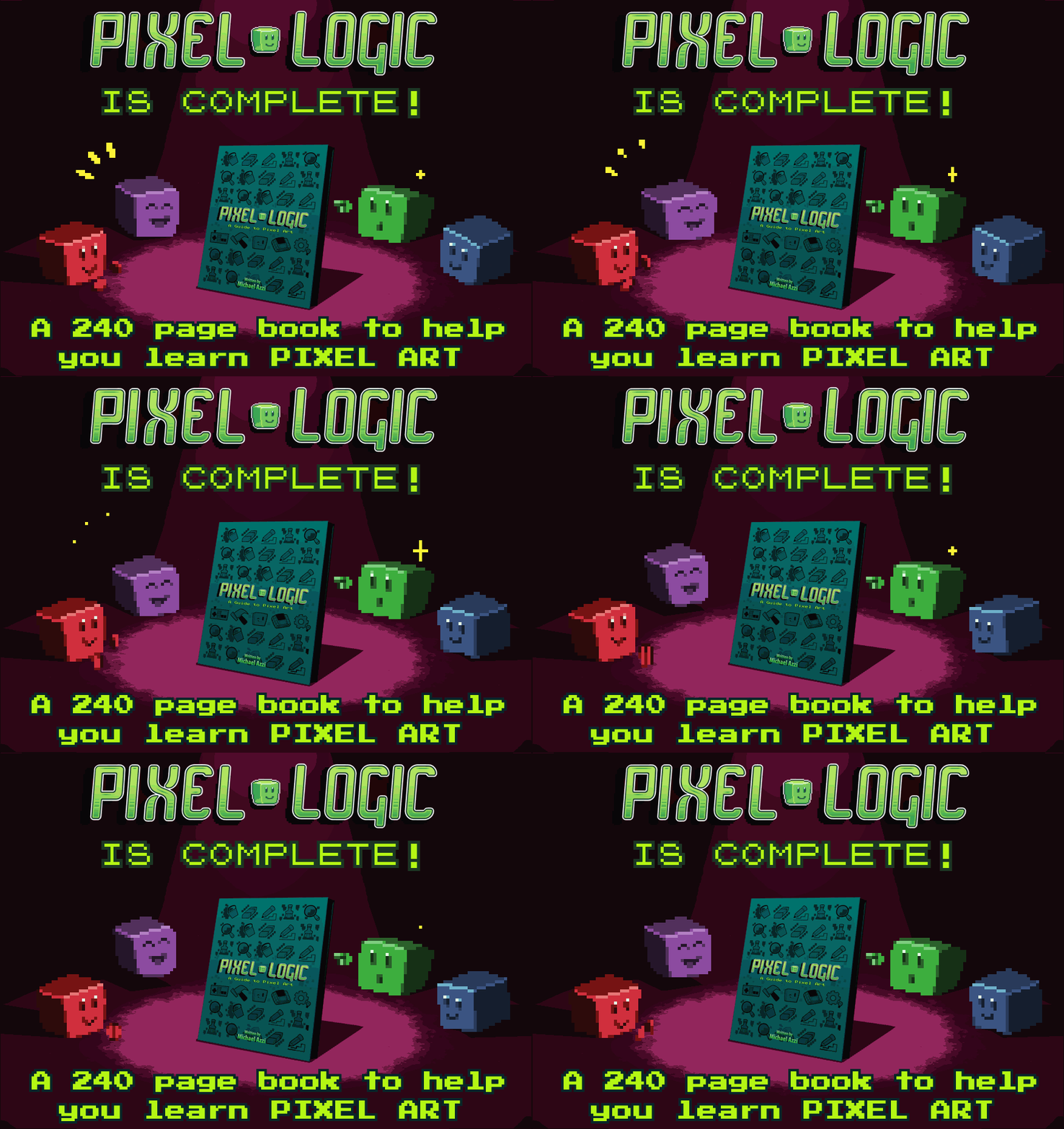
I’ve been waiting to write this post for … I don’t know, 4 years? That’s why I’m that much more delighted to finally tell you that Pixel Logic: A Guide to Pixel Art (@pixel-logic), a digital book that started its way on Indiegogo all the way back at the end of 2014, is finally fully released!
Written by Michael ‘@michafrar’ Azzi (and a dozen of guest artists … @unseven, @jinndevil, @pixosprout to name just a few), Pixel Logic is your ultimate tome of knowledge about all things specific to the art of tiny squares.
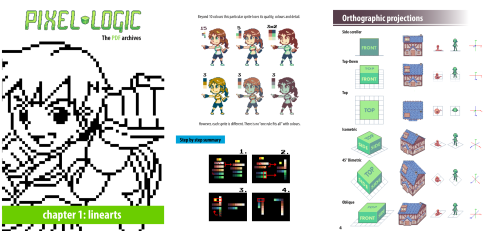
Weighing in at 242 pages, Pixel Logic spans 9 chapters which quickly leave introductory basics behind for a deep dive into things that make pixel art a unique art form: anti-aliasing, dithering, sub-pixeling, and less talked about—but just as crucial—topics of readability and clean-up.
While it won’t teach you how to draw in terms of shading and anatomy (for that you can use hundreds of resources on art fundamentals out there already), the book does attack foundational areas that matter a great deal in video games, namely graphical projections and animation.
All topics are neatly illustrated with Michael’s art, guest artists’ work, useful diagrams, and plenty of examples from classic and modern pixel art games. Thanks to the colorful design by Jenna ‘@cyanatar’ Brown, working your way through the content is just as charming as it is super useful.
If you ever wanted all major areas of pixel art knowledge neatly gathered in one place, your wish has been granted (and then some). Pixel Logic is available in both English and French for the very affordable price of $9 or more, and even comes with an enhanced PDF of the Animation chapter that has GIFs embedded right into the book. You can get the first chapter as a free preview, in case you want to get a taste before you buy.
This is now a must-have in your artist arsenal, right next to the $1 kindle title Learning Pixel Art, which I also always recommend for intermediate/advanced pixel artists. It’s not the end of the story for pixel art books though; Make Your Own Pixel Art by Jennifer Dawe is already looming on the horizon. See you back in March!
Very quick demo of Aseprite’s ellipse rotation (alt+drag) used to draw circles in isometric. Note that ctrl+drag draws the ellipse from the center, after which you can also add alt+drag to rotate it. Then let go and adjust so that your ellipse covers the edge midpoints (orange).
Also, you have to construct a proper side of the cube to begin with (I use the red circle as a guide to make sure edges are same length). Otherwise the ellipse axes won’t align with the diagonals across the side square (in green). You need a rhombus, not any parallelogram.
Lospec is quickly becoming the ultimate website for pixel art resources.
I’ve mentioned the site in my YouTube News episode for November, when it launched with an awesome database of color palettes.
It includes close to 150 entries, beautifully presented, and searchable by number of colors and tags (if you want, for example, see just system palettes of old computers).
Tutorials
Today an even more gargantuan resource was unveiled: a list of over 500 tutorials, categorized by tags, authors, and mediums—a feat that took multiple months to compile.
Luis Zuno made a tremendously fun (and informative) video about visual legibility in games. Featuring Bob Ross himself, he battles through ways of making the foreground and background stand out from each other. (As supplementary material, I also mention this topic in my article on top/side view.)
Luis has been one of the most successful pixel artists on Patreon besides Saint11. He mostly made art packs so far, but recently changed direction to create more videos like the one above. I’ve already recommended his YouTube channel in my Guide to pixel artists on YouTube, so make sure you subscribe to it for more of the above, as well as consider supporting him on Patreon for a job well done.
There are shittons of pixel art tutorials online, but what about actual books? Here are the ones I know of (please share others with me).
How to
Learning Pixel Art by Max Hervieux (best value you will ever buy for $1, very recommended for intermediate–advanced artists, has a Pixel Joint approach/mentality to it)
Designing Arcade Computer Game Graphics by Ari Feldman (a big old-school print book, more about game production rather than drawing, now free in digital form)
Pixel Art for Game Developers by Daniel Silver ($40, I didn’t buy it personally, others say it’s basic and overpriced)
Reference
Visual Compendium series (C64, Amiga, ZX Spectrum, NES, SNES) by Bitmap Books ($13 PDFs, $26–32 softcover, $40 hardcover, absolutely stunning design and print full of your favorite scenes and sprites from old video games)
The Masters of Pixel Art (vol 1 and 2) by Nicepixel Publications ($16 eBook (vol 2 only), $45 print, $57 bundle, lots of demo scene artists and art made to old computer specs)
The Art of The Pixel by Edge ($10 print, also digital in the Edge app, special edition magazine with features of many current pixel artists, includes my introduction)
A) Throw it back at Paperboy. B) Bookmark it for later and never actually read it. C) Click on the link and learn about multiview graphical projections.
Protip for @aseprite so that your pixel art doesn’t lose resolution when you zoom out. Useful to see big artworks at 1:1 scale and so that photo references don’t get blocky at x2.
Mini-lesson. Noel_Enlym was asking on Reddit how to make an explorer badge (top) appear more like it’s embroidered.
This is a place where dithering is perfect in my opinion. Dithering gives the appearance of a rough surface, which is exactly what is needed. You can use a simple halftone dither (middle), or a more complicated 3x3 diagonal pattern that resembles needlepoint better (bottom). It’s all done as an overlay layer on top of the artwork with very low opacity.
Hello everyone, I am Matej Jan a.k.a. Retro. Welcome to Retronator—my blog and game development studio.
I started Retronator in 2007 with the goal of making video games focused on
creativity. Along the way I started writing about art and gaming, featuring artists and projects that
caught my attention. Nowadays this mostly includes pixel art, with occasional diversions into voxels,
low-poly 3D, low-res digital painting, and basically anything that makes me feel like a kid again
(text adventures, chiptune, LEGO …).
I'm also very nostalgic about 20th century games that didn't neglect their educational potential.
I expected titles like Sim Ant, Caesar II, and Sim City to continue into the future, expanding their
power to teach us something along the way. Games such as Kerbal Space Program and ECO continue to carry
the torch, but are far in between in the current gaming landscape. Expect Retronator to cover more
games like that in the future.
Finally, on these pages I document my own journey as an illustrator and game developer. I'm working
on an adventure game for learning how to draw called Pixel Art Academy. This newspaper lives
in the game world and I'll make that quite obvious soon. Thanks to backers of the game and supporters
on Patreon I can create this content full-time. Thank you for making this possible!
It's been 10 years since I started this journey and there is no doubt the next 10 will be
absolutely amazing. Stick around and I hope you will enjoy the ride.
Happy pixeling, —Retro
Notes from Retronator Store customers
To leave a note, include a tip when checking out in the store.