Take control of your digital life
Struggling to put your iPhone down? You’re not alone. Manage your screen time and unlock better focus with AppBlock for iOS.



Why AppBlock for iOS?
Make your iPhone a productivity ally, not a scrolling black hole. Block distractions, reclaim your time, and experience benefits like:
Stay productive and distraction-free throughout the day.
Avoid late-night scrolling and prepare for restful sleep.

Spend quality time with loved ones, not your screen.

Build digital discipline to support your well-being.
Save around
3 hours a day
AppBlock users save an average of 3 hours daily, with over 70% experiencing a significant boost in productivity and well-being in just a week.
Redefine your iPhone habits
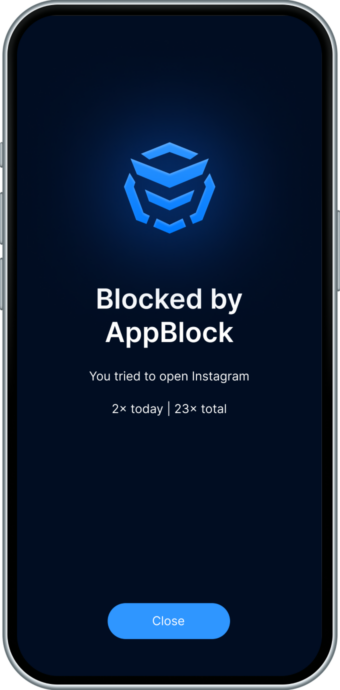
Ready to make a change? On iOS, it starts with a single tap. Block your first distracting app using Quick Block, set a recurring Schedule, or add a Usage Limit—all in the flow of your iPhone routine.
Using Android instead? Head over to the Android version of AppBlock.
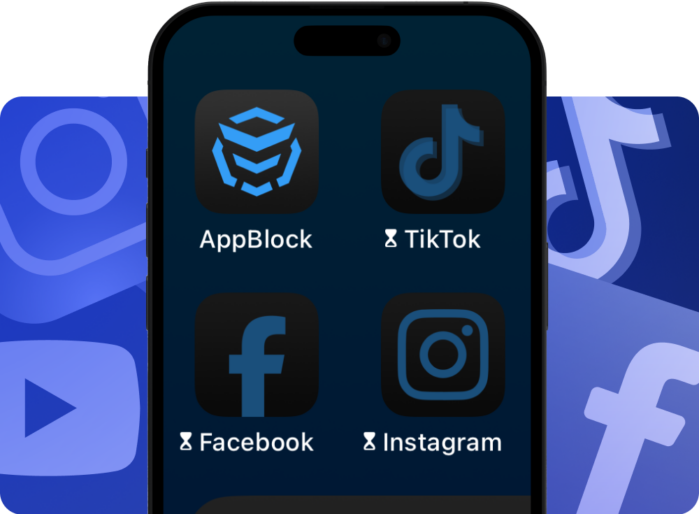
Key AppBlock features for iOS
Maximize your focus and peace of mind with AppBlock’s iOS tools—designed specifically for iPhone users. Whether you’re using Quick Block, setting up Schedules, or enabling Strict Mode, AppBlock for iOS makes it easy to take control of your screen time.
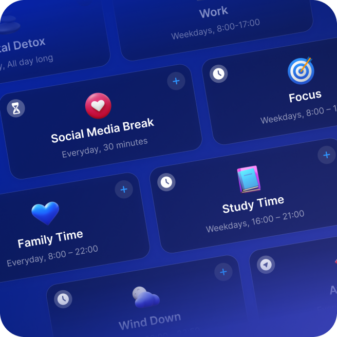
Schedules
Block apps for activities like work, downtime, or workouts. Customize blocks by time or location, such as blocking social media at work and work apps at home.
Strict Mode
Lock your blockings to stay on track with your goals. Strict Mode helps you resist the urge to bypass your own settings, ensuring your blockings stay active.
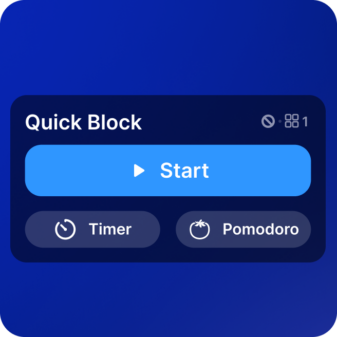
Quick Block
The easiest way to avoid app distractions. Tap "Start" to instantly block your selected apps or websites—perfect for when you need to focus immediately.
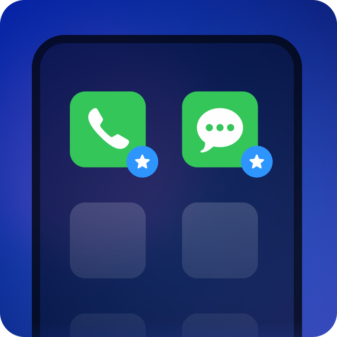
Allowlist
Turn your device into a productivity powerhouse with the Allowlist. Keep only essential apps while AppBlock blocks the rest—perfect for work, study, or unwinding.
Approval access
Get a partner to turn off Strict Mode—or better, keep you on track. This added accountability makes it harder to quit and easier to stay committed.
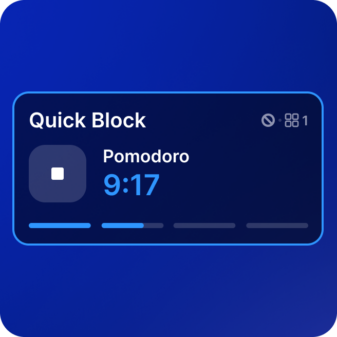
Pomodoro
A powerful tool for focused work. Set timed sessions, block interruptions, and easily switch between work and breaks—all while controlling your screen time.
Benefits of using AppBlock on iOS
Stay focused, reduce screen time, and build healthier habits, all with seamless integration into your iPhone’s daily flow.
Increase your productivity by reducing screen time during critical work or study hours.
Improve mental well-being with a better balance between online and offline activities.
Create a healthier digital environment with less time spent on distracting apps.
How to start with AppBlock on iOS
Step 1: Install the app
Head to the App Store to download AppBlock on your iPhone, tap the icon on your home screen, and open it to begin the setup process. Follow the on-screen instructions to get started.

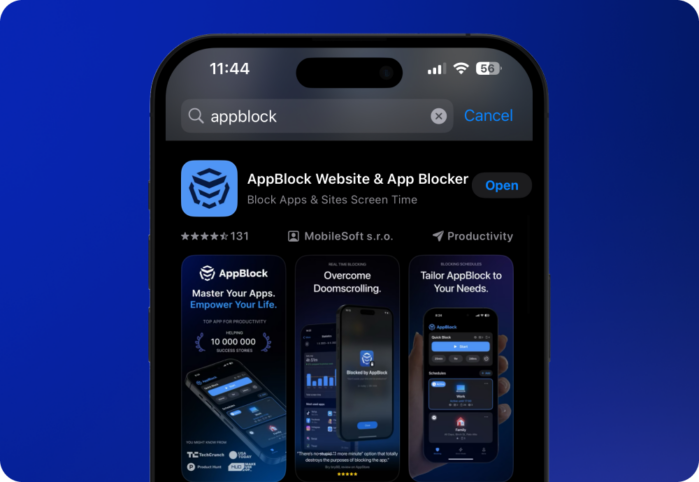
Step 2: Set your preferences
Open AppBlock and continue setting it up. Grant permissions, explore your options, and customize your blocking to match your screen-time goals.
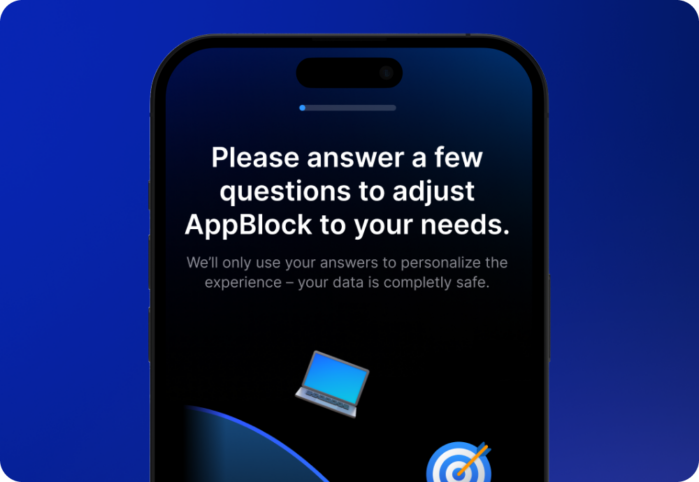
Step 3: Customize AppBlock
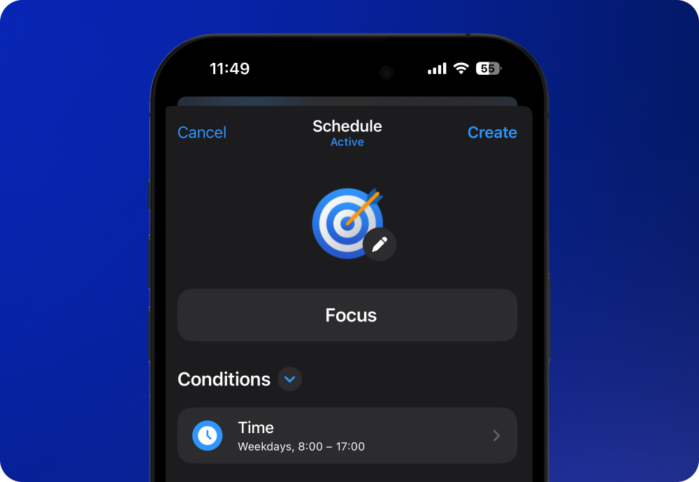
Set up blocking Schedules for specific times and days of the week. Explore different blocking options to find what works best for you, and enable Strict Mode to prevent bypassing. Now—block away!
Frequently asked questions
Related articles
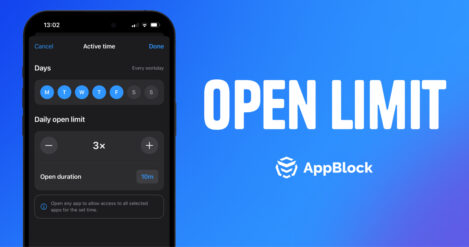
Introducing Open Limit for iOS: Take Control of Your Screen Time
Have you ever opened an app just for a second 🙃—only to find yourself scrolling 30 minutes later? We’ve all been there. Whether it’s social…
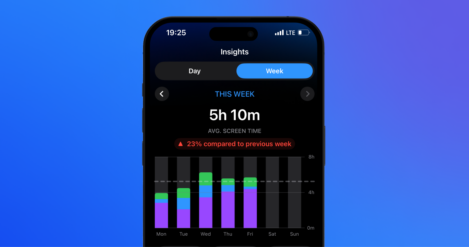
Track Your Progress with Advanced Insights for iOS
Studies have shown that keeping track of your habits plays a key role in reaching your goals. When you regularly monitor your progress, you…
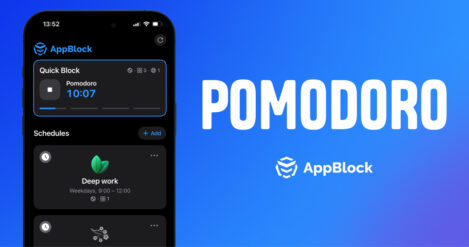
New Pomodoro Feature for iOS Out Now!
Struggling to focus? You’re not alone. Endless notifications, social media temptations, and emails make staying productive a challenge. That’s where AppBlock’s Pomodoro feature for…
Ready to take control?
Download AppBlock for iOS today!