Logo

Google Ad Manager for WordPress

Set Up in Minutes. No Code. No Developers.

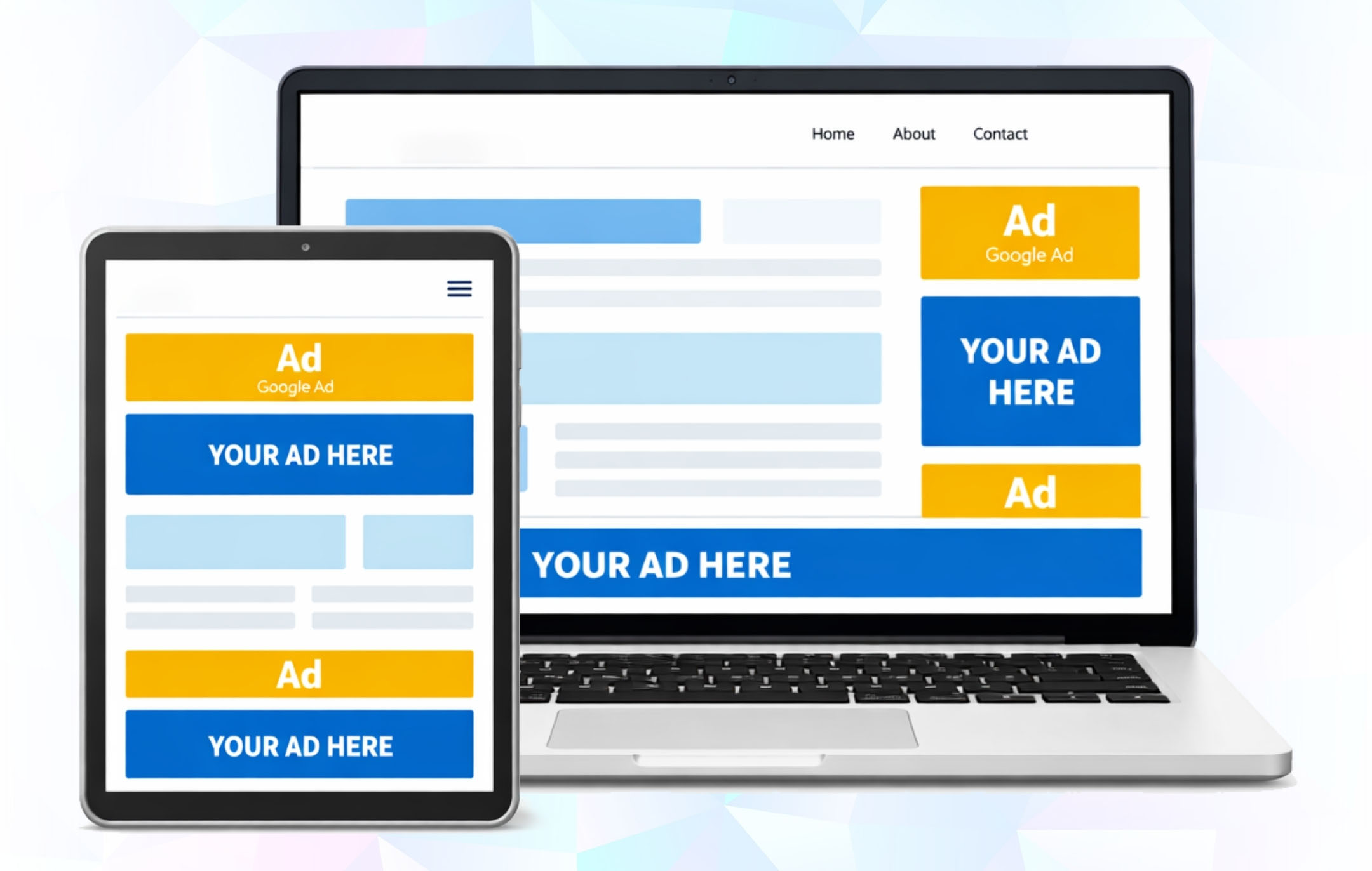
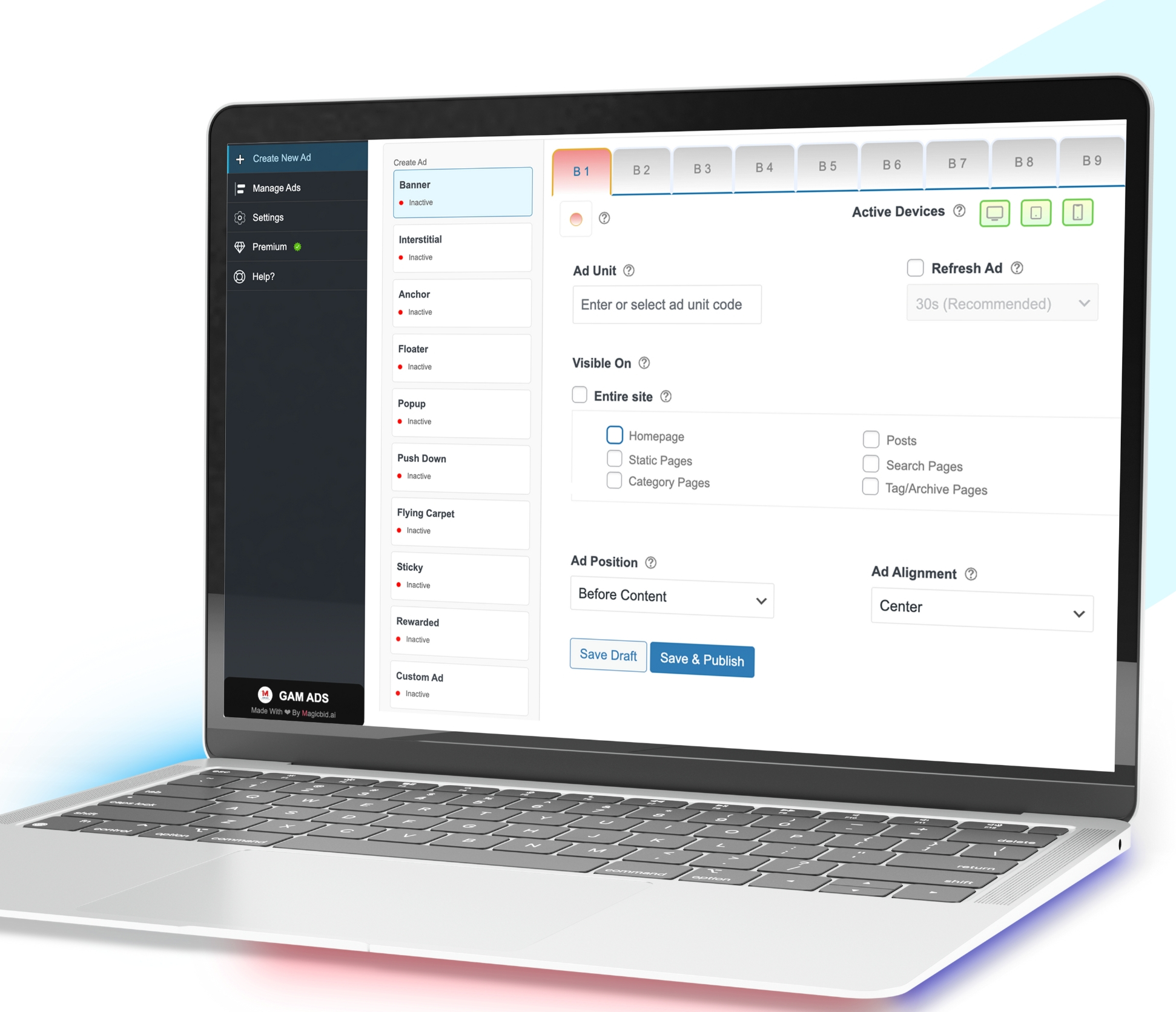
Manage Google Ad Manager ads directly from your WordPress dashboard.
Install Now
Image
Built for Publishers using GAM & AdX
Image Free Plan Available
Image 3-min Setup
Image Zero Developer Cost

The Problem We’re Solving

Google Ad Manager is powerful. Running it cleanly on WordPress is the real challenge.

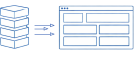
Publishers Lose Control

Image

Too many moving parts working against each other

  • Small changes ripple across the entire stack
  • Ad behavior becomes unpredictable

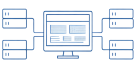
Operations Don’t Scale

Image

Every change feels heavier than it should

  • Repeated developer involvement
  • Slow testing for simple updates

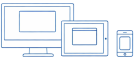
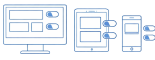
Mobile Is the Blind Spot

Image

What works on desktop breaks elsewhere

  • Ads load but don’t render correctly
  • Size mismatches across devices

What This Means

Over time, WordPress ad setups become fragile. Publishers spend more time debugging ads than improving performance.

GAM ADS is built to simplify running ads on WordPress

It lets publishers manage Google Ad Manager ads directly from their WordPress dashboard, without manually adding ad code or touching theme files.
How It Works

Step
01
Image

Install the Plugin

Add the GAM Connect plugin to WordPress and activate it in seconds.
Step
02
Image

Connect GAM

Securely connect your Google Ad Manager account.
Step
03
Image

Import Ad Units

Automatically pull in your ad units from GAM.

Step
04
Image

Manage & Optimize

Control and optimize ad performance directly from WordPress.

Key Benefits

Image

Integration Made Easy

Connect Google Ad Manager to Wordpress in minutes - no code required.

Image

Real-Time Visibility

See which ads are active, paused, or expired instantly.

Image

Create & Manage Ads

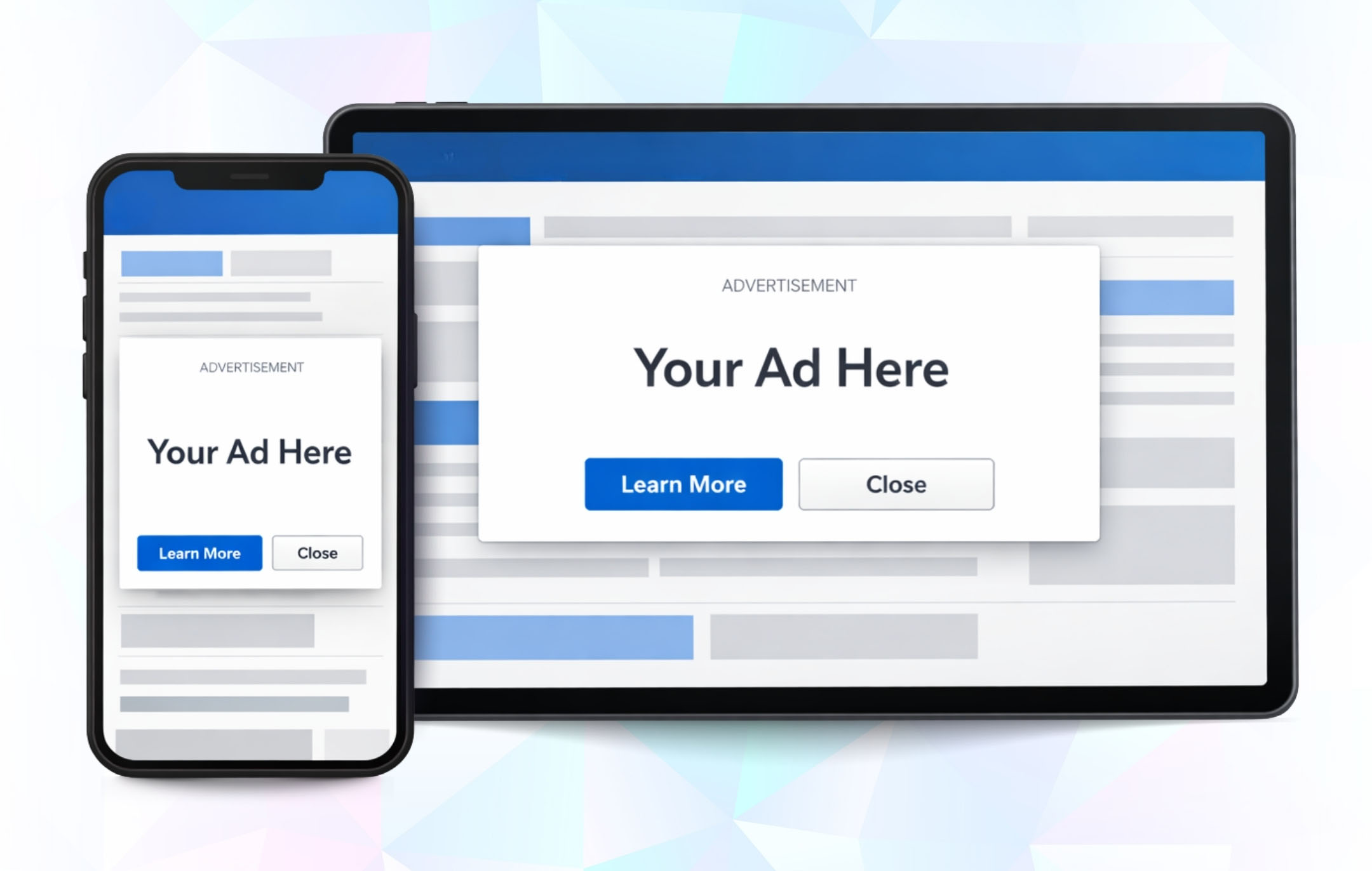
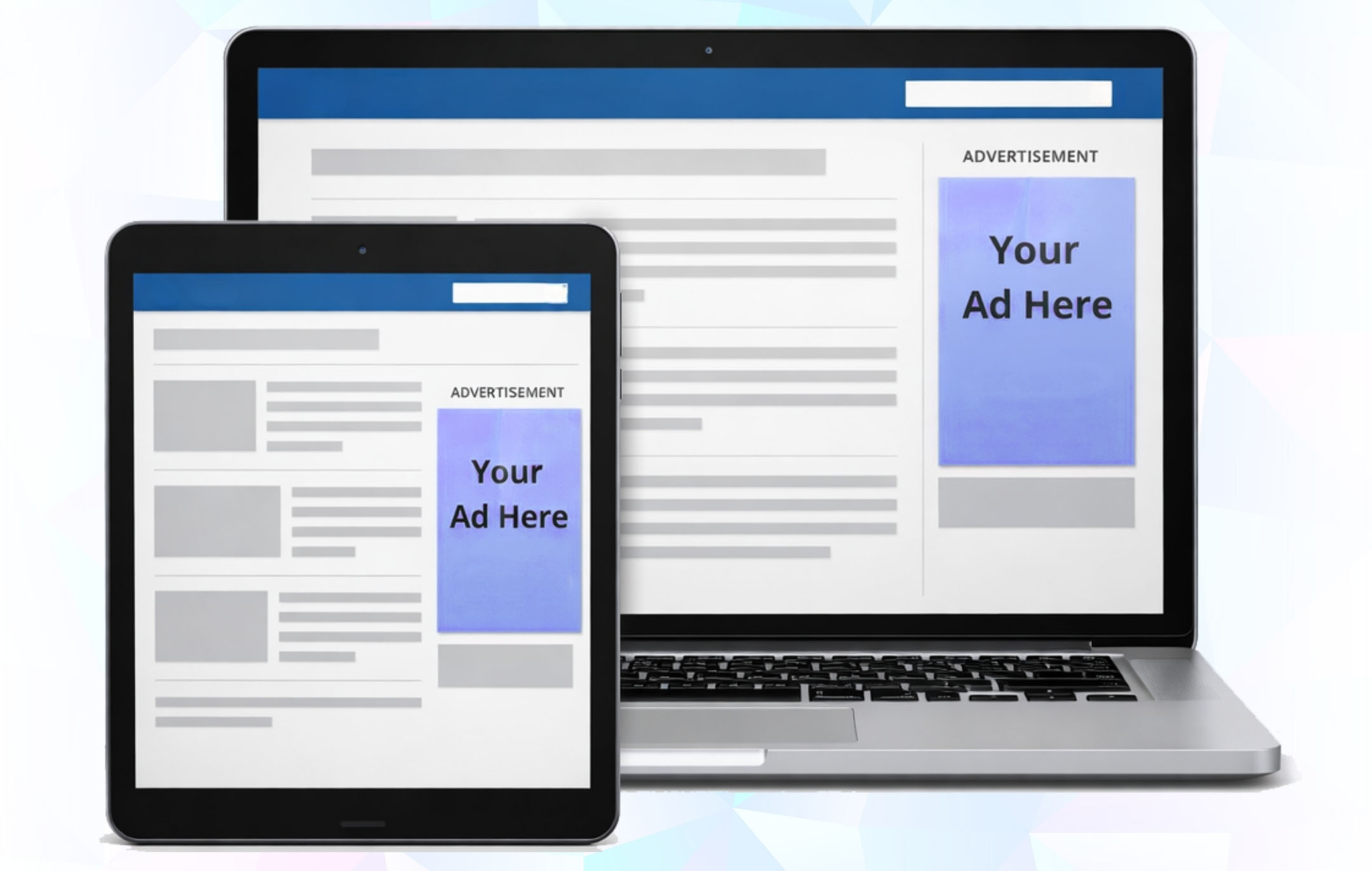
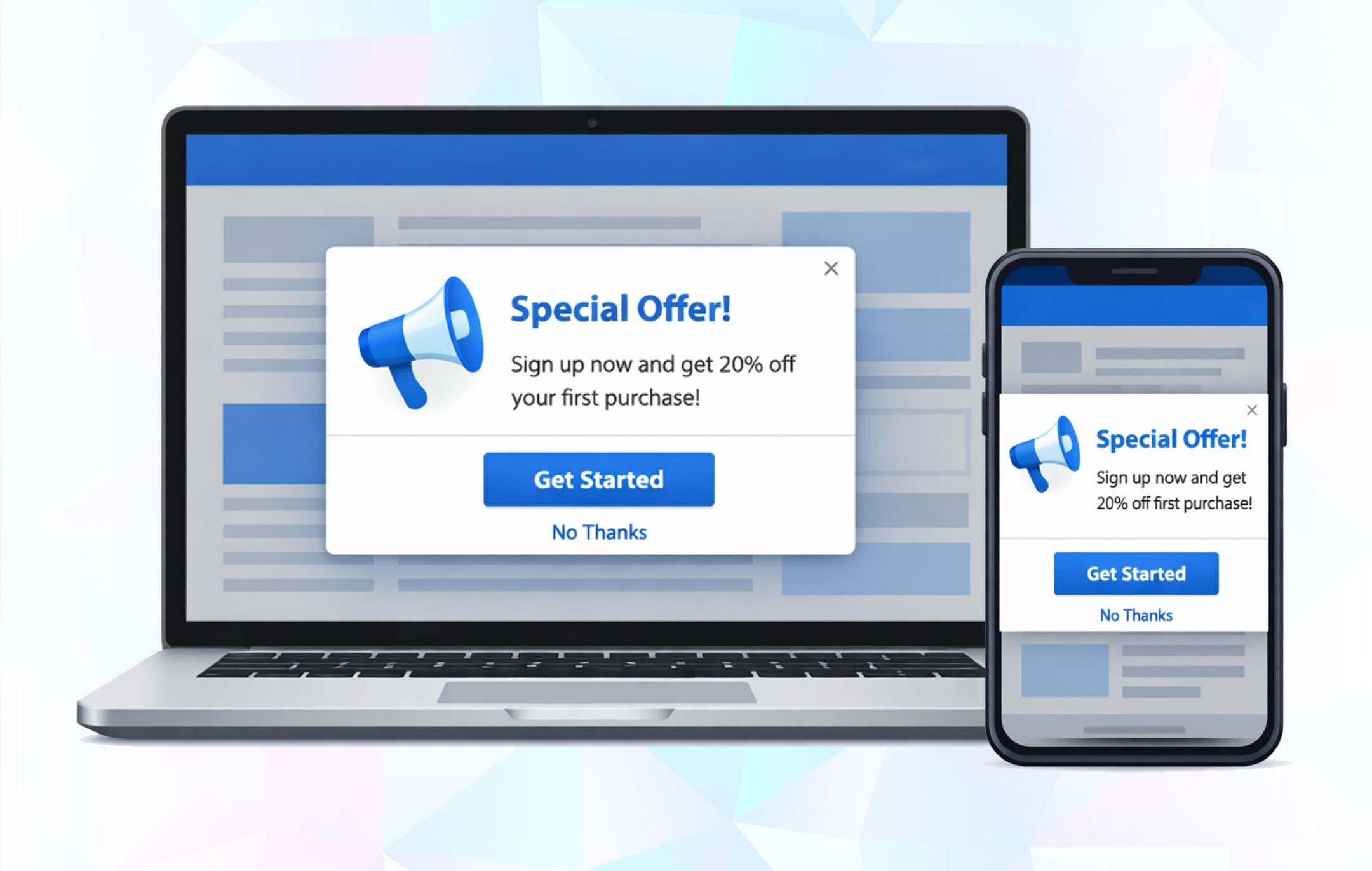
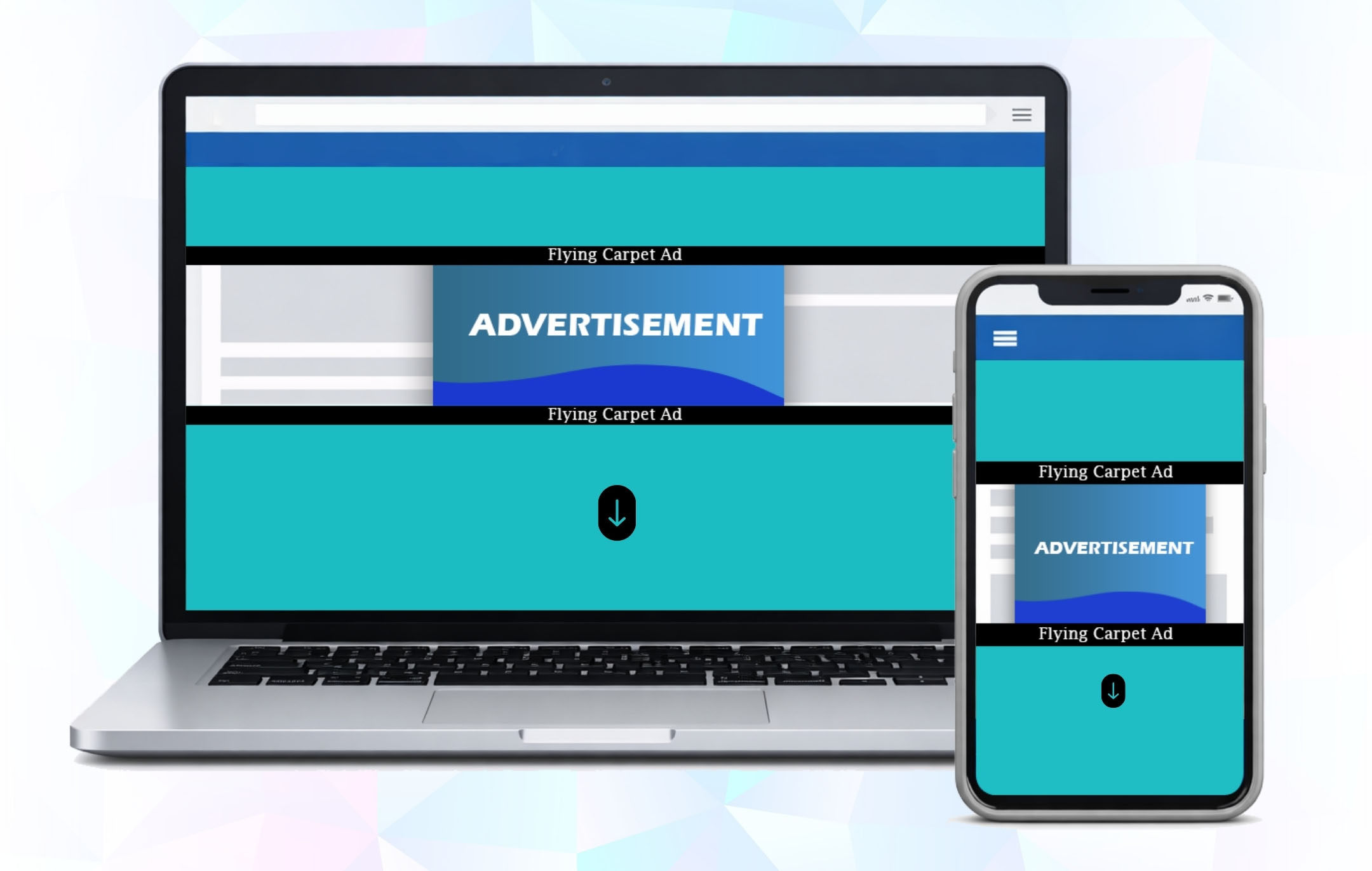
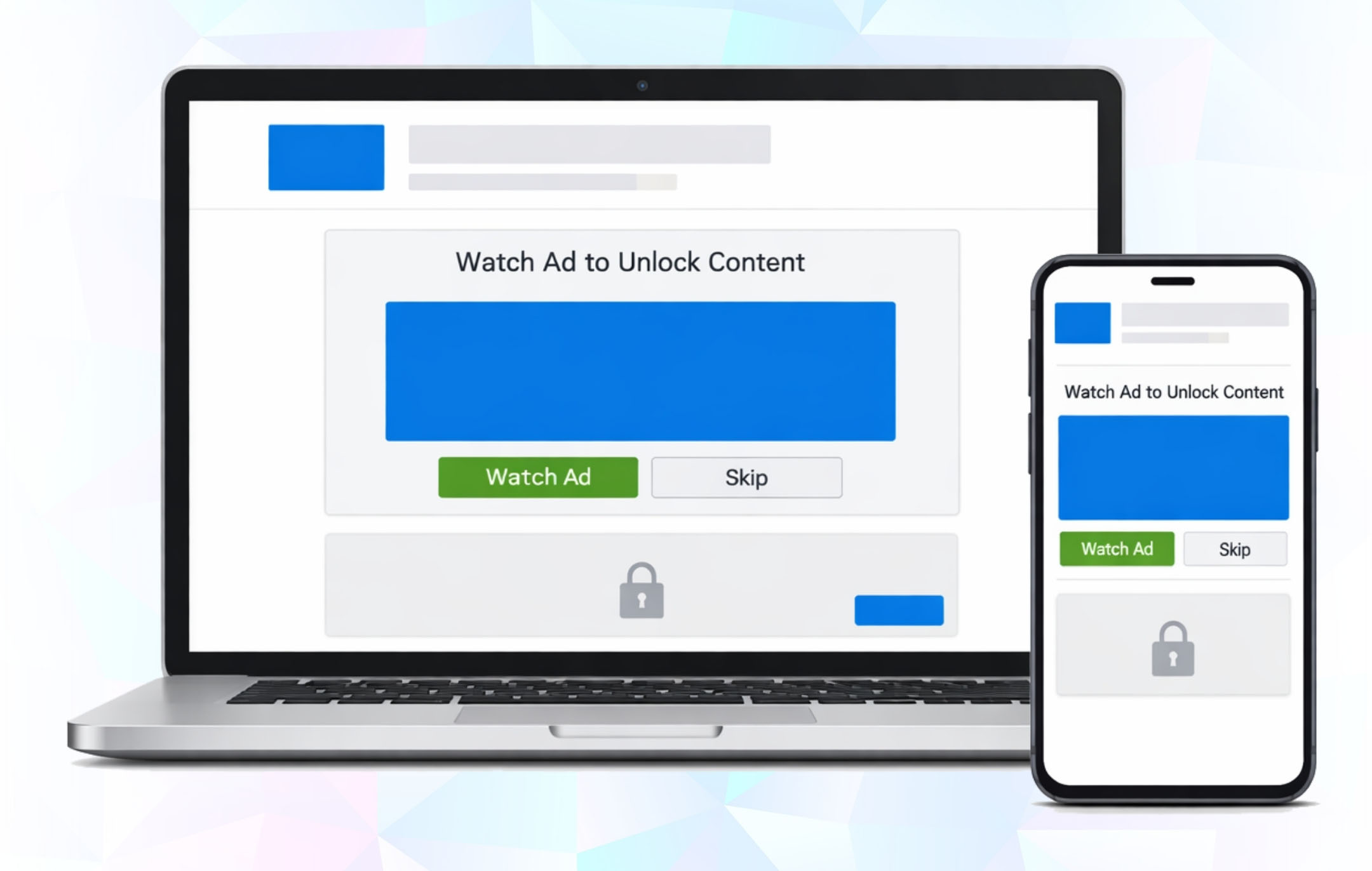
Setup banners, sticky, video and interstitial ads in just a few clicks.

Image

Scales With Your Needs

Start free and unlock advanced features anytime with the premium plan.

Image

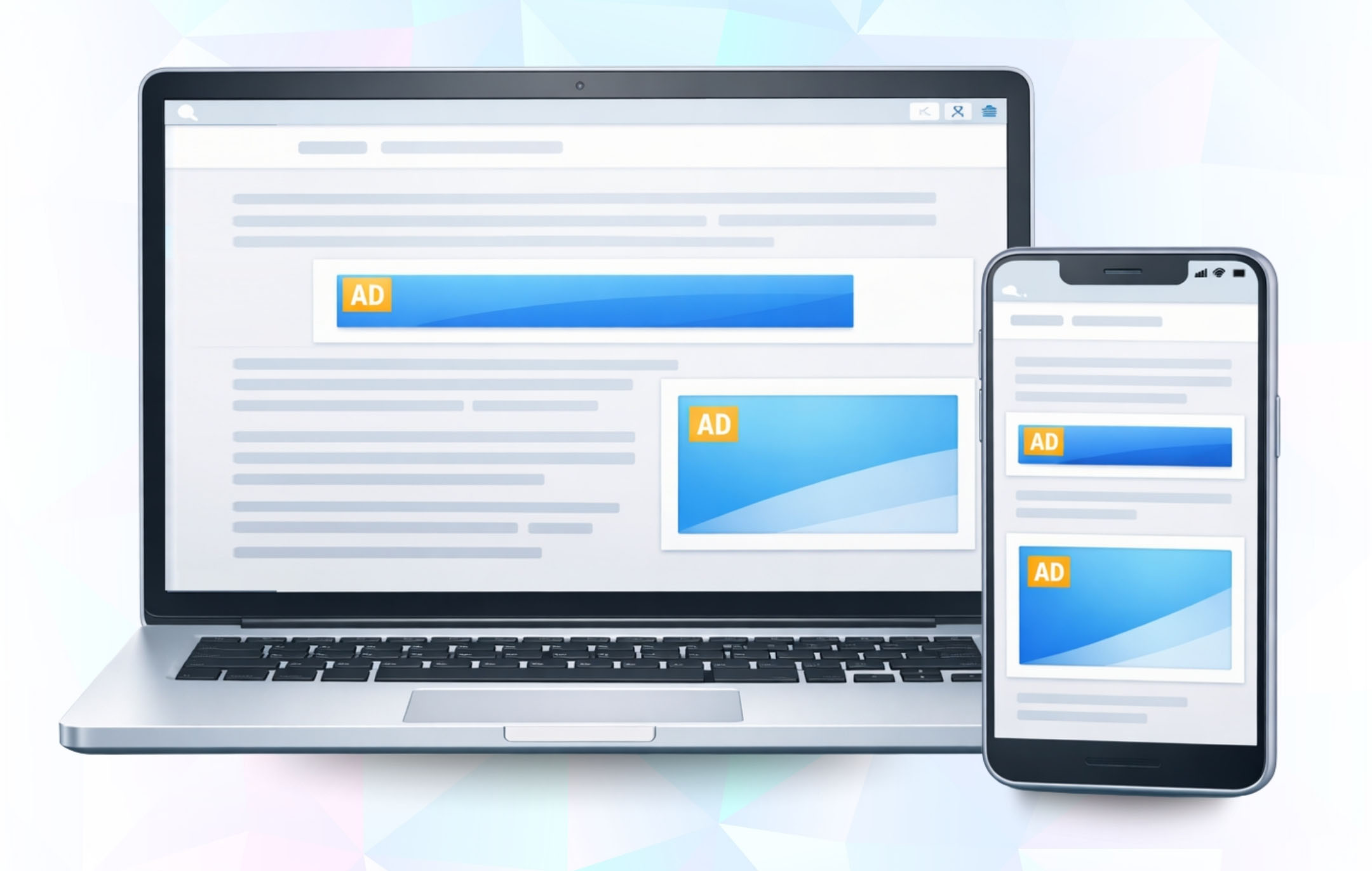
Smart Placement

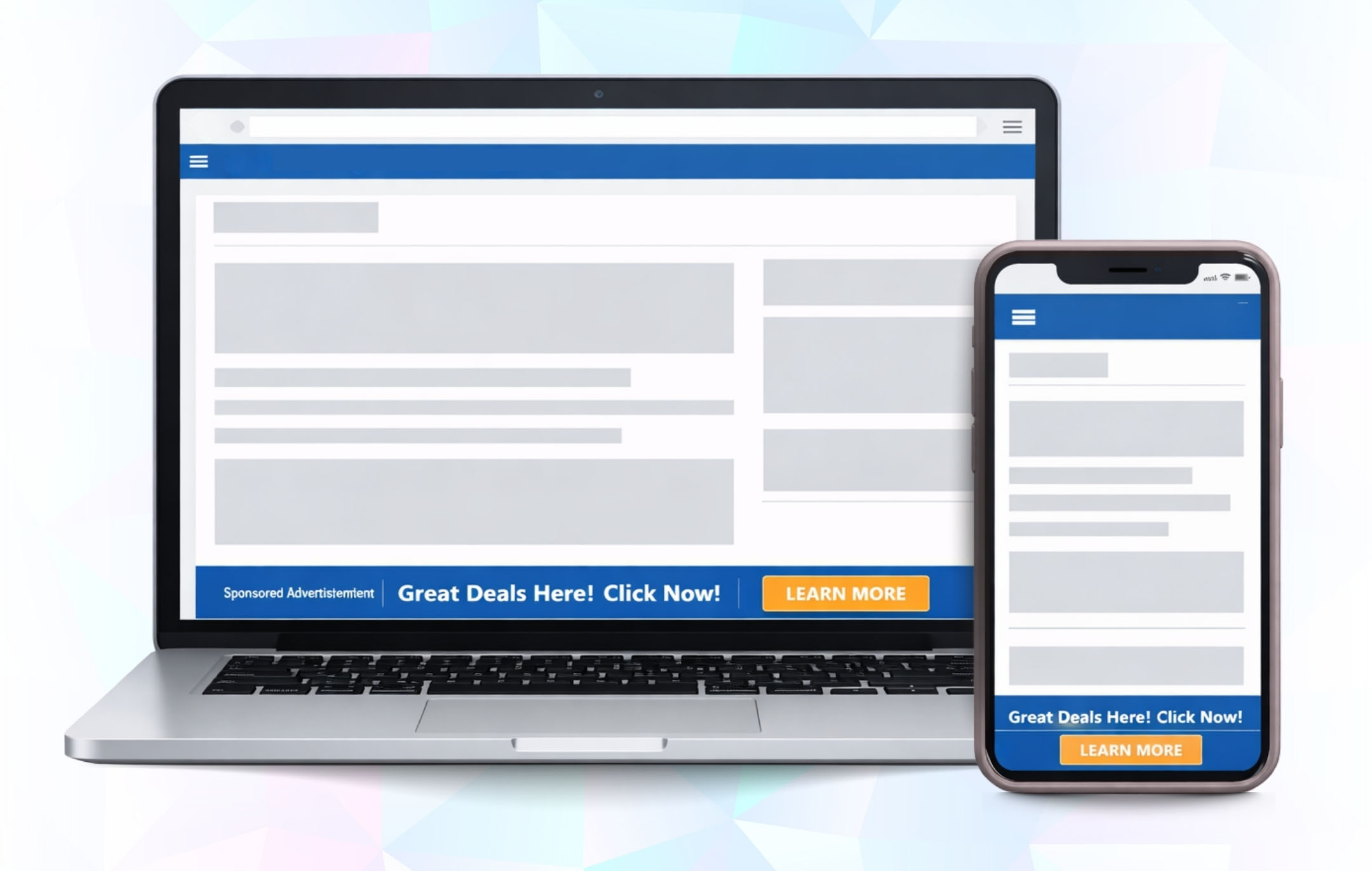
Ads adapts across devices with no empty spaces and layout.
Supported Ad Formats

Image

Banner Ads

Standard banner ads placed exactly where you want no code, no theme edits.

  • Auto-adjusts sizes per device
  • No layout shifts or empty gaps
  • Safe refresh logic
  • Works with all page builders
Best for: Blogs, articles, high-traffic pages

See it in action

Watch How GAM Connect Works

Install Arrow Connect Arrow Create Arrow Publish
FOR HIGH-TRAFFIC PUBLISHERS
Image

500k+ Monthly visits on your site?

You may qualify for Pro access at no cost.

See if you qualify →

Choose Your Plan

Explore flexible plans designed to match your needs. Get started with essential features for free or unlock advanced tools to maximize your growth.

Free

Everything you need to get started with ads – essential formats and core features.

Free


ADS

  • Image Banner Ads
  • Image Interstitial Ads
  • Image Anchor Ads
  • Image Floating Ads

FEATURES

  • Image Responsive Ad Sizes
  • Image Built-in Placements
  • Image Device-Based Targeting
  • Image Custom Code Integration

Monthly

Unlock all advanced ad formats and powerful features for maximum revenue growth.

$25/Month


ADS

  • Image Banner Ads
  • Image Interstitial Ads
  • Image Anchor Ads
  • Image Floating Ads
  • Image Popup Ads
  • Image Push-Down Ads
  • Image Flying Carpet Ads
  • Image Sticky Ads
  • Image Rewarded Ads

FEATURES

  • Image Responsive Ad Sizes
  • Image Built-in Placements
  • Image Device-Based Targeting
  • Image Auto Ad Refreshing
  • Image Enhanced Visibility Tools
  • Image Banner Labeling
  • Image Custom Code Integration
  • Image Priority Support

Annually

Unlock all advanced ad formats and powerful features for maximum revenue growth.

$250/Year


ADS

  • Image Banner Ads
  • Image Interstitial Ads
  • Image Anchor Ads
  • Image Floating Ads
  • Image Popup Ads
  • Image Push-Down Ads
  • Image Flying Carpet Ads
  • Image Sticky Ads
  • Image Rewarded Ads

FEATURES

  • Image Responsive Ad Sizes
  • Image Built-in Placements
  • Image Device-Based Targeting
  • Image Auto Ad Refreshing
  • Image Enhanced Visibility Tools
  • Image Banner Labeling
  • Image Custom Code Integration
  • Image Priority Support

Top Features

Everything you need to run GAM ads on WordPress.
Image

Code-free Ad placement

Place ad units without touching code.
Image

Automatic Ad code handling

Ad scripts load automatically.

Image

Bulk Ad Unit import

Import all Gam ad units at once.

Image

Responsive Ad Sizes

Ads adjust to every screen size.

Image

Device-Based targeting

Show or hide ads by device-type.

Image

Placement Control

Control ads by page and layout.

Image

Auto Ad Refresh

Refresh Ads automatically.

Image

Smart Ad Collapsing

Hide empty ad slots automatically.

Image

GAM & GAM 360 support

Works with all GAM setups.

Image

Advanced Ads Integration

Works with dynamic & cached pages.

Don't miss any updates!

Get the latest directly to your inbox
Unsubscribe at any time.

Frequently Asked Questions

AdX GAM Connect is a WordPress plugin that integrates your site directly with Google Ad Manager (AdX). It allows you to create and manage multiple ad formats, place them across your site, and track performance all from inside WordPress.

To run the plugin, you’ll need:

  • WordPress 5.5 or higher
  • PHP 7.4 or higher
  • MySQL 5.7 or higher
  • An active Google Ad Manager (AdX) account with API access enabled
Yes. A valid Google Ad Manager account is required to connect and serve ads through the plugin. Without it, you cannot import or manage ad units.
Absolutely. The plugin is designed for non-developers. Installation and setup are done through the WordPress dashboard with just a few clicks.

You can install the plugin in two ways:

  • From Dashboard: Go to Plugins → Add New → Upload Plugin, select the plugin .zip file, click Install Now, then Activate.
  • Via FTP: Upload the extracted plugin folder to /wp-content/plugins/, then activate it from the WordPress dashboard.

After activating the plugin:

  • Go to AdX GAM Connect → Settings.
  • Click Connect Google Ad Manager.
  • Log in with your Google account linked to GAM.
  • Copy the authorization code provided.
  • Paste the code into the plugin and click Save & Get Token.
  • Once connected, you’ll see “Connected to Google Ad Manager.”
Go to Settings in the plugin, select the new Google account or GAM network, and save the changes. The plugin will then pull ad units from the new account.
You can create banner ads, interstitials, anchor ads, floater ads, sticky units, popups, and video ads all managed from within WordPress.
Yes. Ad units must first be created in your Google Ad Manager account. Once available, they can be selected from the dropdown inside the plugin.
Yes. When creating ads, you can enable the Responsive option. This ensures ad units adjust automatically to fit desktop, tablet, and mobile screen sizes.
Yes. During ad setup, you can choose Entire Site to display everywhere or restrict delivery to selected posts, pages, or categories.
You can set ads to appear above or below content, in sidebars, or as sticky placements. Alignment options include left, right, or center, depending on your site layout.
From the Manage Ads section in the plugin, you can enable or disable ads with a single click.
Yes. Ads can be edited, updated, or deleted at any time from the Manage Ads dashboard.
All active and saved ads appear in the Manage Ads section. From here, you can review details, adjust settings, or remove ads.

Common reasons include:

  • The ad unit hasn’t been approved or trafficked in GAM.
  • Page caching is delaying updates.
  • An ad blocker is hiding the unit.
  • The placement or targeting rules don’t match your page.

Try clearing cache, disabling ad blockers, and verifying GAM settings.

Go to Settings in the plugin. If the connection is active, you’ll see a message: “Connected to Google Ad Manager.” If not, reconnect using your Google account and token.
This usually means the ad unit hasn’t been created in Google Ad Manager yet, or the selected GAM account/network doesn’t have access to it. Double-check that the ad unit exists in GAM and you’re connected to the correct account.

What Our Clients Say

"The premium plan is a game changer. Auto-refresh and advanced ad formats instantly boosted my impressions and revenue."

Daniel Carter

Founder of MediaTech Labs

"I love how simple the integration was. Just API credentials and everything synced with Google Ad Manager automatically."

Sofia Alvarez

Digital Marketer

"The support team was incredible. Anytime I had a question, they responded quickly and helped me maximize the plugin’s potential."

James Lee

Tech Blogger

"Finally, a plugin that doesn’t just connect but actually optimizes. Real-time control over ad status is a huge plus."

Ritu Sharma

Independent Publisher

"GAM Connect made ad management effortless. Within minutes, I had my first ads running without touching a single line of code."

Priya Menon

Blogger & WordPress Publisher

Get in Touch

Have questions or need help? Contact our team — we respond quickly.

Email Us

Send Us a Message