











Automatic & Manual Translation

Build a Multilingual Website
With Linguator

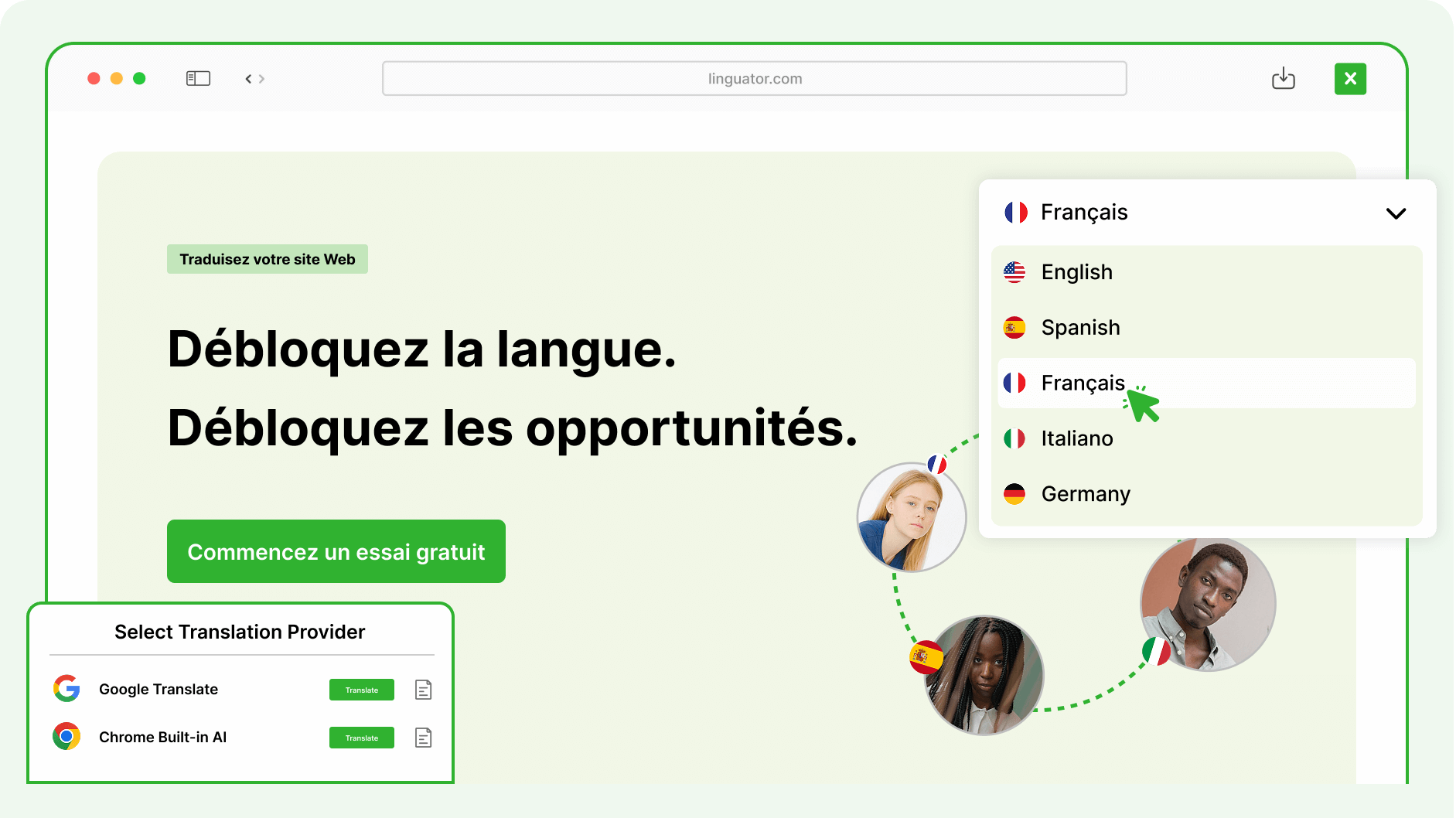
Automatically translate your entire Gutenberg or Elementor pages into multiple languages with just one click — saving time and ensuring global reach!

Image

Works with the WordPress Tools You Already Use

Image
Image
Image
Image
Image
Image
Image
Image

Quick Setup

How Linguator Works?

Get your multilingual website ready without rebuilding content.

01

01

Install & Activate

Install Linguator on your WordPress website and start the multilingual setup.

Plugin Activated

Linguator v2.1.10 is active and ready

02

02

Select Language

Choose the language you want to translate content into.

🇺🇸 EN

🇩🇪 DE

🇫🇷 FR

🇪🇸 ES

+ 96 more

03

03

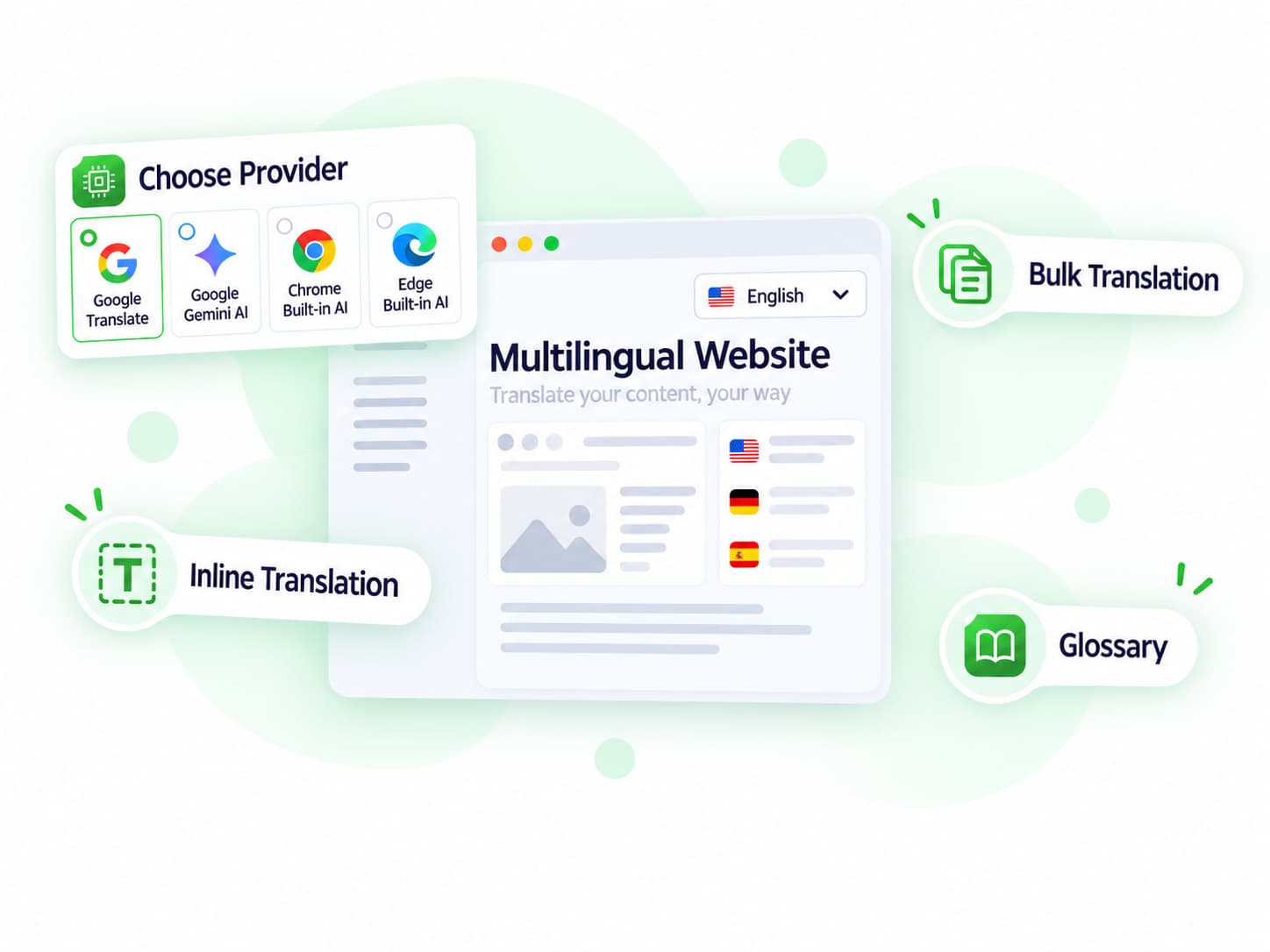
Choose Provider

Choose a supported translation provider and translate individual pages, selected content, or multiple items in bulk.

Image
Image
Image
Image

04

04

Review & Publish

Review the generated translation and publish the translated version.

Live in 5 languages 

🇺🇸 EN

🇩🇪 DE

🇫🇷 FR

🇪🇸 ES

More Than Just Simple Translation

AI-Powered Translation

Translation Workflow

translation workflow
Image

Localization

Multilingual Management

Real Feedback from Our Plugin Users

Real Feedback from Our Plugin Users

review-quote review-stars

This is the only (free) translator plugin so far that does bulk, including Woo products, and works quite well. Really great work and a time saver!
Image
Fosfolipid
review-quote review-stars

Without your plugin, much time was wasted. Now everything is better. Thank you !

Image
David
review-quote review-stars

Translated effectively Byddyboss / Buddypress strings in a second. After spending hours downloading other plugins and trying to reinvent the wheel! Thank you so much ☺️
Image
Korompilias
review-quote review-stars

We had an issue, they addressed it, corrected it all in a timely manner, over the holidays I might add.

Image
Aubrey_clark
review-quote review-stars

This is what I needed! I was lucky that such a plugin existed – several labels on the front end needed to be translated, cool! Thanks to the creators of the plugin!

Image
Evgeny
review-quote review-stars

Fantastic support, fixed my problem very quickly and worked straight away 10 stars

Image
Antoni

Blogs & Articles

Multilingual WordPress Guides

Explore tutorials, practical tips, and guides for translating and managing your multilingual WordPress website.


translate-gutenberg
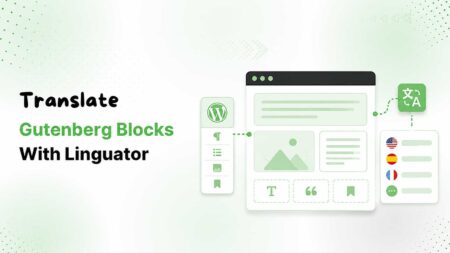
Translating Gutenberg Blocks: A Step-by-Step Guide
Learn how to translate Gutenberg blocks in WordPress using Linguator with manual, automatic, and third-party block translation methods.
language-switcher-in-wordpress
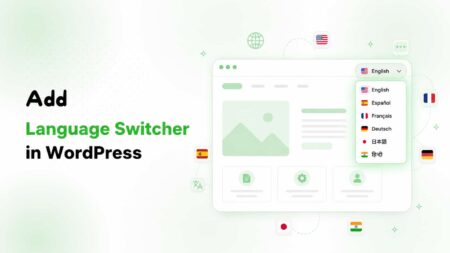
Add a Language Switcher to Your WordPress Website
Learn how to add a language switcher to your WordPress website using Linguator. Follow this beginner-friendly guide to create a multilingual website in minutes.
automatic elementor website translation
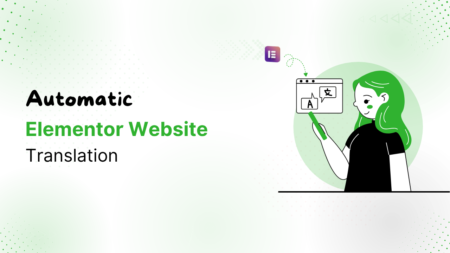
Translate an Elementor Website Automatically?
Translate your Elementor website automatically with AI. Learn how to preserve layouts, styling, media, and improve multilingual SEO using Linguator.

FAQ

Frequently Asked Questions...

Can’t find the answer you’re looking for? Our support team is ready to help.

Image
We’re Known for Our Support!

Stuck somewhere? Reach out to our helpful team for fast and friendly assistance.

What is Linguator?

Linguator is a WordPress plugin that helps you translate your entire website into multiple languages using AI. It works directly inside WordPress, allowing you to manage translations for posts, pages, menus, and other content types without relying on external services.

Linguator uses Google Translate or Chrome built-in AI to automatically translate your WordPress content. You can translate entire pages, individual blocks, or multiple posts in bulk with just a few clicks.

Yes. Linguator fully supports Elementor, Gutenberg, and the Classic Editor. You can translate your page layouts, widgets, and content directly within these editors.

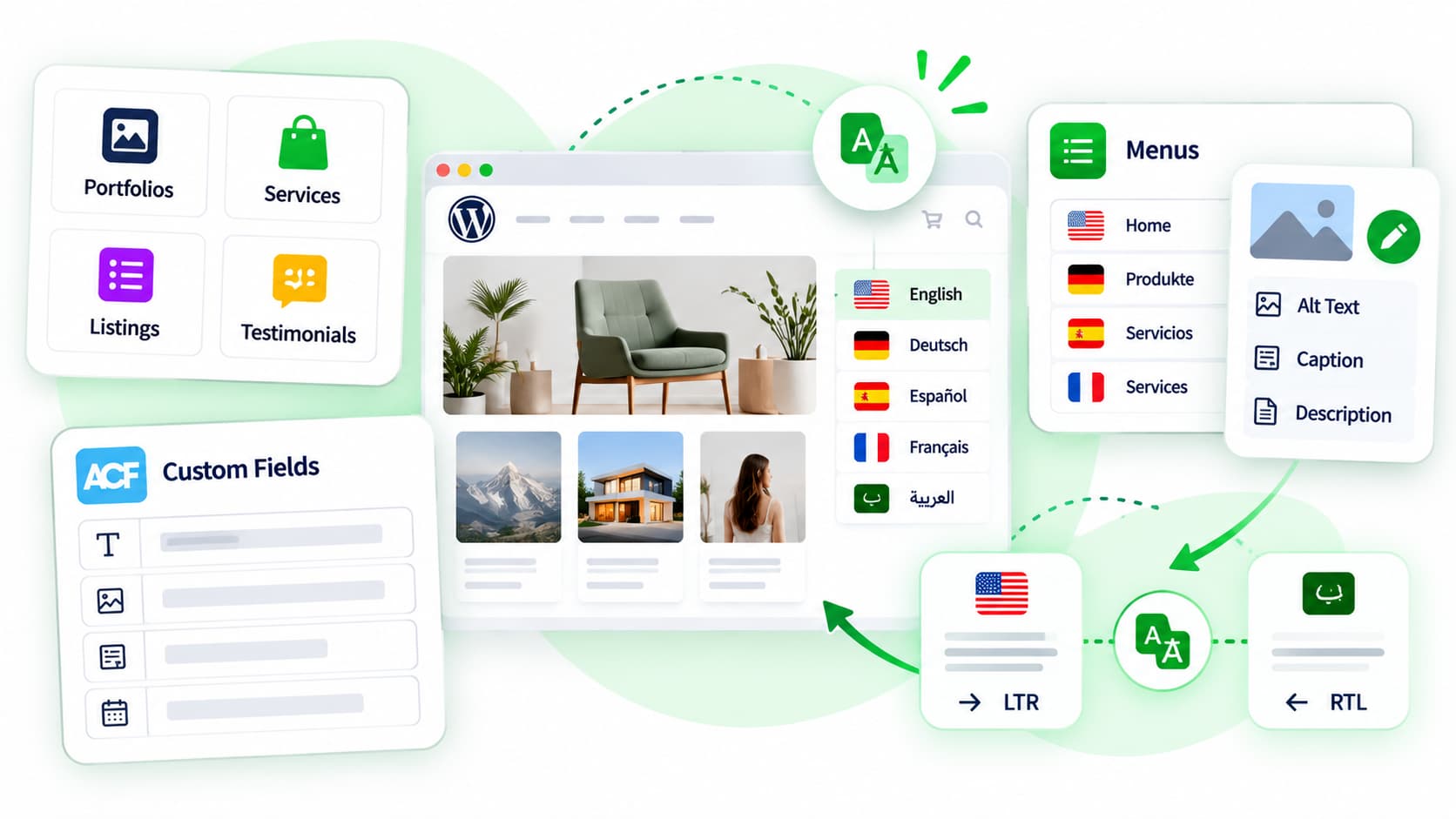
Absolutely! Whether you have custom post types like Events, Portfolios, or Products, Linguator allows you to translate all of them.

Yes. Linguator supports RTL languages such as Arabic and Hebrew. It automatically adjusts text direction and layout to ensure proper display.

Yes. You can easily add a language switcher to your menus, sidebars, footers, or use the Elementor widget for flexible placement and design.

There’s no limit. You can add as many languages as you need and manage them all from one place inside your WordPress dashboard.