
Bulk Edit WordPress Content With Ease.
Edit WordPress posts, pages, and custom post types in bulk – in a fast, familiar spreadsheet.
or try the demo
Trusted by these popular software brands





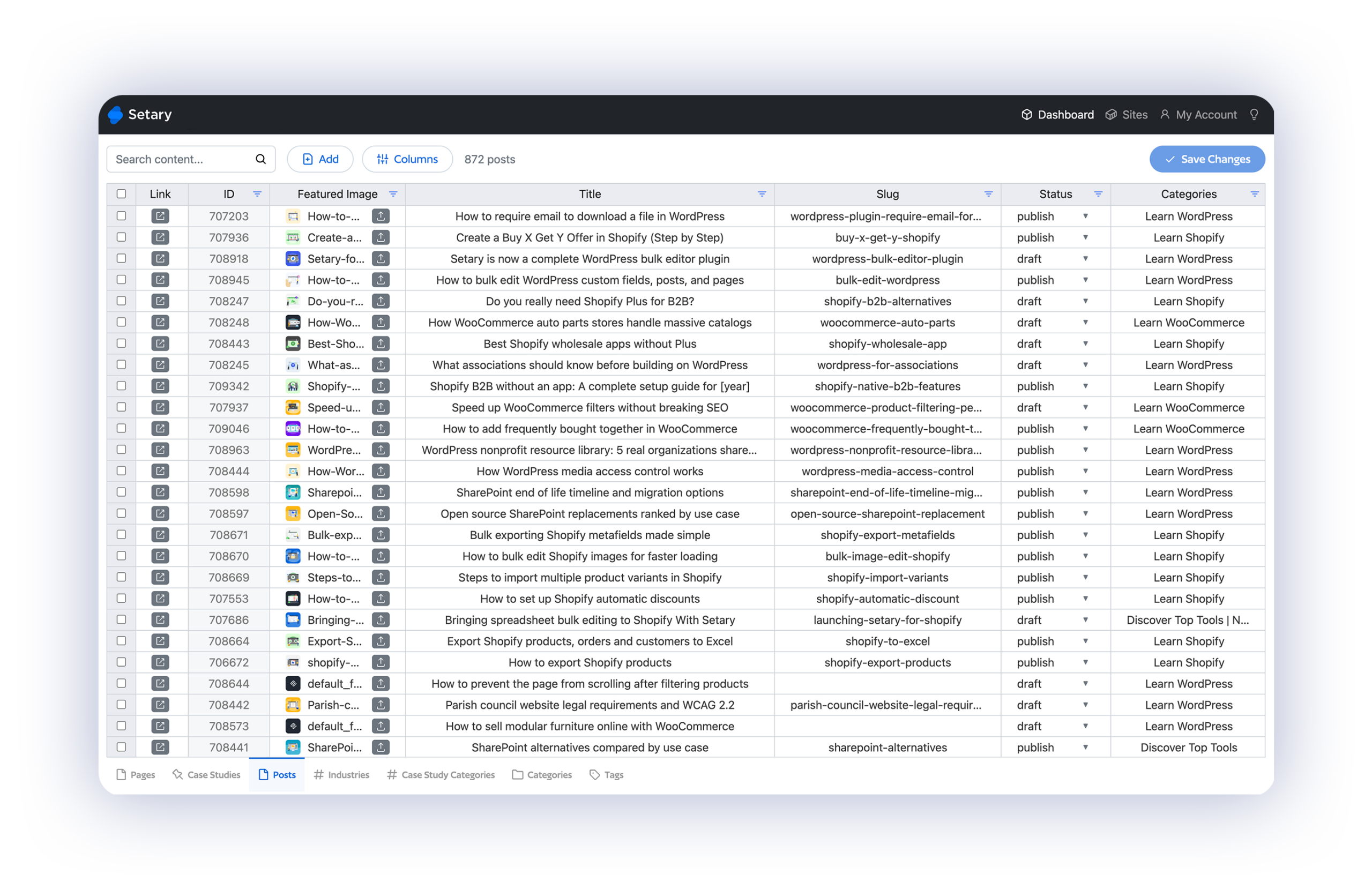
Lightning-fast bulk editor for WordPress posts and pages
Setary makes bulk editing your WordPress posts, pages, and custom post types a breeze. Quickly modify titles, content, categories, tags, metadata, featured images, and so much more – all from a single spreadsheet.
Content management and publishing workflows
Editing WordPress content in the admin is a slow, click-heavy process. Setary replaces it with a familiar spreadsheet where you can see and update your whole site at once.
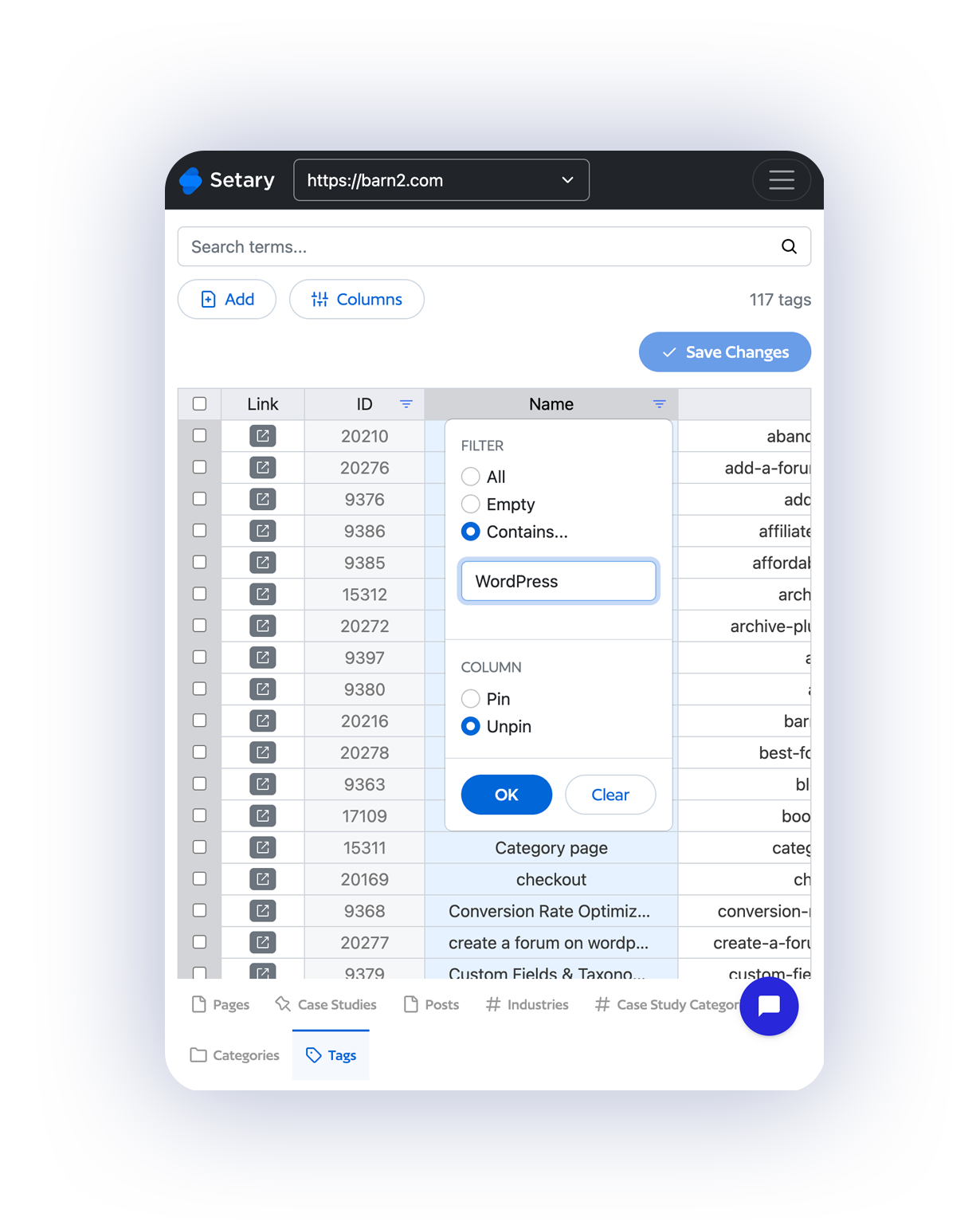
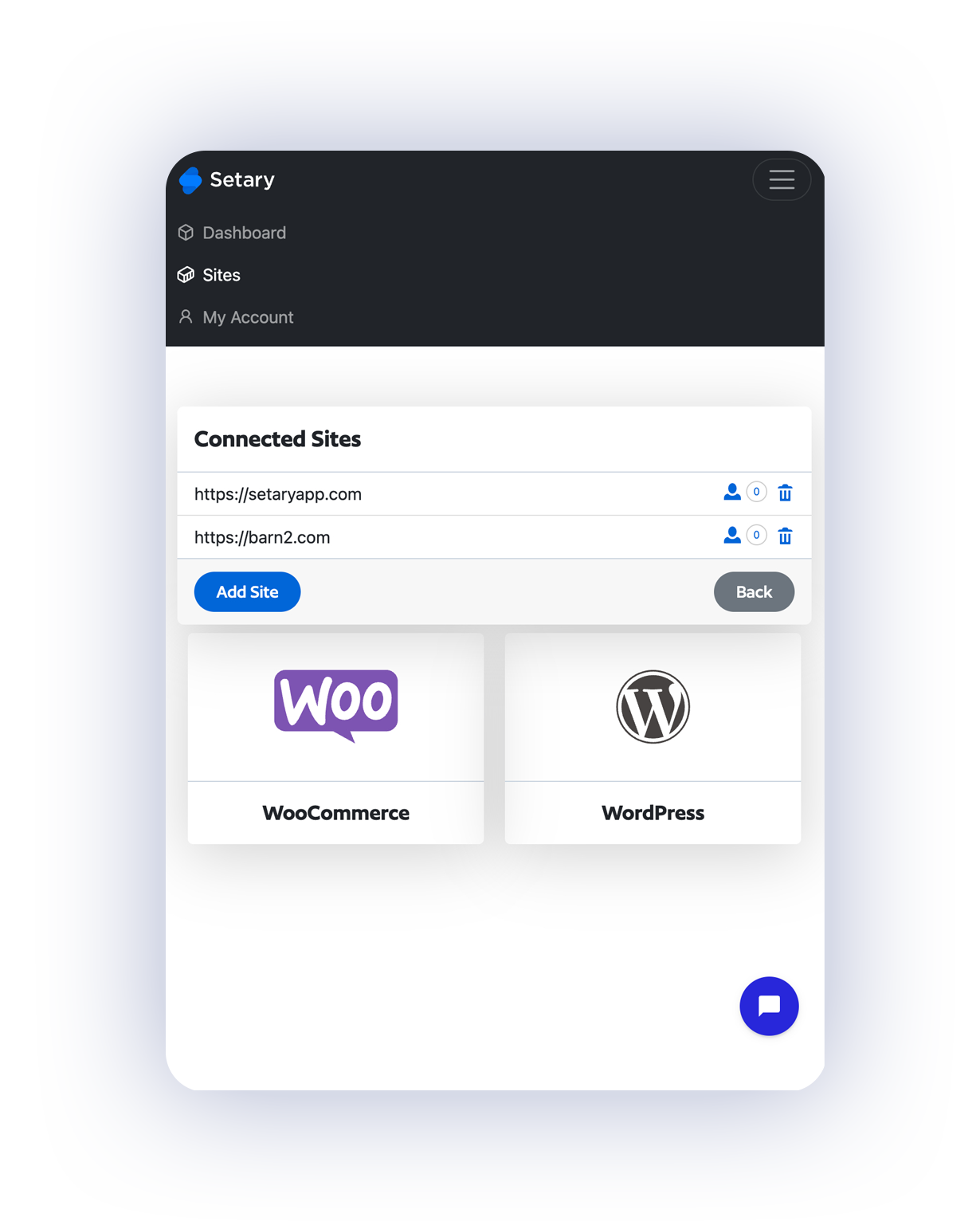
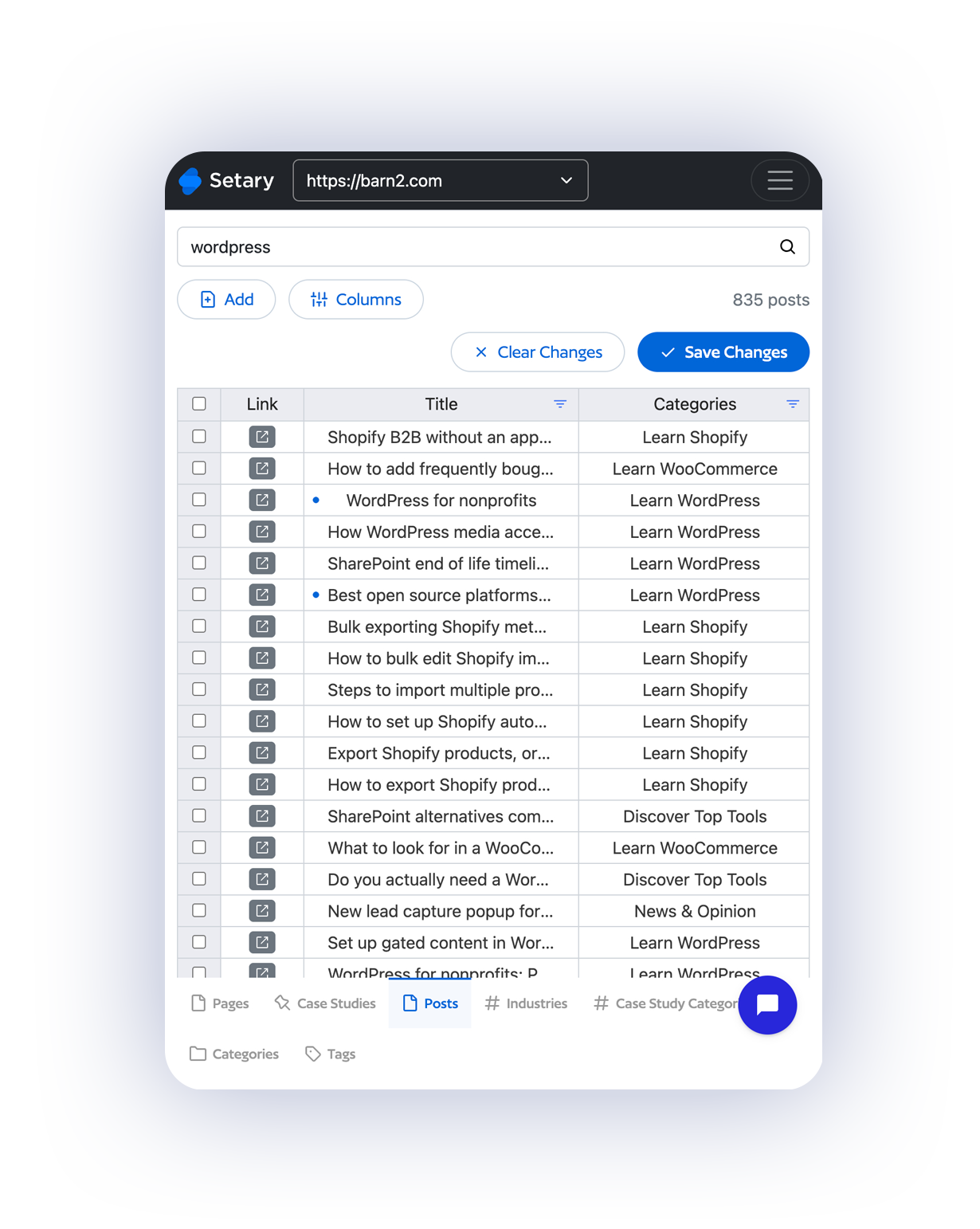
Manage all your WordPress sites from one dashboard
Running more than one WordPress site? Connect them all to Setary and edit content across your whole portfolio from a single dashboard.

Setary saves you hundreds of hours. Seriously.

“Setary is the perfect bulk editor for WooCommerce or Shopify stores with large product databases, providing an unrivalled user experience. Bulk product management has never been easier!”
Bryce Adams

Edit your whole site at once — Get started with Setary today.
or try the demo
Frequently Asked Questions
How much content can I edit?
You can edit an unlimited number of WordPress posts, pages, and custom post types on all Setary plans.
Which post types can I edit?
All of them. Setary automatically detects every post type registered on your site – standard posts and pages, custom post types from plugins, and any CPTs your theme has added.
Does my plan include WooCommerce as well?
Yes. Every Setary plan for WordPress also includes the ability to bulk edit WooCommerce products and variations if you have WooCommerce installed. WooCommerce is built on WordPress, so our editor handles both natively – you get everything in one plan at no extra cost.
Can I edit custom fields from ACF, Meta Box, and other plugins?
Yes. Setary reads and writes custom fields from all major field plugins, as well as native WordPress post meta. You can add these fields as columns in your spreadsheet view and edit them inline.
Do you offer a free trial?
Yes, every plan includes a free 7-day trial. You’ll get access automatically when you sign up – no credit card required. You can also try our live demo for 48 hours, no sign-up needed.
Do you offer refunds?
Yes, we have a 30-day money-back guarantee. If something isn’t working, we’d love the chance to fix it first – but if you still want a refund within 30 days, we’ll happily process it.
How do I connect my WordPress site to Setary?
After you sign up, you’ll be walked through the process of installing a simple helper plugin on your WordPress site. This will automatically connect your site to the Setary spreadsheet app.
What plan do I need for a WordPress multisite setup?
Each site in a multisite install counts as its own connection in Setary, so you’ll need a plan that covers the total number of sites you want to connect.
Can I also use Setary with Shopify?
Yes, Setary for Shopify is available on the Shopify App Store. Once you’ve signed up and connected your Shopify store(s), it will appear in the Setary app alongside your WordPress site(s). Use the site picker in the top right-hand corner to switch between them.
