Stop losing time to messy Mac workflows.
Give your team a system that moves faster.
Optimize how your team uses their Mac.
Boost your team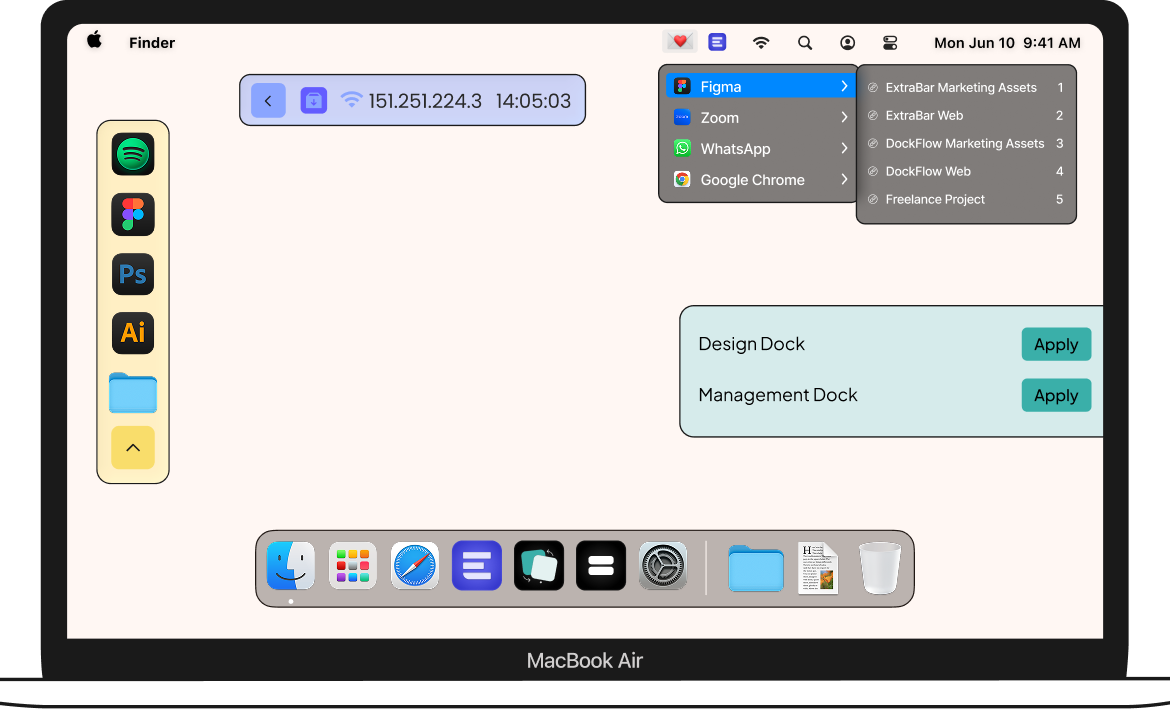
Optimize how your team uses their Mac.
Boost your team



In today's world, everyone does everything.
Your Mac needs to adapt fast to this context switching
Discover our suite of tools

DockFlow
Stay in flow. Dock by Dock
One click and your workspace transforms to exactly where you left off. Every app, folder, and link — ready to go, instantly.
Main features:
Try it out

ExtraDock
Extend, Don't Replace.
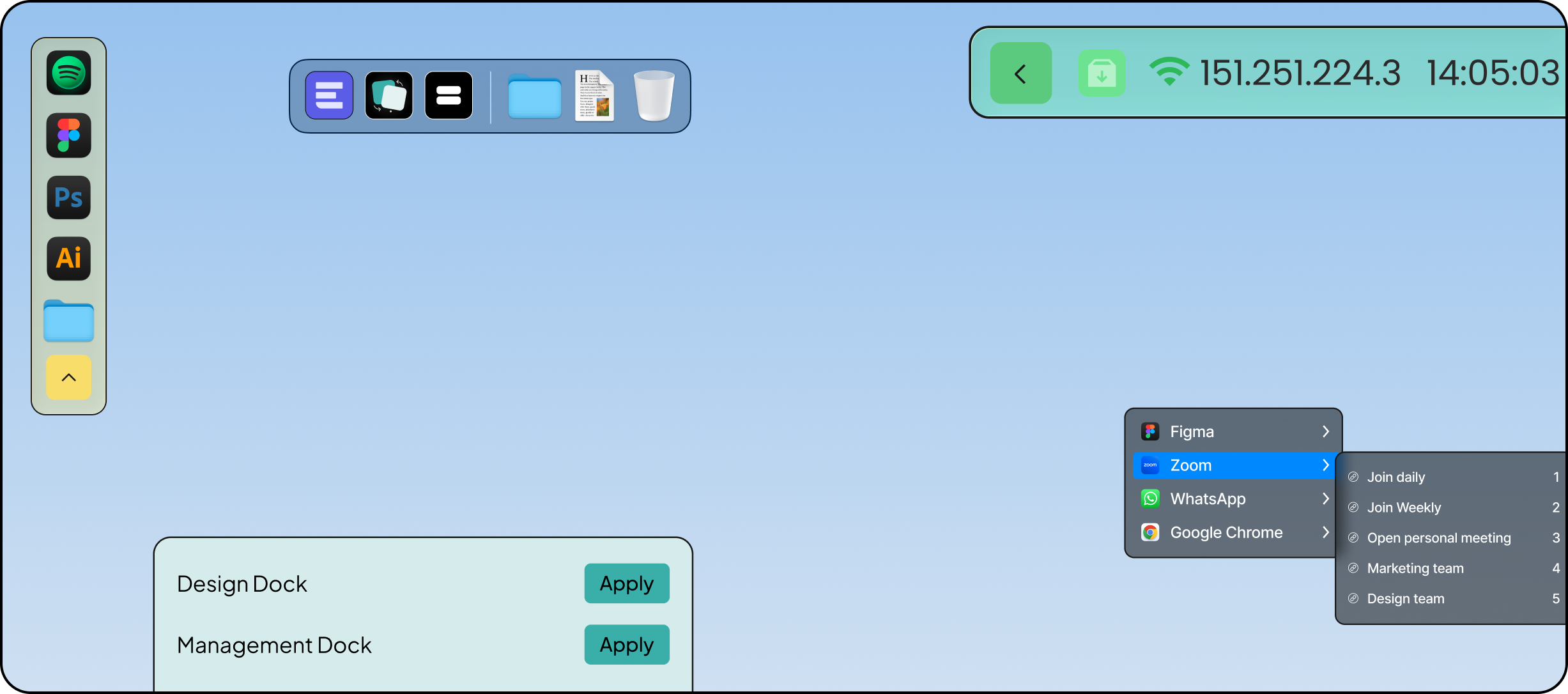
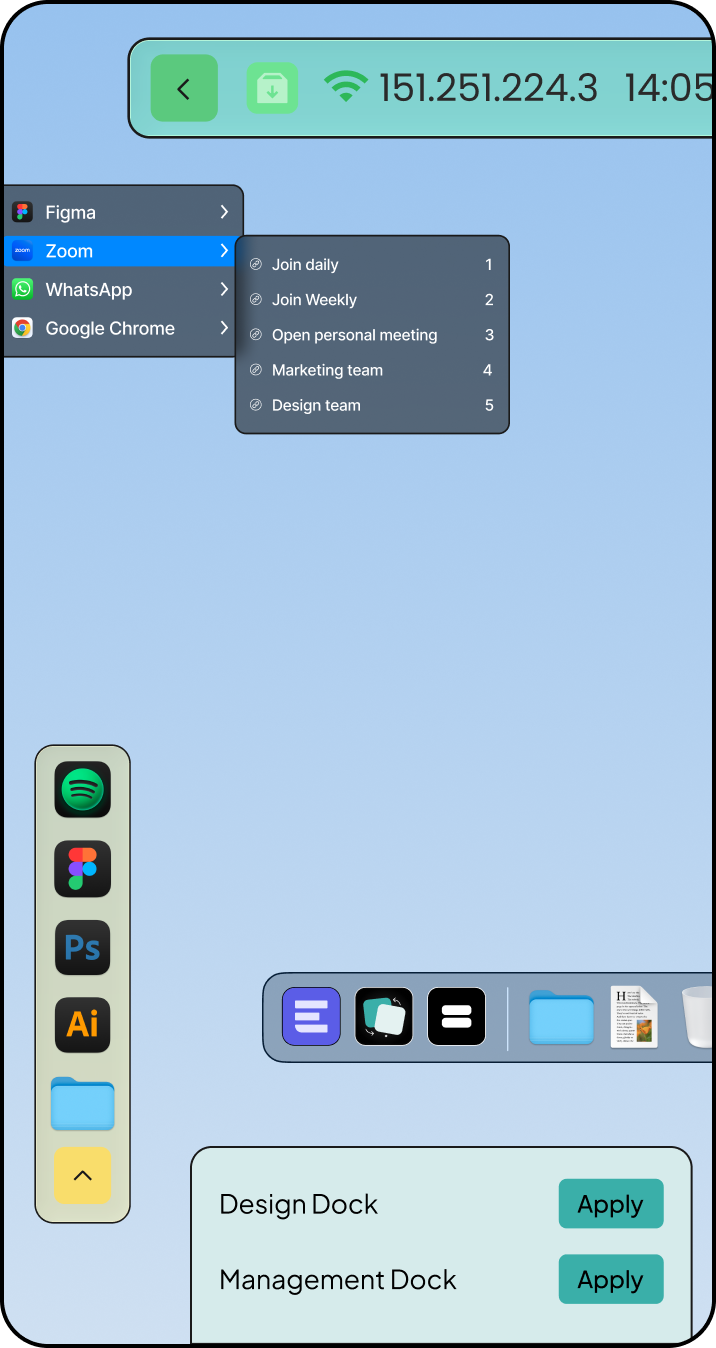
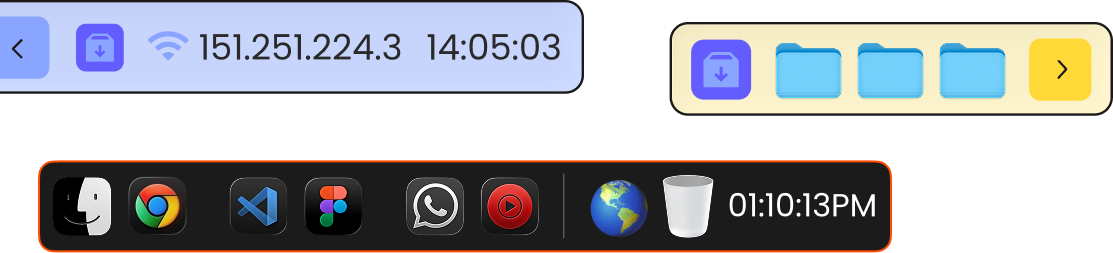
macOS gives you one Dock. ExtraDock gives you as many as you need — placed anywhere, on any screen.
Main features:
Try it out

ExtraBar
Actions, Not Icons.
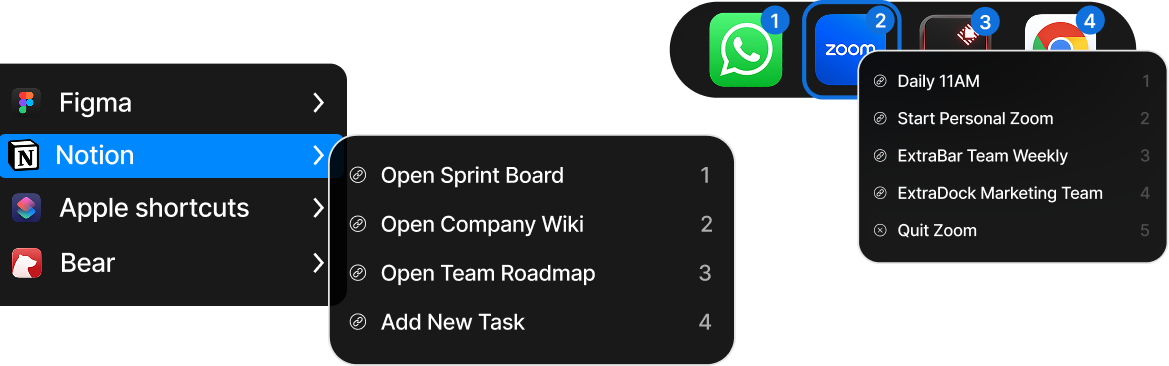
Access apps from your menu bar and jump directly where you need — a Figma file, a Zoom call, a Slack channel.
Main features:
Try it out
Our tools can help your team be more productive - learn how
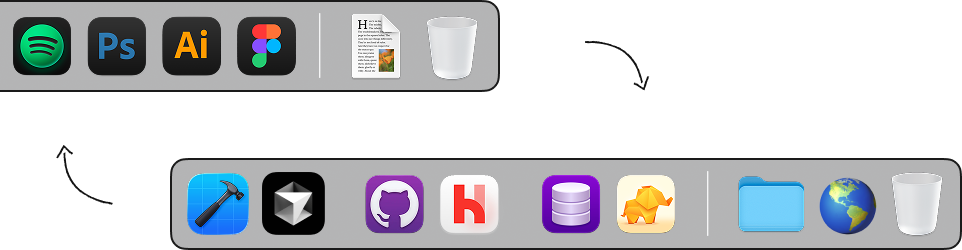
Create different Dock presets for roles,
projects or environments.



Launch apps, deep links and actions
instantly from the menu bar.


Buy the ultimate toolkit or pick your favorite apps.
Minimum of 5 license require
 Access to all features
Features by request
Premium support
License management dashboard
Assign license by email
Easily scale your license number
Access to all features
Features by request
Premium support
License management dashboard
Assign license by email
Easily scale your license number
Access to all features
Features by request
Premium support
License management dashboard
Assign license by email
Easily scale your license number
Access to all features
Features by request
Premium support
License management dashboard
Assign license by email
Easily scale your license number
Access to all features
Features by request
Premium support
License management dashboard
Assign license by email
Easily scale your license number
Access to all features
Features by request
Premium support
License management dashboard
Assign license by email
Easily scale your license number
Taxes might apply
Have more questions? Talk with us!

It's a set of three macOS apps — DockFlow, ExtraDock, and ExtraBar — designed to streamline how your team works every day. Together, they help organize workspaces, reduce app-switching clutter, and keep your team focused on what matters. Think of it as closing the gap Apple left when they designed the Mac.
No. All three apps work out of the box with zero permissions required. Some advanced features may ask for additional permissions due to macOS limitations, but your team can start using them right away.
Not at all — the opposite. These tools are built to speed up your team's daily workflow by cutting down on repetitive tasks and unnecessary clicks. They're lightweight native macOS apps designed to stay out of the way and let your team move faster.
Yes. All three apps are fully compatible with the latest macOS releases, including macOS Tahoe, and run natively on both Apple Silicon and Intel Macs. We keep them updated so your team is always covered.
Team licenses give you a management dashboard where you can assign licenses to team members by email, add new seats as your team grows, and reassign licenses when someone leaves. It's simple, flexible, and built for teams of any size.
Yes! We offer a free trial for teams so you can see the impact on your team's workflow before committing. Reach out to us to get started.
The three apps are designed to work together as an integrated suite. Switching a workspace in DockFlow can automatically update your floating docks and menu bar — one action sets up your entire environment. Plus, the bundle comes at a significant discount compared to buying each app separately.