Version: 2.5.2
Bug Description
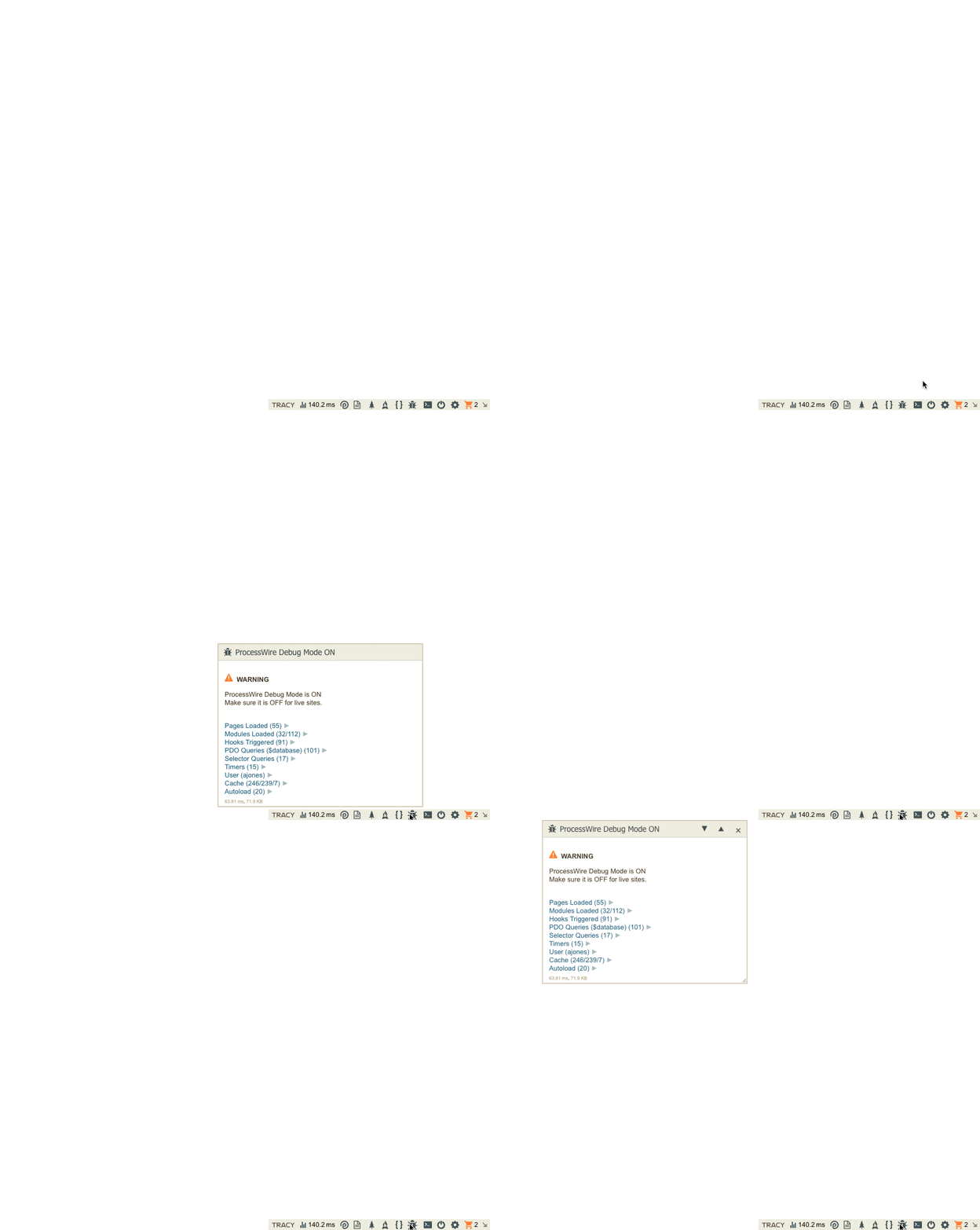
Steps To Reproduce
Keep clicking on the tab icon for a panel so that it goes between float and peek modes multiple times.
Expected Behavior
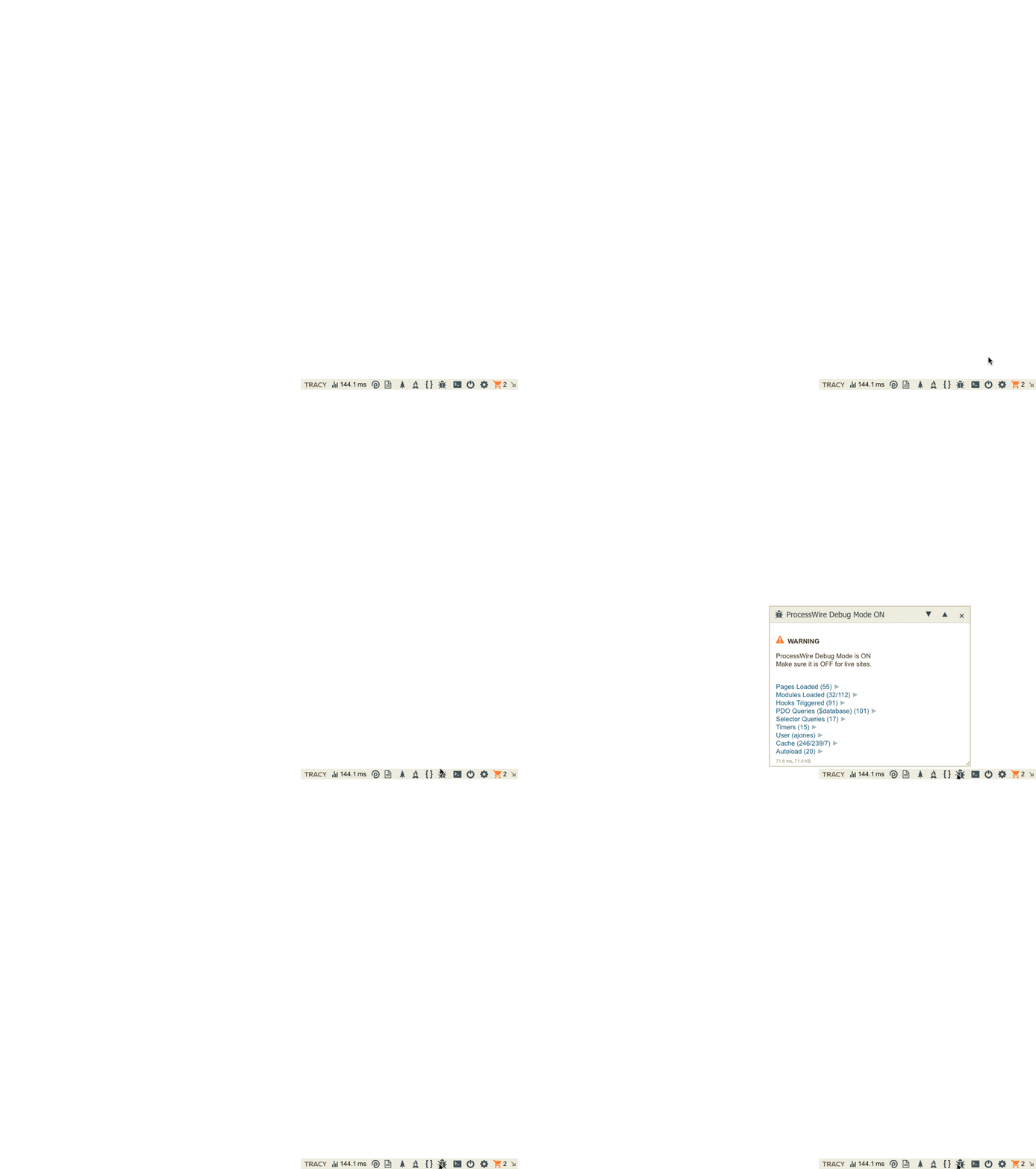
Panel should appear in the same position like this:
Possible Solution
Remove this line:
|
panel.reposition(-Math.round(Math.random() * 100) - 20, (Math.round(Math.random() * 100) + 20) * (this.isAtTop() ? 1 : -1)); |
I am sure the purpose for this line. Everything seems to work great without it, even when the debug bar is positioned at the top of the viewport. Maybe I just didn't test enough scenarios to figure out why this is needed?

Version: 2.5.2
Bug Description
Steps To Reproduce
Keep clicking on the tab icon for a panel so that it goes between float and peek modes multiple times.
Expected Behavior
Panel should appear in the same position like this:
Possible Solution
Remove this line:
tracy/src/Tracy/assets/Bar/bar.js
Line 277 in b5c8381
I am sure the purpose for this line. Everything seems to work great without it, even when the debug bar is positioned at the top of the viewport. Maybe I just didn't test enough scenarios to figure out why this is needed?