Pinned
- We completely rewrote our WordPress migration tool. It’s now literally an AI agent. It takes it from 0 → 100. It handles the edge cases, fixes issues along the way, and learns from them for the next migration. Try it: InstaWP Dashboard → Migrations → New Migration
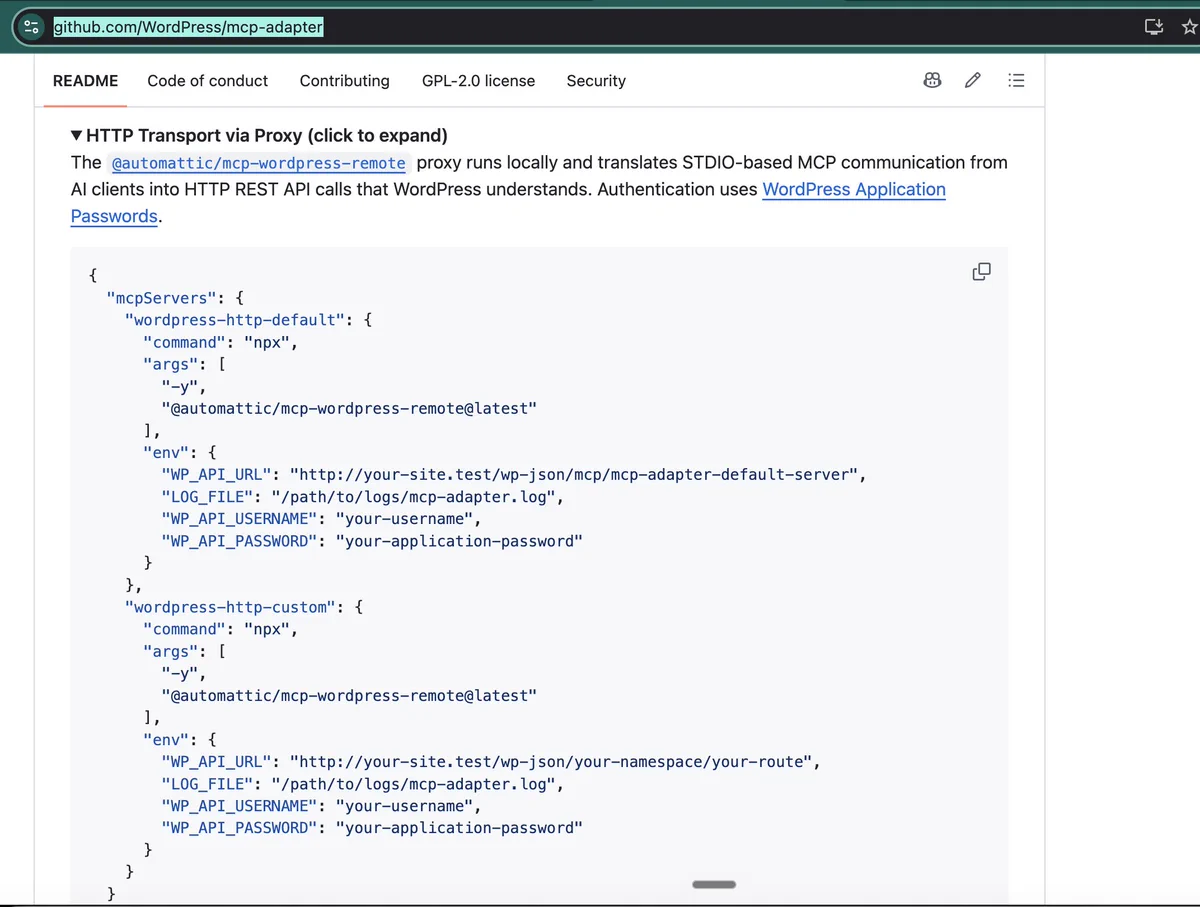
- @miriamschwab Step 1: Install the MCP Adapter plugin from github.com/WordPress/mcp-… - done! Step 2: Add it to your Claude Desktop - how? (create app key and add to claude_desktop_config.json)Replying to @vikasprogrammer and @rilwisI can do a demo if you want. What would you want to see?
- Claude CLI should be able to use new MCP connections without restarting. Big unlock!
- I see a lot of great MCP solutions for WordPress popping up (heck, we have one too). Curious: does anyone actually use the default MCP adapter that ships with WP 7.x?