
Visual Studio Blog
The official source of product insight from the Visual Studio Engineering Team
Featured posts

Visual Studio 2026 is here: faster, smarter, and a hit with early adopters

Dear developers, We’re thrilled to announce that Visual Studio 2026 is now generally available! This is a moment we’ve built side by side with you. Your feed...
Latest posts
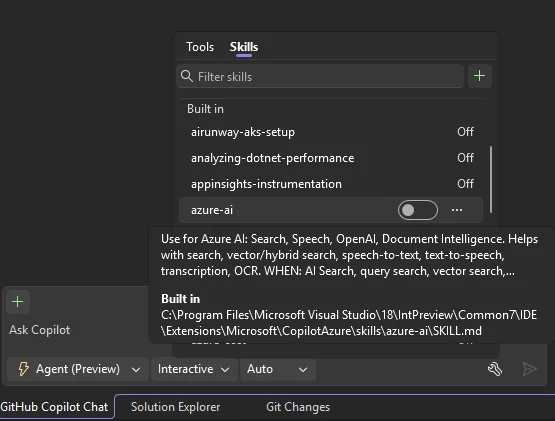
Built-in Agent Skills Bring .NET and Azure Expertise into Visual Studio


Visual Studio now includes built-in Agent Skills, created by experts from the .NET and Azure teams, to help you better customize your agentic workflow and complete development tasks more efficiently, starting with the 18.8 Release. Agent Skills are reusable capabilities that enable your agent to perform structured tasks more reliably (to learn more about what are Agent Skills, see this previous post). We’ve heard that getting started with skills can feel unclear, especially when deciding which ones to use and how to apply them. To simplify this experience, we’ve introduced a set of built-in skills for common ....

The Visual Studio Dev/Test Benefit: Freedom to Build, Test, and Experiment in Azure

One of the best parts of a Visual Studio Subscription is discovering benefits that can make your day-to-day development work easier and more cost effective. One benefit that deserves more attention is Azure Dev/Test pricing. In fact, it's one of the most valuable benefits included with a Visual Studio Subscription. If you're building cloud applications, testing new ideas, or maintaining multiple development environments, cloud costs can sometimes influence how often you experiment or how closely your development environment matches production. Azure Dev/Test pricing helps remove that barrier by giving eli...
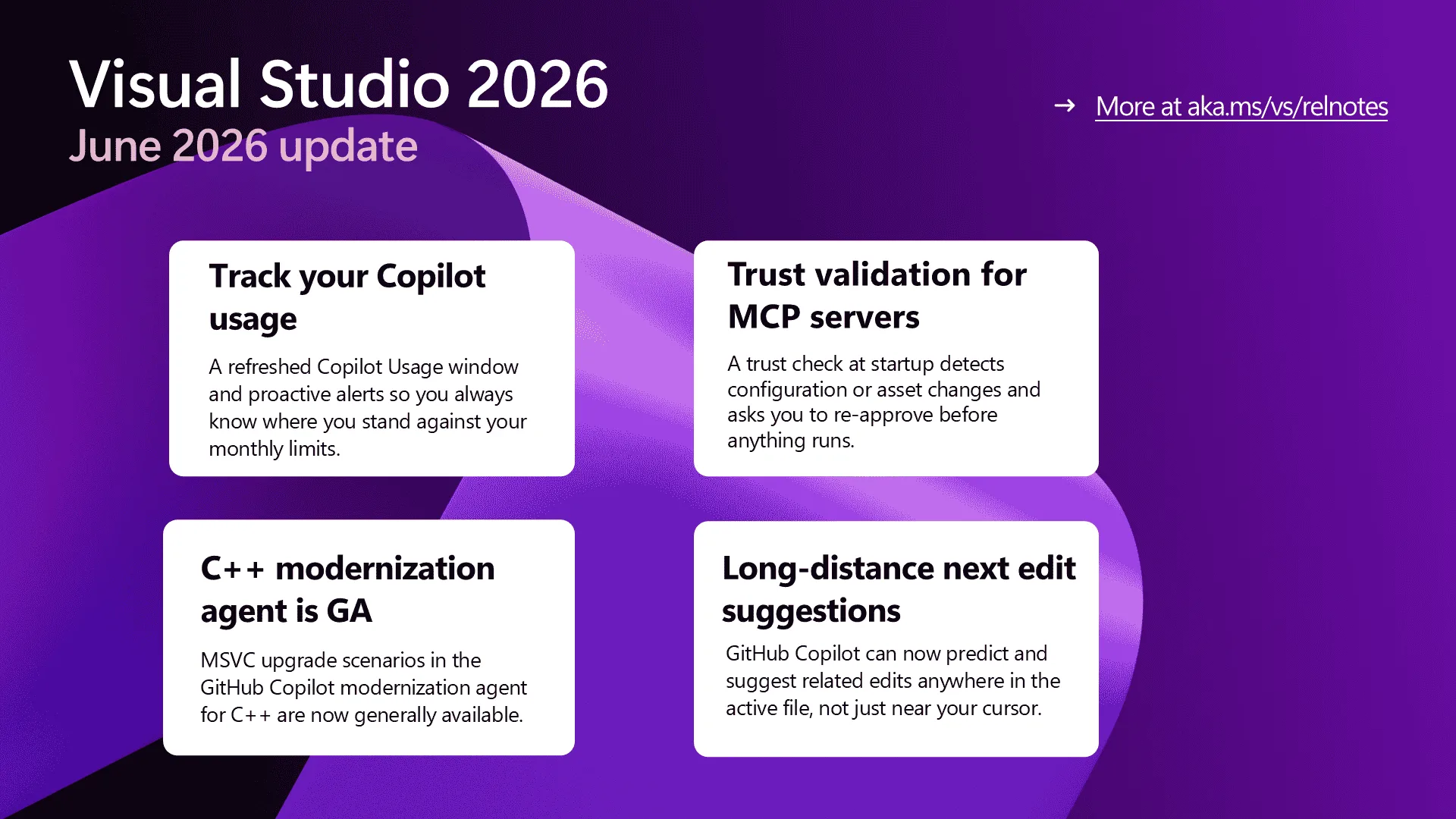
Visual Studio June Update – Track Your Usage, Trust Your Tools

The June update includes a Copilot Usage window refresh with proactive alerts as you approach your limits, MCP servers now get a trust check before they run anything new.
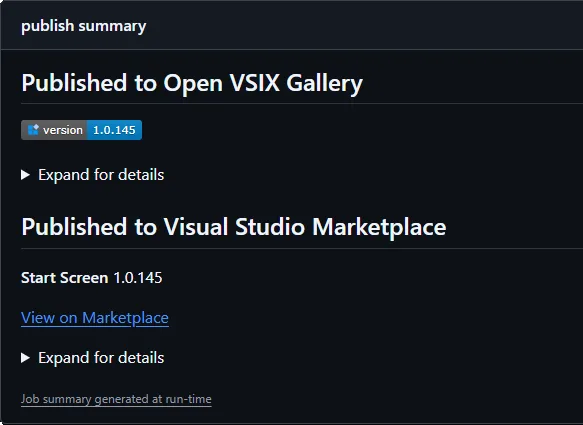
Automating your Visual Studio extension builds with GitHub Actions
If you’re building and maintaining Visual Studio extensions, you’ve probably ended up with some sort of build and publishing workflow - whether it’s manual, scripted, or stitched together over time. This post is for extension authors who want a simple, repeatable way to build, version, and publish their VSIX files using GitHub Actions. I’m going to show how I do this across my own extensions. I’ve been using this approach for a long time, and over time I pulled the most repetitive pieces into a few small reusable actions, so I don’t have to keep rewriting the same logic in every repo. Those are: ...
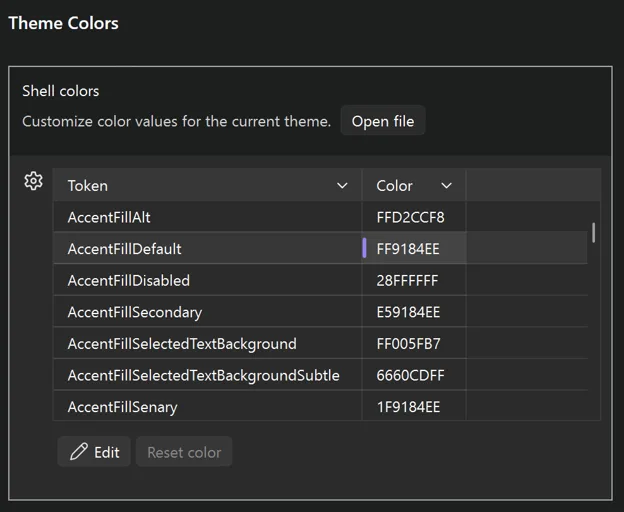
Make Visual Studio look the way you want
Themes are personal. Some of us live in dark mode, some swear by high contrast, and some of us have very strong opinions about that one shade of blue from years ago. The new themes in Visual Studio 2026 are built on Fluent, which gives us a much more consistent and accessible foundation, but we have heard from plenty of you who want more control over specific colors. Accent colors, hover states, the line between the shell and the tab headers… the small things that make an IDE feel like yours. So, we did something about it. Visual Studio now has a new Theme colors options page that lets you customize any...
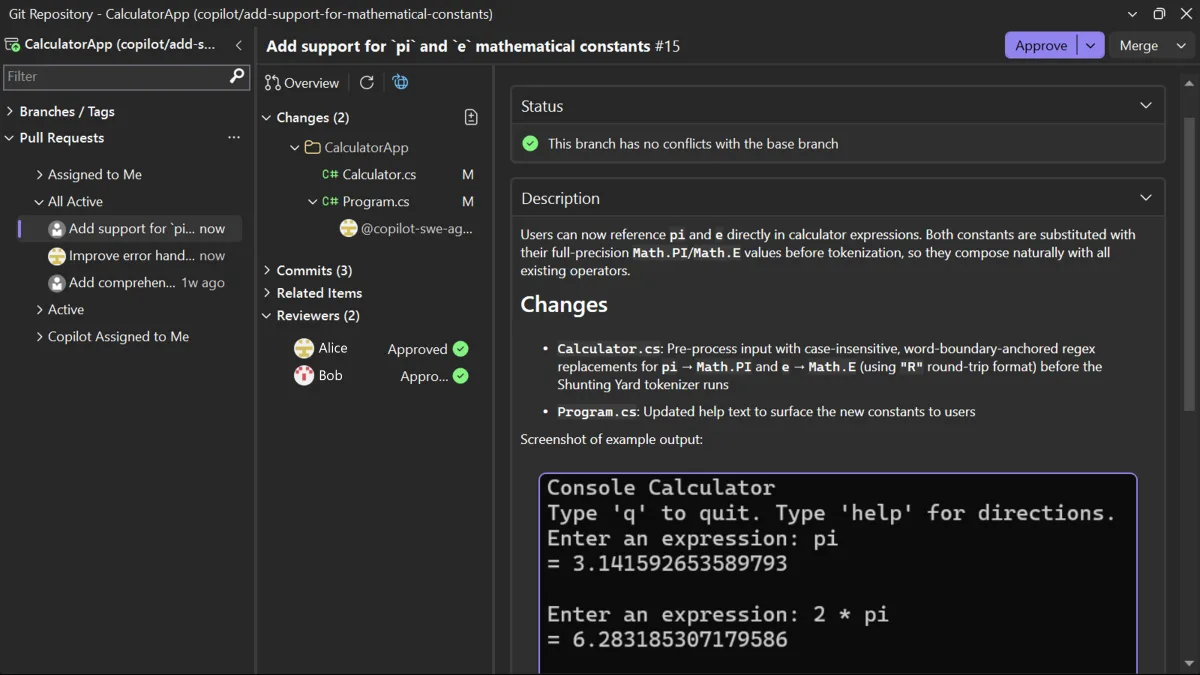
Review pull requests without leaving Visual Studio

Pull request integration in Visual Studio has been one of the most requested Git features. Developers have been asking for a way to open a PR, inspect the changes, discuss feedback, and finish the review without switching to the browser. The feedback on that request has played a big role in shaping this experience over time. You’ve been able to create pull requests in Visual Studio since 2024. Now you can also review, comment on, and approve pull requests from both GitHub and Azure DevOps, all without leaving the IDE. Find and open pull requests You can view the list of pull requests for the open rep...
What’s Coming Next in Visual Studio: Our Microsoft Build 2026 Announcements
Microsoft Build kicks off today in San Francisco, June 2 and 3. If you cannot make it in person, the sessions are streaming online for free, and I want to walk you through what we are announcing for Visual Studio this week. One idea tie most of it together. Code is an asset, not just an artifact. The tools around it should help you keep it healthy, correct, and easy to evolve as your codebase grows. Every announcement below is a step toward that. Agents that participate in the work, not next to it GitHub Copilot in Visual Studio is moving beyond chat and completions. The direction is agents that can particip...
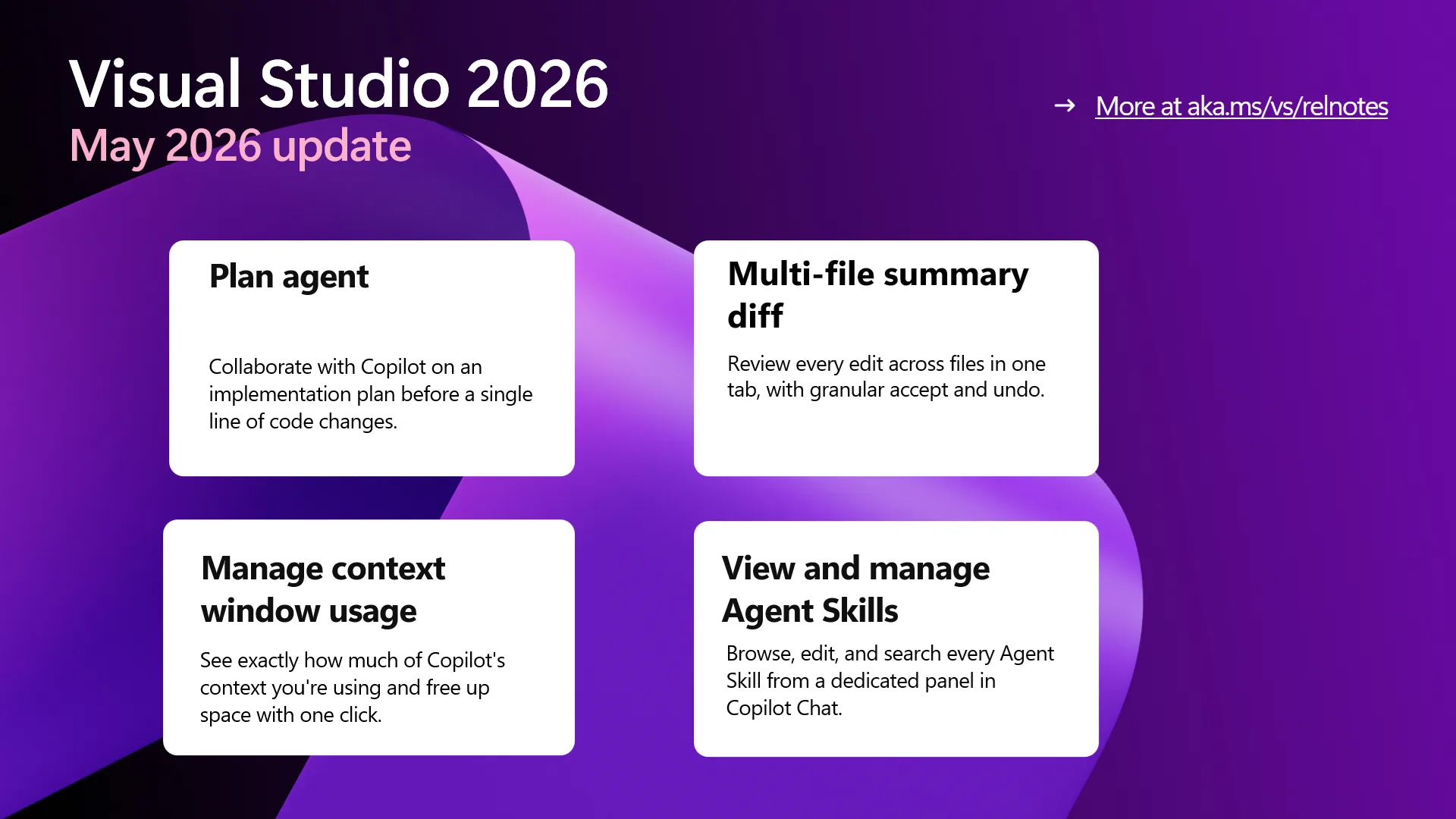
Visual Studio May Update – Plan, Review, Refine
There's a particular rhythm to good development work: you think, you try, you check, you adjust. This month's Visual Studio update leans into that rhythm. Whether you're sketching an approach with the Plan agent before touching a single file, reviewing a wave of changes across many files, or fine-tuning the context Copilot has to work with, the May release adds deliberate, observable steps between an idea and a finished change. Alongside that, we shipped a fresh release of MSVC Build Tools with a long list of C++ improvements, because foundations matter too. Download the Visual Studio 2026 Stable Channel to tr...
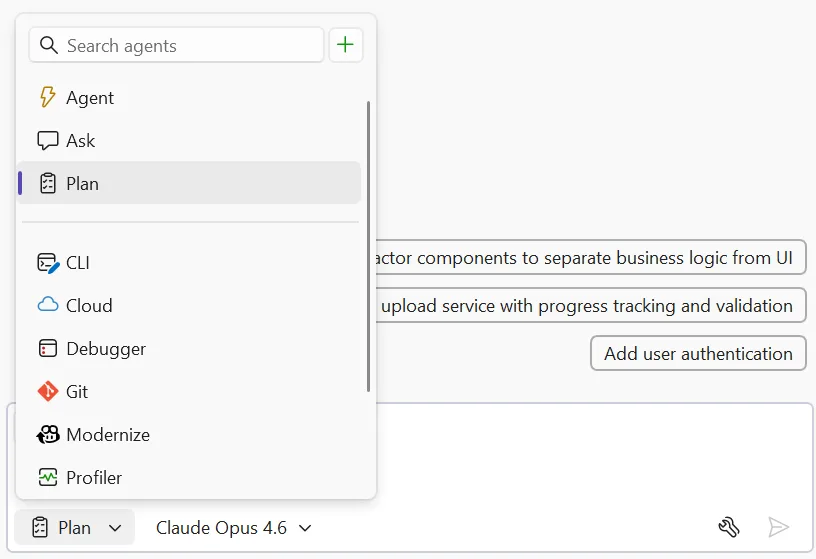
Plan Before You Build: Introducing the Plan agent in Visual Studio

You ask Copilot to tackle something big, it gets to work, and a dozen file changes later you realize you had a completely different approach in mind. The code isn't wrong... it just isn't what you were going for. Last year, we introduced planning as a feature in Agent mode to help with exactly this. Since then, you’ve told us you wanted more control over when planning happens, the ability to edit plans directly, and a way to save and share them. Your feedback shaped what came next: the new Plan agent. Instead of jumping straight into implementation, the Plan agent starts with a deeper understanding of what ...
